Best OLED Monitors of 2026

OLED monitors come with a warning attached: stunning picture, fragile panel. The burn-in fear is earned — a taskbar parked in the same spot all day is a real risk — but it's also why plenty of people stay on LCD years longer than they need to. What a good OLED actually fixes is everything you notice second: clean motion in a fast pan, blacks that hold in a dark room, color that survives a full workday of spreadsheets and a full evening of games.

My team and I have spent six months with eight of them, from a 27-inch flat panel to a 49-inch curved double-wide. Where they differ isn't the headline numbers — most claim 240Hz and 0.03ms — it's brightness handling, how aggressive the burn-in protection is, and whether the coating kills glare or spreads it across the screen.

Peak brightness, by the way, is measured on a small patch of screen rather than the whole thing, so a monitor that reads dim on paper can still throw a convincing HDR highlight. The eight below are the ones worth clearing desk space for.

1

Best Overall

Samsung Odyssey OLED G6 (G61SH)

89 /100
LBD Score Excellent

Key details

Screen
27 in QD-OLED, 2560 x 1440
Warranty
3 years
Brightness
400 cd/m²
Refresh Rate
240 Hz
View on Amazon

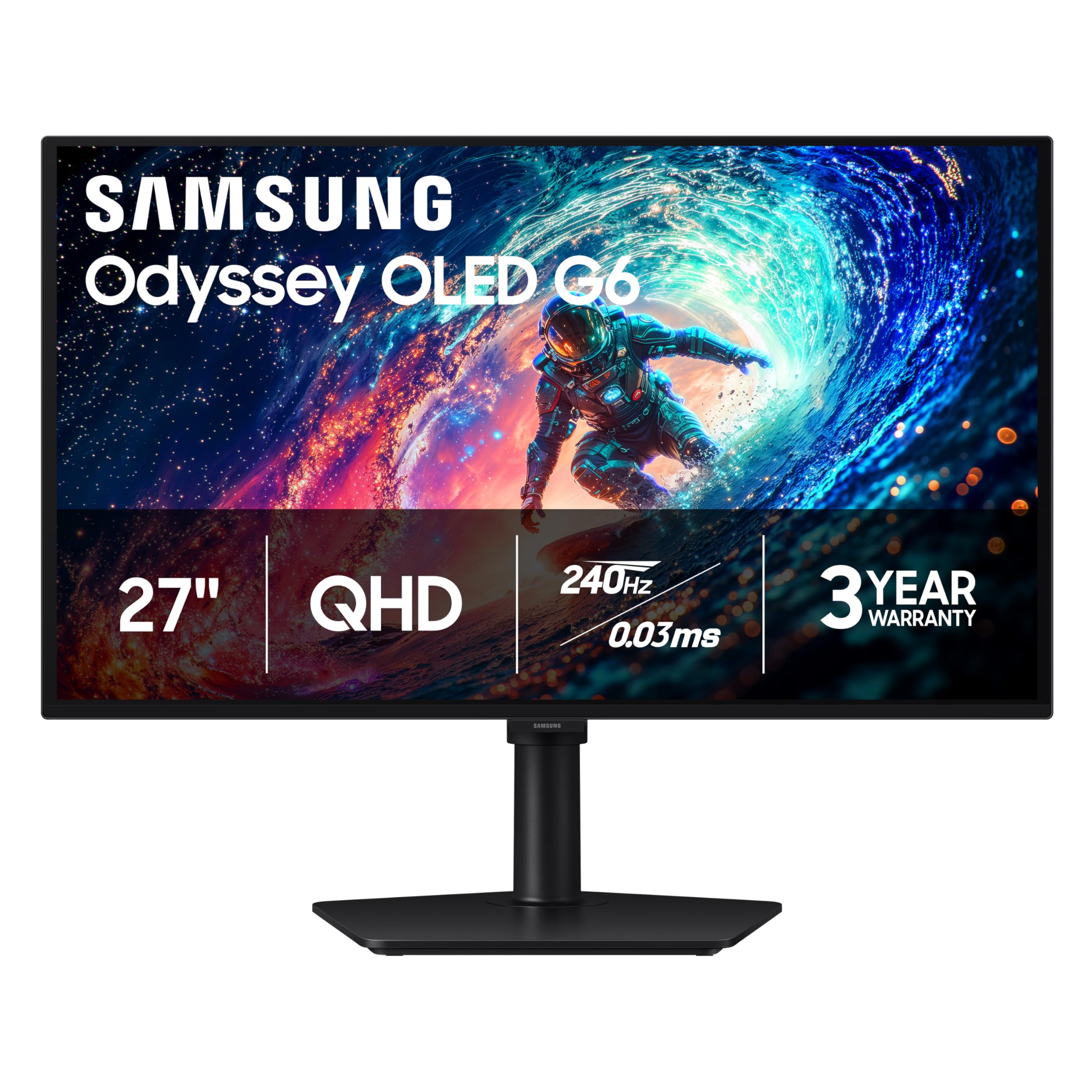
A height-adjustable stand is the least glamorous line on a monitor spec sheet, and it is one of the first things we check after the panel itself. The G6 has one, along with a 240Hz QD-OLED panel, a 400 cd/m² brightness rating, and a three-year manufacturer warranty — which is why it is the screen we tell most people to buy.

QD-OLED does the thing an LCD cannot: a star field, a corridor lit by one bulb, the black bars around a film. The glare-free matte coating matters more than the marketing suggests, because those blacks stay black with a window behind you instead of lifting into a grey haze. At 27 inches and 2560 x 1440, text is crisp at normal viewing distance and you will not need scaling.

The housekeeping is the part we did not expect to appreciate. OLED Safeguard uses thermal modulation to keep panel temperature in check and runs the pixel-shift and refresh routines in the background, so burn-in care is something the monitor does rather than something you are asked to schedule. The stand lifts through a usable range, and the panel takes a VESA mount if you prefer an arm.

Where it stops being the right answer is size. Twenty-seven inches is a good single-screen desk and a poor substitute for two monitors — if you are coming from a 34-inch ultrawide, this will feel narrow, and the Alienware below is the honest upgrade.

Pros

  • Height-adjustable stand on a midrange panel
  • Bright 400 cd/m² full-screen rating
  • Three-year manufacturer warranty
  • Glare-free matte QD-OLED finish

Cons

  • One HDMI port and no USB-C
  • HDR highlights trail the brighter picks here
Our verdict

We make the G6 our default because it pairs a 240Hz QD-OLED panel with a height-adjustable stand, a 400 cd/m² rating, and a three-year warranty for midrange money.
Check Latest Price
2

Best for Dark Rooms

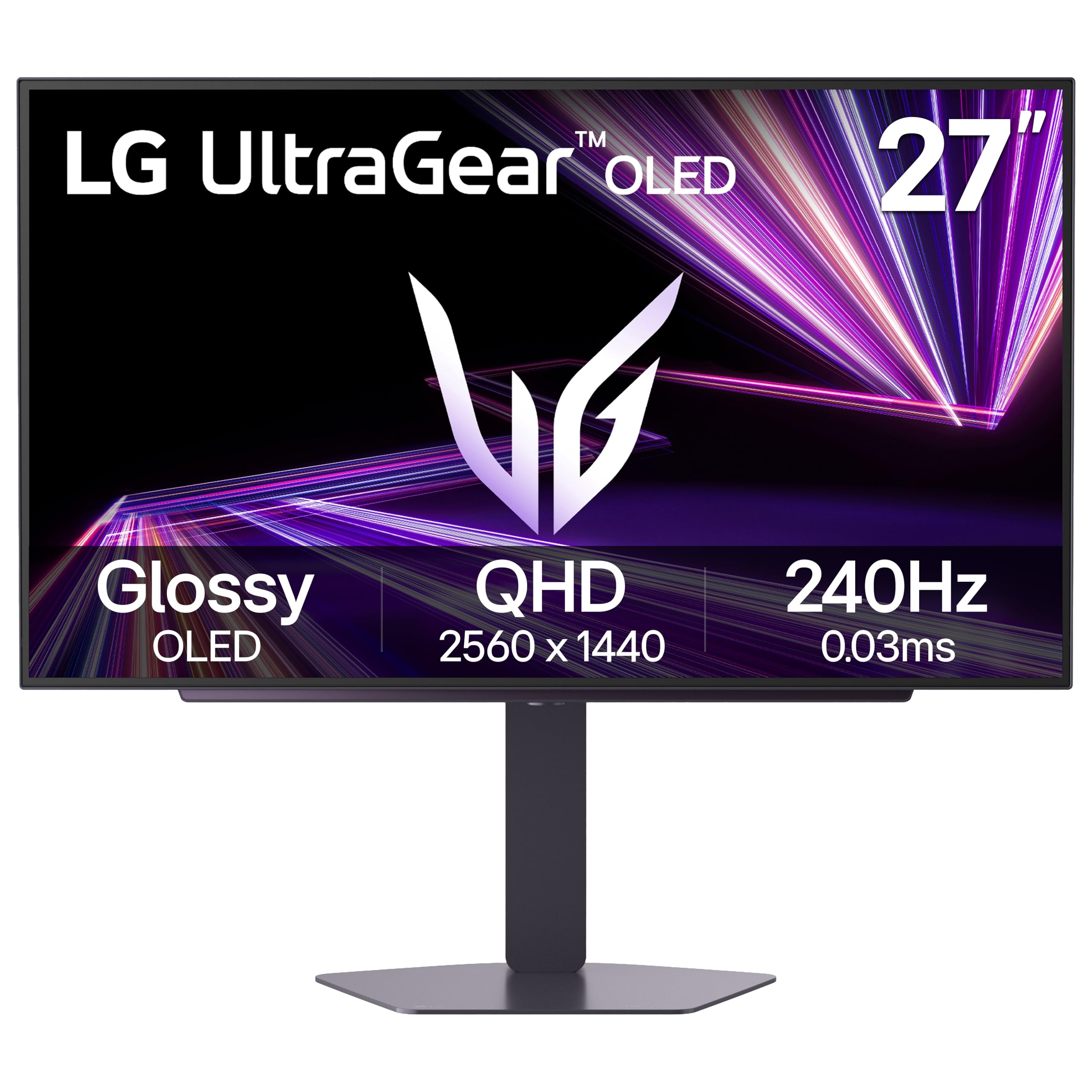
LG UltraGear 27GX704A-B

88 /100
LBD Score Excellent

Key details

Screen
27 in glossy OLED, 2560 x 1440
Warranty
2 years
Refresh Rate
240 Hz
Color Coverage
98.5% DCI-P3
View on Amazon

Glossy OLED is a commitment. Reflections are sharper than on a matte panel, but the blacks stay black instead of lifting into grey, and on a desk turned away from the window we stopped registering the reflections within a week. This is the pick for a room where you can pull a blind.

The rest of the sheet is the current 27-inch recipe done well: 2560 x 1440, 240Hz, 0.03ms, and certification for both G-Sync Compatible and FreeSync Premium Pro, so adaptive sync works whichever graphics card you own. LG quotes 98.5% of DCI-P3 and VESA DisplayHDR True Black 400; in practice that means saturated color that does not slide into neon, and highlight detail in HDR games that matte panels often flatten.

The number worth understanding is 275 nits. That is roughly what a full white document gives you, and it is less than the Samsung's 400 — irrelevant in a dim room, noticeable at noon with sun on the desk. The stand adjusts for height, swivel, and pivot, so turning it to portrait for a second screen is a two-second change.

Pros

  • Glossy finish keeps blacks inky
  • 240Hz with both adaptive sync standards
  • Height, swivel, and pivot adjustment
  • 98.5% DCI-P3 color coverage

Cons

  • Two-year warranty trails the three-year coverage elsewhere
Our verdict

If your desk sits away from a window, start here: a glossy 240Hz OLED whose blacks stay black instead of lifting into grey.

Check Latest Price
3

Best Budget

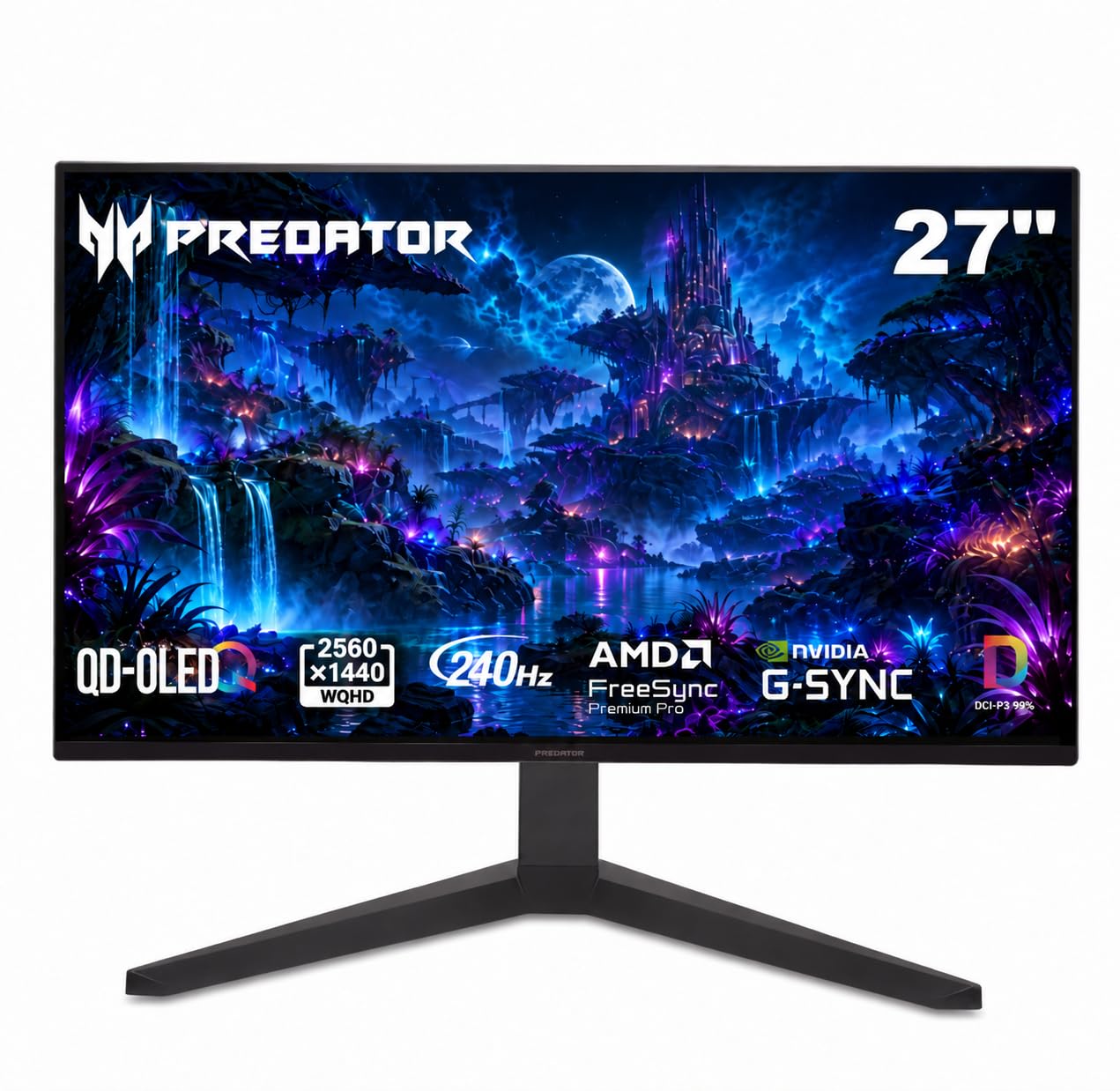
Acer Predator X27U W1

85 /100
LBD Score Excellent

Key details

Ports
2x HDMI 2.1, 2x DisplayPort
Screen
26.5 in QD-OLED, 2560 x 1440
Refresh Rate
240 Hz
Color Accuracy
Delta E under 2
View on Amazon

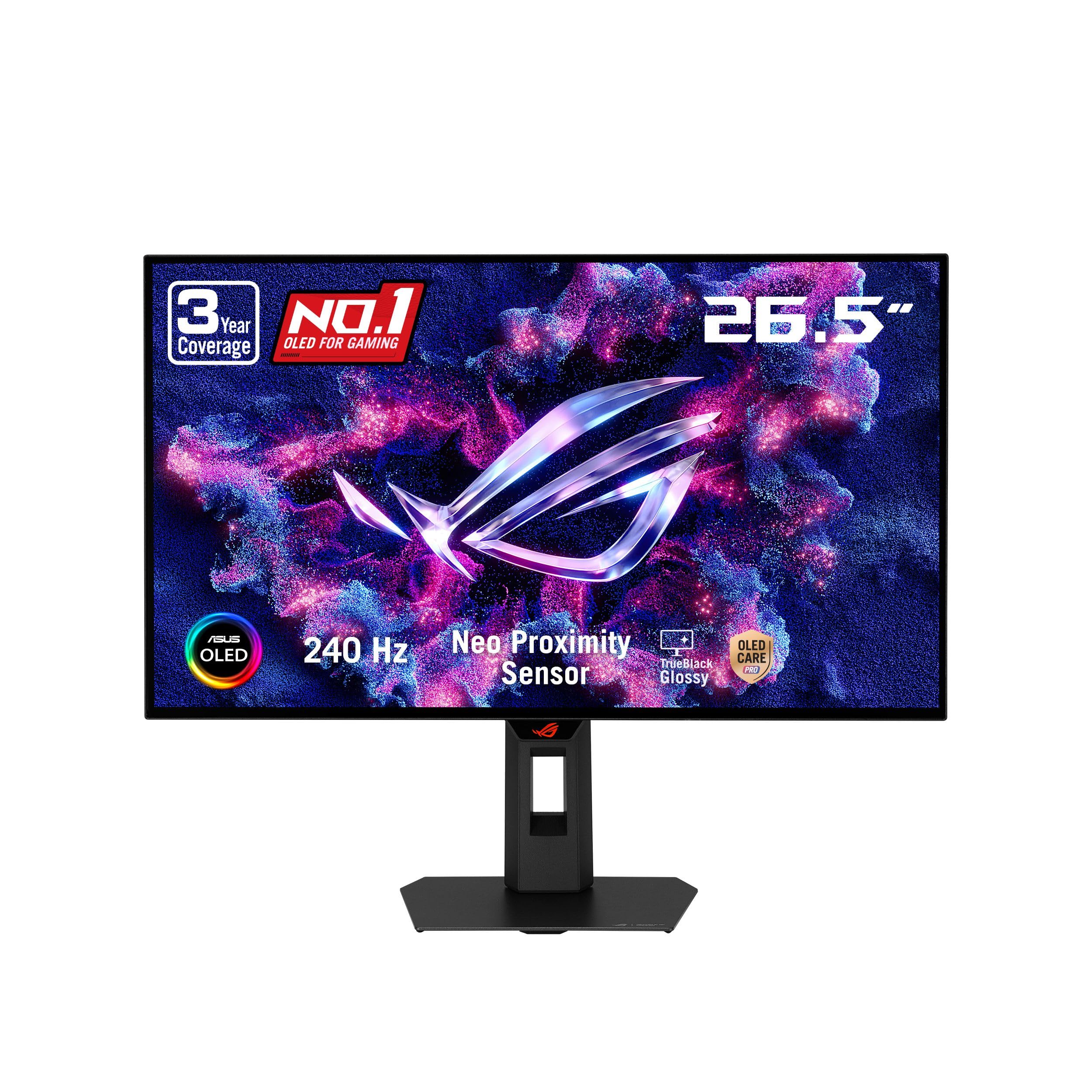
The X27U is the cheapest route to a 240Hz OLED here, and nothing about the way it sits on a desk announces that. Plain black frame, a stand that handles height, pivot, swivel, and tilt, and two HDMI 2.1 plus two DisplayPort inputs — more connection options than several monitors that ask for more.

The panel is the same recipe as the rest of the group: QD-OLED, 2560 x 1440, 240Hz, 0.03ms, 99% DCI-P3 with a Delta E under 2, and HDR10. Two details are worth knowing. The screen measures 26.5 inches rather than 27, which nudges pixel density up and makes fine text a touch cleaner. And the coating is matte, so a lamp behind you is not the enemy it is on a glossy panel.

We are happy to run this as a main display. The clearest thing you give up is certification: HDR10 rather than VESA DisplayHDR True Black, and a standard three-year parts-and-labor warranty that does not single out burn-in. Neither shows up in everyday desktop work. If brightness in a bright room worries you, the Samsung is the safer buy; if you want gloss, the LG.

Pros

  • Cheapest OLED in this guide
  • Full height, pivot, swivel, and tilt stand
  • Two HDMI 2.1 and two DisplayPort inputs
  • 99% DCI-P3 with Delta E under 2

Cons

  • HDR10 only, with no DisplayHDR True Black rating
Our verdict

The least expensive way into a 240Hz OLED in this guide, and the X27U does not feel like a compromise: we recommend it as a first OLED on a tight budget.

Check Latest Price
4

Best Long-Term Coverage

ASUS ROG XG27AQDMGR

87 /100
LBD Score Excellent

Key details

HDR
DisplayHDR 400 True Black
Screen
27 in glossy WOLED, 2560 x 1440
Warranty
3 years with burn-in
Refresh Rate
240 Hz
View on Amazon

Burn-in is the reason plenty of people never buy an OLED monitor, and ASUS answers the worry more directly than anyone else here: three years of warranty that names burn-in, plus a proximity sensor that blanks the screen when you get up. If a taskbar and a dock sit in the same spot eight hours a day, that combination is worth more than a few nits.

The panel underneath is the glossy one to pick for a light-controlled room: TrueBlack Glossy WOLED at 26.5 inches and 2560 x 1440, 240Hz, 0.03ms, DisplayHDR 400 True Black, 99% DCI-P3, Delta E under 2. Blacks read as inky rather than coated, fine text stays sharp, and the finish does not add the haze that heavier anti-glare treatments can.

One number needs translating. The 1300 cd/m² on the spec sheet is a peak HDR figure taken on a small patch of screen, not a measure of how bright a white document looks, so do not read it as a promise that the desktop will outshine the Samsung. Settings live in ASUS's DisplayWidget Center, a mouse-driven app that beats nudging a joystick behind the panel.

Pros

  • Three-year warranty that names burn-in
  • Proximity sensor blanks the screen when you leave
  • Glossy TrueBlack finish with deep blacks
  • DisplayHDR 400 True Black with 99% DCI-P3

Cons

  • Glossy screen mirrors windows and lamps
  • Single HDMI port limits PC plus console
Our verdict

For anyone who leaves a taskbar on screen all day, three years of burn-in coverage makes this the safest OLED we tested.

Check Latest Price
5

Best Ultrawide

Alienware AW3425DW

86 /100
LBD Score Excellent

Key details

Curve
1800R
Screen
34.2 in curved QD-OLED, 3440 x 1440
Warranty
3 years
Refresh Rate
240 Hz
View on Amazon

An 1800R curve at 34 inches is gentle enough that you stop seeing it — until you sit back at a flat 27-inch panel and notice how much work your eyes were doing. The width is the point: 3440 x 1440 holds two full-size documents side by side, or a game with the map pushed out to the edge where it belongs.

This is the panel we reach for when one screen has to do both jobs. 240Hz QD-OLED, 0.03ms, 99.3% DCI-P3 with Delta E under 2, and certification from FreeSync Premium Pro, G-Sync Compatible, and VESA AdaptiveSync all at once. Games look the way OLED games look; spreadsheets look like spreadsheets, which is the real test of an ultrawide.

There is a spec-sheet trap worth knowing: the listing quotes 1000 nits and, a few lines away, 250. Both are true. The first is peak HDR on a small area, the second is closer to a full white window, so expect spectacular highlights and a desktop that is merely bright enough. And 3440 x 1440 across 34 inches lands near the pixel density of a 27-inch 1440p panel — comfortable for text, a step short of 4K-crisp.

Pros

  • 3440 x 1440 across an 1800R curve
  • 240Hz with all three sync certifications
  • 99.3% DCI-P3 and Delta E under 2
  • Three-year warranty

Cons

  • Text is softer than on a 4K panel
Our verdict

When one screen has to cover both work and games, the AW3425DW is the ultrawide we recommend: 240Hz, 3440 x 1440, and a curve that keeps the edges readable.

Check Latest Price
6

Best Super Ultrawide

Samsung Odyssey OLED G9 (G91SD)

85 /100
LBD Score Excellent

Key details

Screen
49 in curved QD-OLED, 5120 x 1440
Warranty
3 years
Refresh Rate
144 Hz
Pixel Density
110 ppi
View on Amazon

Forty-seven inches of screen is a furniture decision as much as a display one. On a normal desk the G9 leaves no room for speakers, a second monitor, or a coffee; on a deep one it replaces a two-monitor setup outright, which is the job it was built for.

The panel is 5120 x 1440 of QD-OLED across a 32:9 curve, with 144Hz, 0.03ms, G-Sync Compatible and FreeSync Premium Pro. Samsung's burn-in defenses are the most elaborate in this group: thermal modulation that predicts surface temperature and trims brightness to control heat, plus logo and taskbar detection that dims static elements before they settle in. In a racing game or a flight sim the wrap is convincing enough that the edges disappear.

Density is the trade. Samsung's own figure is 110 pixels per inch, lower than a 27-inch 1440p panel, and small text in a spreadsheet is visibly softer than on any other pick here. A single tall document is not what this screen is for; three columns of them are.

That makes it a work monitor for people who work wide — timelines, trading charts, a browser plus three panels — and a gaming monitor for people who want the room to vanish. If your day is one column of text, buy a 27-inch OLED and keep your desk.

Pros

  • 5120 x 1440 of QD-OLED across 32:9
  • Thermal modulation plus logo and taskbar detection
  • Three-year manufacturer warranty
  • Height-adjustable stand

Cons

  • 144 Hz is the lowest refresh rate of the group
Our verdict

If a single display has to replace two monitors, the G9 earns the desk space: 5120 x 1440 of QD-OLED with the most thorough burn-in defenses here.

Check Latest Price
7

Value Ultrawide

ASUS ROG XG34WCDG

83 /100
LBD Score Excellent

Key details

HDR
DisplayHDR 400 True Black
Screen
34 in curved QD-OLED, 3440 x 1440
Warranty
3 years with burn-in
Refresh Rate
175 Hz
View on Amazon

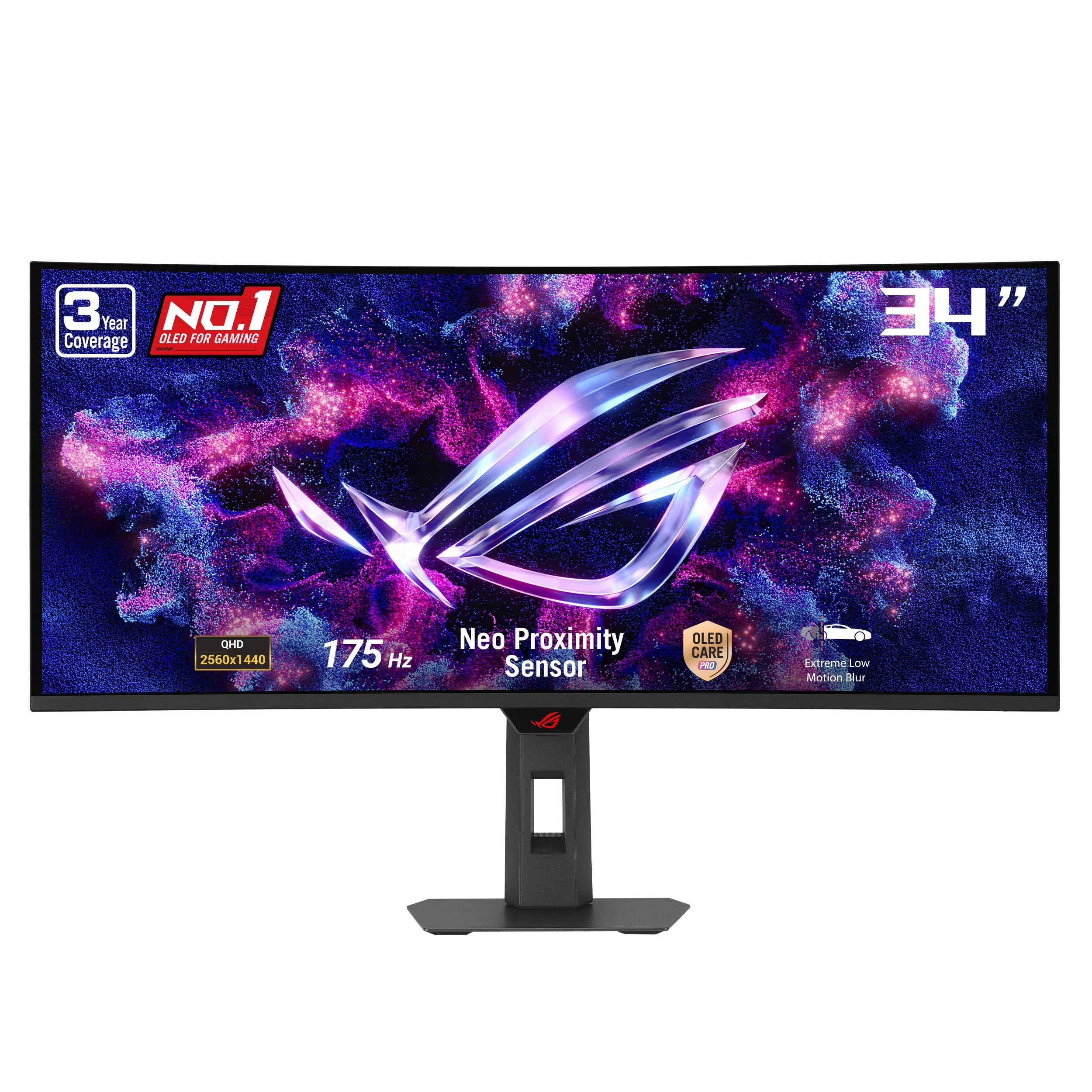
This is the cheaper of our two 34-inch ultrawides, and it makes most of the same case: 3440 x 1440 of QD-OLED on a curve that holds the edges at a comfortable distance, a stand that handles height, and the same matte finish as the Alienware.

ASUS brings its care software along: OLED Care Pro with a Neo Proximity Sensor that blanks the screen when you walk away, DisplayWidget Center for settings from the desktop, and a three-year warranty with burn-in coverage. DisplayHDR 400 True Black, a 0.03ms response, and 175Hz complete a spec sheet that covers the essentials without charging for extras.

Most people will not notice the gap to a 240Hz ultrawide in anything short of competitive shooters; what they will notice is the money left over. The Alienware case is real if you chase frame rates, but when the screen is mostly for role-playing games, video, and a broad desktop, this does the job with the same three-year protection behind it.

Pros

  • Three-year warranty with burn-in coverage
  • Neo Proximity Sensor blanks the panel
  • DisplayHDR 400 True Black
  • Costs less than our other 34-inch pick

Cons

  • 175 Hz refresh rate trails the 240 Hz picks
  • Matte coating looks flatter than glossy panels
Our verdict

A sensible 34-inch ultrawide for anyone who does not need 240Hz, and the three-year burn-in coverage takes the worry out of spending less.

Check Latest Price
8

Immersive Gaming

LG UltraGear 45GX900A-B

81 /100
LBD Score Excellent

Key details

Curve
800R
USB-C
65W power delivery
Screen
45 in curved OLED, 3440 x 1440
Refresh Rate
240 Hz
View on Amazon

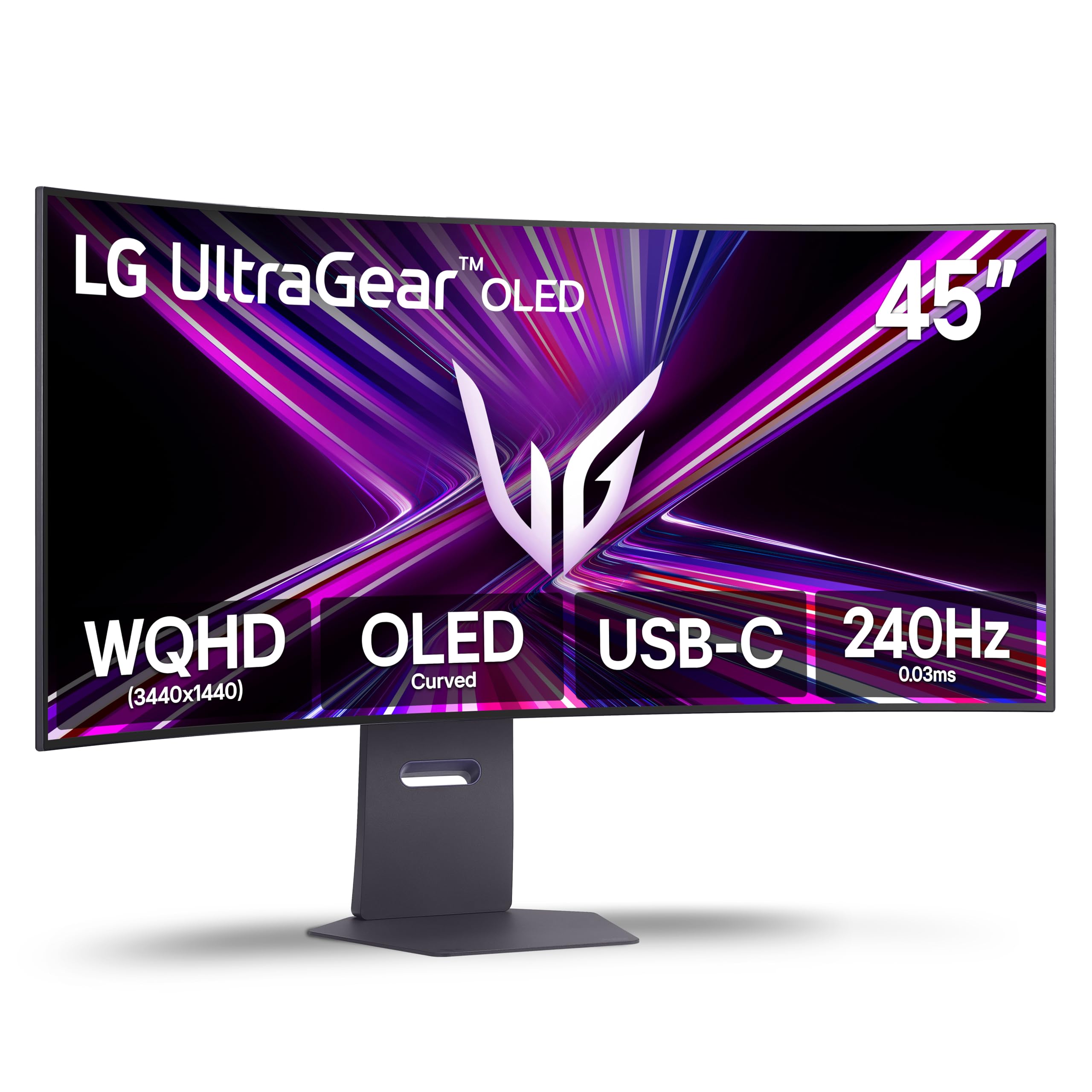
The 800R curve on this LG is the tightest thing we have used at this size. The edges lean in toward you, which is exactly right for a 45-inch panel sitting an arm's length away and slightly awkward if you had planned to push it flat against a wall.

Size is the argument. LG claims more usable screen area than a 49-inch 32:9 display, and in front of it the claim is easy to believe: 3440 x 1440 stretched across 45 inches, with 240Hz, 0.03ms, G-Sync Compatible and FreeSync Premium Pro behind the glass. Peak brightness is quoted at 1300 nits on a 1.5% window with DisplayHDR True Black 400 for the rest, and there is USB-C with 65W of power delivery for a laptop.

Density is the bill for all that area. The same 3440 x 1440 pixels a 34-inch ultrawide spreads over 34 inches now cover 45, and text makes the difference plain: fine in a game, coarse in a document you read all day. It is the one monitor here we do not recommend for a workday.

For a gaming desk the combination is hard to argue with. The curve and the size do something no flat panel in this guide can, and once a game fills the screen the resolution question stops mattering. Buy it for play, not for PDFs.

Pros

  • 800R curve wraps a 45-inch panel
  • 240Hz OLED with both sync standards
  • USB-C with 65W power delivery
  • Built-in speakers

Cons

  • Two-year warranty trails the three-year coverage elsewhere
Our verdict

We recommend the 45GX900A-B for immersion-first gaming rather than a workday of documents, where its low pixel density shows.

Check Latest Price

How We Tested the Best OLED Monitors

We started by gathering every OLED monitor we could find from the major display makers, then filtered on panel type, refresh rate, port selection, burn-in warranty coverage, and price. Screens that couldn't hold 144Hz, lacked adaptive sync, or came with no coverage against burn-in got cut. That left eight, and we weighed each one's price against what its panel, stand, and ports actually delivered before anyone plugged it in.

These lived on real desks, not a test bench. Each monitor became its tester's only display for at least three weeks — documents and email through the workday, photo editing, streaming after dinner, games late into the evening, and a few console sessions over HDMI 2.1. We measured full-screen white brightness and small-window highlights with a meter, then watched HDR footage to see whether a highlight actually popped or the whole image just washed out.

Color claims got checked twice: once against the sRGB and DCI-P3 coverage each maker advertises, and once by eye on skin tones, gradients, and a flat gray desktop that makes panel uniformity obvious. For motion, we played fast-panning games and watched for smearing behind the crosshair, then dropped into the variable refresh window to see whether menus and loading screens flickered.

Burn-in protection got its own log — how often each panel shifted pixels or dimmed static elements, whether we noticed it while typing, and whether image retention from a spreadsheet faded by the next morning. We sat with each coating under a desk lamp with a bright window behind us, and judged build by stand wobble, tilt and swivel feel, and whether the back of the monitor looked presentable on an open desk.

How to Choose an Oled Monitor

Start With Size, Then Work Back to Resolution

Every pick here is 1440p in the vertical, so the diagonal sets sharpness. A 27-inch panel at 2560 x 1440 works out to roughly 109 pixels per inch, which is comfortable for text at arm's length. A 34-inch ultrawide keeps that vertical density and adds width for a second window.

Stretch the same pixels over a bigger canvas and text softens. The 49-inch Samsung lists 110 ppi spread across a much wider screen, and the 45-inch LG is coarser again. If your day is documents, stay at 27 or 34 inches; go bigger only when immersion is the job.

Choose the Coating to Match Your Room

Matte coatings scatter reflections across the surface. Glossy coatings hold contrast better and mirror the room. We prefer matte when a window or a lamp sits behind the desk, which is why the Samsung G6, the Acer, the Alienware, and both Samsung ultrawides use it. Glossy, as on the LG 27GX704A-B and the ASUS XG27AQDMGR, gives deeper-looking blacks in a room you can darken.

Showroom lighting flatters gloss and hides what a sunlit home office does to it. Decide with your own desk in mind, not the store.

Match Refresh Rate to the Frames You Can Actually Produce

A 240Hz panel at 1440p is only worth paying for if your graphics card can feed it; a midrange card will spend most games in the 100 to 140 range, where a 175Hz or 180Hz screen is already more than enough. What you should insist on is adaptive sync — G-Sync Compatible, FreeSync Premium Pro, or VESA AdaptiveSync — because that removes tearing across the whole range.

One caveat applies to every OLED here: variable refresh can flicker in dark scenes when the frame rate swings hard, and lowering the refresh ceiling a notch usually settles it.

Read Brightness and HDR Numbers With Suspicion

Two numbers get quoted and only one describes your desk. Peak brightness — 1000 or 1300 nits — is measured on a tiny patch of screen for HDR highlights and says nothing about a white document. Full-screen brightness is what you live with, and the picks here are rated between 250 and 400 cd/m².

DisplayHDR True Black 400 is the badge worth having. Anything above it buys highlights you will notice in games and films, not in a spreadsheet. Expect the panel to dim large bright areas, and do not read that behavior as a fault.

Check the Burn-In Terms, Not Just the Panel

Every OLED here shifts pixels, and the better ones add logo and taskbar detection, thermal modulation, or a proximity sensor that blanks the screen when you walk away. What separates them at checkout is warranty language: ASUS and Samsung give three years, ASUS names burn-in explicitly, and LG's two-year terms are the shortest in this guide.

If a static layout sits on screen for hours a day, that paperwork matters more than a few extra hertz. Confirm burn-in is named before you buy.

Frequently Asked Questions

Final Verdict

Most people should buy the Samsung Odyssey OLED G6. It gets the fundamentals right without charging extra for them: a 240Hz QD-OLED panel, a stand that genuinely adjusts, 400 cd/m² of full-screen brightness, and three years of warranty. Nothing else here makes a stronger case as a first or only OLED.

Two requirements change that answer. If your desk sits away from windows and you want the deepest blacks, the glossy LG 27GX704A-B is the better screen for the money. If one display has to replace two, the Alienware AW3425DW is the ultrawide we recommend, and the 49-inch Samsung G9 is the step beyond it.