Best Key Lights for Streaming of 2026

The fastest way to look worse on a video call is to turn on the overhead light. A key light — a soft panel placed just off to one side of your face, a little above eye level — evens out the shadows under your eyes and makes a webcam look like it cost three times as much. I figured that out during a year of calls in an apartment with one sad ceiling bulb, and I've been rearranging my desk lighting ever since.

We've now spent seven months with 13 key lights — panels on tripods, panels clamped to desks, panels that hang off the back of a monitor — and ran them through late-night streams, morning standups, and recorded tutorials. The surprise was that brightness is the spec everyone shops by and the one that matters least once the light sits within arm's reach. Color temperature and real diffusion do far more for how your skin looks.

What separates a light you'll keep from one you'll unplug is duller than that: a mount that clears your monitor, controls you don't have to think about, and a connection that doesn't drop mid-stream. Below are the ones that earned a permanent spot on my desk.

1

Best Overall

Neewer GL25B

92 /100
LBD Score Outstanding

Key details

Output
2300 lux at 0.5 m
Controls
On-panel, 2.4G remote, app
Panel Size
12.9 in
Color Temperature
2900K-7000K
View on Amazon

Three separate controls is what sold us on the GL25B: a digital panel on the back of the light, a small 2.4G remote, and Neewer's Control Center app on a PC or Mac. That redundancy is why it is our top pick. A key light lives or dies on how fast you can nudge the brightness when a cloud crosses the window or your forehead starts to shine, and we never want that to depend on one app holding its connection.

The light itself is a 12.9-inch edge-lit panel, with 176 LEDs firing into a diffuser rather than a visible grid of dots, which is what keeps the reflection in your eyes soft and stops shadows turning hard at the edges. Neewer rates it at 2300 lux at half a meter, CRI98+, across 2900K to 7000K. We read that lux figure differently from the lumen ratings on the Elgato lights here, because they measure different things. At arm's length, where a desk light actually sits, it puts plenty on a face.

The clamp and extendable stand are the parts we ended up appreciating most. It grips the desk edge, the pole lifts the panel to eye level, and the ball head tilts it down onto your face instead of blasting across the room. At 0.71 kg the panel is light enough that the arm holds its angle. It is fanless too, which matters when your microphone sits close by, because there is no hum to notch out of the recording.

The compromises are small. A 12.9-inch panel lights one person well and runs out of spread once a second person pulls up a chair, and the two-light kit below is the fix for that. Neewer's app is a means to an end rather than a pleasure, and we reached for the remote more often than the phone. Neither changes what the light does, which is why it stays clamped to the desk.

Pros

  • Onboard, remote, and app control
  • Edge-lit panel with CRI98+
  • Desk clamp, extendable stand, ball head
  • Fanless and silent at the desk

Cons

  • Single panel runs out of spread for two people
Our verdict

We recommend the GL25B as the default streaming key light: a soft 12.9-inch panel with a desk clamp, a full color range, and three ways to control it.

Check Latest Price
2

Maximum Brightness

Elgato Key Light

91 /100
LBD Score Outstanding

Key details

LEDs
160 OSRAM
Mount
Desk clamp and metal pole
Output
2800 lumens
Color Temperature
2900K-7000K
View on Amazon

Elgato rates the Key Light at 2800 lumens, and that number is most of the argument. Nothing else here throws as much light from a desk mount, so you can cover a face, a backdrop, and some of the wall behind you without dragging the panel closer. The 160 OSRAM LEDs sit behind an opal glass face, which keeps the output diffused rather than spotty, and the 2900K to 7000K range is the widest in this group alongside the GL25B.

That output comes with a catch we cannot wave away: there are no controls on the unit at all. Everything runs through Elgato's desktop app over Wi-Fi, and the connection is the part of this light that causes trouble, from pairing that will not take to a panel that drops off the network and sits dark until the app finds it again. On a stable network where you set it once, that is a minor annoyance. If you stream to a schedule, it is the reason this is our brightness pick rather than our overall one.

Build earns some ground back. The panel is a solid slab, the metal pole and clamp hold it steady at full height, and the two-year warranty is the longest of any light here. At 2.9 pounds it is not something you move between rooms often, so a fixed streaming desk is where it belongs. That is the trade: the most light in this guide, in exchange for one position and an app you have to trust.

Pros

  • 2800 lumens, the most output here
  • Opal glass face diffuses the light
  • Widest color range in this set
  • Two-year warranty and steady metal mount

Cons

  • Wi-Fi-only control with no onboard fallback
  • The priciest single light here
Our verdict

Buy the Key Light if you need the most output on this list and can live with app-only control; it belongs on a permanent studio desk.

Check Latest Price
3

Best Two-Light Kit

Neewer NL-288ARC 2-Pack

90 /100
LBD Score Outstanding

Key details

Power
AC or NP-F batteries
Output
4800 lux
Panels
Two 18 in, 45W
Color Temperature
3200K-5600K
View on Amazon

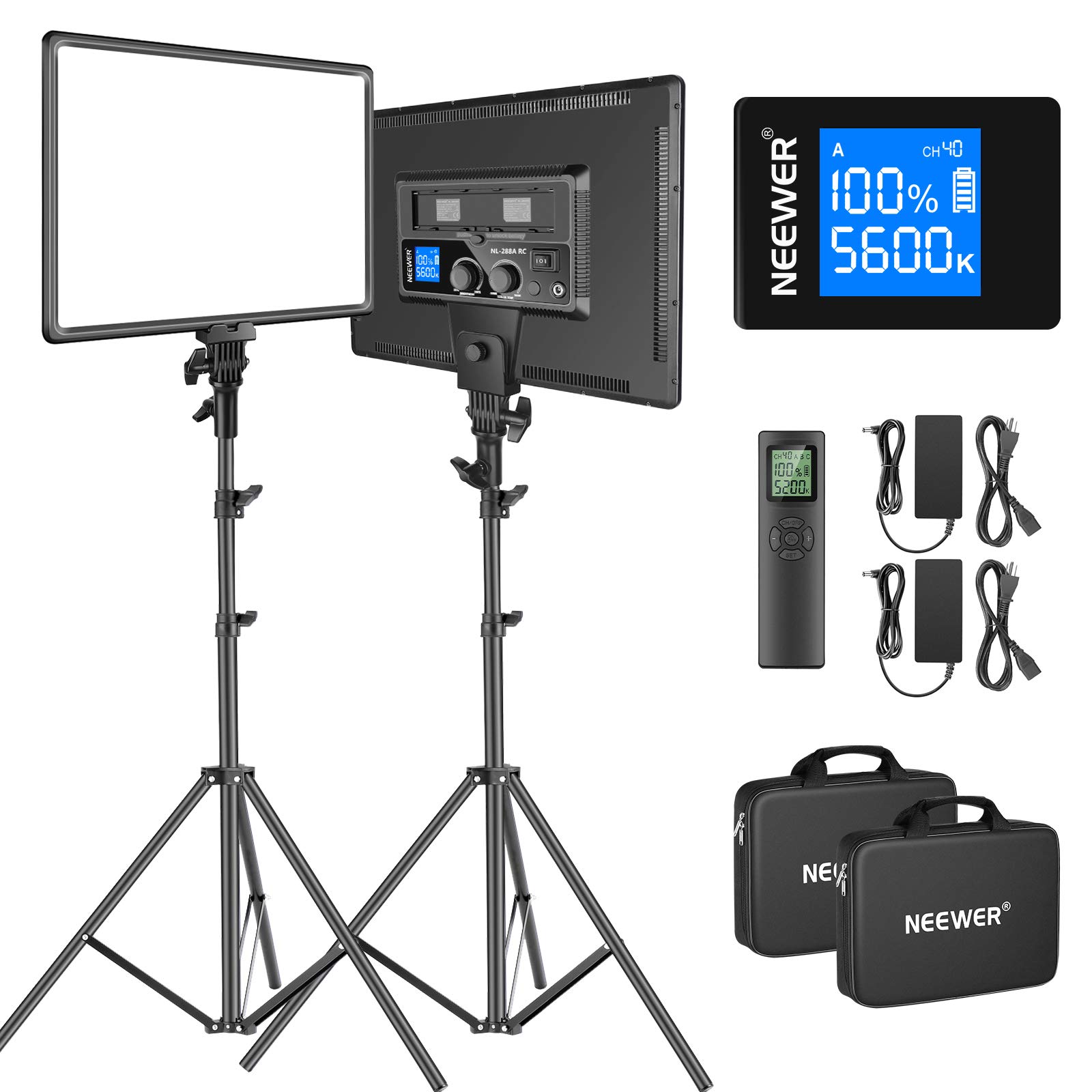
Two 18-inch panels, two aluminum stands, one remote: this is the kit for anyone who wants a key and a fill on the same order and the ability to move both of them. Each panel runs 288 bi-color LEDs at 45W, dimmable from 1% to 100%, over a 3200K to 5600K range with CRI97+. They are heavy enough to stay where you aim them, and the stands take the weight without complaint.

The remote is the practical part. It works on 2.4GHz with 40 channels and four groups, so you can dim both lights from your chair, and adding more Neewer panels later will not start a fight over the same channel. Each panel also runs on two Sony NP-F batteries when there is no outlet within reach. The carrying bag takes the panels and folds over the stands, which is more than any desk light here manages.

We reach for this kit when one panel is not enough. Two lights let you put a soft key at 45 degrees and a weaker fill on the shadow side, which is the difference between half a face in shadow and an even, dimensional look. The cost is floor space: two stands behind a desk take room a clamp light does not, and the panels are big enough to be obvious in a small office. For a permanent streaming corner that is a fair trade; for a laptop on a kitchen table it is not.

Pros

  • Two 18-inch 45W panels with stands
  • One remote runs both lights
  • AC or NP-F battery power
  • CRI97+ with 1%-100% dimming

Cons

  • Stands eat floor space behind the desk
  • Heavier to reposition than a clamp light
Our verdict

For a two-light setup you can move, this kit is the pick: two 18-inch panels, stands, and one remote that runs both.

Check Latest Price
4

Best for Small Desks

Logitech Litra Glow

91 /100
LBD Score Outstanding

Key details

Mount
3-way monitor mount
Power
USB
Controls
On-unit buttons, desktop app
Panel Size
3.6 in
View on Amazon

If your desk is too shallow for a clamp and a pole, the Litra Glow solves the problem: a 3.6-inch panel on a three-way mount that sits on top of a monitor or laptop screen, with height, tilt, and rotation all adjustable. It is the light we point at the setup nobody plans, the one with a narrow table, a laptop, and a call in twenty minutes.

TrueSoft is Logitech's name for the diffusion and color handling, and what you see is a frameless diffuser spreading light wide enough to soften the shadows under your eyes without a hotspot in the middle of your forehead. Brightness and color temperature live on physical buttons on the unit, which matters more than it sounds, because you can reach up mid-call and warm the light without opening anything. The desktop app adds finer control on a PC or Mac, but nothing depends on it.

Where it stops is range. This is a light for one person sitting close; move it a few feet back or try to light two people and it runs out of spread, because a panel this small can only do so much. The mount also depends on what it is gripping, and very thin laptop lids and heavily curved monitors are where it gets awkward, so check the thickness of your screen before you order.

Pros

  • Mounts on a screen, needs no desk space
  • Physical buttons plus app control
  • Soft diffusion at webcam distance

Cons

  • Coverage suits one person up close
Our verdict

If your desk has no room for a clamp, the Litra Glow clips to your monitor and softens close-range video better than anything this small here.

Check Latest Price
5

Best Budget Pick

NiceVeedi 2-Pack

89 /100
LBD Score Excellent

Key details

Power
USB-C
Panel Size
10 x 7.8 in
Kit Contents
Two panels, tripods, phone holder, bag
Color Temperature
2800K, 4800K, 6500K
View on Amazon

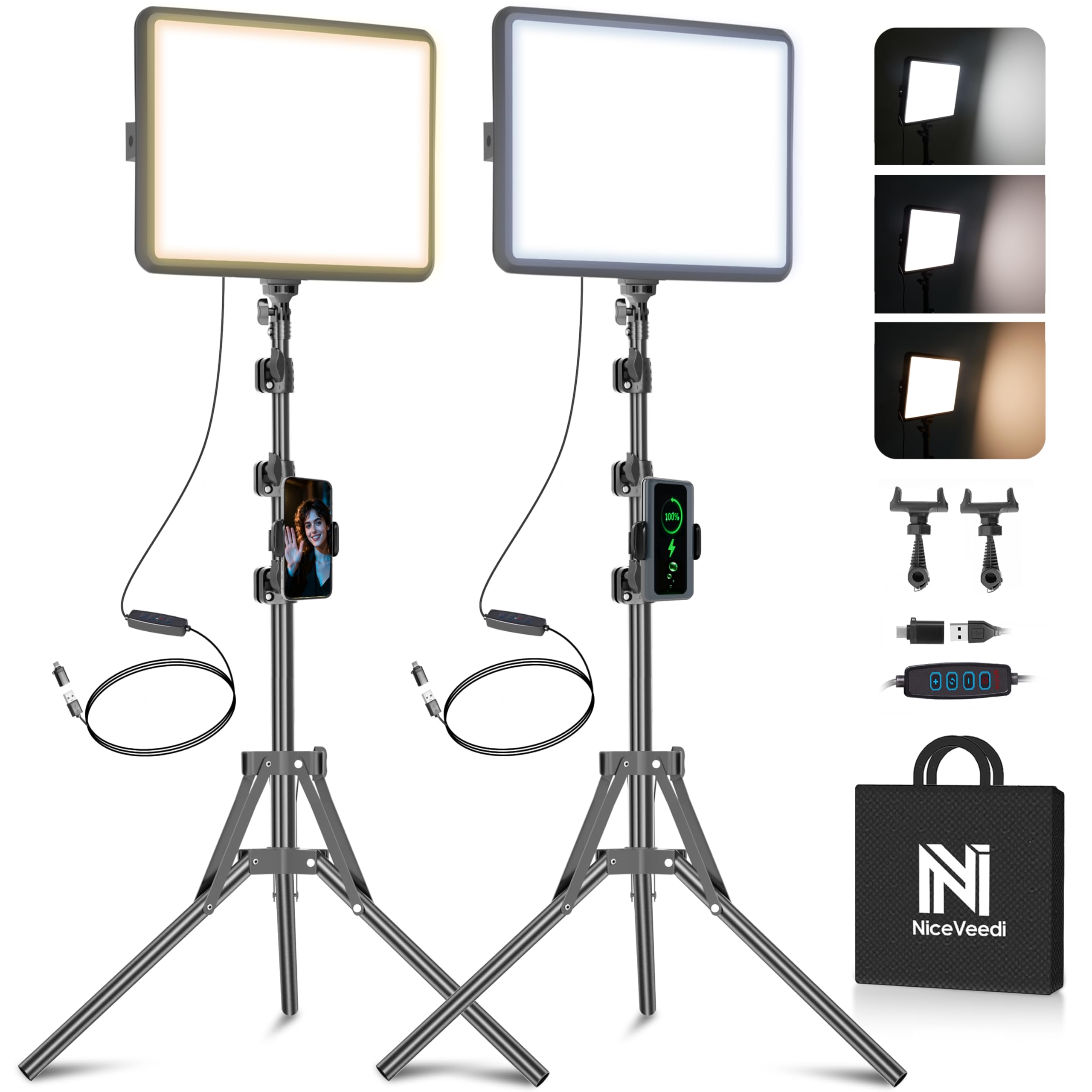
There is no cheaper way into this guide than the NiceVeedi kit, and that is the pitch: two 10-inch panels, two aluminum tripods, a phone holder, and a bag, for less than most single panels here. It is what we suggest to anyone who is not yet sure streaming will stick.

Each panel offers three color temperatures, 2800K, 4800K, and 6500K, plus dimming, and the middle setting is the one that flatters skin without going orange or clinical. Both run over USB-C, which is the quiet advantage: a power bank keeps them going when there is no outlet near the desk, and the whole kit packs into the bag in a couple of minutes. The stands screw together and the panels tilt and lock, so setup is a one-person job.

The tripods are where the price shows. They are light aluminum, they flex when the panels go up high, and everything feels happier at chest height than at full extension. That is fine for a webcam framing your head and shoulders. It is not what you want for full-body video with a panel at head height across the room.

Set the two panels either side of your camera at 45 degrees, run one slightly brighter than the other, and the result reads as deliberate on a webcam. What you give up is refinement: color is fixed to three settings rather than a continuous range, and there is no remote or app to change brightness from your chair. For a first setup, we think that is the right set of compromises.

Pros

  • Cheapest two-light kit in this guide
  • USB-C power works from a power bank
  • Three color temperatures that flatter skin
  • Quick to set up and pack away

Cons

  • Tripods flex when raised high
  • Only three fixed color temperatures
Our verdict

The cheapest route to two lights on stands, and the one we suggest for anyone still deciding whether streaming will stick.

Check Latest Price
6

Monitor Mounting

Elgato Key Light Neo

81 /100
LBD Score Excellent

Key details

Mount
Monitor or laptop screen
Power
USB
Output
Up to 1000 lumens
Controls
On-unit buttons, software
View on Amazon

The Key Light Neo is the Elgato for anyone who read about the Key Light's Wi-Fi trouble and wanted no part of it. It still sits on a monitor rather than a desk clamp, it still uses an edge-lit panel, and it still adjusts brightness and color temperature, but the controls are buttons on the unit, so the light works whether or not any software is listening.

Output is the catch. The Neo tops out at 1000 lumens, roughly a third of the full Key Light, and it only gets there with a decent USB power supply behind it. A weak port or a long cheap cable will leave it dimmer than you expect. At monitor distance that is still enough to lift a face out of a dim room. It just will not light a backdrop or fill a large office, and you should not ask it to.

The reason to choose it over the cheaper Litra Glow is the wider panel and the edge-lit diffusion, which spread light more evenly across a face. The reason to choose it over the Key Light is that you never go hunting for an app to switch your light on. Of the Elgatos here, this is the one for a desk that has to work first time, every time.

Edge lighting is the other thing worth knowing about. Because the LEDs fire into the side of the panel rather than straight out of it, the glow is meant to be gentler on the eyes over a long session than a directly lit panel of the same size. That is useful when you are at the desk for eight hours, not only for the hour you are live.

Pros

  • On-unit buttons, no app required
  • Edge-lit panel is easy on the eyes
  • Sits on a monitor or laptop screen

Cons

  • Output well below the full-size panels here
Our verdict

Pick the Neo if you want Elgato's edge-lit look on a monitor mount without depending on Wi-Fi to turn the light on.

Check Latest Price
7

Gaming Desks

Logitech Litra Beam

86 /100
LBD Score Excellent

Key details

Type
Slim light bar
Mount
Desktop stand
Control
On-board, USB, Bluetooth
Color Temperature
2700K-6500K
View on Amazon

Most key lights here are panels; the Litra Beam is a bar. Ten inches wide and about an inch thick, it stands on a small desktop base and throws a wide, even band of light rather than a square, which is what you want when the fixture has to sit behind a monitor and still reach your face without a hotspot.

Buttons on the bar handle brightness and temperature from 2700K to 6500K, and G HUB adds saved presets plus USB and Bluetooth control from the desktop, which is handy if the rest of your setup is already Logitech. What we do not love is the housing: it is plastic at a price above several metal-bodied lights in this guide, and the stand is built to tilt more than to raise. For a gaming desk where the light doubles as kit, the shape and the presets carry it; where you need light aimed precisely, a panel gives you more.

Pros

  • Wide, even band of light from a slim bar
  • On-board buttons plus G HUB presets
  • 2700K-6500K range

Cons

  • Plastic housing at a premium price
Our verdict

A bar-shaped light for gaming desks: wide, even coverage and Logitech presets, in a plastic body that costs more than it feels like it should.

Check Latest Price
8

Tight Budgets

Amazon Basics 2-Pack

87 /100
LBD Score Excellent

Key details

Power
USB, no adapter
Colors
7 RGB options
Panels
Two slim panels
Color Temperature
2500K-6500K
View on Amazon

Strip the kit back to what it actually offers and there is one thing here the others do not have: color. Seven RGB hues alongside three white settings from 2500K to 6500K, all dimmable from the panel. If your stream has a colored backdrop, or you cut between scenes with different moods, that is a cheap way to change a room without buying gels.

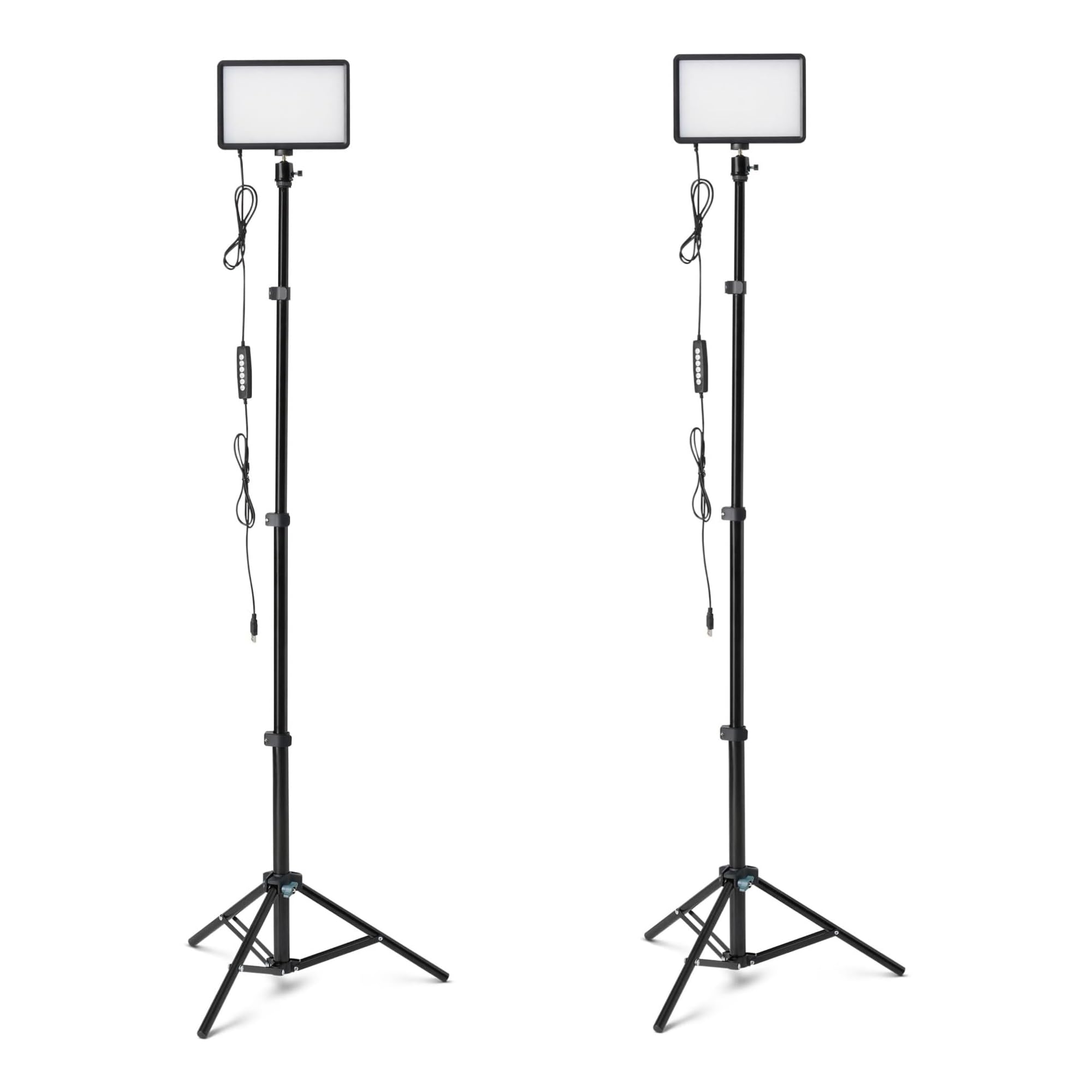
The hardware around the light is better than the price suggests. The tripods extend to 62.3 inches, enough to get a panel above a seated subject, and each light sits on a 360-degree gimbal with a 1/4-inch ball head so you can tilt and rotate it independently of the stand. Both panels are USB-powered with no adapter in the box, so plan on a 5V/2A wall plug or a powered hub.

As white lights they are fine rather than impressive. The panels are slim, the diffusion is basic, and the output is aimed at close work: a face at webcam distance, a product on a table, a backdrop a few feet away. Push them across a room and you will see the falloff. The color settings are the more interesting half of the kit.

For a first stream, a phone-fed short-video setup, or a spare room you rent by the hour, this is a sensible place to start: two lights, two stands, and a bag of colors for less than most single panels here. What you will not get is the soft, even wash of a big diffused panel. These are smaller, harder sources, and dimming them does not change that.

Pros

  • Two panels and tripods at the lowest price here
  • Seven RGB colors plus three white temperatures
  • 360-degree gimbals with 1/4-inch mounts

Cons

  • No USB power adapter in the box
  • Harder light than a diffused panel
Our verdict

Two USB panels, two tripods, and a set of RGB colors make this the lowest-risk way to try colored lighting on a stream.

Check Latest Price

How We Tested Streaming Key Lights on a Real Desk

We started by shortlisting every key light we could find that offered adjustable color temperature, some form of diffusion over the LEDs, and a stand, clamp, or monitor mount, and cut anything you couldn't dim without reaching behind the panel. We then filtered by control type and price to get a spread across cheap and mid-range options, which left 13 lights. I used each one for seven months on the same desk, for work calls, evening streams, and recorded tutorials.

Every light went from box to lit without instructions while I timed it, then through a Tuesday morning team call, a two-hour evening stream, and a recorded walkthrough with the webcam at eye level. To judge brightness, I shot my own face at the highest and lowest settings and checked the footage for banding when I dimmed. For color settings, I compared warm, neutral, and cool frames against a window-lit reference to see how each handled skin tone, and noted whether the presets moved in small steps or big jumps.

Mounts got the roughest handling: clamped to a thick desktop, clamped to a thin monitor, a nudge to the desk the way you'd reach for a mug, then a week later a check for droop. For controls and connectivity, I paired every app- and remote-controlled light with a video call running, timed the pairing, and unplugged each overnight to see whether it remembered its settings. I also left them on for six-hour stretches and felt the panel and power brick for heat, and ran the USB-powered ones from a laptop hub as well as a wall adapter to see whether brightness sagged. Before we picked, we weighed what came in the box against the price.

How to Choose a Key Light for Streaming

Fit the mount to the desk before anything else

A desk clamp needs a clear lip and a couple of inches behind the monitor. A monitor mount needs a flat screen top and a bezel it can grip. A stand needs floor space behind the desk and a clear path for three legs. Our two-light kit is the most capable lighting here and the hardest to fit into a small room, while the Litra Glow takes up no desk at all.

Measure the gap behind your monitor and the thickness of the screen before you fall for a panel. It is a two-minute job that decides more of the purchase than the brightness figures do.

Read output at the distance you actually sit

Brightness figures only mean something with a distance attached. Lumens quote total light leaving a fixture; lux at half a meter quotes what lands on a surface that close. You cannot compare the two numbers directly, which is why the 2800-lumen Elgato Key Light and the 2300-lux Neewer GL25B are not as far apart in practice as they look on paper.

At arm's length, most of these lights are comfortable well below full power. Across a room, only the brightest hold up, and that is the point at which a two-panel kit starts to make more sense than a single desk light.

Insist on a control you can reach when the app fails

App control is lovely right up until the app cannot find the light. The Elgato Key Light has no buttons at all, so a dropped Wi-Fi connection leaves an expensive black panel until it reconnects. The Neewer GL25B, the Litra Glow, and the Key Light Neo all have physical controls on the unit itself.

If you stream to a schedule, buy a light you can switch on and dim without opening anything. A remote counts, as long as it does not live inside a phone.

Match the color range to your room

2900K to 7000K covers candle-warm through cold daylight, and the Elgato Key Light and Neewer GL25B both offer it. The bi-color kits stop at 3200K to 5600K, which handles most rooms but leaves less room to warm a scene. Both panels here that quote a color accuracy figure are CRI97 or higher, which is what keeps skin from going green under LED.

Set the light to match your room's ambient light first, then adjust to taste. A light fighting a warm lamp across the room looks worse than either one alone.

Decide between one light and two

One good panel at 45 degrees makes a bigger difference than two cheap ones pointed straight at you. A second light earns its place as a fill on the shadow side, dimmed below the key, or as a backdrop light.

Once you want both on stands you can move between rooms, a kit costs less than the pieces bought separately, and the NL-288ARC is the one to look at. Start with one light and add the second when you catch yourself dragging a lamp across the desk.

Frequently Asked Questions

Final Verdict

Buy the Neewer GL25B. It gives you a soft edge-lit panel, a full 2900K to 7000K range, a clamp that reaches eye level, and, the part that decides it, three ways to change the light so a flaky app can never leave you sitting in the dark.

If you need the most output on the page and your network is dependable, the Elgato Key Light is still the brightest thing here. If you want a key and a fill on stands you can carry between rooms, go straight to the Neewer NL-288ARC kit.