Best iPad Keyboard Cases of 2026

A keyboard case promises to turn a tablet into a laptop without buying a second computer. The catch arrives on day two: the case stays on, so every ounce rides around in your bag, and every flap gets in the way when you just want to read. A bad one makes the iPad heavier without making it any more useful.

I've cycled through keyboard cases for years, and over the past six months my team and I have typed on 12 of them, from slim folios to two-piece designs that attach magnetically. The connector mattered more than any spec sheet suggests: cases that draw power through the tablet's own pins never need pairing or a cable, while Bluetooth models need both — friction you feel by month three, not week one.

One word on fit: these cases are cut for specific generations, and an 11-inch tablet isn't the same shell as the 10.9-inch version from a couple of years back, even though they photograph identically. Backlight colors and trackpad size are fun to compare; what you notice daily is how the whole thing feels folded shut in one hand. The picks below are the ones we kept reaching for after the novelty wore off.

1

Best Overall

Logitech Combo Touch

90 /100
LBD Score Outstanding

Key details

Trackpad
Large multi-touch
Compatibility
iPad A16 11th gen, 10th gen
Viewing Modes
Four modes
Keyboard Power
Smart Connector, no charging
View on Amazon

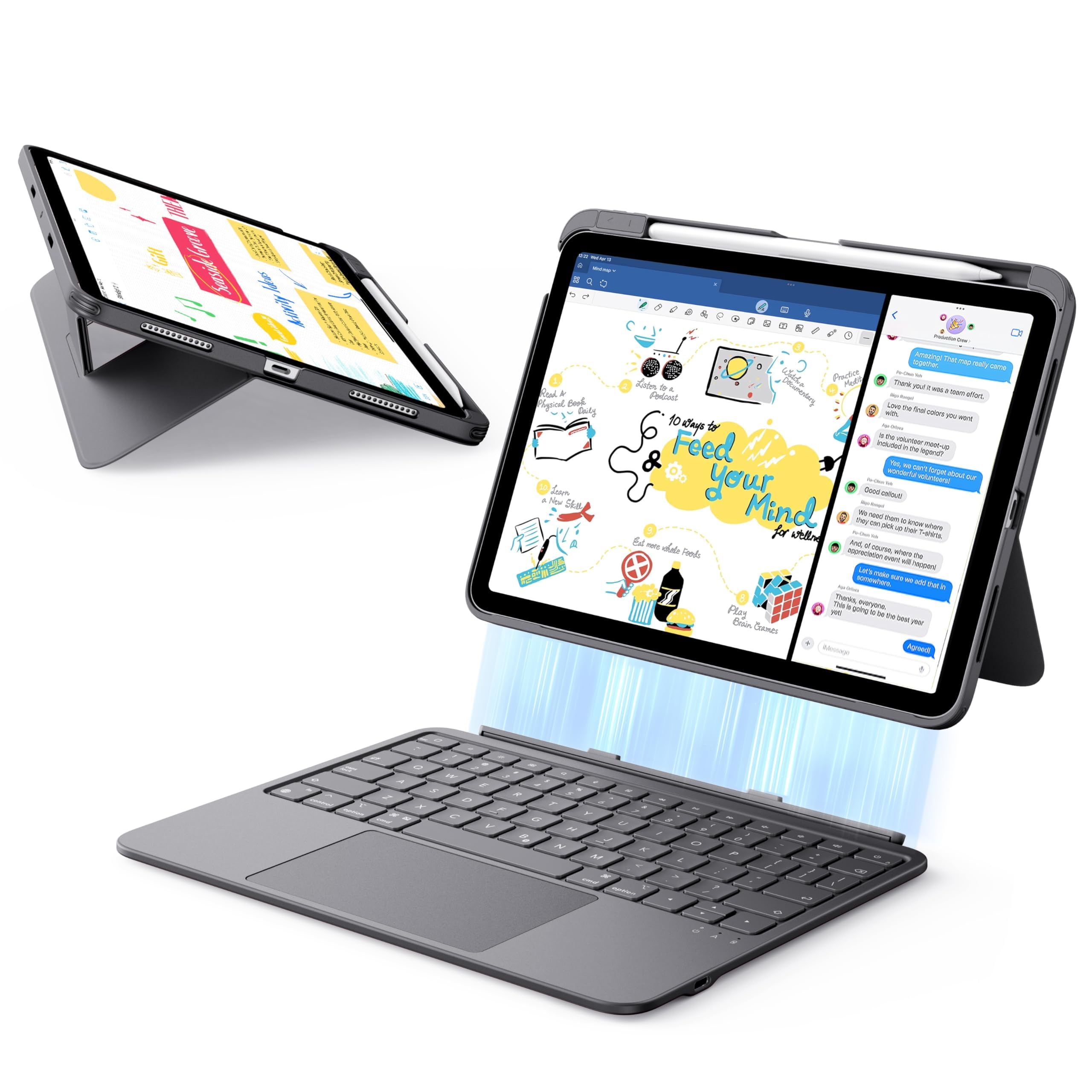
The most convincing reason to pick the Combo Touch is the thing it doesn't have: a keyboard battery. It draws power from the iPad through the Smart Connector, so there's no pairing routine and no separate charger to remember. We like that for a case that stays on the tablet most days. The large precision trackpad and full-size backlit keys make it feel like a proper laptop, and the keyboard detaches when you want to read or sketch.

The back panel is the part that stays put. It wraps the iPad snugly and the kickstand adjusts continuously, so we could set a comfortable angle for typing at a table and push it back for video. The keyboard reattaches magnetically and has a full row of iPadOS shortcut keys. It has four modes—Type, Read, Sketch, and View—and the keyboard comes off cleanly for the last two. At 572 grams, it adds noticeable heft, but it doesn't feel sloppy; the woven fabric finish has held up well in a bag.

Getting the iPad in takes a little effort, and if you swap cases often, that friction will wear on you. The rest of the case earns its keep through the typing feel and the no-charging design. For a tablet that doubles as a work machine, we think that trade is easy to justify.

Pros

  • No keyboard charging or pairing
  • Large, precise trackpad
  • Detachable keyboard with four modes
  • Protective, snug back panel

Cons

  • Premium price for a keyboard case
Our verdict

For most iPad A16 and 10th-gen users, the Combo Touch is the keyboard case we recommend first: it pairs instantly, never needs charging, and types like a proper laptop.
Check Latest Price
2

Best Rotating

typecase Touch 360

91 /100
LBD Score Outstanding

Key details

Hinge
360°, seven modes
Weight
1.43 lb
Trackpad
Multi-touch
Compatibility
iPad A16 11th gen, 10th gen
View on Amazon

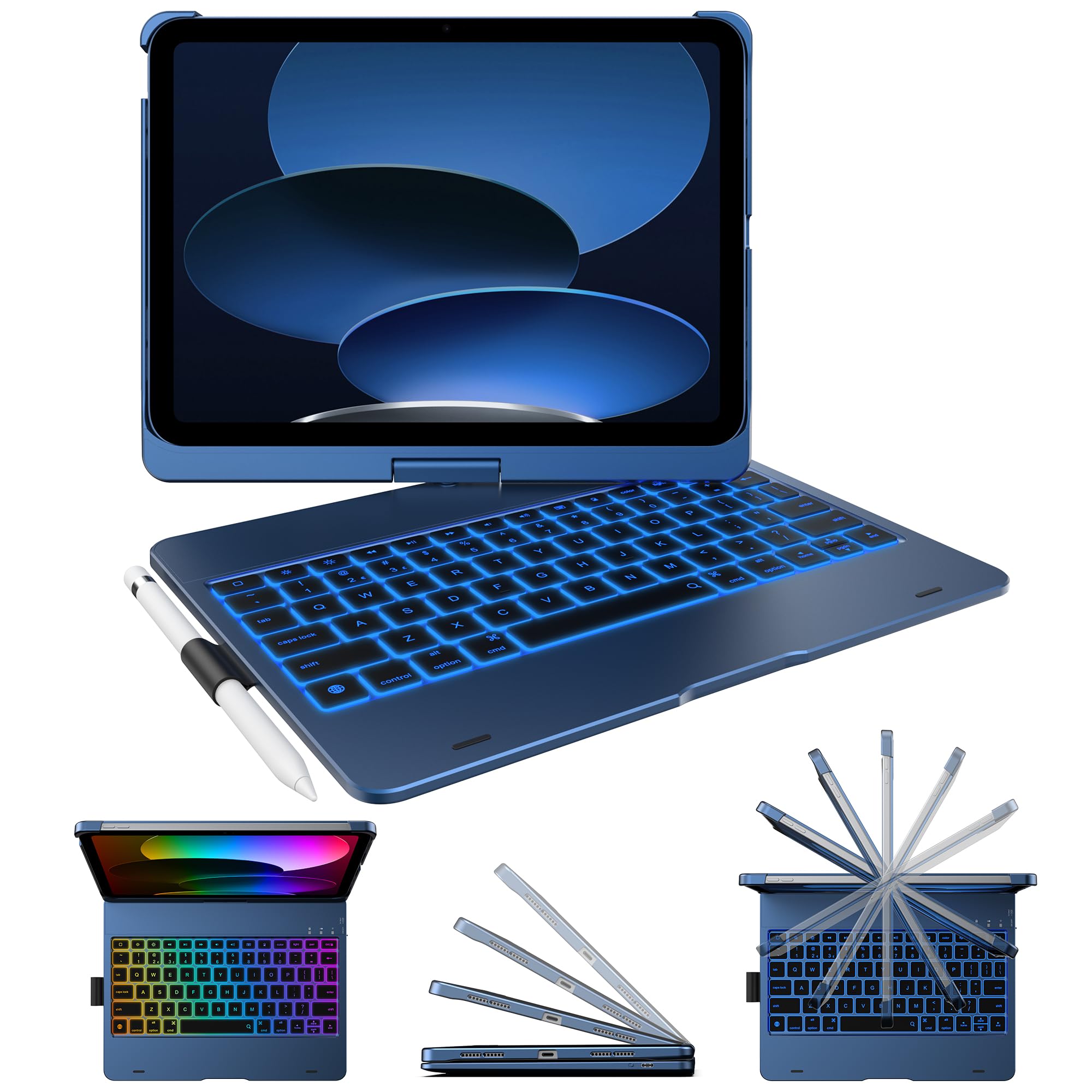
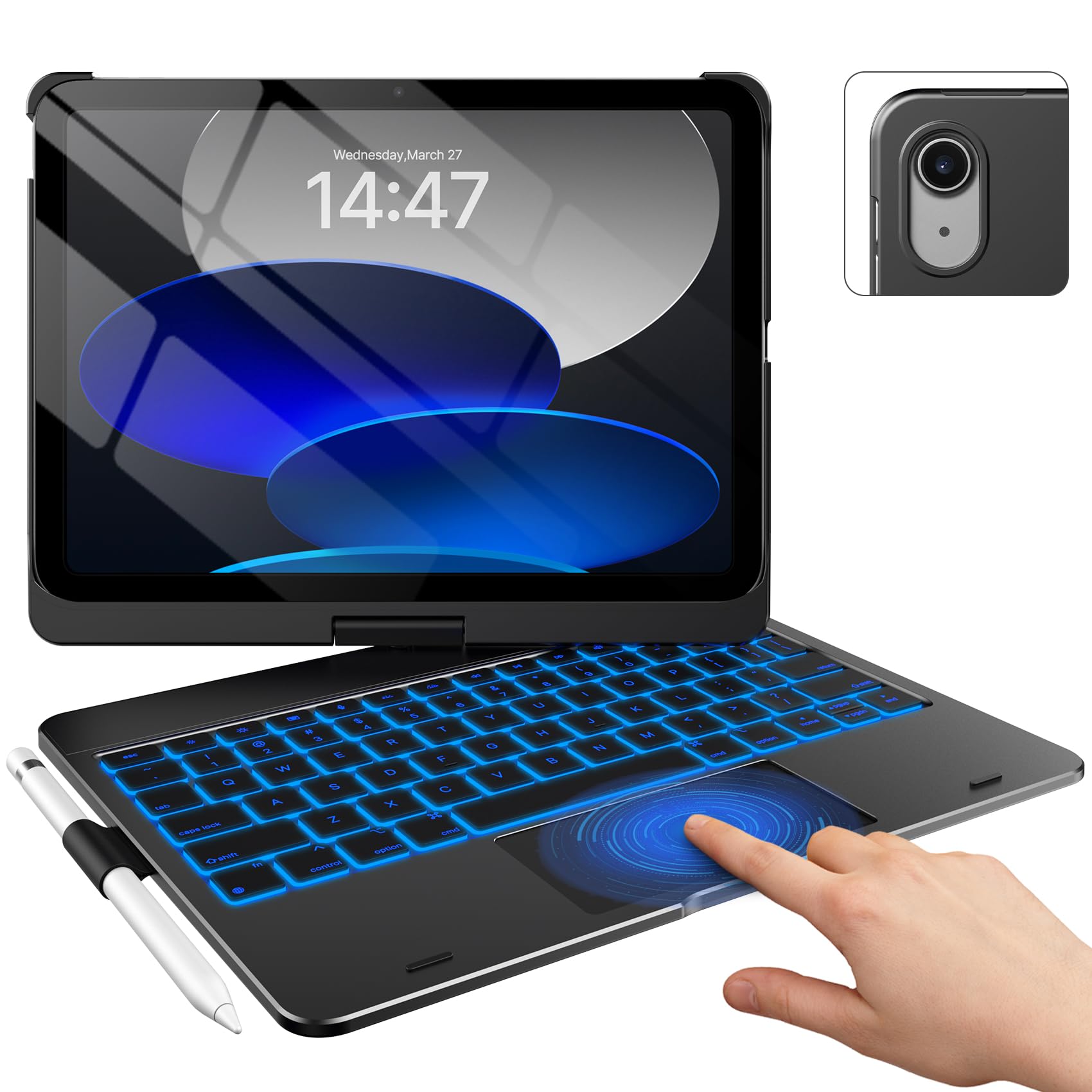
The 360-degree hinge is the reason to consider the Touch. It lets the screen swing around to sit flat against the keyboard for tablet mode, or stand back for a video call, and the hinge supports seven use modes. We like a case that can change shape instead of making you choose between typing and touching. The keyboard pairs over Bluetooth, and the trackpad handles the usual iPad gestures.

We think the Touch is the best value in this group for someone who wants one case to do everything. The backlit keys are comfortable, the trackpad is responsive, and the swivel makes it easy to change orientation without closing apps. The trade-off is balance: at 650 grams, the iPad sits above a relatively light base, so the whole thing feels top-heavy on a lap. On a desk, that disappears.

The keyboard needs its own charging, unlike the Smart Connector cases here, but we didn't find that a burden. The bigger question is bulk. If you mostly type at a desk or kitchen table, the Touch gives you more positions than the Logitech for less money. If you work from a couch, the top-heavy feel is the thing to test before you commit.

Pros

  • 360° hinge with seven modes
  • Responsive trackpad and backlit keys
  • Strong value for the feature set
  • Swivel makes sharing easy

Cons

  • Top-heavy on a lap
  • Keyboard needs separate charging
Our verdict

If you want one case that flips from typing to tablet to presentation mode, the typecase Touch is the most versatile pick here, provided you mostly work on a flat surface.

Check Latest Price
3

Best Lightweight

ESR Flex

87 /100
LBD Score Excellent

Key details

Weight
1.17 lb
Keyboard
Magnetic detachable, 6.9 mm
Trackpad
65% larger
Compatibility
iPad A16 11th gen, 10th gen
View on Amazon

The Flex is the case we reach for when the bag is already full. The keyboard is just 6.9 mm thick and the whole thing weighs 530 grams, so it adds less bulk than the typecase Touch or the Logitech Combo Touch. The keyboard detaches magnetically, and the back panel wraps around the iPad with a triangular stand that feels stable on a table.

The trackpad is the standout. It's 65% larger than a regular keyboard trackpad, and the extra width makes selecting text and dragging windows less fussy. The stand has two fixed angles—65 degrees for typing and 20 degrees for sketching—and we found the lower one genuinely useful for handwriting with the Apple Pencil. The keyboard pairs over Bluetooth and has a rechargeable battery. We also liked that the keyboard can be pulled off and used at a distance when the iPad is propped up.

Where the Flex gives ground is protection and flexibility. It covers the back and edges, but it isn't a rugged case, and the two-angle stand is less adjustable than a 360 hinge. We think that's a fair trade for the slim profile and the large trackpad. It also costs less than the premium picks, which makes the compromises easier to take. If you want a case that disappears into a tote and still gives you a usable cursor, start here.

Pros

  • Slim 6.9 mm keyboard
  • Large 65% bigger trackpad
  • Stable two-angle stand
  • Good value for a slim case

Cons

  • Only two fixed viewing angles
  • Not a rugged case
Our verdict

The ESR Flex is the pick for someone who wants a big trackpad and a slim, light case without paying Apple or Logitech money.

Check Latest Price
4

Best Official Apple Option

Apple Magic Keyboard Folio

88 /100
LBD Score Excellent

Key details

Trackpad
Built-in
Function Row
14 keys
Compatibility
iPad A16, 10th gen
Keyboard Power
Smart Connector
View on Amazon

The Magic Keyboard Folio is Apple's two-piece answer for the A16 and 10th-gen iPad. The keyboard and back panel attach magnetically and separate completely, so you can leave the keyboard behind for reading or pull the iPad off the stand for handheld use. The typing experience is the best part: the keys are well-spaced and responsive, and the trackpad handles gestures smoothly.

The 14-key function row is a small thing that quickly becomes habit. We used it for brightness, volume, and the dictation key, and it made the iPad feel less like a tablet with a keyboard and more like a small laptop. The back panel has an adjustable kickstand, and the whole thing powers through the Smart Connector, so there's no keyboard battery to charge.

Protection is where the two-piece design asks for patience. The back panel covers the rear, but the edges are exposed, and the pieces can separate in a bag if you carry it by the keyboard half. The white finish also shows marks faster than the darker cases here. If you want a case that stays buttoned up in a backpack, the Logitech is the safer choice.

We think the Folio is worth it for one kind of buyer: someone who wants Apple's typing feel and plans to use the iPad as a tablet often enough that easy detachment matters. For everyone else, the Logitech Combo Touch offers more protection and a lower price. The Folio is excellent at the thing it does; it just doesn't pretend to be a rugged case.

Pros

  • Excellent typing and trackpad
  • Detachable two-piece design
  • No charging or pairing
  • 14-key function row

Cons

  • Limited edge protection
  • Premium price for an Apple case
Our verdict

If you want Apple's own typing experience and the freedom of a detachable keyboard, the Magic Keyboard Folio is the premium choice for A16 and 10th-gen iPad users.

Check Latest Price
5

Best Trackpad-Free

typecase Flexbook

85 /100
LBD Score Excellent

Key details

Hinge
360°, seven modes
Trackpad
None
Backlight
11 colors
Compatibility
iPad A16 11th gen, 10th gen
View on Amazon

Leaving out the trackpad is the Flexbook's whole personality. If you've ever dragged a cursor across a document because your palm brushed the trackpad, this is the case that stops it. We were skeptical—most keyboard cases now treat a trackpad as mandatory—but the trackpad-free deck makes the keyboard feel more focused, and the 360-degree hinge still lets you fold the screen around for tablet mode.

The rest of the package is familiar typecase: 78 scissor-style keys, 11-color backlighting, a pencil holder, and a hard-shell back. The hinge supports seven positions, and the case feels sturdy when you're typing on a table. The keys have a quiet, short travel that we found comfortable for notes and email. The keyboard is rechargeable over USB-C and pairs over Bluetooth.

The obvious cost is cursor-heavy work. Without a trackpad, you're reaching for the screen or pairing a mouse, which is fine for notes and email but clumsy for spreadsheets. The hinge is also the part we watch over time; it's a moving joint on a case that gets folded constantly. That makes it a good second case, or a first keyboard case for someone who mostly writes. If you want a trackpad, the Touch is the better typecase; if you don't, the Flexbook is a clean, sturdy alternative.

Pros

  • No trackpad to brush accidentally
  • 360° hinge with seven modes
  • Backlit keys and sturdy shell
  • Lower price than trackpad models

Cons

  • Cursor-heavy work needs a mouse
  • Hinge is the long-term wear point
Our verdict

The Flexbook is for someone who types a lot and reaches for the screen instead of a trackpad; it's focused, sturdy, and cheaper than the do-everything cases.

Check Latest Price
6

Best Budget

Harvopu Keyboard Case

89 /100
LBD Score Excellent

Key details

Keyboard
Magnetic detachable
Trackpad
Multi-touch
Compatibility
iPad A16 11th gen, 10th gen
Viewing Angles
Three grooves
View on Amazon

At the budget end of this group, the Harvopu does something most cheap keyboard cases don't: it includes a trackpad. The keyboard is magnetic and detachable, the case has three anti-slip grooves for viewing angles, and the keys light up in seven colors. The case is slim enough to leave on the iPad between uses. We like it as a second case for a student or as a low-cost way to try a keyboard case without committing to a premium model.

The typing experience is the compromise. The magnetic keyboard can slide out of alignment when you shift the case, and we had to reseat it more than once. The keys themselves are fine for short bursts, but this isn't the case we choose for a full day of writing. The trackpad is a genuine help for tapping through iPadOS, and the pencil holder is a nice extra at this end of the market.

Charging and key reliability are the other things to know. The keyboard charges over USB-C, and the keys are the weak point: some units develop keys that stop working, and the keyboard can lose its charge. We treat it as a light-duty case and keep the receipt. If you need a keyboard that survives daily commutes and long documents, spend more on the ESR or Logitech; if you want a cheap trackpad case for occasional use, the Harvopu earns its place.

Pros

  • Trackpad at the budget end
  • Seven-color backlight for low light
  • Three viewing angles
  • Slim, protective folio

Cons

  • Keyboard can slide out of alignment
  • Some keys can stop working
Our verdict

The Harvopu is the budget pick for someone who wants a trackpad and backlit keys without spending much, as long as they can live with a keyboard that may need repositioning.

Check Latest Price
7

Mouse Bundle

Wenlaty Keyboard & Mouse

86 /100
LBD Score Excellent

Key details

Hinge
360° rotating, detachable
Weight
1.8 lb
Included
Keyboard, case, mouse
Compatibility
iPad A16 11th gen, 10th gen
View on Amazon

The mouse is the extra that makes the Wenlaty interesting. You get a 360-degree rotating, detachable case, a seven-color backlit keyboard, and a small wireless mouse with three DPI settings. We like the bundle for a desk setup or for a kid who's using an iPad for schoolwork and wants a mouse without buying one separately. It's a lot of accessories for the money.

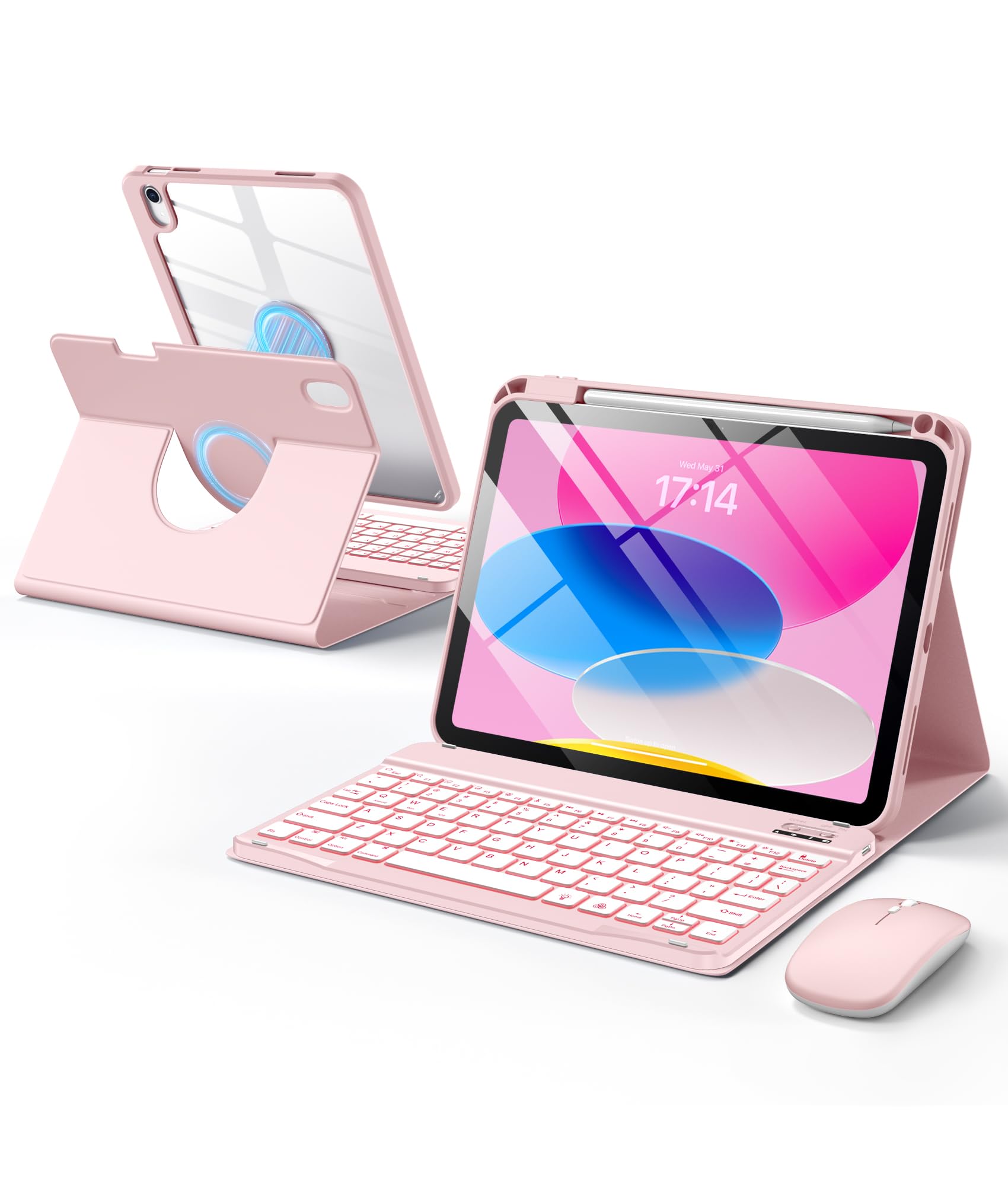
The case itself is a 2-in-1 design: the clear hard back attaches magnetically to the soft folio, and the whole thing rotates for portrait or landscape. The keyboard and mouse are both rechargeable, which saves you from hunting for AA batteries. The keyboard has backlit keys, and the pencil holder is built into the case. The rotation makes it easy to switch to portrait for reading, which is more useful than it sounds on a keyboard case.

The trade-off is weight and polish. At 1.8 pounds, it's one of the heavier setups here, and the mouse is small enough that it's best for occasional use rather than all-day spreadsheets. The keyboard and mouse also need separate charging, which is one more cable to manage. We choose it for a budget desktop setup or a second iPad, not as the one case you carry every day.

Pros

  • Includes a three-DPI wireless mouse
  • 360° rotating detachable case
  • Backlit keyboard and pencil holder
  • Rechargeable keyboard and mouse

Cons

  • Heavy at 1.8 pounds
  • Keyboard and mouse need separate charging
Our verdict

If you want a keyboard, case, and mouse in one cheap bundle, the Wenlaty is a fun desktop starter kit, though it's heavier and more of a desktop accessory than our main picks.

Check Latest Price
8

13-Inch iPad Pro

Apple Magic Keyboard (Pro 13)

88 /100
LBD Score Excellent

Key details

Power
USB-C pass-through
Trackpad
Glass, haptic feedback
Function Row
10 keys
Compatibility
iPad Pro 13-inch (M4, M5)
View on Amazon

If you own a 13-inch iPad Pro with the M4 or M5 chip, this is the keyboard case built specifically for it. The glass trackpad with haptic feedback is the most laptop-like here, and the 10-key function row gives you quick access to brightness, volume, and media controls. The two-cantilever hinge adjusts smoothly, and the whole thing folds into a protective front-and-back cover.

The typing experience is excellent. The keys have a short, quiet travel, and the backlighting makes it usable in low light. The USB-C pass-through port is a genuinely useful extra: you can charge the iPad without adding a dongle. We also like that the trackpad supports familiar iPadOS gestures, so the adjustment period is short.

The limitations are built into the price and the fit. It works only with the 13-inch iPad Pro (M4 and M5), so it's irrelevant to the A16 and 10th-gen iPad users who make up most of this guide. It's also heavy enough that the iPad can feel top-heavy on a lap, and the magnetic attachment is less confident on a non-flat surface.

For the right iPad, the Magic Keyboard is the most integrated typing case here. We think it's worth it if you use the Pro as a laptop replacement and want the most laptop-like trackpad and hinge in this group. If you're on a 10th-gen or A16 iPad, the Logitech Combo Touch is the closer match—and a much better value.

Pros

  • Glass haptic trackpad
  • 10-key function row
  • USB-C pass-through charging
  • Smooth adjustable hinge

Cons

  • Premium price for a Pro accessory
  • Only fits 13-inch iPad Pro
Our verdict

For a 13-inch iPad Pro M4 or M5, the Magic Keyboard is the most integrated typing case here; everyone else should look at our A16 and 10th-gen picks.

Check Latest Price

How We Chose and Tested a Dozen iPad Keyboard Cases

We started by pulling every case rated for the current 11-inch iPad and the 10.9-inch model before it, then cut anything that didn't publish compatible model numbers — a surprisingly effective filter. From there we looked for a spread: pin-connecting folios, Bluetooth two-piece designs, rotating hinges, and a trackpad-free model, so we could judge whether the extras were worth paying for. Twelve cases made the cut, each used as a daily driver for at least two weeks across a six-month stretch.

Testing happened where these things actually live: kitchen counters at 7 a.m., a lap on the couch, tray tables, and a desk. I typed the same 500-word passage on every keyboard and noted where my fingers caught — keys that wobbled under a thumbnail, a space bar that only registered on the left. Trackpad work was fiddlier: dragging a cursor to small targets, scrolling long documents, and resting a full palm on the pad to see whether the pointer jumped. I also timed setup from opening the case to typing, and checked whether Bluetooth models had to re-pair after a night in a bag.

Weight is the tax you pay here, so I weighed every case with the tablet inside and carried each in the same tote for a week. Magnets got their own test: lifting the tablet by one corner, a gentle shake over carpet, carrying the whole thing by the cover to see if the keyboard stayed put. Durability meant a month of real life — bags, a knee-height drop onto wood, a kid doing homework — plus a shake test on every pencil holder, since a stylus that falls out is worse than no holder at all. Last came charging logs: how long a Bluetooth keyboard took to top up, whether backlighting drained it, and how much tablet battery a pin-connected case used. We judged value at the very end, on whether we'd spend our own money on the thing again.

How to Choose an Ipad Keyboard Case

Start with the model number, not the screen size

iPad cases are cut for specific generations, and '10.9-inch' or '11-inch' isn't enough to go on. The A16 and 10th-gen models share case support (A2696, A2757, A2777 for the 10th gen; A3354, A3355, A3356 for the A16), but a 13-inch iPad Pro M4 or M5 needs a completely different keyboard. Check Settings > General > About and match the A-number to the case listing before you buy. A case that's close but not exact can press on the screen or leave ports misaligned.

Choose between Smart Connector and Bluetooth

Smart Connector keyboards draw power from the iPad, so there's no keyboard battery to charge and no Bluetooth pairing to redo. The Logitech Combo Touch and Apple Magic Keyboard Folio work this way, and for a case that stays attached, it's the simpler life. Bluetooth keyboards are more flexible: you can detach the keyboard and use it across the room or with another device, but you'll need to charge it and occasionally re-pair. If you hate another charging cable, pay for Smart Connector; if you want a detachable keyboard you can pass around, Bluetooth is fine.

Decide whether you need a trackpad

A trackpad turns the iPad into a cursor-driven machine for spreadsheets, text selection, and remote desktop apps. The ESR Flex has a notably large one; the typecase Touch and Logitech are close behind. If you mostly write, browse, and watch video, a trackpad is optional—and the typecase Flexbook deliberately leaves it out to prevent accidental palm touches. A mouse bundle like the Wenlaty is another route, but it means carrying a second accessory. Match the input method to the work, not the spec sheet.

Test the stand on your lap, not just a desk

Every case here looks stable on a table. The difference shows up on a couch or train seat, where the iPad's weight sits above a smaller base. A 360-degree hinge like the typecase Touch gives you more positions, but it can feel top-heavy in a lap; a kickstand like the Logitech's spreads the load better. If you work on soft surfaces, look for a wide base or a detachable keyboard you can set down separately. If you're always at a desk, this matters much less.

Protection, pencil storage, and bulk

Keyboard cases are not rugged cases. They protect the back and most edges, but the screen is usually exposed when open, and two-piece designs can separate in a bag. Check that the case has a secure closure, a pencil holder if you use an Apple Pencil, and enough edge coverage for how you carry it. Bulk is the trade-off: the ESR Flex is 530 grams, while the Apple Magic Keyboard Folio is nearly two pounds. If the iPad lives in a backpack, prioritize protection; if it lives on a desk, save the weight.

Frequently Asked Questions

Final Verdict

Most people with an iPad A16 or 10th-gen iPad should start with the Logitech Combo Touch. It draws power from the iPad, so there's no keyboard battery to babysit, and the detachable keyboard and large trackpad make it a genuine laptop stand-in.

If you want a 360-degree hinge and a lower price, the typecase Touch is the better fit; if you want the slimmest case with a big trackpad, choose the ESR Flex.