Best Gaming Desks with LED Lights of 2026

A desk with LED lights is easy to sell in a photo and much harder to get right in a spare bedroom. The glow is the fun part; the worry is that you're paying for a light strip and ending up with a wobbly top, a drawer that sags the week you fill it, and a corner unit that technically fits but leaves your tower sitting on the floor. What a good one actually fixes is the whole corner — monitor at eye level, tower and controllers off the desktop, cables out of sight, and a room that flips from workday to game night with one switch.

We've spent the past six months with 12 of these desks, and the gaps between them show up fast. We assembled every one on a Saturday, flipped the reversible L left and right to see how it sat against a wall, filled the outlets and USB ports with everything we own, and ran the LEDs in a dark room long after the novelty should have worn off. Assembly instructions, drawer material, and how much real desk surface you get for the money did more separating than the light shows did. The picks below are the ones still holding up.

1

Best Overall

Mr IRONSTONE 51-Inch L Gaming Desk

95 /100
LBD Score Outstanding

Key details

Lighting
Phone-controlled RGB
Included Extras
Cup holder and headphone hook
Weight Capacity
220 lb
Desktop Surfaces
Two 50.8 by 18.2 inch surfaces
View on Amazon

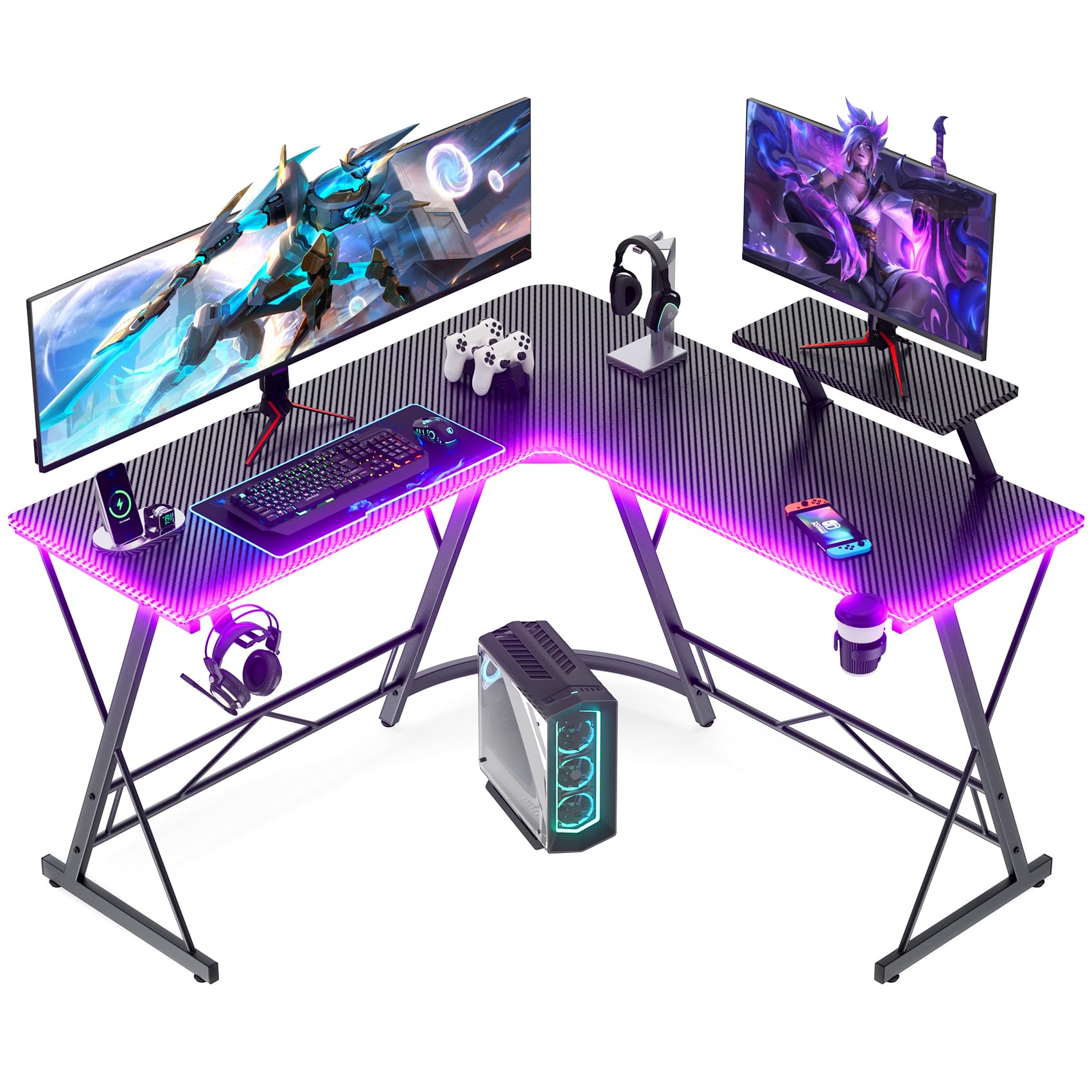
At the price of a basic flat desk, the Mr IRONSTONE gives you an L-shaped surface, a raised monitor shelf, and RGB you control from your phone. That combination is why it is our top pick: it delivers the two things most gaming setups need, more usable surface and a little theater, without making the lighting the only feature. The two 50.8-inch by 18.2-inch surfaces leave room for two monitors, and the cup holder and headphone hook keep the small stuff off the desktop.

We found the L shape does what a corner desk should: the monitor stand sits in the crook, while the two wings keep the keyboard, mouse, and a notebook from competing for the same patch of desk. The top is 1.5 inches thick, which gives the desk a more substantial look than the price suggests, and the carbon-fiber finish adds texture without turning the surface into a mirror. The phone-controlled lighting is the feature we came back to most; it is easier to change colors from a phone than to hunt for a remote.

Assembly is the part to slow down for. The frame can go together with holes that need a little persuasion, so leave every bolt loose until the panels line up and then tighten in stages. Check the desk is square before you load it. We recommend this one as the default for a first or second gaming setup, especially if you want the L shape without stepping up to a bigger desk.

Pros

  • Two-monitor L-shaped surface
  • Phone-controlled RGB lighting
  • Cup holder and headphone hook included
  • 220-pound weight capacity

Cons

  • Lower crossbar limits footrest comfort
Our verdict

We recommend the Mr IRONSTONE as the best all-around LED gaming desk here: it pairs a two-monitor L shape and phone-controlled RGB with the lowest price in this group.

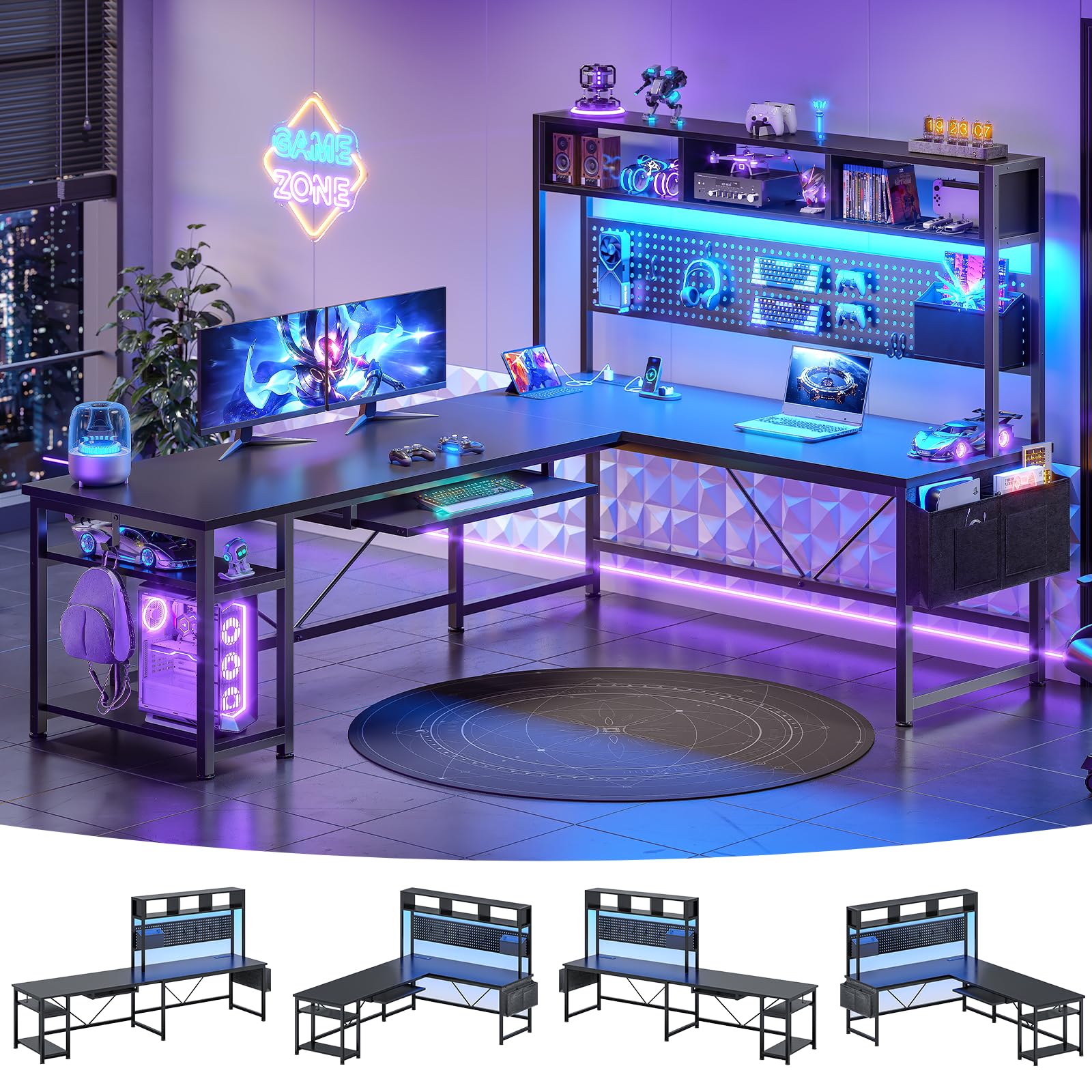
Check Latest Price
2

Best for Charging and Storage

AODK 53-Inch L Gaming Desk

92 /100
LBD Score Outstanding

Key details

Power
3 AC outlets, 2 USB
Storage
Two shelves, CPU stand, hook, bag
Lighting
10 colors, 8 brightness, 10 modes
Desktop Size
53.15 by 18.9 inches
View on Amazon

The AODK's built-in power strip is the feature that earns this desk its place: three AC outlets and two USB ports sit at desk level, so a monitor, console, and phone can stay plugged in without a floor strip or a reach behind the desk. The 53-inch L shape gives you a wide corner surface, and the two shelves, CPU stand, headphone hook, and storage bag cover the everyday clutter.

We recommend it for a setup that is as much charging station as gaming rig. The reversible shelves can move to either side, which matters in a room where the only open corner is on the left, and the LED strip gives you ten colors, eight brightness levels, and ten modes without requiring a phone. It is not the most substantial desk here, but it is one of the most practical.

The CPU stand is the measurement to take before buying. It is sized for a compact tower, and a full-size case can crowd it or fail to fit, so check your case width against the space under the desk. The rest of the storage is generous for the footprint: two shelves, a hook, and a bag give controllers and cables a home.

Pros

  • Three AC outlets and two USB ports
  • Reversible storage shelves
  • Ten colors, eight brightness levels, ten modes

Cons

  • LED strip wiring is hard to hide
Our verdict

For a setup with a monitor, console, and phone competing for outlets, this AODK is the L-shaped desk we recommend first.

Check Latest Price
3

Best for Large Setups

SEDETA 67-Inch L Gaming Desk

93 /100
LBD Score Outstanding

Key details

Power
4 outlets, 2 USB
Storage
Keyboard tray, hutch, pegboard, bag
Lighting
App-controlled RGB, 29 modes
Footprint
67-inch L or 94.5-inch straight
View on Amazon

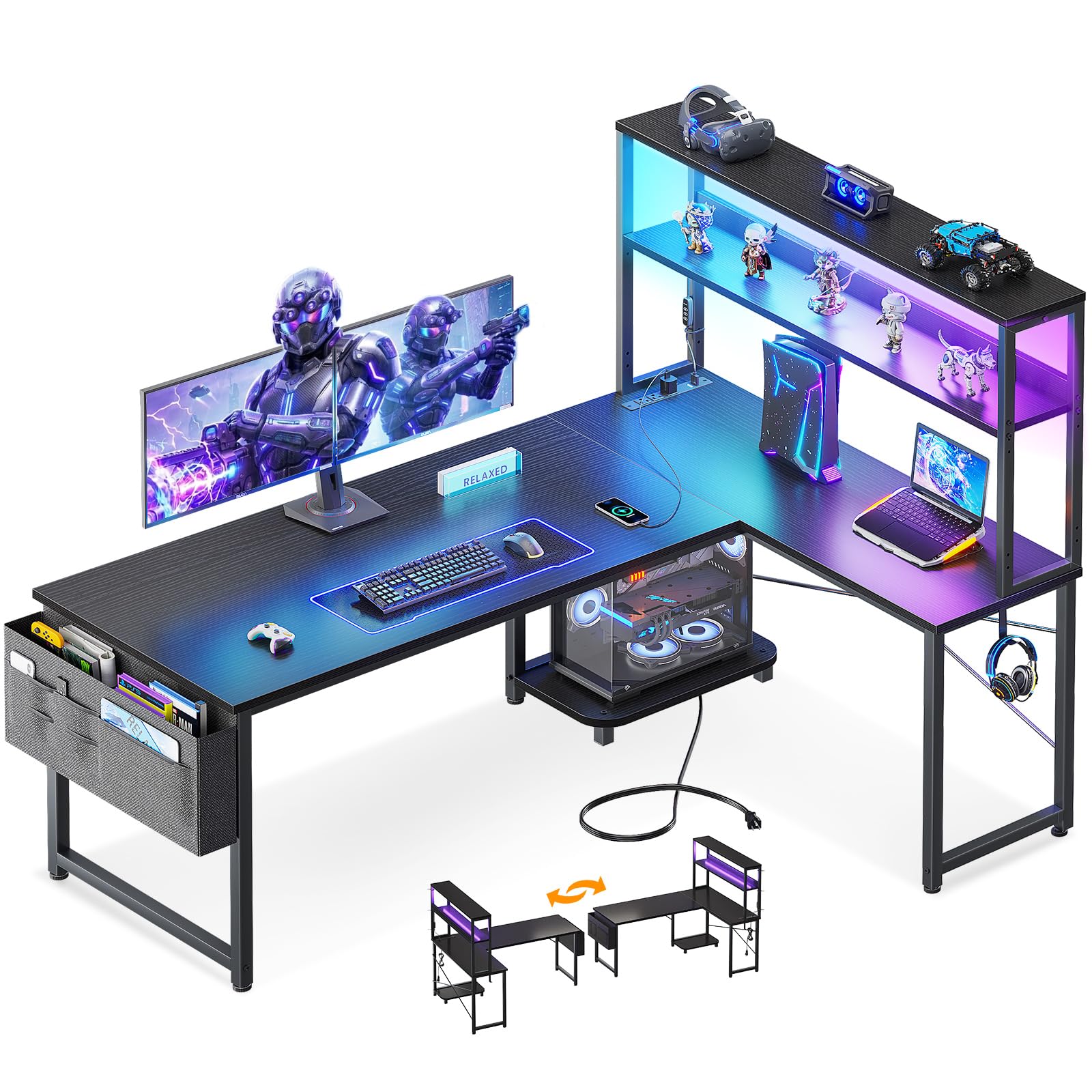
A 67-inch L that can be rebuilt as a 94.5-inch straight desk is a different category of workspace, and that is the SEDETA's opening argument. In its corner form it gives you two wide wings for monitors and a side return for a tower or a second screen; in the straight form it becomes a long single run for a streaming layout.

The storage is the reason it holds that much gear without looking like a pile. A pegboard, top hutch, keyboard tray, and storage bag give you places for a headset, controllers, and cables, while four outlets and two USB ports keep the power where the gear is. The RGB strip is app-controlled with 29 flashing modes, so it is closer to a lighting system than the simple strips on cheaper desks.

We paid attention to the assembly and finish because this is a big, heavy desk: 76 pounds of panels and frame means two people for the build, and the LED strip needs a clean, dry surface to stay put. The scale is also the point. A 94.5-inch straight run dominates a room, so measure the wall before you commit, not after the boxes arrive.

We recommend it for a large multi-monitor setup where the desk is the centerpiece. If you have the room, nothing else here gives you this much surface and lighting control, and the hutch keeps the gear off the main work area. It is a committed choice, not a compact one.

Pros

  • 67-inch L or 94.5-inch straight run
  • Four outlets and two USB ports
  • App-controlled RGB with 29 modes
  • Pegboard, hutch, and keyboard tray

Cons

  • Keyboard tray too small for full-size keyboard and mouse
Our verdict

For a big room and a multi-monitor battlestation, the SEDETA gives you the most surface and lighting control in this group.

Check Latest Price
4

Best Heavy-Duty

ODK 53-Inch L Gaming Desk

92 /100
LBD Score Outstanding

Key details

Power
3 AC outlets, 2 USB
Lighting
10 colors, 8 brightness, 10 modes
Desktop Size
53 by 18.9 inches
Weight Capacity
300 lb
View on Amazon

The 300-pound weight rating is the first number we check on a desk like this, because it is the highest stated rating in this group. The ODK backs it with a steel frame, a 53-inch L surface, two shelves, a CPU stand, a headphone hook, and a tool bag. Three AC outlets and two USB ports sit in the desktop, and the LED strip offers ten colors, eight brightness levels, and ten modes.

The shelves keep the PC off the desktop and the power strip close to the gear, while the reversible side modules let you put the storage on the side that suits the room. The 11.8-inch shelf height gives a console or a stack of books room to sit without fouling the desktop above. This is the heavy-duty pick in the group, not the prettiest one.

The frame can feel wobbly until the shelves and braces are seated, so build it on a flat floor and tighten in stages rather than chasing the last bolt first. The parts are labeled and the tools are included, though the instructions are not the clearest we have followed. We recommend it when the desk has to carry a tower, two monitors, and the rest of the setup without feeling nervous. Once it is square and loaded, the desk feels as solid as its rating suggests.

Pros

  • 300-pound weight capacity
  • Three AC outlets and two USB ports
  • Two shelves, CPU stand, hook, and bag

Cons

  • LED strip is zip-tied rather than integrated
Our verdict

If you plan to load the desk with a tower and two monitors, this ODK's 300-pound rating makes it the sturdier bet here.

Check Latest Price
5

Best for Compact PC Showcases

AODK 59-Inch PC Showcase Desk

91 /100
LBD Score Outstanding

Key details

Storage
3 fabric drawers
Lighting
Under-shelf RGB
PC Display
Elevated showcase stand
Desktop Size
59.44 by 19.69 inches
View on Amazon

The AODK 59-inch desk is built around a display stand for your PC, not just a monitor. The raised platform puts a compact tower on show, a side shelf gives collectibles a home, and three fabric drawers swallow controllers, cables, and the clutter that usually ends up on the desktop. The 59-inch top is wide enough for two monitors and a keyboard, with the tower on its own stage. The RGB strip runs under the monitor shelf, so the light washes the gear rather than shining in your eyes.

The reversible layout is useful in a bedroom where the tower has to sit on the left or right, and the drawers are a smarter answer than open shelves if you hate visible cable nests. We also like that the desk does not force the PC onto the floor: the showcase stand makes the tower part of the setup. The three fabric drawers swallow a controller, cables, and a headset without turning the side of the desk into a mess. The side display shelf keeps a headset or a couple of figures off the main desktop.

We recommend it for a compact tower you actually want to look at. The showcase bay is sized for compact and smaller mid-tower cases; a full-size tower can crowd it, and the raised monitor shelf is narrow for wide monitor bases. Measure both before you order.

Pros

  • Elevated showcase stand for a compact PC
  • Three fabric drawers
  • Under-shelf RGB lighting

Cons

  • Fabric drawers are not for heavy gear
Our verdict

For a compact tower you want to show off, this AODK is the desk we recommend for a display-first gaming setup.

Check Latest Price
6

Best for Small Spaces

Bestier 42-Inch L Gaming Desk

92 /100
LBD Score Outstanding

Key details

Power
2 AC, USB, Type-C
Storage
Reversible shelves, monitor stand
Lighting
Under-shelf LED strip
Desktop Size
41.93 by 32.28 inches
View on Amazon

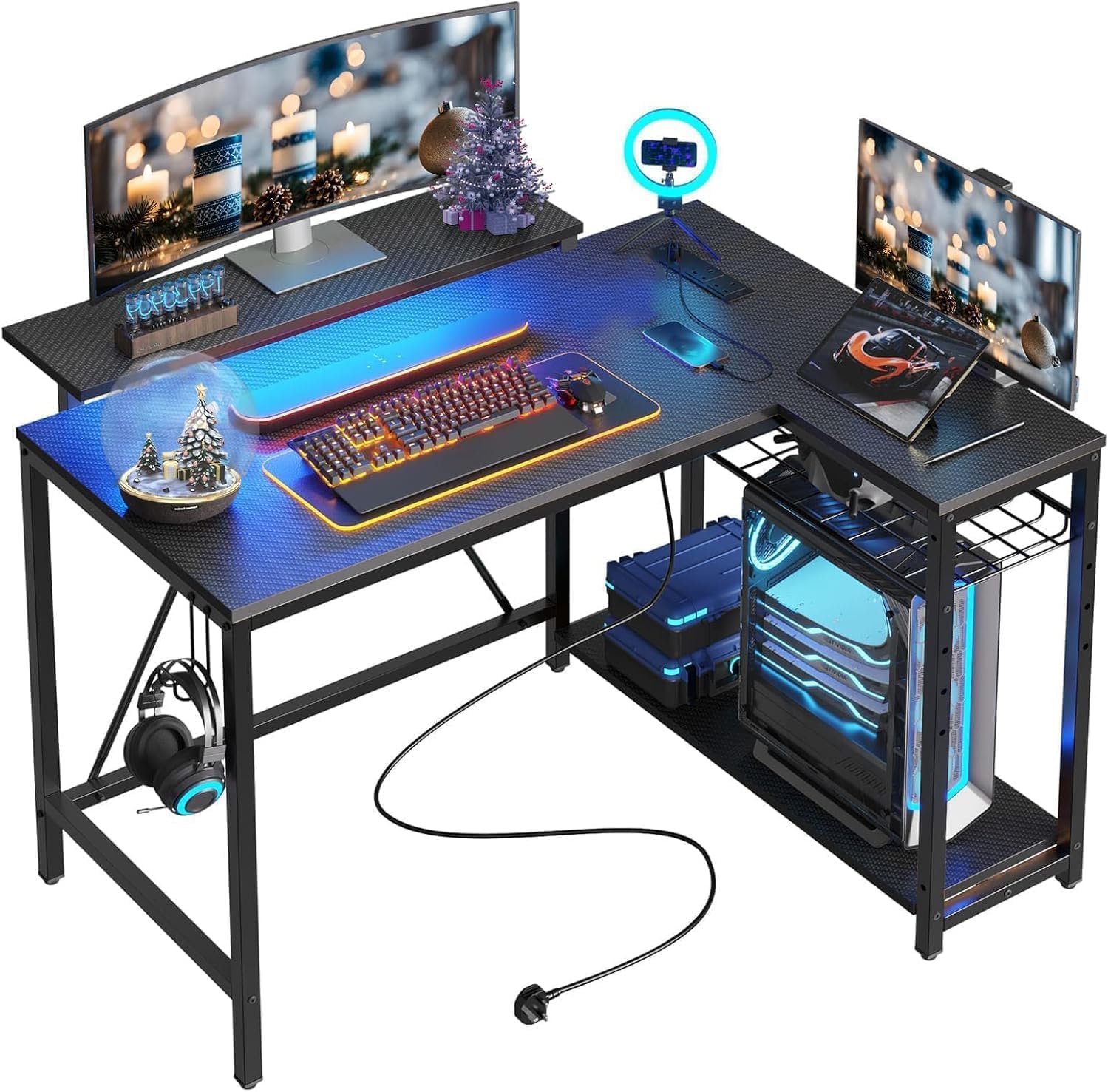
The Bestier's 42-inch footprint is the reason it exists: it fits the corner of a small bedroom without forcing the bed against the wall. The desk makes that footprint work with a raised monitor shelf, reversible side shelves, two AC outlets, one USB port, one Type-C port, and an LED strip under the upper shelf. We recommend it for a dorm, a teen's room, or any corner where a full 53-inch L would take over.

The reversible shelves are the detail we appreciate most: the same desk can open to the left or right, so you can put the storage on the side that does not block the door. The upper stand can serve as a monitor riser or a display shelf, and the headphone hook keeps a headset off the desktop. The carbon-fiber finish gives the top a darker, textured look than plain black laminate.

Two limits matter. The 42-inch width is a two-monitor desk at most, so a third screen or a full tower on the desktop will crowd it. The lighting is under-shelf ambient glow, not a room-filling RGB show, which is fine for a bedroom but not the desk for a light-heavy showcase.

Pros

  • 42-inch L footprint for small rooms
  • Two AC, USB, and Type-C charging
  • Reversible side shelves

Cons

  • Monitor shelf can arrive loose or chipped
Our verdict

For a dorm or a small bedroom, this Bestier is the compact L we recommend, with enough charging and shelf storage for a two-screen setup.

Check Latest Price
7

Best with Drawers

Huuger 47-Inch Desk with Drawers

91 /100
LBD Score Outstanding

Key details

Power
4 AC, 2 USB, 1 Type-C
Storage
4 fabric drawers
Lighting
Smart-controller LED
Desktop Size
47 by 19.7 inches
View on Amazon

The Huuger's four fabric drawers are the reason it stands out in a group of open-shelf desks. They install on either side, so the storage can sit where the room allows, and the monitor stand carries four AC outlets, two USB ports, and one Type-C port at a height you can reach without crawling under the desk. The 47-inch top is a straight desk, not an L, which makes it easier to place along a wall.

The LED strip is controlled by the smart controller, and it gives the desk a gaming look without turning it into a dedicated battlestation. We recommend it for a small home office that games after hours: the drawers hide controllers and cables, and the outlets keep a monitor, lamp, and phone charger off the floor. It is a practical desk first and a light show second.

The drawers are fabric, so they are best for controllers, cables, and notebooks rather than heavy files. We also suggest testing the LED strip before the desk is fully loaded; if it is faulty, you want to know while the packaging is still around. Assembly is a one-person job with numbered parts, and the monitor stand does most of the ergonomic work.

Pros

  • Four reversible fabric drawers
  • Four AC, two USB, one Type-C
  • Smart-controller LED

Cons

  • Top is tight for two large monitors plus a tower
Our verdict

If controller and cable clutter is the problem, this is the desk we recommend: four drawers and outlets on the monitor stand earn their space.

Check Latest Price
8

Home Office Crossover

Furologee 51-Inch Gaming Desk

91 /100
LBD Score Outstanding

Key details

Power
3 outlets, 2 USB
Storage
File cabinet, adjustable shelves
Lighting
20 colors, 22 modes
Desktop Size
51.2 by 18.9 inches
View on Amazon

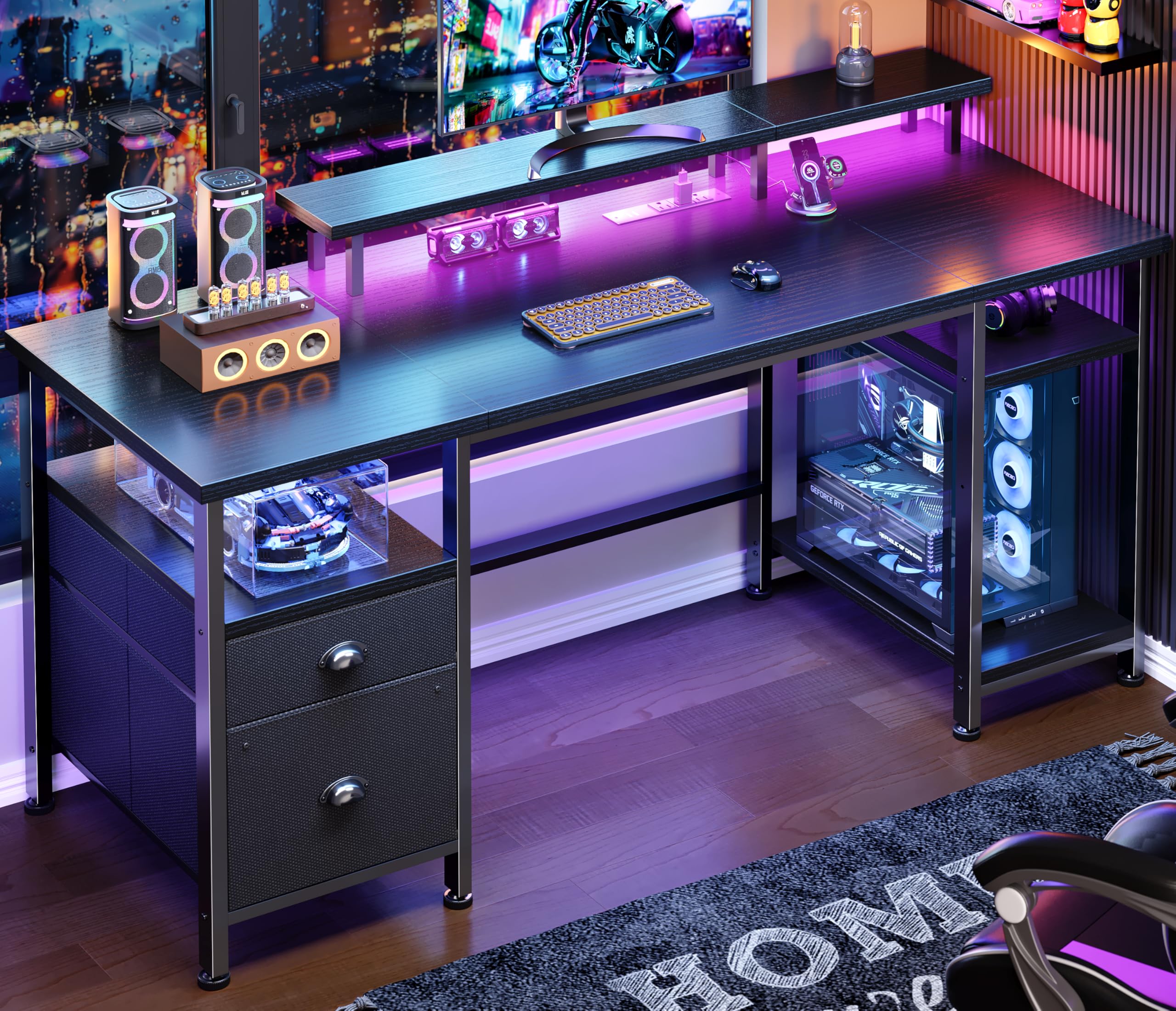
The Furologee is a straight 51-inch desk, not an L, and that is the point: it fits along a bedroom wall where a corner desk blocks the door or crowds the bed. The long monitor stand raises the screens, the file cabinet and two-tier shelves handle storage, and the built-in strip adds three outlets and two USB ports at the desk.

The LED system is more adjustable than the simple strips on several desks here: 20 colors, 22 modes, and five brightness levels. The shelves can be set at two heights, so a taller console or a stack of notebooks can find a home. The black finish and straight lines let it pass as a home-office desk with the lights off.

The file cabinet is sized for letter, A4, and legal folders, and the two-tier shelves keep the monitor and speakers off the main surface. The monitor stand is the ergonomic piece we appreciate: it raises the screens without eating the main desk. The 51-inch width leaves room for a keyboard, mouse, and a notebook, but this is still a wall desk rather than a deep command center.

We recommend it for a work-by-day, game-by-night room where the desk has to look professional with the lights off. The reversible layout lets the storage sit on either side, and the monitor stand does more for posture than a flat top. It is the straight-desk alternative to the L-shaped picks here, not a substitute for a huge multi-monitor build.

Pros

  • 20 colors, 22 modes, five brightness levels
  • Three outlets and two USB ports
  • File cabinet and adjustable shelves

Cons

  • Fabric file cabinet won't suit heavy files
Our verdict

For a bedroom office that games after hours, this Furologee is the straight desk we recommend when you want storage that hides paperwork.

Check Latest Price

How We Tested These LED Gaming Desks

We started with a long list of desks that combine an L-shaped or corner footprint with built-in LEDs, then filtered for the things shoppers actually compare: overall width, whether the return side can be reversed, whether the power outlets and USB ports are on the desktop or buried underneath, and how much storage comes with it — a drawer, a shelf, a hutch, a pegboard, a hook for a headset. We narrowed to 12 that covered the spread, from compact corner models to wide reversibles, and bought every one at retail.

Each desk arrived flat-packed and went together on a Saturday in a spare bedroom using only the tools in the box, with a timer running. We noted whether the holes lined up, which steps really needed a second person, and how clear the diagrams were when they didn't. Then we loaded them the way a desk actually gets loaded — monitor on the stand, tower on the shelf or floor, a drawer stuffed with cables and controllers — and leaned on the front edge the way you do when you push back from the keyboard. We opened every drawer and looked at the bottom panel and runner material before filling it.

Because most of these are reversible, we built each one in both orientations and slid it into a corner and flush against a wall to see what the shape did to legroom and monitor height. The outlets and ports got a phone, a laptop charger, and a controller cable at once to check for crowding, and the LED strips ran in a dark room at night to catch hot spots and see whether the remote made sense without the manual. Six months in, we're still working and playing at these desks.

How to Choose a Gaming Desk with Led Lights

Start With the Footprint, Not the RGB

An L-shaped desk uses two walls, so a 51-inch L is not the same as a 51-inch straight desk; it needs clearance in both directions. A straight 47- or 51-inch desk can be the better choice in a narrow bedroom, while a 67-inch L or a 94.5-inch straight run belongs in a dedicated room. We tell shoppers to tape the footprint on the floor and then sit in the chair: if the arms of the L crowd the bed or closet, go smaller. The Bestier 42 is the compact end of this group; the SEDETA 67 is the opposite.

Decide How You Want to Control the Light

Phone app, remote, or a button on the strip? A phone app gives the most colors and modes, but it adds a pairing step; a remote is faster for a quick change but easy to lose. Under-shelf strips wash the desk in ambient light, while edge strips outline the desk. We prefer app control when the desk is the centerpiece and a simple controller when it is a shared office. Check where the controller lives and whether the strip is accessible before you build the desk.

Count the Outlets Before the Controllers

Power is the feature that keeps a gaming desk usable after the novelty fades. Three AC outlets and two USB ports cover a monitor, speakers, and a charging phone; a USB-C port is worth having if your gear uses it. Look at where the bank is mounted: a strip on the monitor stand keeps cables off the desktop, while a floor-level strip means reaching under the desk. We prioritize outlets on the top surface and enough spacing for chunky adapters.

Measure the PC and the Monitor Base

Storage is where a desk description and a real setup part ways. An under-desk CPU stand may fit a compact tower but not a full-size case; a monitor shelf may fit a 27-inch screen but not a wide base. Fabric drawers are fine for controllers and cables, not heavy binders. A keyboard tray that looks generous in photos may not fit a full-size keyboard and mouse. Measure the case, the base, the tray, and the space between shelves before you choose. The AODK 59's showcase bay and the Bestier's monitor shelf are both measurements to check first.

Plan for Assembly and Load

Flat-pack desks are a two-person job once they pass 60 inches, even when the instructions say one person can manage. Build on a flat floor, leave bolts loose until the frame is square, and tighten in stages; that sequence prevents most wobble. Respect the weight rating, especially on an L-shaped desk where a tower and two monitors sit on one side. A 200-pound desk is fine for a normal setup; a 300-pound rating buys margin for heavier gear. The ODK 53 is the one to look at if load margin matters.

Frequently Asked Questions

Final Verdict

The Mr IRONSTONE earns our top recommendation because it gets the fundamentals right: an L-shaped surface big enough for two monitors, RGB you control from your phone, and a price below every other desk here. It is the desk we point to for a first serious gaming setup. If your room can take a 67-inch footprint, the SEDETA gives you much more surface and a pegboard for a large multi-monitor build; if you want to show off a compact tower, the AODK 59 is the specialist choice.