Best Overall

Logitech G413 SE
Key details
- Keys
- 108
- Keycaps
- PBT
- Switches
- Tactile mechanical
- Connection
- USB wired
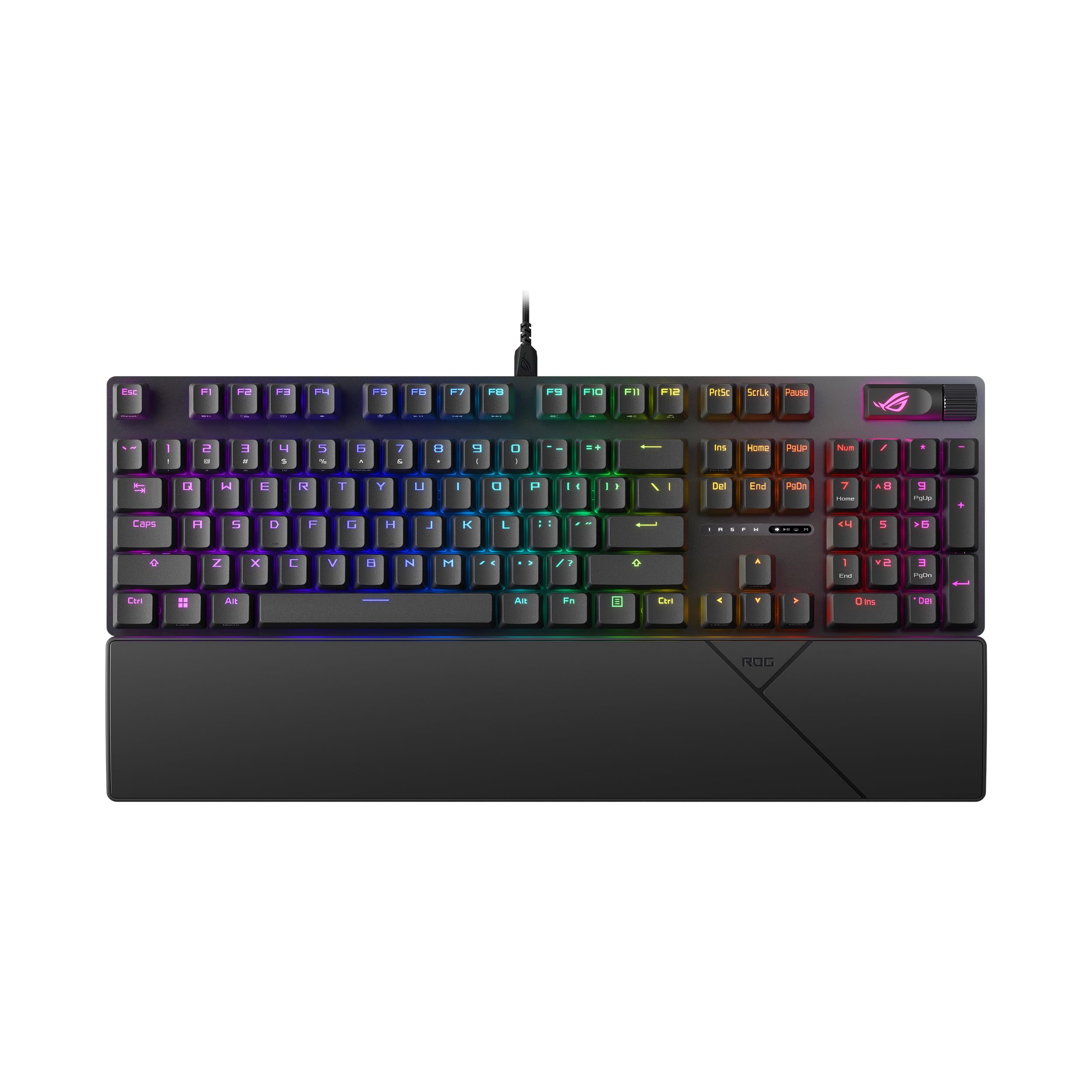
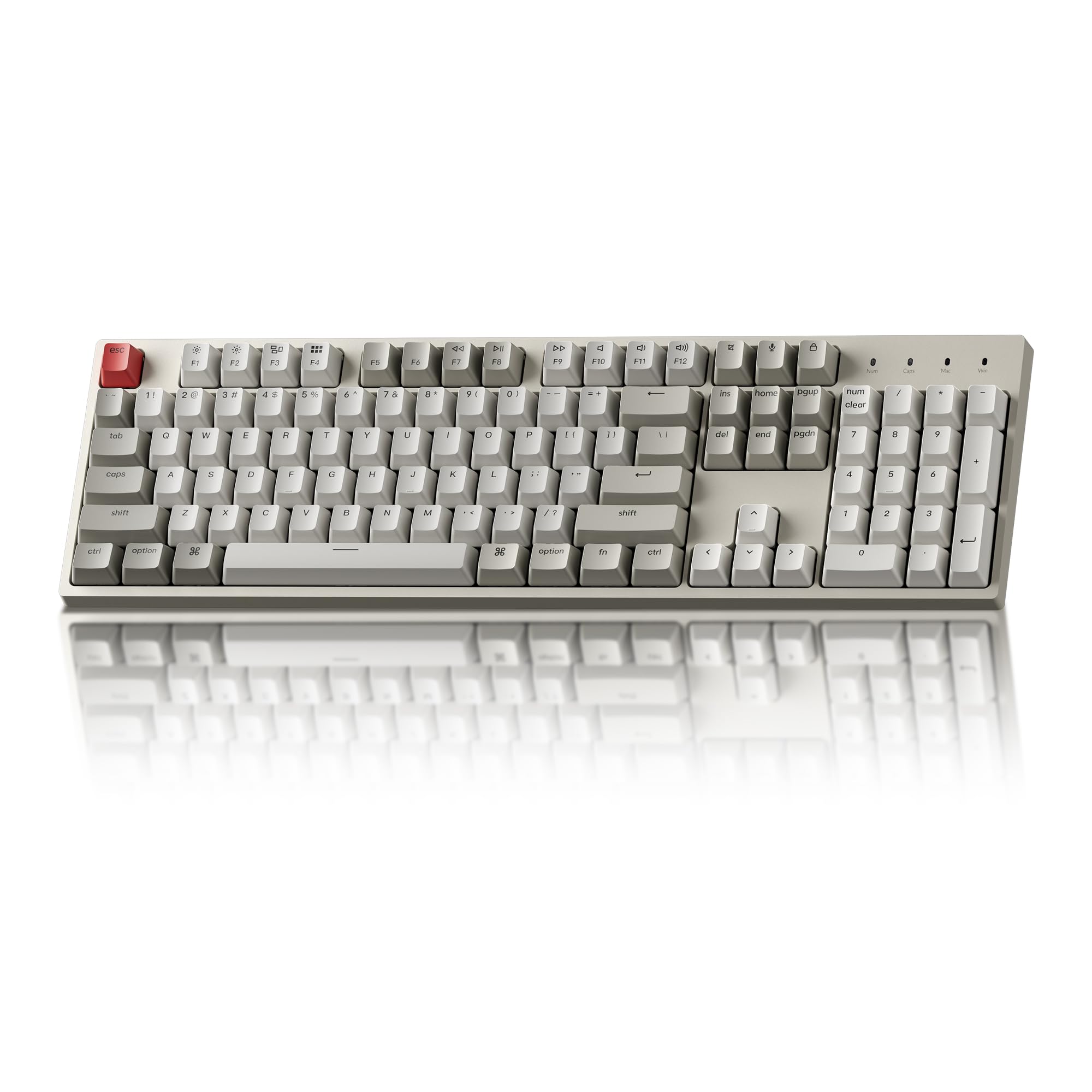
Two things decide how a keyboard looks after three years of typing: the plastic on top of the switches and the plate underneath them. Logitech got both right on the G413 SE. The keycaps are PBT, the material that resists the greasy shine ABS develops, and the top case is brushed black aluminum rather than the usual plastic shell. At 780 grams it stays where you put it, even during a bad round.
The switches are tactile, with a bump you feel at the actuation point and none of the click of a blue switch, and the layout is the full 108 keys with the numpad, plus six-key rollover so simultaneous presses don't cancel each other out. There's no software in the box and none needed: plug in the USB cable and Windows or macOS sees a keyboard.
The backlight is white with three brightness settings, and we came to prefer that over a rainbow. At night you can read every key without turning the desk into a light show, and there's no per-key software to open. What the G413 SE doesn't do is disappear: the space bar is the loudest thing on the board, and every keystroke lands with a hard tap that carries in a quiet room.
It isn't the quietest or the flashiest keyboard here, and it will never be wireless. It's the one we hand to most people, because the parts that wear out first, the caps and the case, are the parts Logitech spent the money on. The Redragon K668 costs less and gives you swappable switches; the ROG Scope II X is smoother for a good deal more. Neither makes this a worse default.
Pros
- PBT keycaps resist shine and wear
- Brushed aluminum top case stays planted
- Tactile switches with no software to install
- White backlight with three brightness levels
Cons
- Wired only, with no wireless option
- White lighting only, no per-key color
Our default for most desks: PBT keycaps and an aluminum case at a mid-range price, with tactile switches and nothing to install or charge.