Best Overall

bravokids 10-Inch LCD Writing Tablet
Key details
- Weight
- 5.29 oz
- Erase Type
- One-button erase
- Screen Size
- 10 inches
- Stylus Storage
- Tethered stylus
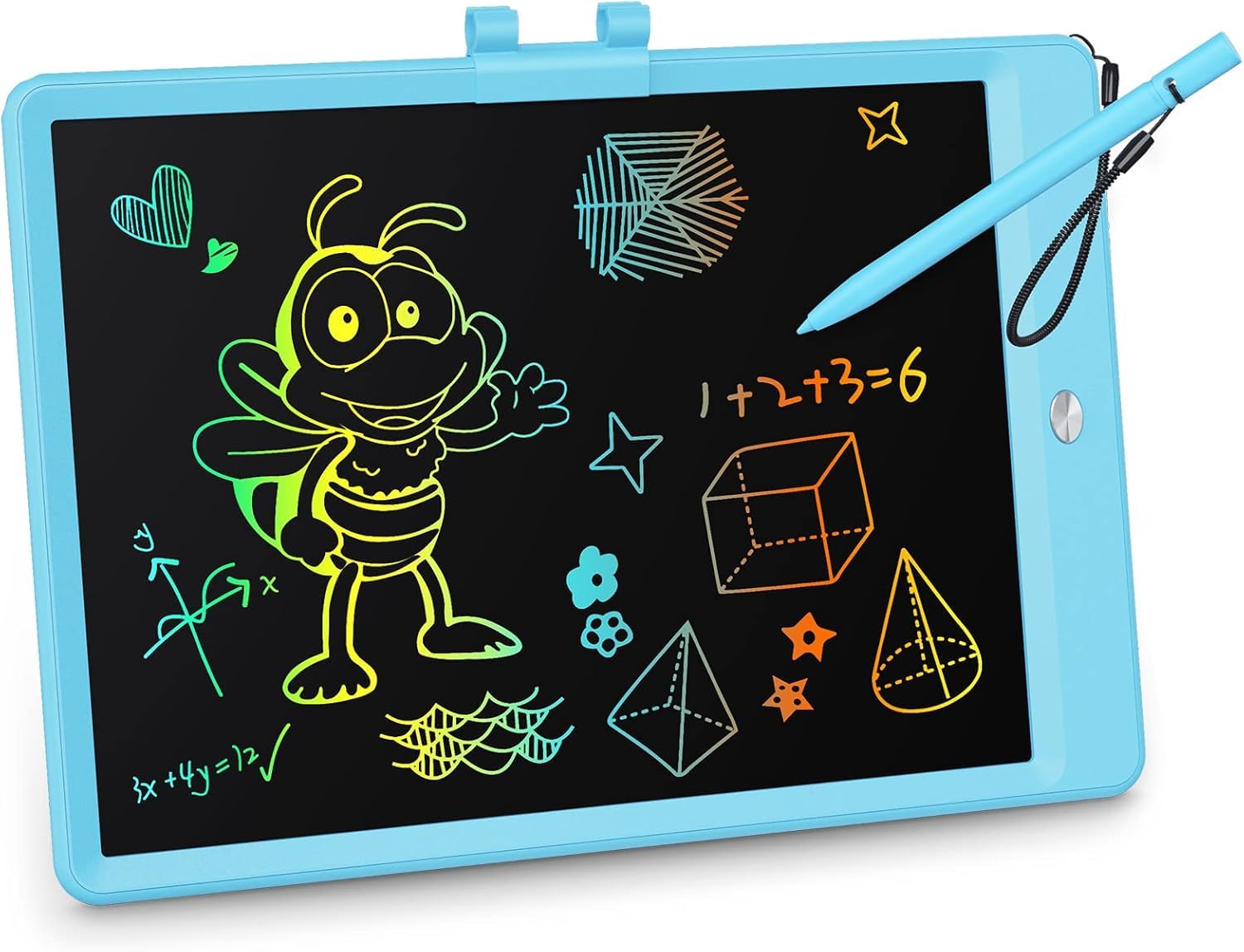
The 10-inch screen is the Goldilocks size for us: big enough for a full drawing, small enough that a 150-gram tablet can disappear into a kid's backpack. We noticed the line thickness changes with pressure from the stylus, so a light hand makes a thin line and a harder press makes a darker one. That's the same trick most LCD tablets use, but this one gets the basics right without adding a lot of buttons or modes.
The erase button clears the screen in one press, and the stylus connects to the tablet so it doesn't immediately end up under the couch. We paid attention to that connector because it's the difference between a drawing toy that stays usable and one that becomes a screen with no pen. The rounded plastic shell also feels suited to the way kids carry things—under one arm, in a bag, or across the floor.
What settled it for us is the combination of size and weight. At 150 grams, it's light enough for a 4-year-old to hold with one hand, yet the 10-inch canvas gives them room to draw a house, a name, or a whole page of doodles. The screen is easy to see in normal room light, and the color lines show up clearly enough for spelling practice and quick games.
What we keep coming back to is how little friction there is between a kid's idea and a mark on the screen. There's no paper to find, no cap to lose, and no app to open. The bravokids is not the most feature-packed tablet here, but it is the one we hand over without a second thought.
Pros
- Light 10-inch canvas for everyday drawing
- One-press erase is simple for kids
- Rounded plastic shell handles drops
- Stylus connector helps keep pen attached
Cons
- Colors look softer than product photos
For most kids, this is the drawing tablet we recommend first: a light 10-inch screen, one-button erase, and a shell that takes drops without a fuss.