Best Overall

TerraMaster D4-320
Key details
- Bays
- 4
- RAID
- None (individual disks)
- Max Capacity
- 88 TB
- Host Connection
- USB 3.2 Gen 2 (10Gbps)
Four drives go into the TerraMaster D4-320 without a screwdriver, and one USB-C cable carries all of them to your computer. That is the whole appeal: a 10Gbps link, tool-free trays, and each drive showing up as its own volume. We recommend it as the default four-bay DAS because it keeps the setup simple without making you give up speed. The JBOD design is a feature for backups: if one drive fails, you replace that drive instead of rebuilding an array.
The plastic shell keeps the weight down, and the temperature-controlled fan is the right call for a box that may sit on a desk. It does not feel like it needs a shelf of its own. We liked the tool-free trays more than we expected: drives slide in and out without hunting for screws, which matters when you are moving a backup set between machines.
The 10Gbps connection has more headroom than the 5Gbps units here, though a single spinning drive will not saturate it. The faster link earns its keep when you copy between drives, use SATA SSDs, or work with large video files. We kept the D4-320 on a direct port rather than a hub; that is the safe habit with any multi-bay enclosure, because a shared hub can turn a fast link into a dropped connection.
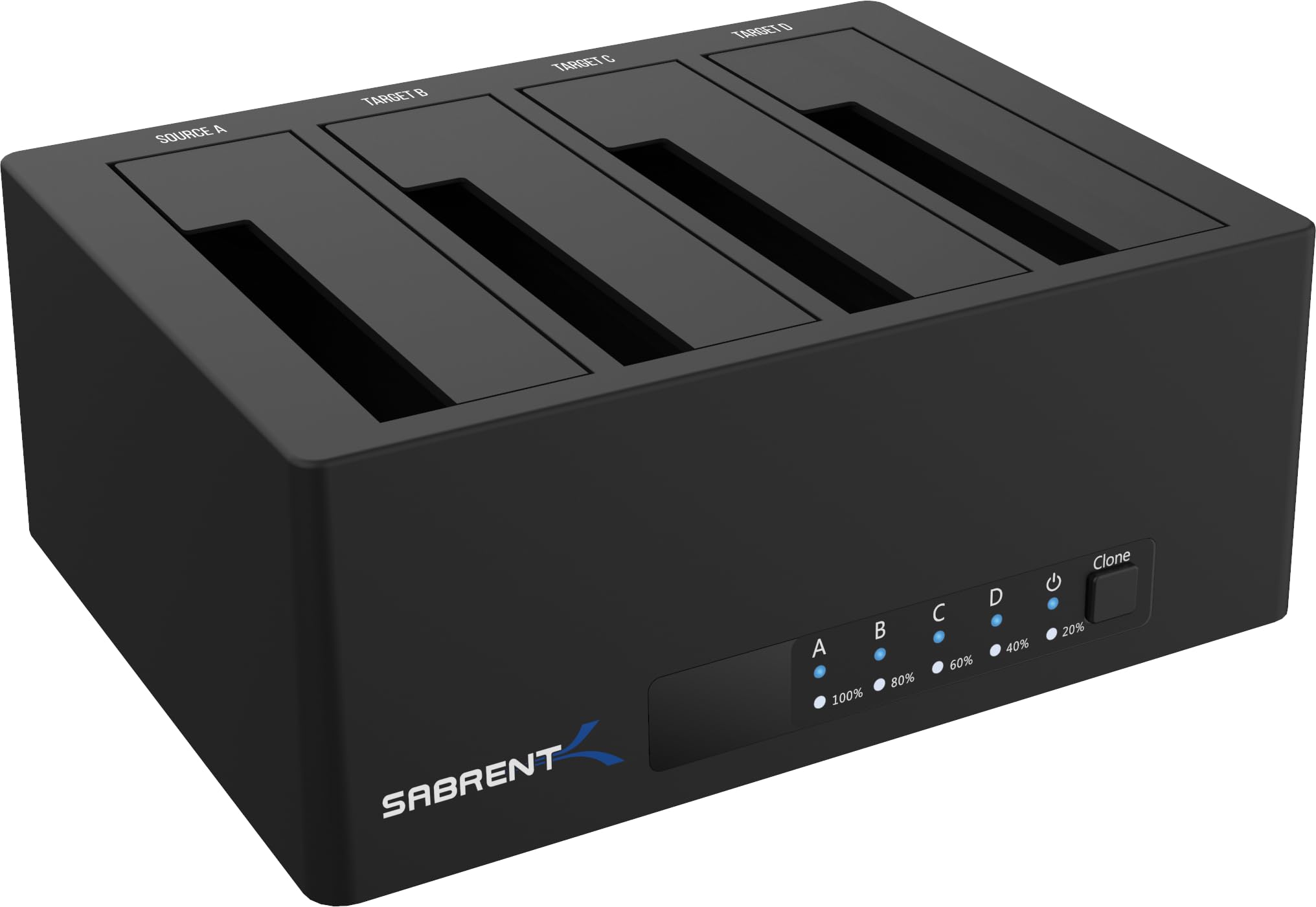
If you want hardware RAID or a metal body, the QNAP TR-004 is the step up. If you want a cheaper trayless dock for quick access, the Sabrent DS-U3B4 is the budget alternative. For a desktop backup box that stays put, the D4-320 is the one we reach for first.
Pros
- Tool-free trays simplify drive swaps
- 10Gbps USB-C link has headroom for fast drives
- Each drive mounts separately for easy recovery
- Temperature-controlled fan keeps noise in check
Cons
- Plastic shell feels less substantial than metal
We recommend the D4-320 as the default four-bay DAS: it is fast, tool-free, and keeps each drive independent for simple backups and recovery.