Best Overall

Samsung Odyssey G55C 32"
Key details
- Curve
- 1000R
- Resolution
- 2560 x 1440
- Screen Size
- 32 inches
- Refresh Rate
- 165 Hz
A 32-inch screen is where resolution stops being a detail. Stretch 1080p across that much glass and text turns soft from a normal sitting distance, which is why the G55C's 2560 x 1440 panel is the first thing worth talking about: the pixels are small enough that a spreadsheet or a long document stays crisp without you leaning in. Move up from a 1080p panel of the same size and the tighter grid is the difference you notice first.
This is the one we recommend to most people. The 1000R curve is the tightest here alongside the G9, and at 16:9 it reads as a gentle wrap rather than a fishbowl, pulling the edges of a wide window to a more even distance from your eyes. The VA panel's 2500:1 contrast gives dark scenes real depth. HDR10 is on the sheet, but at 300 nits treat it as a label rather than an experience you'll switch on for movies.
Gaming is handled properly: 165Hz with FreeSync, and a 1ms MPRT figure that keeps fast pans clean instead of smeared. The stand is where Samsung saved money, tilting but not rising, so the top of the screen sits wherever it sits. A riser or a wall bracket solves that in an afternoon, and at 11.5 pounds this is light enough to lift onto either alone.
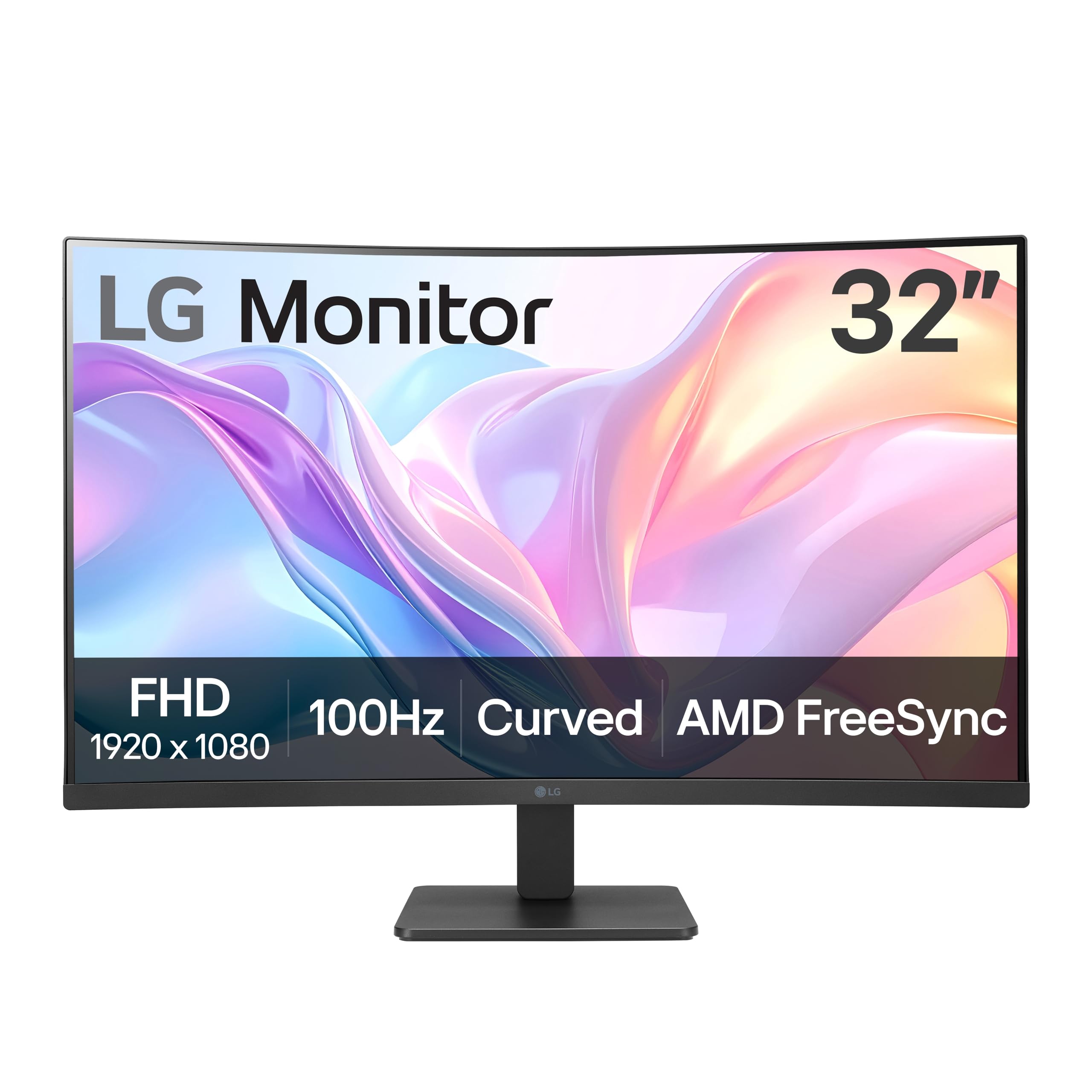
One thing to check against your room: the panel is glossy, not matte. Facing a window it turns into a mirror at the wrong time of day, and the LG below is the calmer choice in a bright office. In a room where you control the light, that gloss is part of why images look as punchy as they do.
Pros
- Sharp 2560 x 1440 panel at 32 inches
- 165Hz with FreeSync for smooth games
- 1000R curve wraps without warping the desktop
- Deep VA blacks at 2500:1 contrast
Cons
- Glossy panel picks up window reflections
- Single HDMI and single DisplayPort input
Buy this one if you want a single curved screen that's sharp for work and fast enough for games; it's the best balance in this group.