Best 34-Inch Curved Monitors of 2026

A 34-inch curved monitor is a bet that one wide, gently bending screen can replace the two rectangles you've been dragging windows between. The 1500R curve isn't decoration — it keeps the far corners of a spreadsheet roughly as close to your eyes as the middle. What separates a great one from a merely fine one shows up later, though: at 9 p.m. on low brightness, or the moment your desk lamp clicks on and half the screen turns milky.

I've worked on ultrawides for years, and my team just spent six months with 10 curved 34-inch monitors, running everything from 100Hz productivity panels to 240Hz gaming screens through ordinary workdays. The lesson that surprised me: resolution and refresh rate get all the attention, but panel type and USB-C wattage quietly decide whether you'll love the thing. VA gives you deep blacks that can smear in fast scenes, and a USB-C port with real power delivery can erase a dock from your desk.

Color, built-in speakers, and how the curve actually looks sitting on a narrow desk factored in too. The picks below split cleanly between gaming, remote work, and streaming, and each one earned its place on a real desk rather than a spec sheet.

1

Best Overall

Alienware AW3425DWM

90 /100
LBD Score Outstanding

Key details

Panel
VA, 1500R
Warranty
3 years
Resolution
3440 x 1440
Refresh Rate
180Hz
View on Amazon

Fast or accurate is the usual choice at a given price. The AW3425DWM skips it: 3440 x 1440 at 180Hz with 1ms gray-to-gray and FreeSync Premium on one side, 95% DCI-P3 coverage and VESA DisplayHDR 400 on the other, all carried on a 1500R curve.

That combination is why it's our top pick. We spent the week switching between a game and a browser full of spec sheets, and the curve kept both edges in view without making the center feel warped. The three-year warranty is the detail we kept coming back to — it's the longest coverage here, matched only by the AOC, and the panel is the one part you can't replace cheaply.

Color is the other half of the case. A 3000:1 contrast ratio gives dark scenes real black instead of gray fog, and the DisplayHDR 400 badge is honest about being a brightness step rather than a cinematic experience. If you edit photos, calibrate it; this panel rewards the effort.

One practical note before you mount it: at 21 pounds it's the heaviest monitor in this roundup, so a light-duty arm rated for a 15-pound office panel won't do. On its own stand it sits steady, and height and tilt adjustment put the center of the screen at eye level.

Pros

  • 180Hz with FreeSync Premium and AdaptiveSync
  • 95% DCI-P3 color with 3000:1 contrast
  • Three-year warranty, the longest coverage here
  • 1500R curve keeps the edges in view

Cons

  • No USB-C video input or laptop charging
Our verdict

The best all-around 34-inch curved monitor we tested, pairing 180Hz gaming speed with 95% DCI-P3 color and the longest warranty coverage in the group.
Check Latest Price
2

Best for Office Work

LG 34WR55QK-B

90 /100
LBD Score Outstanding

Key details

Stand
Height and tilt
Resolution
3440 x 1440
USB-C Power
Up to 65W
Refresh Rate
100Hz
View on Amazon

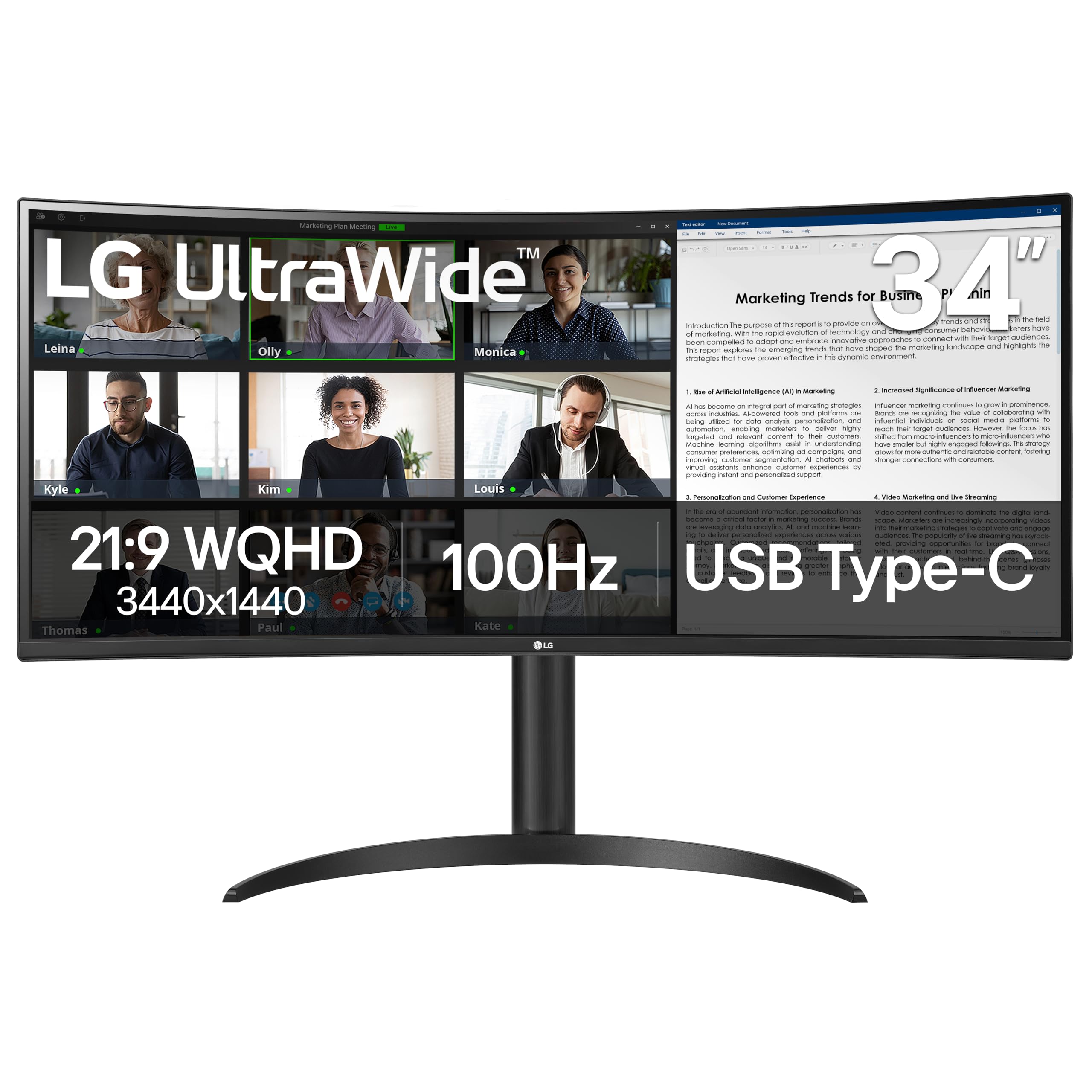
One cable is the whole pitch, and it holds up. The 34WR55QK-B sends video to the panel and up to 65W back to a laptop over USB-C, so the dock, the charger, and the spare HDMI lead all come off the desk. We noticed it most at the end of the day, when there was nothing to unplug but a single connector.

The panel is built for that life rather than for frame rates: 3440 x 1440 on a matte VA screen at 100Hz, 99% sRGB, 3000:1 contrast, and a stand that does height as well as tilt. Text is crisp at this resolution, and long documents don't shimmer the way they do on a cheap 1080p ultrawide.

Where it beats the Dell S3425DW is cost, and where it loses is color range: 99% sRGB covers documents, calls, and casual photo edits but not the DCI-P3 work a colorist does. If your day is windows, spreadsheets, and a browser, the extra color on the Dell buys you very little, and this one leaves more of the desk budget for an arm and cables.

Pros

  • USB-C video with 65W laptop charging
  • Height-adjustable stand in the box
  • Matte 3440 x 1440 panel with 3000:1 contrast
  • 99% sRGB with HDR10

Cons

  • 100Hz and 5ms limit fast gaming
  • No DCI-P3 coverage listed for color work
Our verdict

The monitor we recommend for a laptop desk: one USB-C cable handles video and 65W of charging, and the height-adjustable stand comes in the box.

Check Latest Price
3

Best for Creative Work

Dell S3425DW

86 /100
LBD Score Excellent

Key details

Warranty
1 year
USB-C Power
Up to 65W
Refresh Rate
120Hz
Color Coverage
95% DCI-P3
View on Amazon

The S3425DW costs more than the LG above it, and for a specific buyer that's the right trade. What the extra money buys is color: 95% DCI-P3 alongside 99% sRGB on a 3000:1 VA panel, plus 120Hz and FreeSync Premium for the hours when you're not editing.

The small details sold us on it as a dock replacement. USB-C delivers 65W to a laptop, a row of pop-down USB-A and USB-C ports sits on the side of the panel where a hand can reach it, and the two 10W speakers are good enough for calls — rare enough in monitor audio that it's worth saying out loud.

Our reservation is what the premium defends: this is the priciest panel in the roundup, and the warranty runs a single year where the Alienware gives three. What offsets that is Dell's advanced exchange and premium panel service, which swaps the unit rather than repairing it. If client work depends on the color being right, the premium is easy to justify.

Pros

  • 95% DCI-P3 with 3000:1 contrast
  • USB-C 65W plus reachable side ports
  • Two 10W speakers that handle calls
  • 120Hz with FreeSync Premium

Cons

  • One-year warranty versus three on the Alienware
Our verdict

Buy this one when accurate color and a clean laptop dock matter more than frame rate: 95% DCI-P3, usable speakers, and side ports you can actually reach.

Check Latest Price
4

Best Gaming Value

AOC CU34G4H

87 /100
LBD Score Excellent

Key details

Stand
Height, tilt, swivel
Warranty
3 years
Resolution
3440 x 1440
Refresh Rate
200Hz over DisplayPort
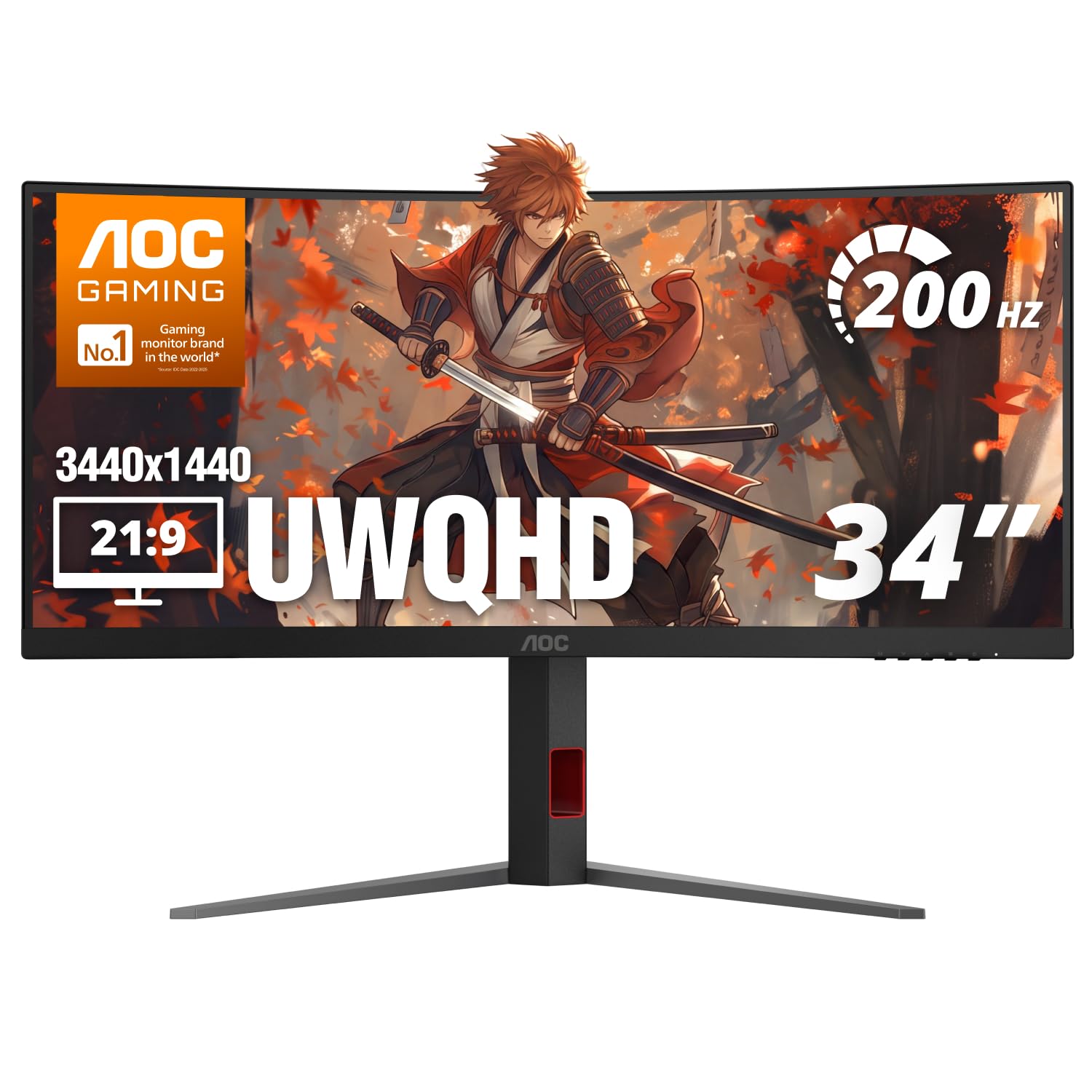
View on Amazon

Budget gaming monitors usually make you give up the stand first. The CU34G4H doesn't: height, tilt, and swivel are all there, so the panel reaches eye level without a stack of books underneath it, and AOC backs the whole thing for three years.

That stand and that warranty are why it's our gaming value pick, more than any single figure on the box. 200Hz runs over DisplayPort 1.4 only — the HDMI 2.0 inputs stop at 100Hz — so connect the right cable before you decide the panel is slow. At 1500R with Adaptive-Sync and a 0.3ms MPRT rating, fast movement stays legible right out to the edges.

Two things to know going in. The screen finish is glossy rather than matte, which looks excellent in a dim room and picks up the window behind you in a bright one. And the money went to the panel: there's no USB hub and no speakers. For a gaming PC with a set of speakers already on the desk, neither absence stings.

Pros

  • 200Hz over DisplayPort 1.4
  • Height, tilt, and swivel stand
  • Three-year manufacturer warranty
  • 1500R curve with Adaptive-Sync

Cons

  • Glossy finish picks up window glare
  • HDMI inputs cap at 100Hz
Our verdict

The gaming value pick for anyone with a desk and no monitor arm: 200Hz, a stand that actually rises, and three years of coverage.

Check Latest Price
5

Best Budget High Refresh

Sceptre C345B-QU240T

83 /100
LBD Score Excellent

Key details

Ports
2 HDMI, 2 DisplayPort
Speakers
Built-in
Resolution
3440 x 1440
Refresh Rate
240Hz
View on Amazon

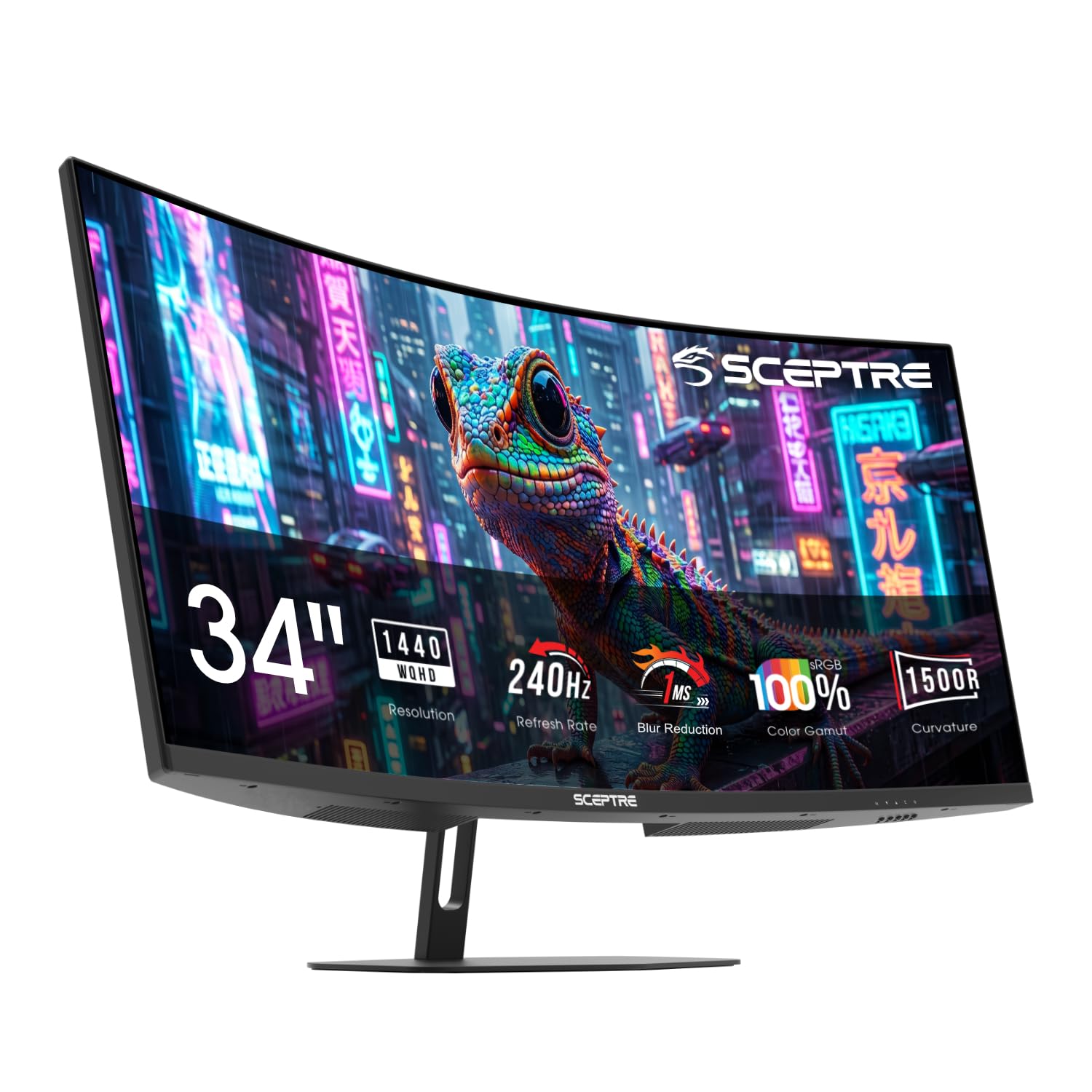
This is the monitor for someone who wants the refresh rate and nothing else. 240Hz at 3440 x 1440, 1ms MPRT, FreeSync Premium, 100% sRGB, and two DisplayPort inputs so a PC and a console can both stay plugged in.

We came away thinking of it as a gaming panel with an office panel's manners. The matte screen and 1500R curve are comfortable over a long session, the picture is bright and clean at default settings, and 240Hz is genuinely usable if your graphics card can feed it. The built-in speakers are the weak spot — thin enough that we kept a headset plugged into the audio-out.

The compromises are the expected ones. There are no USB ports at all, and the stand tilts without raising the screen, so plan on an arm or a riser if your desk sits high. If you already own one, neither matters, and nothing else in this group reaches 240Hz for as little.

Pros

  • 240Hz at 3440 x 1440
  • Two DisplayPort and two HDMI inputs
  • FreeSync Premium with 1ms MPRT
  • 100% sRGB on a matte screen

Cons

  • No USB ports or USB-C
  • Tilt-only stand with no height adjustment
Our verdict

The cheapest way into 240Hz at this size, and a sensible buy if the panel is all you're paying for and you already own an arm or a riser.

Check Latest Price
6

Best Smart Monitor

LG 34SR60QC-W

88 /100
LBD Score Excellent

Key details

Ports
2 HDMI, 3 USB
Resolution
3440 x 1440
Refresh Rate
100Hz
Smart Platform
webOS
View on Amazon

Turn it on with no computer attached and it boots into webOS, with Netflix, Prime Video, Disney+, and the Apple TV app built in, plus AirPlay 2 and screen sharing from a phone. That's the reason to pick it over the 34WR55QK-B above: it's a television that also does spreadsheets.

The panel is the part we have least to say about, and that's a compliment. 3440 x 1440 at 100Hz, 99% sRGB, HDR10, a matte finish, and a built-in speaker: clean, quick to set up, and unremarkable in the way a good office monitor should be. The white cabinet also disappears into a living room better than the black slabs here.

What gives us pause is speed and the remote. 100Hz is a ceiling, not a target, so a gaming PC belongs on one of the faster panels in this group. And a TV remote in the same room can wake the screen or switch its input, which is a nuisance if a streaming stick lives nearby. For a dorm, a guest room, or a small apartment where one screen does everything, those are small trade-offs.

Pros

  • webOS with Netflix, Prime Video, and AirPlay 2
  • 99% sRGB and HDR10 at 100Hz
  • Built-in speaker and Bluetooth
  • White finish suits a living room

Cons

  • No USB-C input for a laptop
  • Tilt-only stand
Our verdict

The pick for a room where one screen has to be both monitor and television: webOS, AirPlay 2, and a white cabinet that doesn't look like a gaming rig.

Check Latest Price
7

Curved Work Desk

Samsung ViewFinity S65UA

82 /100
LBD Score Excellent

Key details

Curve
1000R
Stand
Height adjustable
USB-C Power
Up to 90W
Refresh Rate
100Hz
View on Amazon

A 1000R curve is the tightest in this roundup, and you notice it immediately: the far edges of a 34-inch panel sit closer to your eyes than they do on a 1500R screen. For reading and side-by-side windows that's comfortable. For CAD work, where a straight line should look straight, give yourself a day to adjust.

The rest of the package aims at the same desk: 3440 x 1440 at 100Hz, HDR10, a USB-C port that charges a laptop at up to 90W, a height-adjustable stand, and TUV-certified eye care that adjusts brightness and color temperature as the room changes.

That 90W figure matters if you dock a larger laptop. The 65W on the LG and Dell keeps a thin 13- or 14-inch machine charged but can leave a bigger one losing ground under load. If a laptop is your only computer, the extra wattage is worth more than a refresh-rate bump you won't use.

Where it trails the picks above is speed: 100Hz with no gaming features advertised, so a competitive player should be looking at the Alienware or the AOC instead. What you're paying for here is the tight curve, the 90W dock, and the eye-care automation, and for a work desk that's a fair trade.

Pros

  • 1000R curve, the tightest in this group
  • USB-C with 90W power delivery
  • Height-adjustable stand
  • Automatic brightness and color temperature

Cons

  • 100Hz with no gaming features
Our verdict

A work-desk monitor for someone who wants the tightest curve and the most laptop charging on this list, and can live without gaming speed.

Check Latest Price
8

Bright-Room Gaming

SANSUI ES-G34C5 PRO

89 /100
LBD Score Excellent

Key details

Ports
2 HDMI 2.1, 2 DisplayPort 1.4
Stand
Tilt only
Brightness
450 cd/m²
Refresh Rate
240Hz
View on Amazon

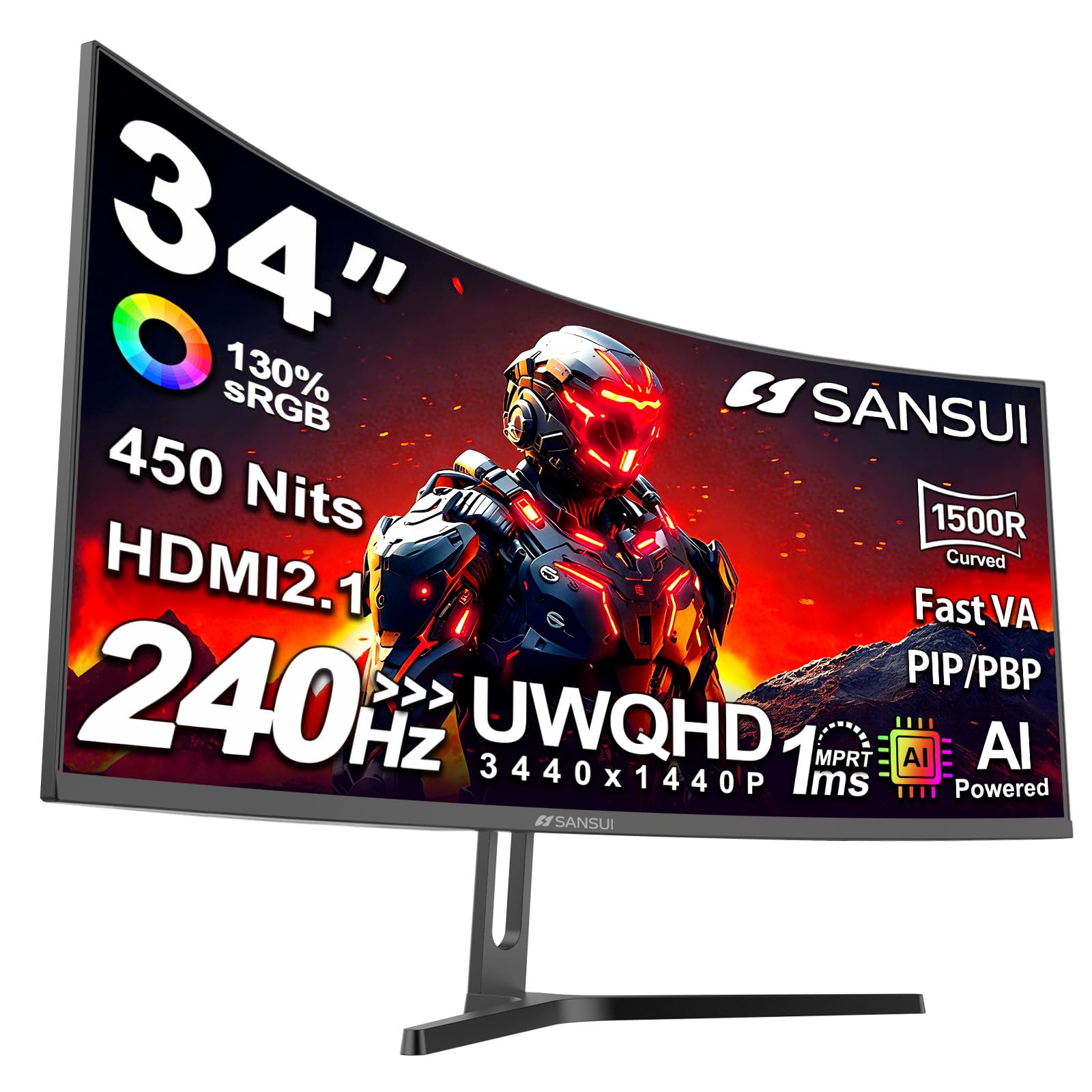
450 cd/m² is the highest brightness in this group, and it's the reason the ES-G34C5 PRO holds up in a room with a window behind you. Add HDR400 and a 3000:1 VA panel and you have a 34-inch ultrawide that stays readable in daylight instead of washing out by noon.

240Hz arrives over either of the two DisplayPort 1.4 inputs or either of the two HDMI 2.1 inputs, so a PC and a current console can both run at full rate without a switcher, and picture-in-picture lets two sources share the panel. There are no built-in speakers, so budget for a pair.

Color is the caveat. A wide gamut rating doesn't guarantee accuracy out of the box: we spent a few minutes in the on-screen menu before the picture stopped reading washed out next to a calibrated screen. Plan on that adjustment time, and don't buy it for color-critical work.

One more thing worth knowing: some units of this model have flashed black or refused to power on, so buy it somewhere with a simple return policy and test it early. At this brightness and frame rate, it's still a reasonable gamble for a sunlit room and a tight budget.

Pros

  • 450 cd/m², the brightest here
  • 240Hz over DisplayPort and HDMI 2.1
  • HDR400 and 3000:1 contrast
  • Picture-in-picture for two sources

Cons

  • No built-in speakers
  • Colors need adjustment out of the box
Our verdict

Worth a look for a bright room on a tight budget: 450 cd/m² and 240Hz over both DisplayPort and HDMI 2.1, provided you bring speakers and patience for the menu.

Check Latest Price

How We Picked and Tested 10 Curved 34-Inch Monitors

We started by pulling every 34-inch curved monitor we could find with a 3440 x 1440 panel, and ruled out the stretched 1080p versions — at this width that resolution looks soft the moment you sit close. From there we narrowed by panel type, refresh rate, port selection, stand adjustability, and what each one included for the money: an adjustable stand, speakers, a USB-C hub, or none of the above. We bought 10 and used them ourselves for six months.

Each monitor took over a real desk for at least three weeks. I did my actual job on it — two or three windows side by side, a spreadsheet next to a video call, documents snapped to the far edges to see whether text softened out toward the curve. In the evenings we gamed and streamed. We measured color with a colorimeter before and after calibration, watched how evenly the backlight held on a dark screen in a dim room, and toggled HDR on and off in the same scene to see whether it added depth or just crushed the shadows.

Sound got a fair hearing too: we played the same dialogue-heavy clip at 50 percent volume through every set of built-in speakers and noted which ones made voices sound thin or boxy. Connectivity had its own pass. We plugged a work laptop in over USB-C to check that one cable carried video and charged it at the same time, ran a console and a desktop simultaneously, and switched inputs to see whether each source remembered its settings. Compatibility was the fussiest part, since some older laptops capped out below the panel's refresh rate, Macs needed scaled resolutions, and more than one screen only reached its top refresh rate over DisplayPort.

Appearance counted more than we expected. A 1500R curve is wide enough to swallow a small desk, so we noted bezel thickness, which direction the ports face, and whether the stand's height adjustment actually cleared a laptop sitting underneath.

How to Choose a 34-Inch Curved Monitor

Start With Resolution, Then Decide on Refresh Rate

Every monitor here is 3440 x 1440, and that is the right floor for a panel this size — a 1080p ultrawide stretches text until it looks soft. The bigger fork is refresh rate. 100Hz is comfortable for documents, video, and casual games. Anything from 165Hz to 240Hz only pays off if you play fast games and your graphics card can feed the pixels.

High refresh has a cable catch. The AOC reaches 200Hz only over DisplayPort; its HDMI inputs stop at 100Hz. Read which port the spec sheet names before you decide a panel is slow.

Curve, Width, and What Your Desk Can Take

A 34-inch ultrawide runs about 31.8 inches wide, so measure desk width before you fall for a spec sheet. The curve is what makes that width livable: 1500R and 1000R bend the edges toward your eyes so you aren't swiveling your head, while a gentle 3800R barely bends at all.

Height adjustment matters more than the radius number. Several monitors here tilt but don't rise, and a panel that sits below eye level will have you slouching inside a week. If you plan to mount it on an arm, check the weight — the Alienware is 21 pounds.

What USB-C Really Buys You

One USB-C cable can carry video to the panel and power back to a laptop, which is the difference between owning a dock and owning a cable. Compare the wattage: 65W keeps a thin 13- or 14-inch machine charged, while a larger laptop can lose ground under load. The Samsung ViewFinity S65UA's 90W is the highest here.

If your computer is a desktop tower, skip this feature entirely. You are paying for a port you will never use.

Panel Type, Color Claims, and HDR

Almost everything in this category is VA, which buys deep blacks and strong contrast at the cost of some color shift when you sit off to the side. sRGB coverage in the high 90s is plenty for documents and casual editing. DCI-P3 is the number that matters for paid photo and video work, and only some of these monitors publish it.

Treat HDR400 as a brightness bump rather than a cinematic experience. It helps in a bright room; it does not turn a mid-priced panel into an OLED.

Warranty Length Is Part of the Price

Coverage in this group runs from one year to three, and the gap is not marketing. The panel is the expensive part of a 34-inch monitor and the part most likely to fail. Three years, as on the Alienware and the AOC, is worth a small premium on its own; a one-year term means the risk sits with you after next winter.

Frequently Asked Questions

Final Verdict

The Alienware AW3425DWM is the 34-inch curved monitor we point most people to: 180Hz with FreeSync Premium for games, 95% DCI-P3 for photos, and three-year coverage that outlasts everything else here. It doesn't do USB-C, which is the one reason to look elsewhere.

If your desk is a laptop and a spreadsheet, the LG 34WR55QK-B does the same job over a single USB-C cable for less. Buy the Dell S3425DW only when accurate color for client work is the reason you're shopping in the first place.