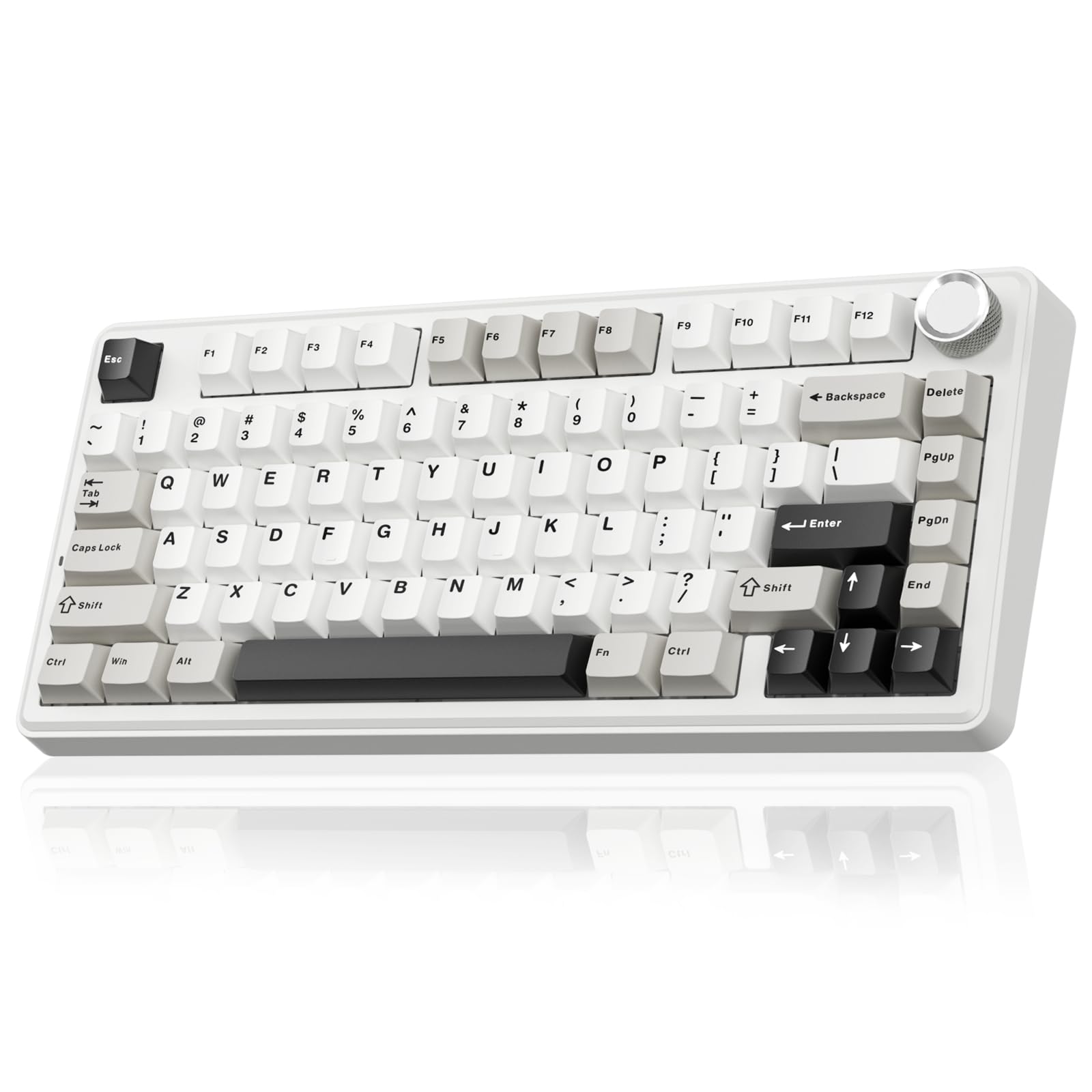
Best Overall

EPOMAKER x Aula F75 MAX
Key details
- Keys
- 80
- Mount
- Gasket, five-layer foam
- Switch
- Hot-swap linear
- Connection
- 2.4GHz, Bluetooth 5.0, USB-C
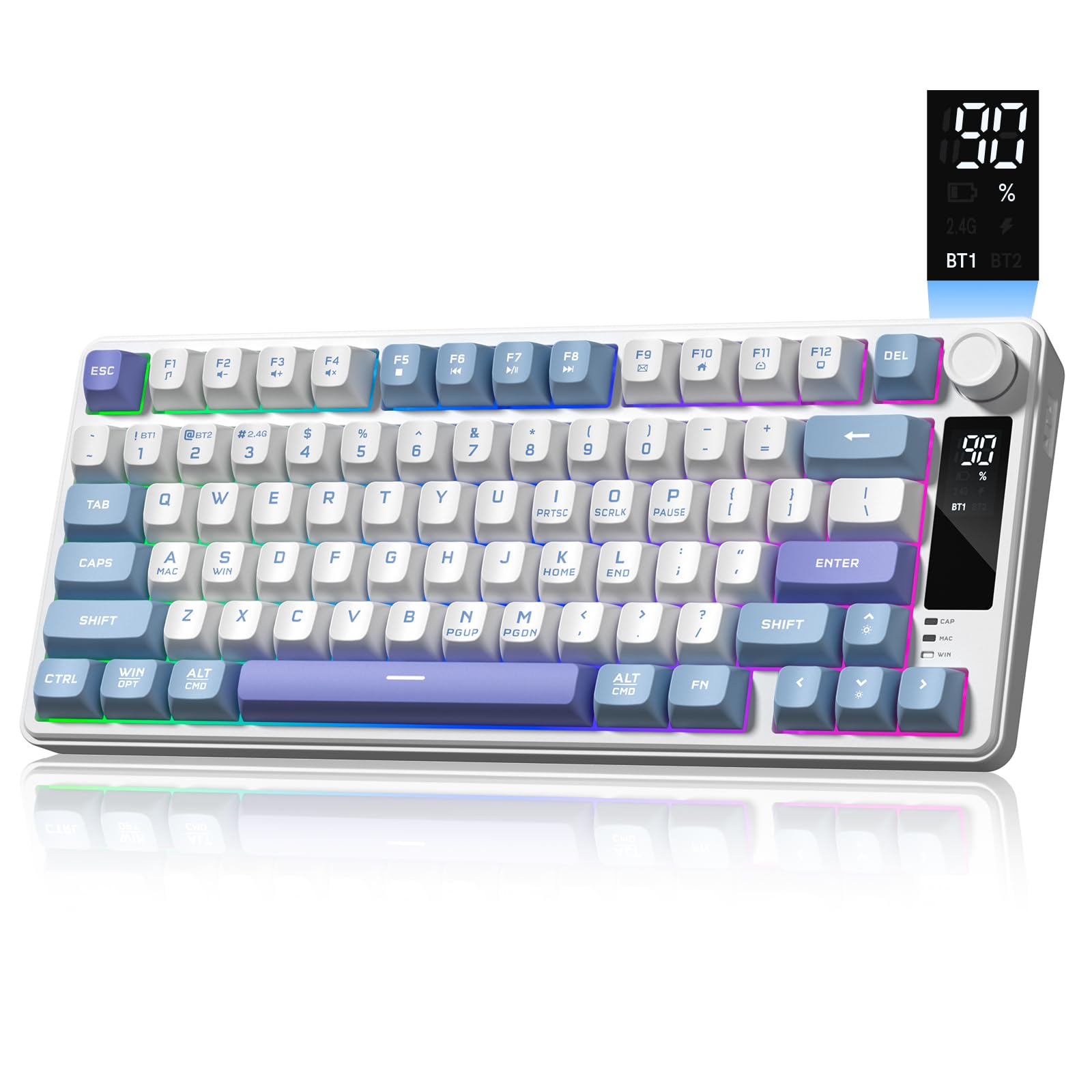
The difference between this and the F75 it replaces is a small color screen in the corner and a knob beside it, and after living with it we think the screen is the least interesting thing the board does. What matters is the rest of the package: an 80-key deck with a gasket mount, five layers of foam, a polycarbonate plate and factory-lubed linear switches. The sound is low and cushioned rather than sharp, and that is the quality that makes a mid-priced keyboard feel expensive.
Eighty keys is the right compromise for a 75%. You keep the function row, the arrows and Delete, and lose only the number pad — which is the trade that hands back several inches of desk. We especially like that every switch sits in a hot-swap socket, so a set of linears that starts to feel too light is a swap rather than a new purchase. Tri-mode covers the rest: 2.4GHz through the dongle, Bluetooth 5.0 for a laptop or tablet, and USB-C when you would rather not think about charging at all.
Charging is the thing to keep an eye on. With the backlight up it is a board that can want a cable once a week, and some units settle into needing it more often than that; dim the lighting and it stretches out. The knob has light steps, so a quick flick for volume can overshoot into the lighting controls instead. Both are first-week adjustments rather than deal-breakers, and neither is what we mention first when a friend asks about it.
Pros
- Tri-mode: 2.4GHz, Bluetooth 5.0, and USB-C
- Five layers of foam under a gasket mount
- Hot-swap sockets for changing switches later
- Volume knob within reach of your right hand
Cons
- Battery can want a cable once a week
- Knob steps are light and easy to overshoot
For most people this is the 75% keyboard to buy: tri-mode, hot-swappable, gasket-mounted, and genuinely pleasant to type on, with only battery life to watch.