Best 4K Portable Monitors of 2026

A second screen is easy to love and annoying to carry, which is why the portable version has become one of the most useful things in a laptop bag. A decent 4K model slides in beside your charger and turns one cramped display into two on a hotel desk or a kitchen table. The catch is that 4K at 15 or 16 inches is a dense, power-hungry spec: you notice it in small text and photo work, not in a YouTube video, and a panel that nails the pixel count but skimps on brightness looks worse in a sunny room than a cheaper screen that gets the basics right.

For six months, my team and I have used 12 of these the way you would — packed, unfolded, plugged in, and left running through full workdays. The ones that held up shared a few traits: a USB-C connection that carried both video and power, a stand or cover that held the panel at eye level without a stack of books, VESA holes for mounting it, and color that stayed honest next to a laptop screen. The picks below are the ones I'd pack again.

1

Best Overall

cocopar Y156ULH

96 /100
LBD Score Outstanding

Key details

Weight
1.6 lb
Brightness
380 nits
Resolution
3840 x 2160
Color Gamut
145% sRGB
View on Amazon

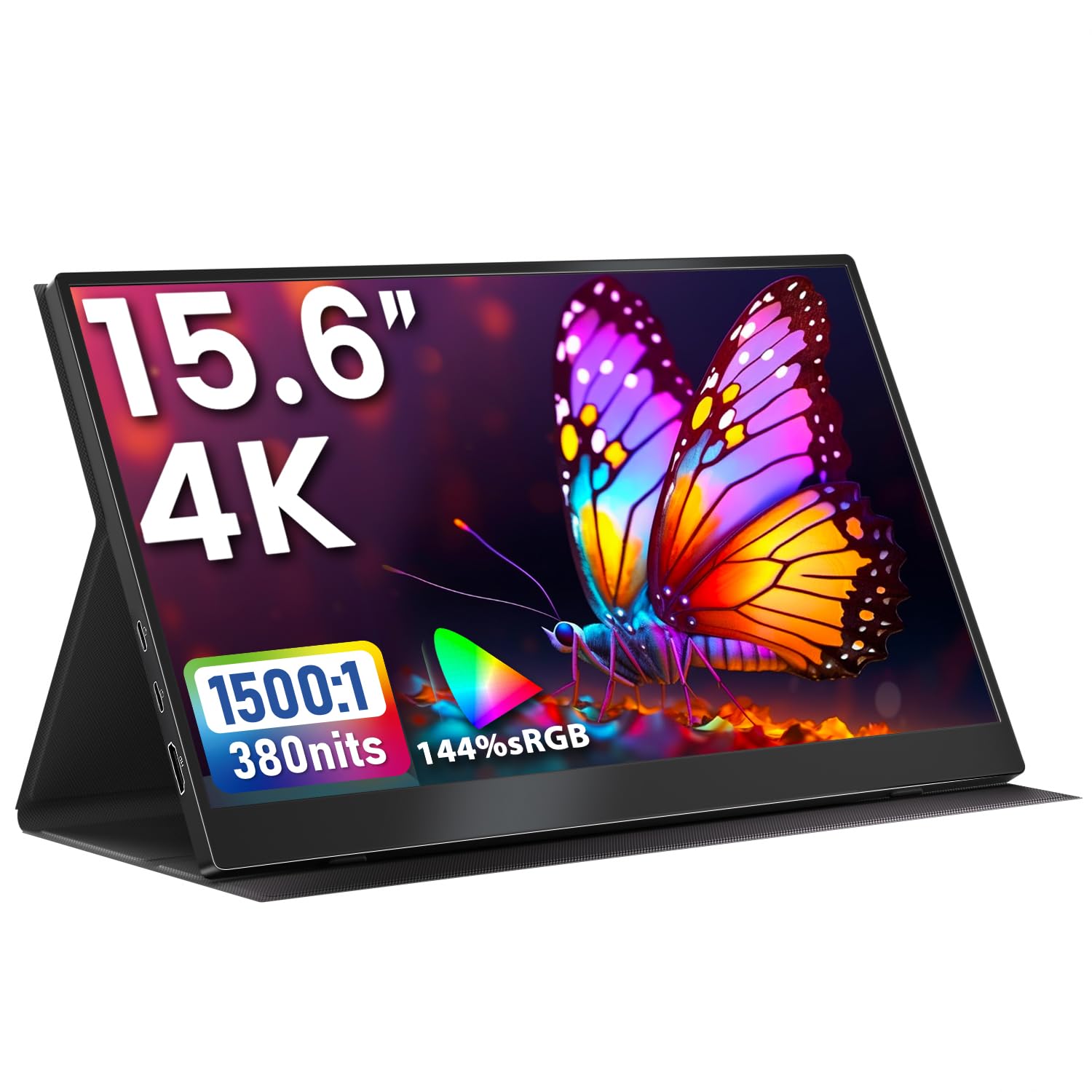
The 1.6-pound metal chassis and built-in kickstand are the first things we noticed about the cocopar Y156ULH, and they are why it earns our top recommendation: this is a 4K travel monitor that feels like a finished piece of gear rather than a panel in a sleeve. The 15.6-inch screen runs 3840 x 2160 at 60Hz, with 145% sRGB coverage and a 1500:1 contrast ratio. That combination puts spreadsheets, photos, and 4K video in a different class from the 1080p second screens many of us carry, and the matte finish keeps reflections from washing out the image in a coffee shop or on a train.

We also appreciate the built-in kickstand. It sets up in seconds and holds the screen at a workable angle without the floppy magnetic cover that comes with so many rivals. The cover is still included for transport, and the back has VESA holes if you want to hang it on an arm at a desk. Two USB-C ports and one HDMI port cover laptops, consoles, and phones, and the single-cable USB-C route kept our workspace tidy when the source device could supply enough power.

The cocopar is the most balanced pick here rather than the most specialized. Its 4K panel is sharp enough for photo editing and dense documents, and the 145% sRGB color makes video and presentations look richer than the budget screens. We like that it does not ask you to choose between a stand and a VESA mount, or between USB-C convenience and HDMI compatibility. That flexibility is what makes it easy to recommend to someone who uses one screen in several places.

The cocopar is not the most specialized screen here, but it is the most balanced. It concentrates on the things most people need: a sharp 4K panel, a stand that works, and connections that cover laptops and consoles. If you need a specialist feature, the picks below are the better fit. For everyone else, this is the 4K portable monitor we reach for first.

Pros

  • 1.6-pound metal body is easy to carry
  • 145% sRGB color with a matte finish
  • Built-in kickstand plus VESA mounting
  • USB-C and HDMI cover most devices

Cons

  • 380 nits is modest for direct sun
  • 60Hz panel limits competitive gaming
Our verdict

Our top pick for most people: a light metal 4K screen with wide color, a built-in kickstand, and USB-C and HDMI in one balanced package.
Check Latest Price
2

Best Value

Upperizon T156UH

95 /100
LBD Score Outstanding

Key details

Brightness
380 nits
Resolution
3840 x 2160
Color Gamut
144% sRGB
Monitor Weight
2.05 lb
View on Amazon

The Upperizon T156UH is the value play in this group: a 15.6-inch 4K IPS panel with 144% sRGB coverage, 1500:1 contrast, and a 30W adapter for less than our top pick. On paper, it gives up little to the cocopar. In use, the extra color coverage is the part we notice most: photos have more separation, and video looks less washed out than on the cheaper 4K screens. The matte finish and 380-nit brightness are familiar at this price, and they work well for indoor desks, hotel rooms, and coffee-shop tables.

The monitor itself weighs 2.05 pounds, and the cover brings it closer to 3 pounds. That is still bag-friendly, but it is not the featherweight the cocopar is. We noticed the difference when carrying both in the same backpack: the Upperizon feels more like a small laptop screen and less like a tablet. The cover folds into a stand, and there are VESA holes on the back for a desk arm. For most buyers, this is the value pick because it delivers the same 4K sharpness and wide color without the top-pick premium.

Connectivity is straightforward: two USB-C ports and one HDMI, with the included cables covering most laptops and consoles. The 30W power adapter is a useful extra because not every USB-C port will drive a 4K panel at full brightness. We also like the two-year warranty, which is longer than the 12-month coverage on some budget models. If you carry a screen every day and care about every ounce, the cocopar is worth the step up. If the budget is tighter, this is the one.

Pros

  • 144% sRGB color at a lower price
  • VESA holes and cover case included
  • Two-year warranty and 30W adapter
  • 4K IPS panel with 1500:1 contrast

Cons

  • 2.05-pound panel is heavier than top pick
  • Cover stand takes fiddling to set
Our verdict

The value pick for a 4K travel screen: 144% sRGB color and a solid IPS panel, with a slightly heavier body than our top pick.

Check Latest Price
3

Brightest Screen

Newsoul M1620

87 /100
LBD Score Excellent

Key details

Brightness
1200 nits
Resolution
3840 x 2400
Color Gamut
145% sRGB
Screen Size
16 inches
View on Amazon

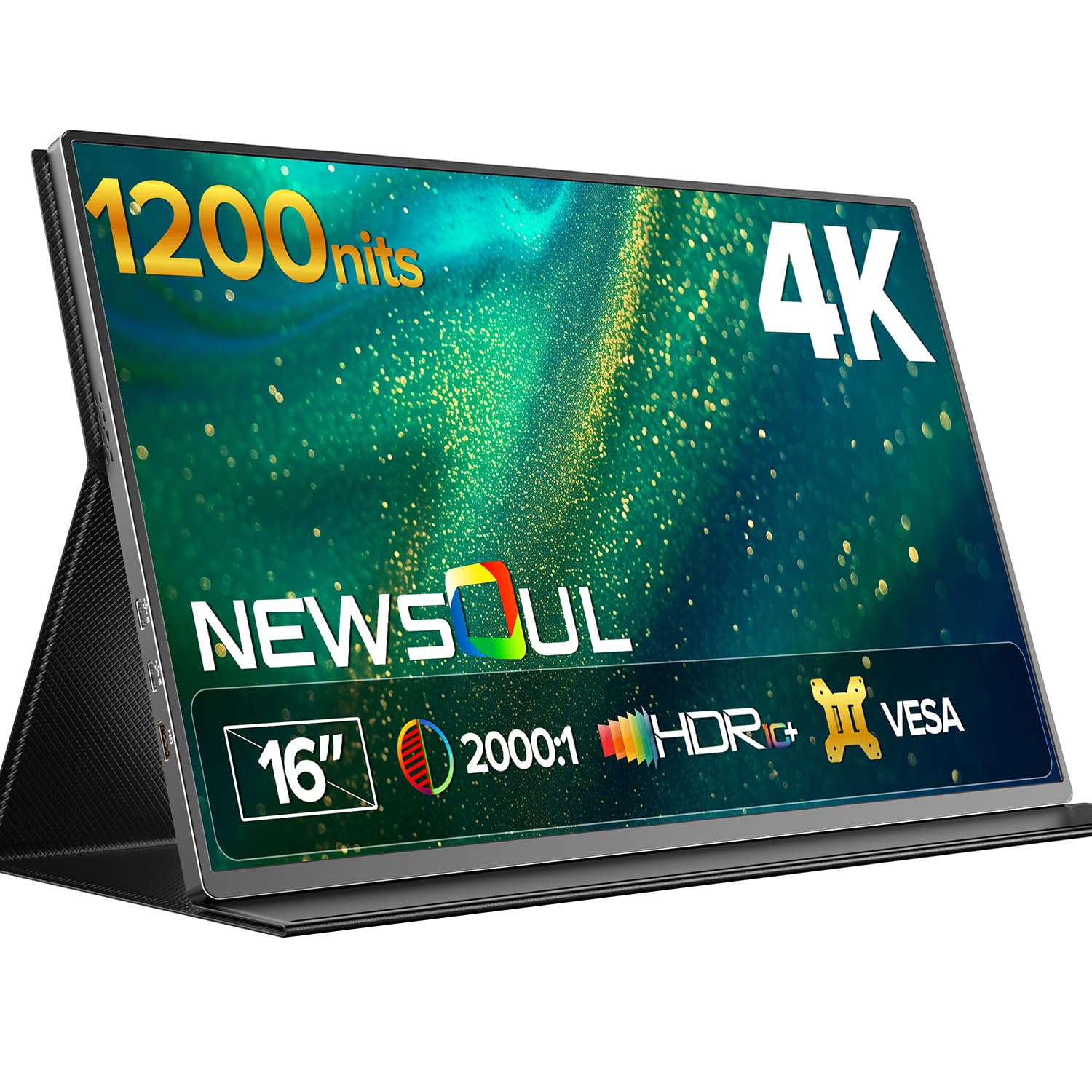
The Newsoul M1620 opens with a number that changes how you use a portable monitor: 1200 nits. That is roughly four times the brightness of a typical laptop panel, and it means the 16-inch 3840 x 2400 screen stays readable near a window, on a patio, or in a bright hotel lobby. The 145% sRGB coverage and 2000:1 contrast keep color rich instead of washed out when you turn the backlight up. For anyone who has squinted at a dim travel screen, this is the fix.

The 16:10 aspect ratio is the quiet advantage. You get more vertical room for documents, code, and timelines than a 15.6-inch 16:9 panel, without moving up to a 19-inch body. The aluminum shell feels solid, and the monitor weighs 1.8 pounds, so it still slides into a laptop bag. VESA holes and a protective cover cover desk and travel duty.

Brightness has a cost. The Newsoul draws up to 30W and ships with a 30W adapter, so a weak USB-C port or a phone may not drive it at full brightness. We treat the included adapter as part of the kit, not an optional extra. The 60Hz refresh rate is fine for work and video, but this is not a gaming-first screen. If your work takes you outdoors or into bright rooms, the Newsoul is the most useful specialist here. For a dim office, the cocopar or Upperizon is easier to live with and lighter.

Pros

  • 1200-nit brightness for bright rooms
  • 16-inch 3840 x 2400 16:10 panel
  • 145% sRGB and 2000:1 contrast
  • Aluminum shell and VESA mounting

Cons

  • 30W draw needs the included adapter
  • 16-inch body is larger than 15.6-inch rivals
Our verdict

The bright-room specialist: 1200 nits and a 16-inch 3840 x 2400 panel keep work readable outdoors, as long as you pack the 30W adapter.

Check Latest Price
4

Best Touchscreen

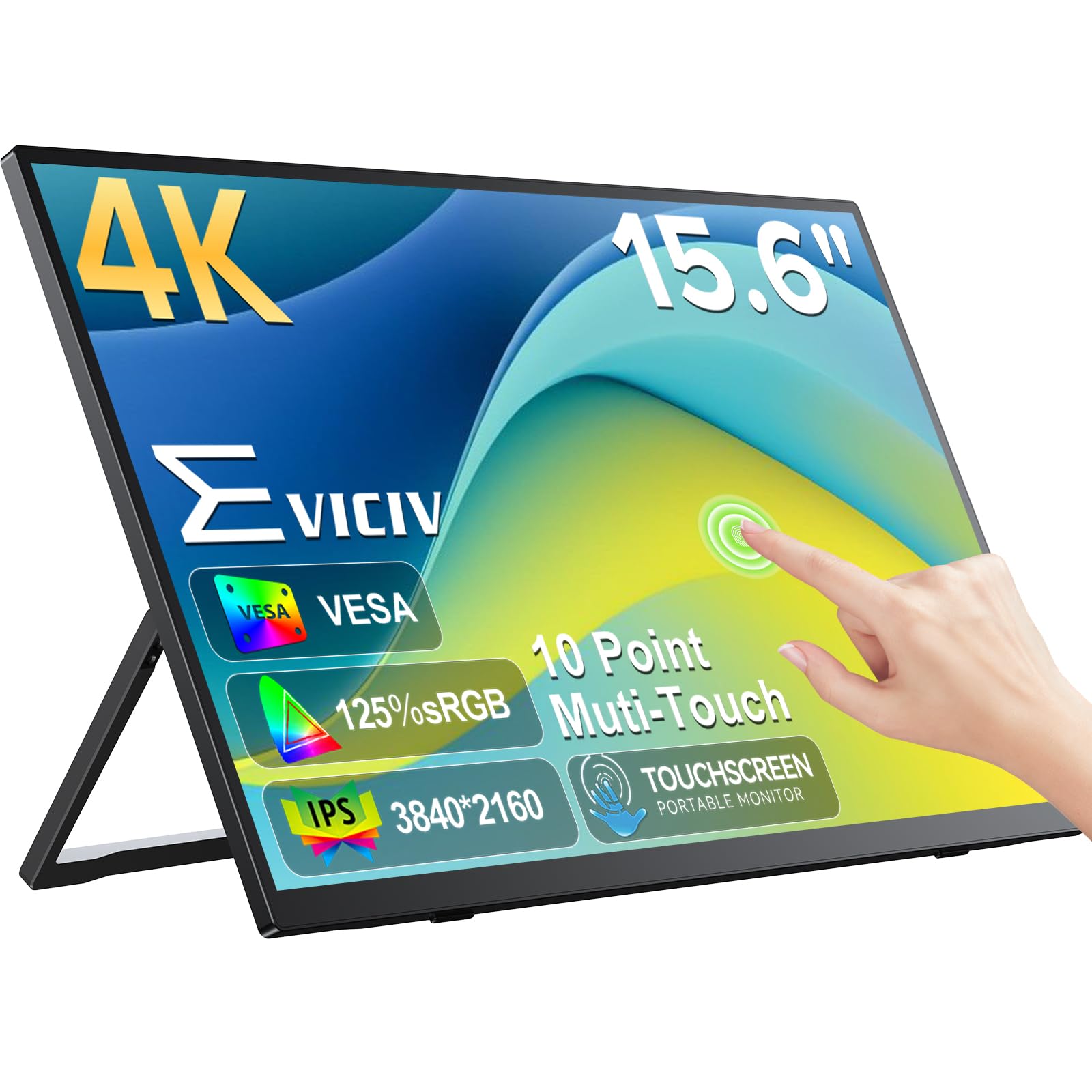
EVICIV EV157PMT

89 /100
LBD Score Excellent

Key details

Touch
10-point
Weight
1.8 lb
Brightness
450 nits
Resolution
3840 x 2160
View on Amazon

The EVICIV EV157PMT is the touchscreen pick, and the touch part is not a gimmick. The 15.6-inch 4K panel supports 10-point capacitive touch, so you can tap through a dashboard, sign a PDF, or use macro buttons without reaching for a mouse. We found the touch layer most useful in field work and presentations, where a quick tap is faster than hunting for a cursor. The 450-nit brightness and 125% sRGB color make the screen easy to read and pleasant for photos and video. If you want a 4K travel screen you can poke, swipe, and annotate, this is the one to get.

The rest of the package is familiar: 1.8 pounds, a 0.27-inch body, USB-C and mini HDMI, VESA holes, and a two-year warranty. The 2000:1 contrast gives text a clean edge, and the matte finish keeps fingerprints from turning into a light show. That matters on a touch screen, because you will leave marks on it.

Touch is also the catch. It works best over USB-C with a device that supports touch input; over HDMI, you may get a display without the touch layer. We treat it as a convenience for apps and macros, not a replacement for a pen tablet. The mini-HDMI port also means you need the included cable or a mini-HDMI adapter for older consoles. If touch is not part of your workflow, the cocopar and Upperizon give you the same 4K sharpness with less to go wrong.

Pros

  • 10-point touch over USB-C
  • 450 nits and 125% sRGB
  • Two-year warranty and VESA holes
  • 1.8 pounds with 0.27-inch body

Cons

  • Touch requires USB-C host support
  • Mini HDMI needs the included cable
Our verdict

The touchscreen pick for field work and presentations: 10-point touch, 450 nits, and a 4K panel, provided your USB-C device supports touch input.

Check Latest Price
5

Best Large Gaming Screen

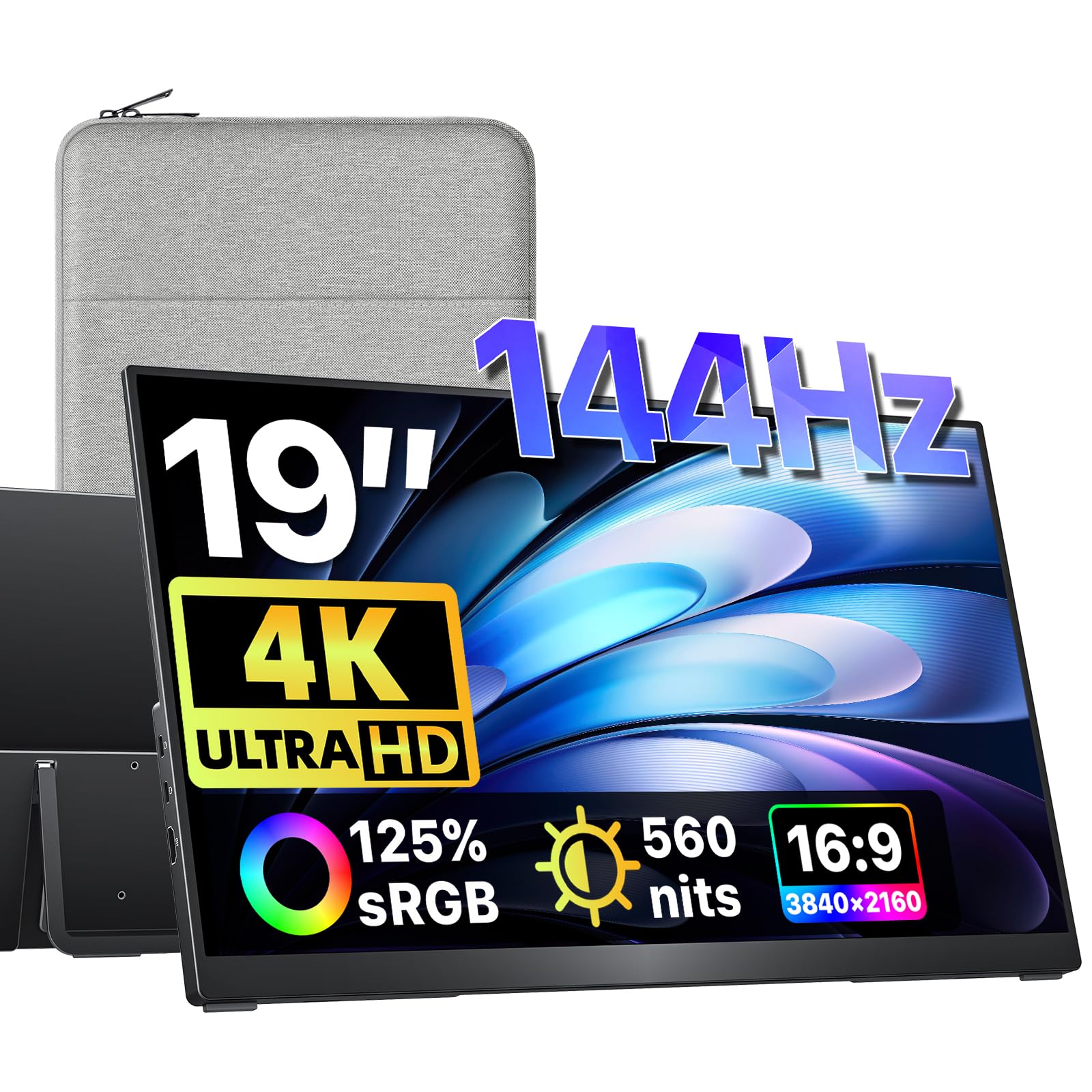
VisionOwl V19UH

96 /100
LBD Score Outstanding

Key details

Weight
2.36 lb
Brightness
560 nits
Resolution
3840 x 2160
Refresh Rate
144Hz
View on Amazon

The VisionOwl V19UH is the screen for the person who wants a desktop away from the desktop. At 19 inches, it is closer to a full-size monitor than a travel accessory, and the 3840 x 2160 panel at 144Hz is a genuinely different experience from a 15.6-inch 60Hz screen. Games feel smoother, timelines have more room, and a spreadsheet no longer looks like a postage stamp. The 560-nit brightness and 125% sRGB color keep it lively in a hotel room or a borrowed office.

The metal build and built-in kickstand make it easy to set up on a table, and the VESA holes let you hang it on an arm when you land. The 1.07 kg body is light for a 19-inch panel, but it is still a two-hand carry and a larger bag commitment than a 15.6-inch screen. This is a gaming-first pick, and the 144Hz refresh rate only pays off if your laptop or console can drive it. For work, the extra size is the bigger draw; for play, the speed is the reason to choose it.

The 3ms response time is quick enough for fast-paced games, and the matte finish keeps glare manageable. It is not the screen you pull out on a tray table. Choose the VisionOwl if your portable setup is really a desk you unpack, not a screen you use on your lap. For daily carry, the cocopar is easier. For a gaming trip or a temporary office, the 19-inch canvas is worth the extra space.

Pros

  • 19-inch 4K panel at 144Hz
  • 560 nits and 125% sRGB
  • Metal build and built-in kickstand
  • 1.07 kg is light for a 19-inch screen

Cons

  • 19-inch footprint needs a large bag
  • 144Hz needs a capable source
Our verdict

The large-screen gaming pick: a 19-inch 4K 144Hz panel that feels like a desktop away from home, with a bag-friendly caveat.

Check Latest Price
6

Budget 4K

MNN 4K Portable Monitor

88 /100
LBD Score Excellent

Key details

Weight
1.8 lb
Brightness
400 nits
Resolution
3840 x 2160
Color Gamut
100% Adobe RGB
View on Amazon

The MNN 15.6-inch 4K monitor is the budget answer, and it gets the important part right: a 3840 x 2160 IPS panel with 400-nit brightness, HDR support, and 100% Adobe RGB coverage. For the money, that is a lot of screen. Text is crisp, video has more depth than a 1080p travel monitor, and the matte finish keeps reflections under control. We happily used it as a second screen for spreadsheets, email, and streaming.

The smart cover is the weak link. It protects the panel in transit and folds into a stand, but the stand can slip and does not feel as solid as a built-in kickstand. We found ourselves adjusting it more than the cocopar. The monitor itself weighs 1.8 pounds, so the package is still easy to carry. Connectivity is another place where the budget shows: USB-C and HDMI both work, but the handshake can be fussy with some laptops and phones.

The 60Hz refresh rate is standard for this class. If you need rock-solid plug-and-play and a stand you do not think about, spend more. For a first 4K portable monitor, or a second screen that stays mostly on a desk, the MNN is a smart buy. It gives you the resolution and color coverage that matter most, with a few rough edges that are easy to forgive at its price.

Pros

  • 4K IPS panel at a budget price
  • 100% Adobe RGB and HDR
  • 400-nit brightness and matte finish
  • 1.8 pounds with smart cover

Cons

  • Cover stand can slip
  • USB-C handshake can be fussy
Our verdict

The budget 4K pick: sharp resolution, 100% Adobe RGB color, and HDR at a low price, with a cover stand that needs patience.

Check Latest Price
7

OLED Contrast

ViewSonic VX1655-4K-OLED

81 /100
LBD Score Excellent

Key details

Panel
OLED
Weight
1.5 lb
Brightness
400 nits
Resolution
3840 x 2160
View on Amazon

OLED is the reason to look at the ViewSonic VX1655-4K-OLED. The 4K OLED panel has individually lit pixels, so blacks go genuinely black and bright objects pop against them. The 80,000,000:1 contrast ratio is not a typo; it is the kind of number that makes a star field or a dark game scene look different from any IPS screen here. Color is rich, and the 400-nit brightness is fine for indoor work.

The 60W USB-C charging is the practical trick. One cable can carry the display signal and send power back to a laptop, which cuts the charger clutter on a short trip. The built-in kickstand works in portrait or landscape, and the included cover protects the screen. At 1.5 pounds, it is as easy to carry as the best 15.6-inch IPS models.

The ViewSonic is also the most expensive pick here, and it is not the brightest. A phone will not power it; you need an external source. Some USB-C setups can drop the connection after sleep, so we check the cable and wake the laptop before blaming the panel. The three-year warranty is the longest in this group, which takes some of the sting out of the premium.

Buy the ViewSonic if OLED contrast and single-cable charging are worth a premium to you. For color-critical editing on the road, it is the most satisfying screen here. For general travel and office work, the cocopar costs less and asks fewer questions.

Pros

  • OLED contrast with 4K resolution
  • 60W USB-C charging
  • 1.5 pounds and built-in kickstand
  • Three-year warranty

Cons

  • Premium price for a niche panel
  • Phone use needs external power
Our verdict

The OLED pick for color-critical travel: deep contrast, 4K sharpness, and 60W charging, at a premium price and with phone-power limits.

Check Latest Price
8

16:10 Productivity

MAGICRAVEN M1603

81 /100
LBD Score Excellent

Key details

Weight
1.54 lb
Brightness
400 nits
Resolution
3840 x 2400
Aspect Ratio
16:10
View on Amazon

The MAGICRAVEN M1603 has a 16:10 aspect ratio, and that is the detail that makes it more than another 4K travel screen. The 16-inch 3840 x 2400 panel gives you more vertical room than a 15.6-inch 16:9 display, which means fewer scrolls through code, documents, and timelines. At 1.54 pounds for the monitor alone, it is light enough to carry every day, and the 100% sRGB coverage keeps color accurate for general work.

The panel is sharp and the 400-nit brightness is fine indoors. We like the VESA holes and the included smart cover, which protects the screen and folds into a stand. The cover is not the most rigid stand we have used, and it offers limited angles, so a VESA arm is a better long-term desk solution.

The default color profile needed adjustment on our review unit. Colors looked flat and slightly off until we changed the settings, which is not unusual at this price but is worth knowing before you start a color-sensitive project. The dual USB-C ports and HDMI 2.0 cover the basics, and the monitor works with Mac, Windows, and Linux.

Choose the MAGICRAVEN if 16:10 is your priority and you want a light 4K panel for productivity. The cocopar is the safer all-around pick, and the Upperizon is the safer value. The MAGICRAVEN is the niche screen for people who need vertical space more than a kickstand.

Pros

  • 16:10 3840 x 2400 panel
  • 1.54-pound monitor with VESA
  • 100% sRGB and HDMI 2.0
  • Smart cover included

Cons

  • Default color profile needs adjustment
  • Cover stand has limited angles
Our verdict

The 16:10 pick for document-heavy work: a light 3840 x 2400 panel with VESA mounting, plus a color profile that needs tuning.

Check Latest Price

How We Tested 4K Portable Monitors

We started with research: every 4K UHD portable monitor we could find, then cut anything that wasn't native 3840 x 2160, couldn't run video and power off a single USB-C cable, or had no fallback for older laptops and game consoles. That left a shortlist where the stand or cover actually held the screen up and, in most cases, VESA holes made it mountable. From there, 12 monitors came in for six months of use.

Every panel went into the same rotation — a kitchen-table workday, a week of hotel-room evenings, a backpack commute, and a Saturday of console gaming on the living room floor. We timed setup from unzipping the bag to a working second screen, counted the cables each one demanded, and noted which came back on their own after sleep and which needed unplugging. Portability got physical: we weighed each in its cover, folded and unfolded the kickstand or smart cover a few dozen times, and slid it into a laptop sleeve alongside a charger.

For picture quality, we set each monitor beside a calibrated laptop and loaded the same reference photo — a friend's face and a red knit sweater — then compared skin tones and watched how far that red drifted toward orange. We read small text in a PDF at 100 percent, checked how much contrast survived next to a sunny window, and noted which matte finishes stayed readable while the glossier ones turned into a mirror. Reliability was the boring part: a full eight-hour day to catch dropped signal, heat, or flicker, then a week of packing it up every morning. Value came last, when we compared what each screen actually showed against what it cost.

How to Choose a 4K Portable Monitor

Start With the Panel, Not the Port Count

A true 4K panel is the whole point of this search, so check the native resolution rather than a marketing name. At 15.6 inches, 3840 x 2160 makes text and images noticeably crisper than 1080p, but it also makes icons tiny; plan on 150% to 200% scaling in your operating system. IPS is the safe default for color and viewing angles. OLED, as on the ViewSonic, gives deeper contrast and black levels, while a high-nit panel like the Newsoul's 1200-nit screen is the better tool for bright rooms. We prioritize 380 to 400 nits for indoor work and 600 or more for outdoor use.

Match Size and Aspect Ratio to Your Bag

A 15.6-inch 16:9 screen is the travel default because it fits most laptop bags and feels familiar beside a laptop. A 16-inch 16:10 model like the MAGICRAVEN adds vertical room for documents and code without much extra width. A 19-inch screen like the VisionOwl is a different purchase: it is a portable desktop for a hotel or gaming trip, not a tray-table accessory. Weight matters as much as size; 1.5 to 2 pounds is easy to carry daily, while a 3-pound package is one you notice. Measure your bag's laptop sleeve before you fall for a larger panel.

Check the Connection You Will Actually Use

USB-C is the cleanest option when your laptop supports full-function USB-C with DisplayPort Alt Mode and enough power output. One cable can carry video and power, but a weak port may need the included adapter, especially on a 4K panel or a phone. HDMI is the safer bet for consoles and older laptops; many portable monitors use mini-HDMI, so keep the included cable in the bag. If you plan to use a phone, confirm it supports wired display output before buying. The EVICIV's touch features, for example, need a USB-C host that passes touch input, not just video.

Treat the Stand as Part of the Purchase

A built-in kickstand is the most convenient way to get a stable angle, and it is one reason we like the cocopar and VisionOwl. A folding cover protects the screen and doubles as a stand, but it can slip and usually offers fewer angles; the MNN's cover is the weakest part of an otherwise good budget package. If the monitor will live on a desk, VESA holes are worth having. They let you mount the screen on an arm and skip the cover stand entirely. Check the VESA pattern and screw size before you order an arm.

Pay for Touch or Refresh Rate Only If You Will Use It

Touch is useful for field forms, presentations, and macro pads, and the EVICIV handles it well. It is not a substitute for a pen display, and it adds a layer that can feel redundant if you mostly type. A 144Hz panel like the VisionOwl makes fast games smoother, but only if your laptop or console can drive 4K at that refresh rate. For documents, video, and casual gaming, a 60Hz 4K panel is the better value. Spend the premium on brightness, color, or weight before you spend it on a feature you will rarely use.

Frequently Asked Questions

Final Verdict

The cocopar Y156ULH is the 4K portable monitor we recommend first because it gets the everyday balance right: a 1.6-pound metal body, a built-in kickstand, 145% sRGB color, and both USB-C and HDMI without a premium price. It is sharp enough for work, light enough for travel, and flexible enough for a desk.

If your priority changes, the alternatives are clear. The Upperizon T156UH is the value pick for the same 4K experience with a slightly heavier body. The Newsoul M1620 is the one for bright rooms, the EVICIV EV157PMT adds touch, and the VisionOwl V19UH is the large-screen gaming choice. Start with the cocopar unless one of those specific needs is yours.