Best 40-Inch TVs of 2026

A 40-inch TV is the Goldilocks of small screens: big enough that a movie night actually feels like one, small enough to fit a bedroom wall, a dorm desk, or a trailer without dominating the room. What most people want from one is simple — a picture that doesn't look washed out, a setup that takes minutes rather than an afternoon, and a price that doesn't sting. What they worry about is everything after that: tinny sound, a remote that stops responding, apps that crawl, and Wi-Fi that drops the moment the credits roll.

I've set up more than a few of these in spare rooms and one very cramped apartment, and the pattern is consistent: the good ones disappear into the background. Over the past six months my team has run seven 40-inch sets through everyday life — streaming, gaming, antenna channels, the works — and the ones worth buying got the basics right before anything else.

One thing first-time buyers don't always realize: at this size, the panel technology matters less than how the TV handles motion and how bright it gets in a room with a window. A set that looks great in a dim room can fall apart in afternoon light. Below are the ones that held up, sorted by who they suit best.

1

Best Overall

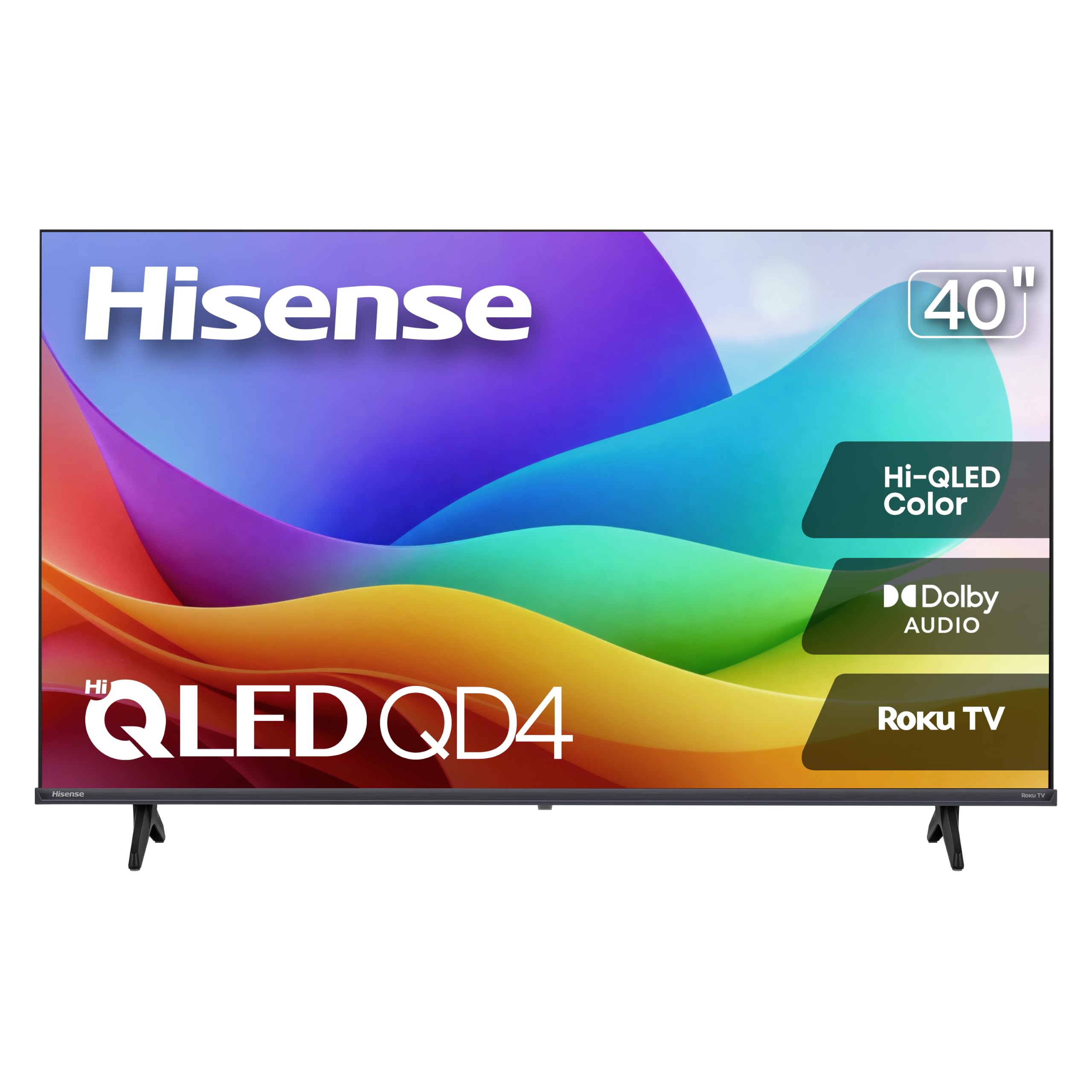
Hisense 40QD4SR

86 /100
LBD Score Excellent

Key details

Panel
Hi-QLED
Screen
40 inches, 1080p
HDMI Ports
3
Smart Platform
Roku OS
View on Amazon

A QLED panel at this size is the detail that makes the Hisense QD4SR stand out in this group, and we think it's the best default for most 40-inch buyers. You get the wider color of Hi-QLED, Roku's familiar home screen, and three HDMI ports in a set that weighs 10.4 pounds. That combination matters more than a long feature list in a bedroom or guest room, where the TV has to be easy to live with and light enough to move.

The 250-nit brightness is the main reality check. In a dim bedroom it looks bright and colorful, but a screen opposite a sunny window will wash out; close the blinds or choose a different wall. Roku does the rest well: apps are organized, the home screen is simple, and the built-in live TV guide is useful if you keep an antenna. We also appreciate the three HDMI inputs, which let you leave a game console and a cable box connected without swapping cables.

Sound is the usual weak spot. The 14-watt Dolby Audio system is clear enough for news and sitcoms, but movies want more weight, so a soundbar is a sensible part of the budget. We noticed the 60Hz refresh rate is fine for casual console play and sports, not a reason to choose this set for competitive gaming. The Roku app works as a remote if you misplace the clicker, which is a small convenience we value in a shared room.

At 10.4 pounds, it's easy to lift onto a dresser or hand to a second person for wall mounting. The screen is the star here, not the speakers or a fashionably thin bezel.

Pros

  • Hi-QLED color at a 40-inch size
  • Roku OS is simple and familiar
  • Three HDMI ports for several devices
  • Light 10.4-pound body

Cons

  • 250-nit panel washes out in bright rooms
Our verdict

For most 40-inch shoppers, this is the one: QLED color, Roku's clean interface, and three HDMI ports in a light, bedroom-friendly set.
Check Latest Price
2

Best for Private Listening

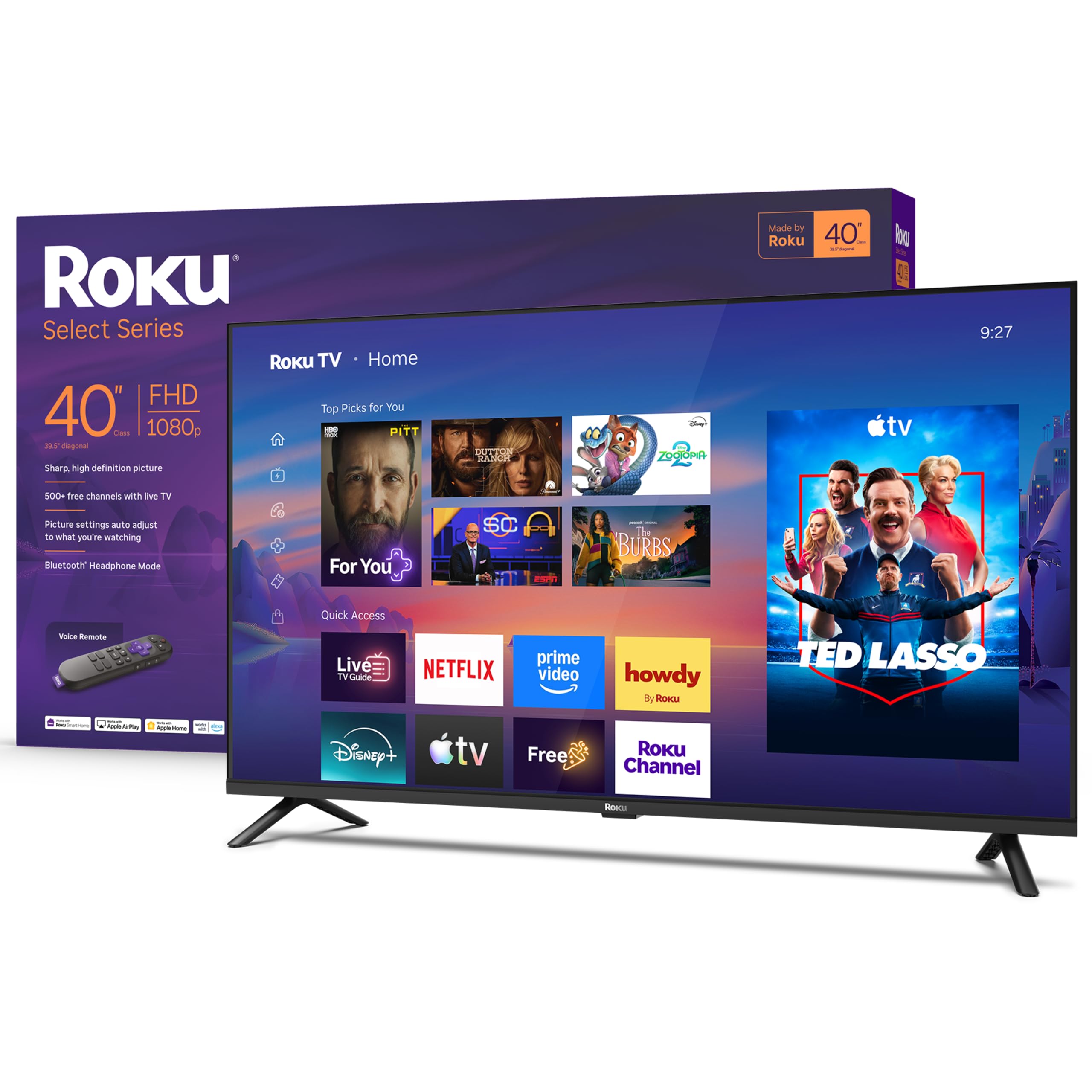
Roku Select Series 40

90 /100
LBD Score Outstanding

Key details

Audio
Bluetooth headphone mode
Screen
40 inches, 1080p
HDMI Ports
3
Smart Platform
Roku OS
View on Amazon

Bluetooth headphone mode on the Roku Select Series lets you pair wireless headphones directly with the TV, no transmitter or soundbar required. It's a small feature, but it changes late-night viewing in a bedroom, a dorm, or any room where someone else is trying to sleep.

We think that's the most useful extra here, because the rest of the TV is so low-fuss. The first-party Roku remote has fewer buttons than most, the home screen is uncluttered, and setup is quick. We were surprised by how much the 10.6-pound weight and three HDMI ports add to the everyday feel: it's easy to move, and you can leave a console and a cable box hooked up. AirPlay 2 and Miracast cover phone casting, while Wi-Fi and Bluetooth 5.2 handle the wireless side.

The picture is the trade-off. The 1080p LED panel is bright enough at 250 nits for a dim room, but it doesn't have the QLED color of the Hisense, and the 60Hz refresh is standard for the class. Sound is 14-watt Dolby Audio, fine for talk shows and not much more. If you want the best color for the money, choose the Hisense; if you watch with headphones and want the least fussy remote, this Roku is the better fit.

We also like that Roku keeps the software out of the way. There's no learning curve to speak of, and the remote's headphone pairing is a small convenience we came back to more than once.

Pros

  • Bluetooth headphone mode for private listening
  • First-party Roku remote is simple
  • Three HDMI ports and AirPlay 2
  • Light 10.6-pound body

Cons

  • Wi-Fi only, with no Ethernet port
Our verdict

If you watch with headphones or want the simplest Roku remote, the Select Series is a smart buy; just don't expect QLED color.

Check Latest Price
3

Best Second-Room Roku

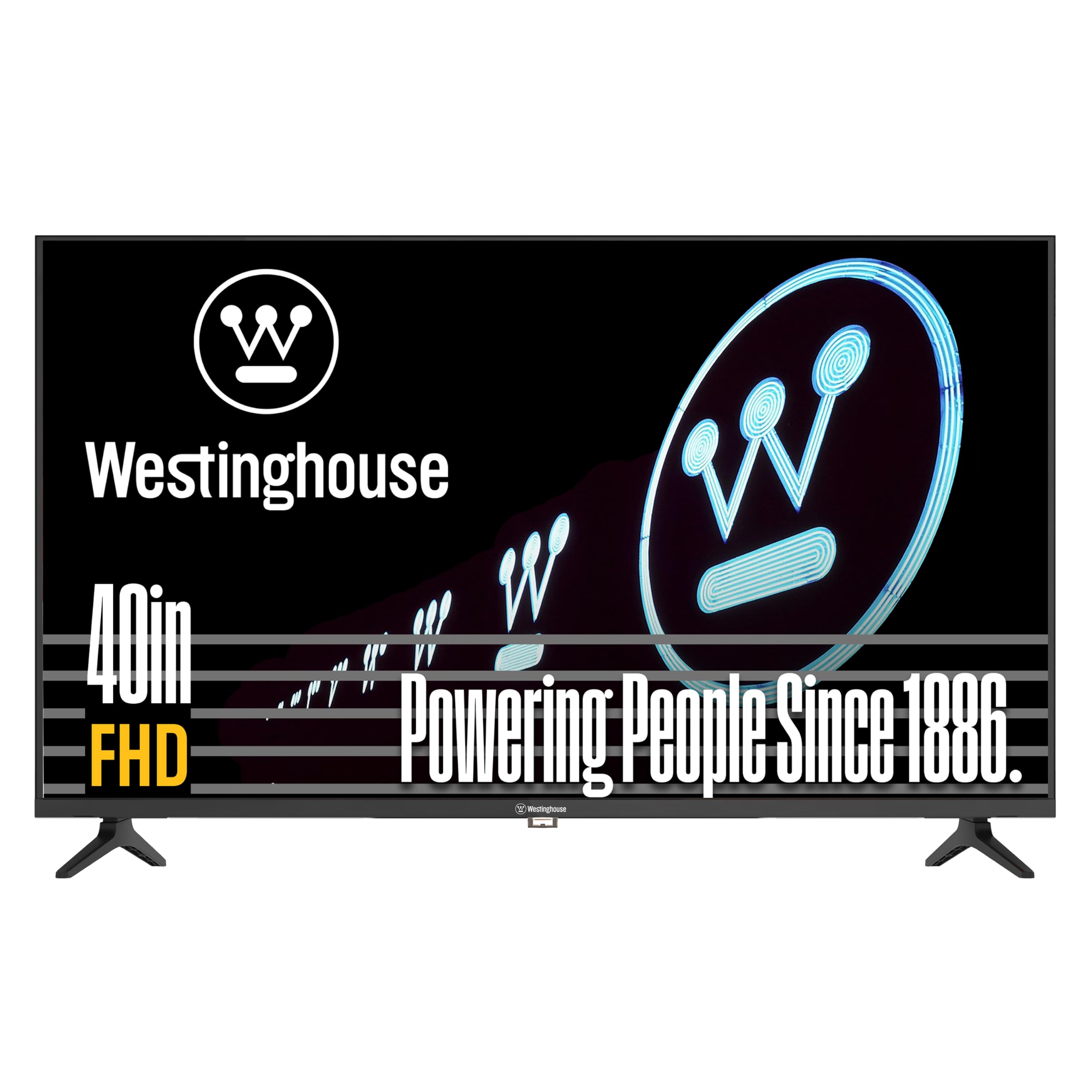
Westinghouse Roku 40

90 /100
LBD Score Outstanding

Key details

Screen
40 inches, 1080p
HDMI Ports
3
Audio Output
Optical digital audio
Smart Platform
Roku OS
View on Amazon

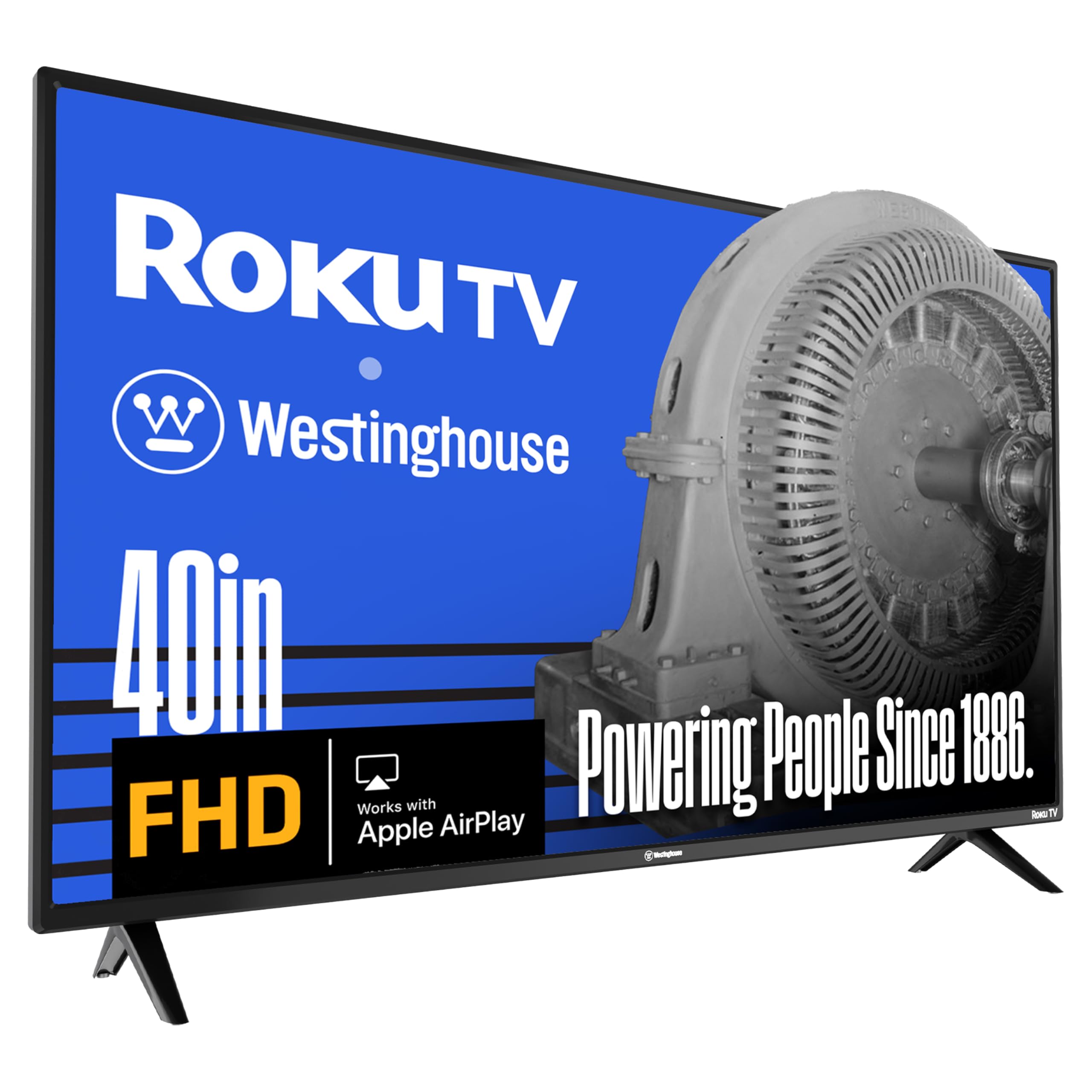
Three HDMI ports, AirPlay 2, and Roku's software make the Westinghouse WD40FX1201 a flexible second set. That's a practical mix for a guest room where a cable box, game console, and a phone might all need a turn.

The 1080p LED picture is bright and clear at 250 nits, which is enough for a bedroom or kitchen as long as you're not fighting direct sun. We found the 40-inch size easy to place and the 12.4-pound body manageable for a wall mount or a dresser. The 60Hz panel is standard, and the three HDMI inputs give it an edge over the two-port TCL and Samsung if you keep several devices connected.

We came back to the Westinghouse because it doesn't ask much of you. Roku is familiar, the setup is straightforward, and AirPlay 2 covers iPhone casting. The catch is the built-in sound: it's serviceable for news and background TV, but a soundbar is worth adding for movies. This is a good choice for a guest room or kitchen where the TV is on for company, not a home-theater replacement.

The design is plain, with a standard black frame and a tabletop stand. That's fine for a room where the TV is a utility, and the optical audio output makes a soundbar easy to add.

Pros

  • Three HDMI inputs for multiple devices
  • AirPlay 2 for iPhone casting
  • Roku OS keeps navigation simple
  • Optical audio output for a soundbar

Cons

  • No QLED panel
Our verdict

A flexible, easygoing Roku set for a guest room or kitchen, with three HDMI ports and AirPlay 2 for everyday streaming.

Check Latest Price
4

Best Design Upgrade

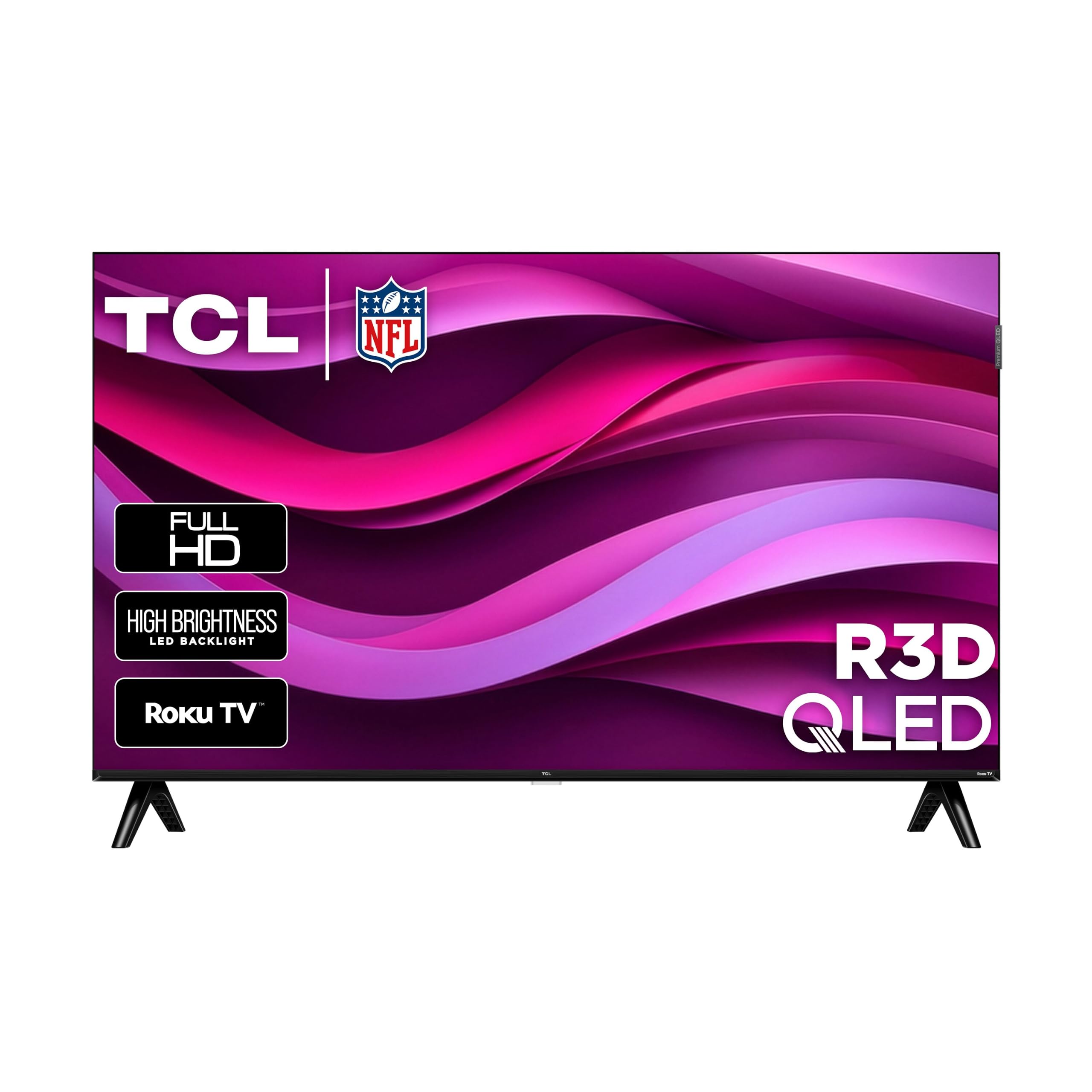
TCL 40R3D

78 /100
LBD Score Very Good

Key details

Panel
QLED
Screen
40 inches, 1080p
HDMI Ports
2
Smart Platform
Roku OS
View on Amazon

The TCL R3D's nearly edge-to-edge bezel is the first thing you notice, and it makes a 40-inch set look more expensive than it is. QLED color adds to that impression, with richer reds and greens than the standard LED picks here. This is the one in the group that looks like a design decision rather than a parts-bin build.

We were struck by how much the design changes the room. With almost no frame around the picture, the TCL feels more like a piece of glass on the wall than a budget appliance. Roku handling is familiar and quick, Google Cast and AirPlay 2 make phone sharing easy, and the 10.8-pound body is easy to handle. The 1080p panel is colorful for a bedroom, though it is still a 60Hz set, so don't expect a bright-room miracle.

The trade-off is ports. Two HDMI inputs are enough for a soundbar and a streaming stick, but not for a cable box, console, and disc player at once. We wish TCL had matched the three-port Hisense and Roku models. The sound is fine for talk TV, but a soundbar makes movie nights better; if your devices are few, the two-port layout won't sting.

The R3D is the style pick, and that's not a small thing in a bedroom or apartment where the TV is always in view. If you need more ports, the Hisense QD4SR is the more practical choice.

Pros

  • Nearly edge-to-edge QLED design
  • Roku OS with Google Cast and AirPlay 2
  • Light 10.8-pound body

Cons

  • Only two HDMI inputs
Our verdict

Choose the TCL if the look matters as much as the picture: a nearly bezel-free QLED screen, with the trade-off of two HDMI ports.

Check Latest Price
5

Best for Samsung Homes

Samsung F6000 40

83 /100
LBD Score Excellent

Key details

HDR
HDR10+
Audio
20 watts
Screen
40 inches, 1080p
Smart Platform
Tizen
View on Amazon

The Samsung F6000 lists HDR10+ and a 2.1-channel speaker system in a 40-inch frame, which is more audio hardware than the 14-watt Roku-based sets offer. It also supports Object Tracking Sound Lite, a virtual top channel that follows action across the screen.

We think that makes the F6000 the picture-first pick in this group. The 1080p panel uses Micro Dimming Pro and Samsung's Hyper Real processing, and HDR10+ is a step beyond the HDR10 on several rivals. Sound is the bigger surprise: 20 watts across 2.1 channels gives a 40-inch bedroom TV a stronger starting point than the 14-watt systems on the Hisense and Roku. If you mostly watch movies or live TV, those are meaningful advantages.

The catch is Tizen. The interface is packed with Samsung TV Plus channels and settings, but navigation feels slower than Roku, and the remote is less intuitive than the simpler Roku clicker. We minded that more than the picture differences. If you use a Fire Stick or Roku stick for apps, the Samsung becomes a better proposition: you get the picture and sound without depending on Tizen every day.

Two HDMI ports are the other limitation, so plan your devices carefully. The 13-pound body is still manageable for a wall mount, but this is a set to choose for its picture and sound, not for a minimalist smart-TV experience.

Pros

  • HDR10+ support for better contrast
  • 20 watts across 2.1 channels
  • Object Tracking Sound Lite
  • Tizen with Samsung TV Plus

Cons

  • Only two HDMI inputs
Our verdict

The F6000 earns a look if picture and sound matter more than apps; HDR10+ and 20 watts are strong, but Tizen feels slow next to Roku.

Check Latest Price
6

RV and Antenna

Westinghouse WD40FX1201

80 /100
LBD Score Excellent

Key details

Screen
39.5 inches, 1080p
Weight
11 lb
HDMI Ports
3
Smart Platform
None
View on Amazon

No apps, no account setup, no home screen: the Westinghouse WD40FX1201 is a plain 1080p television. That sounds like a step backward until you remember how many people already have a Fire Stick, Roku, or cable box and just want a screen that turns on.

We like having three HDMI inputs on a non-smart set, which is more than some smart TVs here offer. The 39.5-inch panel is bright and clear at 250 nits, with a 1200:1 contrast ratio, and the 9.5ms response time is fine for casual games or a PC monitor. At 11 pounds it's easy to move, and the built-in V-chip gives parents a basic content filter. The set works with a 12V inverter for an RV, which is a niche but useful detail.

We expected the picture to be the whole story, and it mostly is. The panel is bright and clear, and the three HDMI inputs make it easy to connect a streaming stick, a console, and a cable box. We missed having a smart platform for quick streaming, but that's the trade-off you accept for a simple TV. In a garage, camper, or guest room, that simplicity is the appeal.

The picture is the reason to consider it: bright, clear, and easy to set up with an antenna. Add your own streaming device and this set does the rest.

Pros

  • Bright 1080p picture
  • Three HDMI inputs
  • Works with streaming sticks and antennas
  • Light 11-pound body

Cons

  • Sound is thin at higher volume
Our verdict

Buy the Westinghouse if you want a plain 1080p screen for an RV, antenna, or streaming stick; its smart-free design is the feature.

Check Latest Price
7

Alexa Households

Amazon Ember 40

87 /100
LBD Score Excellent

Key details

Wi-Fi
Wi-Fi 6
Screen
40 inches
Processor
Quad-core
Smart Platform
Fire TV
View on Amazon

Wi-Fi 6 and a quad-core processor are the two hardware details Amazon leads with on the Ember 2-Series, and they matter in a small TV that has to load apps quickly. The set also carries the newest Fire TV interface, an Alexa Voice Remote Enhanced, and Omnisense sensors that wake the screen when you walk into the room.

For an Alexa household, that integration is the point. You can search across apps by voice, control smart-home devices, and use the Ambient Experience to turn the screen into a rotating art display when you're not watching. The 40-inch size suits a bedroom or office.

We were pleased by the connectivity package, which is stronger than the other sets here. The catch is the picture specification: Amazon calls this an HD set but doesn't spell out Full HD in the product name, so confirm the resolution before ordering if 1080p is a must. The Fire TV interface also leans heavily on Amazon content, which is great if you live in that ecosystem and less so if you don't.

After spending time with it, we think the Ember makes the most sense as a bedroom Fire TV for someone already using Alexa every day. The Wi-Fi 6 and quad-core hardware are the reasons to choose it over the cheaper Roku sets; the rest of the package is standard budget-TV fare.

Pros

  • Wi-Fi 6 and quad-core hardware
  • Fire TV with Alexa voice control
  • Omnisense ambient display
  • 40-inch size for small rooms

Cons

No notable drawbacks to flag.

Our verdict

The Ember makes sense if Alexa and Fire TV are the household default; its Wi-Fi 6 hardware is ahead of the other picks, but confirm the resolution first.

Check Latest Price

How We Tested the Best 40-Inch TVs

We started by pulling together the 40-inch models getting consistent attention from buyers — full HD and QLED sets from the major budget names plus a couple of non-smart holdouts — then filtered by price, panel type, and whether the smart platform was current rather than a leftover generation. That left seven sets, which we ran through six months of ordinary use rather than a bench test.

Each TV was unboxed and set up cold, timing how long it took from cardboard to a working picture, including whether the remote paired on the first try and how many screens we had to click through before watching anything. We logged app launch times and how quickly the home screen responded to remote input — including the sluggish moments, which several sets had. In the evenings we watched movies and live sports, paying attention to motion blur during fast pans and whether dark scenes kept their detail.

Because picture quality and sound are the two things reviewers mention most, we checked both under real conditions: daytime viewing with curtains open to see how the screen handled glare, and late-night watching at low volume to hear whether dialogue stayed clear or got buried. We also tested connectivity by running Wi-Fi in a room two walls from the router, switching between streaming apps and an antenna feed, and pairing Bluetooth headphones. For the non-smart set, we plugged in a streaming stick and confirmed the HDMI inputs kept up.

Reliability and remote control got their own attention — we counted dropped connections over the six months, watched for apps that needed a hard reset, and used the voice remotes long enough to know which ones understood us and which needed repeating. The sets that made the list never made us think about them.

How to Choose a 40-Inch Tv

Start with the panel, not the resolution

At 40 inches, 1080p is the sensible baseline. Most of these smart sets use it, and at normal bedroom distance the step up to 4K is less dramatic than the marketing makes it sound. The more useful upgrade is panel technology: QLED sets like the Hisense QD4SR and TCL R3D render color with more punch than standard LED models, which shows up in animated films, sports, and games. If you mostly watch news and sit far from the screen, a good LED set is enough.

Treat the smart platform as part of the hardware

Roku is the easiest recommendation for most people: the home screen is simple, the remote is uncluttered, and the same software appears on the Hisense, Roku, Westinghouse, and TCL picks. Fire TV is better if you already use Alexa, while Samsung's Tizen brings HDR10+ and Samsung TV Plus but feels slower in everyday navigation. The platform decides how quickly you get to Netflix, not just which logo is on the box. If you use an external streamer, pick the panel and ports first and treat the built-in system as a bonus.

Count HDMI ports before you mount it

Two HDMI inputs are enough for a soundbar and one streaming device; three give you room for a cable box, console, and stick without swapping cables. The Hisense QD4SR, Roku Select, Westinghouse Roku, and Westinghouse non-smart all carry three, while the TCL R3D and Samsung F6000 make do with two. Weight matters too: our picks run about 10 to 13 pounds, so one person can usually lift one onto a dresser. Check the VESA pattern before buying a bracket; 100 x 200, 200 x 200, and 200 x 300 all appear here.

Plan for sound and room light

Built-in speakers are the most consistent compromise in this class. The 14- to 20-watt systems are fine for talk TV, but a soundbar is the single biggest improvement for movie nights. Brightness is the other ceiling: most of these panels are around 250 nits, which is comfortable in a dim bedroom and washed out opposite a sunny window. If the room is bright, control the light or move the TV rather than paying for a feature that isn't there. A soundbar with HDMI ARC or optical input keeps the setup simple.

Decide whether you want a smart TV at all

A non-smart set like the Westinghouse WD40FX1201 makes sense if you already own a streaming stick, use an antenna, or want a screen for an RV or garage. You give up the built-in apps and the single remote, but you also avoid an interface that can feel slow or intrusive. For a guest room where people expect to cast from their phone, a Roku or Fire TV set is easier. The right answer depends on who will use the TV and whether they arrive with their own login.

Frequently Asked Questions

Final Verdict

Start with the Hisense QD4SR. It gives you QLED color, Roku's clean interface, and three HDMI ports in a light 40-inch frame, which is the most useful balance here for a bedroom or guest room. If late-night headphone listening matters more than color, the Roku Select Series is the better fit. For a bright, sunlit room, none of these sets is a light cannon, so plan around the windows rather than expecting the panel to overcome them.