Best 32-Inch 4K Monitors of 2026

Every 32-inch 4K monitor on the shelf makes the same promise — 3840 x 2160 — and that number says almost nothing about what the screen looks like at 9 p.m. with a spreadsheet open. The panel, the brightness it holds, the stand that decides whether you hunch: that's where these monitors actually differ.

I've worked on a 32-inch 4K panel for years, and I've stopped shopping by resolution and started shopping by what the spec sheet buries. My team and I spent six months with 12 of them, running documents, photos, movies, and games through each screen. The gap between the best and the rest had less to do with price than I expected.

First-time buyers overrate refresh rate — 60Hz is perfectly smooth for work, and you only need a faster panel if you game. What deserves your attention is color accuracy out of the box, brightness in a sunlit room, and whether the built-in speakers hold up on a call. The picks below are the ones we'd clear space for.

1

Best Overall

Dell S3225QS

86 /100
LBD Score Excellent

Key details

Panel
VA, 1500:1 contrast
Stand
Height and tilt
Refresh Rate
120 Hz
Color Coverage
99% sRGB, 95% DCI-P3
View on Amazon

Two things set the S3225QS apart from every other 32-inch panel here, and you notice both in the first minute: a 120Hz panel and a stand that raises and tilts. Scrolling a long document on a 60Hz 4K screen smears the text just enough to slow you down; at 120Hz it stays readable in motion. That, more than any color figure, is why this is our default.

Color is the second argument. Dell quotes 99% sRGB and 95% DCI-P3 from a VA panel with a 1500:1 contrast ratio, and the wide coverage is why photos and video look right rather than merely bright. Brightness is 300 nits with no local dimming, so HDR10 is a modest improvement and not a transformation.

Around the back you get two HDMI ports and a DisplayPort, plus a pair of speakers that handle a video call and nothing more. There's no USB-C, so a MacBook or a slim laptop needs a USB-C to DisplayPort cable instead of the single-cable dock setup the LG below provides. The ash-white finish and thin bezel are a welcome change from the usual black slab if the desk is visible from the living room.

A year of advanced exchange with Dell's premium panel exchange is the coverage that matters here: one stuck pixel in the middle of a spreadsheet is what actually sends a monitor back, and swapping the panel without shipping the whole unit off is worth more than a longer warranty on paper. Before you order, check your desk depth — the stand runs about 8.7 inches front to back, and a 32-inch screen pushed close feels nothing like one set back.

Pros

  • 120Hz keeps text readable while scrolling
  • Height and tilt adjustment reach eye level
  • 99% sRGB and 95% DCI-P3 coverage
  • A year of advanced exchange plus panel exchange

Cons

  • No USB-C input for laptop docking
  • Edges can look uneven on a dark screen
Our verdict

We recommend the Dell to anyone who wants one big 4K screen for everything: 120Hz makes desk work feel quicker, and the stand actually reaches eye level.
Check Latest Price
2

Best for Laptop Docking

LG 32UP83AK-W

85 /100
LBD Score Excellent

Key details

Panel
IPS, 350 nits
Ports
2x HDMI, DisplayPort, 3x USB
Stand
Height, tilt, pivot
USB-C
60W power delivery
View on Amazon

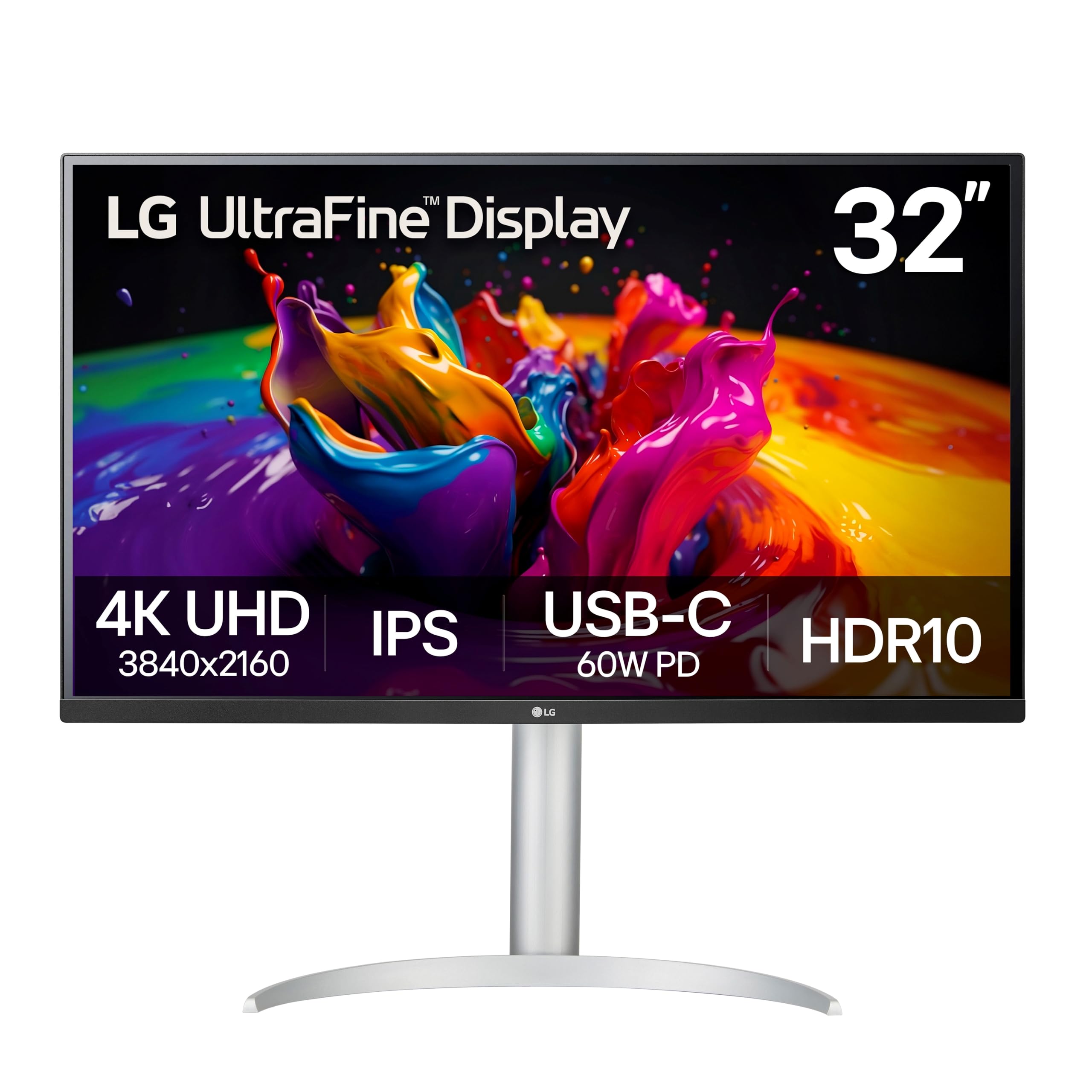
A 32-inch monitor on a laptop desk usually means a nest of cables: a power brick, a video cable, a dongle for the keyboard. The 32UP83AK-W folds that into one USB-C cable that carries the picture, delivers 60W to the laptop, and feeds three USB 3.0 accessories on the back. Connect the keyboard, the webcam, and a phone charger once and the dock stops being something you own.

The panel is what justifies the premium. IPS at 350 nits is brighter than the 300-nit Dell and Samsung, and it holds its color when you lean over to show someone a photo — exactly where a VA panel starts to shift. The stand does height, tilt, and pivot, so the screen drops to eye level and swings upright for a long PDF or a scroll of code. It's the most adjustable setup in this guide.

Two compromises come with it. It's a 60Hz panel, so the smooth scrolling that sold us on the Dell isn't here, and the built-in speakers are fine for a call and thin for music. Neither touches the picture, and the one-cable desk is worth more day to day than either.

Pros

  • One USB-C cable carries video and 60W charging
  • Height, tilt, and pivot adjustment
  • 350 nits, brighter than the Dell and Samsung
  • Three USB 3.0 ports act as a hub

Cons

  • 60Hz only, so no high-refresh scrolling
  • Built-in speakers sound thin
Our verdict

If your laptop charges over USB-C, buy this one: a single cable carries video, 60 watts of power, and three USB ports, and the stand adjusts every way.

Check Latest Price
3

Best for Dim Rooms

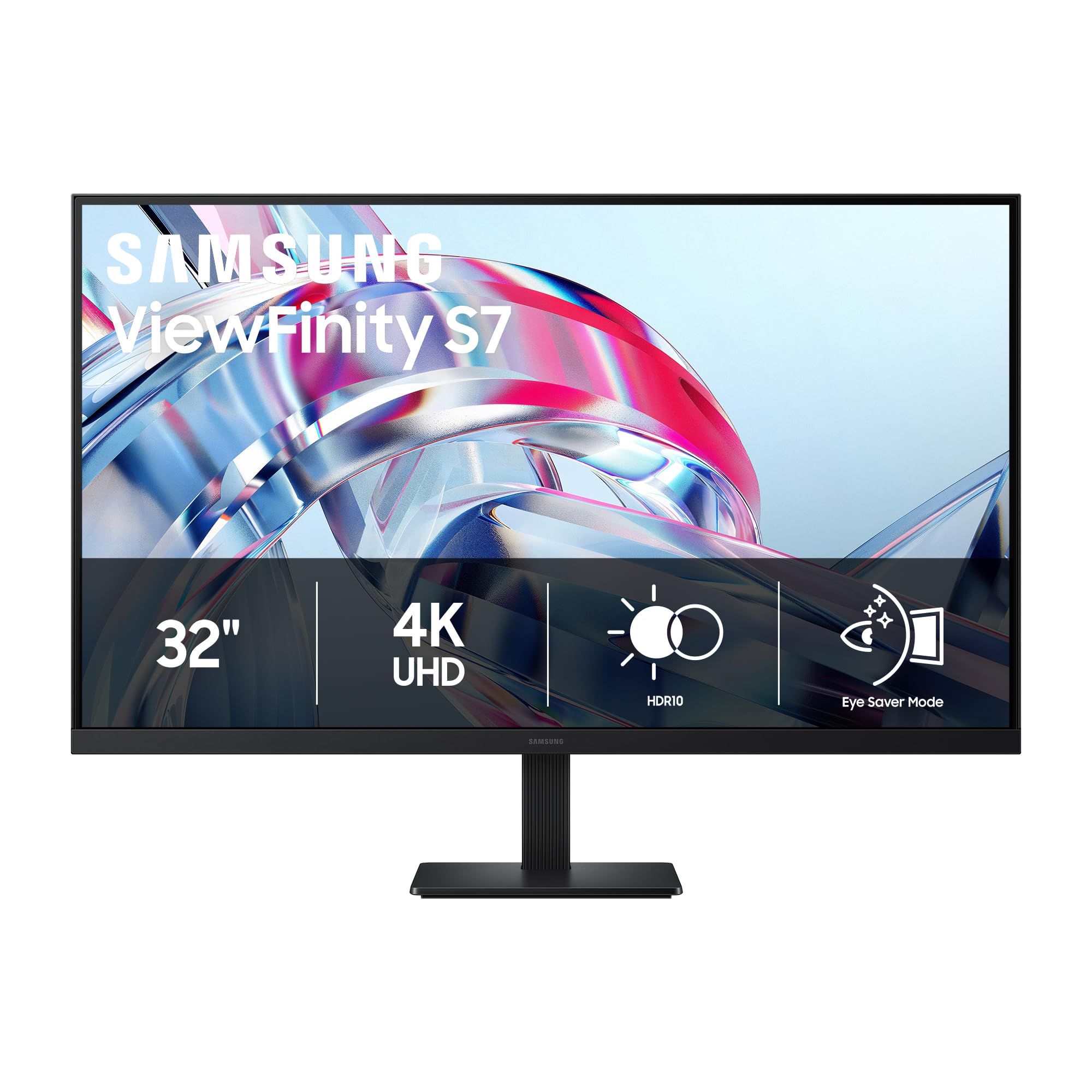
Samsung ViewFinity S7

80 /100
LBD Score Excellent

Key details

Panel
VA, 3000:1 contrast
Ports
1x HDMI, 1x DisplayPort
Brightness
300 cd/m²
Refresh Rate
60 Hz
View on Amazon

Contrast is where this one separates itself: 3000:1 from a VA panel, twice the Dell's 1500:1, and the practical effect is that letterboxed movies and dark game scenes stop looking gray. The matte coating does the other half of the job, scattering a desk lamp across the screen rather than mirroring it back at you.

What we appreciate is where the money went — into a high-contrast matte panel and not much else. There's no USB-C or hub, the panel runs at 60Hz, and 300 nits is modest for a room with a window behind you. For a den, a bedroom desk, or anywhere the lights stay low and the laptop keeps its own cable, that trade is the right one, and paying for refresh rate or a dock you won't use would be worse.

Everything else is deliberately plain: one HDMI, one DisplayPort, HDR10, and a spec sheet that doesn't spell out whether the stand raises, so plan on a VESA arm if eye-level placement is a must. Samsung does include both an HDMI and a DisplayPort cable in the box, which is more than most monitors here ship with — the sort of detail you notice only when you're one cable short on setup day.

Pros

  • 3000:1 contrast, twice the Dell's ratio
  • Matte finish resists lamp reflections
  • HDMI and DisplayPort cables included

Cons

  • No USB-C or USB hub
  • 300 nits is dim for a sunlit room
Our verdict

If your office doubles as a place to watch movies, this is the pick: a 3000:1 matte VA panel that keeps dark scenes dark and lamp glare off the glass.

Check Latest Price
4

Best Warranty

ASUS VP327Q

79 /100
LBD Score Very Good

Key details

Panel
IPS, 99% sRGB
Ports
2x HDMI, DisplayPort
Speakers
Built-in stereo
Warranty
3 years, advanced replacement
View on Amazon

The stand is the first compromise: it tilts but doesn't rise or rotate, so a 32-inch panel sits at whatever height your desk decides. That's the usual reason a big monitor ends up uncomfortable, and it's the clearest thing the height-adjustable Dell gives you for the extra money.

The panel is the good part. IPS with 99% sRGB coverage, HDR-10, and a matte finish gives color that stays put when two people share the desk, and the viewing angle means the person at the side of the desk still gets a usable picture. Two HDMI ports plus a DisplayPort will take a desktop and a console without a switcher. At 60Hz it's a documents-and-video monitor rather than a gaming one.

The warranty is why it earns a place. Three years with advanced replacement is the longest coverage in this guide, and it matches the failure that actually ends a monitor's life: a stuck pixel or a backlight that quits. ASUS swaps the unit instead of asking you to box a 32-inch panel and wait on a repair. If you want IPS color and the least possible hassle when something goes wrong, this is the one; spend more on the Dell if smooth scrolling matters more.

Pros

  • Three-year warranty with advanced replacement
  • IPS viewing angles with 99% sRGB
  • Built-in speakers and VESA mounting

Cons

  • Tilt-only stand can't be raised
  • Built-in speakers are tinny
Our verdict

Three years of coverage with advanced replacement makes the VP327Q the least worrying 4K monitor here, and the IPS panel holds its color at an angle.

Check Latest Price
5

Best Built-In Sound

LG 32UR500K-B

86 /100
LBD Score Excellent

Key details

Panel
VA, 1000:1 contrast
Ports
2x HDMI, DisplayPort
Stand
Tilt only
Speakers
Dual, Waves MaxxAudio
View on Amazon

Built-in monitor speakers are usually a checkbox. These aren't: the stereo pair with Waves MaxxAudio fills a small office, keeps dialogue clear in a show, and made us stop reaching for the desk speakers during the workday. For a bedroom setup or a desk where a separate pair has nowhere to go, that's the whole reason to choose this over the cheaper VA panels.

The panel underneath is a 60Hz VA with 1000:1 contrast and 250 nits, the dimmest here, so a sunlit room washes it out sooner than the Dell does. Colors land cool and flat at the factory preset and want a few minutes in the picture menu. One warning worth having before the box is open: the matte anti-glare layer looks exactly like a shipping film. It isn't one, and it shouldn't be lifted.

The stand tilts but doesn't rise, the connections are two HDMI plus DisplayPort, and there's no USB-C. If the monitor already lands at the right height on your desk, none of that costs you anything. OnScreen Control is the small surprise: you can split the screen into zones from the desktop instead of fighting a joystick behind the panel, and we used it far more than expected.

Pros

  • MaxxAudio stereo speakers are genuinely usable
  • Sharp 4K picture with HDR10
  • OnScreen Control splits the screen from the desktop

Cons

  • Tilt-only stand, no height adjustment
  • 250 nits is dim for a bright room
Our verdict

Buy this one if you want a 32-inch 4K screen that sounds decent on its own — the MaxxAudio pair is the best built-in audio here.

Check Latest Price
6

Multiple Devices

LXZ LX32ZF

86 /100
LBD Score Excellent

Key details

Panel
VA, 4000:1 contrast
Ports
2x HDMI 2.0, 2x DisplayPort 1.4
Mounting
VESA 100 x 100mm
Color Coverage
100% sRGB
View on Amazon

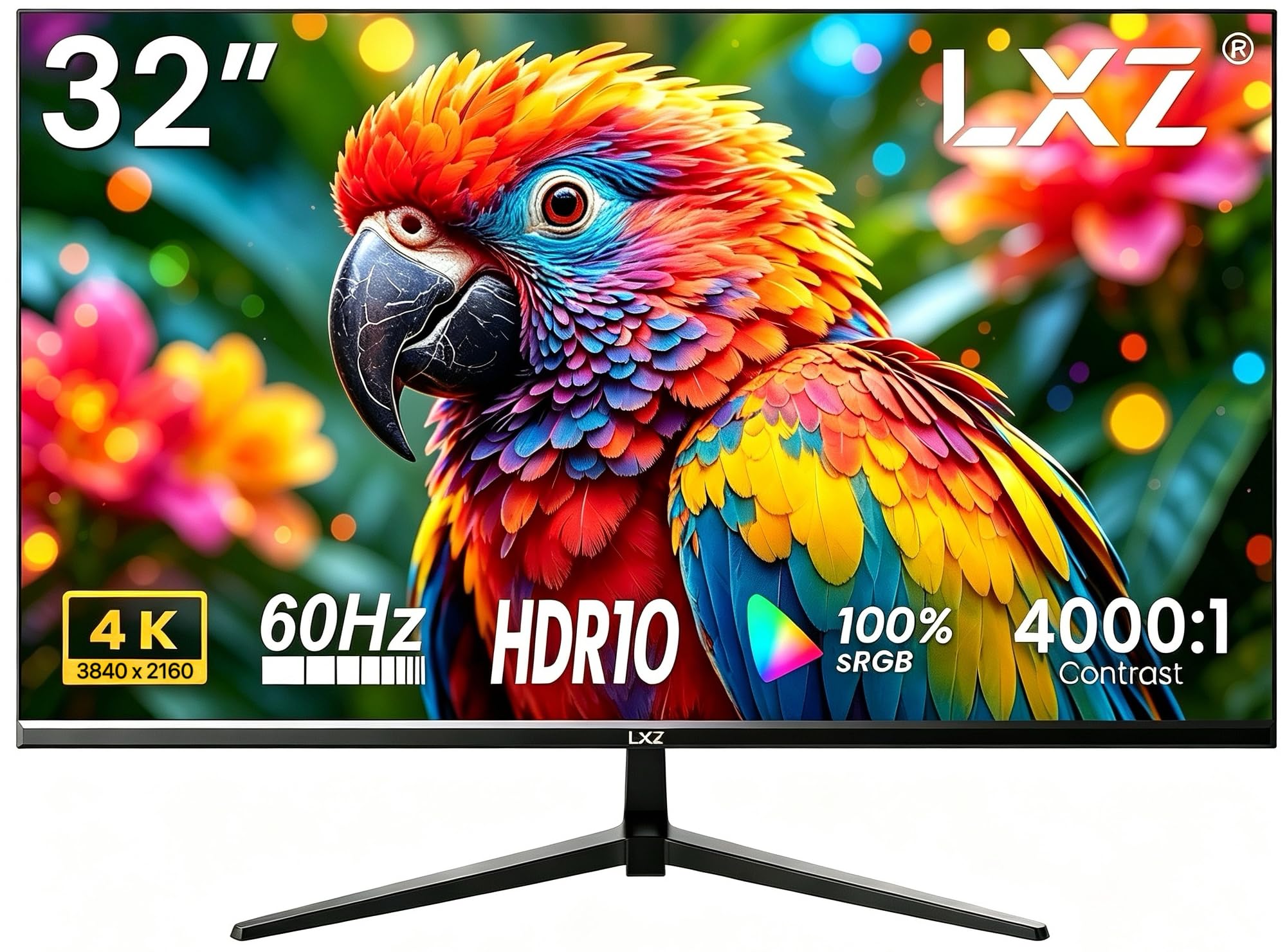
Dual HDMI 2.0 and dual DisplayPort 1.4 is the reason this one earns a place: a work laptop, a desktop, and a console all stay plugged in, and you switch inputs from the menu instead of crawling behind the desk with a cable. No other monitor in this guide gives you two DisplayPort inputs, which is the one that matters if you'd rather not share a single port between two machines.

The panel is a 60Hz VA with a 4000:1 contrast ratio and 100% sRGB coverage, which reads as deep blacks and saturated color rather than accurate color. Fast movement in a dark game is where VA shows the cost — expect some smearing — and the 1ms figure in the listing is a marketing number, not something you'll see in a scene.

There are no built-in speakers, only a 3.5mm output for a pair you supply, and the one-year warranty is the shortest kind. VESA 100 x 100 covers mounting if the included stand doesn't suit you, and the slim bezel makes a two-screen setup line up cleanly.

What a monitor this cheap is really gambling with is time, not picture: the panel and the ports are all here, and the savings came out of the parts you can't see. Buy it from a seller with a return window you trust, keep the box for a month, and it's the best value here for a desk juggling three devices.

Pros

  • Two HDMI and two DisplayPort inputs
  • 4000:1 contrast with 100% sRGB
  • VESA 100 x 100mm mounting

Cons

  • No built-in speakers, just a headphone jack
Our verdict

For a desk with a work laptop, a desktop, and a console, the LX32ZF keeps everything connected — two HDMI and two DisplayPort inputs at a budget price.

Check Latest Price
7

Second Screen

ZZA Z32A

83 /100
LBD Score Excellent

Key details

Panel
VA, 3000:1 contrast
Weight
13.3 lb
Adaptive Sync
FreeSync Premium
Color Coverage
100% sRGB
View on Amazon

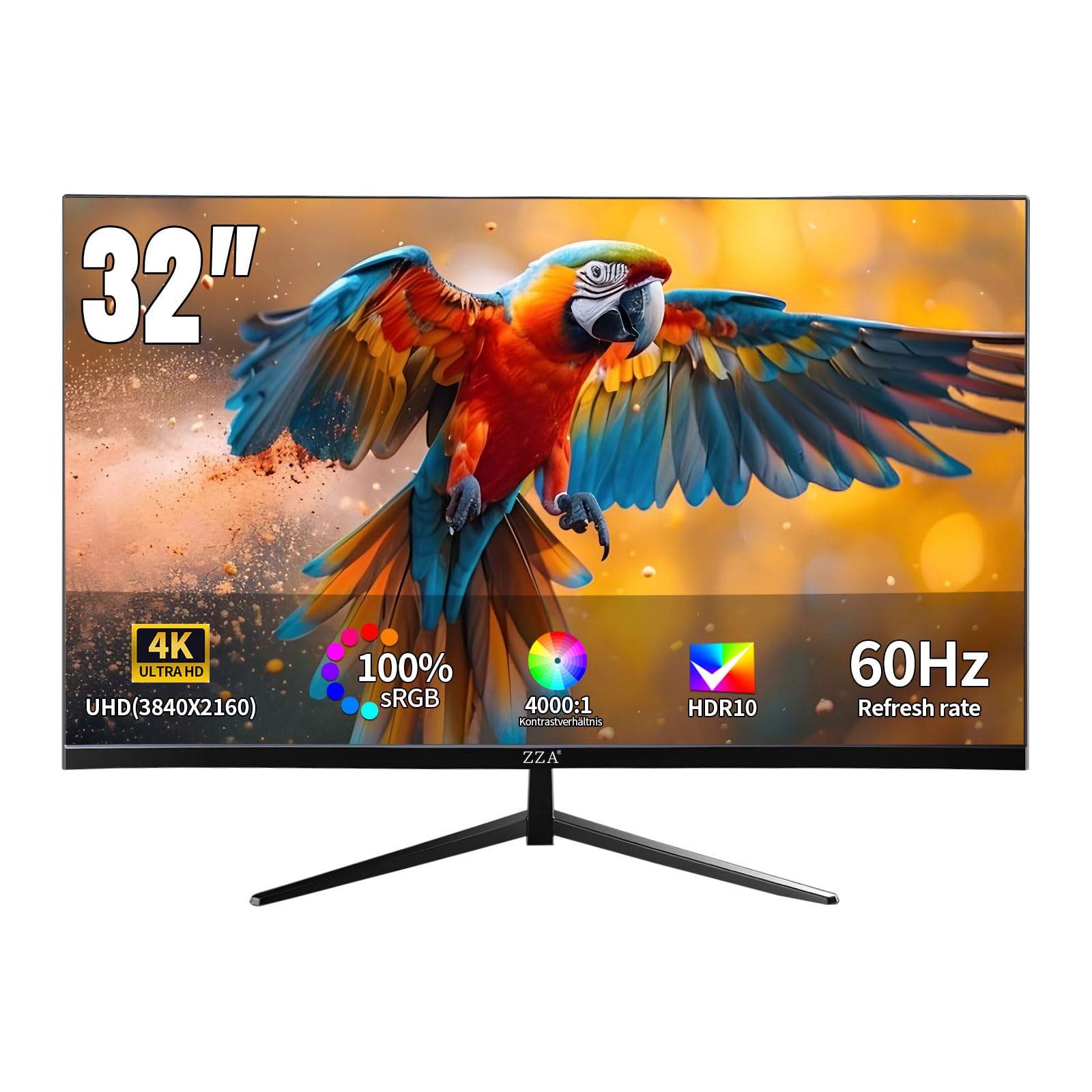
At just over 13 pounds, this is light for its size — lighter than the Dell and the LG 32UP83AK-W — and that matters the moment you put it on an arm. Arms are rated by the weight they hold, and a lighter panel is easier to balance and less likely to sag at the joint. If you plan to hang the screen rather than stand it on the desk, start here.

The panel is a 60Hz VA with 3000:1 contrast, 100% sRGB, and HDR10, and the three-sided borderless bezel is the detail we appreciated most — two of these side by side leave a seam narrow enough to read across. At 4K across 32 inches you get about 138 pixels per inch, so small text stays crisp at 100% scaling, which is the real argument for this size over a smaller high-resolution panel.

There are no speakers and no USB-C, and the stand tilts without rising. None of that is a surprise at the bottom of the price range, and none of it touches the picture. It's plug and play too — no drivers, no software, nothing to configure beyond brightness and picture mode — which is exactly what a second screen should be.

Pros

  • About 13 pounds, light for an arm mount
  • Three-sided borderless bezel for dual setups
  • 100% sRGB with 3000:1 contrast

Cons

  • No built-in speakers
  • Tilt adjustment only
Our verdict

A light, crisp 32-inch 4K panel for a second screen or a wall mount; no speakers, and the stand only tilts.

Check Latest Price
8

Budget IPS

DJiEX Z32B40

85 /100
LBD Score Excellent

Key details

Panel
IPS, 97% sRGB
Ports
2x HDMI, DisplayPort
Mounting
VESA 75 x 75mm
Color Depth
1.07 billion colors
View on Amazon

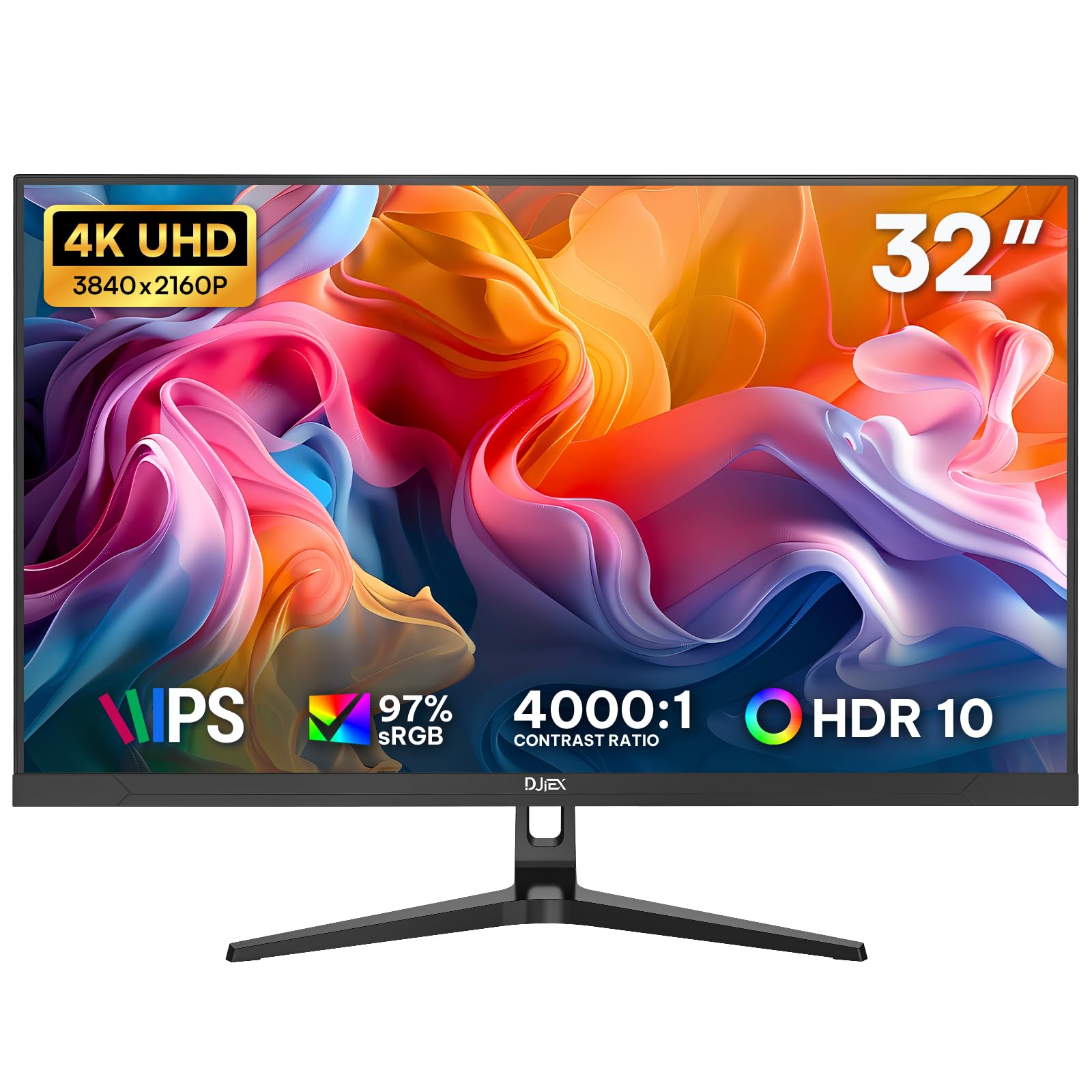
IPS is the reason to look at this one rather than the VA panels around it. Put two people at the desk and the picture stays even across the screen instead of washing out at the sides, which is the thing a shared office notices first and the thing a cheap VA panel can't fix with settings.

The rest is 60Hz, 97% sRGB, HDR10, FreeSync, and 1.07 billion colors — a bit-depth figure more than a promise about accuracy out of the box. Ports are two HDMI plus DisplayPort, so a desktop and a laptop can both stay connected.

The mounting is where you have to pay attention: the VESA pattern is 75 x 75mm, smaller than the 100 x 100mm pattern many arms assume, so check your bracket or plate before you plan the desk around an arm. The quick-release V stand clips on without fuss and takes up little depth if you'd rather not mount it at all.

What we like is that the corners cut are the ones a home office can live with — no speakers, no USB-C, one year of warranty, limited stand adjustment — in exchange for a big IPS 4K panel at the lowest price tier here. Budget ten minutes for the picture menu, though: the preset runs pale, and pulling the color temperature back is what turns it into a good screen.

Pros

  • IPS panel at the lowest price tier here
  • 97% sRGB and 1.07 billion colors
  • Quick-release stand and VESA mounting

Cons

  • 75 x 75mm VESA pattern limits arm choices
  • No speakers and no USB-C
Our verdict

IPS at the bottom of the price range: color that holds up when someone sits beside you, as long as your monitor arm accepts a 75mm pattern.

Check Latest Price

How We Chose and Tested These 4K Monitors

We built the shortlist by pulling every 32-inch 4K monitor we could find from the major display makers and a few smaller brands, then cutting anything that turned out to be a 1440p panel in a 4K box, anything limited to one input, and anything priced like a small television. That left 12 monitors. Each one spent six months on a desk, switched on at the start of a workday and rarely off before evening.

They were used the way a monitor actually gets used: spreadsheets and long email threads in the morning, a browser full of tabs by afternoon, a movie or a game after dinner. We worked in a bright room with a window behind the desk to see how each screen handled glare, then again at night with the lights off to watch for backlight glow in the corners. We walked around the desk, too, checking how far the picture held up off-angle, and looked at every monitor switched off — bezel width, how the stand sat on a wooden desk, whether cables disappeared.

Out of the box, we measured brightness and color coverage, then opened photos we'd shot ourselves and looked for the drift: skin tones going orange, blues sliding toward purple. A full-white document and a full-black movie scene told us whether contrast held, and we ran a dead-pixel check on every panel. For sound, we played a podcast and a trailer at half volume and asked whether dialogue was clear or tinny. Functionality came down to the stand and the menus — we raised, tilted, and swiveled each one, plugged in a laptop and a console, and timed how long it took to find the input switch and the low blue light setting. Reliability we judged the slow way: ten-hour days for six months, watching for flicker, image retention, and anything that simply quit.

How to Choose a 32-Inch 4K Monitor

Decide What Refresh Rate Is Worth

Refresh rate is what you feel rather than see. A 60Hz panel redraws sixty times a second, and across 32 inches that means text blurs between frames while you scroll or drag a window. At 120Hz the blur largely disappears, which is why the Dell is our default for a desk that runs all day.

The catch is cost and cabling: high refresh at 4K wants DisplayPort or a recent HDMI version, and it pushes the price up. If the monitor mostly shows video and documents you read page by page, 60Hz is fine and the difference is better spent on panel quality.

VA or IPS: Pick the Trade

Nearly every panel here is one of two types. VA gives deeper blacks — 3000:1 or 4000:1 against roughly 1000:1 — so movies and dark games look richer, but color shifts when you view from the side and fast movement in a dark scene can smear.

IPS holds its color across the screen and at an angle, at the cost of contrast, which reads as grayish blacks in a dark room. A shared desk and a lot of photo work argue for IPS; one viewer in a dim den argues for VA.

The Stand Decides Comfort

A 32-inch panel is about 28 inches wide and 16 inches tall, and if the top of it sits above your sightline you'll spend the day looking up. Height adjustment fixes that, and it is the first thing budget models leave out — tilt-only stands are standard at the bottom of the range.

Two ways to handle it: buy a monitor whose stand rises, or buy a cheaper panel and put the savings into a VESA arm. Check the pattern and the weight before you commit; the panels here that publish a weight come in between about 13 and 19 pounds, and the hole patterns are 75 x 75mm or 100 x 100mm.

Match the Ports to What You Plug In

Count devices first. A desktop plus a console is two inputs; add a work laptop and you want three, which is where the panels with two HDMI and two DisplayPort earn their place.

If the laptop is the main computer, USB-C changes the calculation — one cable can carry video, charge the machine, and run a couple of accessories, and only one monitor here does it. The trap is assuming a USB-C-shaped port on your laptop means a one-cable desk: plenty of laptops charge over USB-C but output video only over HDMI or DisplayPort, which means an adapter and a second cable whichever monitor you buy.

Plan for the Panel Lottery

Dead pixels, a bright blotch, or a backlight that quits in month three are the failures that end a monitor's life early, and they turn up in every price band. Two practical defenses: buy where returns are easy, and open the box inside that window and run full-screen white, black, red, and blue images to hunt for stuck pixels.

Warranty terms matter more than warranty length. Advanced exchange, which ships a replacement instead of asking you to box a 32-inch panel and wait, is the version worth paying a little extra for.

Frequently Asked Questions

Final Verdict

Buy the Dell S3225QS. It's the only 32-inch 4K monitor here with a 120Hz panel, it covers 99% sRGB with a stand that reaches eye level, and its year of advanced exchange with panel exchange covers the failure most likely to end a monitor's life. For a desk that runs all day, nothing else in this group does more.

Two situations justify going elsewhere. If your laptop charges over USB-C, the LG 32UP83AK-W replaces a dock and a power brick with one cable and adds a pivoting stand. If the monitor lives in a dim room and movies matter as much as spreadsheets, the Samsung ViewFinity S7's 3000:1 panel is the better picture for the money.