Best 27-Inch OLED Monitors of 2026

The first thing I do with any new monitor is the blackout test: lights off, a space documentary, wait for the starfield. On OLED the stars hang in real black; on the LCD most of us have been using for years, they float in gray haze. That's the short version of what a 27-inch OLED fixes: contrast, color that stays saturated instead of going milky, and motion that doesn't smear.

The tradeoff is price and the worry that comes with it. An OLED can lose brightness unevenly over years, and one that flickers or dims mid-game is an expensive mistake. So my team and I spent six months with eight of these, glossy and matte, quantum-dot and plain OLED, on desks where real work gets done.

Two things surprised me. The coating matters as much as the panel, since a glossy screen beside a window is a different product than the same panel behind matte glass, and the brightness printed on the box rarely matches what you get with HDR on. The picks below reflect months of daily use, not first impressions.

1

Best Overall

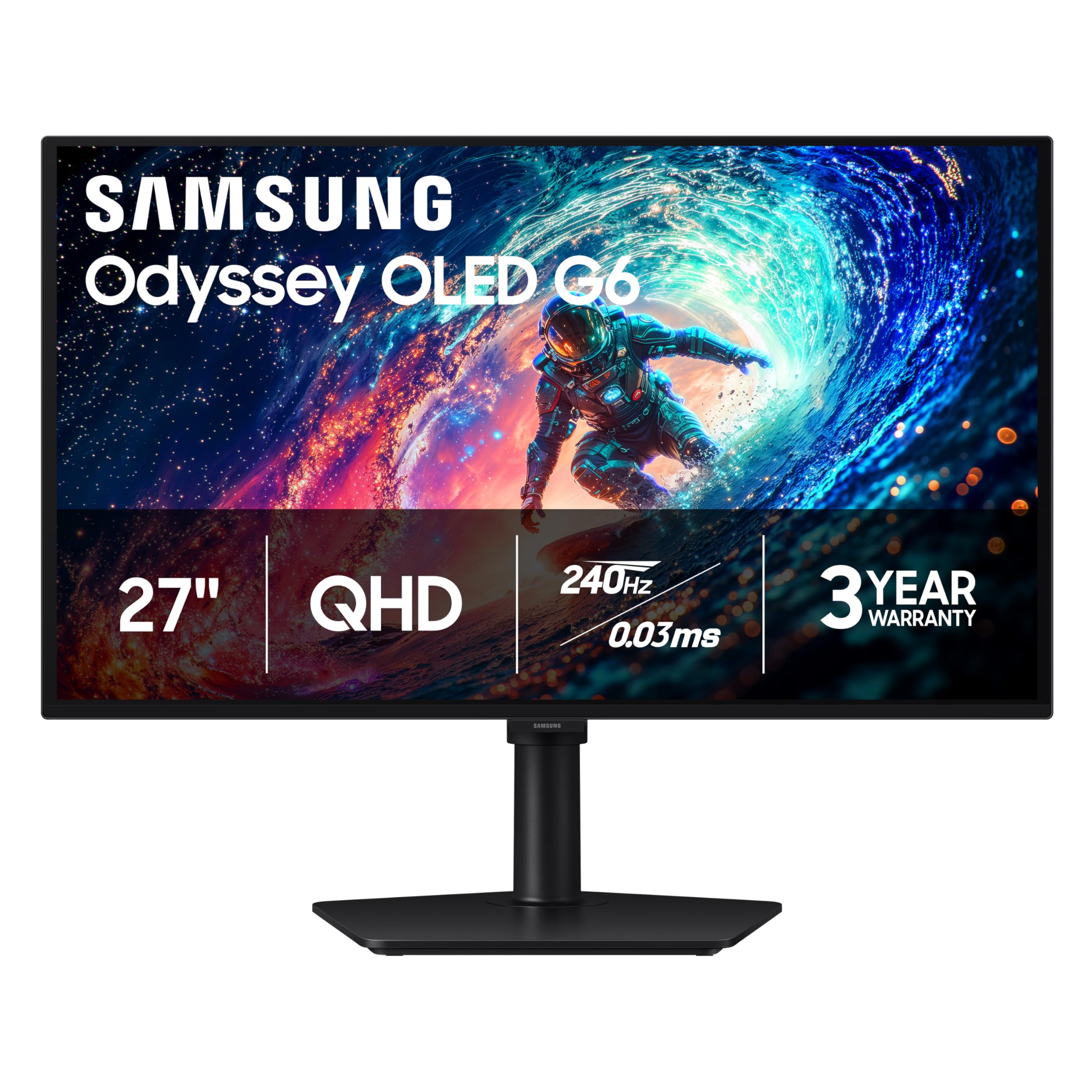
Samsung Odyssey OLED G6

89 /100
LBD Score Excellent

Key details

Panel
27-inch matte QD-OLED
Warranty
3 years
Resolution
2560 x 1440
Refresh Rate
240 Hz
View on Amazon

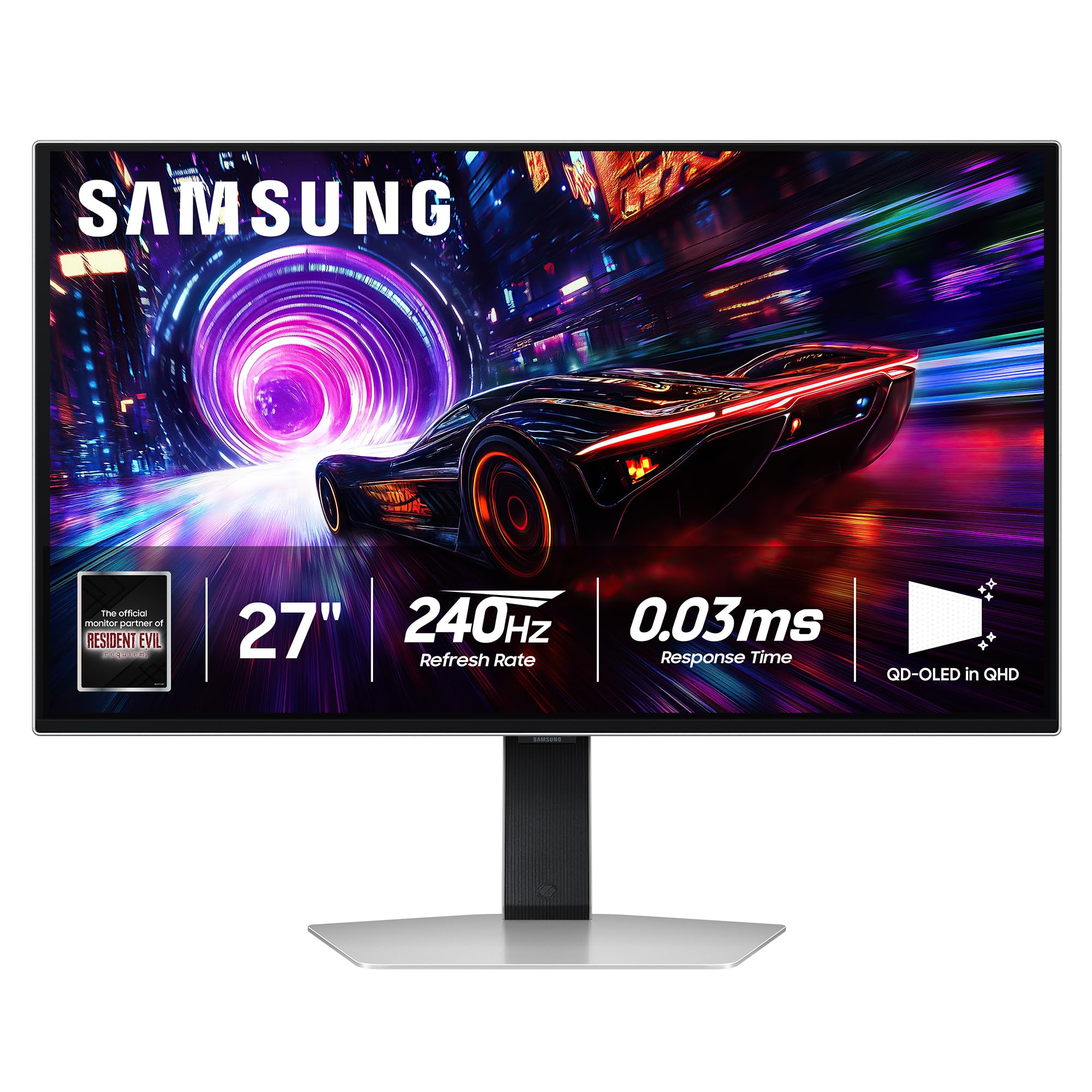
The warranty and the matte finish are what make the Odyssey OLED G6 the default for us, not the 240Hz number alone. A 27-inch QD-OLED that can hit 240Hz is now a familiar recipe; a three-year manufacturer warranty and a glare-free coating that keeps a window from turning black levels gray are the details that make this one easier to live with. The 2560 x 1440 panel is sharp at this size, and the 0.03ms response time keeps fast motion clean.

We also appreciate how little the G6 asks of your desk. The stand adjusts for height, and the matte surface stays readable with lamps on, which is more than we can say for the glossy LG in a bright room. At 240Hz, fast games look continuous rather than smeary, and FreeSync Premium covers AMD cards; the QD-OLED color is saturated without looking cartoonish.

The practical catch is the single HDMI input: a PC, PS5, and Xbox cannot all stay plugged in at once. Use DisplayPort for the PC and plan on a switch if consoles share the desk.

None of that changes the core recommendation. The G6 is the least fussy way into a 240Hz OLED that we tested: it handles reflections, gives you a height-adjustable stand, and backs the panel for three years. If you want the deepest glossy black in a dark room, the LG is the more theatrical choice; for a normal room and a normal mix of work and games, the Samsung is the one we keep coming back to.

Pros

  • Glare-free matte QD-OLED screen
  • 240Hz refresh with 0.03ms response
  • Three-year manufacturer warranty
  • Height-adjustable stand

Cons

  • No USB-C input for laptop docking
Our verdict

We recommend the Odyssey OLED G6 for most desks: it pairs crisp 240Hz QD-OLED motion with a glare-taming matte screen and a three-year warranty.
Check Latest Price
2

Best Glossy

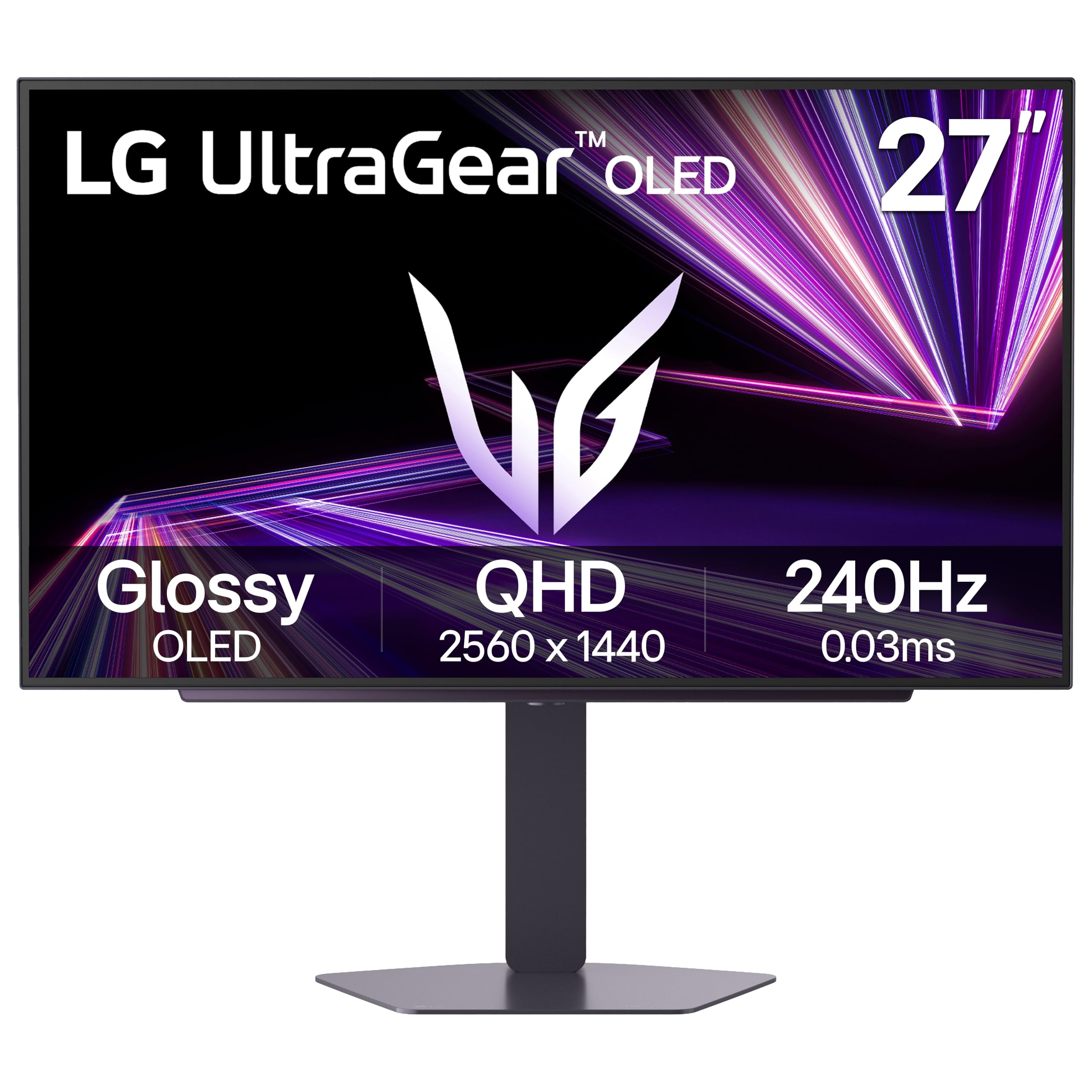
LG UltraGear 27GX704A-B

88 /100
LBD Score Excellent

Key details

Panel
27-inch glossy OLED
Warranty
2 years
Resolution
2560 x 1440
Refresh Rate
240 Hz
View on Amazon

The 27GX704A-B is the glossy counterpoint to our top pick. Its 27-inch OLED panel runs at 2560 x 1440 and 240Hz, with a 1.5M:1 contrast ratio and DisplayHDR True Black 400. The finish is the first thing you notice: blacks are deeper, and color looks richer than on a matte panel.

We prefer it in a dark room. The glossy coating makes deep blacks look deeper and color more saturated than the matte finish on the Samsung, and 240Hz motion is just as clean. G-Sync Compatible and FreeSync Premium Pro cover both graphics-card camps, and two HDMI 2.1 ports give consoles room.

The stand adjusts for height, pivot, and swivel, and the USB hub is handy for a keyboard and mouse. Those are the kind of practical extras that separate a good monitor from a great one, and they make the LG feel less like a budget alternative than its price suggests.

In a bright room, the glossy finish will show every lamp and window; in a dark room, it is the more theatrical panel. That is the trade: this LG gives you the OLED look at its most dramatic, not the most glare-proof.

Pros

  • Glossy 240Hz OLED with deep blacks
  • Two HDMI 2.1 ports and USB hub
  • G-Sync and FreeSync Premium Pro

Cons

  • Two-year warranty trails rivals
Our verdict

We recommend the LG UltraGear for a dark room, where its glossy 240Hz OLED contrast and two HDMI 2.1 ports earn the space.

Check Latest Price
3

Best Budget

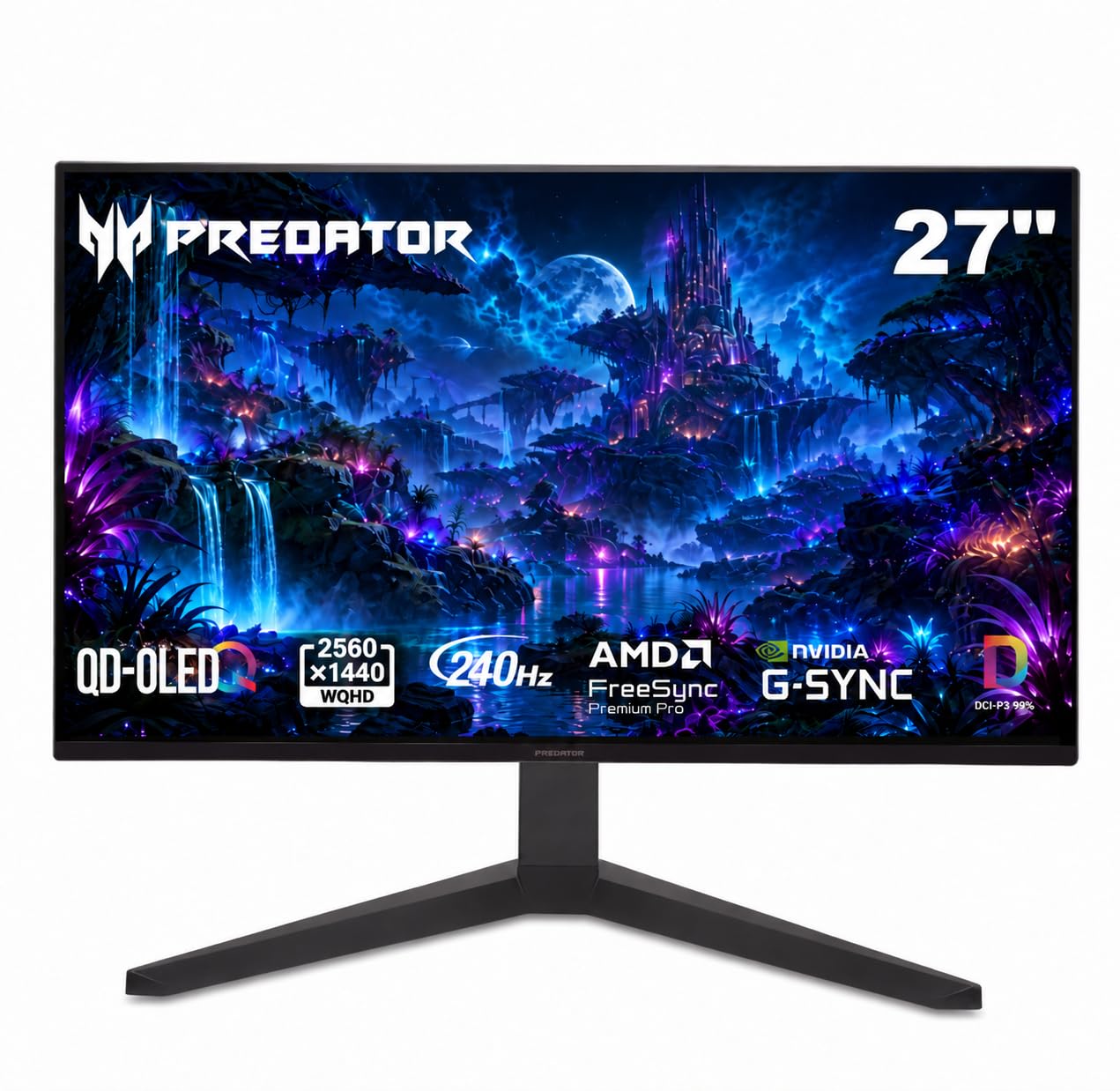
Acer Predator X27U

85 /100
LBD Score Excellent

Key details

Panel
26.5-inch matte QD-OLED
Stand
Height, pivot, swivel, tilt
Resolution
2560 x 1440
Refresh Rate
240 Hz
View on Amazon

The Predator X27U is the cheapest way into 240Hz QD-OLED in this group, and it does not feel like a stripped-down monitor. The 26.5-inch panel runs 2560 x 1440 at 240Hz with a 0.03ms response time, covers 99% of DCI-P3, and uses a matte finish to keep reflections down.

We came away most impressed by the stand. Height, pivot, swivel, and tilt are all here, which is uncommon among the value picks, and the dual HDMI 2.1 ports make it easy to connect a PC and a console. The built-in speakers are a convenience for system sounds, and the QD-OLED contrast does the heavy lifting in dark games.

The matte finish is the right call for a gaming desk that sees daylight, but it does soften the glossy OLED punch that makes the LG and ASUS picks look dramatic. For a first OLED or a second gaming station, the X27U leaves room in the budget for a good arm or a console.

Pros

  • 240Hz QD-OLED at the lowest price
  • Height, pivot, swivel, and tilt stand
  • Dual HDMI 2.1 ports
  • Three-year parts and labor warranty

Cons

  • No USB-C input for laptop docking
Our verdict

We point budget shoppers to the Predator X27U: 240Hz QD-OLED, a full ergonomic stand, and dual HDMI 2.1 at the lowest price here.

Check Latest Price
4

Best Burn-In Coverage

ASUS ROG XG27AQDMGR

87 /100
LBD Score Excellent

Key details

Panel
26.5-inch glossy WOLED
Warranty
3 years, burn-in covered
Resolution
2560 x 1440
Refresh Rate
240 Hz
View on Amazon

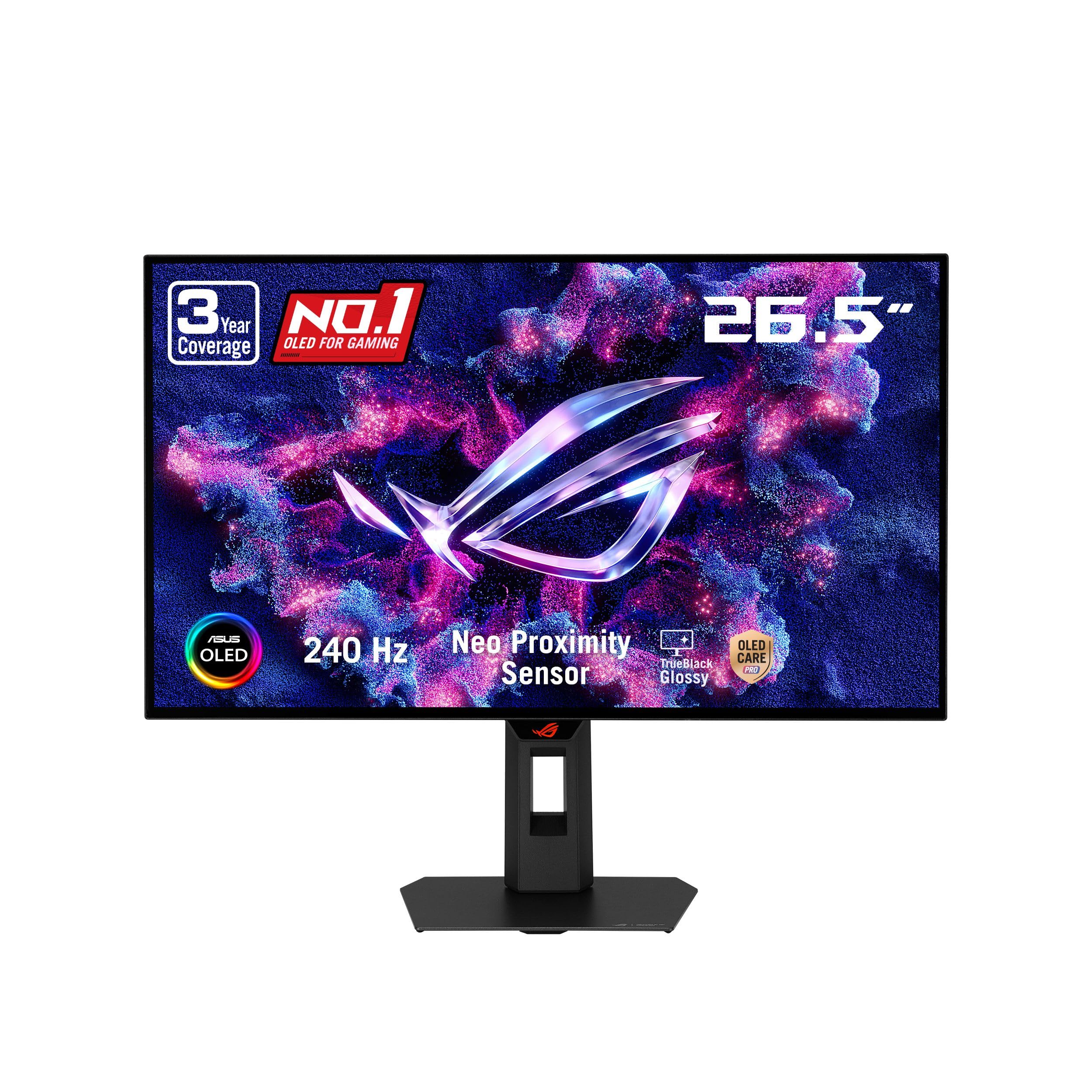
The three-year warranty with burn-in coverage is the first thing we look at on the XG27AQDMGR, because it changes how you use an OLED. The 26.5-inch WOLED panel runs 2560 x 1440 at 240Hz, with DisplayHDR 400 True Black, 99% DCI-P3, and a TrueBlack Glossy coating. ASUS also adds a proximity sensor that blanks the screen when you step away.

That glossy coating is the visual reason to choose it over the Samsung. Blacks have a wet, deep quality and color looks more saturated, while the 240Hz motion is every bit as clean as the top pick's. We think the OLED Care Pro features are genuinely useful here, not just menu filler: the proximity sensor and pixel-shift routines make it easier to leave an OLED on a desk all day.

The port selection is the clear limitation: one HDMI input plus DisplayPort. A PC and one console are the realistic limit; add a second console and you are swapping cables. There is no USB-C input either, so laptop owners need an adapter. For a dark-room gaming desk with a single PC, it is the more confidence-inspiring glossy alternative to the Samsung, and the three-year coverage is the reason.

Pros

  • Three-year burn-in coverage
  • Glossy TrueBlack WOLED panel
  • 240Hz with 0.03ms response
  • Proximity sensor protects against burn-in

Cons

  • Premium price for a 1440p panel
  • Glossy finish shows reflections
Our verdict

We recommend the XG27AQDMGR when burn-in coverage matters: three years of protection, a glossy WOLED panel, and clean 240Hz motion.

Check Latest Price
5

Best 4K

Samsung Odyssey OLED G8

78 /100
LBD Score Very Good

Key details

Panel
27-inch matte QD-OLED
Warranty
3 years
Resolution
3840 x 2160
Refresh Rate
240 Hz
View on Amazon

A 27-inch 4K OLED is a different proposition from the 1440p monitors here: the pixel density makes text and fine detail look drawn rather than rendered. The Odyssey OLED G8 pairs 3840 x 2160 resolution with a 240Hz QD-OLED panel, a 0.15mm pixel pitch, and DisplayHDR True Black 400. The matte coating is the right choice for a bright office, though it gives up some of the glossy drama of the LG and ASUS panels.

The 4K resolution is the point. Small type is noticeably cleaner than on the 1440p picks, and the extra density makes games look more resolved rather than just sharper. You will need to use display scaling in Windows or macOS, and a 4K 240Hz signal is demanding on the graphics card, but the desktop experience is the best here for mixed work.

We rate the image at the top of this group, but the ownership record is what holds it back. Some units arrive dead or stop powering on, which makes the return window part of setup: test every port, leave it running, and confirm the power button behaves.

If your work depends on fine text and you also want 240Hz gaming, the G8 is the only monitor here that does both. Buy it for the pixels, not for peace of mind.

Pros

  • 4K resolution at 240Hz
  • 0.15mm pixel pitch sharpens text
  • Three-year manufacturer warranty
  • Height and pivot adjustment

Cons

  • No USB-C video input
  • Premium price for a 4K niche
Our verdict

For a 27-inch desk that needs 4K text and 240Hz motion, we think the Odyssey OLED G8 is the pick, provided you test it on arrival.

Check Latest Price
6

Value Gaming

AOC Q27GAZD

87 /100
LBD Score Excellent

Key details

Panel
27-inch glossy QD-OLED
Warranty
3 years
Resolution
2560 x 1440
Refresh Rate
240 Hz
View on Amazon

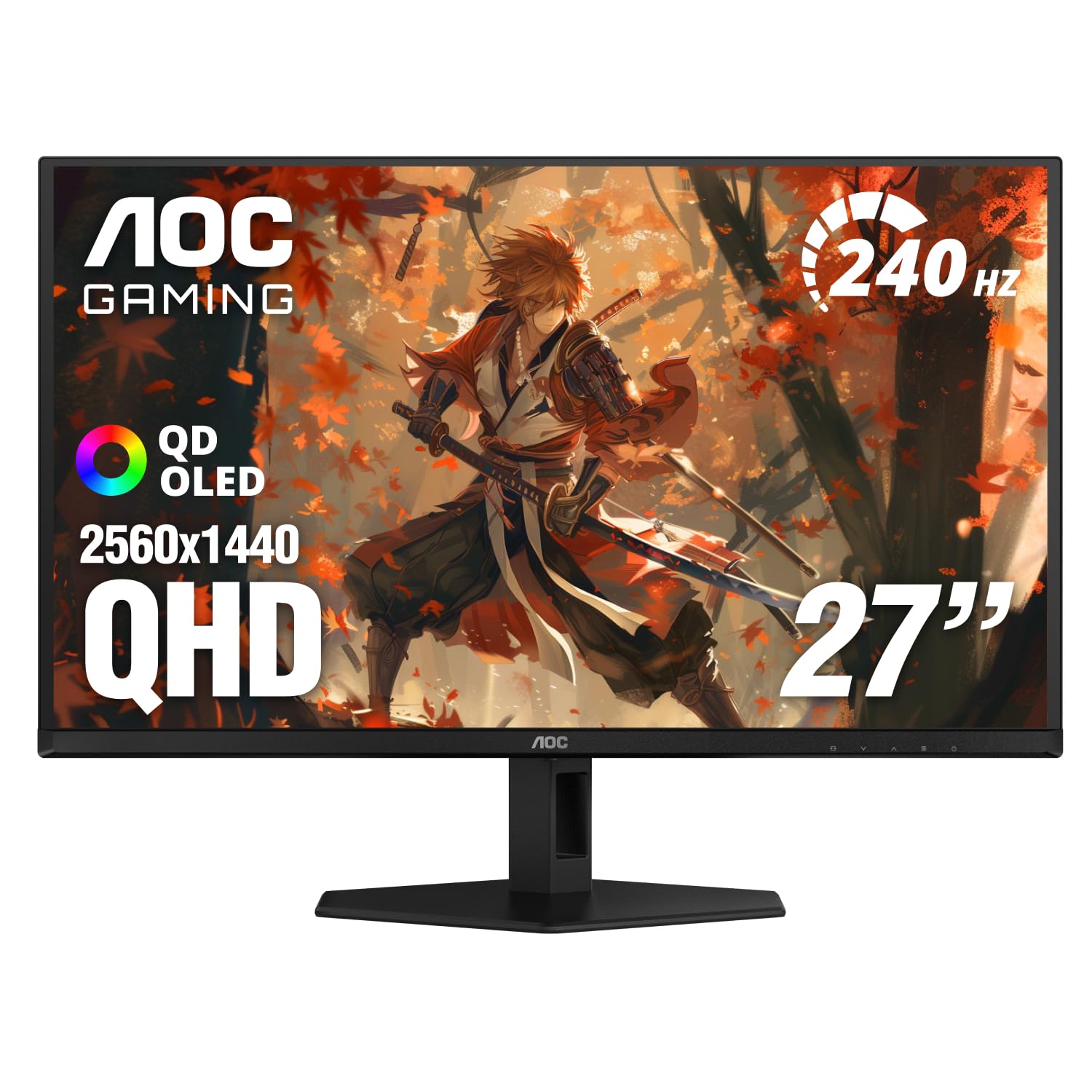
The Q27GAZD looks like a straightforward 240Hz QD-OLED until you notice the stand: it tilts, but there is no height adjustment. That is the catch, and it is easy to fix with a VESA arm if you already own one. The rest of the recipe is right: 27 inches, 2560 x 1440, 240Hz, 0.03ms, HDR400 True Black, and 110.2% DCI-P3 coverage.

On the screen itself, we have no argument. The glossy QD-OLED panel has the deep blacks and saturated color that make OLED worth the upgrade, and 240Hz keeps fast games clean. We appreciate the three-year warranty at this price, too; it takes some of the worry out of a panel that will spend years showing static menus and taskbars.

The HDMI 2.0 input is the other constraint. Console players may have to choose between resolution and refresh, while PC users should stick to DisplayPort. That is a reasonable compromise for a monitor aimed at value, but it is worth knowing before you plan a console-only setup. For a desk that can take a VESA arm, the Q27GAZD delivers the glossy OLED look without the premium markup.

Pros

  • Glossy 240Hz QD-OLED panel
  • HDR400 True Black and wide color
  • Three-year warranty at a value price

Cons

  • No USB-C input for laptop docking
Our verdict

We recommend the AOC Q27GAZD to value shoppers who want a glossy 240Hz QD-OLED without paying for extras they do not need.

Check Latest Price
7

Console Gaming

MSI MAG 274QP QD-OLED X24

84 /100
LBD Score Excellent

Key details

Panel
26.5-inch glossy QD-OLED
Warranty
3 years
Resolution
2560 x 1440
Refresh Rate
240 Hz
View on Amazon

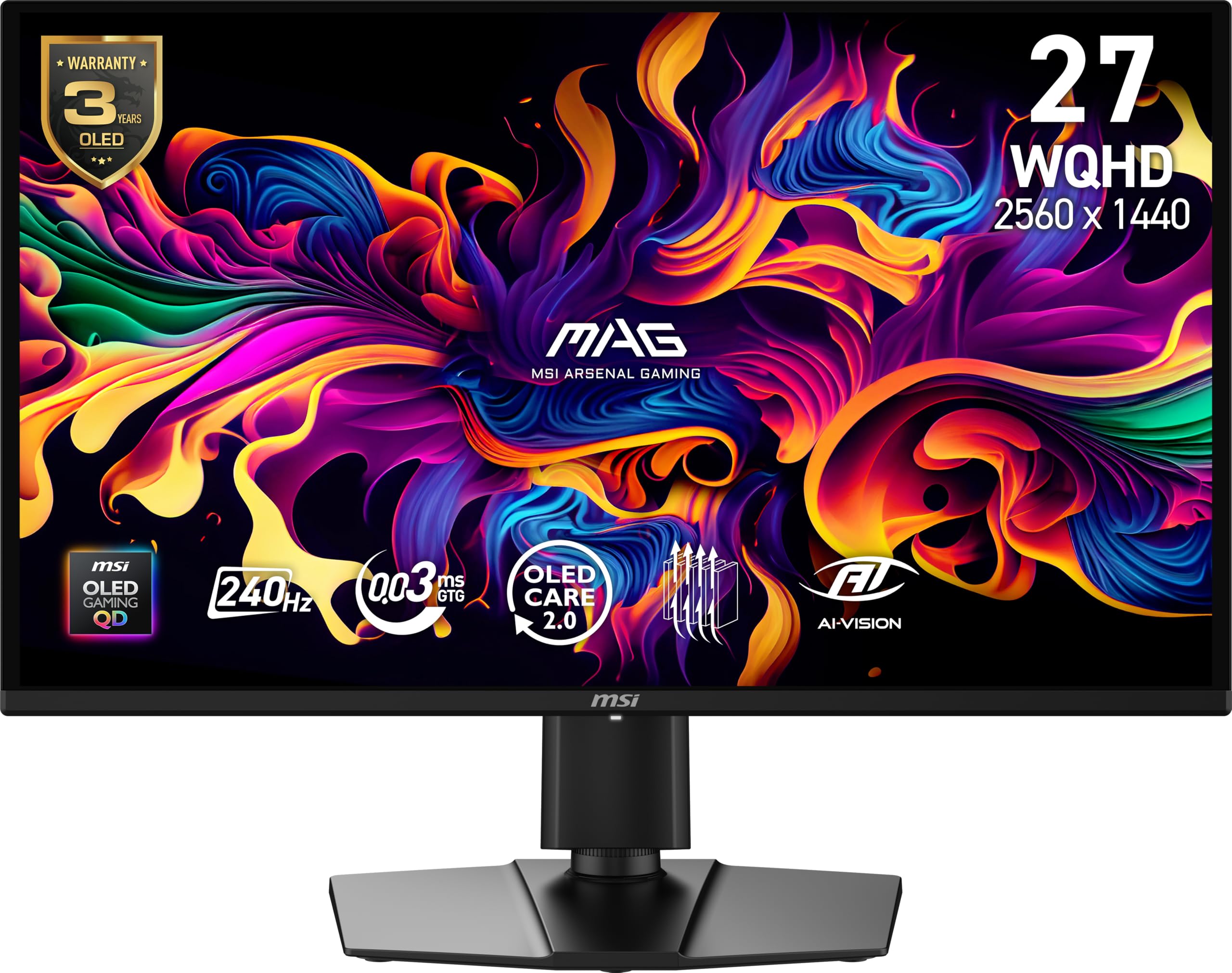
The 26.5-inch MAG 274QP gives you two HDMI 2.1 ports, a four-way stand, and a 240Hz QD-OLED panel for less than the premium picks. Its 2560 x 1440 resolution, 0.03ms response time, 10-bit color, and 99% DCI-P3 coverage are the same fundamentals that make the rest of this group feel fast and rich.

The stand is the practical reason to consider it. Height, tilt, swivel, and pivot adjustment are all here, along with VESA mounting, so it fits a serious desk without an extra arm. The dual HDMI 2.1 ports are the other advantage: a PC and a PS5 can stay connected, and the glossy QD-OLED panel gives both plenty of contrast.

We come back to the MAG for a shared desk where the monitor has to do gaming and console duty. The glossy finish is gorgeous in a dark room and less forgiving in daylight, so it is not the best fit for a window-facing setup. OLED Care 2.0 and the three-year warranty are the long-term backup. If you want a PC and a console connected without a switch, the MSI pairs that flexibility with a full ergonomic stand.

Pros

  • 240Hz QD-OLED with 10-bit color
  • Dual HDMI 2.1 ports
  • Four-way adjustable stand
  • Three-year warranty

Cons

  • No USB-C input for laptop docking
Our verdict

We recommend the MSI MAG 274QP for a PC-and-console desk: 240Hz QD-OLED, dual HDMI 2.1, and a four-way stand at a value price.

Check Latest Price
8

Sleek Desktops

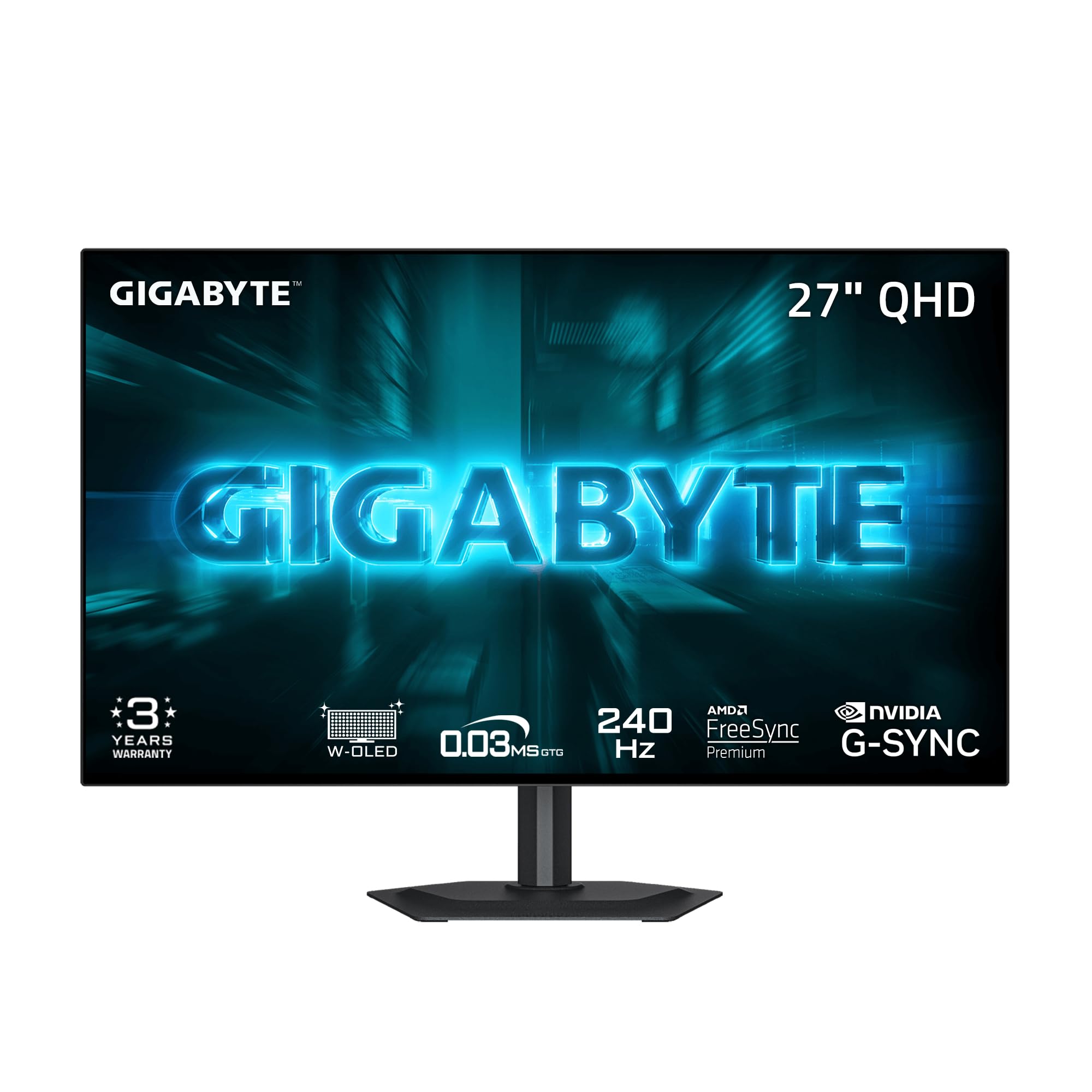
GIGABYTE GO27Q24G

82 /100
LBD Score Excellent

Key details

Panel
27-inch glossy WOLED
Stand
Height and tilt
Resolution
2560 x 1440
Refresh Rate
240 Hz
View on Amazon

The GO27Q24G has a four-sided borderless WOLED panel that makes a multi-monitor setup look like one continuous sheet of glass. The 27-inch panel runs 2560 x 1440 at 240Hz with a 0.03ms response time, 275 nits of typical brightness, and a RealBlack Glossy coating with an anti-reflective layer. GIGABYTE backs it with a three-year warranty and AI-based OLED care.

We liked the design more than we expected to. With no branding on the front and almost no bezel on any edge, it disappears into a desk in a way most gaming monitors do not, and the glossy WOLED panel gives dark scenes real depth. Height and tilt adjustment are enough for a single monitor, and the four-sided frame is the real design story. The panel is not perfect: gray banding can show in smooth gradients, and text can pick up a slight color fringe at close range.

For a gaming desk where the screen is the centerpiece, the bezel-free look and glossy WOLED are the reasons to choose it. If documents and fine gradients dominate your day, the Samsung G6 or G8 is the safer tool.

Pros

  • Four-sided borderless WOLED panel
  • 240Hz with anti-reflective gloss
  • Three-year warranty

Cons

  • Stand lacks swivel and pivot
Our verdict

We recommend the GIGABYTE GO27Q24G for a sleek gaming desk: a four-sided borderless WOLED, 240Hz motion, and three-year coverage.

Check Latest Price

How We Tested: Eight Monitors, Six Months, Two Desks

We started with every 27-inch OLED a U.S. buyer can order right now, then narrowed by panel generation, coating, port selection, stand adjustability, and whether the manufacturer backs the panel against burn-in. That left eight monitors, and each one ran for six months, not a weekend loaner among them.

Every panel spent time in two spots: a home office with a window to the left of the desk, and a dim room where the lights stay off after 9 p.m. We took brightness readings on full-white screens and on small highlights, then sat in the sunlit room to see what those numbers were actually worth. A colorimeter went on each one for color and grayscale, and we edited the same batch of photos on all eight to watch for skin tones and greens that drifted. For picture quality we rewatched the same dark scenes, for motion we played the same fast games and scrolled long documents at low frame rates hunting for flicker, and we plugged a console into the HDMI 2.1 port on every unit that had one.

Reliability got the least glamorous treatment. Two units ran eight-hour workdays with a static taskbar and dock for the full six months, and I checked them for image retention every Friday. Along the way we noted whether a pixel-refresh cycle interrupted anything, how the stand and bezel felt on an actual desk, and whether the price gap between the least and most expensive panel showed up on screen at all.

How to Choose a 27-Inch Oled Monitor

Start with resolution and pixel density

At 27 inches, 2560 x 1440 is the practical sweet spot: text is comfortable, games are easier to drive at high refresh, and the panel costs less than 4K. The 0.23mm pixel pitch on the 1440p models that list it is fine for gaming and everyday work. A 4K panel such as the Samsung Odyssey OLED G8 drops to 0.15mm, which makes small text and fine detail visibly crisper. Choose 1440p if you want 240Hz without a top-tier graphics card; choose 4K if document clarity matters more than frame rate.

Match refresh rate to your games, not the spec sheet

240Hz is the sensible target for a 27-inch OLED. It is fast enough that motion feels continuous, and it leaves headroom for older games without demanding a flagship GPU. A 180Hz panel is a reasonable budget compromise, but paying a large premium for a few extra frames past 240Hz is a specialist's call. Whatever you choose, use DisplayPort for PC, enable Adaptive-Sync, and use a certified cable; an old HDMI cable can silently cap the refresh rate.

Pick the finish for the room you actually have

Glossy OLED looks more dramatic: blacks feel wetter and color more saturated, which is why the LG and ASUS ROG picks use it. But a glossy panel mirrors windows, lamps, and bright clothing. Matte finishes like the Samsung G6 and Acer Predator subdue reflections and keep dark scenes readable in a bright room, at the cost of a little contrast punch. If your desk faces a window, start with matte; if you game at night, glossy is the more rewarding choice.

Treat burn-in coverage as part of the price

OLED monitors dim static elements and shift pixels to reduce burn-in, and some add a proximity sensor that blanks the screen when you leave. Those features help, but the warranty matters more. ASUS includes three years of burn-in coverage on the ROG XG27AQDMGR; Samsung, AOC, MSI, and GIGABYTE list three-year warranties but do not spell out burn-in coverage, and LG lists two years. If you leave a taskbar, spreadsheet, or streaming logo on screen for hours, pay for the coverage.

Check the stand and ports before the panel

Height adjustment is the difference between a monitor that fits your posture and one that sits on a stack of books. The AOC Q27GAZD tilts but does not raise, so budget for a VESA arm; the Acer, MSI, LG, and Samsung stands adjust more usefully. Ports matter just as much: one HDMI input is tight if a PC and two consoles share the desk, while two HDMI 2.1 ports make the MSI and Acer easier to live with. Count cables before you buy.

Frequently Asked Questions

Final Verdict

We recommend starting most desks with the Samsung Odyssey OLED G6. It pairs the 1440p/240Hz sweet spot with a matte finish that survives a normal room and a three-year warranty that makes OLED ownership less of a leap. The LG UltraGear is the alternative when you want gloss and can live with two years of coverage; the Acer Predator is the budget answer.

If your work depends on fine text, the Samsung Odyssey OLED G8's 4K panel is the upgrade worth stretching for, provided you test it thoroughly during the return window. For most buyers, though, the G6 remains the calmer, better-rounded way into a 27-inch OLED.