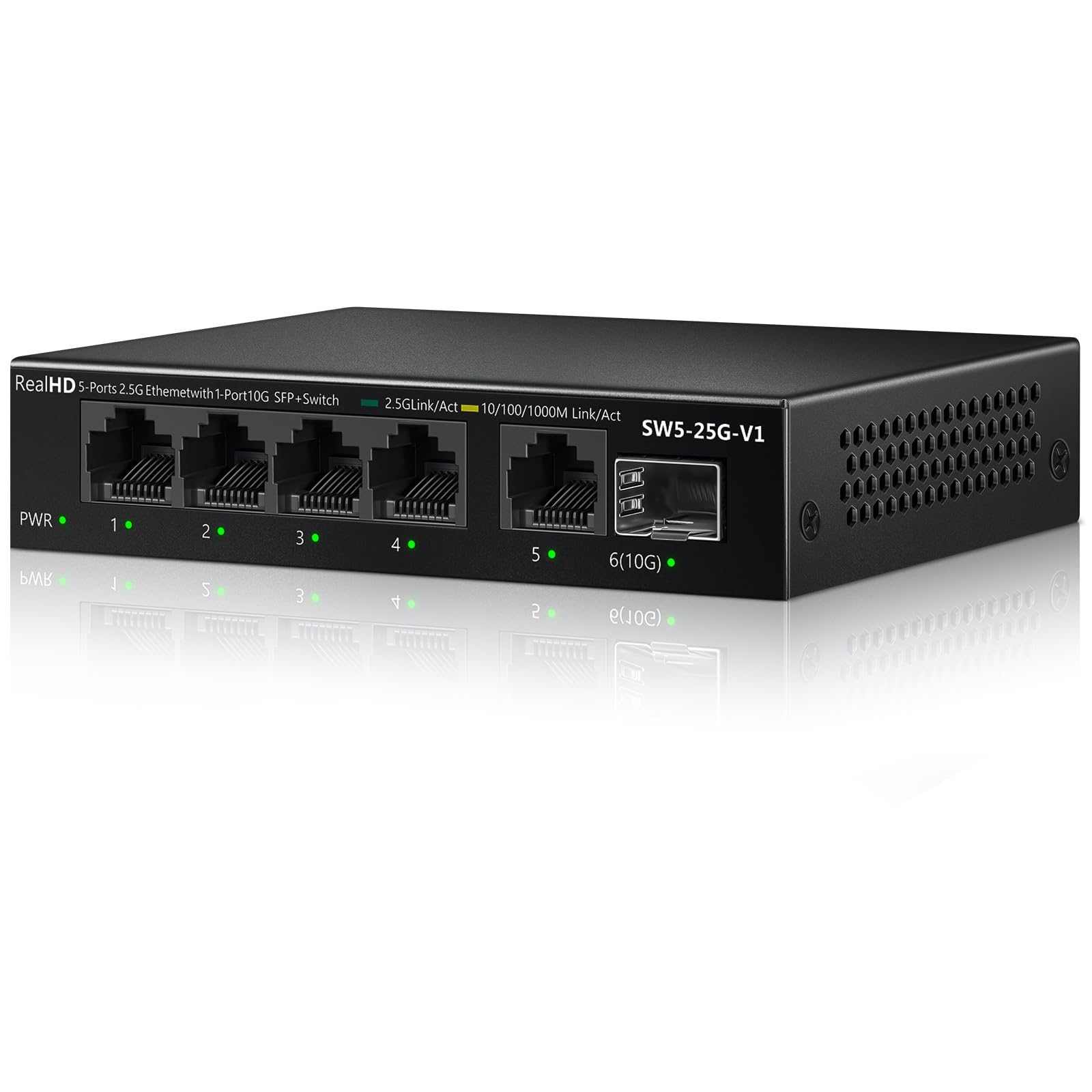
Best Overall

TP-Link TL-SG105S-M2
Key details
- Case
- Metal
- Ports
- 5 x 2.5G RJ45
- Mounting
- Desktop or wall
- Warranty
- 3 years
Five 2.5G ports in a metal box about the size of a paperback — that is the whole pitch, and it is why this TP-Link is the switch we reach for first. We put it between a 2.5G router and a pair of wired desktops, and it negotiated the links without a driver, a login page, or a reboot. The ports auto-negotiate down to 1G and 100M, so older gear still works.
What we appreciate most is how little attention it asks for. The case is metal, the rubber feet keep it from skating, and there is no fan to whine in a home office. We wall-mounted one in a utility closet and forgot about it; the status lights are bright enough to read but not bright enough to light a room. The three-year warranty is a sensible cushion for a part that tends to sit behind a desk for years.
Speed is the point, and the switch delivers it when the rest of the path cooperates. We saw 2.5G links come up between compatible machines, and the switch passed file traffic without the stutter we associate with a saturated Gigabit uplink. It will not create bandwidth your router or cables cannot supply, and it will not manage VLANs or prioritize traffic. That is the bargain: pay for ports and silence, not a control panel.
For a home office, a gaming desk, or a small NAS cluster, this is the least fussy way to get past Gigabit. It is the pick we hand to someone who wants the network to disappear.
Pros
- Five 2.5G ports in a metal case
- Fanless and silent for a home office
- Plug-and-play with no configuration
- Three-year warranty
Cons
- No 10G SFP+ uplink
- Five ports can fill quickly
Buy this if you want the simplest, quietest way to add five 2.5G ports at home; it is the default we recommend for a router, a couple of desktops, and a NAS.