Best 16-Inch Laptops of 2026

A 16-inch laptop is the size where you stop squinting and start negotiating with your shoulder bag. You get a screen wide enough for two spreadsheets side by side, a keyboard with room to breathe, and in exchange you carry something closer to four pounds than three. I've hauled a few of these through enough airports to know the trade is usually worth it: the extra height of a 16:10 panel is the difference between reading a PDF comfortably and scrolling it all afternoon.

But the spec sheet won't tell you which one you'll want to keep. We spent the past six months rotating eight 16-inch laptops, from budget workhorses to loaded configurations, through real workdays, and the things that decided it were rarely the headline numbers: a screen that stayed readable next to a window, a keyboard that didn't flex, a battery that survived a flight without a charger. We also dug into the 'AI PC' label on half these machines — the neural processor does little for email, though the silicon it ships with tends to run cooler under load. Ports, it turns out, matter more than benchmarks, and the picks below held up on all of it.

1

Best Overall

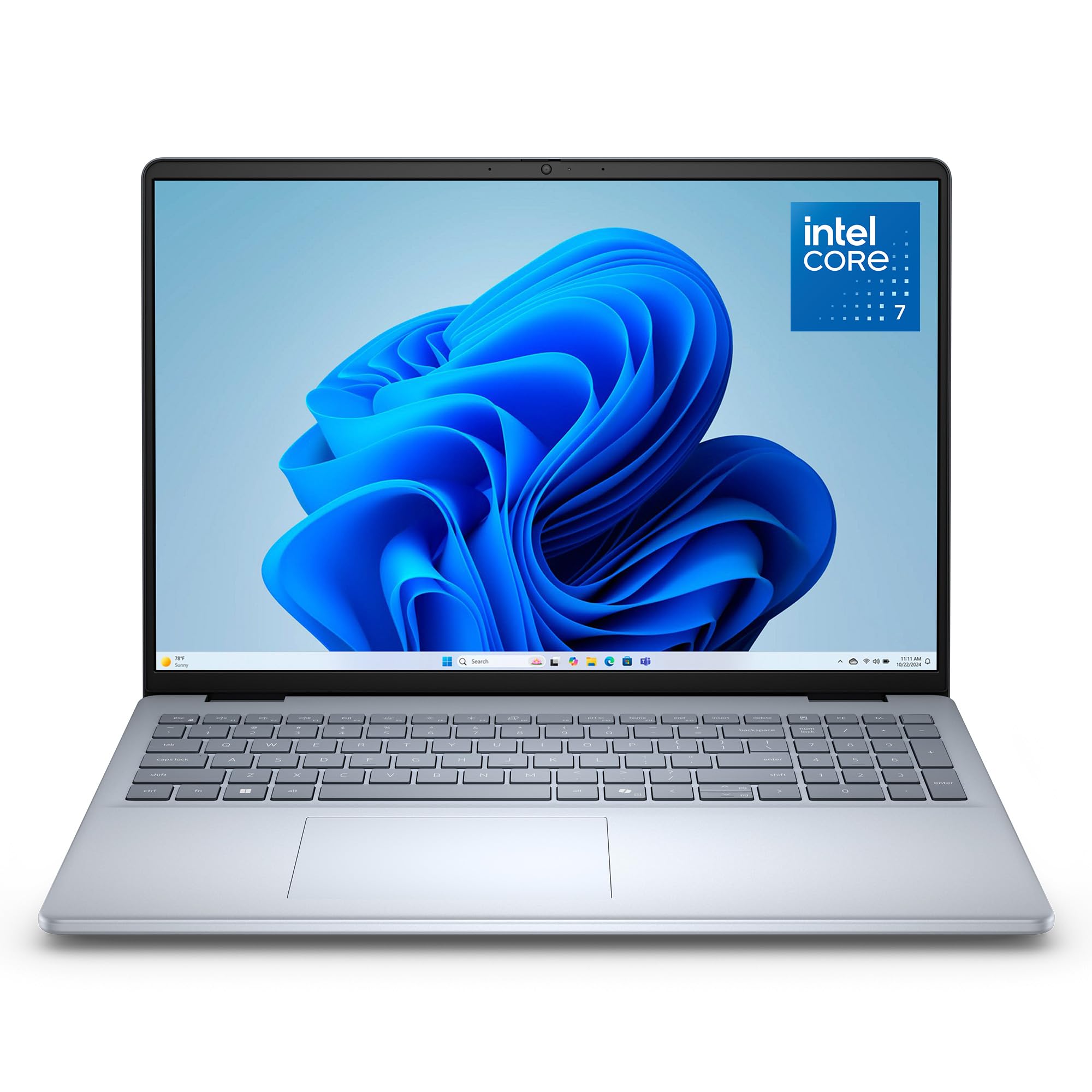
Dell 16 DC16251

86 /100
LBD Score Excellent

Key details

Weight
4.2 lb
Display
16-inch 1920 x 1200 matte touchscreen
Processor
Intel Core 7 150U
Memory And Storage
16GB DDR5, 1TB SSD
View on Amazon

What settles it for us is the configuration rather than any single headline number: 16GB of DDR5 memory, a 1TB SSD, a matte 16-inch touchscreen, a fingerprint reader, and a backlit keyboard at a midrange price. Nothing there is exotic, and that's the appeal — there's no compromise to explain to the person who ends up using it. The 16:10 panel is the part that matters day to day, because the extra vertical room means a document page fits with its toolbar still visible and two windows sit side by side without either one shrinking to a sliver.

The Core 7 150U is a sensible match for the chassis: a low-power chip that handles email, large spreadsheets, a couple of dozen browser tabs, and a video call at once, and leaves the heavy lifting to machines like the Dell 16 Plus. Memory sits in two sockets and takes up to 32GB, which is more expandability than most of this group offers, and the 1TB drive means you aren't managing free space by year two. The touchscreen's matte finish keeps fingerprints and reflections out of the way, which is more than we can say for most touch panels.

Two trade-offs to weigh. At 54 watt-hours the battery is mid-pack here — larger than the ThinkPad L16's 47, well short of the OmniBook's 68 — so this is the one you plug in at the end of the day rather than the one you leave the charger home with. And the 60Hz panel is the basic option in this group; the Dell 16 Plus and the Aspire 16 AI both run at 120Hz, which you notice when you scroll a long document. Neither changes our recommendation for office work, where the matte finish and the 16:10 shape do more for you than refresh rate.

Pros

  • 1TB SSD and 16GB DDR5 at a midrange price
  • Matte 16:10 touchscreen with room for two windows
  • Two memory slots, expandable to 32GB
  • Fingerprint reader and a backlit keyboard

Cons

  • 54 watt-hour battery is mid-pack here
  • 60Hz panel next to the 120Hz options
Our verdict

We recommend the Dell 16 DC16251 to anyone who wants a big, comfortable screen and 1TB of storage without workstation money — it's the least dramatic laptop here and the easiest to live with.
Check Latest Price
2

Best for Creative Work

Apple MacBook Pro 16 (M5 Pro)

90 /100
LBD Score Outstanding

Key details

Chip
M5 Pro, 18-core CPU, 20-core GPU
Weight
4.71 lb
Display
16.2-inch Liquid Retina XDR
Memory And Storage
24GB unified, 1TB SSD
View on Amazon

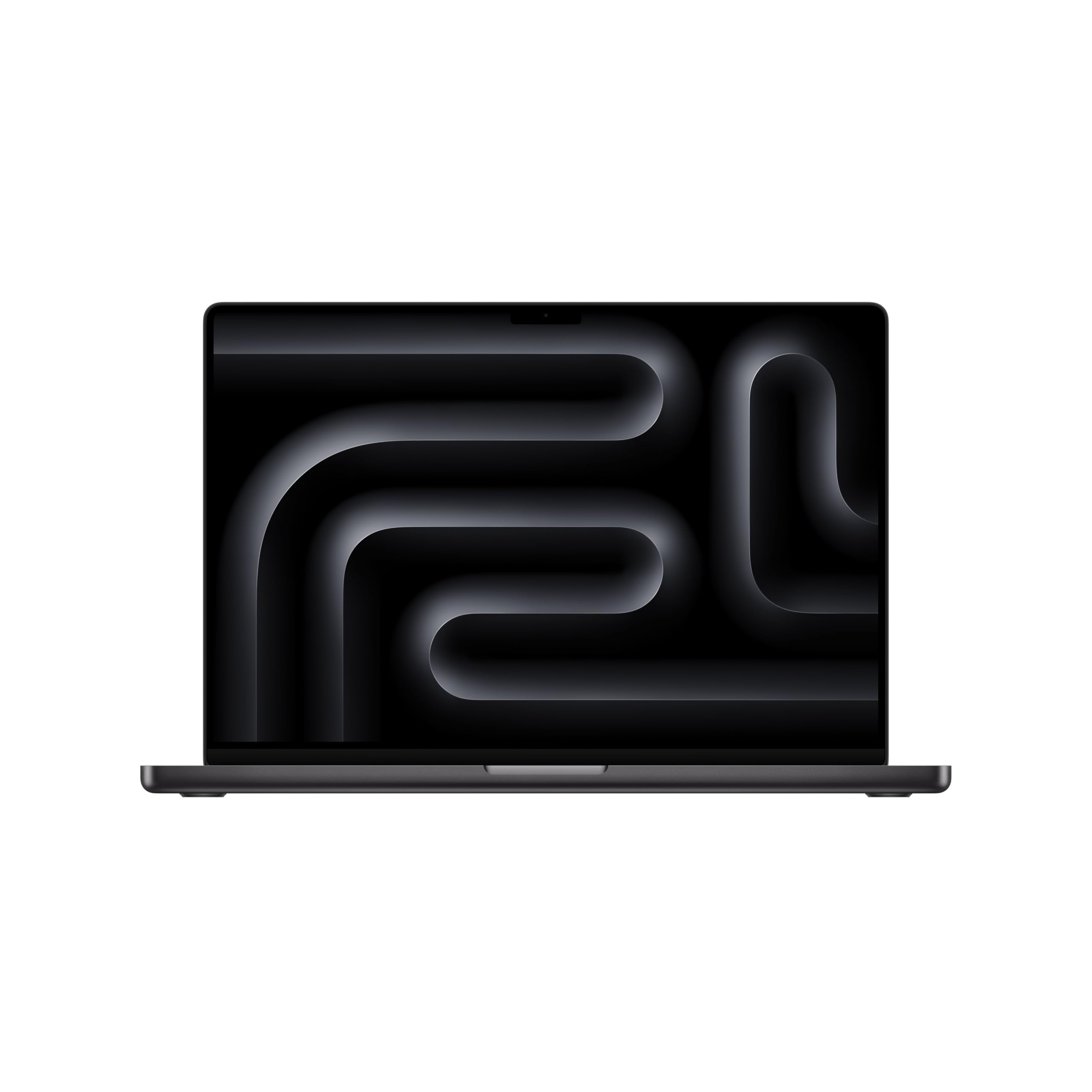
At 4.71 pounds this is the heaviest laptop in the group, and it's the only one whose screen is worth paying a premium for on its own. The 16.2-inch Liquid Retina XDR panel is a different class of display from the 1920 x 1200 panels that make up most of this list: text stays crisp at sizes that go soft elsewhere, dark areas read as dark, and the color holds up under editing instead of shifting on you.

Inside, the M5 Pro pairs an 18-core CPU with a 20-core GPU, 24GB of unified memory, and a 1TB SSD, with Wi-Fi 7 alongside. Memory is shared between the processor and graphics rather than divided, so 24GB goes further here than the same number would on a Windows machine leaning on integrated graphics. The configuration is built for sustained work — video timelines, large photo libraries, code — and it's designed to deliver the same performance on battery as it does plugged in, which is the part that matters when you're editing away from a desk.

Where this lands depends entirely on your software. If your day lives in macOS, this is the best machine on this page: the price buys the display, all-day battery, and the kind of headroom that keeps a laptop useful in year four. If you need Windows-only applications, nothing here rescues that. Everyone else is deciding whether the screen and the endurance are worth the premium, and for anyone who edits for a living, they usually are.

Pros

  • Best display in this roundup
  • M5 Pro with 24GB unified memory and 1TB SSD
  • All-day battery without throttling unplugged

Cons

  • Heaviest laptop here at 4.71 pounds
  • No Windows support for platform-specific apps
Our verdict

Buy the MacBook Pro 16 if your work runs on macOS and the screen is where you spend your day — it's the one machine here whose display, battery, and headroom are all in a different league.

Check Latest Price
3

Best Windows Powerhouse

Dell 16 Plus DB16250

84 /100
LBD Score Excellent

Key details

Weight
4.1 lb
Display
16-inch 2560 x 1600, 120Hz
Processor
Intel Core Ultra 9 288V
Memory And Storage
32GB LPDDR5X, 2TB SSD
View on Amazon

Thirty-two gigabytes of LPDDR5X, a 2TB SSD, a Core Ultra 9, and a 2560 x 1600 screen at 120Hz: on paper this is the most Windows laptop in the roundup, and for once the paper holds up. It's the pick for the person whose day is a dozen heavy browser tabs, a spreadsheet model, a video call, and a virtual machine at once — the memory is what keeps that from turning into stutter, and the fast panel is what makes scrolling feel like it's keeping up with you.

The QHD+ resolution does real work at this size. At 2560 x 1600 across 16 inches, text is genuinely sharp, and the 16:10 shape means a two-page document view is readable rather than squinty. It's a Copilot+ machine with an FHD+ webcam, a backlit keyboard with a number pad, Wi-Fi 7, and a 64 watt-hour battery, and at 4.1 pounds it slides into the same sleeve as the rest of this group without feeling like a workstation.

What you're paying for is headroom, and that's the honest way to read the price. This is the priciest Windows machine here, and the money buys resolution, refresh rate, memory, and storage rather than a different class of build. If your work fits comfortably in 16GB and a 1TB drive, the Dell 16 DC16251 does the same job for far less. If it doesn't, this is the Windows machine that won't need replacing first.

Pros

  • 2560 x 1600 at 120Hz, the sharpest screen here
  • 32GB LPDDR5X and a 2TB SSD
  • 4.1 pounds, light for what's inside

Cons

  • No card reader and only three USB ports
Our verdict

Choose the Dell 16 Plus if your Windows workload actually needs 32GB and a 120Hz QHD+ screen — it's the most laptop you can buy here, and it's priced like it.

Check Latest Price
4

Best for Business

Lenovo ThinkPad L16 Gen 2

83 /100
LBD Score Excellent

Key details

Ports
2x Thunderbolt 4, Ethernet, HDMI 2.1
Weight
4 lb
Display
16-inch 1920 x 1200, 400 nits
Memory And Storage
16GB DDR5, 512GB SSD
View on Amazon

Ethernet, two Thunderbolt 4 ports, two USB-A, HDMI 2.1, and a headphone jack: the ThinkPad L16 Gen 2 is the one laptop here you can walk into a meeting room with and never think about adapters. For an office machine that isn't a small thing. One Thunderbolt cable drives a dock with displays, network, and storage, and the RJ-45 port means a wired connection when the Wi-Fi is oversubscribed or the building's policy demands one.

The 400-nit anti-glare panel is what we keep coming back to. Every other business-leaning pick here sits at 300 nits, and the gap shows the moment your desk faces a window. Add the ThinkPad keyboard, a fingerprint reader, a number pad, TPM 2.0 and Windows 11 Pro, and memory that takes up to 64GB, and you have the machine we hand to anyone buying for a department rather than for themselves.

One caveat worth reading before you order: this is a reseller build. The machine is opened to fit the memory and drive, and the one-year warranty comes from the seller rather than from Lenovo, so check the terms and compare against buying the same model direct. The hardware underneath is standard ThinkPad and the configuration is the sensible one either way; it's the support path that changes.

Pros

  • Two Thunderbolt 4 ports plus Ethernet and HDMI 2.1
  • 400-nit anti-glare screen is the brightest non-Apple panel here
  • Memory expands to 64GB
  • Windows 11 Pro with TPM 2.0 out of the box

Cons

  • Warranty runs through the reseller, not Lenovo
  • 47 watt-hour battery is the smallest here
Our verdict

Get the ThinkPad L16 Gen 2 if you want a 16-inch office machine that docks with one cable and survives a bright room — just read who is honoring the warranty first.

Check Latest Price
5

Best Budget

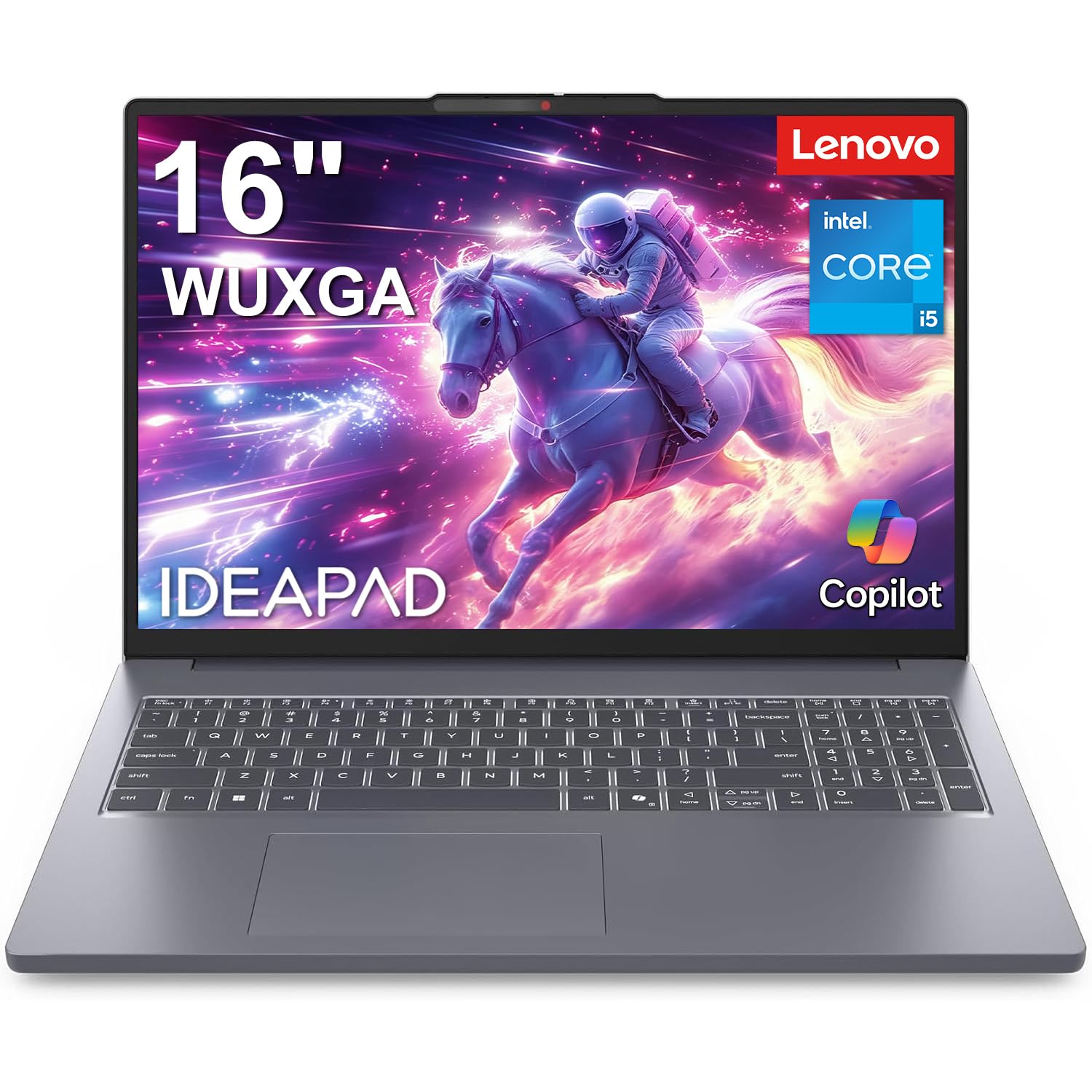
Lenovo IdeaPad Slim 3 16

88 /100
LBD Score Excellent

Key details

Ports
3 USB, HDMI, SD card reader
Display
16-inch 1920 x 1200 IPS, 300 nits
Processor
Intel Core i5-13420H
Memory And Storage
16GB DDR5, 512GB SSD
View on Amazon

An eight-core, twelve-thread H-series Intel processor in the least expensive laptop in this roundup is the reason the IdeaPad Slim 3 16 is here at all. The Core i5-13420H is a step above the low-power U-series chips that usually show up at this price, which means the machine stays responsive when a browser, a spreadsheet, and a video call are competing for the same cores — the kind of load that makes a cheap laptop feel cheap.

Lenovo also spent the money where a 16-inch buyer notices it: a 1920 x 1200 IPS anti-glare screen, a number pad, an SD card reader, TPM 2.0, and a chassis 0.7 inch thick. Nothing here reads as a corner cut to hit a price, the port set is the one people actually use, and Windows 11 Home is the only software decision you have to make on day one. For a student or a home office, we think that's the right call at this price.

Battery life is the compromise. An H-series chip and a 16-inch panel ask a lot of a budget power system, so plan on a charger for a full day of classes, and treat the quoted endurance numbers as a best case rather than an expectation. If the laptop mostly lives on a desk near an outlet, this is the best value on the page; if it travels every day, the Aspire 16 AI is the one to look at instead.

Pros

  • Eight-core H-series chip at the lowest price here
  • 16-inch 1920 x 1200 anti-glare IPS screen
  • Number pad, SD reader, and TPM 2.0

Cons

  • 300-nit, 45% NTSC panel looks flat
Our verdict

Buy the IdeaPad Slim 3 16 if the screen size matters more than the screen itself — it's the cheapest way to get a proper 16-inch machine with a real processor.

Check Latest Price
6

Best Battery Life

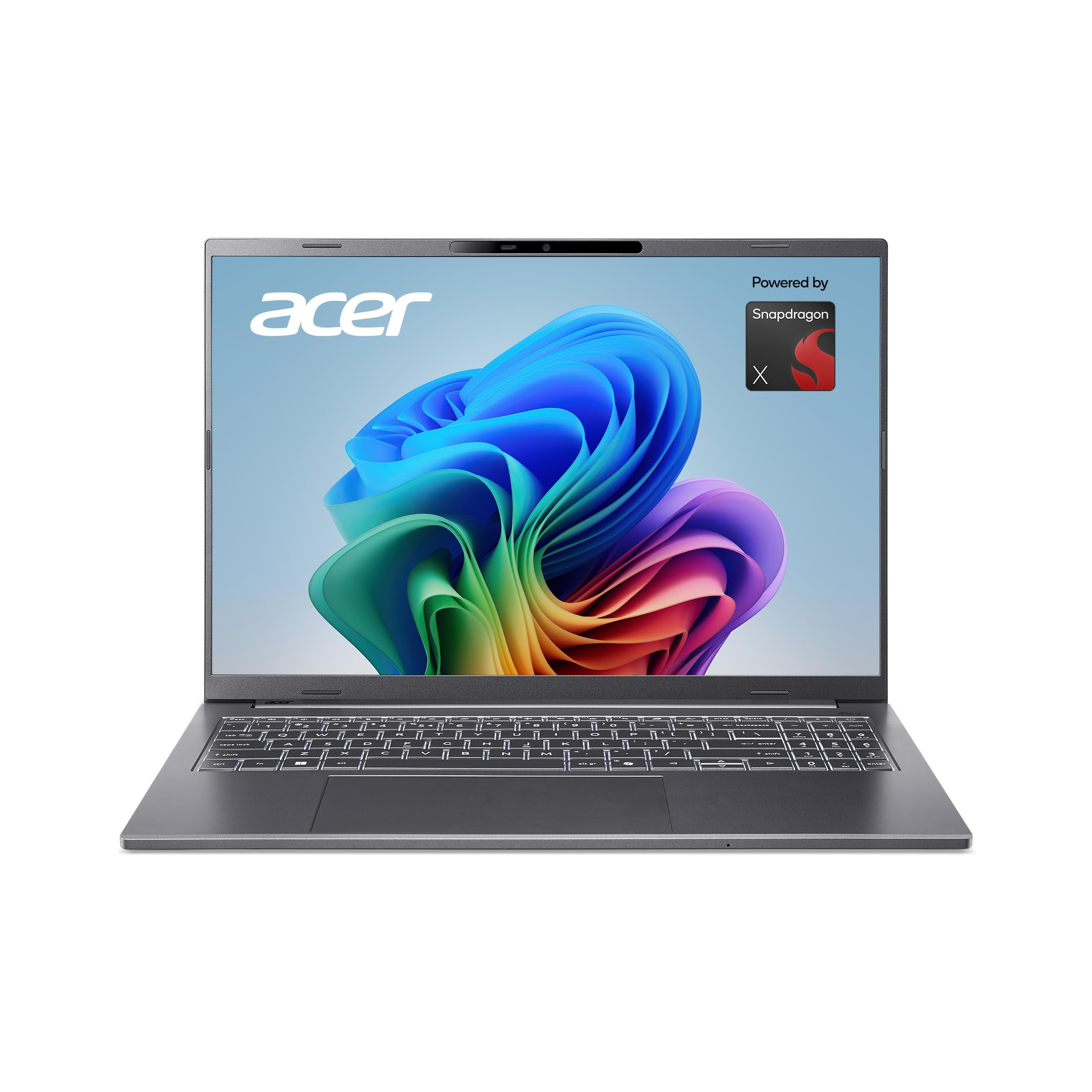
Acer Aspire 16 AI

80 /100
LBD Score Excellent

Key details

Weight
3.4 lb
Battery
53 watt-hours
Display
16-inch 1920 x 1200 touch, 120Hz
Processor
Snapdragon X X1-26-100
View on Amazon

The Snapdragon X chip inside the Aspire 16 AI is the first thing to understand and the last thing to worry about, in that order. Windows on ARM runs native apps natively and emulates the rest well enough that most people never notice. What it doesn't do is rescue old peripherals with Windows-only drivers, some corporate authenticator tools, or a printer whose manufacturer never wrote an ARM driver. Check the two or three programs you can't live without before you order.

Get past that and this is a lot of laptop for a budget price: a 16-inch 1920 x 1200 touchscreen running at 120Hz with 100% sRGB coverage and 350 nits, 16GB of LPDDR5X, a 512GB PCIe Gen 4 SSD, Wi-Fi 7, and a chassis that weighs 3.4 pounds — the lightest thing in this roundup. The battery is 53 watt-hours with a quoted 18 hours, and the efficient ARM platform is the reason that figure isn't fantasy. This is the laptop we reach for when we won't be near an outlet.

The caution is reliability. The webcam is the weak point and it can fail inside the first month, so test the camera and microphone the day it arrives and keep the return window open until you have. Do that and the Aspire 16 AI is the best battery life per dollar on this page, as long as your software clears the ARM bar. If it doesn't, the IdeaPad Slim 3 16 costs about the same and runs everything.

Pros

  • Lightest laptop here at 3.4 pounds
  • 120Hz touchscreen with 100% sRGB and 350 nits
  • Longest quoted battery life here, up to 18 hours

Cons

  • Windows on ARM can trip over older apps and printers
  • Webcam can fail within the first month
Our verdict

Buy the Aspire 16 AI if you want a light, long-running 16-inch laptop for the money and your software list clears the ARM bar — check the webcam the day it arrives.

Check Latest Price
7

Carrying Every Day

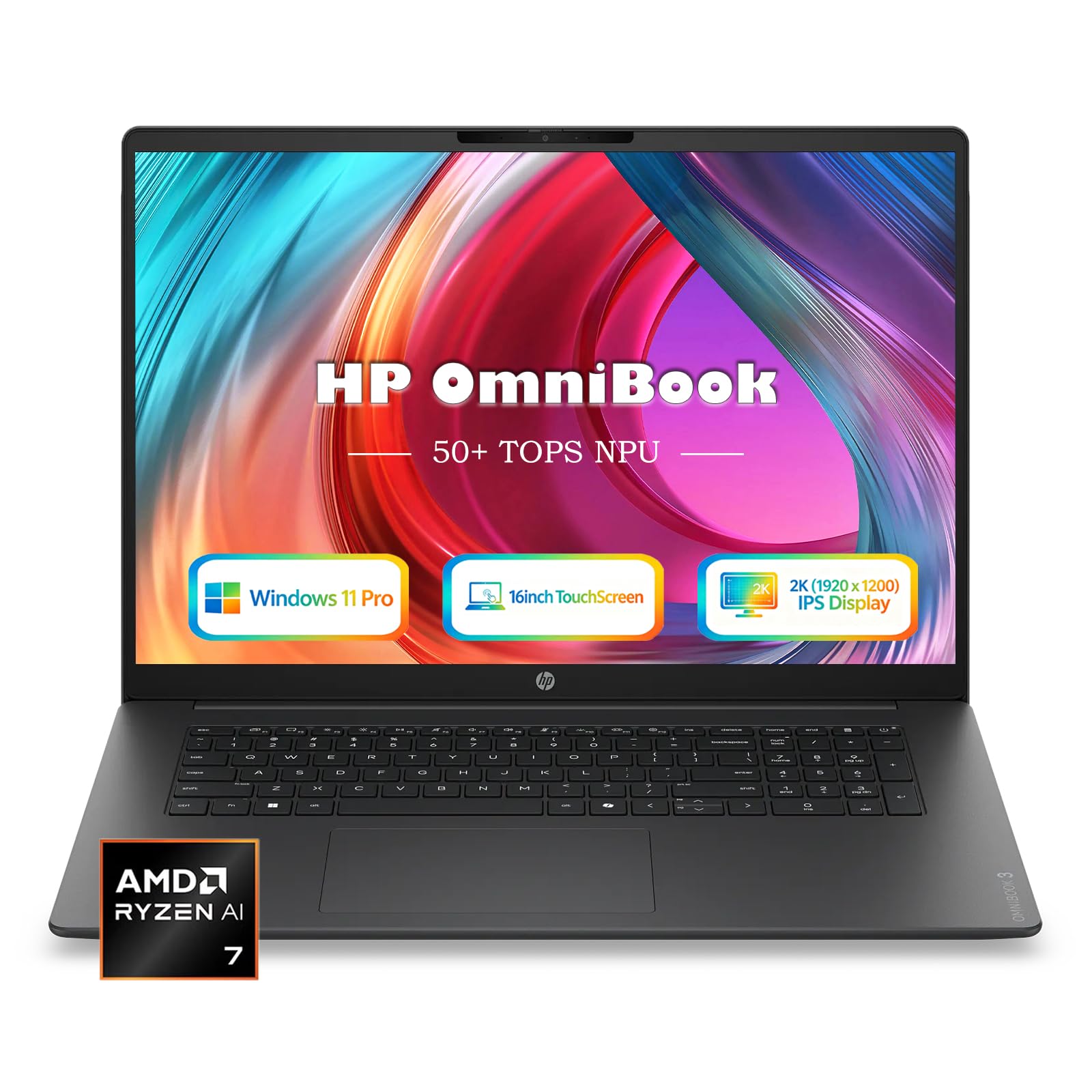
HP OmniBook 16 AI

83 /100
LBD Score Excellent

Key details

Weight
3.61 lb
Display
16-inch 1920 x 1200 touchscreen
Processor
AMD Ryzen AI 7 445
Memory And Storage
16GB DDR5, 1TB SSD
View on Amazon

Sixteen-inch laptops are usually a commitment: you accept a heavier bag in exchange for the screen. The OmniBook 16 AI is the exception here — 0.58 inch thick and 3.61 pounds, close enough to the 14-inch machines most people carry that you stop noticing the difference, and it manages that without shrinking the display or the battery.

Everything else is midrange and sensible: a Ryzen AI 7 445 with a 50 TOPS NPU for Copilot+ features, 16GB of DDR5, a 1TB SSD, a 1920 x 1200 touchscreen, an FHD IR camera for Windows Hello, Windows 11 Pro, and a 65W USB-C charger small enough to share with a phone. The 68 watt-hour battery is the largest among the Windows picks, which is the right pairing for a chassis this thin — a light laptop with a small battery is portability with an asterisk.

The panel is where the money was saved. At 300 nits it's fine at a kitchen table and dim next to the ThinkPad's 400-nit screen or the MacBook Pro's, and there's no higher-resolution option in this configuration, so anyone editing photos for a living should be looking at the Dell 16 Plus instead.

Where we land is on the person who moves a laptop between an office and a kitchen table every day and wants the big screen without the shoulder tax. What we can't tell you is how it holds up in year three, because there's less to go on here than with anything else on this page. Buy it somewhere with an easy return policy and put it through a full week before that window closes.

Pros

  • Thinnest 16-inch here at 0.58 inch
  • 3.61 pounds is easy to carry daily
  • 68 watt-hours, the largest battery among the Windows picks

Cons

  • 300-nit panel is dimmer than the best here
Our verdict

Consider the OmniBook 16 AI if you carry a laptop between two places every day and refuse to drop down to a 14-inch screen — it's the thinnest way to get 16 inches.

Check Latest Price

How We Tested 16-Inch Laptops

We started with spec sheets rather than reviews: retail listings filtered to true 16-inch panels, not 15.6-inch, then sorted by display resolution, memory, and price. Anything with 8GB of RAM or a dim HD panel was cut before testing. That left eight machines, from budget workhorses to business fleet models to AI-labeled configurations.

Each laptop became someone's primary computer for at least three weeks, which meant a desk with a dock and two external monitors, too many browser tabs, video calls, spreadsheets, and a batch of photo edits, plus a backpack commute and at least one flight. On the flight we ran each one from a full battery down to the low-battery warning at around 70 percent brightness. We timed boot and a large file transfer, then set off a long export and listened to the fans and felt the underside for heat.

Screen quality we judged by eye, the way anyone would: a gray slide in a dark room for backlight bleed, a glare test under office lights, and a slow scroll to see how text held up on a touch panel or a high refresh rate. For functionality, we typed on every keyboard, checked whether the number pad crowded the trackpad, and made a video call on the webcam. Ports got a full audit — monitor over HDMI and USB-C, an SD card, an older USB-A drive — and we logged every dongle required. Compatibility meant installing the same office suite and printer on all eight and waking each machine from sleep on a dock. For reliability, we re-checked hinges, chassis flex, and battery wear in month two.

How to Choose a 16-Inch Laptop

Read the Panel, Not the Resolution Label

Every laptop here is 16:10, and that shape is the point of the size: a document page fits with its toolbar still on screen, and two windows sit side by side without either one collapsing. From there, 1920 x 1200 is the floor and 2560 x 1600 is the step up, which is worth paying for if you read dense text or edit images all day.

The label is where buyers get caught. "2K" is not a standard, and one Dell here is advertised as 2K with a native resolution of 1920 x 1200. Check the pixel count, then check brightness: 300 nits is fine at a kitchen table and struggles beside a window, and the ThinkPad's 400-nit panel is the only one here that clearly clears that bar.

Weight and Battery Are One Decision

Across the Windows picks, weight runs from 3.4 to 4.4 pounds and battery capacity from 47 to 68 watt-hours, and those two numbers pull against each other. Under four pounds is a laptop you carry without thinking about it; past four and a half you feel it on a commute. Battery size matters most in the machines that aren't efficient, which is why a 47 watt-hour ThinkPad is a desk machine while the ARM-based Aspire quotes 18 hours from 53.

Pick which compromise you can live with and pay for the opposite. The OmniBook pairs 3.61 pounds with the biggest battery among the Windows picks; the MacBook Pro pairs 4.71 pounds with a display and a chip nothing else matches; the IdeaPad trades endurance for the lowest price in the group.

Match the Chip to the Work

Four kinds of processor turn up here: Intel's low-power U-series, the H-series in cheaper or thicker machines, AMD's Ryzen AI parts, and ARM chips from Qualcomm and Apple. For browsers, documents, and video calls, any of them is quick enough. The difference appears in sustained work — video exports, huge data sets, virtual machines — where the H-series and Apple silicon pull ahead, and in efficiency, where ARM wins outright.

Two specifications matter more than the chip name. Sixteen gigabytes is the floor and 32GB is right if you keep a virtual machine or a monster spreadsheet open, and you should check whether that memory is soldered. The Dell 16 and the ThinkPad L16 both accept more RAM later; the Dell 16 Plus does not, and on a laptop that is often the difference between a five-year machine and a three-year one.

Count the Ports You Actually Use

Thunderbolt 4 is the one that matters if you dock, because a single cable can carry displays, network, and storage. Beyond that, count what you plug in on a normal Tuesday — camera cards, Ethernet, an old USB-A mouse — and treat anything missing as a hub that lives in your bag permanently. The ThinkPad L16 is the only pick here with Ethernet built in, the Dell 16 Plus has no card reader, and everything else sits in between. It takes two minutes to check and it's expensive to discover later.

Frequently Asked Questions

Final Verdict

We recommend the Dell 16 DC16251 to most people. It pairs a matte 16:10 touchscreen and a 1TB drive with memory you can expand later, all at a midrange price, and it has no habit that will annoy you in year two.

Spend more only for a reason you can name: 32GB and a 120Hz QHD+ panel in the Dell 16 Plus, or macOS and the best display here in the MacBook Pro 16. If the budget is the constraint, the IdeaPad Slim 3 16 is the sensible cut — it gets the screen size and the chip right and asks you to accept a dimmer panel.