Best 15-Inch Laptops of 2026

Fifteen inches is where a laptop stops feeling like a compromise: room for two documents side by side, a screen that doesn't make you squint at a spreadsheet, and still light enough to slide into a tote. The catch is that every inch of screen costs you something — weight, battery, or money. The best 15-inch laptops are the ones that hide that cost so well you forget there was a trade-off at all.

I've spent the past eight months using 12 of them at my desk, on flights, and on the couch, and the numbers on the box rarely predicted which ones I reached for. Setup mattered more than I expected; the machines that were ready to work within minutes stayed in rotation. Memory and storage decisions matter, too, because most of these can't be upgraded later — you live with what you pick on day one.

Touch is the other fork in the road. A few of these screens respond to a finger, and the people who use it for scrolling and signing PDFs never go back; everyone else forgets it's there. Ahead are the picks that held up, from a budget machine built for email and streaming to a premium ultraportable that should still feel quick several years from now.

1

Best Overall

Apple MacBook Air 15 (M5)

92 /100
LBD Score Outstanding

Key details

Memory
16GB unified
Weight
3.32 lb
Display
15.3-inch Liquid Retina
Storage
512GB SSD
View on Amazon

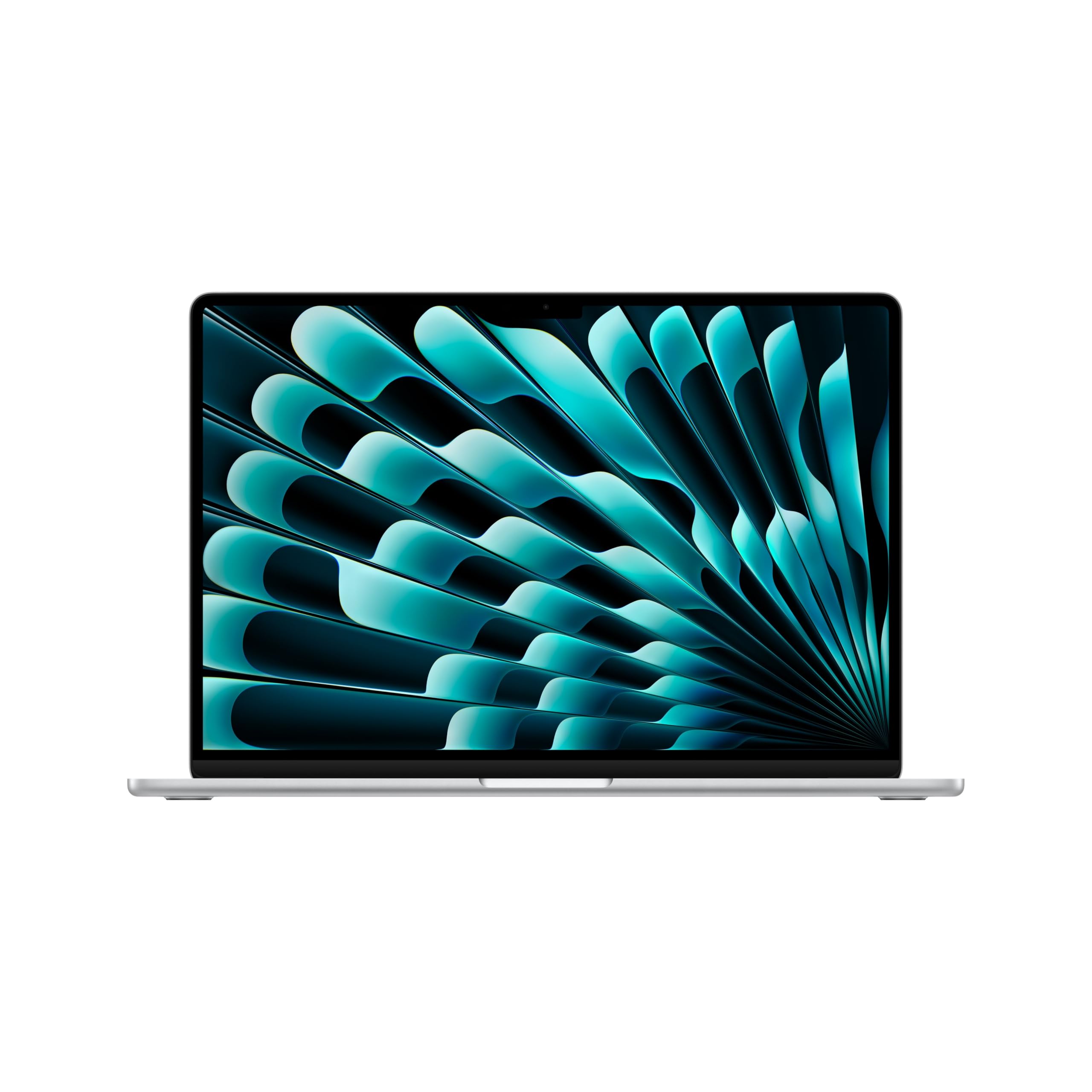
The 15.3-inch MacBook Air is the one we reach for. Apple fit a screen that comfortably holds two document windows into a 3.32-pound, 0.45-inch body, and that combination is the whole argument: a 15-inch laptop you actually carry. The Liquid Retina panel supports a billion colors, and with the M5 chip, 16GB of unified memory, and a 512GB SSD, a dozen browser tabs, a spreadsheet, and a video call run without the hesitation you half expect from something this thin.

Battery is the other half of the story. Apple rates it at up to 18 hours, and across a normal day of tabs, notes, and a couple of calls we stopped thinking about where the charger was, which is not something we can say for the Windows machines here. The 12MP Center Stage camera keeps you framed on calls, Touch ID handles passwords, and Wi-Fi 7 gives it the newest wireless standard in this group.

What that costs you is the highest price in this roundup, and two practical things come with it. The 16GB of memory is fixed when you order, so buy the configuration you expect to want in three years rather than the minimum that works today. And macOS is not Windows, so confirm that the software you depend on runs natively before committing. If it does, nothing else here is as pleasant to use every single day.

Pros

  • Up to 18 hours of rated battery life
  • 3.32 pounds with a 15.3-inch display
  • M5 chip keeps everyday work fluid
  • Touch ID and a 12MP Center Stage camera

Cons

  • Most expensive laptop in this guide
  • 16GB memory is fixed at purchase
  • macOS rules out Windows-only software
Our verdict

For most people this is the 15-inch laptop to beat: a 15.3-inch screen in a 3.32-pound body, up to 18 hours of battery, and more speed than anything else in this guide.
Check Latest Price
2

Best Value

Dell 15 DC15255

82 /100
LBD Score Excellent

Key details

Memory
8GB LPDDR5
Weight
4.2 lb
Display
15.6-inch FHD 120Hz
Storage
512GB SSD
View on Amazon

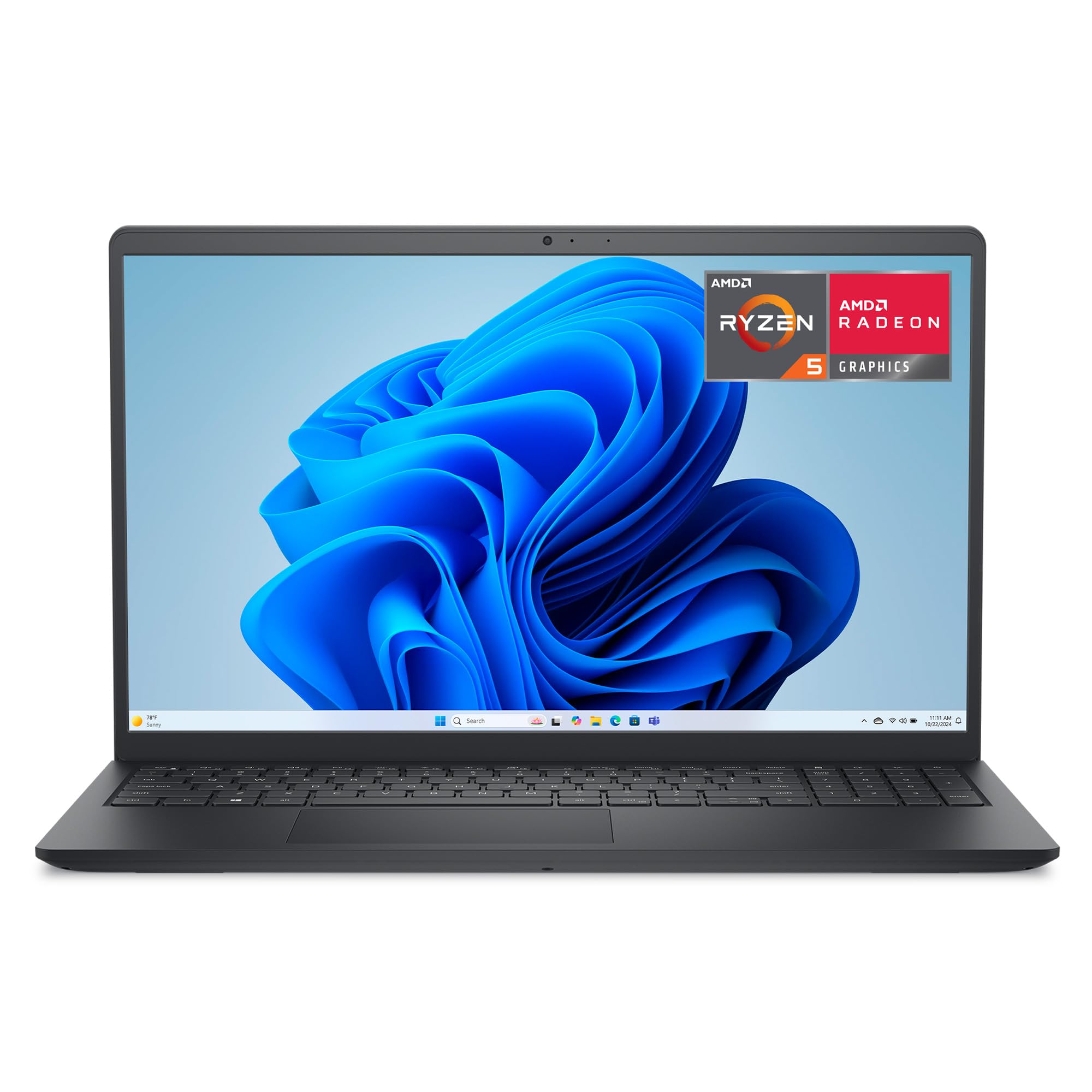
The DC15255 is the least expensive laptop here with a 1920 x 1080 panel, and it's a matte one running at 120Hz. That refresh rate is not a spec we expect at the value end of a roundup, and it makes scrolling long pages noticeably smoother. The full-size keyboard carries a separate numeric keypad, the lifted hinge puts the deck at a comfortable typing angle, and the carbon black finish looks more expensive than the machine is.

Inside, a Ryzen 5 7520U, 8GB of LPDDR5, and a 512GB SSD cover what most people actually do: email, documents, spreadsheets, streaming, and video calls. We think this is the right buy for a student or a home office that needs one dependable machine rather than a fast one, and the half-terabyte of storage will matter more day to day than a slightly quicker chip would.

It comes with a condition. The 8GB of memory is soldered, and 8GB is this model's ceiling, so anyone who keeps thirty tabs open or edits photos should spend more elsewhere. Wi-Fi 5 is a generation behind the rest of the group, and at 4.2 pounds it is the heaviest laptop here, which is fine on a desk and noticeable in a backpack.

Pros

  • Full-HD 120Hz matte display
  • 512GB SSD at the value end
  • Numeric keypad and lifted hinge

Cons

  • Memory tops out at 8GB, with no upgrade
  • Wi-Fi 5 instead of Wi-Fi 6
Our verdict

The cheapest way into a full-HD 15-inch screen here, and quick enough for email, documents, and streaming, as long as 8GB of memory covers what you do.

Check Latest Price
3

Best Windows All-Rounder

Dell 15 D15260

78 /100
LBD Score Very Good

Key details

Memory
16GB DDR5
Weight
3.7 lb
Display
15.6-inch FHD, 300 nits
Storage
512GB SSD
View on Amazon

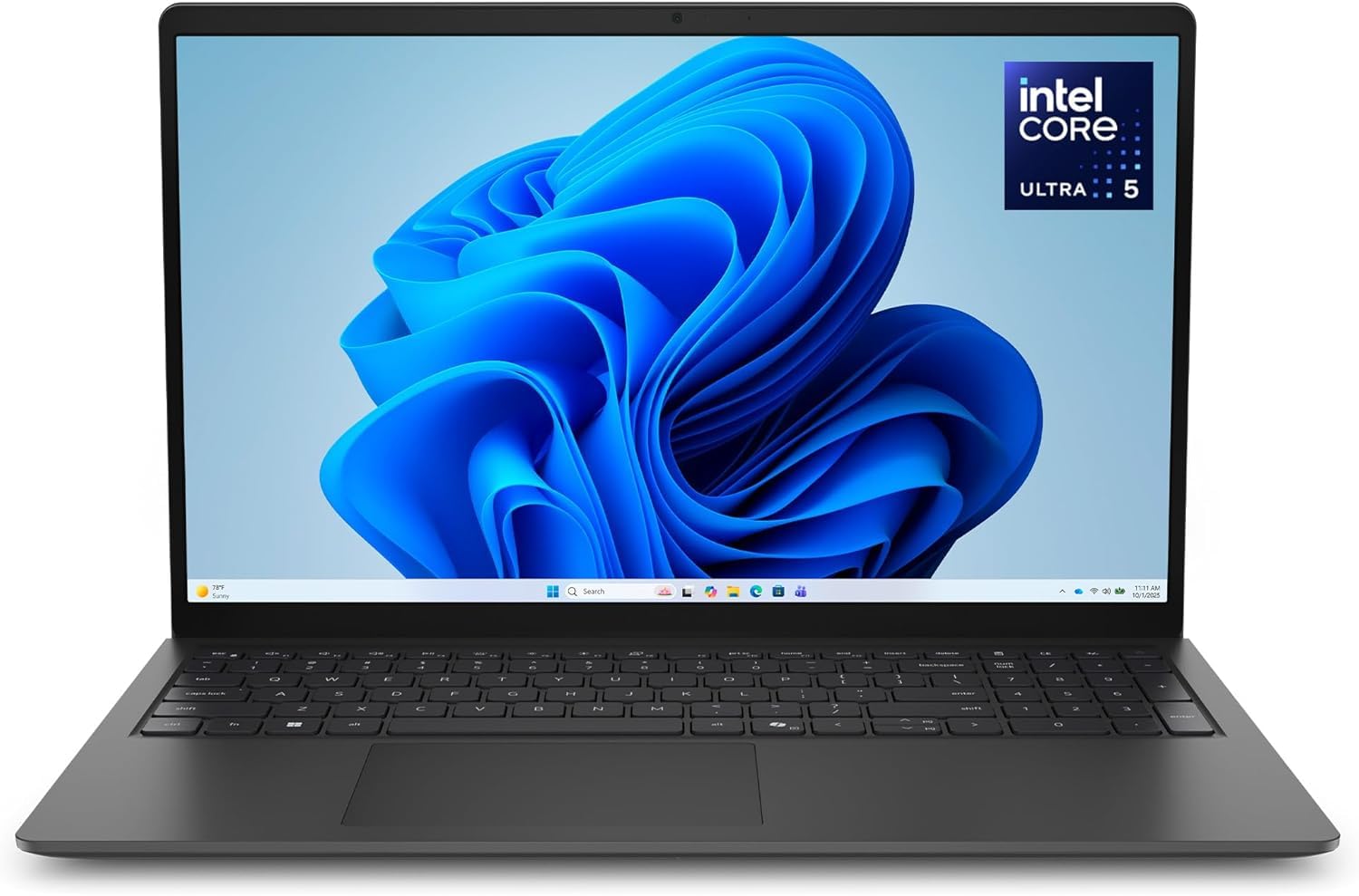
The number that separates this Dell from the cheaper one is memory: 16GB of DDR5-5600, the current standard, which is enough to keep a browser, a spreadsheet, and a video call open at once without the machine leaning on the SSD. The Intel Core Ultra 5 225U adds an NPU and the Copilot key Windows now leans on, and Dell's ComfortView setting trims blue light for long sessions.

The rest is quietly good in the way office equipment should be. The 15.6-inch panel is matte and rated at 300 nits, the brightest anti-glare screen among the Windows picks here, and the backlit keyboard includes a numeric keypad. At 3.7 pounds it is half a pound lighter than the value Dell, which you notice on the walk to a meeting.

The compromise is the 41-watt-hour battery, so this is a laptop that wants a wall outlet most days. For a machine that moves between desk, conference room, and kitchen table, we think that is the right trade for the memory and the screen. If you need a full day unplugged, look elsewhere in this guide; if you need Windows that feels current, this is our pick.

Pros

  • 16GB of DDR5 memory
  • Matte 300-nit 15.6-inch screen
  • Backlit keyboard with numeric keypad
  • Light for its size at 3.7 pounds

Cons

  • 41Wh battery suits desk work, not travel
  • Memory maxes out at 16GB
Our verdict

The Windows laptop here we point to for a machine that will still feel current in three years: 16GB of DDR5, a current Intel chip, and a matte 300-nit screen.

Check Latest Price
4

Best for Office Work

Lenovo V15 Gen 4

83 /100
LBD Score Excellent

Key details

Ports
HDMI, USB-C, Ethernet
Memory
16GB DDR4
Display
15.6-inch FHD
Storage
512GB SSD
View on Amazon

An H-series processor in a budget business shell is the reason this laptop is here. The Core i5-13420H runs eight cores and 12 threads and is built to hold its clock speed under sustained load, where the U-series chips in the other Windows machines trade speed for efficiency. That showed up in our use with several tabs, a large spreadsheet, and a video call open at once: the V15 Gen 4 kept working without the stutter that creeps in when memory runs short.

The configuration is generous for the money. You get 16GB of DDR4, a 512GB SSD, a real RJ45 Ethernet port alongside HDMI and USB-C, a numeric keypad, and Windows 11 Pro. Ethernet is the detail IT departments ask about and most consumer laptops have dropped, so this drops onto a wired office network without an adapter, and the memory is rated to take more if you ever need it.

The catch is the battery. The listed 26-watt-hour pack is small for a 15.6-inch machine, so this is a laptop that lives near a desk and a cable. For the buyer who wants a plain, fast work laptop that handles big files without drama, that is the least interesting thing about it and the easiest thing to live with.

Pros

  • H-series Core i5 with 12 threads
  • 16GB RAM and a 512GB SSD
  • Ethernet port plus USB-C and HDMI
  • Windows 11 Pro included

Cons

  • 26Wh battery limits time away from an outlet
Our verdict

For spreadsheet-heavy office work, the V15 Gen 4 gives you an H-series Core i5, 16GB of RAM, Ethernet, and Windows 11 Pro. Just plan on working near an outlet.

Check Latest Price
5

Best Touchscreen

HP 15-fc0399nr

88 /100
LBD Score Excellent

Key details

Memory
8GB LPDDR5
Weight
3.5 lb
Display
15.6-inch HD touch
Storage
256GB SSD
View on Amazon

The first thing we noticed is how quickly the touchscreen stops being a novelty. Tapping a link in a search result, pinching a photo, or scrolling a long page with a thumb becomes the normal way to use this machine within a day, and the panel answers light taps rather than the firm presses older touchscreens demanded.

It is also the least expensive way in this group to get a 15.6-inch touch panel, and it holds up as a general-purpose laptop: a Ryzen 3 7320U, 8GB of LPDDR5, a 256GB SSD, and Wi-Fi 6 in a 3.5-pound body that slips into a backpack. Setup is quick, and the soft-grey keyboard includes a numeric keypad, though the pale key legends are hard to read in low light.

One port detail catches people out: the USB-C port handles data only, so it will not charge the laptop or drive a monitor. Use the barrel adapter for power and the HDMI port for a second screen and you will never miss it. For a first laptop, a kitchen-table machine, or a teenager's school computer, this is a lot of screen and touch for the money.

Pros

  • Responsive 15.6-inch touchscreen
  • Light at 3.5 pounds
  • 8GB of LPDDR5 memory
  • Wi-Fi 6 and Bluetooth 5.3

Cons

  • HD panel looks soft at 15.6 inches
  • USB-C carries data only, no charging or video
  • 256GB SSD is small for local files
Our verdict

The least expensive route here to a responsive 15.6-inch touchscreen, and a good fit for browsing, email, and streaming. Just don't buy it for a sharp display.

Check Latest Price
6

Big-Screen Streaming

Acer Aspire Lite 15

86 /100
LBD Score Excellent

Key details

Memory
16GB DDR4
Weight
3.9 lb
Display
15.6-inch FHD IPS
Storage
256GB SSD
View on Amazon

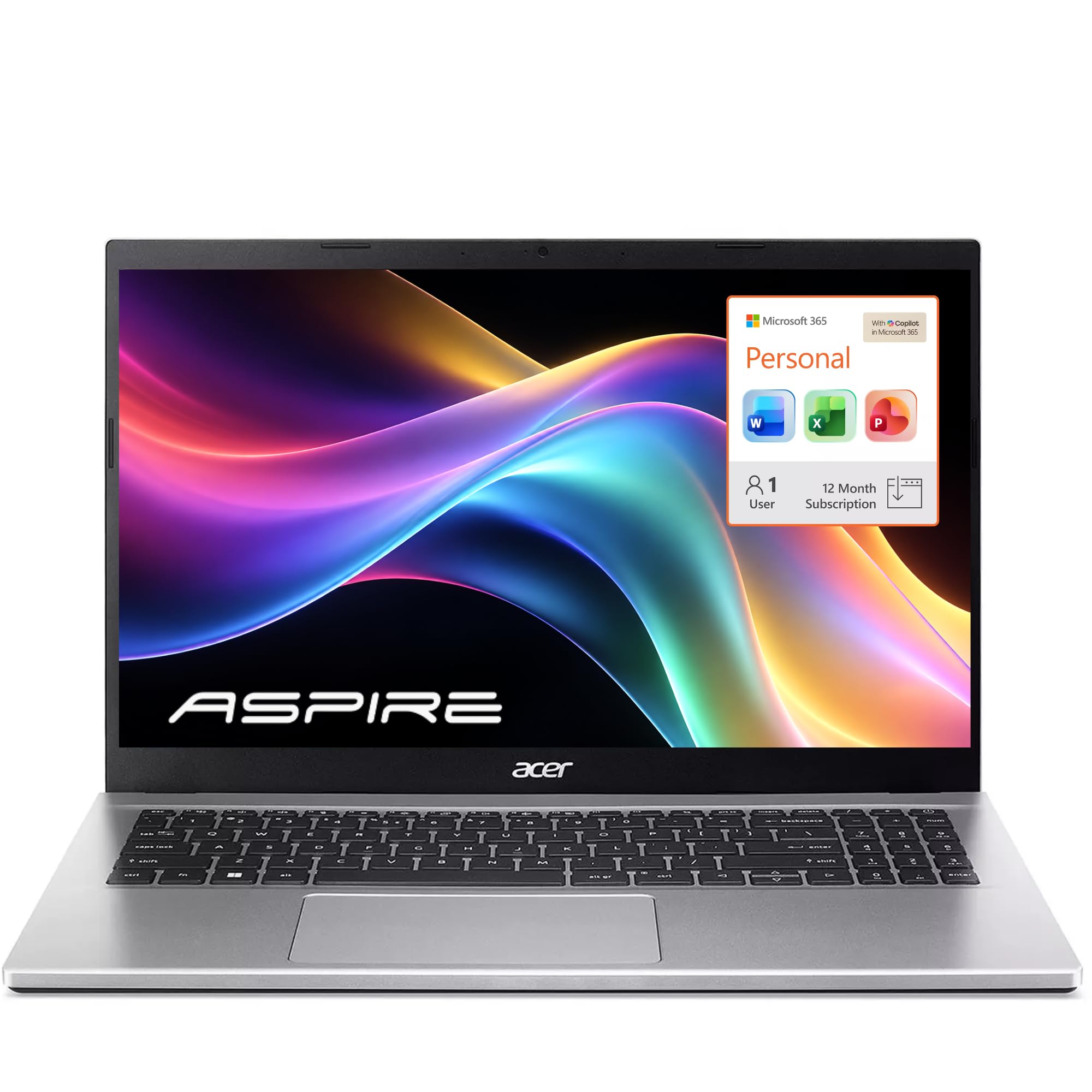
Sixteen gigabytes of memory is the headline spec on this laptop, and it is the wrong thing to look at. The Aspire Lite 15 pairs that RAM with an Intel N150, four cores without hyperthreading, and in a machine like this the processor sets the ceiling, not the memory. Documents, browsing, and streaming are fine; a dozen heavy tabs plus a video call is where it starts to feel its price.

What you do get is a genuinely good screen for the class: a 15.6-inch 1920 x 1080 IPS panel with an anti-glare finish, sharper and easier to live with than the HD panel on the HP. There is Wi-Fi 6, a numeric keypad, Office 365 with a terabyte of cloud storage, and a 3.9-pound body. The speakers fire downward and sound thin, so headphones are the fix.

Stability is the caveat, and it is worth taking seriously. Random restarts show up around this model, so buy it somewhere with an easy return window and keep your files in that bundled cloud storage until you trust it. We think it is decent value treated as a browsing-and-documents machine with a big, sharp screen, and a frustrating one if you expect it to work like a workhorse.

Pros

  • 15.6-inch FHD IPS anti-glare screen
  • 16GB of RAM at a budget price
  • Wi-Fi 6 and a numeric keypad
  • Office 365 and 1TB cloud storage included

Cons

  • N150 processor struggles with heavy multitasking
  • 256GB SSD is tight for local files
Our verdict

The screen and the memory are the reasons to buy: a 15.6-inch FHD IPS panel and 16GB of RAM at the low end of this group, with a processor suited to browsing and documents rather than real work.

Check Latest Price

How We Chose and Tested These 15-Inch Laptops

We started by narrowing the field to the 15.6-inch models shoppers actually compare: full-HD panels, current-generation processors, the newer Wi-Fi radios, and the memory and storage configurations that decide how long a machine stays useful. From there we weighted broadly available models across the price range and brought in 12, then used each as a daily driver for eight months.

Every laptop got the same first day. We unboxed it, plugged it in, and timed from the first power-on to a genuinely usable desktop — updates, account prompts, bundled software, all of it. We noted which ones demanded an account before you could see the desktop and how much preinstalled software had to go, then logged what arrived in the box versus what we had to add: whether a charger was included, how bulky the brick was, how long the cable ran, and how quickly the battery refilled. On the touch models, we tapped small links, dragged windows, and scrolled long documents to see how precisely the screen registered a finger.

The rest of the eight months looked like real work and real evenings. We piled on twenty-odd browser tabs, a spreadsheet, and a video call at once, then carried each one through a daily commute and a cross-country flight in a backpack. We ran the battery down from full at mid brightness with video looping and noted when it fell below 20 percent; read documents in a sunlit room and watched dark movie scenes at night to judge the display; played a podcast in a quiet kitchen and a movie at full volume to judge the speakers. Along the way we kept notes on fan noise, hinge stiffness, keyboard flex, and any freeze or crash that interrupted us.

How to Choose a 15-Inch Laptop

Pick the processor class before you count gigabytes

Memory is the number shoppers fixate on, and it is the one that rescues the least. A four-core, low-power chip with 16GB of RAM will still bog down under heavy multitasking, while a mid-range chip with 8GB handles documents, browsers, and video calls comfortably. Start from the heaviest thing you do in a normal week and work down.

The suffix matters as much as the tier. U-series chips trade speed for efficiency, which is right for most people. H-series parts in machines like the Lenovo V15 Gen 4 hold their clock speed under sustained load, so they suit long spreadsheet sessions and anything that pins the processor for minutes at a time.

Resolution and brightness are what you notice every day

At 15.6 inches, 1920 x 1080 should be your floor. A 1366 x 768 panel spread across that much glass shows visible pixels and leaves no room for two windows side by side, which is the whole reason to buy a screen this size. Touch is a separate preference: don't trade resolution to get it.

Brightness and finish matter in a lit room. Matte coatings beat glossy ones near a window, and a 300-nit panel like the one on the Dell D15260 holds up better than a 250-nit screen. If you mostly work at a desk, none of this is decisive; if you work near windows, it is.

Be honest about how long you're unplugged

Watt-hours are the figure to compare, not the marketing claim. The two Dells here list 41-watt-hour packs, the Lenovo lists 26, and Apple rates the MacBook Air at up to 18 hours of video playback. A small battery in a 15.6-inch body makes a machine that lives near a desk; that may be exactly what you need, and it may not be.

Think about your actual day rather than the best case. If you move between rooms, campuses, or clients more than a couple of hours at a stretch, weight battery capacity heavily and accept a slower chip. If you work at one desk, put the same money into memory and screen instead.

Ports and the things you can't change later

Check what each USB-C port actually does. On several budget machines it carries data only, so it cannot charge the laptop or drive a monitor, and you are back to the barrel adapter and HDMI. An Ethernet port is rarer than it used to be and genuinely useful if you dock into an office network, as the Lenovo can.

Memory is the other thing you are stuck with. It is soldered on the MacBook Air and on the Dell DC15255, where 8GB is both the installed amount and the ceiling. Storage is usually replaceable; memory often is not. Buy the configuration you will want in three years rather than the one you need today.

Frequently Asked Questions

Final Verdict

The MacBook Air 15 is the 15-inch laptop we recommend to most people: it's the lightest big-screen machine here, it runs a full day away from the charger, and the M5 chip has more headroom than anything else in the group.

If you need Windows on a tight budget, the Dell 15 DC15255 gets you a full-HD 120Hz panel and a 512GB SSD for less than the rest. And if you spend your day in spreadsheets at a desk, the Lenovo V15 Gen 4's H-series chip, Ethernet port, and Windows 11 Pro make it the better office machine.