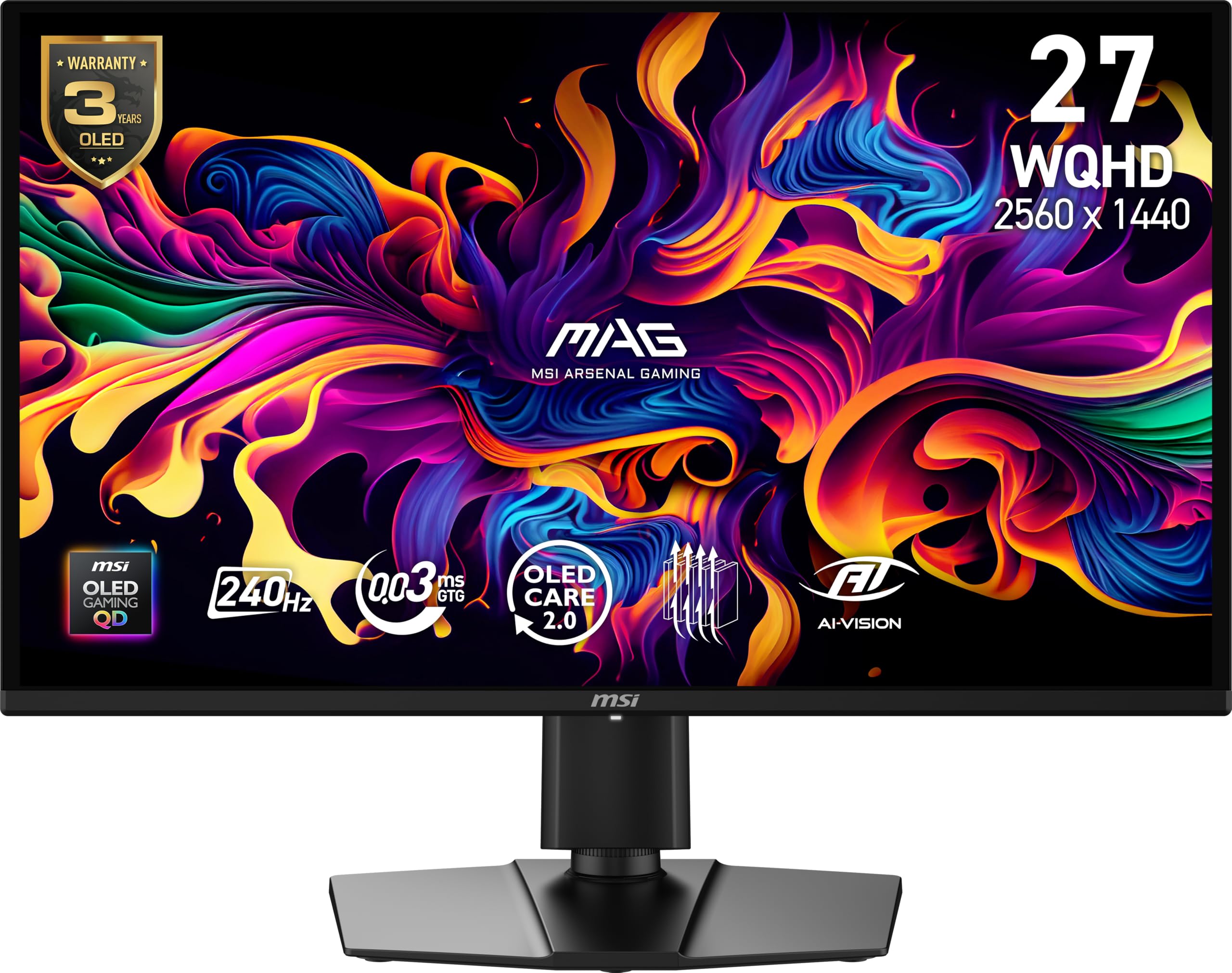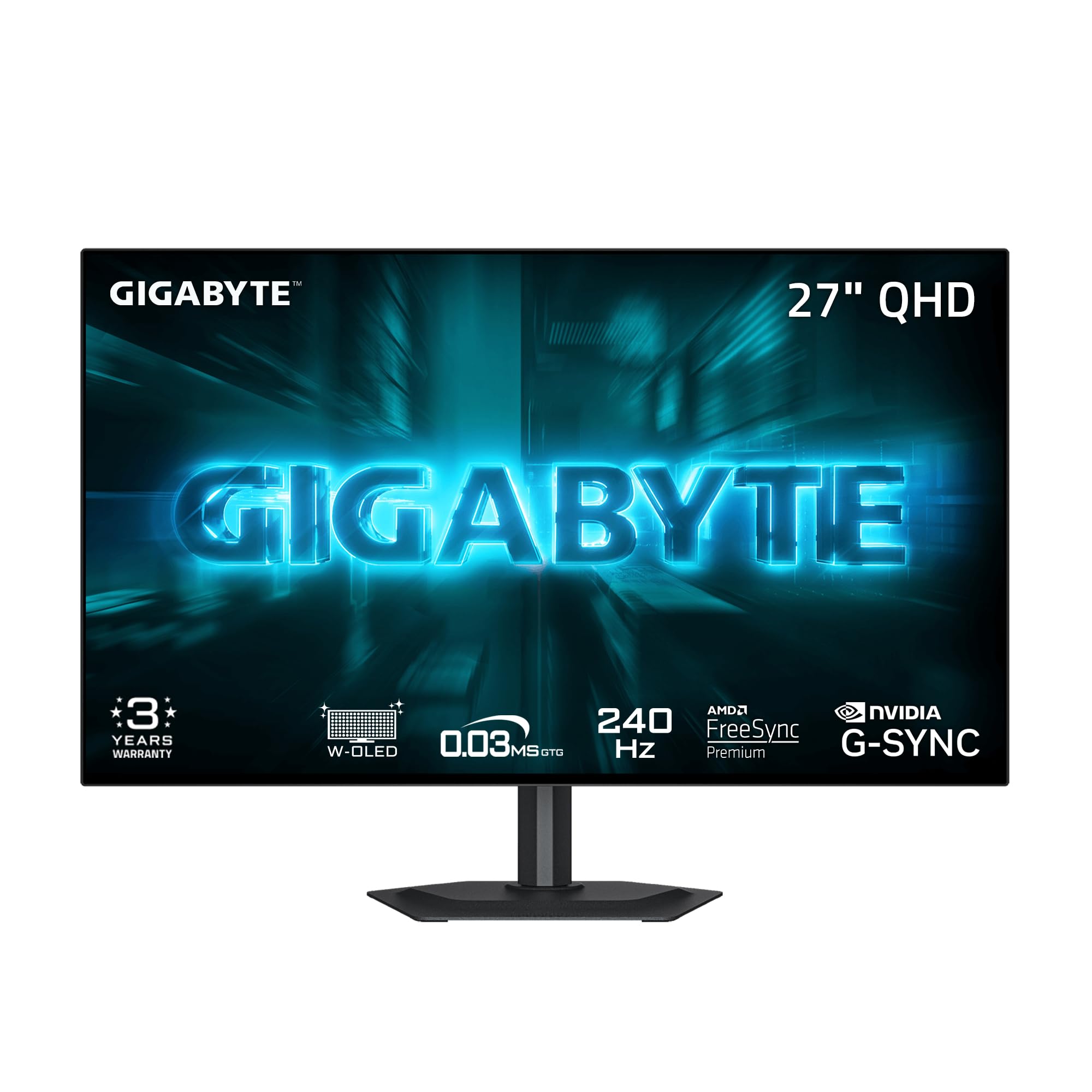
Best 1440P OLED Monitors of 2026

The first time I played a game on an OLED monitor in a dark room, I noticed the black before I noticed the frame rate — space between stars actually looked like space. Once you've seen per-pixel contrast on a 27-inch 1440p panel, edge-lit IPS starts to look like fog. That's the letdown these fix: gray letterbox bars, washed-out shadows, color that only looks rich beside something better.

There's a catch, though: brightness in a sunny room, burn-in worry after years of a static taskbar, and text that can look faintly fringed depending on the panel's subpixel layout. Over the past six months, my team and I have lived with seven 27-inch QHD OLEDs — spreadsheets by day, games by night, blinds open all afternoon.

What first-time buyers miss is that the panel matters more than the number on the box — QD-OLED and WOLED handle text and reflections differently, and past 240Hz the returns get small. Everything below earned its spot in a real room.

1

Best Overall

Samsung Odyssey OLED G6

89 /100
LBD Score Excellent

Key details

Panel
QD-OLED
Resolution
2560 x 1440
Refresh Rate
240 Hz
Screen Finish
Matte
View on Amazon

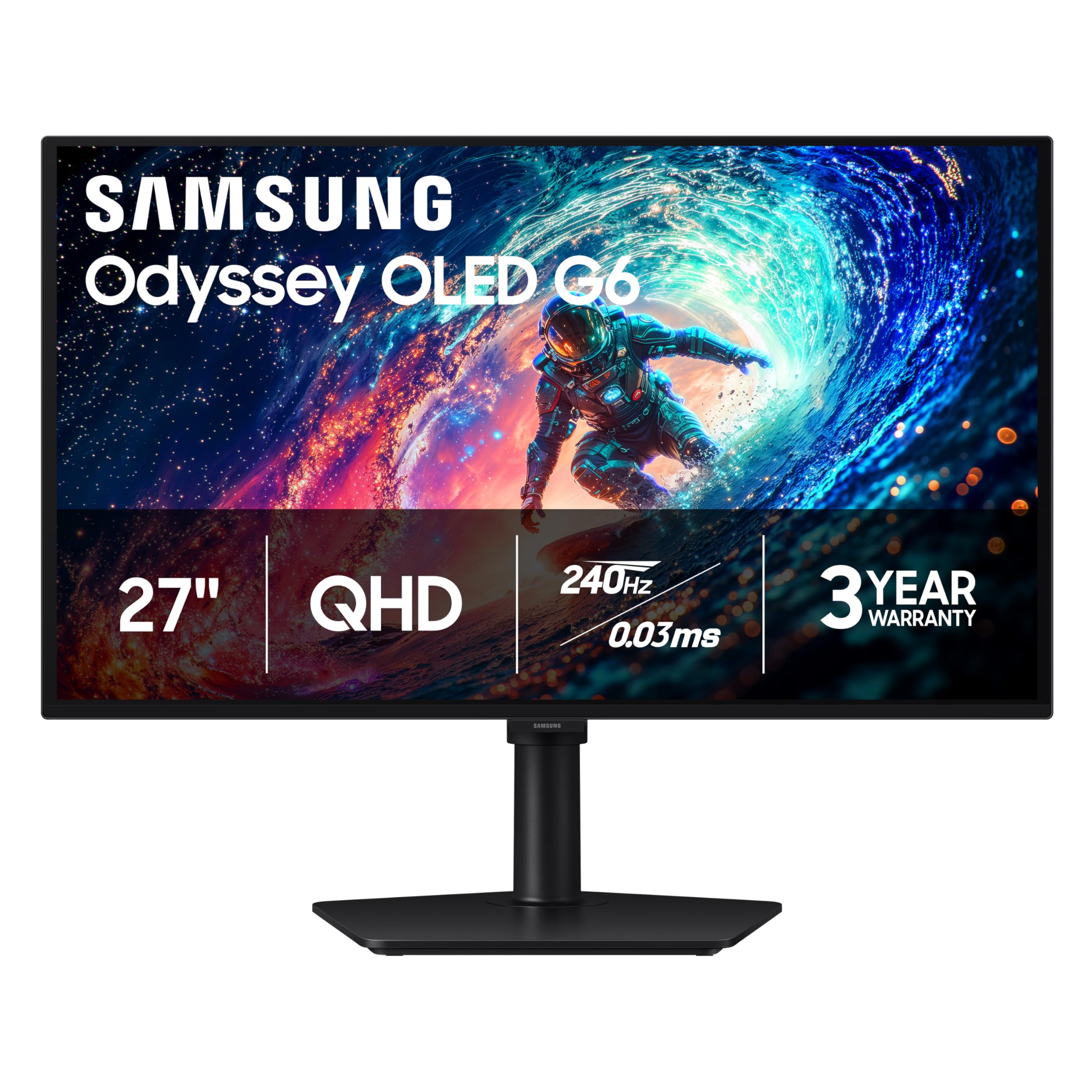
The three-year warranty is the first thing we check on an OLED monitor, and Samsung pairs it with a 240Hz QD-OLED panel that makes this the easiest recommendation here. The 27-inch 2560 x 1440 screen is sharp without demanding a huge desk, and the matte finish keeps reflections from washing out dark scenes. We also appreciate the height-adjustable stand, which is the kind of practical detail that matters more once the monitor is actually on your desk.

Samsung's OLED Safeguard and thermal modulation are there to manage burn-in risk, and the three-year warranty gives that claim some backing. The panel is rated at 400 cd and covers HDR10, so highlights have some pop without turning the desktop into a light cannon. FreeSync Premium and the 0.03ms response time cover the gaming basics, and the matte coating is a real advantage if your desk faces a window.

The port selection is basic: one HDMI and one DisplayPort. A PC and one console fit cleanly; add an HDMI switch if you juggle more. We still think the balance is right. If you want the glossy look instead, the LG is the obvious alternative; if you need the lowest entry point, the Acer is there. But this Samsung is the one that makes the fewest compromises across speed, warranty, and desk fit.

Pros

  • Three-year warranty backs the panel
  • 240Hz QD-OLED with 0.03ms response
  • Height-adjustable stand and VESA mount
  • Matte finish controls reflections

Cons

No notable drawbacks to flag.

Our verdict

For most gamers, this is the easiest 1440p OLED to recommend: 240Hz, a height-adjustable stand, and a three-year warranty in one balanced package.
Check Latest Price
2

Best Glossy

LG UltraGear 27GX704A-B

88 /100
LBD Score Excellent

Key details

Panel
OLED
Brightness
275 nits
Refresh Rate
240 Hz
Screen Finish
Glossy
View on Amazon

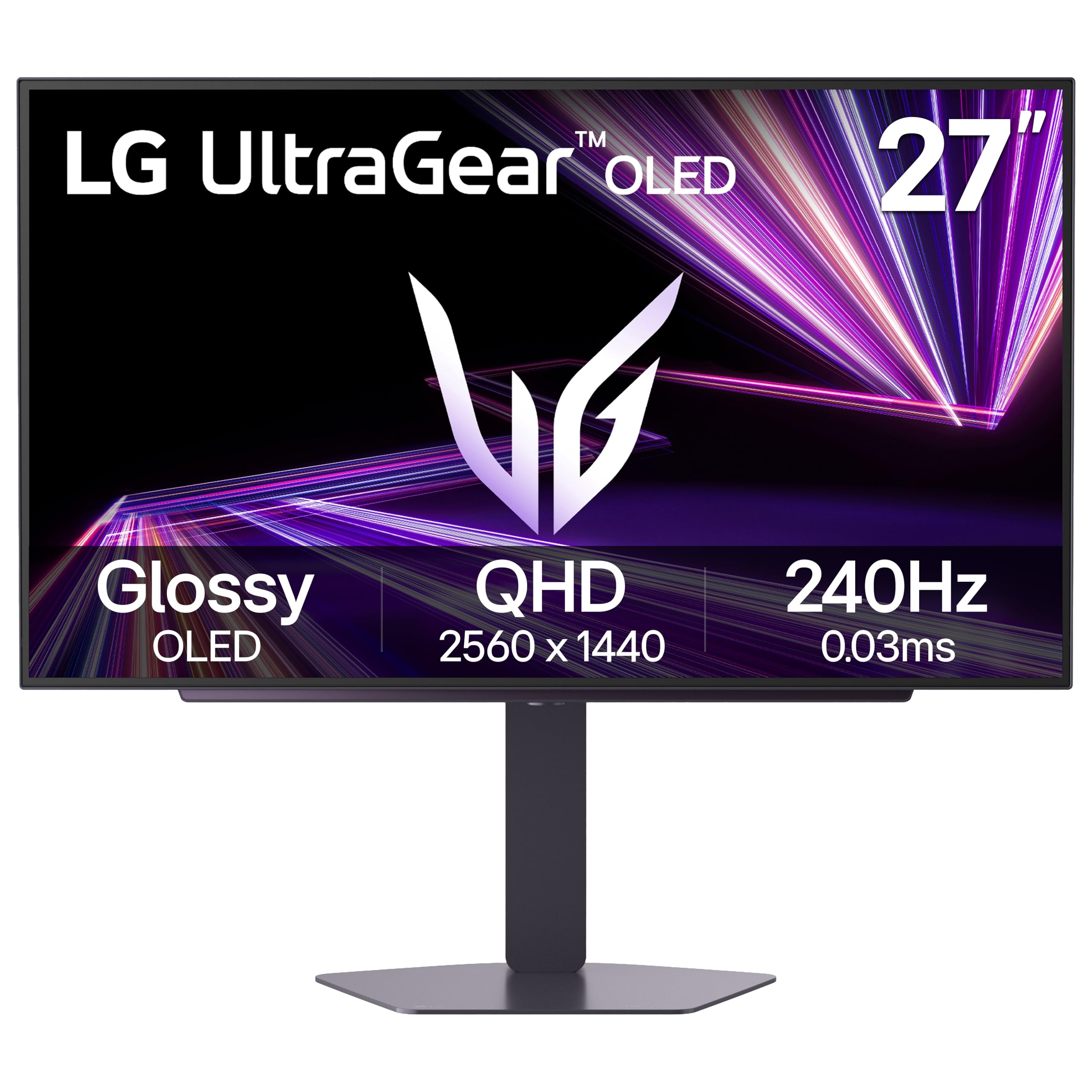
The LG 27GX704A-B is the glossy counterpoint to Samsung's matte finish. It uses a 27-inch 2560 x 1440 OLED panel with a 1.5M:1 contrast ratio, a 275-nit rating, and a glossy coating that lets color and black depth read more directly.

We like it most in a room where you can pull the blinds, because the glossy coating shows reflections when light hits the screen. In that setting, the 240Hz refresh, 0.03ms response time, and both G-Sync Compatible and FreeSync Premium Pro support make fast games feel immediate. The 98.5% color gamut gives skin tones and game worlds plenty of saturation without looking cartoonish.

The USB hub and two HDMI inputs make it easy to connect a PC and a console, and the height-adjustable stand helps line up a dual-monitor desk. The glossy finish is the deciding factor, and it is worth arranging your desk around. If you want a matte panel, the Samsung is the safer buy.

Pros

  • Glossy OLED makes color and blacks pop
  • 240Hz with G-Sync and FreeSync
  • 98.5% color gamut
  • USB hub and two HDMI ports

Cons

  • Two-year warranty is shorter than rivals
Our verdict

For a dark-room setup where glossy OLED contrast matters most, this LG pairs 240Hz speed with deep blacks and strong color.

Check Latest Price
3

Best Budget

Acer Predator X27U W1

85 /100
LBD Score Excellent

Key details

Panel
QD-OLED
Ports
2x HDMI 2.1
Refresh Rate
240 Hz
Screen Finish
Matte
View on Amazon

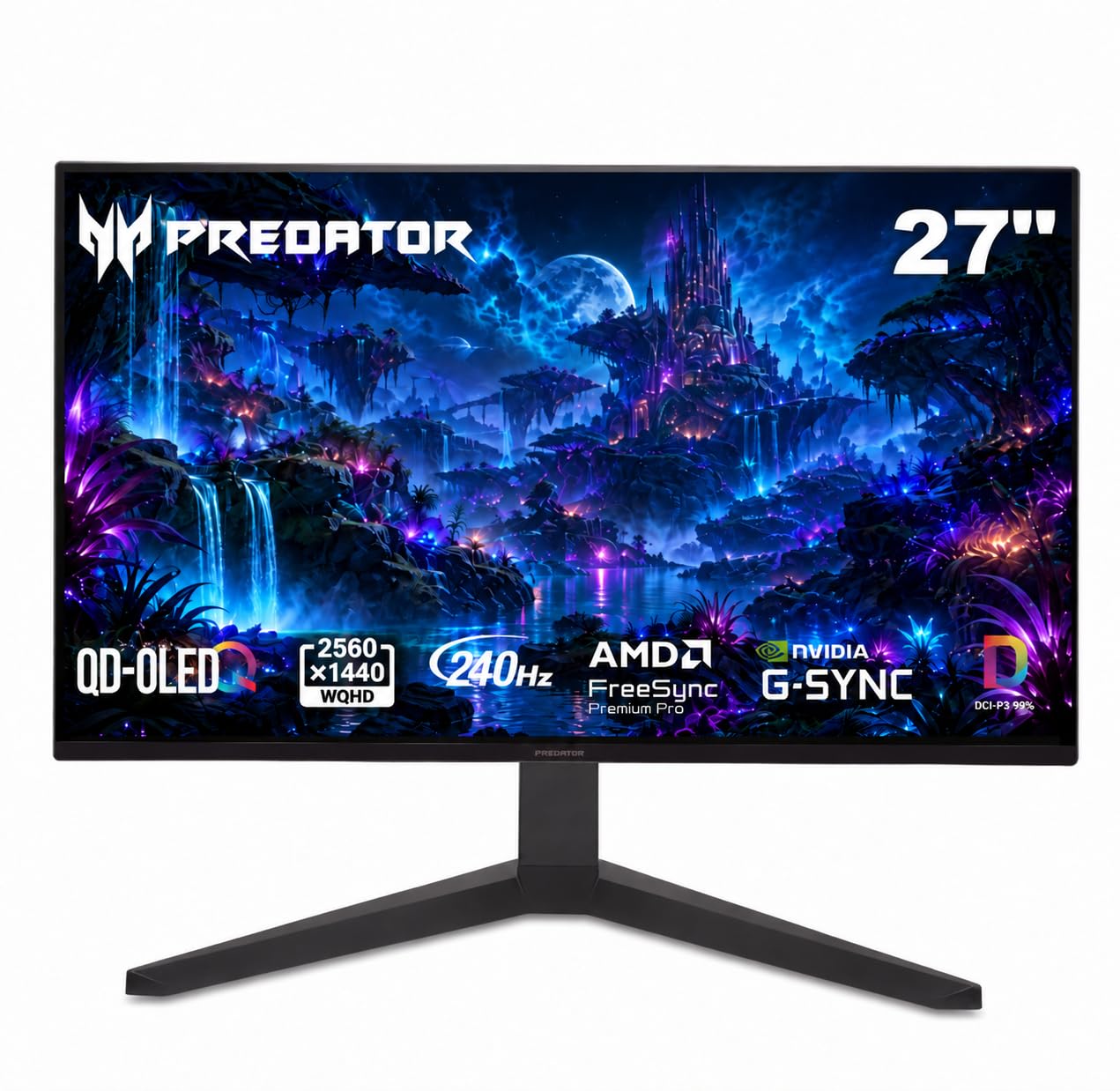
The Acer Predator X27U W1 is what we point to when someone wants OLED motion without stretching the budget. Its 26.5-inch QD-OLED panel runs at 2560 x 1440 and 240Hz, with a 0.03ms response time and a matte finish that keeps glare manageable. We like the slightly smaller 26.5-inch size for a tight desk; it still feels like a 27-inch monitor in use.

What separates it from the cheapest OLEDs is the connection set: two HDMI 2.1 ports and two DisplayPort inputs, plus an ergonomic stand with height, pivot, swivel, and tilt adjustment. That makes it easy to switch between a PC and a console, and the 99% DCI-P3 coverage gives games plenty of color. The built-in speakers are a convenience for desktop clutter, not a reason to skip real speakers.

The matte coating keeps reflections down, and the 26.5-inch size is easy to fit beside a second screen. The two HDMI 2.1 ports are the practical bonus: a PC and a console can stay connected without an extra hub. For a budget gaming setup, that combination does more than the price suggests.

Pros

  • 240Hz QD-OLED with 0.03ms response
  • Two HDMI 2.1 and two DisplayPort inputs
  • Ergonomic stand with height and pivot
  • 99% DCI-P3 color coverage

Cons

No notable drawbacks to flag.

Our verdict

The Acer Predator X27U W1 is the budget pick for a reason: 240Hz QD-OLED speed, HDMI 2.1, and an ergonomic stand without the usual OLED tax.

Check Latest Price
4

Best Balanced

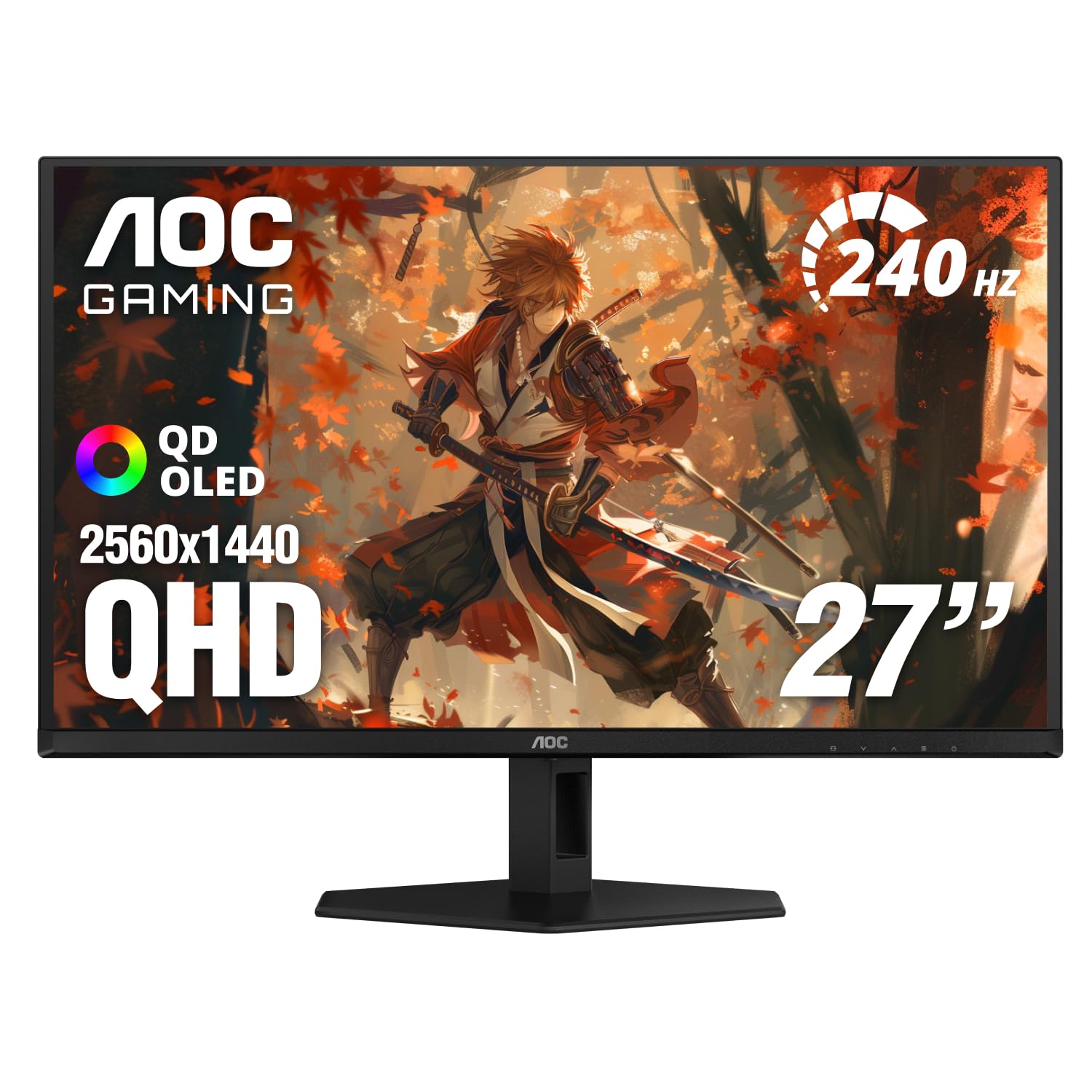
AOC Q27GAZD

87 /100
LBD Score Excellent

Key details

HDR
HDR400 True Black
Panel
QD-OLED
Refresh Rate
240 Hz
Screen Finish
Glossy
View on Amazon

The AOC Q27GAZD sits between the budget Acer and the glossier LG, and its glossy QD-OLED panel is the reason to look closely. It is a 27-inch 2560 x 1440 display with a 240Hz refresh rate, 0.03ms response time, and HDR400 True Black certification. The glossy coating gives dark scenes a deep, clean look that matte panels cannot quite match.

AOC covers 110.2% of DCI-P3 and 147.6% of sRGB, so color is saturated without feeling like a demo mode. G-Sync Compatible support and the 240Hz panel make fast games feel stable, and the three-year warranty is a meaningful advantage in a category where burn-in is part of the conversation. The single HDMI port is the practical catch: a PC and one console fit, but two consoles need a switch.

We keep coming back to the glossy finish as the defining trait. In a bright room it shows reflections, so it rewards a desk you can control; in a dark room it makes the QD-OLED contrast feel almost wet. That is the trade we accept for the look, and it is why the AOC sits in the middle of this group rather than at the budget end.

Pros

  • Glossy QD-OLED with strong contrast
  • 240Hz and G-Sync Compatible
  • Three-year warranty
  • 110.2% DCI-P3 color coverage

Cons

  • HDR400 is modest for bright highlights
Our verdict

The AOC Q27GAZD is the middle-ground QD-OLED to beat here: glossy 240Hz color, HDR400 True Black, and a three-year warranty.

Check Latest Price
5

Best for 360Hz Gaming

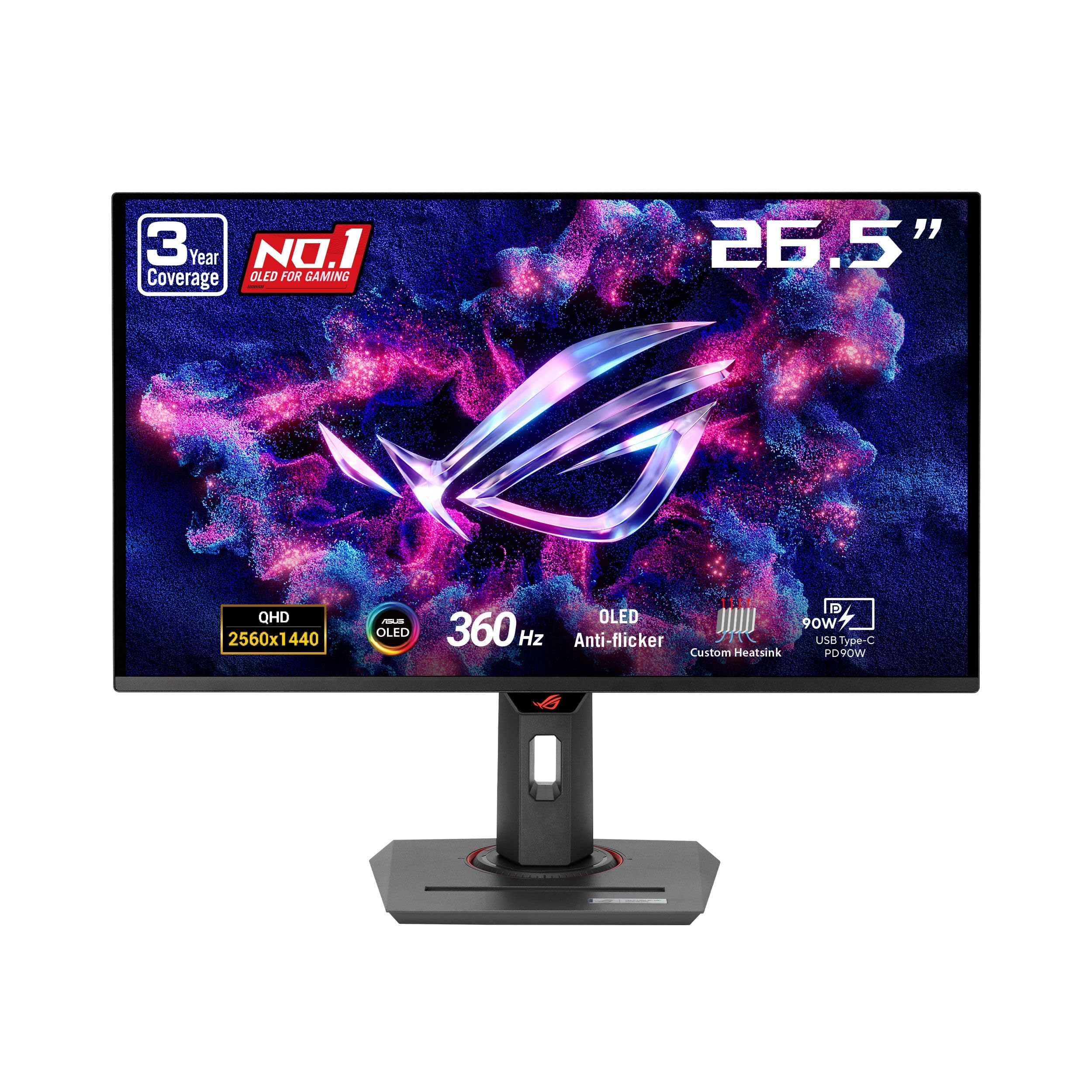
ASUS ROG Strix XG27ACDNG

87 /100
LBD Score Excellent

Key details

Panel
QD-OLED
Warranty
3 years burn-in
Refresh Rate
360 Hz
Screen Finish
Matte
View on Amazon

The XG27ACDNG is the 360Hz option in this group, built around a 26.5-inch QD-OLED panel at 2560 x 1440. ASUS adds a custom heatsink, OLED Care+, and a three-year warranty with burn-in coverage.

The 360Hz refresh and 0.03ms response time are the headline, but the 99% DCI-P3 coverage and DisplayHDR 400 True Black certification make it more than a pure speed tool. G-Sync Compatible and FreeSync Premium Pro support cover both major GPU camps, and the matte finish keeps reflections off the panel during daytime play. The DisplayWidget software is a small convenience for switching OLED-care settings without digging through the joystick menu.

We think the 360Hz speed is worth it if you play fast shooters and have the frame rate to feed it; for slower games, the Samsung or LG gets you most of the OLED look for less. The burn-in coverage is the part that makes the premium easier to live with. The speed is real, and the support behind the panel is what makes it a serious pick.

Pros

  • 360Hz QD-OLED with 0.03ms response
  • Three-year warranty with burn-in coverage
  • Custom heatsink and OLED Care+
  • 99% DCI-P3 color

Cons

  • Some units flicker or shut off unexpectedly
  • Matte finish lacks glossy punch
Our verdict

Competitive players who want 360Hz and burn-in coverage get a strong QD-OLED here, with a heatsink built for long sessions.

Check Latest Price
6

Best High-Refresh Value

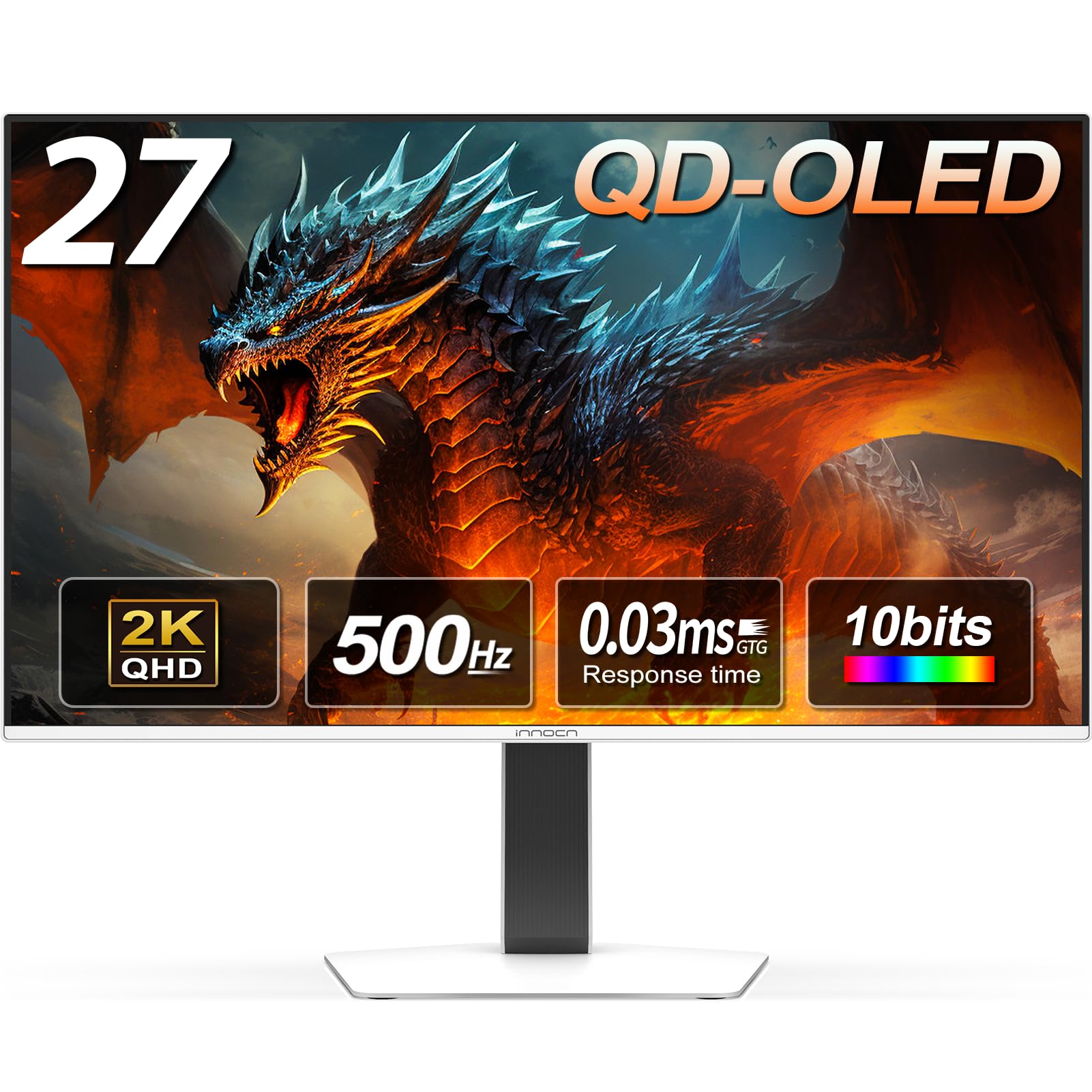
INNOCN GA27M1Q

88 /100
LBD Score Excellent

Key details

Panel
QD-OLED
Brightness
250 nits
Refresh Rate
500 Hz
Screen Finish
Matte
View on Amazon

The INNOCN GA27M1Q leads with a 500Hz refresh rate, which is the kind of number that sounds like marketing until you see how it changes fast-motion games. It is a 27-inch 2560 x 1440 QD-OLED with a 0.03ms response time, HDR500, and 99% DCI-P3 coverage. The matte finish and white cabinet give it a cleaner, less gamer-heavy look than most of the pack.

We like the two DisplayPort inputs and two HDMI ports, because sharing a 500Hz monitor between a desktop and a console should not require a switch. The 500Hz ceiling is overkill for most games, but it makes a real difference in shooters if your PC can push the frames. The 250-nit brightness is the honest limit: in a dark room it looks great, but daylight will make it feel less punchy.

The 500Hz panel is the reason to buy this over the 240Hz crowd, and the dual DisplayPort inputs make it easier to live with. For slower games, the Samsung or LG gets you more polish for the money. The speed is the whole point here.

Pros

  • 500Hz QD-OLED with 0.03ms response
  • Two DisplayPort and two HDMI inputs
  • 99% DCI-P3 color
  • HDR500

Cons

No notable drawbacks to flag.

Our verdict

The INNOCN GA27M1Q is the high-refresh value play: 500Hz QD-OLED speed and dual DisplayPort inputs for a lot less than the esports flagship.

Check Latest Price
7

Best for Esports

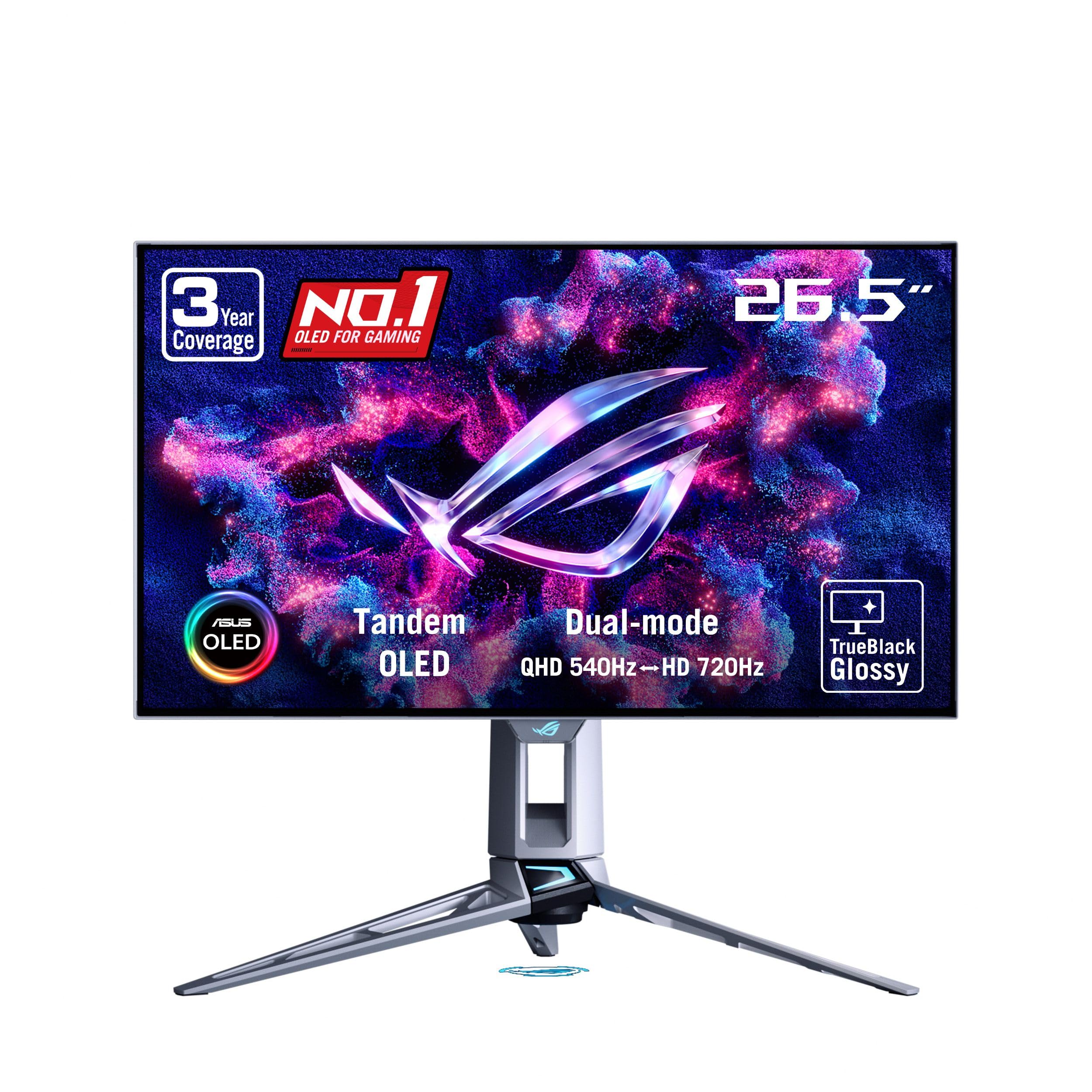
ASUS ROG PG27AQWP-W

78 /100
LBD Score Very Good

Key details

Panel
WOLED
Dual Mode
QHD 540Hz / HD 720Hz
Refresh Rate
540 Hz
Screen Finish
Glossy
View on Amazon

The ASUS ROG PG27AQWP-W is the esports specialist: a 26.5-inch 1440p WOLED that runs at 540Hz, or drops to 1080p at 720Hz in dual mode. The 0.02ms response time and DisplayPort 2.1 input are there for players who care about motion clarity above all else. The TrueBlack Glossy coating gives it a sharp, high-contrast look that stands apart from the matte panels in this group.

ASUS pairs the panel with a Neo Proximity Sensor that blanks the screen when you step away, plus OLED Care Pro and a three-year warranty with burn-in coverage. That is the right support system for a monitor built around long, static-heavy competitive sessions. The 99.5% DCI-P3 coverage and DisplayHDR 500 True Black certification mean it is not only a speed tool; color and highlights hold up in games and video.

The 540Hz mode needs a powerful GPU and the right cable to matter, and the 720Hz mode is a 1080p fallback rather than a reason to buy on its own. The dual-mode switch is what makes the monitor more than a one-trick panel: 1440p at 540Hz for most games, 1080p at 720Hz when frame rate matters more than detail.

For everyone else, the Samsung, LG, or even the 360Hz ASUS gets most of the experience for less. The refresh ceiling is the whole point, and it is a narrow lane. That is exactly why this monitor exists.

Pros

  • 540Hz at 1440p, 720Hz at 1080p
  • 0.02ms response and DisplayPort 2.1
  • Three-year warranty with burn-in coverage
  • DisplayHDR 500 True Black

Cons

  • Premium price limits its audience
  • Glossy screen shows reflections
Our verdict

For the player who wants the fastest 1440p panel here, the 540Hz dual-mode screen is the reason to choose this one.

Check Latest Price
8

Glossy Budget

MSI MAG 274QP QD-OLED X24

84 /100
LBD Score Excellent

Key details

Panel
QD-OLED
Warranty
3 years
Refresh Rate
240 Hz
Screen Finish
Glossy
View on Amazon

The MSI MAG 274QP QD-OLED X24 is the quiet value pick: a 26.5-inch 2560 x 1440 QD-OLED with a 240Hz refresh rate, 0.03ms response time, and a glossy finish. It covers 99% of DCI-P3 with 10-bit color and a 1.5M:1 contrast ratio, so the basics are all here. The spec sheet reads like a more expensive monitor, which is the point.

MSI includes a three-year warranty, HDMI 2.1, DisplayPort 1.4a, and a stand with height and tilt adjustment. The OLED Care 2.0 suite and VESA ClearMR 13000 rating are the kind of details that make a budget OLED feel less like a compromise. We also like the glossy panel for dark-room gaming; it gives color and black depth more snap than a matte coating.

The glossy finish is the visual draw, and the 10-bit color gives games a rich look. We like that MSI did not strip the stand down to tilt-only; height adjustment is a real convenience on a shared desk. The OLED Care 2.0 suite is easy to set and forget, which is what you want from burn-in management.

We think the MSI is the right call if you want a glossy QD-OLED and the price is the deciding factor. The three-year warranty is the part that makes it easy to recommend over a no-name budget panel, and the glossy panel gives it a look that costs more elsewhere.

Pros

  • 240Hz QD-OLED with 0.03ms response
  • 10-bit color and 99% DCI-P3
  • Three-year warranty
  • Height-adjustable stand

Cons

  • Glossy screen shows reflections
  • Slightly smaller 26.5-inch panel
Our verdict

The MSI MAG 274QP QD-OLED X24 is a glossy 240Hz QD-OLED with a three-year warranty, and it undercuts the better-known midrange picks.

Check Latest Price
9

WOLED Alternative

Gigabyte GO27Q24G

82 /100
LBD Score Excellent

Key details

Panel
WOLED
Ports
HDMI, DP, USB-C
Refresh Rate
240 Hz
Screen Finish
Glossy
View on Amazon

The Gigabyte GO27Q24G takes a different route from the QD-OLED pack: a 27-inch WOLED panel with MLA+ technology, a 240Hz refresh rate, and a 0.03ms response time. It is a 2560 x 1440 display with a 1.5M:1 contrast ratio and a RealBlack Glossy coating that is designed to keep dark details intact. The four-sided borderless design is the first thing you notice on a desk.

Gigabyte rates the panel at 275 nits typical and up to 1300 nits peak, and the glossy anti-reflective layer gives it a sharp, high-contrast look. The stand handles height and tilt, and the connection set includes HDMI, DisplayPort, and USB-C, which makes it easier to share between a laptop and a desktop. AI OLED Care is Gigabyte's burn-in management layer, and the monitor carries a three-year warranty.

We like the WOLED look for a change from QD-OLED. It does not have the same saturated punch in every scene, but it can feel more natural in skin tones and dark gradients. The 240Hz speed is the same sweet spot as our top pick, and the borderless frame makes a dual-monitor setup look cleaner than most gaming monitors.

The four-sided borderless frame is the detail we keep noticing. It makes a dual-monitor desk feel less like a wall of plastic, and the USB-C input means a laptop can join the desktop without a dongle. The 275-nit typical brightness is not a bright-room hero, but the glossy coating is the reason to choose this panel over a matte alternative.

We think the GO27Q24G makes the most sense for someone who wants a glossy WOLED panel and a clean, borderless look without paying the ASUS premium. It is not the best all-rounder here, but it is a distinct alternative for a dark-room gaming desk. The borderless frame and USB-C input are enough to earn a place on the shortlist.

Pros

  • Glossy WOLED with 240Hz
  • Four-sided borderless design
  • USB-C, HDMI, and DisplayPort
  • Three-year warranty

Cons

  • Text fringing can affect small type
  • Glossy screen shows reflections
Our verdict

The Gigabyte GO27Q24G is the WOLED alternative for a glossy, borderless desk setup, with 240Hz speed and USB-C connectivity.

Check Latest Price

How We Tested These 1440p OLED Monitors

We started by pulling every 1440p OLED currently sold in the 27-inch class, then cut anything with a fixed stand, no HDMI 2.1 for console duty, or no burn-in coverage in the warranty. That left seven monitors, and we ran each one as the main display on a desk for six months — not as a second screen, but as the thing someone actually works and plays on all day.

For the workday, we kept the blinds open and checked full-screen white at midday, then watched how dark game scenes held up against the glare and whether a glossy coating turned the window behind us into a mirror. We typed the same documents on every panel and photographed small text up close to see where letters picked up color fringing. We also raised and lowered each stand, checked how far the ports sat from the desk, and looked at every monitor from across the room under normal lamps.

After dark came the gaming: frame-rate-capped runs to catch VRR flicker in menus and loading screens, fast pans to look for smearing, and HDR highlights to see whether bright objects kept their detail. Then we just kept going. Six months of a pinned taskbar and static spreadsheet columns showed us which OLED care routines ran on their own and which nagged us with prompts, and we noted what each step up in price actually bought — a faster refresh rate, a sturdier stand, an extra year of coverage — before deciding what was worth paying for.

How to Choose a 1440P Oled Monitor

Start With the Panel and Coating

QD-OLED and WOLED both give you per-pixel light, true blacks, and instant response, but they do not look identical. QD-OLED tends to push saturation and brightness harder, while WOLED has a more restrained look and can show text fringing on small type. The coating matters just as much: glossy panels, like the LG and AOC here, look sharper and more contrasty in a controlled room, while matte panels, like the Samsung and Acer, handle daylight and reflections with less fuss. We prefer matte for a shared office and glossy for a dedicated game room.

Match Refresh Rate to the Games You Play

240Hz is the sweet spot for most 1440p OLED buyers: it is fast enough for competitive games, easy to drive with a midrange GPU, and common across this set. The 360Hz ASUS and 500Hz INNOCN are for players who already chase frame rate and have the hardware to fill the screen. The 540Hz ASUS PG27AQWP-W adds a 1080p 720Hz mode for esports, but that speed is wasted if your GPU cannot sustain it. We prefer putting the money into a 240Hz panel and a better GPU over paying for refresh you cannot feed.

Check Brightness, HDR, and Room Light

OLED brightness is not a single number: a panel rated around 250 to 400 nits can look brilliant in a dark room and merely adequate beside a window. HDR400 True Black and DisplayHDR 500 True Black are useful labels, but they do not turn a glossy OLED into a daylight monitor. If your desk faces a window, prioritize a matte finish and a panel with headroom; if you game at night, a lower-nit glossy panel can still look richer. We do not chase peak nits for a dark room; we chase contrast and reflection control.

Look at Burn-In Protection and Warranty

OLED monitors use pixel-shifting, brightness limiters, heatsinks, and proximity sensors to manage burn-in, and the warranty tells you how much risk the maker is willing to stand behind. A three-year warranty, like the Samsung and ASUS models here, is a real ownership advantage over a two-year policy. If you use the monitor for static work all day, turn on the OLED-care features, hide the taskbar, and choose the longer warranty. We treat burn-in coverage as part of the purchase price, not a bonus.

Plan for the Stand, Ports, and Desk Fit

A 27-inch 1440p monitor is easy to fit on most desks, but the stand can eat more space than the screen. Height adjustment and VESA mounting matter if you share the desk or use an arm; the Samsung, Acer, and MSI all list height adjustment, while the Gigabyte adds USB-C for laptop switching. Count your devices before you buy: a PC and one console need one DisplayPort and one HDMI, while a two-console desk needs two HDMI inputs, like the Acer.

Frequently Asked Questions

Final Verdict

For most people, the Samsung Odyssey OLED G6 is the 1440p OLED to buy. It combines the 240Hz sweet spot with a height-adjustable stand, a matte QD-OLED panel, and a three-year warranty, so it is easy to live with in a normal room and easy to recommend as the default.

If you want the glossy look, the LG is the better fit; if you are building on a budget, the Acer gets you into OLED for less. Competitive players with the frame rate to justify it can step up to the ASUS 360Hz or the 500Hz INNOCN, but the Samsung remains the default for everyone else.