Best Ultrawide Gaming Monitors of 2026

My desk ran on two mismatched 24-inch panels for years, and I defended the arrangement to anyone who would listen. Then a 34-inch ultrawide sat in the middle of it for a week, the dead bezel seam through my crosshair vanished, and I never put the second monitor back up.

What surprised me is how much the shape of the thing matters. A 3440 x 1440 panel and a 32:9 screen that wraps past your peripheral vision solve different problems, and the curve — a gentle 1800R or something tighter — decides whether your eyes track the edges or fight them. We have spent seven months with eight of these, from budget 34-inchers to halo displays, and the spec sheet explains maybe half of what you feel at the desk.

The rest shows up where inexpensive panels give themselves away: HDR that looks gray instead of bright, adaptive sync that stutters the moment your frame rate dips, speakers you would only use in an emergency, and build quality that announces itself as a flicker three months in. These are the ones that held up.

1

Best Overall

Alienware AW3425DWM

90 /100
LBD Score Outstanding

Key details

Resolution
3440 x 1440
Screen Size
34 inches
Refresh Rate
180 Hz
Adaptive Sync
FreeSync Premium
View on Amazon

The AW3425DWM is the ultrawide we point to before the OLED conversation starts. At 34 inches and 3440 x 1440, it fits the desk most people actually have, and 180Hz with FreeSync Premium is fast enough that the 240Hz OLED reads as a luxury rather than a requirement. The three-year warranty is the detail that settles it for us: this is the monitor we trust for a mixed gaming and work life.

We like the 1500R curve because it wraps the edges without making a spreadsheet feel warped. The 95% DCI-P3 coverage gives colors more life than the price suggests, and the matte finish keeps window glare from washing out dark scenes. The chassis is a dark metallic blue rather than black, a small touch we noticed and appreciated.

The stand adjusts for height, which matters more on a 34-inch panel than tilt alone, and the anti-glare coating holds up in a bright room. DisplayPort and HDMI are both on board, so a PC and a console can stay connected.

The compromise is the panel's ceiling: fast VA motion is good, not OLED-clean, and 3440 x 1440 is not as sharp for text as the 40-inch 5K2K Samsung. If you want deeper blacks and 240Hz, the OLED AW3425DW is the step up.

Pros

  • 180Hz with FreeSync Premium
  • Three-year warranty
  • Height-adjustable stand
  • 95% DCI-P3 color coverage

Cons

  • DisplayHDR 400 is entry-level HDR
Our verdict

We recommend the AW3425DWM as the default ultrawide for most gamers: 180Hz, a 34-inch 1440p panel, and a three-year warranty without OLED money.

Check Latest Price
2

Best OLED

Alienware AW3425DW

86 /100
LBD Score Excellent

Key details

Panel Type
QD-OLED
Resolution
3440 x 1440
Screen Size
34.2 inches
Refresh Rate
240 Hz
View on Amazon

The 0.03ms pixel response is the number that separates the AW3425DW from every other monitor here. On an OLED, motion does not smear the way it can on VA; the 240Hz refresh gives you more frames, and the near-instant pixel transition makes fast pans look clean. That is the technical case, and it is a real one.

We think the picture is the bigger draw. QD-OLED gives you blacks that go completely dark and color that stays rich next to them, and the 34.2-inch 3440 x 1440 panel is wide enough to fill your view without the desk-eating width of a 49-inch. The matte finish is a practical choice for a room with windows.

Alienware's 1800R curve is gentler than the 1500R on the cheaper AW3425DWM, so the edges do not wrap as aggressively. We prefer the gentler curve for work, and the 240Hz refresh is there when you game. The three-year warranty is a meaningful inclusion on an OLED.

The picture is the reason to choose it. Blacks go completely dark, color stays rich next to them, and motion is cleaner than any VA panel here. This is the monitor we choose when the picture is the point.

Pros

  • 240Hz QD-OLED panel
  • 0.03ms pixel response
  • Exceptional contrast and color
  • Three-year warranty

Cons

  • Premium price
  • OLED burn-in care
Our verdict

The AW3425DW is the OLED pick for buyers who want the best picture here: 240Hz, 0.03ms motion, and deep QD-OLED blacks.

Check Latest Price
3

Best High-Resolution

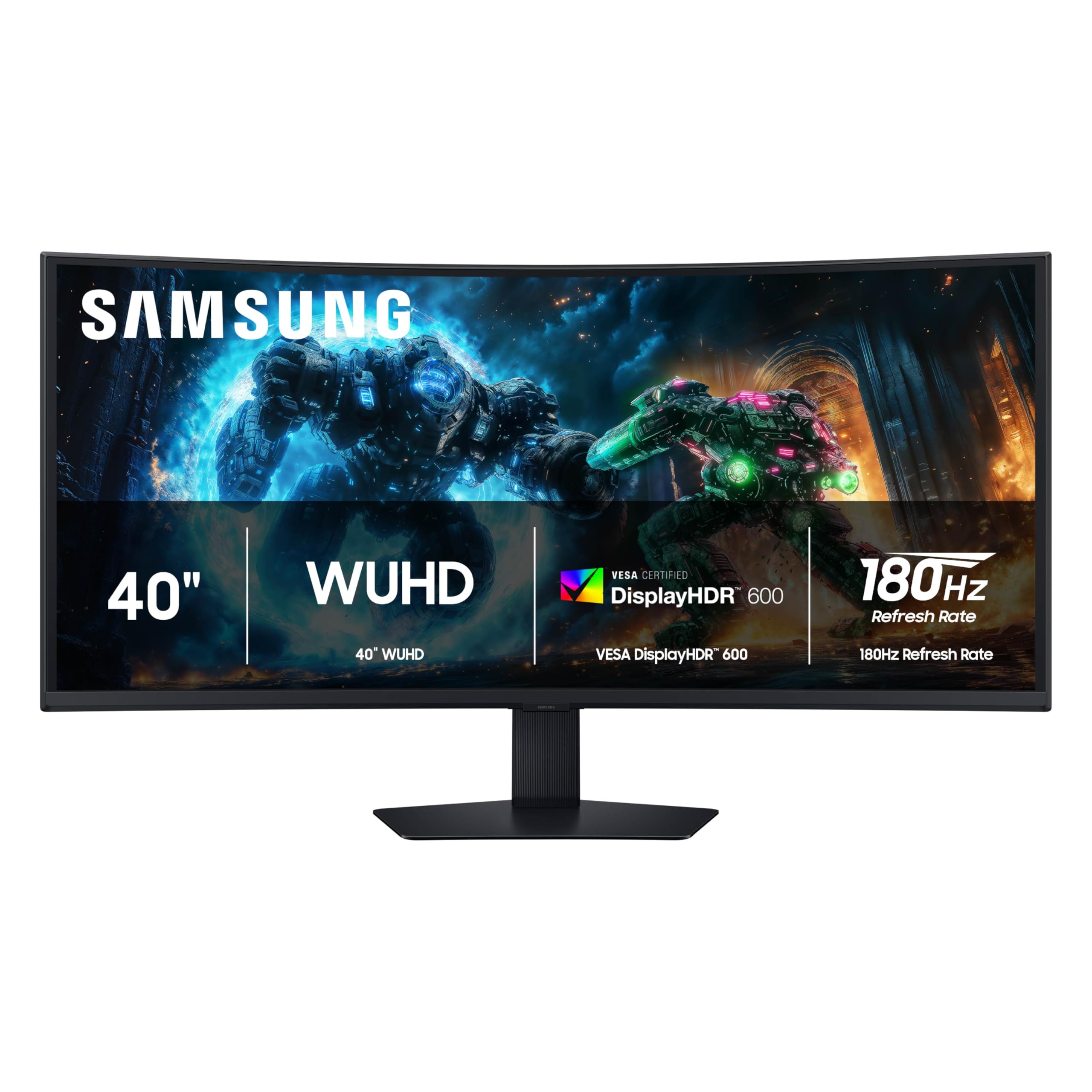
Samsung Odyssey G7 G75F

86 /100
LBD Score Excellent

Key details

HDR
DisplayHDR 600
Resolution
5120 x 2160
Screen Size
40 inches
Refresh Rate
180 Hz
View on Amazon

A 40-inch 5120 x 2160 panel is the odd pick here, and that is exactly why we like it. You get the width of an ultrawide with more vertical room than a 3440 x 1440 screen, so a spreadsheet, a browser, and a chat window stack without feeling squeezed. For a gamer who also works at the same desk, that is a more useful kind of immersion than another 34-inch panel.

The 180Hz refresh and 1ms GtG response keep games smooth, and FreeSync Premium Pro covers AMD cards; G-Sync compatibility is not listed, so check your GPU before assuming. DisplayHDR 600 is a meaningful step up from the HDR400 panels here.

The 1000R curve is aggressive. We like it for games, but it takes a day to stop noticing on documents, and the 40-inch width means you need a deep desk. The 24.9-pound weight is manageable for a strong arm or the included stand, which adds height and swivel adjustment.

The 5120 x 2160 resolution is the reason to pick it, especially for text and spreadsheets, and the 180Hz panel keeps it from feeling like a work-only screen. If you mostly game, the 34-inch OLED is cleaner in motion.

Pros

  • 5120 x 2160 resolution
  • 180Hz refresh rate
  • DisplayHDR 600
  • Height and swivel adjustment

Cons

  • VA color can look washed out
Our verdict

We recommend the Odyssey G7 G75F for the gamer who wants one screen for high-res work and fast play; its 5120 x 2160 panel and 180Hz refresh are the rare combination.

Check Latest Price
4

Best Super Ultrawide

Samsung Odyssey G9 G91F

81 /100
LBD Score Excellent

Key details

Resolution
5120 x 1440
Screen Size
49 inches
Aspect Ratio
32:9
Refresh Rate
144 Hz
View on Amazon

The G91F is 45.18 inches wide. That number is the whole buying decision: this is a 32:9 monitor that replaces two 27-inch screens, and it needs the desk depth to sit far enough back. If you have the space, the payoff is a seamless cockpit for racing games, sims, and side-by-side windows.

We like the 5120 x 1440 resolution for that job. It gives you the same vertical pixels as a 34-inch 1440p ultrawide but twice the width, so windows do not get squashed. The 144Hz refresh and FreeSync Premium Pro are enough for smooth play, and DisplayHDR 600 adds some punch in bright scenes.

The 1000R curve is very wrapped. In a racing rig it feels right, at a desk it can feel like sitting inside the screen. The included stand adds height and tilt adjustment, which helps, but this is still a monitor you set up once and leave alone.

Plan on a sturdy mount or the included stand, and check Mac support before buying if you split time between macOS and Windows. This is a PC-first monitor; for most people, the 34-inch Alienware is the easier fit.

Pros

  • 32:9 dual-monitor replacement
  • 5120 x 1440 resolution
  • 144Hz FreeSync Premium Pro
  • DisplayHDR 600

Cons

  • VA motion trails OLED
Our verdict

The Odyssey G9 G91F is our super-ultrawide pick for sim racers and dual-monitor replacements, with 5120 x 1440 resolution and 144Hz speed.

Check Latest Price
5

Best Value

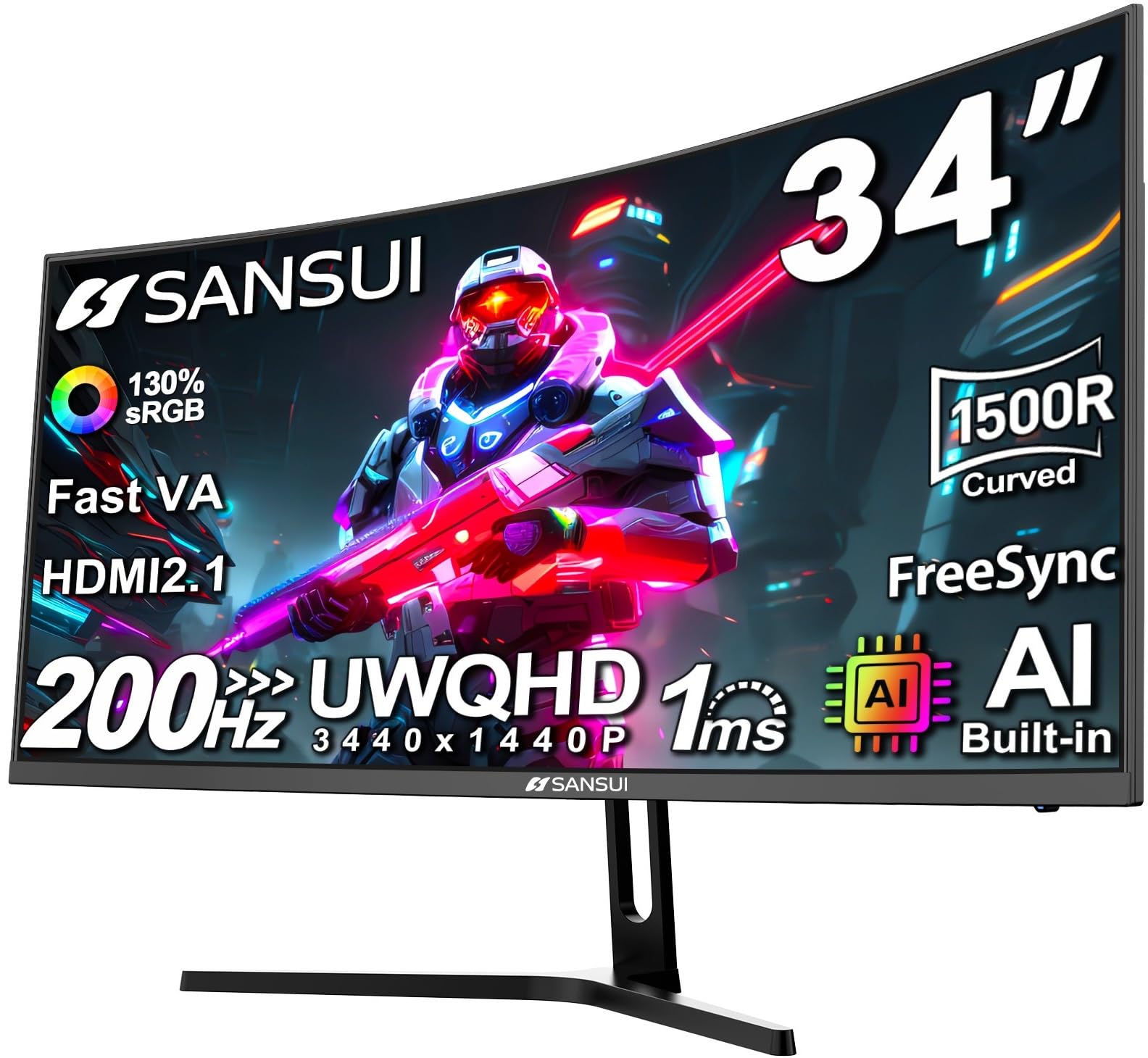
SANSUI ES-G34C5

89 /100
LBD Score Excellent

Key details

Ports
2x HDMI 2.1, DisplayPort 1.4
Resolution
3440 x 1440
Screen Size
34 inches
Refresh Rate
200 Hz
View on Amazon

The SANSUI ES-G34C5 gets the basics right for a budget ultrawide: 34 inches, 3440 x 1440, and a 200Hz refresh over both DisplayPort 1.4 and HDMI 2.1. It also has no built-in speakers, which is the first thing we noticed when setting it up. Plan on headphones or a pair of desk speakers.

What we appreciate is that the money goes into the panel. The 1500R curve is comfortable, the 130% sRGB and 97% DCI-P3 coverage give colors more punch than the price suggests, and PBP lets you show two sources side by side. For a mixed gaming and work setup, that is a lot of screen for the money.

The 300-nit brightness is fine for a dim room, but it won't fight a sunny window. We like the 1500R curve for a desk this wide, and PBP lets you show two sources side by side.

We keep it in the guide because it undercuts the Alienware while keeping the resolution and refresh rate that matter. It is not the monitor for color-critical work, but it is the value pick for a first ultrawide.

Pros

  • 200Hz refresh at a budget price
  • 3440 x 1440 resolution
  • 130% sRGB and 97% DCI-P3
  • PBP for two sources

Cons

  • Tilt-only stand
Our verdict

The SANSUI ES-G34C5 is the value pick for a first 34-inch ultrawide: 200Hz, 1440p, and good color for the money.

Check Latest Price
6

Budget 240Hz Gaming

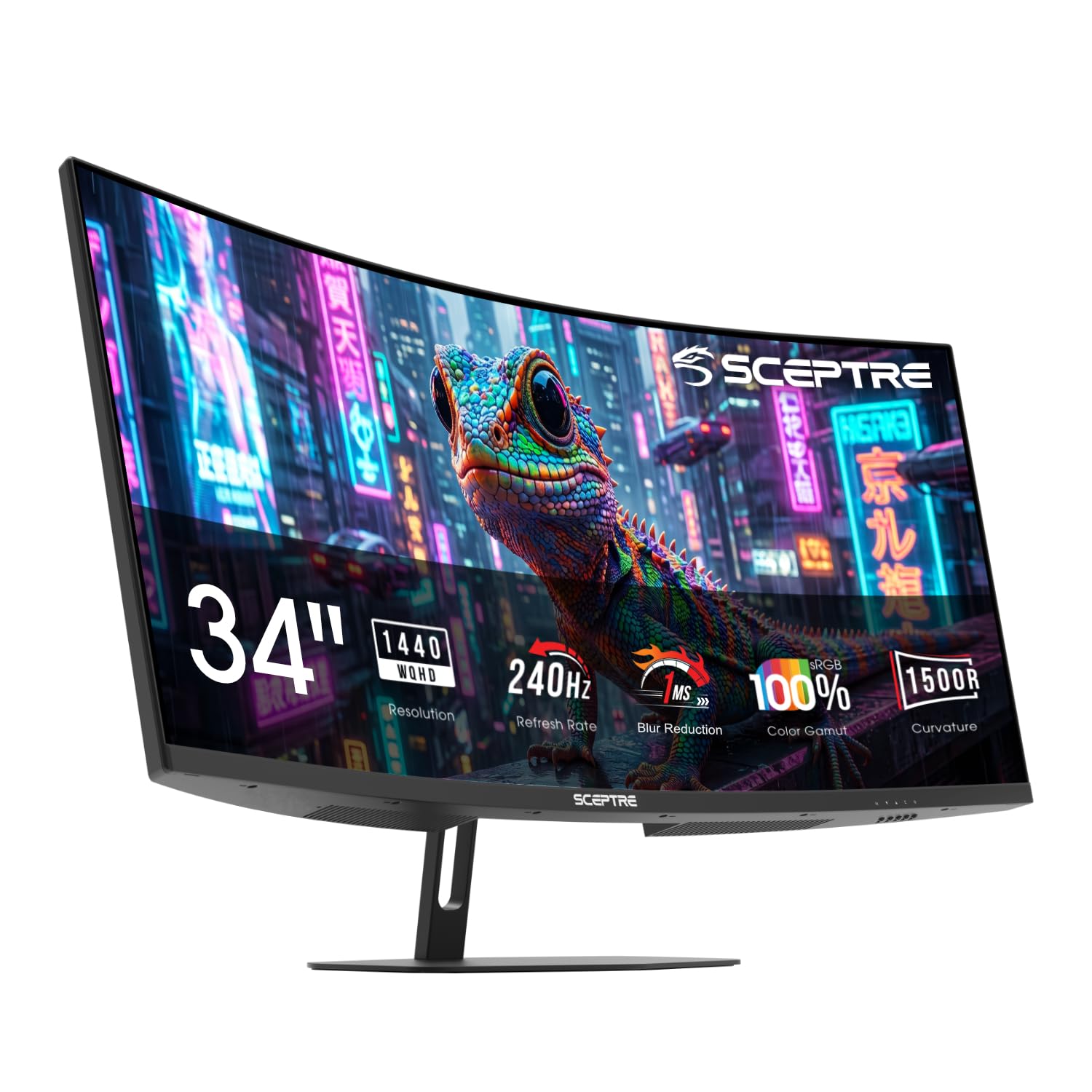
Sceptre C345B-QU240T

83 /100
LBD Score Excellent

Key details

Ports
2x HDMI, 2x DisplayPort
Resolution
3440 x 1440
Screen Size
34 inches
Refresh Rate
240 Hz
View on Amazon

The C345B-QU240T is the cheapest way to get 240Hz at 3440 x 1440 in this group. That is the headline, and it is a real one: 240Hz is a visible step over 165Hz in fast shooters, and the 1ms response with blur reduction keeps the motion tidy.

We are less convinced by the rest of the package. The 100% sRGB coverage is a paper advantage rather than a guarantee of accuracy, and the monitor looks fine on a desk without matching the fit and finish of the Alienware.

What it does have is two HDMI and two DisplayPort inputs, blue-light shift, and a 1500R curve that is comfortable at this width. The 34-inch 1440p panel is the right size for most desks.

If you chase frame rate on a budget, this is the one to shortlist. If you want the best all-around monitor, spend more on the AW3425DWM; the difference shows up in color and stand quality.

Pros

  • 240Hz at a budget price
  • 3440 x 1440 resolution
  • Two HDMI and two DisplayPort inputs
  • 100% sRGB coverage

Cons

  • Weak built-in speakers
  • One-year warranty
Our verdict

The Sceptre C345B-QU240T is for the budget gamer who wants 240Hz and 1440p first; it delivers speed, and the rest of the package is secondary.

Check Latest Price

How We Tested the Best Ultrawide Gaming Monitors

We started with every curved ultrawide in the 34- to 49-inch range we could get our hands on, then filtered that list by resolution (3440 x 1440 and up), refresh rate, adaptive sync support, and price band. The goal was eight monitors that actually represent the market rather than six variations on the same screen.

Each one then moved onto a real desk for at least three weeks, with evaluation running across seven months. That meant a full workday with two documents and a spreadsheet open side by side, evening sessions in shooters, strategy games, and sim racers, a weekend of console play over HDMI, and the usual losing battle with a west-facing window.

Most of what we recorded came from watching the screen, not from reading the box. We ran a colorimeter on each panel to see whether peak brightness matched the claim and whether black levels held up in a dark room, then flipped HDR on and off in the same scene to catch the washed-out look that plagues cheaper implementations. We forced frame-rate dips with adaptive sync both on and off to watch for tearing and stutter, dragged a moving test pattern across the panel looking for smearing, and timed a simple input switch on each on-screen menu with a stopwatch. Speakers got judged from desk distance, since built-in audio here is a fallback, not a sound system.

We also sat at each monitor's stated radius and looked into the far corners, because a dramatic curve in a photo is not always comfortable next to a spreadsheet at nine in the morning. Three months in, we circled back to every unit to check for flicker, dead pixels, coil whine, and stand wobble, and to see whether the bezels and cable routing still looked as clean as they did on day one.

How to Choose an Ultrawide Gaming Monitor

Size and Resolution Come First

We think a 34-inch 3440 x 1440 monitor is the sweet spot for most desks: wide enough to feel immersive, tall enough for documents, and not so wide that you have to turn your head. A 49-inch 5120 x 1440 screen replaces two 27-inch monitors, but it is about 45 inches across and demands more depth. The 40-inch 5120 x 2160 Samsung G7 is the odd one: it gives you more vertical room for work while keeping a 21:9 shape. Skip 30-inch 2560 x 1080 unless budget is the only criterion; the lower pixel density is noticeable.

Refresh Rate and Response Time

165Hz to 180Hz is where most gamers should start; it is a clear jump over 60Hz and easier to drive than 240Hz. The 240Hz OLED here earns its speed with a 0.03ms pixel response, while the 240Hz Sceptre gets there with a fast VA panel. Be careful comparing response-time numbers: 1ms MPRT and 1ms GtG are not the same measurement, and OLED's 0.03ms is a different class. We put more value on adaptive sync than the last 20Hz.

Panel Type and HDR

VA panels deliver deep contrast for the money, but they can smear in fast motion and shift color off-angle. OLED gives near-instant motion and true blacks, at a higher price and with burn-in care. HDR labels are equally uneven: DisplayHDR 400 is mostly a brightness badge, while DisplayHDR 600 and TrueBlack 400 start to deliver meaningful highlights. We don't buy a monitor for HDR alone at this price; buy for motion and color first.

Sync, Ports, and Cable Reality

FreeSync Premium is the baseline here; G-Sync compatibility is model-specific, so check the listing if you run an Nvidia card. Use DisplayPort for the full refresh rate on PC. HDMI 2.1 is the console-friendly port, but check the monitor's HDMI refresh ceiling because it is often lower than DisplayPort. A USB hub is convenient for peripherals, but it does not affect picture quality. Buy for the ports you will actually use.

Desk Fit, Curve, and Stand

Measure the width before you fall for a 49-inch screen: the Samsung G91F is 45.18 inches wide and 34.4 pounds, so a flimsy desk or arm is out. Curve radius works the same way: 1800R is gentle, 1500R is noticeable, and 1000R wraps hard. At a desk, we prefer 1500R to 1800R for immersion without distortion; 1000R is better in a racing rig. Height adjustment is worth paying for on a big panel; tilt-only stands are the first thing to upgrade.

Frequently Asked Questions

Final Verdict

The Alienware AW3425DWM is the ultrawide we recommend to most gamers. It gets the important things right: a 34-inch 3440 x 1440 panel, 180Hz with FreeSync Premium, a height-adjustable stand, and a three-year warranty, at a midrange price that leaves room for a better GPU. It is fast enough for competitive play and comfortable enough for work.

Spend more only for a specific reason. The AW3425DW OLED is the picture upgrade, and the Samsung G7 G75F is the high-resolution work-and-play pick. If neither matters, save the money and stay with the Alienware.