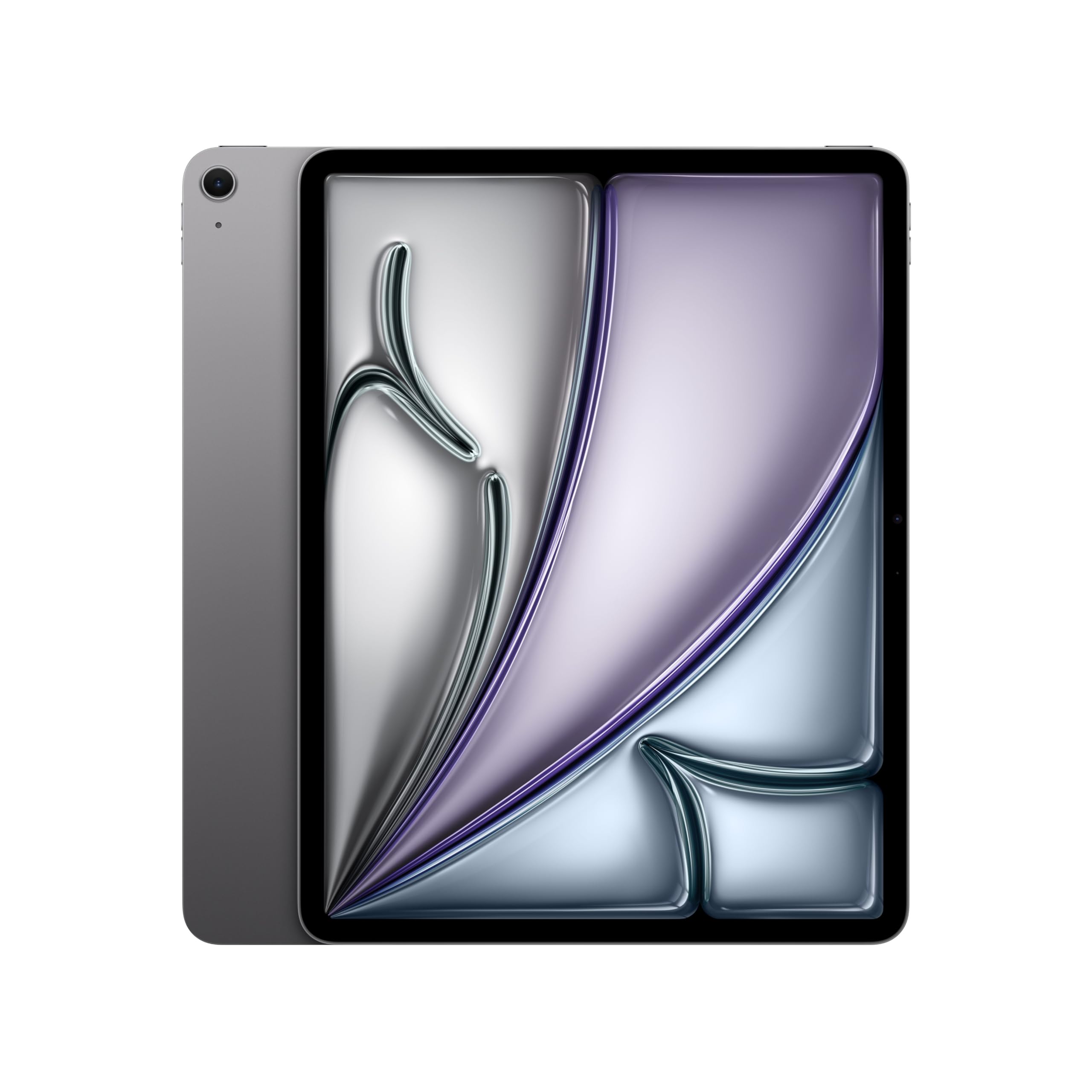
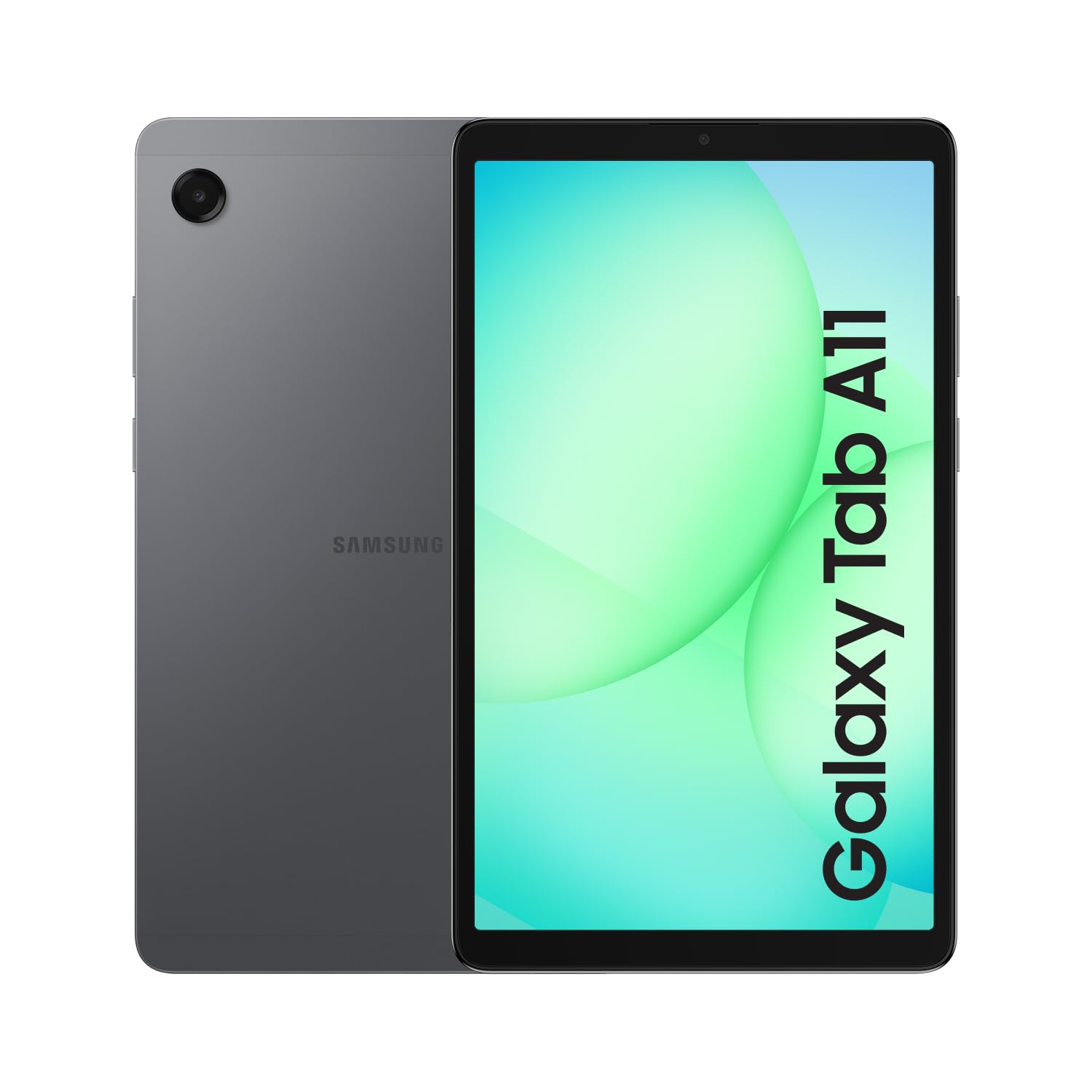
Best Tablets of 2026

A tablet is the rare purchase where the spec sheet does almost none of the work. Two can list the same screen size, storage, and all-day battery claim, and one will still feel quick in year three while the other stutters the moment you open a second app. What separates them is the chip, the RAM beside it, and Wi-Fi hardware that keeps pace with your router. Get those right and it disappears into your day — reading in bed, streaming on a flight, a video call at the kitchen counter.

I've owned a lot of tablets, and the ones I keep reaching for are rarely the ones with the biggest numbers on the box. My team and I lived with 12 of them for six months, from budget slates to a 13-inch screen I used as a second monitor. A 90Hz display makes scrolling feel smoother than a resolution bump will, and 4GB of RAM is the realistic floor now. The picks below cover the student, the streaming household, and the person replacing a laptop for light work.

1

Best Overall

Apple iPad 11-Inch (A16)

95 /100
LBD Score Outstanding

Key details

Chip
A16
Screen
11-inch Liquid Retina
Weight
1.05 lb
Storage
128GB
View on Amazon

The 11-inch iPad is the safest default in this group because it covers the widest range of everyday tablet jobs without forcing a choice between a cramped screen and a heavy one. At 1.05 pounds, it is light enough to hold in one hand while reading in bed, but the 11-inch Liquid Retina display still gives movies, comics, and split-screen apps room to breathe. That balance is why it is the first tablet we recommend to most people.

The A16 chip and 128GB of base storage are the practical reasons it holds up. The chip has more headroom than the browsing, streaming, and video-call jobs most people ask of a tablet, and 128GB means you are not immediately managing a 64GB floor. iPadOS also has the broadest app selection here, including tablet versions of creative and productivity apps that Android and Fire OS do not always get.

The fixed storage is the trade-off worth naming: 128GB is generous for apps and streaming, but a large local video library will fill it. Otherwise, the hardware is straightforward: Touch ID, USB-C, and a screen that is easy to live with.

We keep coming back to the 11-inch size because it fits a lap, a tray table, and a backpack sleeve without feeling like a laptop. For a student, a commuter, or a household that wants one tablet to do a bit of everything, this is the one that needs the fewest compromises.

Pros

  • Light enough for one-handed reading
  • 128GB of base storage
  • Broad iPadOS app selection
  • Sharp 11-inch Liquid Retina screen

Cons

  • Some units crash or arrive defective
Our verdict

For most people, the iPad 11 is the tablet to buy: the A16 chip, 128GB of storage, and a sharp 11-inch screen cover media, apps, and light work without a compromise.
Check Latest Price
2

Best Android Value

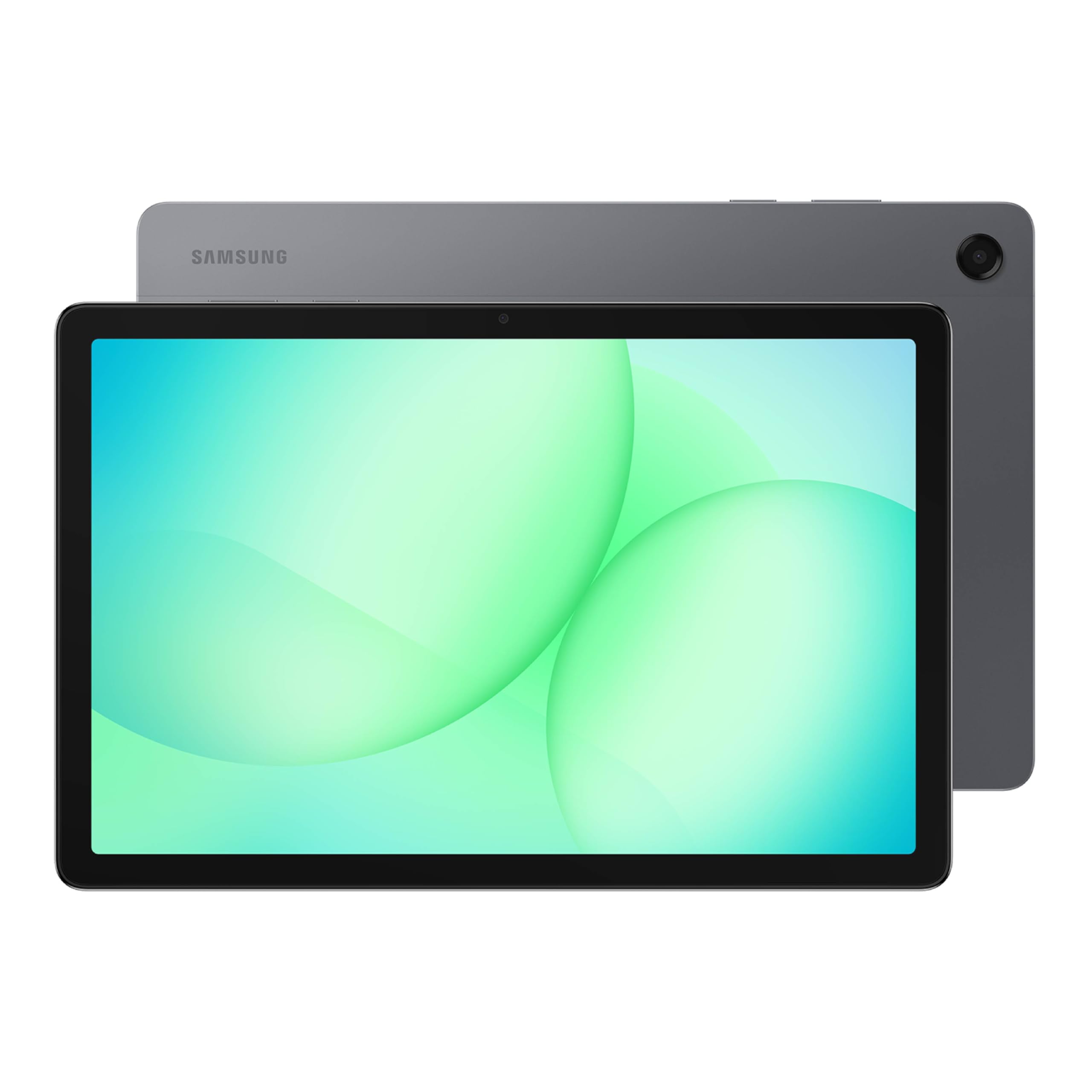
Samsung Galaxy Tab A11+

92 /100
LBD Score Outstanding

Key details

Memory
6GB
Screen
11 inches
Battery
15 hours
Storage
128GB
View on Amazon

The Galaxy Tab A11+ is the Android tablet we point families to first. The 11-inch screen runs at 90Hz, so scrolling and menus feel smoother than the price suggests, and the 7040mAh battery is rated for 15 hours. With 6GB of memory and 128GB of storage, it has enough headroom for shared apps, streaming, and a browser full of tabs.

Expandable storage is the quiet advantage. A microSD card lets you add space for downloaded shows, photos, and games without paying for a bigger model, which matters on a tablet that may get passed around the house. The MediaTek octo-core processor is not a flagship chip, but it keeps everyday apps and split-screen browsing comfortable, and Android 16 keeps the interface familiar.

Wi-Fi is the one place to test early. Some units drop connections or refuse to stay online, so run a video call and a large download during the return window. The rest of the package is solid for the money: a big, smooth screen, stereo speakers, and a battery that should get most families through a day.

For a shared living-room device or a first Android tablet for a teenager, the combination of screen size, storage, and price is hard to argue with. It is the one we reach for when everyone needs a turn.

Pros

  • Smooth 90Hz 11-inch screen
  • Expandable microSD storage
  • 15-hour rated battery
  • 6GB memory and 128GB storage

Cons

  • Large and heavy for one-handed use
Our verdict

The Galaxy Tab A11+ is our pick for Android families: a smooth 90Hz 11-inch screen, expandable storage, and a battery that keeps up with shared use.

Check Latest Price
3

Best for Students

Lenovo Idea Tab

85 /100
LBD Score Excellent

Key details

Memory
4GB
Display
11-inch 2.5K
Storage
128GB
Included
Pen and folio case
View on Amazon

The Lenovo Idea Tab is the student tablet that actually includes the accessories. We like that the box has the Lenovo Tab Pen and a folio case, so you are not budgeting for a stylus and cover after the fact. The 11-inch 2.5K display is the standout: text is crisp, and the 90Hz refresh rate makes notes and scrolling feel fluid.

The MediaTek Dimensity 6300 is fine for classwork, reading, and streaming, and the 128GB of storage is generous for notes, PDFs, and downloaded lectures. The 11-inch screen is the part you notice most: the 2.5K resolution makes small text easier to read, and the 90Hz refresh rate keeps scrolling smooth.

Battery life is rated at 12 hours, which should cover a campus day if you are mostly writing and reading. The tablet is also light at 1.1 pounds, so it slips into a bag without much thought. The included pen is the reason to choose this over a cheaper Android tablet: note-taking and sketching are part of the package, not an add-on.

Connectivity is the caveat. Some apps are harder to install than they are on a standard Android tablet, so check the ones your school requires before you commit. For a student who wants a sharp screen and a pen without iPad prices, we appreciate that it is the most complete value here.

Pros

  • Includes Tab Pen and folio case
  • Sharp 2.5K 90Hz display
  • 128GB storage
  • Light 1.1-pound body

Cons

  • 4GB memory limits heavy multitasking
Our verdict

Students should start with the Lenovo Idea Tab, which puts a 2.5K display, a pen, and a folio case in the box for less than the iPad.

Check Latest Price
4

Best Large Screen

Apple iPad Air 13-Inch (M4)

90 /100
LBD Score Outstanding

Key details

Chip
M4
Screen
13-inch Liquid Retina
Weight
1.36 lb
Storage
128GB
View on Amazon

A 13-inch tablet only makes sense if the screen is the reason you are buying it, and the iPad Air 13 makes a strong case. The 13-inch Liquid Retina display gives drawing apps, video timelines, and split-screen documents room that an 11-inch tablet cannot match. At 1.36 pounds, it is light for its size.

The M4 chip is more power than most tablet apps need today, which is the point: it keeps the iPad Air comfortable with large canvases, layered files, and several apps open at once. The 128GB storage is a reasonable starting point for cloud-based work, but anyone who keeps big video projects local should step up.

The obvious catch is price. This is a premium tablet, and it costs far more than the iPad 11 without changing the basics of iPadOS. You are paying for the bigger screen and the extra headroom, not for a different app library. If you mostly watch video in bed, the 11-inch iPad is easier to hold and just as sharp.

We prefer the 13-inch Air when the screen is the workspace, not just a window for streaming. For an artist, an editor, or anyone who works in two apps side by side, the extra canvas is the upgrade.

Pros

  • Large 13-inch Liquid Retina display
  • M4 chip performance
  • Light 1.36-pound body for its size
  • 128GB storage

Cons

  • Too large for one-handed use
Our verdict

Choose the iPad Air 13 when screen space is the point: the M4 chip and 13-inch Liquid Retina display make drawing, editing, and split-screen work feel roomy.

Check Latest Price
5

Best Budget Media Tablet

Amazon Fire HD 10

91 /100
LBD Score Outstanding

Key details

Screen
10.1-inch 1080p
Battery
13 hours
Storage
32GB
View on Amazon

The Fire HD 10 is the tablet for the person who wants a screen for Netflix, Kindle books, and Prime Video and does not want to pay iPad money. The 10.1-inch 1080p display is sharp for the price, and the 13-hour battery rating is for video playback, which is exactly the job this tablet is built for.

Fire OS is the trade-off. You get Amazon’s apps, a decent browser, and easy access to Prime content, but not the full Google Play store. Before you buy, check that your must-have apps are available in the Amazon Appstore; if they are, the Fire HD 10 is a bargain for streaming and reading.

The octa-core processor handles streaming and browsing without drama, but this is not a tablet for heavy games or serious multitasking. It is a consumption device, and it is good at that.

We like the Fire HD 10 for an Amazon household: a big, bright screen and long video playback for a budget price. For anyone who needs Google apps or a tablet for work, the iPad 11 or an Android tablet is the better route.

Pros

  • Sharp 10.1-inch 1080p screen
  • 13-hour video battery rating
  • Budget price for Amazon households
  • Good for Prime and Kindle content

Cons

  • 32GB storage fills quickly
Our verdict

The Fire HD 10 earns its place as a budget media tablet for Amazon households, with a 1080p screen and long video playback, but Fire OS limits the app selection.

Check Latest Price
6

Best Compact Tablet

Samsung Galaxy Tab A11 (2026)

83 /100
LBD Score Excellent

Key details

Memory
4GB
Screen
8.7-inch 90Hz
Battery
5100 mAh
Storage
64GB
View on Amazon

The 8.7-inch Galaxy Tab A11 is the tablet that fits in a small bag and comes out for reading, maps, and a quick episode. The 90Hz refresh rate is a nice surprise at this size, and the 64GB storage is workable for apps and downloads. At 5100mAh, the battery is sized for a day of mixed use rather than a weekend away.

The Helio G99 and 4GB of memory are fine for the basics, but this is not a tablet for heavy games or a dozen browser tabs. For reading and video, the size is the point: it is easy to hold for long stretches, and the 90Hz screen keeps scrolling smooth.

The catch is the warranty. This is an international Latin American model with no domestic warranty, so buy it as a secondary travel tablet, not a primary device. Check the seller’s return policy before you commit.

We like the Tab A11 for a commute or a nightstand. The compact body and smooth screen make it feel more modern than its price.

Pros

  • Compact 8.7-inch body
  • 90Hz refresh rate
  • 64GB storage
  • Long-day 5100mAh battery

Cons

  • Small screen cramps split-screen work
Our verdict

For a small tablet you can carry all day, the Galaxy Tab A11 2026 is the compact pick, with a smooth 90Hz screen and a body that fits a small bag.

Check Latest Price
7

Cheapest iPad

Apple iPad 10.2-Inch (8th Gen, Renewed)

88 /100
LBD Score Excellent

Key details

Chip
A12
Screen
10.2-inch Retina
Weight
1.1 lb
Storage
32GB
View on Amazon

The renewed iPad 8th Gen is the least expensive way to get iPadOS, and for light streaming, browsing, and kids’ homework it still does the job. The 10.2-inch Retina display is sharp, and the 90-day warranty is the detail that makes this a safer renewed buy than a marketplace gamble.

Renewed units vary, so buy from a seller with a return window and test the basics right away. The A12 chip is old but still fine for streaming and browsing.

We think the appeal is the price of entry into iPadOS, not the promise of a new tablet. If you want a long-term primary device, spend more on the iPad 11; if you want a cheap iPad for light use, this one earns a look.

Pros

  • Lowest-cost iPadOS entry
  • 90-day warranty
  • Sharp 10.2-inch Retina display
  • A12 chip handles light use

Cons

  • Battery life is a gamble on a renewed unit
  • 32GB storage is tight
Our verdict

The renewed iPad 8th Gen is the lowest-cost route to iPadOS for light streaming and browsing, provided you buy from a seller with a fair return policy.

Check Latest Price

How We Chose and Tested a Dozen Tablets

We started with every tablet from a major maker that had received a software update in the past year, then filtered by price, screen size, and storage. Anything running an operating system the maker had already stopped supporting got cut — reliability starts with whether a device still gets patched. That left 12.

Those 12 went everywhere a tablet actually goes over six months: propped against a cabinet while I cooked, on the coffee table during a streaming binge, on a few flights, and at my kid's homework table. We ran each from full charge to dead on a looping video at half brightness, then repeated the drill with ordinary daily use — email, a video call, two streaming episodes — and logged what was left at bedtime.

For speed, we opened the same ten browser tabs and a game, timing cold app launches and timing them again after half an hour of use to see what throttled. Screen quality got judged side by side in a dim room, watching whether dark scenes stayed legible and text held up at arm's length, and we scrolled the same long page on each to feel what a higher refresh rate actually does. Wi-Fi meant walking to the far corner of the house and out to the porch to see who dropped a bar first, then pairing the same earbuds and keyboard to every one to confirm Bluetooth held.

Durability testing wasn't delicate: each tablet rode in a tote bag with keys and a laptop for a week, and we checked the glass for scuffs afterward. At the end we weighed price against what each could actually do — pen support, keyboard pairing, how much storage you got for the money — and noticed which ones we kept picking up for no reason at all.

How to Choose a Tablet

Pick the app ecosystem first

A tablet is only as useful as the apps it runs. iPadOS has the widest selection of tablet-optimized apps, which is why the iPad 11 is our default for mixed use. Android gives you Google Play and more hardware variety, as with the Galaxy Tab A11+. Fire OS is the most limited: it is excellent for Amazon content, but check that your must-have apps are in the Amazon Appstore before you buy a Fire tablet.

If you rely on a specific app for work, school, or creative projects, confirm it is available and looks right on the screen size you are considering. That single check matters more than a small difference in processor speed.

Match the screen size to how you hold it

An 8.7-inch tablet like the Galaxy Tab A11 is easy to carry and hold for reading, but split-screen work feels cramped. An 11-inch model like the iPad 11 or Galaxy Tab A11+ is the sweet spot for most people: big enough for video and a keyboard, small enough for a lap. A 13-inch iPad Air is a desk and canvas device first.

Weight matters as much as the diagonal. A tablet around a pound is comfortable for long reading sessions; anything much heavier wants a stand or a table. If you plan to hold it overhead in bed, go smaller rather than bigger.

Treat battery life as a range

Rated battery life is measured under specific conditions, so treat it as a ceiling rather than a promise. The Fire HD 10’s 13-hour figure is for video playback, while the Lenovo Idea Tab’s 12-hour rating assumes lighter use. Heavy games, bright screens, and cellular data all pull the number down.

For a tablet you use daily, a full day of mixed use is the realistic target. If you buy renewed, as with the iPad 8th Gen, battery health matters more than the original rating. Ask about the return window and test a full charge cycle early.

Buy enough storage, and check what is included

32GB is the new entry-level trap: it fills with apps, photos, and offline video faster than most people expect. Choose 64GB for a light-use tablet and 128GB for a family device or anything you plan to keep for years. The iPad 11’s 128GB base storage is one reason it is easy to recommend.

Expandable storage helps on Android tablets like the Galaxy Tab A11+, but it does not replace internal storage for apps. Also price the accessories: the Lenovo Idea Tab includes a pen and folio case, while iPad accessories are usually extra. A cheap tablet with a missing case and stylus is not always the better deal.

Decide whether you need a keyboard or pen

A pen changes what a tablet is for: notes, sketches, and markup become practical. The Lenovo Idea Tab is the value pick because the pen and case are in the box. The iPad 11 supports Apple Pencil, but you buy it separately. A keyboard is the bigger commitment: it turns a tablet into a light laptop, but only if the apps you need support a desktop-style workflow.

If typing is the main job, compare the total cost of tablet plus keyboard before you decide. If you mostly consume content, skip the accessories and put the money into storage or a larger screen.

Frequently Asked Questions

Final Verdict

The iPad 11 is the tablet we recommend to most people. It has the right screen size, enough storage to start, and the app selection that makes a tablet useful beyond streaming. The reliability caveat is real, so buy from a retailer with a return window, but it remains the best default here.

If you want Android, the Galaxy Tab A11+ is the better family tablet, with a smooth 11-inch screen and expandable storage. If the screen is your workspace, the iPad Air 13 is worth the premium. Everyone else can start with the iPad 11 and stop shopping.