Best Overall

XKX USB Speaker Bar
Key details
- Mount
- Clip-on, top or bottom
- Power
- 10 watts
- Controls
- Touch volume and mute
- Connectivity
- USB-A with USB-C adapter
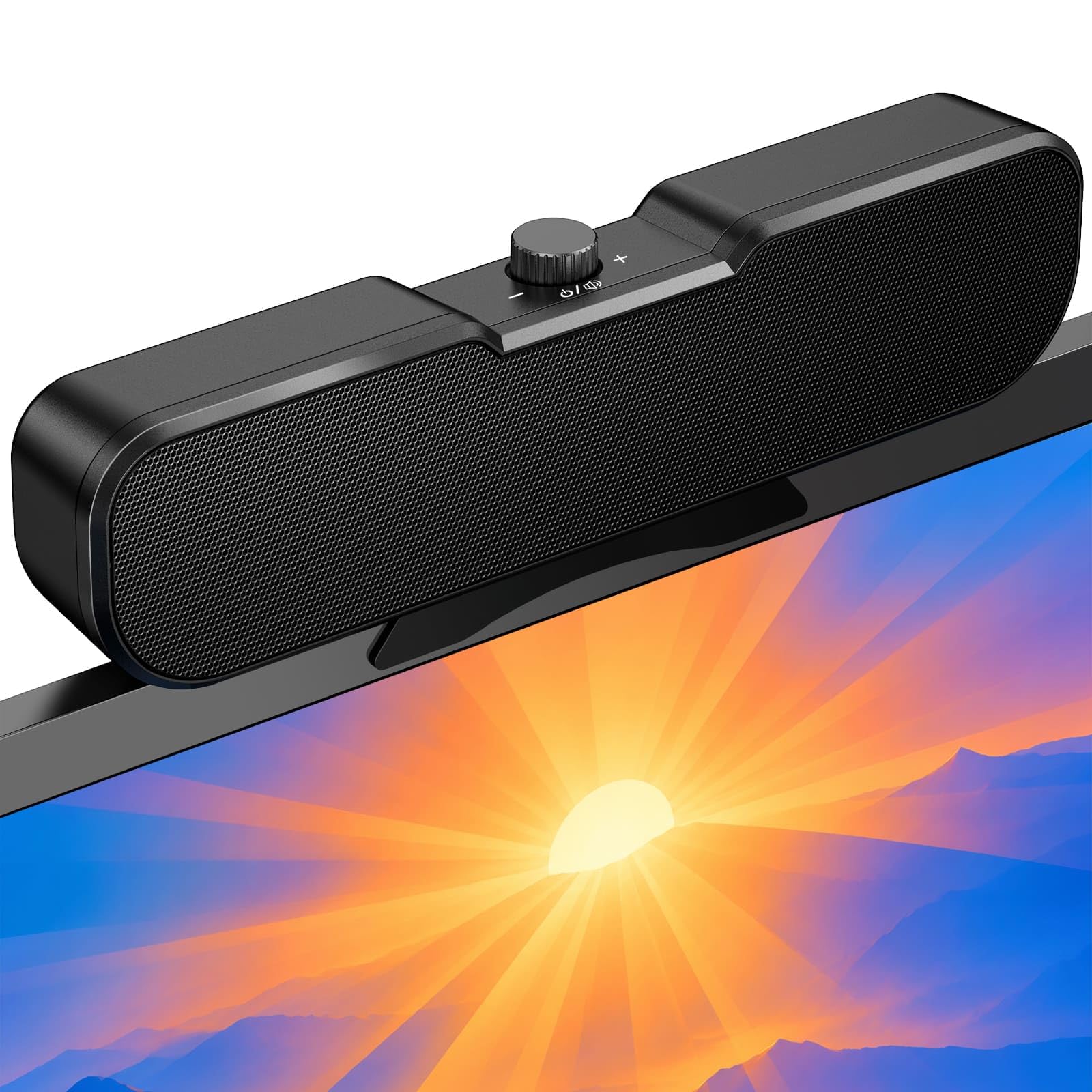
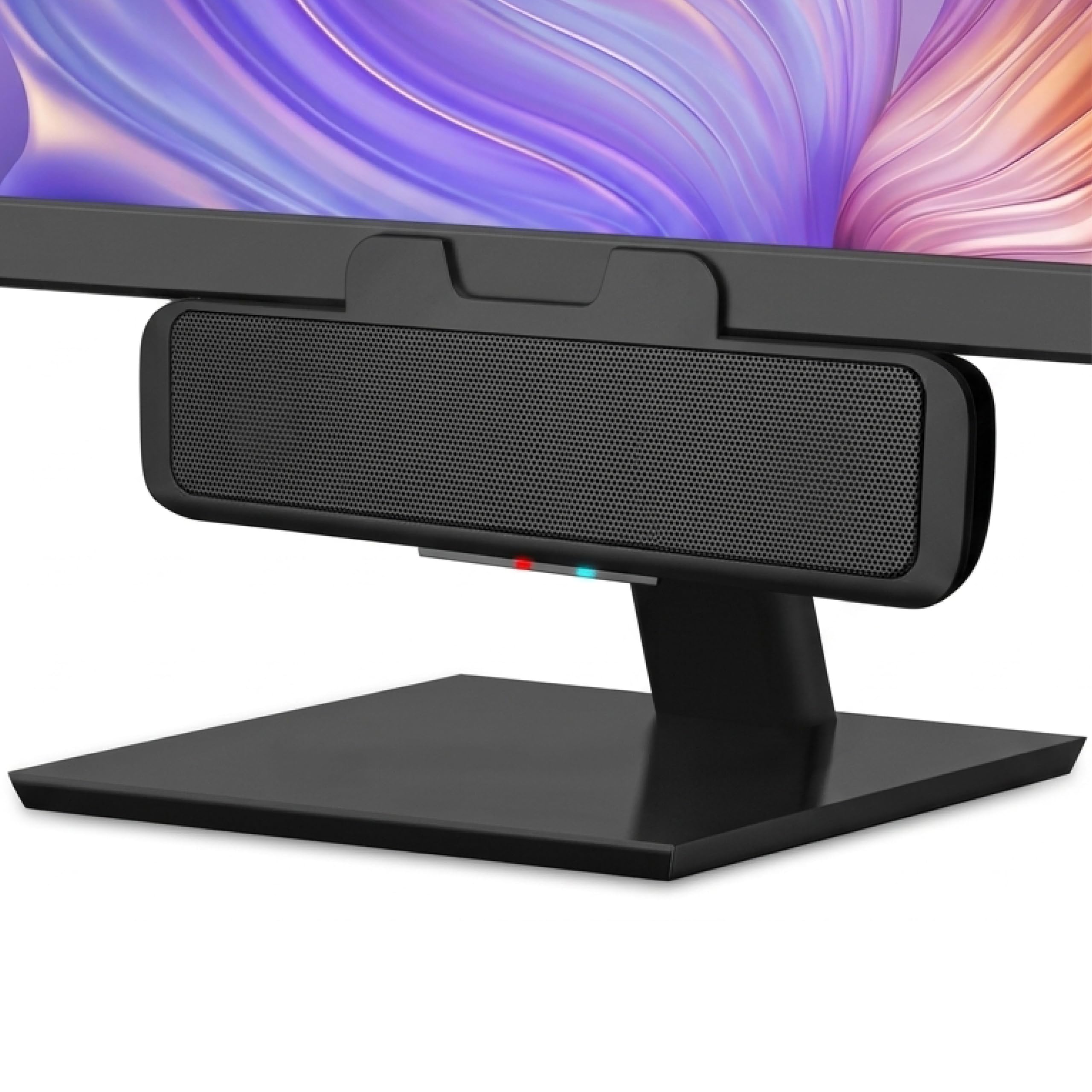
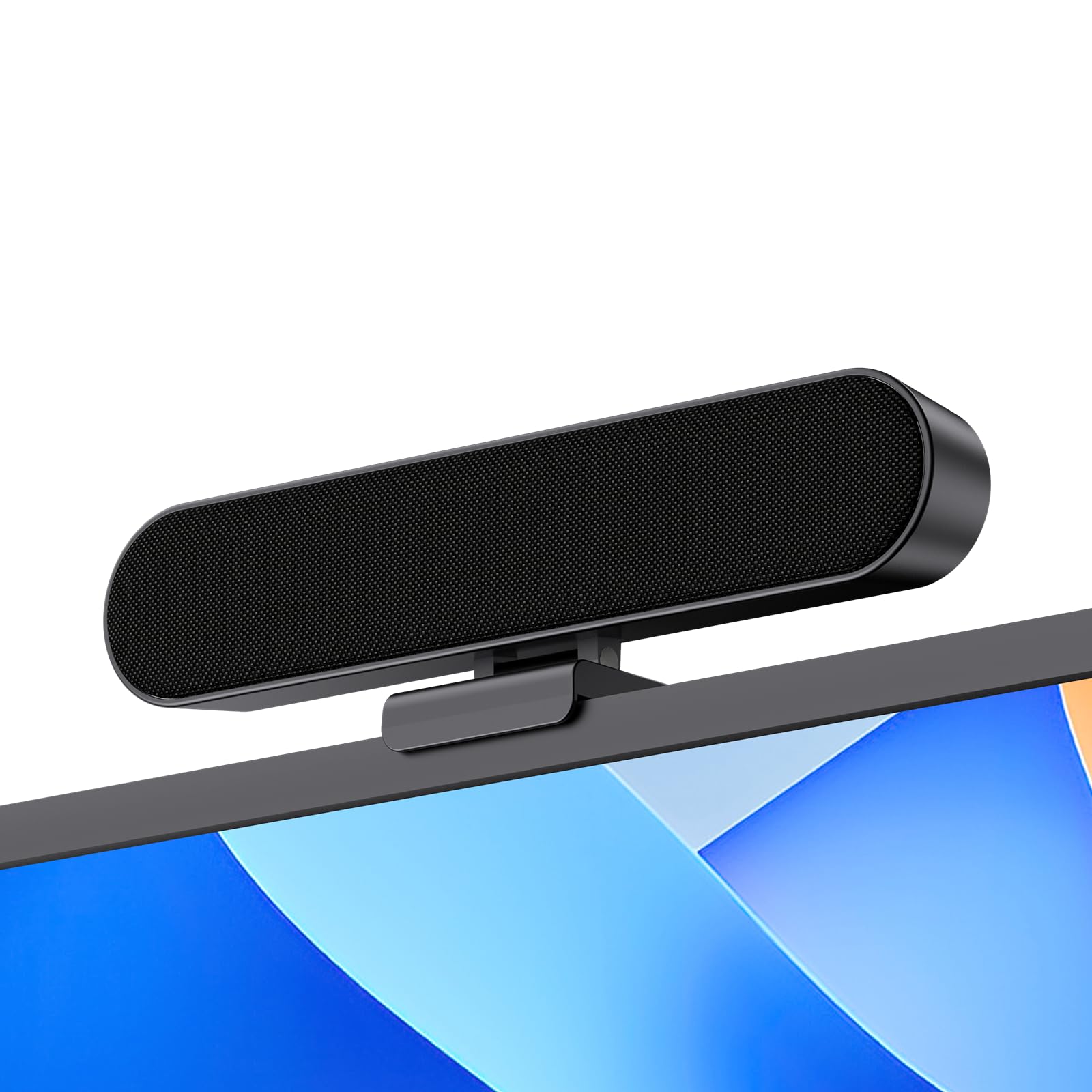
The feature that made the XKX our default is easy to miss in a listing: a G-sensor flips the left and right channels when you move the bar from the top of the monitor to the bottom. We clipped it to the upper edge for a video call, then moved it underneath for a cleaner sightline, and the stereo image stayed put instead of turning inside out. The padded clamp holds without scratching the bezel, and the 10-watt dual-driver setup with passive radiators gives speech and casual music more body than a laptop's built-in speakers.
The touch controls are another detail we came to appreciate: volume and mute sit on the front face, so you don't have to reach around the monitor. A single USB cable handles power and audio, and the included USB-C adapter covers newer laptops and Macs. At 9.17 inches wide, the bar spans the lower bezel without crowding a keyboard, and the 1.65-inch depth leaves room behind it. We kept coming back to it because it solves the two things a monitor bar has to solve: it stays put, and it keeps the stereo image correct.
Pros
- Keeps stereo correct above or below screen
- Padded clamp holds on many monitor edges
- Touch volume and mute within reach
- Single USB cable with USB-C adapter
Cons
- Volume can top out early or carry faint idle hiss
We recommend the XKX as the default because its channel-switching clamp, touch controls, and clear 10-watt output make it the easiest monitor speaker to live with for most desks.