Best Overall
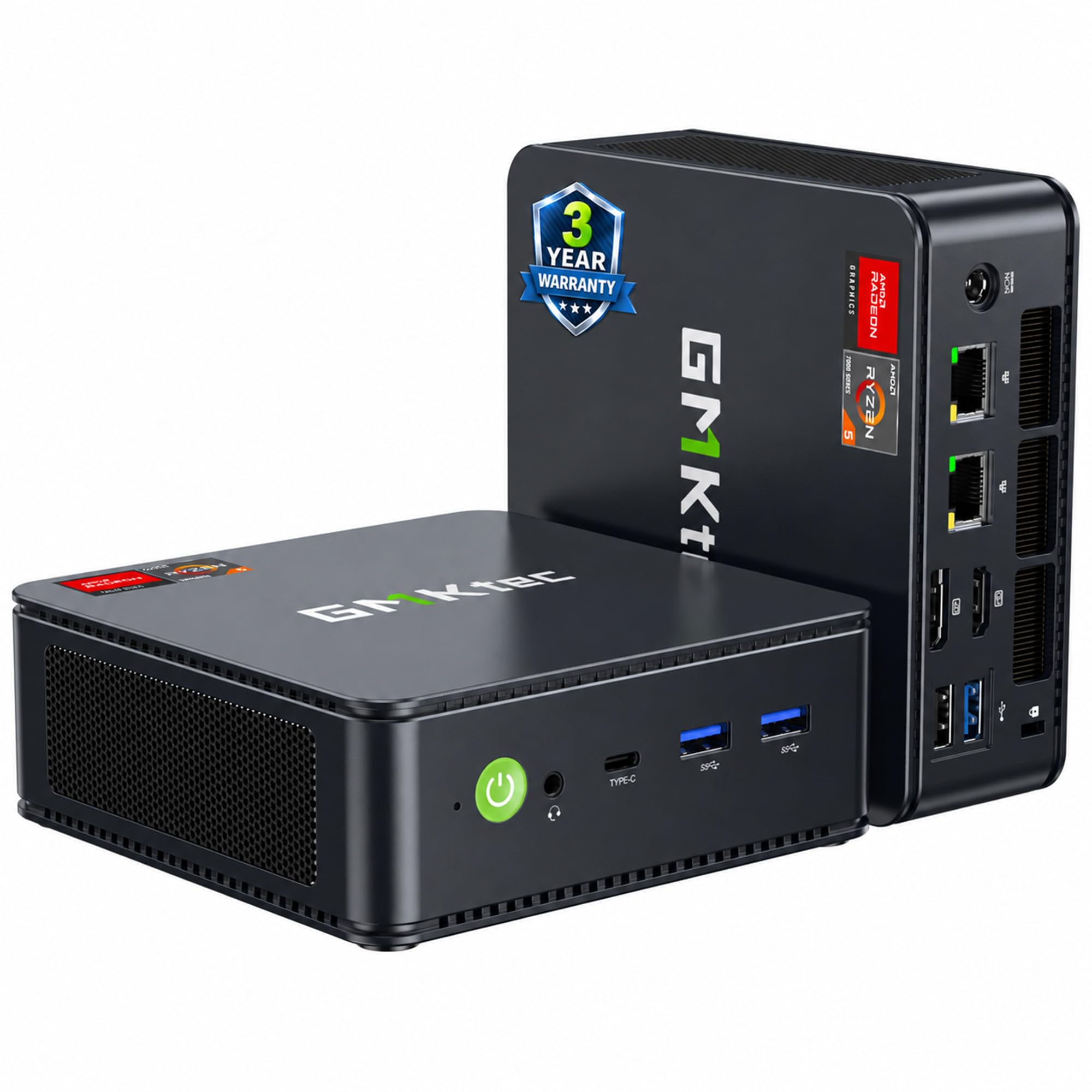
GMKtec K11
Key details
- Memory
- 32GB DDR5 5600
- Storage
- 1TB PCIe 4.0 SSD
- Graphics
- Radeon 780M, 2800 MHz
- Processor
- AMD Ryzen 9 8945HS
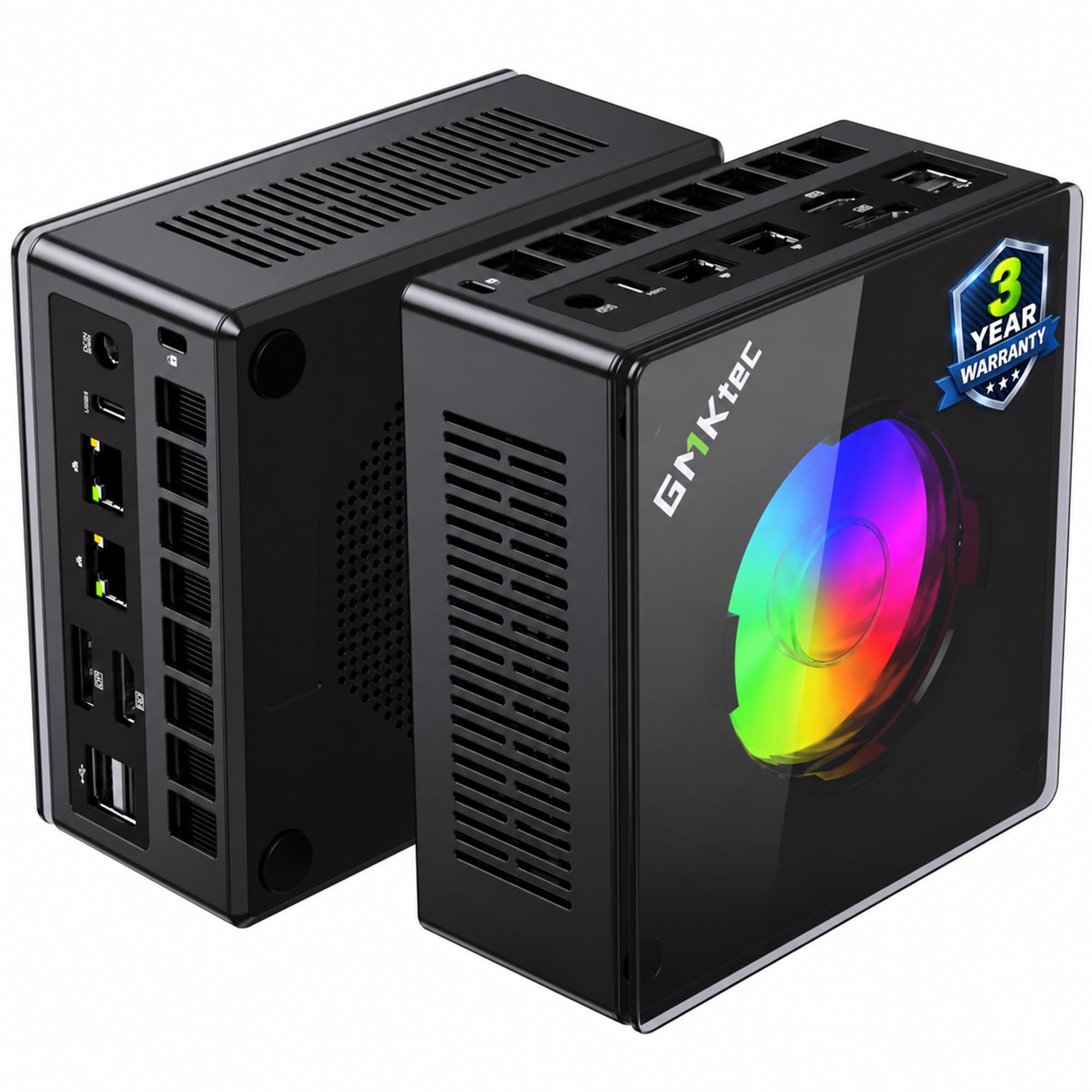
The Oculink port is the first thing we look at on the K11, because it changes what a tiny desktop can become. Inside, GMKtec pairs an 8-core Ryzen 9 8945HS with the Radeon 780M, 32GB of DDR5 5600 memory, and a 1TB PCIe 4.0 drive. That is the fullest loadout in this group, and the two memory slots leave room to go to 128GB later.
For gaming, the 780M is the right starting point in this category. The K11 runs it at a higher 2800MHz than the cheaper X3, and the 32GB of memory gives it more headroom for texture-heavy titles and a browser on the second screen. We recommend it as the default for someone who wants one small machine for 1080p gaming and everyday work, because the 1TB drive means you are not immediately opening it for more storage. The Oculink port is the bonus: an external GPU dock is a separate purchase, but it gives this machine a path that most mini PCs here do not have.
The K11 is still an integrated-graphics machine, so it is not a substitute for a discrete-GPU tower when the newest AAA games are the priority. What you get instead is a compact desktop with four display outputs, dual 2.5GbE, and a metal chassis that feels more substantial than the bare-bones mini PCs we have handled. The X3 is the value alternative if 16GB and no Oculink are acceptable.
Pros
- 32GB DDR5 and a 1TB SSD
- Oculink port for external GPU upgrades
- Strongest CPU and 780M combo here
- Dual 2.5GbE and four display outputs
Cons
- Premium price for the set
The K11 pairs the set's top Ryzen 9 and 780M with 32GB and 1TB, making it our default for 1080p gaming in a tiny chassis.