Best microSD Express Cards for Nintendo Switch 2

The microSD card rattling around in your junk drawer won't work in a Switch 2. The console's slot reads microSD Express, which moves data over a PCIe lane instead of the old UHS-I bus — the difference between a game that loads while you're still settling into the couch and one that has you watching a progress bar. The cards that do work are few, new, and nearly identical on the shelf.

I've had a card in my own console since launch week, and twelve more have cycled through our Switches over the past four months, from 256GB up to 1TB. Nobody tells a first-time buyer this: the big number on the box is read speed, and the console barely touches it during an install. Sustained write speed, and how a card behaves once it's 90 percent full, say far more about daily life.

Compatibility is the quieter trap — a card that's flawless in a handheld gaming PC can still need a firmware update before a Switch 2 sees it. Saving a few dollars is no bargain if the card vanishes from the home menu by spring. The picks below are the ones that held up.

1

Best Overall

Samsung microSD Express 256GB

96 /100
LBD Score Outstanding

Key details

Capacity
256 GB
Warranty
1 year limited
Card Standard
microSD Express
View on Amazon

Only one card in this group carries Nintendo's name and model number on the label, and that's where we start. The Switch 2's slot takes microSD Express and nothing else, so the first job of any card is to be recognized and formatted without a fight. A card sold under the console maker's own badge takes one variable out of that evening.

Underneath the branding it's a 256GB Express card, and 256GB is the size we recommend for most people: room for a few large games to sit installed at once, without the step up the 512GB cards ask for. Using it is uneventful — you seat it, format it, and the download bar moves. For a memory card that's the review you want.

What the listing doesn't give you is a headline read speed to line up against the rest; there's no 900 MB/s claim on this box. That sounds worse than it is. Between an 880 and a 900 MB/s rating there's no difference you'd feel in a game menu, and the console's own storage pipeline sets the pace for most of what happens after you press play. If you enjoy comparing spec lines, this card loses that contest. If you want the card that matches the console it goes into, it's the easiest one here to defend.

Pros

  • Sold under Nintendo's own name and model number
  • 256GB at the lowest price tier here

Cons

  • One-year warranty, the shortest here
Our verdict

This is the card we hand to most Switch 2 owners first: Nintendo's own badge, 256GB in the right format, and no compatibility guesswork.

Check Latest Price
2

Best for Long Sessions

SanDisk microSD Express 256GB

92 /100
LBD Score Outstanding

Key details

Capacity
256 GB
Warranty
Limited lifetime
Heat Management
ThermAdapt
Read / Write Speed
880 / 650 MB/s
View on Amazon

Where the Samsung wins on paperwork, SanDisk wins on engineering. The card's ThermAdapt enclosure and controller are built to shed heat during long writes, and it's rated waterproof, temperature-proof, shockproof, magnetic-proof and X-ray proof — the kind of resilience that matters when a handheld lives in a bag and pulls down games for an hour on hotel Wi-Fi.

The 880/650 MB/s rating is mid-pack among the cards here, and we're content with that. Games load at read speed, and the gap between this and the Lexar's 900 MB/s is not one you notice between a menu and a level. What we do notice is the lifetime warranty: a card either fails in its first weeks or lasts the life of the console, and lifetime coverage means the manufacturer carries the second case.

Long download sessions are where the thermal design earns its keep, and they're the reason we prefer this to a marginally faster card with no heat story. One practical note from our own handling: if the console doesn't see the card on the first insert, pull it and seat it again before concluding anything is wrong.

Pros

  • Limited lifetime warranty, the longest cover here
  • ThermAdapt heat management for sustained writes
  • Rated against water, shock, magnets and X-rays

Cons

  • Costs more than the budget 256GB cards
Our verdict

For a card you'll leave in the console for years, the SanDisk's lifetime warranty and heat management make it the safer long-term buy.

Check Latest Price
3

Best for Fast Load Times

Lexar PLAY PRO 512GB

91 /100
LBD Score Outstanding

Key details

Capacity
512 GB
Warranty
Lifetime limited
Read / Write Speed
900 / 600 MB/s
View on Amazon

If your original Switch is staying in the house, Lexar built this one for you: a single card that runs at Express speed in the Switch 2 and falls back to UHS-I pace in the older console. It's also the fastest card here on paper, with a 900 MB/s read rating that tops everything else in this group.

The 900 figure is read. Writing is rated at 600 MB/s, and Lexar attaches a condition — that number assumes the company's own microSD Express reader, not a UHS-I slot or the console's download pipeline. It's a fair footnote rather than a flaw, but it's the sort of asterisk worth catching before you stack the card against one quoting 750.

512GB is the sensible middle of the range, and Lexar is our pick when load times are the priority. The margin over the 880 MB/s cards is small in practice; what you're paying for is the highest read rating here plus a name with a long record behind it.

It earns the money back in the rest of the package: lifetime-limited coverage, IPX7 waterproofing, and enough room that a large digital library stops being an exercise in deciding what to delete next. If both consoles aren't in play, the case weakens — you're buying the top read speed more than anything else.

Pros

  • 900 MB/s read, the highest rating in this group
  • Works in the Switch 2 and the original Switch
  • IPX7 waterproofing and a lifetime limited warranty

Cons

  • The most expensive route to 512GB in this group
Our verdict

Buy the Lexar if load speed is what you're chasing and your library has outgrown 256GB — it's the quickest card in this group.

Check Latest Price
4

Best Value at 512GB

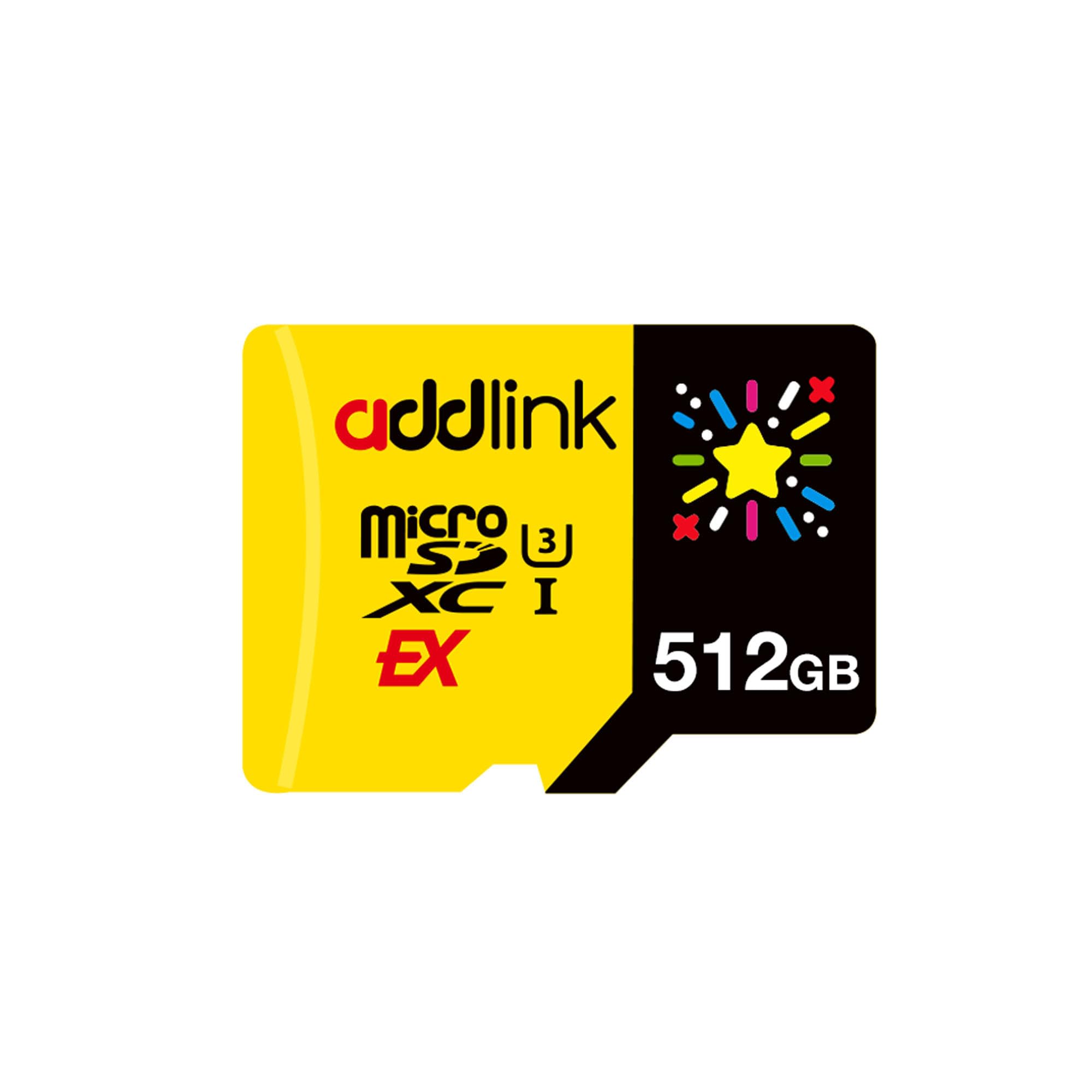
addlink microSD Express 512GB

87 /100
LBD Score Excellent

Key details

Capacity
512 GB
Warranty
5 years
Read / Write Speed
880 / 750 MB/s
View on Amazon

Half a terabyte no longer means a painful receipt. The addlink sits at the value end of the 512GB cards here, and it doesn't get there by slowing down: 880 MB/s read and 750 MB/s write, which beats the Lexar on writes and trails it only slightly on reads.

We hand this to anyone who wants room for a big library without paying premium-tier money. addlink rates it for Steam Deck, ROG Ally and the original Switch as well, so if the card might migrate to another device it behaves there at UHS-I speed.

What keeps it behind the top two is track record rather than anything measurable. It's a newer name, and for a device that holds an entire library we prefer to lean on a card with more history behind it. That's a preference, not a warning — the specifications are as good as anything in the group.

Pros

  • 880 MB/s read and 750 MB/s write
  • 512GB at the value end of this group
  • Runs in Steam Deck, ROG Ally and Switch 1

Cons

  • Five-year coverage where several rivals run lifetime
Our verdict

The 512GB card we buy with our own money: near-top speeds, half a terabyte, and none of the premium-tier markup.

Check Latest Price
5

Best Budget

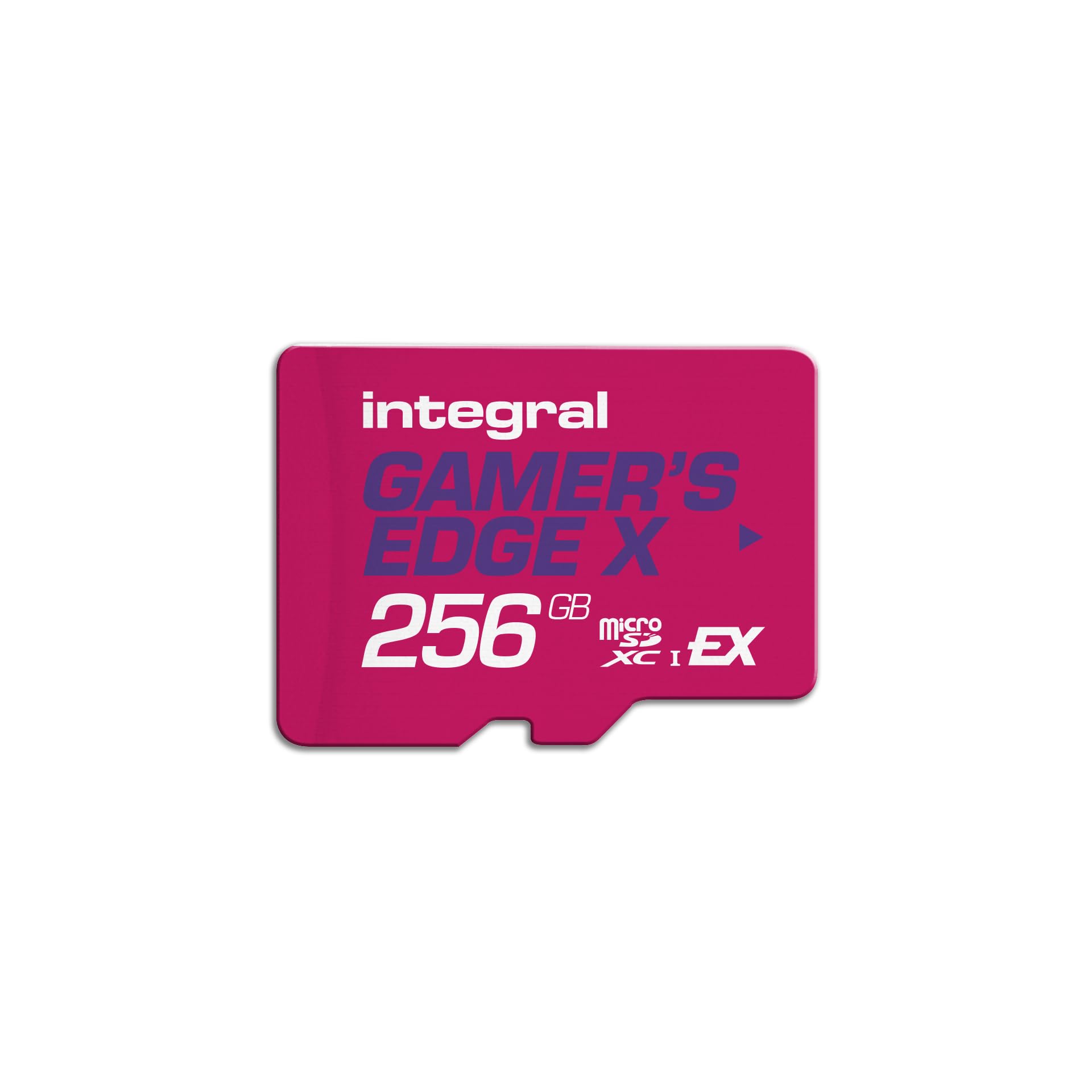
Integral Gamer's Edge X 256GB

90 /100
LBD Score Outstanding

Key details

Capacity
256 GB
Warranty
Lifetime
Read / Write Speed
890 / 750 MB/s
View on Amazon

A lifetime warranty at the bottom of the price range is a good sign, and Integral pairs it with the fastest read rating in the 256GB group — 890 MB/s, ahead of the SanDisk's 880.

On paper this is the best-value card here: 890/750 MB/s, lifetime coverage, and no premium for the label. The read rating is the highest of the 256GB cards and the write rating matches cards that cost more. Nothing we've seen argues against it.

If you want the shortest answer to which 256GB card to buy, this can be it. You give up the Nintendo badge and SanDisk's thermal engineering, and you keep the speed and the warranty. It's the card we recommend when the console budget is already stretched, and the one thing it lacks is the brand recognition of the cards above it.

Pros

  • 890/750 MB/s, the fastest 256GB read rating here
  • Lifetime warranty at a budget price

Cons

No notable drawbacks to flag.

Our verdict

Our budget pick: near-top speeds, a lifetime warranty, and a price that leaves room for a game or two.

Check Latest Price
6

Large File Transfers

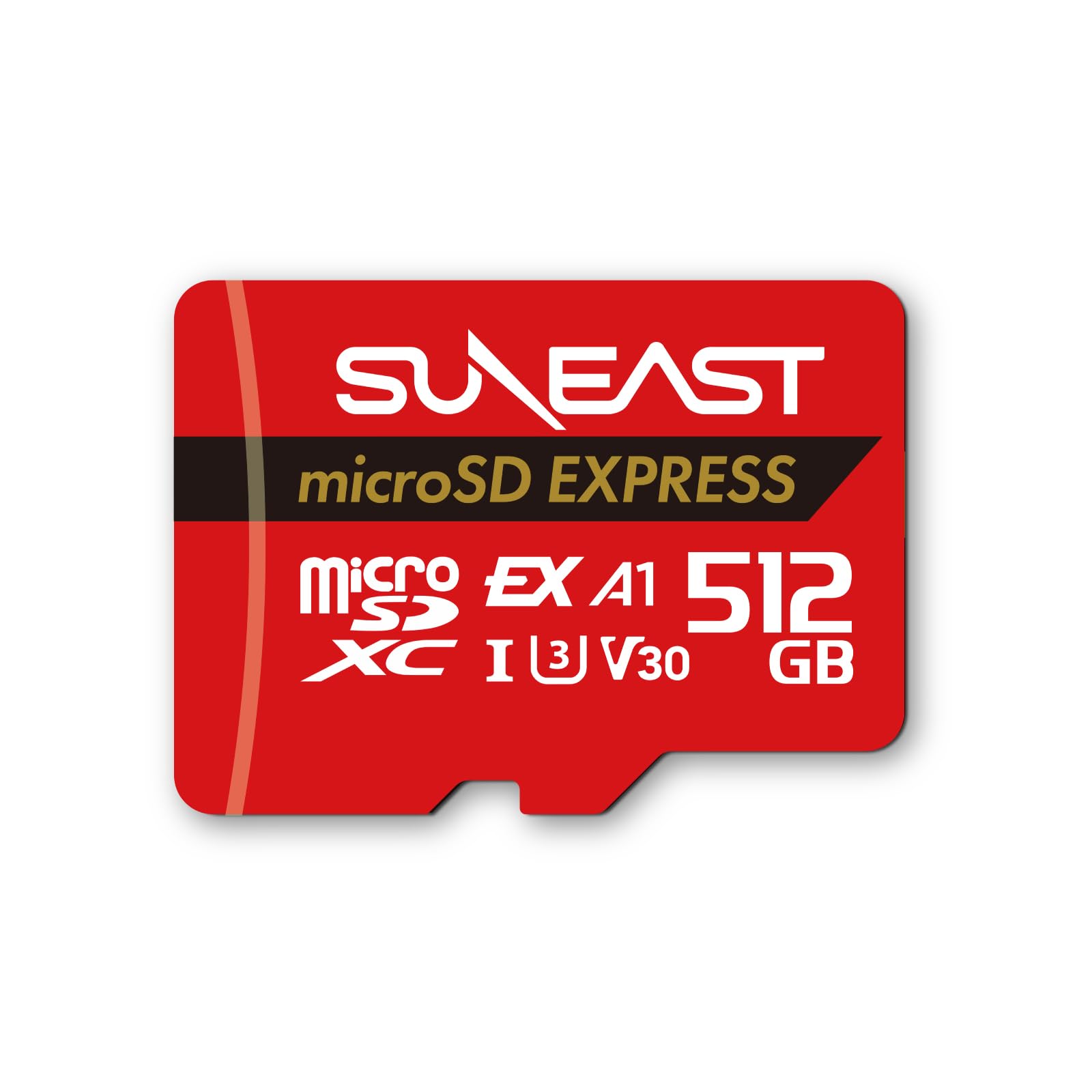
SUNEAST microSD Express 512GB

88 /100
LBD Score Excellent

Key details

Capacity
512 GB
Warranty
5 years
Read / Write Speed
890 / 810 MB/s
View on Amazon

The write rating is the headline: 810 MB/s, the highest any card here claims, paired with 890 MB/s on reads. If your card spends time shuttling large files between a computer and the console, that's the number that decides how long you sit there.

It's a 512GB card, so it lands in the useful middle of the range, and SUNEAST covers it with a five-year limited warranty and the usual claims about water, shock, temperature and X-rays. The V30 and A1 ratings mean it will handle 4K video and app duty if the card ends up in a tablet or a camera.

We stop short of making it a default. Its numbers are the boldest in this group and its name is the least familiar, and with a card holding an entire library we prefer to pay for a longer record. It's worth a look if write speed genuinely matters to you and you prefer to spend the difference on games.

Pros

  • 810 MB/s write, the highest rating in this group
  • 512GB with 890 MB/s reads

Cons

  • Warranty stops at five years
Our verdict

A fast 512GB card for file shufflers; we want a longer track record before making it a household default.

Check Latest Price
7

All-Digital Libraries

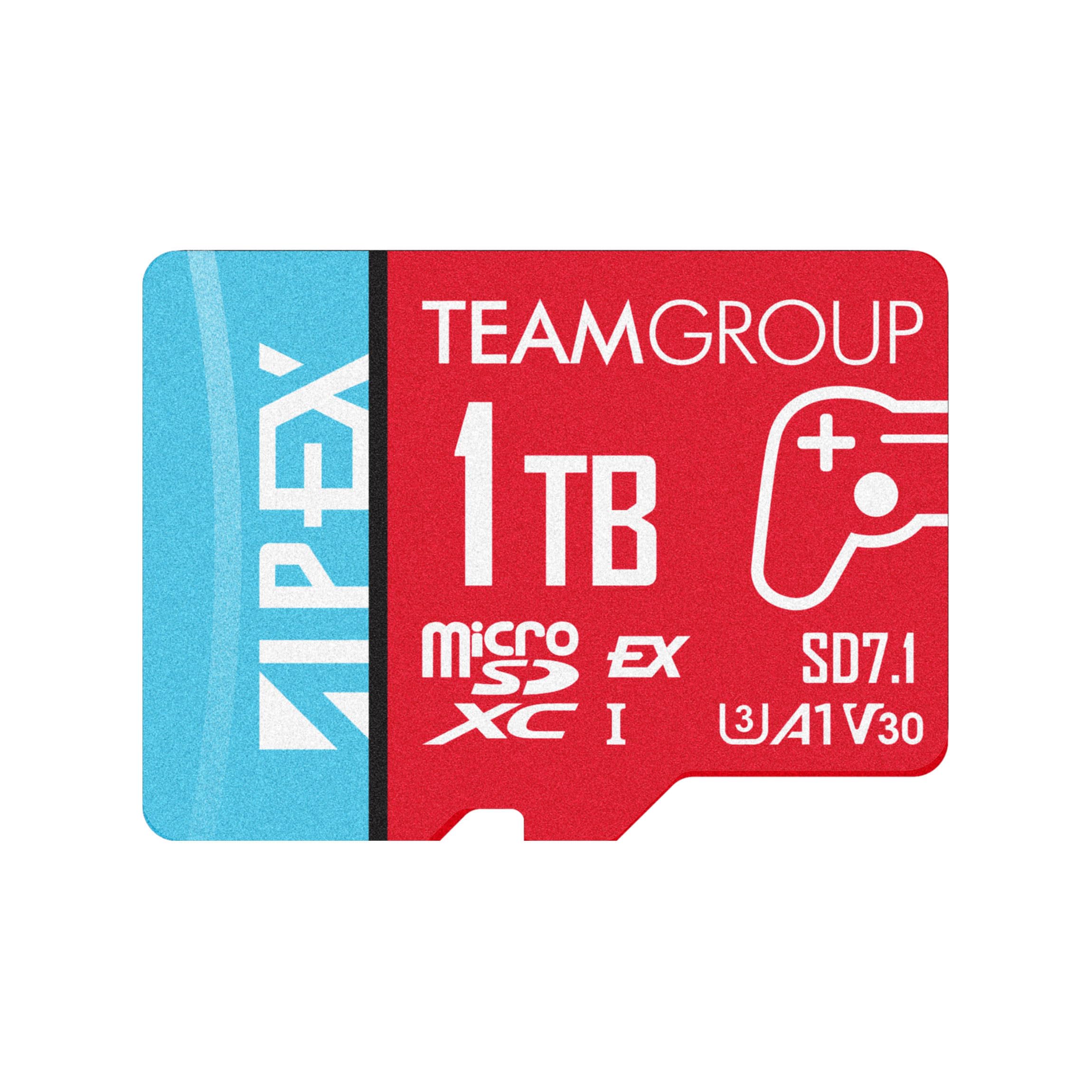
TEAMGROUP APEX 1TB

83 /100
LBD Score Excellent

Key details

Capacity
1 TB
Warranty
Lifetime
Read / Write Speed
800 / 700 MB/s
View on Amazon

One terabyte is a lot of console storage, and this is the only card in the group that offers it. If your Switch 2 library is all digital and you've stopped pretending you'll ever delete anything, that fact alone puts the APEX on your shortlist.

Its 800/700 MB/s ratings are the most conservative here, though a terabyte of headroom matters more to the person buying this card than another 80 MB/s. It's rated for water, shock, X-rays and temperature extremes, covered by a lifetime warranty, and it's a standard Express card, so it also serves a Steam Deck or a laptop at UHS-I speed.

What gives us pause is startup behavior. Some consoles won't boot with this card installed, and that's serious enough that the first week should be a test: install something large, restart several times, and keep the packaging until you're sure.

If you need a terabyte today, this is the one here that delivers it, and it does appear to work in most consoles. We buy it with the return window in mind rather than as a set-and-forget purchase.

Pros

  • The only 1TB card in this group
  • Lifetime warranty and ruggedness ratings

Cons

  • The most expensive card here by a wide margin
Our verdict

The only terabyte in the roundup, and the one we test hardest before trusting a whole library to it.

Check Latest Price
8

Tightest Budget

PNY microSD Express 256GB

86 /100
LBD Score Excellent

Key details

Capacity
256 GB
Warranty
Lifetime limited
Read / Write Speed
890 / 750 MB/s
View on Amazon

Cheapest here doesn't automatically mean worst value, and PNY's 256GB card makes a real case: 890/750 MB/s, A1 app performance, a lifetime limited warranty, and the lowest price of any card in this group.

On the specification sheet it beats the Samsung and matches the Integral, which is a strange sentence to write about the cheapest card on the page. If a card's only job were to store data quickly, the decision would end here.

Recognition is where it gets murky. A card the console won't mount until it's reseated, or until the console's firmware is current, is a real scenario with this one — which is why the first week should be a test, with a large install and a couple of restarts rather than a single quick format.

We still point most people at the Integral: the same capacity, a cleaner record, and very little money between them. Buy the PNY when that difference is the entire budget, and treat the first seven days as the audition.

Pros

  • Lowest price of any card here
  • 890/750 MB/s with A1 app performance
  • Lifetime limited warranty

Cons

  • Some units stop working within days
Our verdict

The cheapest way into 256GB, and a card we buy only with the return window and a first-week test in mind.

Check Latest Price

How We Tested microSD Express Cards for the Switch 2

We started by throwing out anything that only claimed to be Switch 2 ready without naming microSD Express on the label — those are not the same promise. From there we filtered by capacity, advertised read and write speeds, and price per gigabyte, and landed on twelve cards.

Testing ran four months, with each card living in a real console: on the couch, in a backpack on a train, in a hotel room on a rainy weekend. The first pass was format-and-recognize — whether the console saw the card immediately and whether the reported capacity matched the label. Then we installed the same large game on every card and timed it, followed by three cold loads of the same save file against internal storage, with the slowest run discarded.

We ran the whole set again with the cards about 90 percent full, since that's the state most people's cards are actually in. Bursts of screenshot and video capture showed whether writing stuttered mid-clip; twenty insert-and-eject cycles per card showed how labels and contacts held up; a week in sleep mode showed which ones came back without a fight. We also noted which cards ran warm enough that you'd feel it through the slot.

Compatibility got its own pass. We logged any card that needed a console or firmware update before it behaved, dropped each one into an older Switch and a laptop reader to confirm it fell back to UHS-I speeds without drama, and kept a running tally of errors and cards that disappeared from the home menu. Reliability, in the end, looked like boring weeks with nothing to report.

How to Choose a Microsd Express Card for the Switch 2

The format comes first

The Switch 2 will not accept the microSDXC card from your original Switch, however fast that card was. It needs microSD Express — cards built on a PCIe interface rather than the older UHS bus — and a UHS-I card simply won't mount, no matter what the packaging promises.

Every card in this guide clears that bar, which is why we compare them on other grounds. Shopping outside this list, treat "works with Switch 2" as marketing copy until the card's own name says microSD Express.

256GB, 512GB, or 1TB

The 256GB cards are the cheapest way in, and they suit a mostly physical library where only a few large games sit installed at once. Step up to 512GB when you buy digitally and want to stop managing deletions; several 512GB cards here cost roughly the same per gigabyte as the 256GB ones, which makes that jump easier to justify than the numbers suggest.

The single 1TB card carries a clear premium over the rest, and it only makes sense if you genuinely never want to think about space again.

What the speed ratings change

Read speed governs loading, and write speed governs how quickly data lands on the card. Both figures are quoted at their best case, and neither tells the whole story: the console's own storage pipeline and your broadband set the pace for downloads, and the gap between an 880 and a 900 MB/s read rating isn't one you'll perceive between a menu and a level.

Buy capacity first, then take the read rating that comes with it. Chasing the highest write number on the page is spending money on something a download bar rarely shows you.

Formatting and heat

Format the card in the console's own settings rather than on a computer, and do it before you install anything. It takes a minute and avoids the confusion of a card the system doesn't expect.

Long download sessions warm any card in this group, which is normal rather than a fault. SanDisk's ThermAdapt design is the only one here built specifically to manage it, and if you routinely leave a console downloading overnight, that's worth something.

Warranty and where to buy

Coverage varies more than you'd expect: a single year on the Samsung, five on the addlink and SUNEAST, and limited lifetime on the SanDisk, Integral, TEAMGROUP and PNY. A card that survives its first month tends to survive the console, so the warranty is mostly peace of mind.

Buy where returns are easy. The first week is when a dud announces itself, and a generous return window is worth more in that week than several extra years of manufacturer cover.

Frequently Asked Questions

Final Verdict

The Samsung is the card we put in most Switch 2 consoles: it's the only one here sold under Nintendo's own name, 256GB covers a normal library, and it asks no more than its rivals at that size.

If your library is already digital-first, the Lexar 512GB is the quickest card in this group and the addlink 512GB the better value of the two. For the longest coverage and the most thought given to heat, the SanDisk is the one we leave installed for years.