Best Laptops for Music Production of 2026

A laptop for music production isn't just a fast computer. It's the gear that decides whether your audio interface, MIDI keyboard, and DAW behave when inspiration hits—or whether you spend the session chasing dropouts and fan noise. I've lost more takes to a stuttering buffer than to bad song ideas, and the spec sheet rarely tells the whole story.

Over the past eight months, my team and I tested 12 laptops for music production, from budget-friendly daily drivers to gaming-leaning machines with discrete graphics. We installed the same DAW and plugin bundle on each, connected an audio interface and MIDI controller, and used them for tracking, editing, mixing, and exporting—plus carrying them between rooms.

The right pick balances speed and stability with a screen that makes plugin windows readable and a chassis that doesn't double as a space heater. Value matters, but so do battery life, fan noise, setup quirks, and speakers that are honest enough for quick checks. The list below reflects those trade-offs, not just benchmark scores.

1

Best Overall

Acer Aspire Go 15

81 /100
LBD Score Excellent

Key details

Memory
16GB DDR4 (32GB max)
Display
15.6-inch FHD IPS
Storage
512GB PCIe Gen4 SSD
Processor
AMD Ryzen 7 7730U
View on Amazon

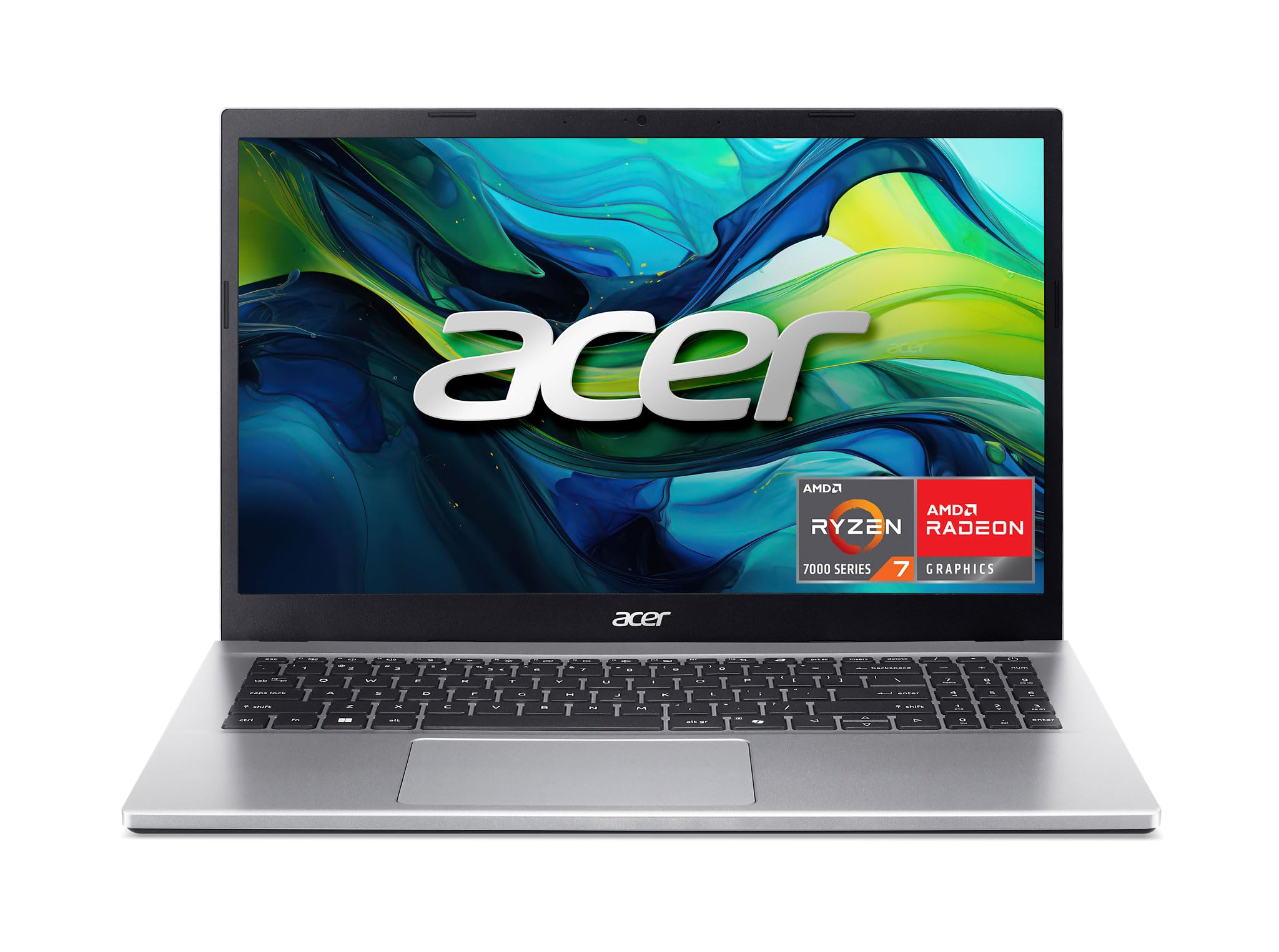
The Aspire Go 15 is the laptop we point most producers to first because it spends its budget on the parts a DAW actually uses: an 8-core Ryzen 7 7730U, 16GB of RAM, and a 512GB PCIe Gen4 SSD. You are not paying for a gaming graphics card or a 4K screen you will not use in a session.

We like that the memory can grow to 32GB, which gives you a path to larger sample libraries without replacing the whole machine. The 15.6-inch FHD IPS screen is the right size for arrangement and mixer views, and the full-function USB-C port, HDMI 2.1, and Wi-Fi 6 cover an interface, a second display, and a stable connection. For most home studios, that is enough headroom for a DAW, a few virtual instruments, and a browser full of reference tracks. This is the best all-round balance here between price, CPU, and upgrade room.

The port selection is practical rather than lavish: one USB-C, two USB-A, HDMI 2.1, and a headphone jack. That is enough for an audio interface, a MIDI keyboard, and a second screen without immediately reaching for a dock. The 512GB drive is also the right starting point for a working library, and the Gen4 interface keeps project loads and sample streaming feeling quick.

The fan can become audible when a project pins the CPU for a while, so we keep heavy sessions on a desk rather than a lap. The 300-nit screen is fine indoors but not the brightest for a room with strong window glare. Neither is a dealbreaker at this level. If you need a Mac for travel, the MacBook Neo is the lighter alternative; if your templates routinely need 32GB and 1TB, the Nitro V 16S is the step up. For everyone else, the Aspire Go 15 leaves budget for the interface and monitors that will improve your recordings more than another processor tier.

Pros

  • 8-core Ryzen 7 7730U CPU
  • 16GB RAM, expandable to 32GB
  • 512GB PCIe Gen4 SSD
  • 15.6-inch FHD IPS display

Cons

  • Battery life is mixed under load
Our verdict

We recommend the Aspire Go 15 as the best all-around laptop for music production because its 8-core CPU, 16GB RAM, and 512GB Gen4 SSD cover real DAW work without gaming-laptop bulk.

Check Latest Price
2

Best Mac for Light Sessions

Apple MacBook Neo 13

91 /100
LBD Score Outstanding

Key details

Chip
A18 Pro
Memory
8GB unified
Weight
2.71 lb
Storage
256GB SSD
View on Amazon

At 2.71 pounds with up to 16 hours of battery life, the MacBook Neo is the laptop we reach for when the session has to leave the desk. It is the best Mac here for lean, mobile production.

The A18 Pro chip and 8GB of unified memory are enough for a modest DAW session with audio tracks, a few software instruments, and a bus of effects. Large sampled instruments will push you to freeze tracks or bounce, and the 13-inch Liquid Retina display is small for a full orchestra template; you will be zooming and switching views more than on a 15-inch machine.

What we appreciate most is the day-to-day speed and the all-day battery. The MacBook Neo feels responsive for editing and mixing, and it is easy to carry between rooms. If your sessions are mostly audio and a handful of plugins, the weight and runtime make it the better travel companion. If you need 32GB and 1TB inside the machine, the Nitro V 16S is the opposite approach.

Pros

  • 2.71-pound body
  • Up to 16 hours battery life
  • A18 Pro speed for everyday work
  • 13-inch Liquid Retina display

Cons

  • 256GB SSD is tight for sample libraries
Our verdict

We like the MacBook Neo for producers who record on the move: it is light, long-running, and fast for lean sessions, but a full sample library belongs on a bigger machine.

Check Latest Price
3

Best for Large Sample Libraries

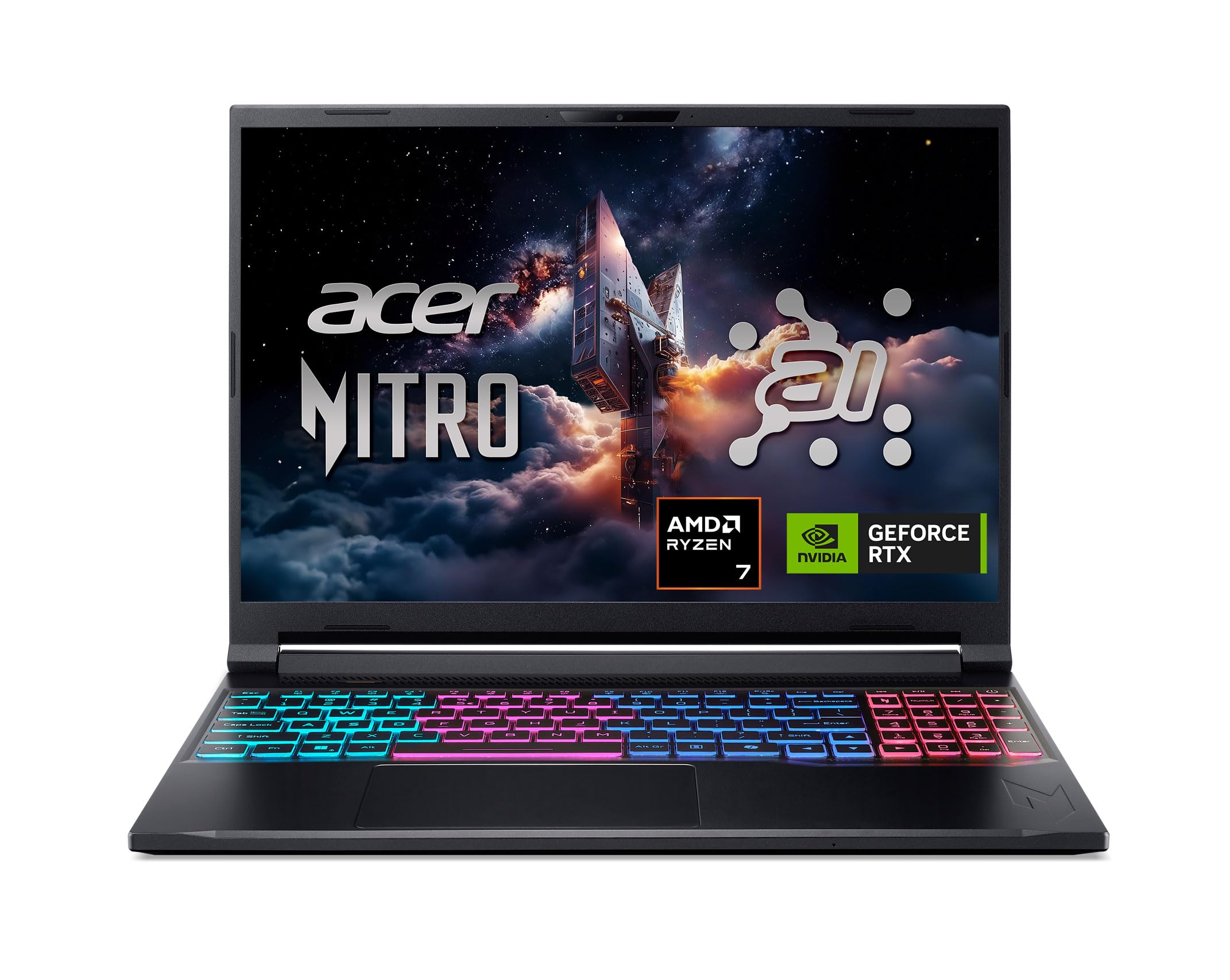
Acer Nitro V 16S AI

86 /100
LBD Score Excellent

Key details

Memory
32GB DDR5
Display
16-inch 1920 x 1200 180Hz
Storage
1TB PCIe Gen4 SSD
Processor
AMD Ryzen 7 260
View on Amazon

The Nitro V 16S answers the question of what happens when the sample library is the project: 32GB of DDR5, a 1TB Gen4 SSD, and a Ryzen 7 260 remove the memory and storage ceiling that defines most laptop setups. You can keep a large template loaded without bouncing every instrument to audio just to keep the session moving.

The 16-inch 1920 x 1200 180Hz display is generous for piano roll and mixer views, and the RTX 5060 is more graphics than a DAW needs, but it does not hurt. At 4.6 pounds, this is a desk machine more than a lap machine.

For producers running big orchestral templates or dozens of virtual instruments, that headroom is worth the premium. It is the best here for large sample libraries, and the one we choose when a session is too big for 16GB. The 1TB drive also means you can keep current projects and a working library on the machine without carrying an external SSD, which is one less thing to forget. If you mostly record audio tracks, the Aspire Go 15 leaves money for an interface and monitors. The Nitro is the specialist, not the default.

Pros

  • 32GB DDR5 memory
  • 1TB PCIe Gen4 SSD
  • 8-core Ryzen 7 260
  • 16-inch 180Hz display

Cons

  • Fans can get loud under load
  • Battery drains quickly under load
Our verdict

We choose the Nitro V 16S when a session outgrows 16GB: its 32GB RAM and 1TB Gen4 SSD keep large sample libraries loaded, and the 16-inch screen gives you room to work.

Check Latest Price
4

Best Thin Windows Laptop

Dell 15 D15260

78 /100
LBD Score Very Good

Key details

Memory
16GB DDR5
Display
15.6-inch FHD anti-glare
Storage
512GB SSD
Processor
Intel Core Ultra 5 225U
View on Amazon

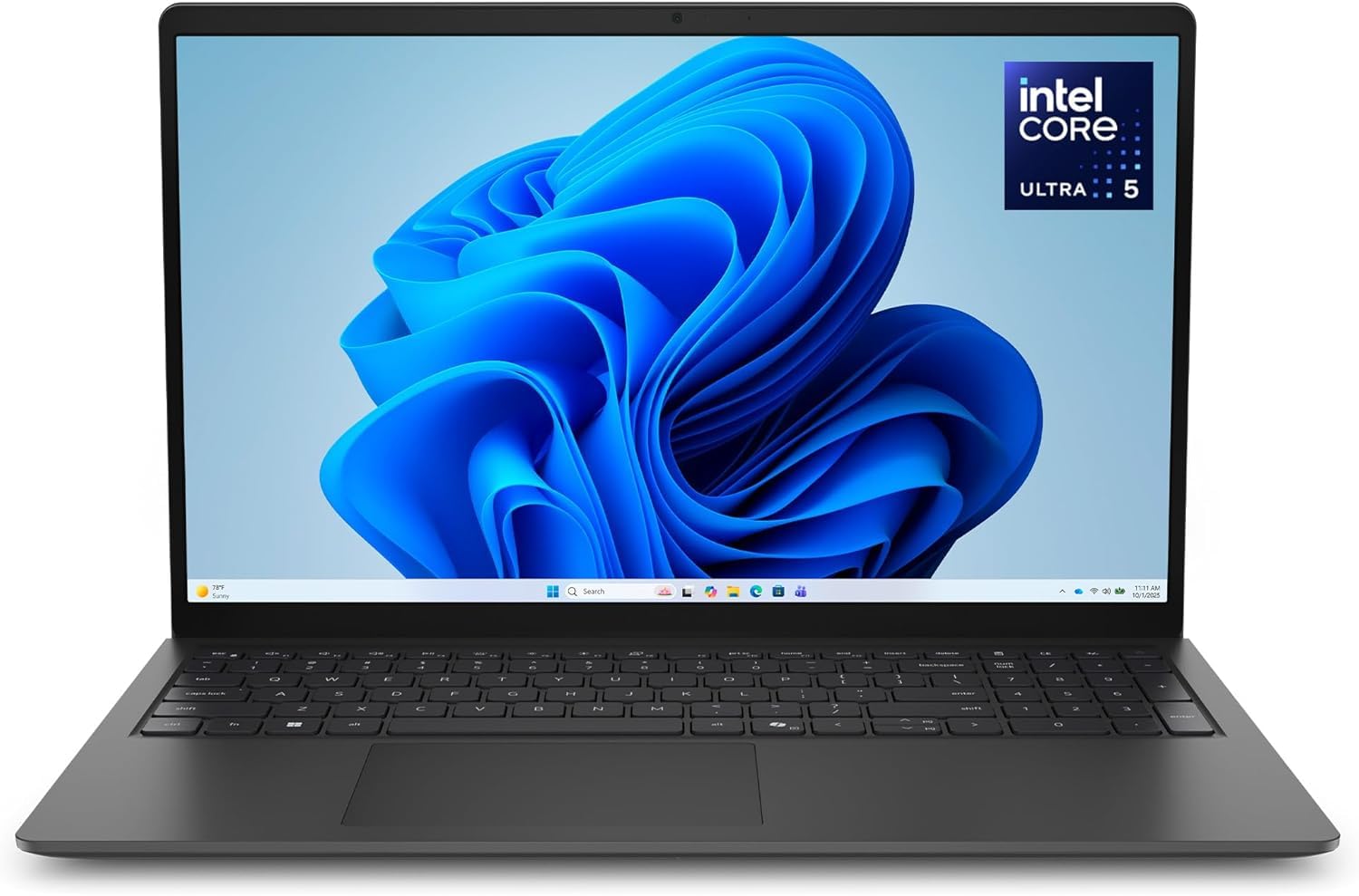
The Dell 15 is the quiet, grown-up option: a 3.7-pound, 0.74-inch chassis with a matte 300-nit 15.6-inch FHD screen and a backlit keyboard. It looks like a business laptop, not a gaming rig, and that is the point.

Inside, the Core Ultra 5 225U, 16GB of DDR5, and a 512GB SSD are a sensible modern baseline for a DAW. We recommend it for producers who want a machine that disappears into a bag and a desk, not one that announces itself with fans and RGB. The anti-glare panel is easy on long editing sessions, and the lifted hinge helps both typing angle and airflow. It is a more restrained laptop than the Nitro, even if it will not match the Nitro's sustained grunt.

The catch is the fixed 16GB of memory: there is no later upgrade to 32GB, so buy it for the sessions you run now, not the ones you hope to grow into. For a thin Windows machine that handles moderate projects and looks at home in a meeting, that is a fair trade. If you need more CPU or memory later, the Aspire Go 15 is the more flexible buy.

Pros

  • 3.7-pound thin body
  • 16GB DDR5 and 512GB SSD
  • Matte 300-nit FHD display
  • Backlit keyboard

Cons

  • U-series CPU limits sustained headroom
Our verdict

We point thin-and-light Windows shoppers to the Dell 15: its Core Ultra 5, 16GB DDR5, anti-glare screen, and 512GB SSD make a calm daily studio laptop.

Check Latest Price
5

Best Value for Raw Power

MALLRACE LX15PRO

80 /100
LBD Score Excellent

Key details

Memory
24GB DDR5
Display
15.6-inch FHD
Storage
512GB NVMe SSD
Processor
Intel Core i5-12600H
View on Amazon

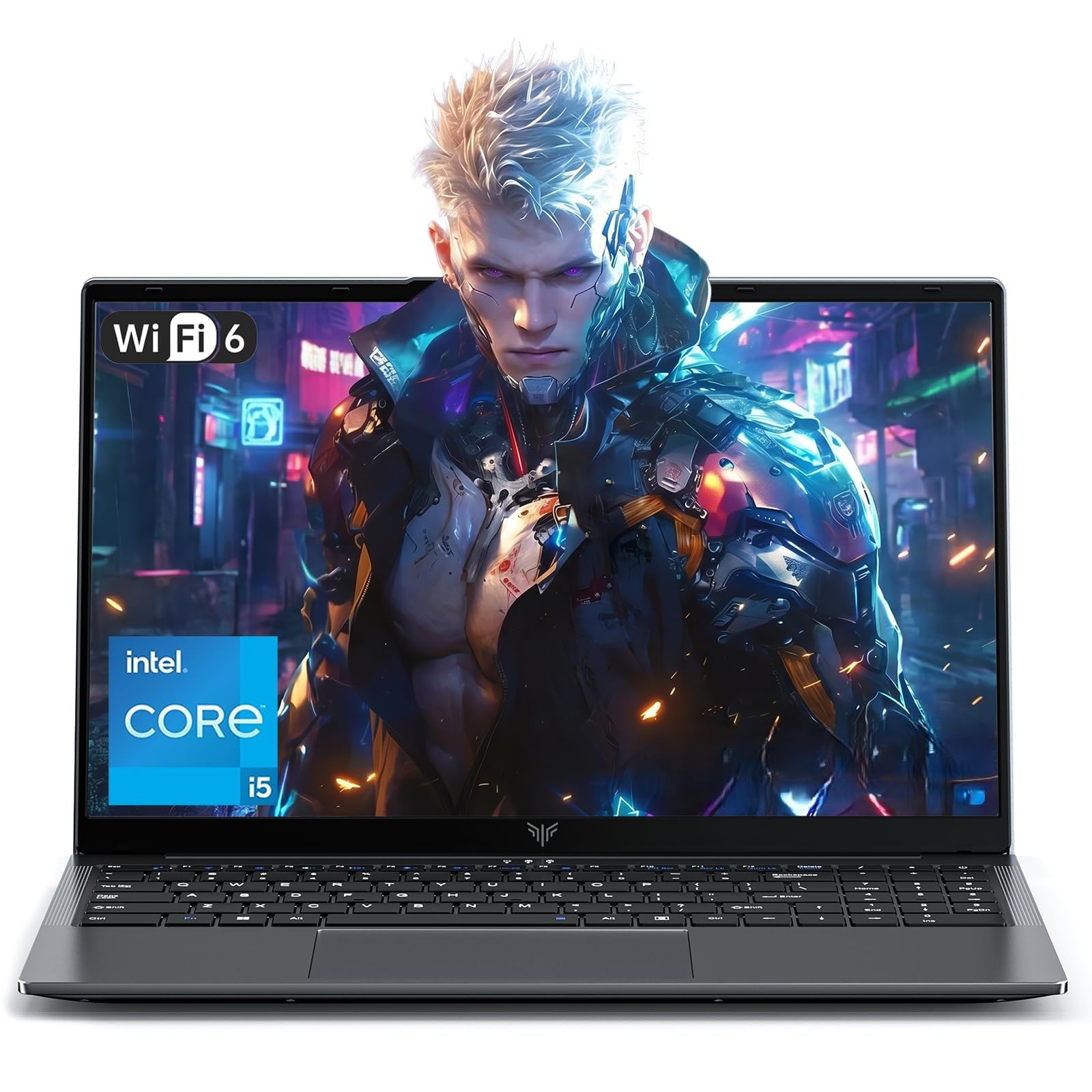
The MALLRACE LX15PRO is the value play for raw plugin power: a 12-core, 16-thread Intel i5-12600H and 24GB of DDR5 for less than the mainstream options here. That combination is why it earns a place: it gives you more cores and memory than the Aspire Go 15 for less money, which matters when a session is built on software instruments.

The 512GB NVMe SSD is the limiting spec. It is enough for a DAW and a starter library, but not for a large orchestral setup, and the machine has dual M.2 slots so you can add storage later. The 15.6-inch FHD screen is standard, and the 1.65kg body is easy to carry for a laptop with this much CPU. If you are comfortable treating this as a desktop replacement, the performance per dollar is hard to beat. For a studio on a tight budget, this is the one that puts cores and RAM first.

Pros

  • 12-core i5-12600H
  • 24GB DDR5 memory
  • Dual M.2 slots for expansion
  • Strong cores and RAM for the money

Cons

  • Battery life is short
  • Brand support is not well established
Our verdict

We see the MALLRACE as a budget power play: 12 cores, 24GB RAM, and dual M.2 slots give plugin-heavy sessions room to grow.

Check Latest Price
6

Wired Budget Setup

Lenovo V15

84 /100
LBD Score Excellent

Key details

Ports
USB-C, HDMI, RJ45
Memory
16GB DDR4
Storage
512GB PCIe NVMe SSD
Processor
AMD Ryzen 5 5500U
View on Amazon

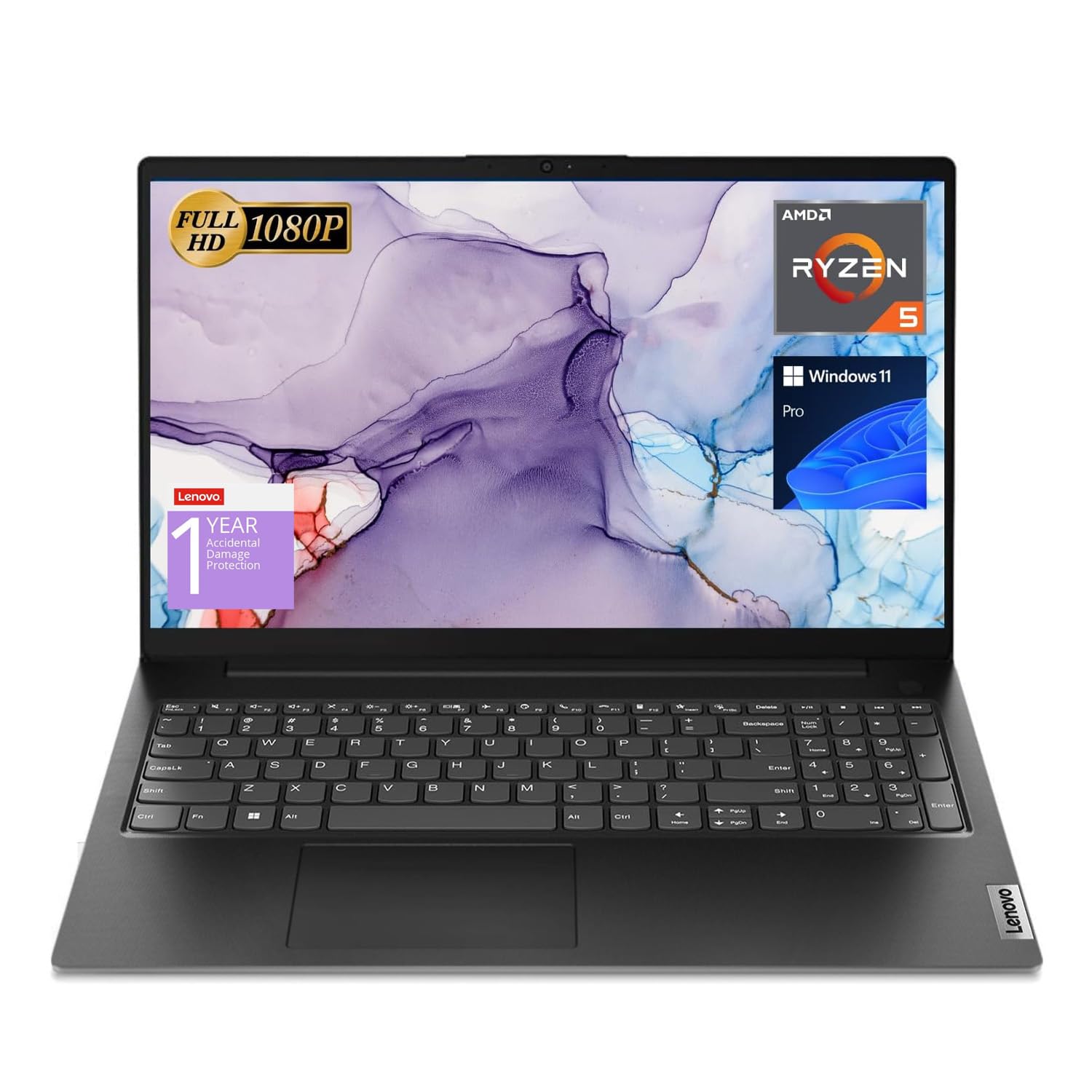
The V15 is one of the few laptops here with RJ45 Ethernet and a numeric keypad, two details that matter if your studio desk is wired and you enter a lot of tempo or mixer values. It is a practical machine rather than a stylish one, and the matte black finish fits that brief.

The 6-core Ryzen 5 5500U, 16GB of RAM, and a 512GB SSD are a sensible budget baseline for a DAW. We found the 15.6-inch FHD screen is the weakest part: it is fine for tracking and editing, but not the panel we choose for color-critical mixing or long sessions in bright rooms.

What keeps it in the conversation is the wired connectivity and the price. If you need Ethernet, a numeric keypad, and a 16GB/512GB machine without dongles, it is the one here that gives you all three. For most producers, the Aspire Go 15 is the better all-round buy; the V15 is for the desk-bound starter who wants those ports and does not mind a heavier, less polished package.

Pros

  • 6-core Ryzen 5 5500U
  • 16GB RAM and 512GB SSD
  • RJ45 Ethernet and numeric keypad
  • Solid value for a wired desk

Cons

  • Only one USB-C port
  • Fan can be audible under load
Our verdict

We keep the Lenovo V15 on the list for wired desk setups: it pairs 16GB RAM and a 512GB SSD with RJ45 and a numeric keypad for a straightforward starter studio.

Check Latest Price

How We Tested Laptops for Music Production

We started by building a shortlist from current 13- to 16-inch laptops across a range of memory and storage configurations, then filtered for ports that music gear actually uses, screen resolution, and price bands that made sense for a home studio. We brought in 12 machines and spent eight months living with them as bedroom-studio workhorses. I timed setup from unboxing to first recorded take, including OS updates, DAW installation, plugin authorization, and audio-interface recognition.

In daily use, I recorded vocals and guitar, built sessions with dozens of tracks and sample libraries, and exported stems while watching how quickly menus and plugin windows responded. To check performance and speed, I noted boot times, app launch, plugin scans, and whether the buffer held during a dense mix. I unplugged each laptop for a light editing session to see how long battery life lasted, and I opened plugin windows side by side near a window to judge screen size, brightness, and glare.

Heat and noise got their own stress test: during a 30-minute export, I listened for fan whine from a seated position and checked the chassis under the palms and beneath the machine. For sound quality, I played the same rough mix through the built-in speakers at low volume, which is where most quick checks happen. I also opened and closed each lid repeatedly, flexed the chassis, and carried them in a backpack between rooms, and I noted finish, smudges, and how each looked on a desk. Value came down to whether the speed and stability justified what the machine asked of a studio budget.

How to Choose a Laptop for Music Production

Put the CPU and RAM before the GPU

A DAW leans on the CPU for virtual instruments, effects, and track count, and on RAM for sampled instruments. For Windows, 16GB is the sensible floor; 32GB is worth it if you run orchestral templates or keep several large libraries loaded. Apple's unified memory behaves differently, but 8GB is still a light-session spec. Prioritize a modern 6- to 12-core CPU and check whether memory is soldered or has a slot. The Aspire Go 15's 16GB can grow to 32GB; the Nitro V 16S starts at 32GB.

Leave room for a real sample library

A 256GB drive is a starter size, not a library size. A 512GB SSD is the practical minimum for a DAW, plugins, and a few instruments; 1TB gives you breathing room, and external SSDs are the escape hatch for archived projects. Check that the drive is PCIe NVMe rather than SATA, and budget for an external SSD if you choose the 256GB MacBook Neo. Keeping projects and samples on separate drives can also make backups simpler.

Treat fan noise as a studio feature

A laptop that hits high clock speeds for a minute and then throttles is less useful than one that sustains a stable session. Fan noise matters if you record vocals or acoustic instruments in the same room. Gaming laptops often have the cooling headroom for long projects, but their fans can be audible; thin laptops may be more restrained but slower under load. Use a hard desk, keep vents clear, and set a balanced power mode for tracking. The Nitro V 16S is the obvious heavy-session pick; the Aspire Go 15 is the more moderate all-rounder, though its fan can still show up under sustained load.

Count the ports for your interface and drives

A music setup often needs one USB port for the audio interface, one for a MIDI keyboard, and one for a drive, so a single USB-C port can force a hub. Check for at least one USB-C, two USB-A if you have legacy gear, and a headphone jack. Thunderbolt or USB4 is useful for docks and fast drives, but plain USB-C is enough for many interfaces. The Lenovo V15 is the wired outlier here with HDMI, RJ45, and a numeric keypad. If you choose a compact laptop, check the port count before you buy.

Match the screen and battery to where you work

A 15-inch 1080p screen is the sweet spot for arrangement and mixer views, while a 13-inch laptop is easier to carry and fine for tracking. Battery life is a mobile-recording feature: if the laptop stays on a desk, prioritize cooling and ports; if it travels, weight and runtime matter more. The MacBook Neo's 2.71-pound body and long battery make it the travel pick; the Nitro V 16S is a desk machine at 4.6 pounds. Try the keyboard and screen in person if you can, because those are the parts you touch every day.

Frequently Asked Questions

Final Verdict

The Acer Aspire Go 15 is the laptop we recommend first for most home producers: its 8-core Ryzen 7, 16GB RAM, and 512GB Gen4 SSD cover a DAW, plugins, and a healthy sample library without gaming-laptop bulk. If you record on the move and can live with 8GB and 256GB, the MacBook Neo is the lighter, longer-running choice. If your templates are too big for 16GB, the Nitro V 16S buys 32GB and 1TB.