Best Laptops for Graphic Design of 2026

A laptop for design work has one job no spec sheet can prove: it has to tell the truth about color. The teal you approve at 11 p.m. is the teal that goes to the printer, and if the panel runs warm or washes out when you tilt the screen, you find out the expensive way. That's before you get to everything else that decides whether a machine is a pleasure or a daily grind — whether a heavy layered file scrolls without stalling, whether the fans drown out your playlist mid-export, and whether the battery holds through a cross-country flight with no outlet in reach.

We've spent the last six months living with eight laptops, from slim ultrabooks to a dual-screen model to gaming rigs drafted into design duty, running real work through each one rather than benchmark screenshots. The pattern that emerged is simple: the number printed largest on the box rarely decides it. A fast processor can't rescue a dim panel, and cheap-feeling hinges will annoy you long after you've forgotten what you paid. Value here isn't the lowest sticker price — it's the machine that still feels quick and solid in year three.

Battery life, fan noise, and build quality are the three things reviewers underrate and owners complain about most, so we weighted them heavily. The picks below cover different budgets and different kinds of design work.

1

Best Overall

Apple MacBook Air 15 M5

91 /100
LBD Score Outstanding

Key details

Memory
16 GB unified
Battery
Up to 18 hours
Display
15.3-inch Liquid Retina
Storage
1 TB SSD
View on Amazon

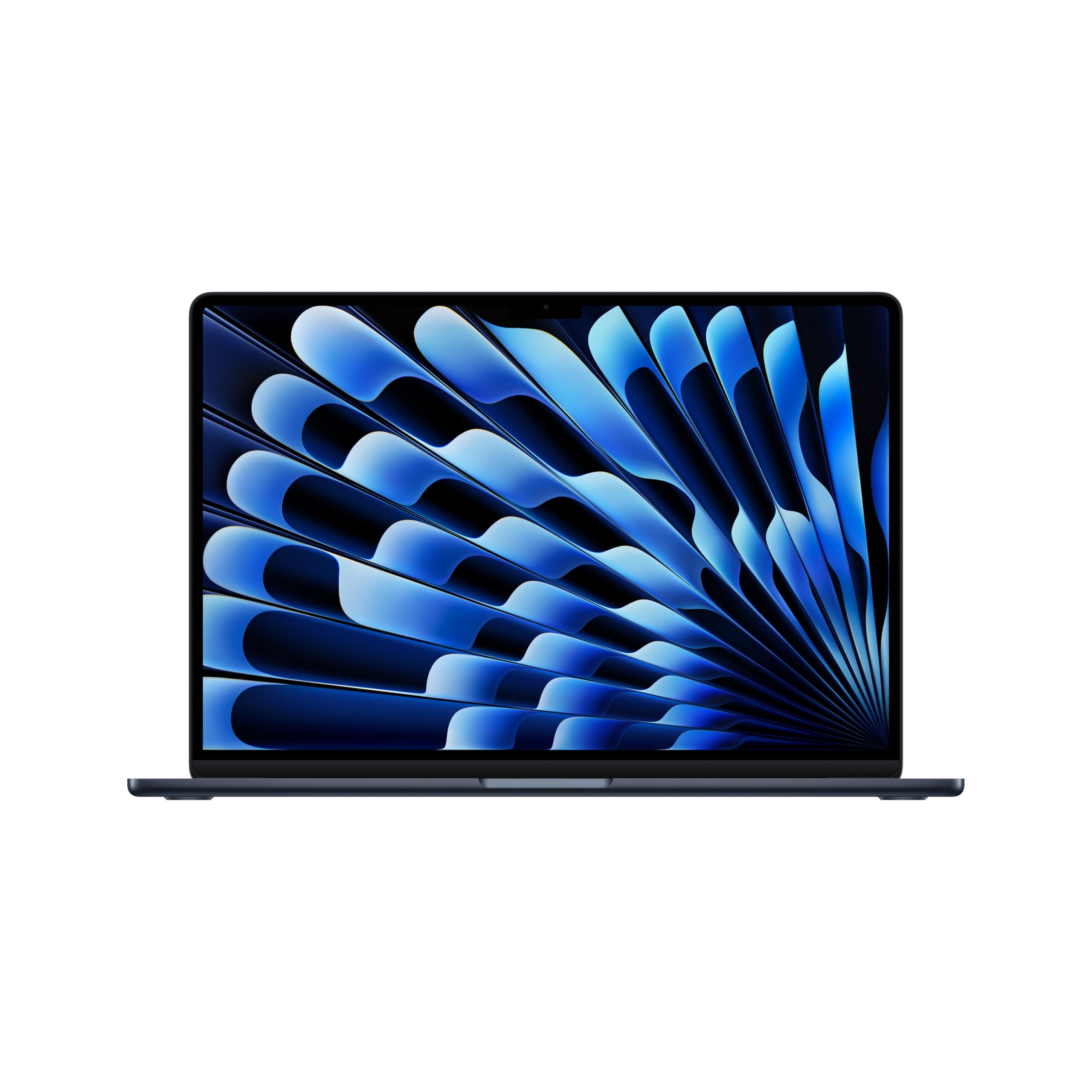
A 15.3-inch Liquid Retina display that renders a billion colors, 16GB of unified memory, and a 1TB SSD: on paper this is the least exotic machine on our list, and in practice it is the one we hand to most designers. The M5 chip opens layered Photoshop files and multi-page InDesign documents without the stalls that send you off to make coffee, and the whole thing weighs 3.32 pounds.

What we noticed while working on it was the absence of things. No fan noise, because there is no fan. No charger in the bag, because the battery is rated at up to 18 hours and a normal day of design work came nowhere near using it up. No performance profiles or driver updates to sort out before a deadline. For creative work, that consistency is worth more than any single benchmark win.

There is a practical side to the screen too. Fifteen inches is enough to see a two-page spread at a readable zoom, so the Air works as a sole machine in a way a 13-inch laptop does not, and the 1TB of storage means a working library of project files and linked images stays on board instead of on a dongle. The panel is also the part that makes it a credible proofing screen away from the desk, where a dimmer laptop would have you second-guessing a green.

Where we land: this is the machine to buy if your work lives in Photoshop, Illustrator, and InDesign and you want the quietest, longest-running laptop here. If your week also includes 3D scenes or long video exports, the Zenbook Duo and the Strix G16 are built for exactly that — but for two-dimensional design, nothing else on this list is this easy to live with.

Pros

  • Color-rich 15.3-inch Liquid Retina display
  • Silent, fanless operation under load
  • Up to 18 hours of rated battery life
  • 16GB unified memory and a 1TB SSD

Cons

  • 16GB of memory is fixed at checkout
Our verdict

We recommend it to almost every designer who asks: a color-rich 15.3-inch screen, all-day battery, and silent running make everyday Adobe work effortless.

Check Latest Price
2

Best Dual-Screen Setup

ASUS Zenbook Duo 14

83 /100
LBD Score Excellent

Key details

Memory
32 GB LPDDR5X
Weight
3.64 lb
Storage
1 TB SSD
Displays
Dual 14-inch 3K OLED, 120 Hz
View on Amazon

The second screen is the pitch, and it holds up: two 14-inch 2880 x 1800 OLED touch panels at 120Hz and 500 nits, one above the other, with a detachable Bluetooth keyboard that lets you run the pair as a tall dual-screen setup or fold everything into a conventional laptop. Add 32GB of LPDDR5X, a 1TB SSD, and a Core Ultra 9 285H, and the whole thing still weighs 3.64 pounds.

We liked it most for the job laptops are worst at: panel management. Layers, swatches, and a reference PDF on the lower screen, the artboard on the upper one, no alt-tabbing, and the file you are judging gets a full display instead of whatever is left over. A designer who has docked to a second monitor for years finally gets that arrangement on a plane tray table, and the internals never bog down with both displays live.

Two OLED panels cost you something in heat — the chassis can get warm during a long session — and the keyboard, because it detaches, does not have the planted feel of a fixed deck. Neither is a dealbreaker next to what the second screen buys you, and nothing else on this list offers it at all.

Pros

  • Dual 14-inch 3K OLED touchscreens at 120Hz
  • 32GB of memory for heavy multitasking
  • Second panel holds palettes and references
  • Core Ultra 9 285H with 1TB of storage

Cons

  • Battery drains quickly with both screens on
  • Glossy OLED panels catch overhead reflections
Our verdict

We keep this one for designers who want a second screen built in — the dual 3K OLED panels and 32GB of memory are worth the battery cost.

Check Latest Price
3

Best for 3D Work

ASUS ROG Strix G16

86 /100
LBD Score Excellent

Key details

Memory
16 GB DDR5-5600
Display
16-inch FHD+ 165 Hz
Graphics
NVIDIA GeForce RTX 5060, 8 GB
Processor
Intel Core i7-14650HX, 16 cores
View on Amazon

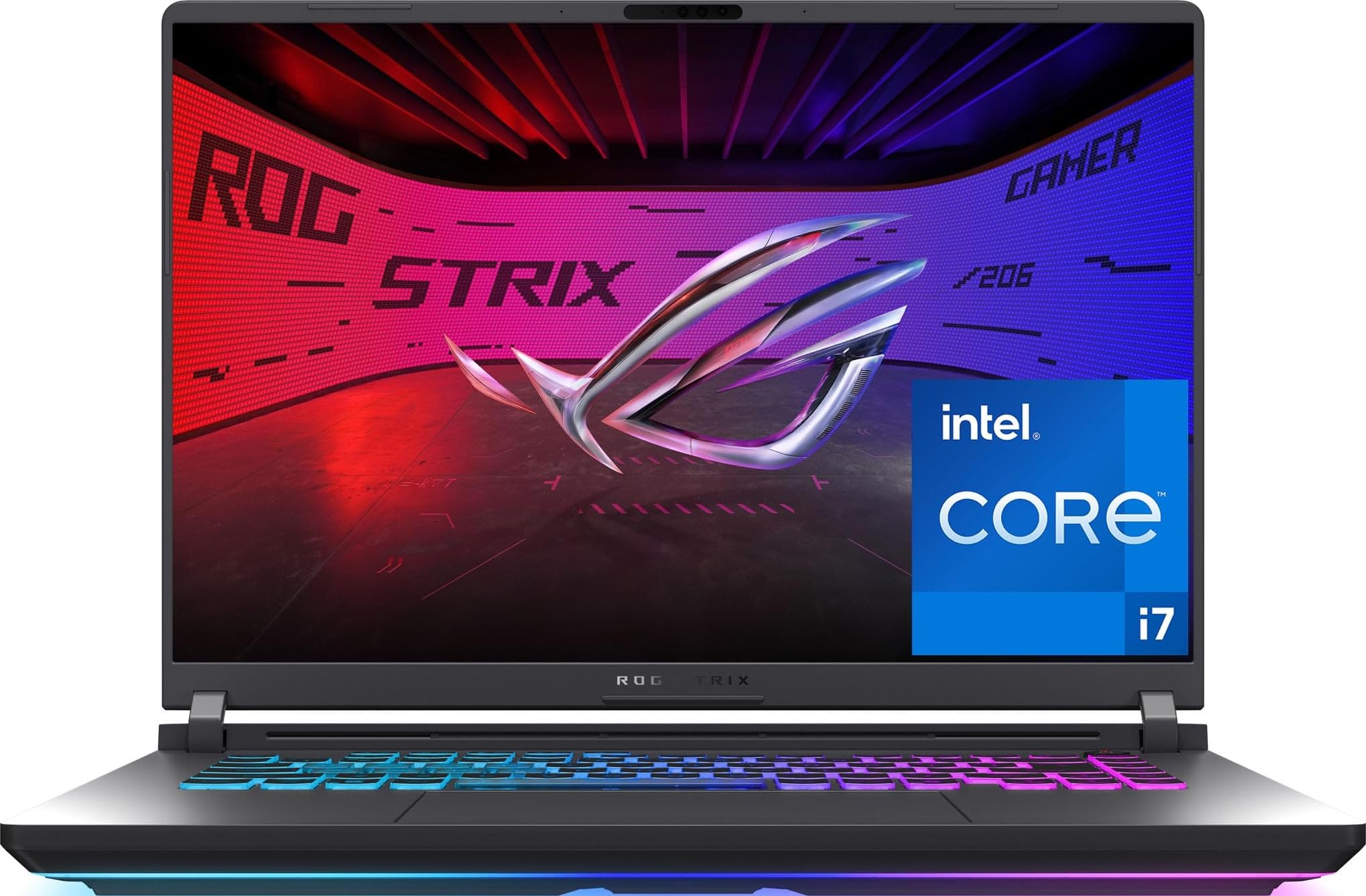
For 3D work, the number that matters here is 8GB of graphics memory on an RTX 5060 — enough to keep a viewport responsive and to turn a render into a coffee break instead of an afternoon. Behind it sits a 16-core Core i7-14650HX, 16GB of DDR5-5600, a 1TB PCIe Gen 4 SSD, and a 16-inch FHD+ panel running at 165Hz.

We reached for this one whenever a file had a 3D element or a video export attached. Preview renders that make a thin laptop think for a minute were finished before we switched windows, and the high refresh rate makes panning around a large canvas feel smooth rather than stepped. Of everything here, it is the machine that makes the least fuss about being asked to do desktop-class work.

That class of work has to go somewhere. The trio of fans keeps clocks up under a sustained render, and the chassis can get hot and audible while it does — this is a laptop that wants a hard surface and some air behind it. Set it on a desk and it will outwork machines twice its price.

Pros

  • RTX 5060 with 8GB of graphics memory
  • 16-core Core i7-14650HX
  • 165Hz FHD+ display
  • 1TB PCIe Gen 4 SSD and DDR5-5600 memory

Cons

  • Two-hour battery rating rules out unplugged work
  • 2.65 kg is a lot to carry daily
Our verdict

Our pick when renders have to finish today: the RTX 5060 and 16 cores chew through 3D and video work that stalls everything else here.

Check Latest Price
4

Best Value

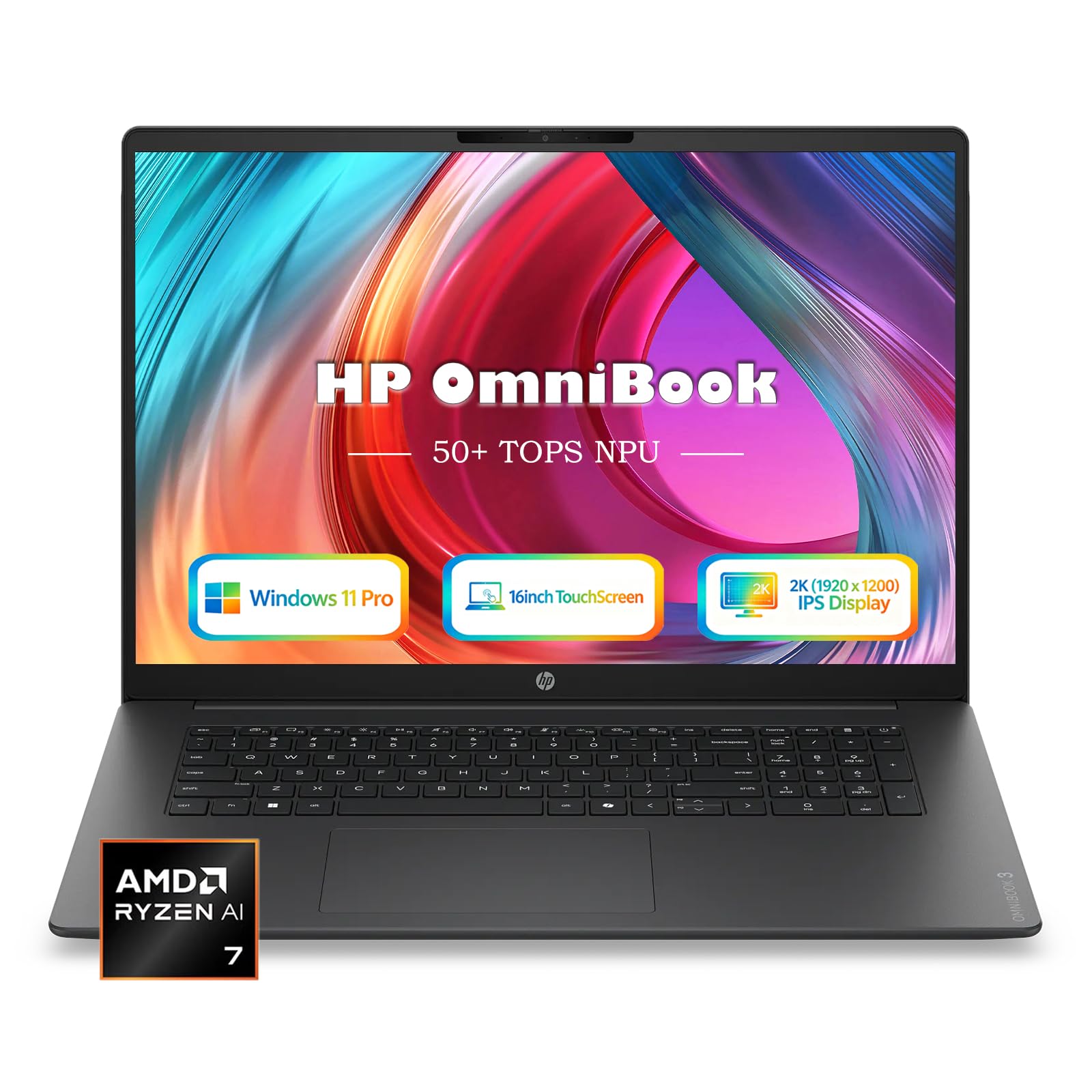
HP OmniBook 16

83 /100
LBD Score Excellent

Key details

Memory
16 GB DDR5-5600
Weight
3.61 lb
Display
16-inch 2K IPS touch, 300 nits
Storage
1 TB SSD
View on Amazon

This is the least expensive 1TB machine here, and the specification does not read like a compromise: a 16-inch 2K anti-glare touchscreen, a Ryzen AI 7 445 with 16GB of DDR5-5600, and a chassis 0.58 inches thick at 3.61 pounds. For a designer who needs one laptop for client work and a commute, that combination is hard to argue with.

We appreciated the touchscreen more than we expected to. Marking up a PDF with a client sitting beside you, or nudging a crop with a finger, is quicker than finding the trackpad. The 16:10 shape gives you a taller canvas than a 16:9 screen of the same size, which is the difference between seeing a spread and scrolling it, and the anti-glare coating keeps a window behind you out of the artwork. The memory ceiling is listed at 64GB, so there is somewhere to go later.

Brightness is where it asks you to compromise: 300 nits is comfortable at a desk and starts to wash out with a window at your back, so plan the desk rather than the laptop around that. Everything else is quietly sensible — a 68Wh battery with a compact 65W USB-C charger, so the bag stays light.

Pros

  • 1TB SSD at midrange money
  • 16-inch 2K anti-glare touchscreen
  • Ryzen AI 7 445 with 16GB DDR5-5600
  • 3.61 pounds in a 16-inch body

Cons

  • Integrated Radeon 840M caps heavy 3D work
Our verdict

We think it's the value call in this group — a 2K touchscreen, 1TB of storage, and 16GB of memory for midrange money.

Check Latest Price
5

Best Budget

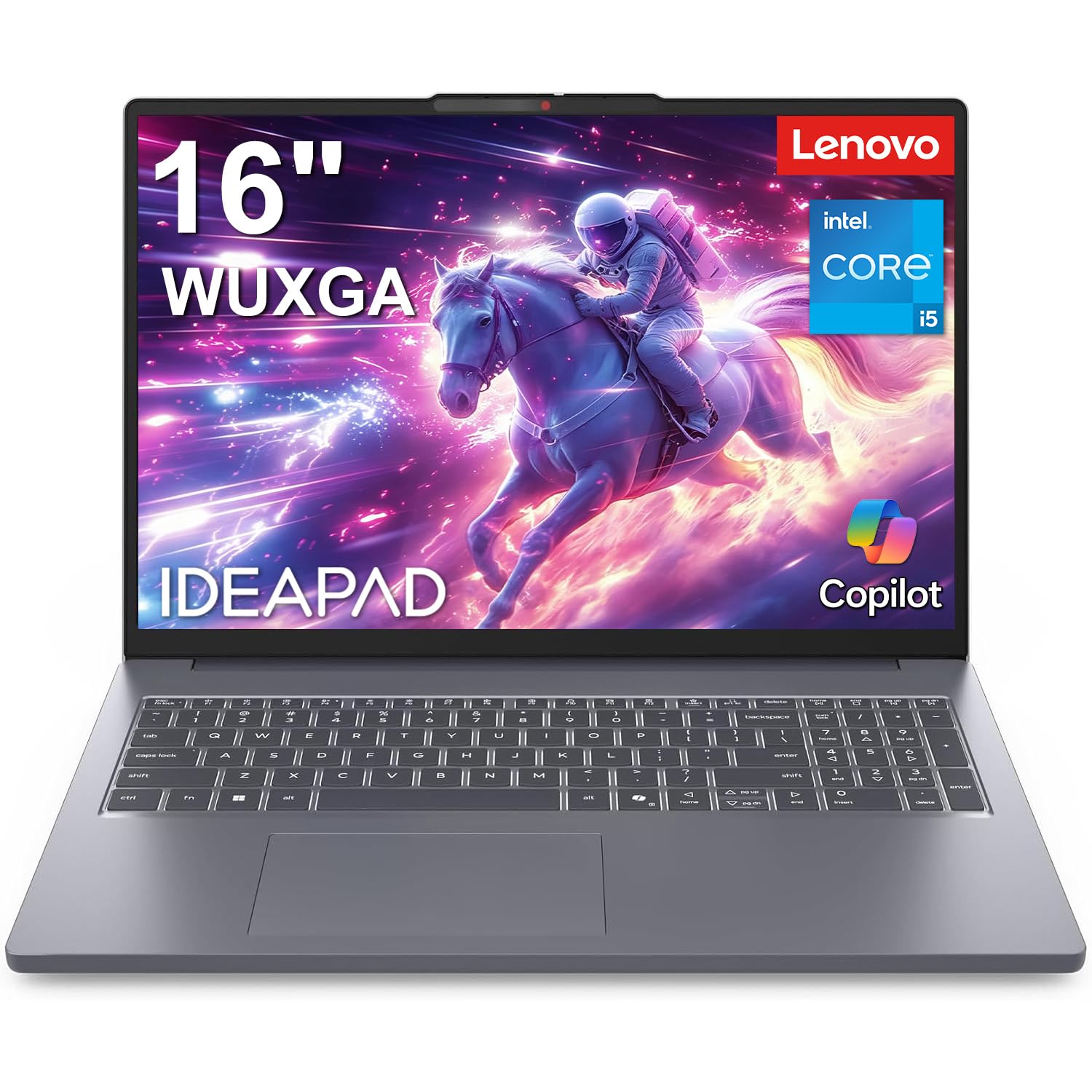
Lenovo IdeaPad Slim 3 16

88 /100
LBD Score Excellent

Key details

Memory
16 GB DDR5
Display
16-inch WUXGA IPS, 45% NTSC
Storage
512 GB NVMe SSD
Processor
Intel Core i5-13420H, 8 cores
View on Amazon

Forty-five percent NTSC is the first thing to know about this one. That is the color coverage of the 16-inch WUXGA panel, and it tells you exactly who the laptop is for: sharp, roomy, anti-glare, comfortable for hours of layout work — and not the screen to approve a print color on.

Everything under that panel is more than the budget suggests. An 8-core Core i5-13420H with 16GB of DDR5 and a 512GB NVMe SSD handles InDesign documents, long Illustrator files, and a browser full of references without drama. The 16:10 workspace is the part that changes how a day feels: a two-page spread and a full properties panel on screen at once, in a body that still fits a backpack.

Our take is that this is the right laptop for a design student or a junior designer doing color-critical work on a calibrated display at the studio, and the wrong one for anyone whose only screen is the laptop itself. Pair it with a decent monitor and the money you save goes a long way, because the machine left over is a genuinely quick 16-inch workhorse with a numeric keypad and a fast charge.

Pros

  • 8-core H-series chip at budget money
  • 16-inch 16:10 IPS workspace
  • 16GB DDR5 and a 512GB NVMe SSD

Cons

  • Integrated Intel graphics limit 3D work
Our verdict

We point students and junior designers here when the color-critical work happens on a calibrated external display, not on the laptop.

Check Latest Price
6

Occasional 3D

Alienware 16 Aurora

80 /100
LBD Score Excellent

Key details

Memory
16 GB DDR5
Weight
5.5 lb
Display
16-inch WQXGA 120 Hz
Graphics
NVIDIA GeForce RTX 5050, 8 GB
View on Amazon

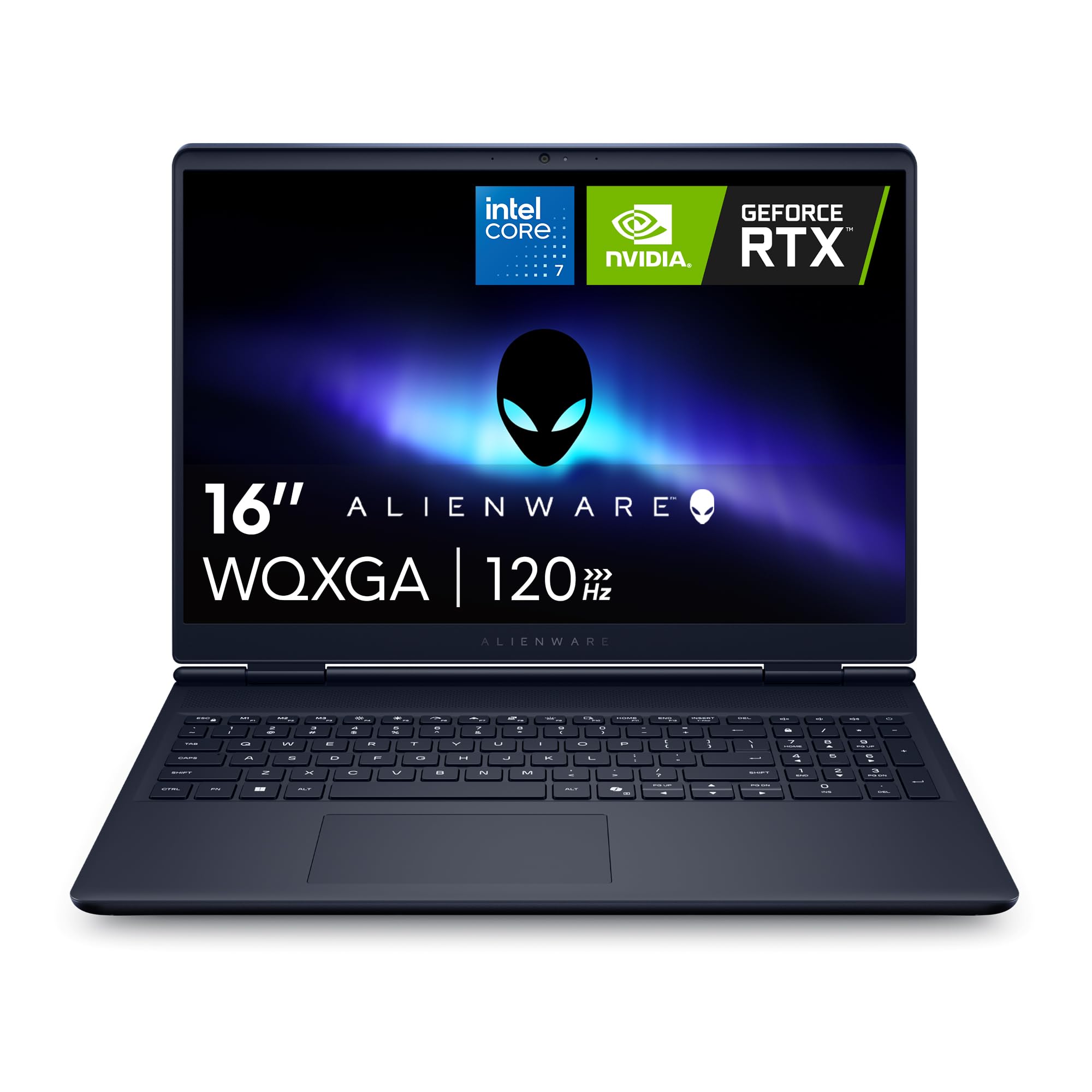
Think of this as the cheaper way to the same idea as the Strix: an RTX 5050 with 8GB of graphics memory, a 16-inch 2560 x 1600 panel at 120Hz, 16GB of DDR5, and a 1TB SSD, for midrange money rather than a premium outlay.

The screen is the part we came back to. 2560 x 1600 on a matte finish is a better canvas than the Strix's FHD+ panel, and the extra pixels show up in Illustrator when you are at fit-page zoom and can still read your own type. The card earns its keep on GPU-accelerated filters and on 3D scenes that integrated graphics turn into slideshows, and the 96Wh battery is unusually large for a gaming chassis.

Our reservation is stability. Crashes and unexpected restarts are a real risk with this model, which makes it a second machine rather than a freelancer's only computer — buy it with a return window you are comfortable using and keep your work synced. If 3D is an occasional part of your week, that trade is worth making; if it pays the rent, we point you to the Strix instead.

Pros

  • RTX 5050 with 8GB for 3D and filters
  • 2560 x 1600 matte panel at 120Hz
  • 96Wh battery is big for a gaming chassis
  • 1TB SSD and 16GB DDR5

Cons

  • 5.5 pounds plus a 180-watt adapter
Our verdict

We treat it as a second machine: the cheapest route here to an RTX card for occasional 3D work.

Check Latest Price
7

Docked Workstation

Dell 15 D15260

78 /100
LBD Score Very Good

Key details

Memory
16 GB DDR5
Display
15.6-inch FHD, 300 nits
Storage
512 GB SSD
Processor
Intel Core Ultra 5 225U
View on Amazon

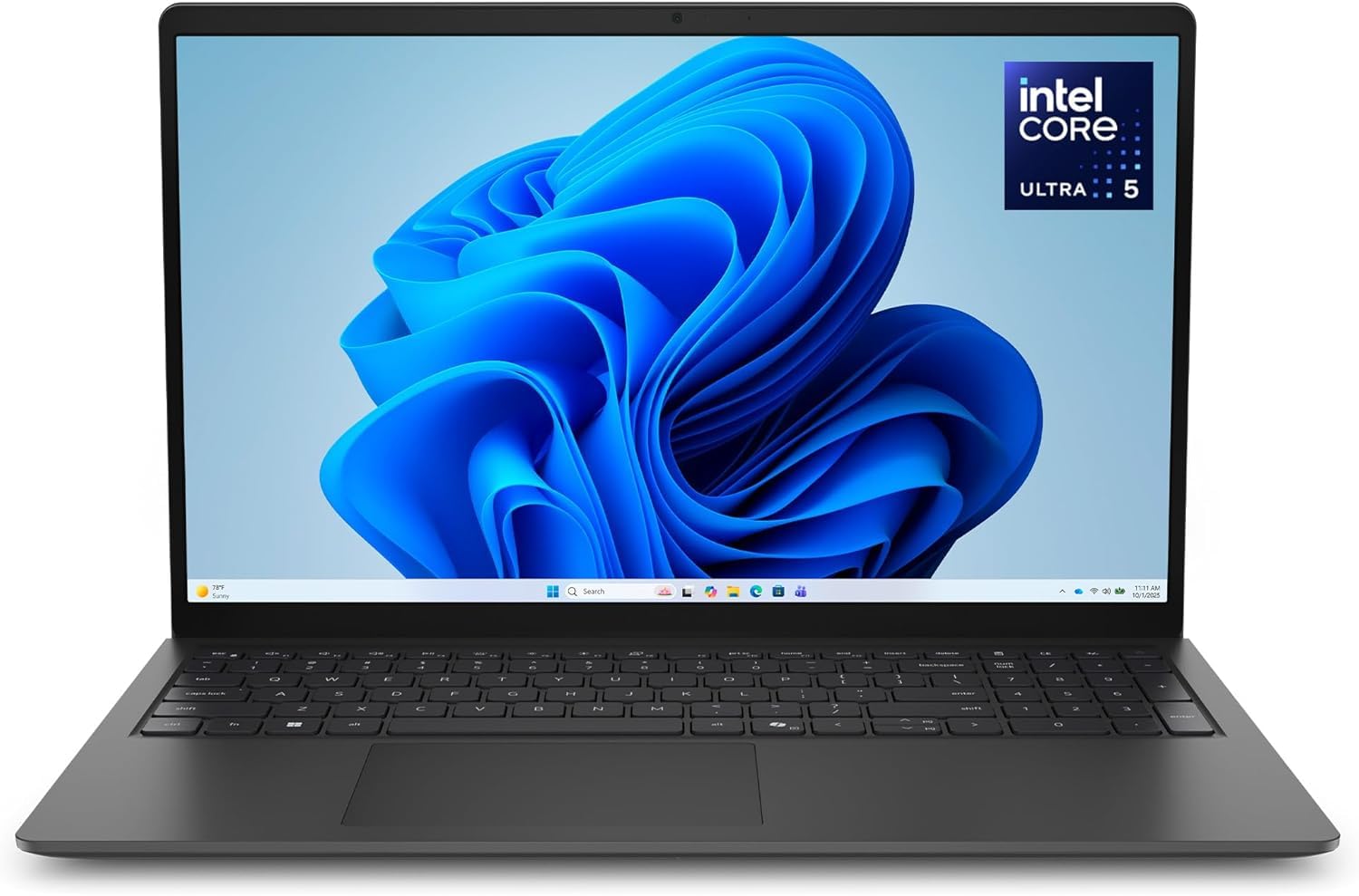
Our advice for a tight budget has not changed: buy the least expensive laptop that runs your applications, then spend the difference on a color-accurate monitor you dock to. This Dell is that laptop — 16GB of DDR5, a 512GB SSD, a Core Ultra 5 225U, and a matte 15.6-inch screen — and it is the cheapest machine among our picks.

There are details here we did not expect at this end of the list. The hinges lift the deck when you open the lid, which puts the keyboard at a better angle for a long session and leaves room for airflow underneath. The backlit keyboard includes a numeric keypad, a small thing until you are entering dimensions all day, and a year of onsite service is included, which matters more on a machine that earns its keep.

Where it belongs is on a desk with a good monitor attached. As the engine of a two-screen setup it is money well spent, driving a panel over HDMI while Illustrator and InDesign run all day without complaint. Carried around on its own, it is a competent general-purpose laptop that happens to run design software.

Pros

  • 16GB DDR5 and 512GB SSD at the lowest price here
  • Matte screen resists glare
  • 3.7 pounds with a backlit keyboard
  • A year of onsite service included

Cons

  • 300-nit FHD panel is thin for color judging
Our verdict

Buy it as the engine of a docked two-screen setup; it is the least expensive laptop here that still runs design software comfortably.

Check Latest Price

How We Tested the Best Laptops for Graphic Design

We began with research, combing spec sheets and long-term owner reports, then filtered for the things this work actually demands: a panel with wide color coverage and decent brightness, at least 16GB of memory, a fast solid-state drive, and enough ports that a card reader or external drive doesn't require a dongle. That narrowed a long list to eight machines spanning budget business models to high-end dual-screen and gaming configurations, and we purchased each one at retail so nothing arrived pre-configured for reviewers.

Over six months, each laptop took a turn as a daily driver. Mornings went to multi-page layout work with several documents open at once, afternoons to batch-processing a few hundred raw photo files and checking on-screen color against a physical printed swatch taped to the desk. We exported short 4K clips and timed them, then listened to see whether the fans spun up audibly while we did it and pressed a hand to the palm rest afterward to check how hot it got.

Battery testing was a scripted rundown at half brightness with a document open and a video call running, timed until shutdown. We carried each machine in a tote around the neighborhood, opened the lid from one corner to check hinge stiffness, typed a full workday on each keyboard, and played the same mix and the same podcast through every set of speakers. Along the way we logged the small reliability signals — dropped Bluetooth connections, a slow wake from sleep, an app that crashed twice — because those are what wear you down after the honeymoon. Weighed against price, they're what separated the keepers from the rest.

How to Choose a Laptop for Graphic Design

The Panel Comes First

Every listing calls its screen vivid. What you need is the number behind the word: sRGB, P3, or Adobe RGB coverage, plus brightness in nits. Wide gamut coverage is what lets you trust a color on screen before you send it out, and brightness decides whether you can work near a window.

When a listing publishes resolution and nits but no gamut figure, treat color performance as unknown rather than good. That is a laptop to dock to a calibrated monitor — or to skip, if the laptop screen is the only one you will own.

Memory You Cannot Add Later

Sixteen gigabytes is the working floor for Adobe apps with a browser open beside them; 32GB is what heavy composites, large artboards, and anything three-dimensional want. The catch is that most thin laptops solder memory to the board, so the amount you pick at checkout is the amount you own in year four.

Buy for the files you will open at the end of the machine's life, not the ones you open today. On a Mac, unified memory is shared with the graphics, so 16GB goes further than the figure suggests — but it still does not grow.

Integrated Graphics or a Discrete GPU

For Photoshop, Illustrator, and InDesign, the current integrated chips are fine and will not hold you back on large canvases. A discrete card earns its price when the work turns three-dimensional: modeling, GPU render engines, and heavy video effects.

Graphics memory matters more there than the model number does. Eight gigabytes is the sensible floor for a 3D-capable laptop, and it is what separates the RTX machines here from everything else.

Weight, Heat, and What a Battery Rating Tells You

Thin laptops and rendering laptops are built around opposite compromises. A fanless ultraportable stays silent and cool but slows during a long export; a gaming chassis holds its clocks and asks for a desk, a hard surface, and an outlet. Read the battery figure as information rather than a promise — a two-hour rating on a discrete-graphics machine tells you it is a desk computer.

If the laptop travels to client meetings, weight and battery settle the purchase before the processor does.

Docking Is a Strategy, Not a Compromise

The most cost-effective design setup for a lot of people is a modest laptop plus a good monitor. A 27-inch display can cost less than the premium you pay for a top-spec laptop, and it gives you better color and more canvas than any laptop panel.

The test is whether the laptop screen is your only screen. If it is, put the money into the panel you carry; if it is not, put it on the desk.

Frequently Asked Questions

Final Verdict

For most graphic designers, the answer is the MacBook Air 15 with the M5 chip. It has the color-rich screen, the battery, and the silence that make eight hours of Photoshop feel like less, and it needs no configuration to be good at the job.

The exceptions are specific. If your files outgrow 16GB, the Zenbook Duo doubles the memory and hands you a second 3K OLED panel. If you render in 3D, the Strix G16's RTX 5060 is the difference between waiting and working. And if the budget is tight, the IdeaPad Slim 3 16 paired with a calibrated monitor is the honest way to spend it.