Best Laptops for Data Science of 2026

The spec sheet is the easiest thing in the world to fake. I once watched a laptop take forty minutes on a data merge that should have taken four, while a cheaper machine sailed through it because it had the memory to hold the table and the cooling to stay at full speed. What you're shopping for isn't a bigger number on the box — it's a machine that keeps up with the unglamorous middle of the work.

My team has spent the past six months working on eight of these laptops, from 14-inch ultraportables to a 17-inch desk fixture, and the pattern held: the numbers that dominate the marketing matter less than you'd think. The NPU figure stamped on every new model does almost nothing for pandas or scikit-learn — it's there for video calls and on-device assistants. RAM runs out first, and the power brick decides whether the speed survives unplugging.

What separates them in the end is rarely raw speed. It's value for the money, a battery that survives a coast-to-coast flight, and the kind of reliability that lets you forget the machine is there — plus a size you're actually willing to carry. The picks below span that whole range.

1

Best Overall

ThinkPad E16 Gen 3

89 /100
LBD Score Excellent

Key details

Memory
32GB DDR5
Display
16-inch 1920 x 1200
Storage
1TB SSD
Processor
Intel Core Ultra 5 225H
View on Amazon

The first thing we check on a data-science laptop is how much memory is left after the browser, IDE, and a notebook are open. The ThinkPad E16 Gen 3 answers that with 32GB of DDR5 and a 1TB SSD, which is the combination that makes it our top pick. A 16-inch 1920 x 1200 anti-glare screen gives you a 16:10 workspace for a notebook and a couple of reference windows, and the 14-core Intel Core Ultra 5 225H has enough cores for compiling, cleaning, and running a local experiment without the machine feeling like it is doing one thing at a time.

We also appreciate the practical parts that do not show up in a benchmark chart. Thunderbolt 4, USB-A, HDMI, and Ethernet mean you can connect a monitor, a keyboard, and a wired network without a dongle chain, and the backlit keyboard and fingerprint power button make it easier to live with on a daily basis. The anti-glare finish matters more than a glossy panel for long sessions, and the 65W USB-C adapter is one less brick to carry.

The limitation is graphics. This is an integrated Intel machine, so it is a fine laptop for Python, R, SQL, notebooks, and light classical ML, but it is not a local deep-learning workstation. If you plan to train models on the machine, plan on a discrete GPU or a remote cluster; if your heavy work already runs elsewhere, the ThinkPad's memory and storage are the more useful place to spend.

Pros

  • 32GB RAM leaves room for notebooks and browsers
  • 1TB SSD holds datasets and environments
  • 16-inch 1920 x 1200 anti-glare workspace
  • Thunderbolt 4, Ethernet, and HDMI built in

Cons

  • Premium price for the memory jump
Our verdict

We recommend the ThinkPad E16 as the default data-science laptop because 32GB of RAM and a 1TB SSD leave room for real projects, provided your heavy training runs elsewhere.
Check Latest Price
2

Best Display

HP OmniBook 16 AI

83 /100
LBD Score Excellent

Key details

Memory
16GB DDR5
Display
16-inch 1920 x 1200 touch
Storage
1TB SSD
Processor
AMD Ryzen AI 7 445
View on Amazon

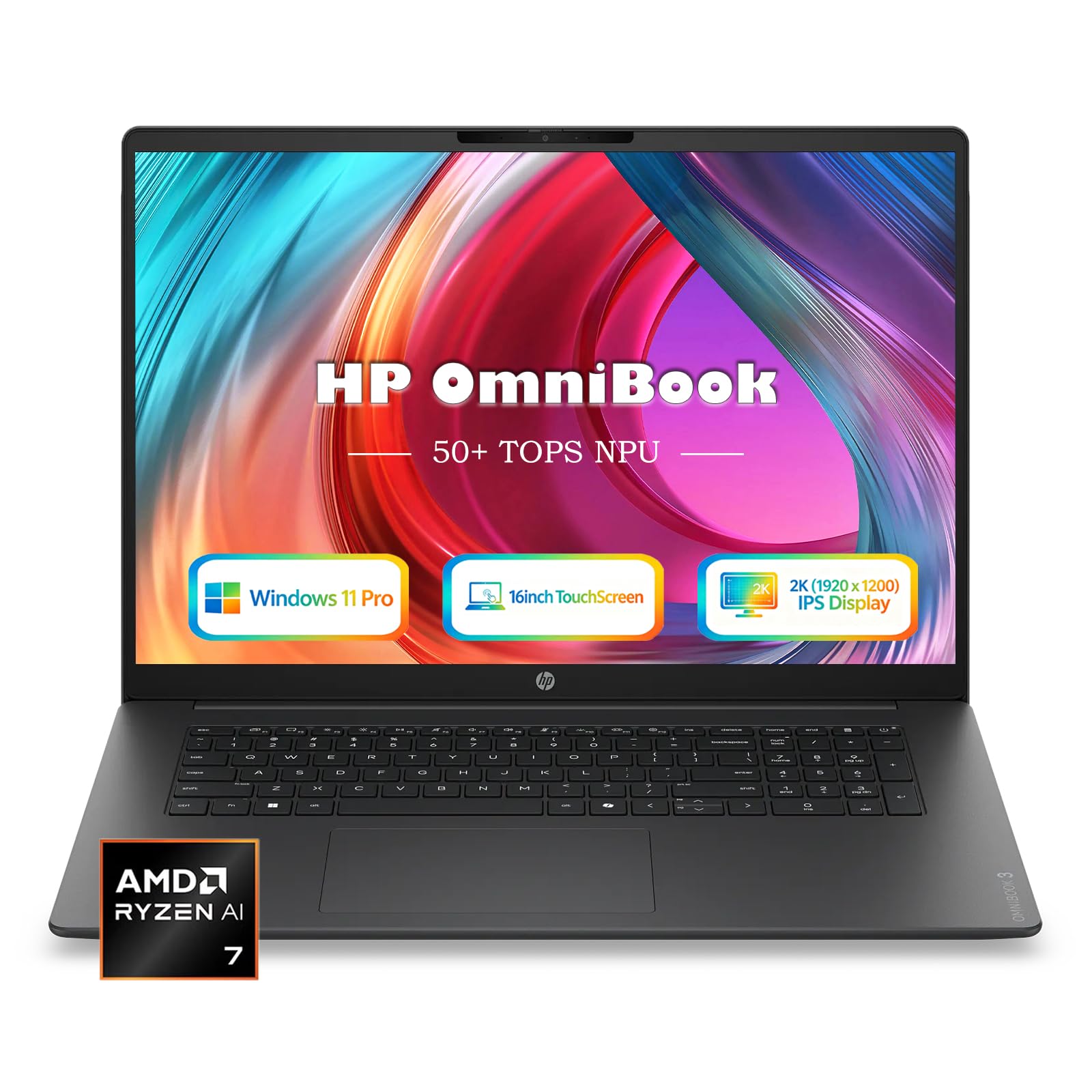
The HP OmniBook 16 AI's 16-inch 1920 x 1200 touchscreen is the part we kept coming back to. At 300 nits with an anti-glare finish, it gives a notebook, a spreadsheet, and a couple of reference panes room to sit side by side, and the touch layer is genuinely useful when you are scrolling through a long notebook or presenting a chart to someone else.

The rest of the package is built for a similar kind of day: a 1TB PCIe Gen4 SSD, 16GB of DDR5, and an AMD Ryzen AI 7 445 with a 50 TOPS NPU. We think the storage is the more important number for data science, because environments and datasets disappear into a terabyte quickly. The 16GB of memory is the compromise; this configuration is not the one for several large dataframes in memory at once.

The 3.61-pound, 0.58-inch chassis is easy to move for a 16-inch laptop, and the 68Wh battery plus 65W USB-C charger make it easier to shift between desk and couch. The NPU is there for Copilot+ features and some local inference, which is a bonus if you use them. If you want the most screen-focused pick here and can work within 16GB, this is the one.

Pros

  • 16-inch 1920 x 1200 touchscreen with anti-glare
  • 1TB PCIe Gen4 SSD
  • 3.61-pound body with 68Wh battery
  • Ryzen AI 7 445 with 50 TOPS NPU

Cons

  • No discrete GPU for local training
Our verdict

We recommend the OmniBook 16 for data scientists who want a big, sharp touchscreen and 1TB of storage, as long as 16GB of RAM matches the size of their data.

Check Latest Price
3

Best Portable

Acer Aspire 14 AI

82 /100
LBD Score Excellent

Key details

Memory
16GB LPDDR5X
Weight
3.1 lb
Storage
1TB SSD
Processor
Intel Core Ultra 7 256V
View on Amazon

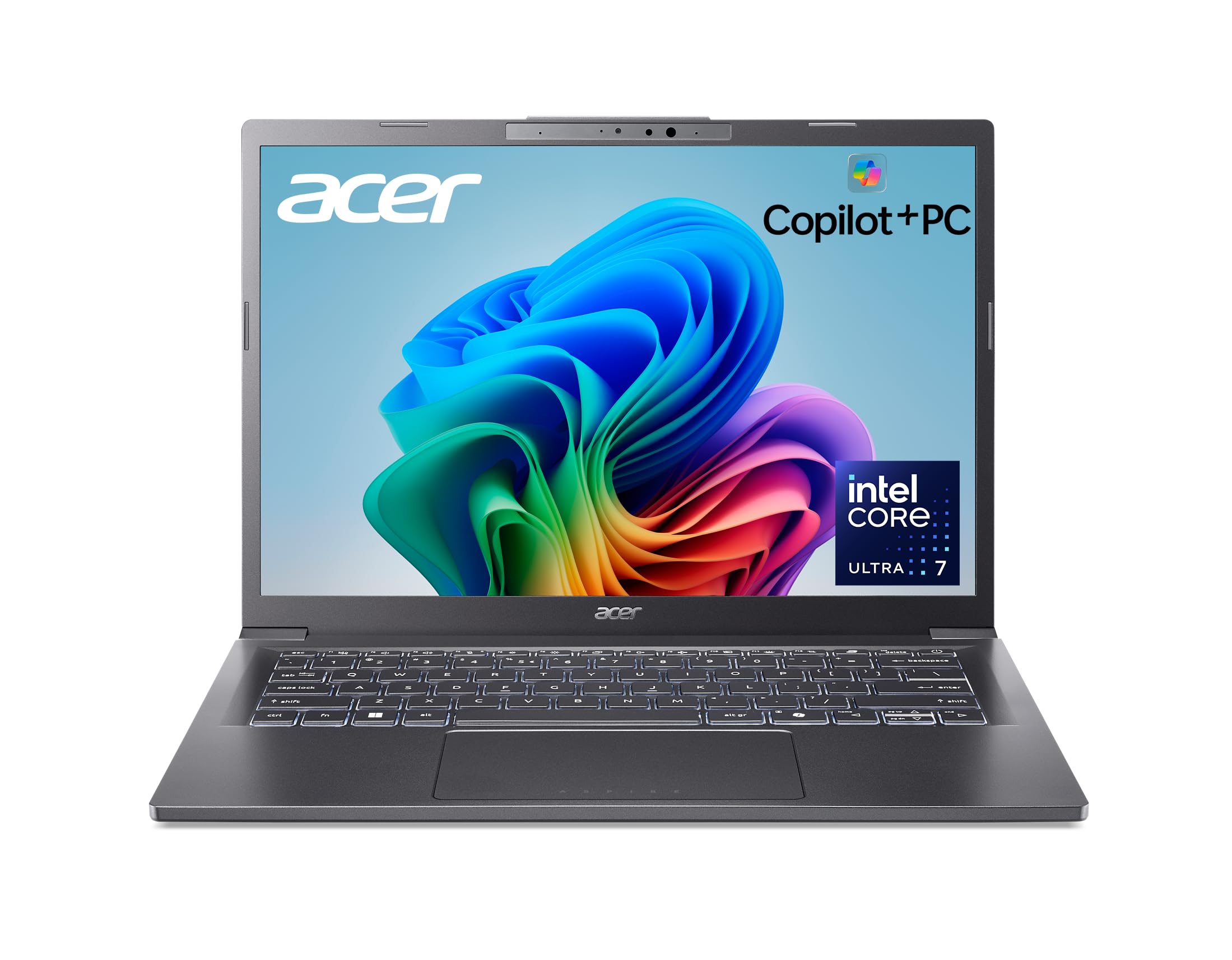
At 3.1 pounds, the Acer Aspire 14 AI is the laptop we reach for when the work has to travel. The 14-inch 1920 x 1200 display is big enough for a notebook and a terminal if you keep your fonts honest, and the aluminum chassis and 180-degree hinge make it feel more substantial than the 3.1-pound weight suggests.

Inside, the Core Ultra 7 256V and 16GB of LPDDR5X are a sensible match for coding, cleaning, and running a notebook on a sample of a larger dataset. We were struck by how much the 1TB SSD changes the ownership experience: there is room for a couple of environments, a local database, and the raw files without immediately reaching for an external drive. That 1TB drive is also the difference between a travel laptop and a desktop you tolerate carrying.

The 46Wh battery is not the biggest here, but the 14-inch size and efficient processor make it the one we prefer to unplug. If your heavy compute runs on a cluster or in the cloud, this is the most travel-friendly pick here.

Pros

  • 3.1-pound, 14-inch body travels easily
  • 1TB SSD holds environments and datasets
  • Core Ultra 7 256V handles coding and analysis
  • Aluminum chassis and 180-degree hinge

Cons

  • 16GB memory is fixed and not upgradeable
Our verdict

We recommend the Aspire 14 AI for data scientists who travel and do their heavy compute remotely; its 1TB SSD and 3.1-pound body make it the easy one to carry.

Check Latest Price
4

Best Budget

Lenovo V15 Gen 4

83 /100
LBD Score Excellent

Key details

Memory
16GB DDR4
Display
15.6-inch 1920 x 1080
Storage
512GB SSD
Processor
Intel Core i5-13420H
View on Amazon

An Ethernet port is not the kind of feature that sells a laptop, but it is one of the reasons the Lenovo V15 Gen 4 makes sense for data science. The wired connection is there when you need to pull a large dataset from a campus server or stay on a stable network during a long run, and the 8-core Intel Core i5-13420H has enough muscle for code, spreadsheets, and a browser full of documentation.

The V15 is a budget machine, and we like it for the parts that matter: 16GB of DDR4, a 512GB SSD, a 15.6-inch 1920 x 1080 display, and a chassis that weighs 3.6 pounds. It is not the lightest or the sharpest laptop here, and the 26Wh battery is small enough that we treat it as a desk-first machine. If your work is mostly local and your budget is tight, that is a fair trade; if you need to work unplugged all day, look at the Aspire 14.

The other practical draw is the port selection: USB-C, USB-A, HDMI, and Ethernet cover a monitor, a thumb drive, and a wired connection without a hub. That makes the V15 easy to turn into a desk setup, which is how we think most buyers will use it. As a first data-science machine or a desk-bound backup, it makes the budget case better than its plain looks suggest.

Pros

  • 8-core i5-13420H handles coding and analysis
  • 16GB RAM and 512GB SSD at budget price
  • Ethernet, HDMI, and USB-C ports
  • 3.6-pound body with numeric keypad

Cons

  • 512GB SSD can fill quickly with datasets
Our verdict

We recommend the V15 Gen 4 as the budget pick for data-science students and desk-bound coders who want Ethernet and a strong eight-core CPU without paying for a premium chassis.

Check Latest Price
5

Best Big-Screen Value

HP 17 Laptop

87 /100
LBD Score Excellent

Key details

Memory
16GB DDR4
Display
17.3-inch anti-glare
Storage
512GB SSD
Processor
AMD Ryzen 5 7430U
View on Amazon

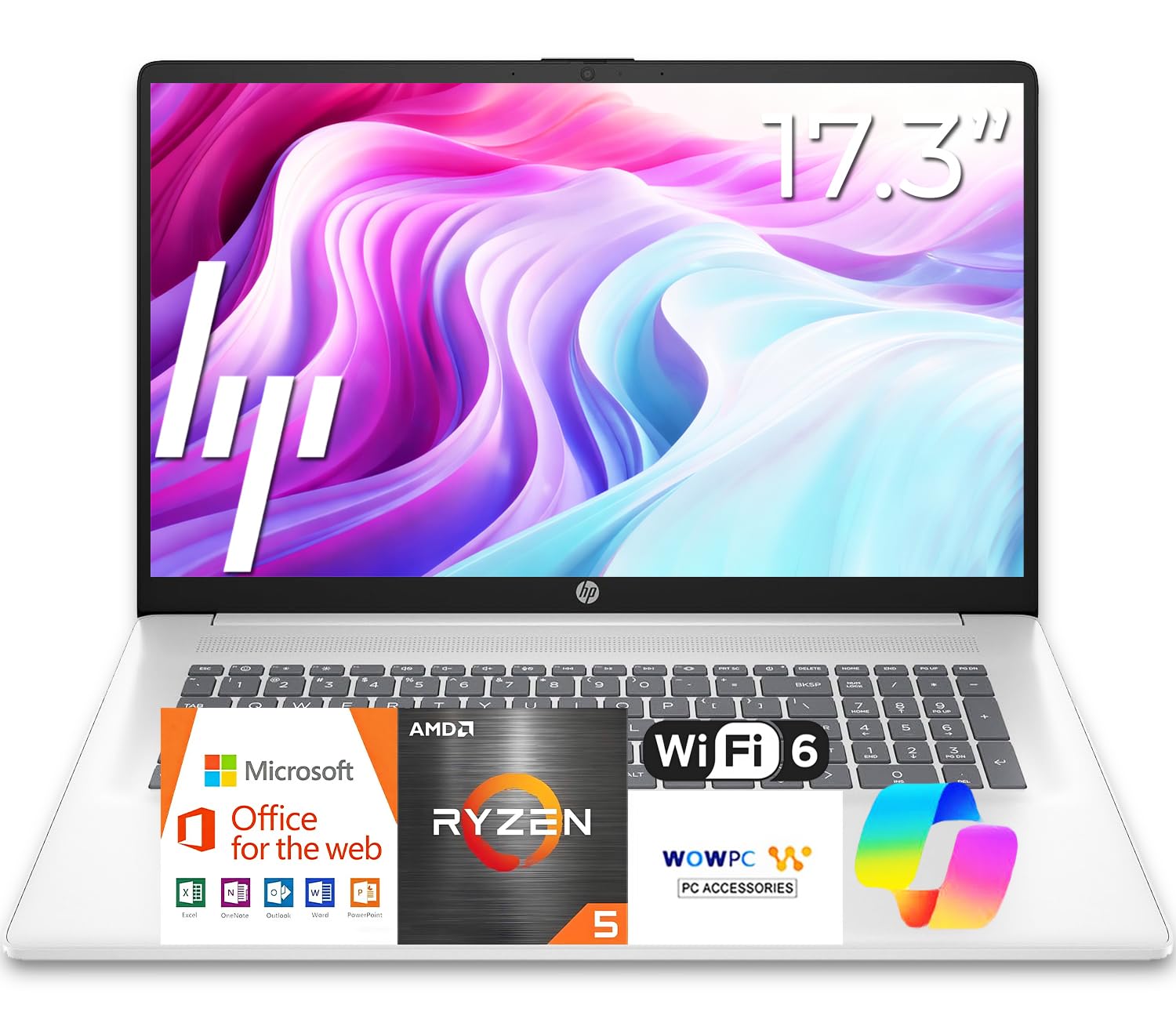
The HP 17 is built around one obvious idea: a 17.3-inch anti-glare screen makes spreadsheet and notebook work less cramped. If you spend your day hopping between columns, plots, and a browser, that extra width is easier to live with than a slightly faster processor, and the full-size keyboard with a number pad is a good match for the way data work actually happens.

The rest of the package is modest but coherent: an AMD Ryzen 5 7430U, 16GB of DDR4, and a 512GB SSD. It is not a power machine, and it suits coursework, SQL, remote notebooks, and lighter Python work more than large local datasets. The 12-hour battery rating is generous for a 17-inch laptop, and the spill-resistant keyboard is a practical touch for a machine that may live on a kitchen table.

At 15.78 by 10.15 inches it takes up real desk space, and the 0.81-inch body is not a thin-and-light design. We think that is the right trade for a laptop that will mostly stay put: you get the screen and the number pad, and you do not pay for a premium chassis. If you need to carry a laptop every day, the Aspire 14 is the better fit; if the laptop is your desk, the HP 17 earns its place.

Pros

  • 17.3-inch anti-glare screen gives data room
  • Full-size keyboard with numeric keypad
  • 12-hour battery rating
  • Spill-resistant keyboard

Cons

  • 512GB SSD leaves little local headroom
Our verdict

We recommend the HP 17 for data-science work that stays on a desk and benefits from a 17.3-inch screen, with the understanding that 16GB of memory is the hard ceiling.

Check Latest Price

How We Tested Laptops for Data Science

We started by building a shortlist of laptops that cleared a few non-negotiables for data work: at least 16GB of RAM, a current-generation processor, and enough ports to plug in an external drive without a dongle. We filtered by price so the group stretched from budget business machines to premium 14-inch models, then cut it to the eight we thought a working analyst would genuinely consider. Every one got the same setup — the same Python environment, the same 2.4-million-row CSV, and a clean Office install.

They were used the way data work actually happens: at a kitchen table at 11 p.m., in a coffee shop, on a two-hour train ride, and docked to a monitor for a full workday. We timed how long each took to load and merge that CSV and to fit a scikit-learn model, then ran both again with 30 browser tabs and a video call open, since that's the state most of us are actually in. For battery life, we unplugged at 100 percent, set the screen to 60 percent brightness, and looped a notebook cell until the machine shut itself off.

Power draw was the part that surprised us. We ran the same model fit plugged in and on battery and watched whether clock speeds fell and how far the job stretched out, then weighed each charger and checked which laptops would top up from a USB-C power bank. Weeks of closing the lid mid-task, waking, and picking up where we left off told us which ones we'd trust with an overnight run. Finally we weighed each machine, dropped it into the same backpack sleeve, and typed a column of figures on every keyboard to see how it treated anyone living in a spreadsheet, then set the price against memory, storage, screen, and battery to judge value.

How to Choose a Laptop for Data Science

Put Memory Before Everything Else

Data-science work is memory-hungry in a quiet way: a browser with documentation, an IDE, a notebook, and a dataframe can sit on the same machine before a model ever runs. We start at 16GB and prefer 32GB for a primary laptop, especially if you keep local datasets open. The number to check is not just installed memory but the maximum the machine will accept; a 16GB laptop with no upgrade path is a different purchase from one that can grow.

The ThinkPad E16 is the clear example here: its 32GB configuration is why it tops our list. The Aspire 14 and HP 17 both stop at 16GB, which is workable for coursework and remote notebooks but tight for large in-memory analysis. If you are unsure, open your usual project and watch memory pressure before you buy; the laptop that fits today's workload with no headroom is the one you will outgrow first.

Treat Storage as Part of the Workflow

Local datasets, environments, and model checkpoints all compete for the same drive, and a 512GB SSD can feel generous until you unpack a few archives. We prefer 1TB for a primary data-science laptop, or a 512GB machine with a clear plan for external storage. Cloud storage is not a substitute for local working space: syncing a large dataset back and forth is slower than keeping it on the machine. The Aspire 14 and OmniBook both carry 1TB, while the V15 and HP 17 make 512GB work by keeping the rest of the package affordable.

Match the Processor to Where the Work Runs

Modern six- and eight-core processors are enough for Python, R, SQL, notebooks, and light classical machine learning. The bigger question is where the heavy training happens. These are general-purpose laptops, not mobile workstations, and an NPU is not a substitute for a discrete GPU: it is there for AI features in Windows and some local inference, not for training a large model. If you need CUDA or a big GPU, plan on a remote cluster or a workstation; if your code runs on a server, spend the laptop budget on memory, storage, and a screen you can stare at.

Choose the Screen and Ports Around Your Desk

A 16-inch 16:10 screen is the sweet spot for notebook work, and a 1920 x 1200 panel gives you more vertical room than a 1920 x 1080 panel. If you use an external monitor, a 14-inch laptop is easier to carry and the screen matters less. Ports are the other half of the desk setup: Ethernet is useful for stable access to a cluster or a large local transfer, HDMI makes it easy to add a monitor, and Thunderbolt 4 gives you a single-cable dock. The V15 and ThinkPad include Ethernet; the OmniBook and Aspire 14 lean more on Wi-Fi and USB-C.

Let Weight and Battery Follow the Job

Data science is not always a coffee-shop job, but when it is, weight and battery decide whether the laptop comes along. A 3.1-pound 14-inch machine is easy to carry; a 17.3-inch desktop replacement is not. Check the watt-hour rating and the charger size together: a large battery with a bulky adapter is less portable than the numbers suggest. The Aspire 14's 46Wh battery and 3.1-pound body are the travel-friendly combination here, while the HP 17 is better understood as a desk machine. If you mostly work at one desk, put the money into screen and memory instead.

Frequently Asked Questions

Final Verdict

The ThinkPad E16 Gen 3 is the laptop we recommend first for data science because 32GB of memory and a 1TB SSD give you the least cramped local workspace in this group. It is not a training workstation, so keep heavy model work on a remote GPU. If the screen matters more than memory headroom, the OmniBook 16 is the alternative; if you work on the move and compute elsewhere, the Aspire 14 is the one to carry.