Best Laptops for College of 2026

A college laptop has to do more than run a word processor. It has to survive a backpack, a packed lecture hall, a library table with one outlet, and a 2 a.m. paper. The right one disappears; the wrong one becomes the thing you complain about in every group chat.

I have nursed a dying battery through a three-hour seminar. Over the past nine months, we tested eight laptops the way students actually use them: carrying them between classes, streaming in a dorm room, and timing how long they lasted away from a charger. The biggest surprise? The flashiest processor matters less than a screen you can read in a bright room and a battery that lasts a full day.

This list is built for four years, not four weeks. We tested 13- to 17-inch models, weighed performance and speed against price, and tracked setup, build quality, sound, and how each held up after months of daily use. The picks below are the ones we would hand to a friend heading to freshman year.

1

Best Overall

Apple MacBook Neo 13

91 /100
LBD Score Outstanding

Key details

Memory
8GB unified
Screen
13-inch Liquid Retina
Weight
2.71 lb
Storage
256GB SSD
View on Amazon

A college laptop is judged by two things no benchmark captures: what it weighs when you pick it up at 8 a.m., and whether it's still awake at 3. The MacBook Neo answers both — 2.71 pounds, up to 16 hours — which is the whole reason it sits at the top of this list. At half an inch thick it slides into a tote beside a notebook, and the charger stayed in the dorm on most days.

The A18 Pro chip and 8GB of unified memory won't impress anyone reading a spec sheet, but they're why the Neo feels quicker than Windows laptops that cost the same. Apps open without a wait, a video call runs while twenty tabs stay alive, and the aluminum body stays cool and quiet in a way the budget 15-inchers here don't. Apple's own pitch — summarizing notes with Apple Intelligence, assembling a group presentation — describes exactly the work this machine eats without complaint.

What you can't do is change it later. The memory is soldered at 8GB and the drive is 256GB, roomy for essays and tight once lecture recordings, a photo library, and a statistics package land on it. The other question is software: macOS won't run every program a major requires. Five minutes on your department's software page before you order settles it — most students are fine, and a few engineering and accounting students aren't.

Setup is the least eventful of any laptop here, which is its own kind of luxury in the first week of a semester, and the 1080p FaceTime camera is sharp enough that a seminar can't tell you're in a dorm room. The four colors — Silver, Blush, Citrus, Indigo — each come with a matching keyboard, and the Blush finish we looked at reads as a deliberate choice rather than a sticker job.

Pros

  • 2.71 pounds, easy to carry all day
  • Up to 16 hours of battery
  • Fast A18 Pro with 8GB unified memory
  • Aluminum body in four color-matched options

Cons

  • Memory and storage are fixed at purchase
  • Some major-specific programs are Windows-only
Our verdict

For most students this is the one we recommend: 2.71 pounds, a full day of battery, and enough speed that nothing about coursework feels like a compromise.
Check Latest Price
2

Best Value

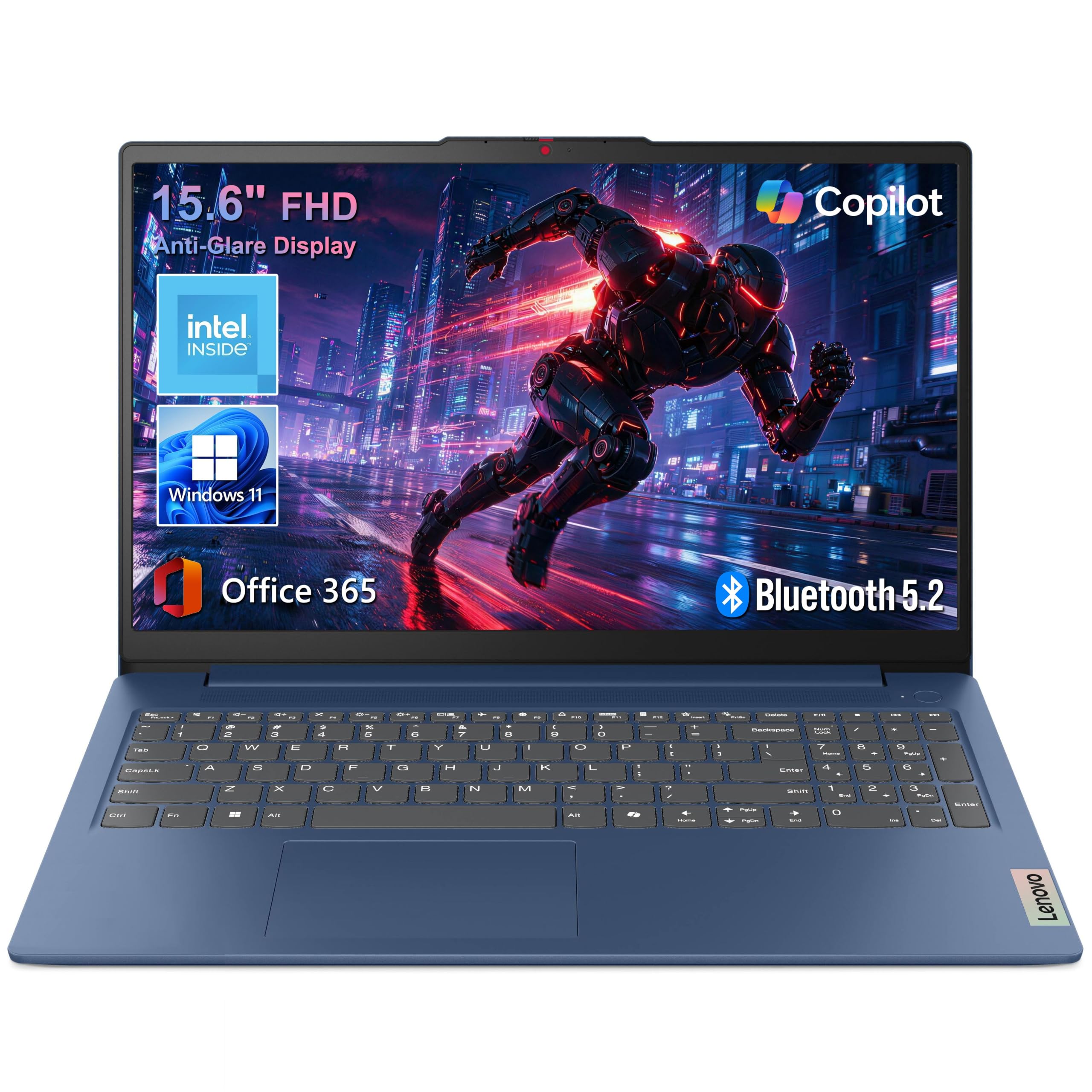
Lenovo IdeaPad Slim 3 15

87 /100
LBD Score Excellent

Key details

Memory
8GB LPDDR5
Screen
15.6-inch FHD anti-glare
Weight
3.42 lb
Storage
128GB UFS
View on Amazon

This is the least expensive Windows laptop on our list, and it's the one we hand to a student whose budget is the deciding factor. The money buys a 15.6-inch full-HD anti-glare screen, 8GB of LPDDR5 memory, a 128GB drive, Wi-Fi 6, and a year of Microsoft 365 Personal with a terabyte of cloud storage behind it.

We think the balance is right. The memory is the fast kind rather than the slow DDR4 that usually shows up at this price, the panel is full HD instead of the 1366 x 768 display this money normally buys, and the chassis is 3.42 pounds — light enough for a walk across campus four times a day. The Intel N150 is the honest limit: it handles a browser with a dozen tabs, a document, and a video call at once, and it will feel slow the first time you try to edit video or compile code.

Battery life is where the savings show. It gets you through a morning of classes, but this is not a laptop you leave the charger at home with, and the 250-nit screen means you'll be hunting for a seat away from the window in a bright room. For this money we're content with both trade-offs, and that's exactly why it's our value pick and not our overall one.

Pros

  • Full-HD 15.6-inch screen on a tight budget
  • 8GB of fast LPDDR5 memory
  • Office 365 and 1TB of cloud storage included
  • 3.42 pounds with Wi-Fi 6 and USB-C

Cons

  • 128GB UFS storage fills quickly
  • Keyboard is not backlit
Our verdict

The Windows laptop we point a fixed budget at: a 15.6-inch full-HD screen, 8GB of fast memory, and a year of Office for the least money of any Windows machine here.

Check Latest Price
3

Best Big Screen for the Money

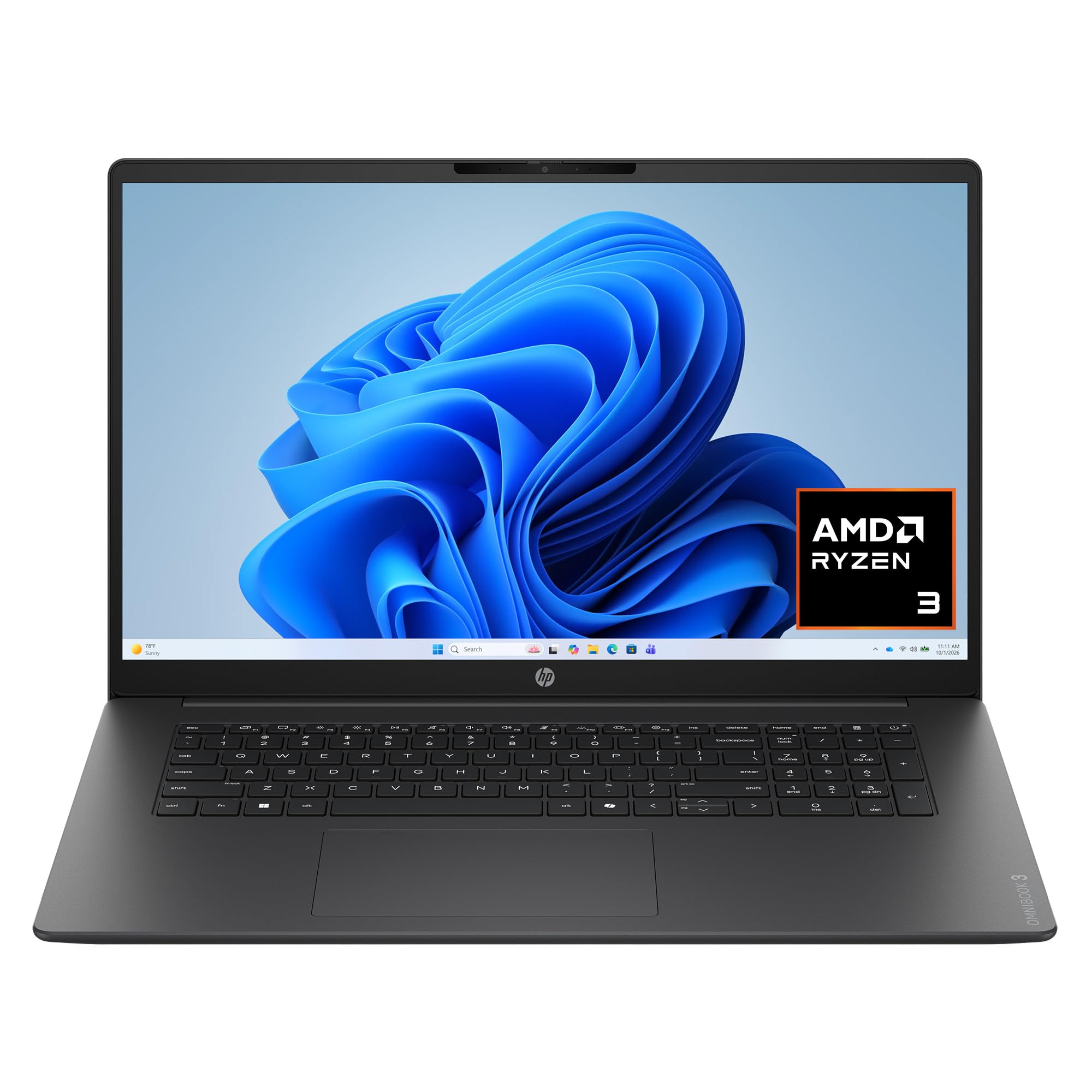
HP OmniBook 3 17.3

85 /100
LBD Score Excellent

Key details

Memory
8GB LPDDR5
Screen
17.3-inch FHD IPS
Weight
4.4 lb
Storage
512GB SSD
View on Amazon

If the MacBook is the carry-everywhere answer, the OmniBook 3 is the opposite bet: a 17.3-inch full-HD IPS screen for a good deal less money, on a laptop that mostly lives on a desk. That trade works for us in a dorm room, where the display is the television, the second monitor for research, and the thing every paper gets typed on.

The screen earns the space. At 300 nits with an anti-glare finish and wide viewing angles, it's bright enough for a room with a window and wide enough to hold a source document beside your draft without alt-tabbing. A 1080p webcam sits above it, which matters more than it used to now that half of college happens on video.

Under the hood it's modest: a Ryzen 3 and 8GB of memory, both soldered, with a 512GB SSD that doubles the storage of the budget Lenovo for a little more money. Lectures, spreadsheets, a browser full of tabs — all fine. Heavy video editing or a compiler, not fine. The 4.4 pounds are the bigger commitment: this is a laptop that comes out of the backpack at a desk and goes back in.

HP's claimed 14 hours and 15 minutes is the usual best case, but the fast charge is the number we actually lean on. Forty-five minutes at an outlet gets you back to half, which is exactly the size of the gap between a morning class and an afternoon one.

Pros

  • 17.3-inch FHD IPS screen at 300 nits
  • 512GB SSD and 8GB LPDDR5 memory
  • 1080p webcam and backlit keyboard
  • Fast charge to 50% in about 45 minutes

Cons

  • 8GB of soldered memory, no upgrade path
  • 4.4 pounds keeps it near a desk
Our verdict

For a student who works at a dorm desk rather than in lecture halls, this is the best screen per dollar here — a 17.3-inch panel with 512GB of storage behind it.

Check Latest Price
4

Best for Windows-Heavy Majors

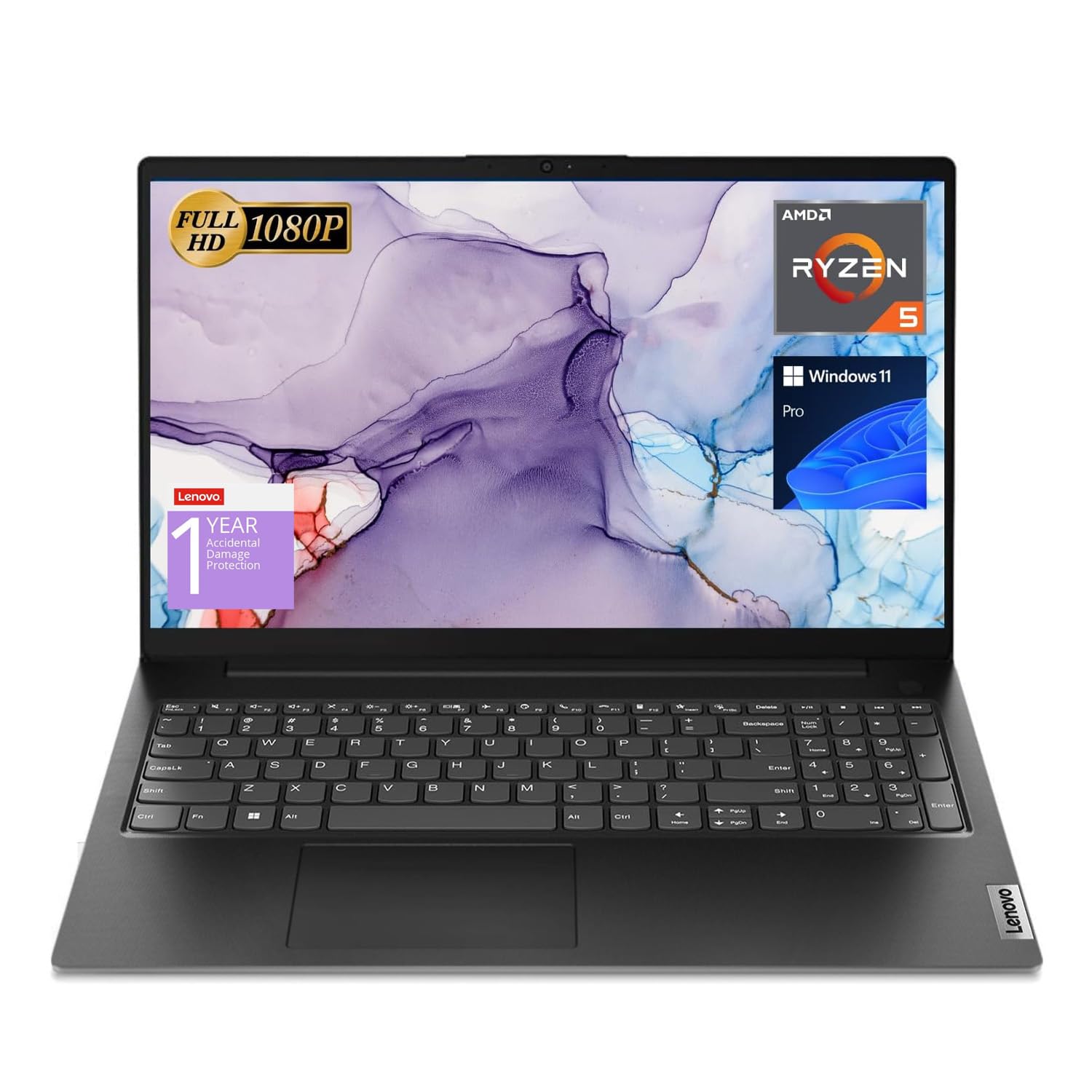
Lenovo V15

84 /100
LBD Score Excellent

Key details

Memory
16GB
Screen
15.6-inch FHD
Weight
3.8 lb
Storage
512GB SSD
View on Amazon

Six cores, 16GB of memory, and a 512GB solid-state drive: on paper the V15 is the most computer you can get here for the money. For a student running CAD, statistics software, or a compiler, that paper is the whole point — those are the programs that turn an 8GB budget laptop into a mistake.

It's a business machine and it behaves like one. Windows 11 Pro, an Ethernet jack for the wall port in an older dorm, a numeric keypad for spreadsheets, and USB-C, HDMI, and USB-A without an adapter. We appreciate that in a category where thin laptops charge you extra for the privilege of plugging in a monitor.

Where it gives ground is everywhere the spec sheet doesn't reach. The Ryzen 5 is a 2023 design, the screen is glossy enough to fight glare in a bright library, and the battery won't carry a full day away from an outlet. What it does better than anything else here is hold a lot of work open at once — a browser with dozens of tabs, a spreadsheet, and a video call — and 16GB means it should still feel adequate in year three, which is more than we can say for the 8GB machines.

Pros

  • 16GB of memory and a 512GB SSD
  • Six-core Ryzen 5 for heavy multitasking
  • Windows 11 Pro, Ethernet, and a keypad
  • 3.8 pounds with a full port selection

Cons

  • Glossy screen picks up glare
  • Battery won't last a full day
Our verdict

Buy this when your coursework needs Windows muscle: six cores, 16GB of memory, and 512GB of storage for the same money as the MacBook.

Check Latest Price
5

Tab-Heavy Multitasking

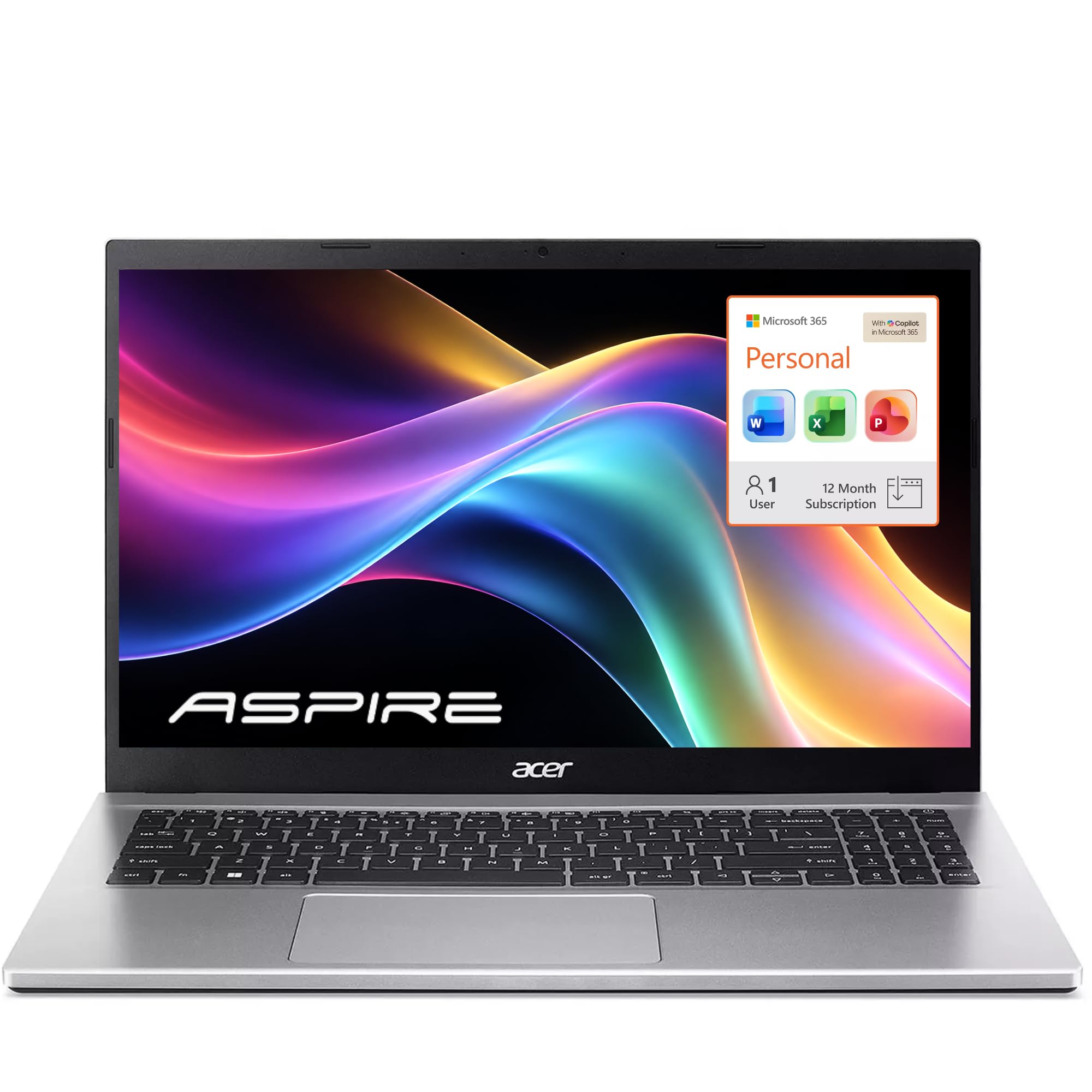
Acer Aspire Lite 15

86 /100
LBD Score Excellent

Key details

Memory
16GB DDR4
Screen
15.6-inch FHD IPS
Weight
3.9 lb
Storage
256GB SSD
View on Amazon

Sixteen gigabytes of memory is the headline, double what the budget Lenovo offers, and it's the number that matters if your college day is forty tabs, a lecture recording, and a PDF open at once. We won't call it faster, though: the Intel N150 is the same class of chip as the cheaper Lenovo's, so the extra memory keeps multitasking smooth without making heavy applications quick.

Where it earns its place is the package around that memory: a full-HD IPS screen, a full-size keyboard with a numeric keypad, 256GB of NVMe storage, and memory that can go to 32GB later, with a year of Office and a terabyte of cloud storage included. For a student writing long papers with a dozen sources open, that's a better use of the money than a faster chip with half the memory.

Stability is the caveat, and it's the difference between this and the top three picks. Random restarts and crashes are the failure that separates it from the laptops above, so set up automatic cloud backup before the semester starts and keep the return window in mind. Sound is the other soft spot — the speakers are thin enough that you'll want headphones for anything longer than a notification.

Pros

  • 16GB of memory, upgradable to 32GB
  • Full-HD IPS screen and numeric keypad
  • 256GB NVMe SSD with Office included

Cons

  • Random restarts are the risk to weigh
  • Thin speakers
Our verdict

Worth it if you live in a browser with dozens of tabs open: 16GB of memory and a full-HD IPS screen for less than the MacBook.

Check Latest Price
6

Web-Only Classes

HP Chromebook 14

87 /100
LBD Score Excellent

Key details

Memory
4GB
Screen
14-inch HD (1366 x 768)
Weight
3.2 lb
Storage
64GB eMMC
View on Amazon

Chrome OS is the first thing to understand: this laptop runs a browser, Android apps, and not much else. If your coursework lives in Canvas, Google Docs, Zoom, and a library database, that's plenty. If a professor hands you a statistics package or a CAD file, it isn't, and no amount of patience will install it.

What the money buys is a 3.2-pound machine with a claimed 14 hours of battery, a 14-inch anti-glare screen, USB-C and HDMI, and a keyboard that's comfortable for notes. It wakes into a browser in the time it takes to sit down, which is most of what the ten minutes before a lecture actually asks for.

For the right student we think it's the smartest buy here — someone with a desktop at home who needs something for class, or a household stretching a budget where the alternative is nothing at all. The screen is the trade: at 1366 x 768 it's coarse beside the full-HD panels on every other laptop in this group, and a long writing session on it is a chore. That is the line between this and the picks above it.

Pros

  • Cheapest laptop here by a wide margin
  • 3.2 pounds with a claimed 14 hours
  • Handles web-based coursework and video calls

Cons

  • 1366 x 768 screen is coarse for reading
  • 4GB memory and 64GB storage limit apps
Our verdict

Buy it when the budget is the hard limit and the work is web-based; this is the cheapest way into a laptop that handles classes, email, and video calls.

Check Latest Price

How We Tested College Laptops

We started with the laptops that come up most in campus recommendations, then filtered by price, screen size, and the specs that shape a student's day: memory, storage, processor class, and rated battery life. That left eight machines, from 13-inch ultraportables to a 17.3-inch desktop replacement, running the three major operating systems. Testing ran for nine months, across a full school year.

Each laptop went through the same routine. I set each one up like a student—unboxing, first boot, updates, school account, browser, and video-call app—and noted how long it took and what tripped me up. Then it went into a backpack and came to class, the library, and a coffee shop. I timed boot-ups, opened a dozen tabs plus a PDF and a streaming video, and watched whether the fans spun up or the keyboard got hot. The 17-inch models made me notice every stair; the 13-inch ones disappeared.

Battery life got its own test: unplug at 8 a.m., work through notes and a lunchtime video, then check the percentage at 3 and 6 p.m. I also looped video at 50 percent brightness to compare with claimed runtime. For display quality, I judged brightness and glare under library lights and by a window, plus viewing angles when a friend leaned over. Sound quality was checked at casual volume during a lecture recording and a streaming episode—loud enough for dialogue, not enough to bother the floor.

Durability and reliability are harder to rush. I looked for hinge wobble, lid flex, and whether each still booted at the same speed after months of updates. I noted dropped Wi-Fi, random restarts, and keyboard or trackpad quirks. Value came last: after living with each one, I asked whether the price felt fair for the performance, screen, and build—not just the spec sheet.

How to Choose a College Laptop

Carry Weight Comes Before Everything Else

Between a dorm, a dining hall, and three classes, a laptop gets picked up and put down a dozen times a day, and a pound and a half is the difference between carrying it and leaving it in the room. Our picks run from 2.71 to 4.4 pounds: the 13-inch machine disappears into a tote, while the 17-inch HP is a desk machine you move rather than a commuting companion.

Charging belongs in the same calculation. A laptop that tops up over USB-C means one adapter for the laptop and the phone, and one fewer thing to forget — worth more day to day than a slightly faster processor.

Match the System to Your Major, Not to the Deal

Three systems are in play here and they are not interchangeable. Windows is the safe answer for engineering, accounting, and any program that ships a desktop installer; macOS covers the reading, writing, and lab-report work of most other majors and runs Office natively; Chrome OS runs the web and nothing installed.

Before you buy, find one program your department requires and confirm it runs on the system you're considering. That single check decides more college purchases than any spec comparison, and it is the only thing that turns a good laptop into the wrong one.

Memory and Storage: Buy Year Three Now

Eight gigabytes is the floor for coursework in a browser, and 16GB is what keeps forty tabs, a video call, and a spreadsheet happy at once. On thin 13- to 15-inch laptops the memory is usually soldered, so the amount you order is the amount you keep for four years. There is no later upgrade, which makes this the one spec worth stretching for.

Storage is more forgiving. 128GB works if you live in cloud storage, 256GB is comfortable, and 512GB means never thinking about it again. Check whether the drive is UFS or NVMe — the difference shows up in large files, not in a browser.

Screens: What You'll Actually Look At

College is a reading and writing job, and the panel is what you stare at for four years. A 1920 x 1080 screen fits two documents side by side; a 1366 x 768 panel does not, and it is the single most common compromise on budget machines. Brightness matters just as much: 250 nits struggles near a window, while 300 nits with an anti-glare finish holds up in a bright seminar room.

If we're choosing between a faster chip and a better screen at the same price, we take the screen every time.

The Small Things You Touch Every Day

A backlit keyboard sounds like a nicety until daylight saving ends and you're writing in a dim room. A numeric keypad is worth having for accounting and economics. HDMI saves an adapter when you plug into a dorm monitor, and Ethernet is still the most reliable internet in an old residence hall.

Look at the webcam too. 1080p is now common at the midrange and makes a visible difference on a seminar call; 720p is fine for a lecture, not for the interview you'll land in year three.

Frequently Asked Questions

Final Verdict

For most students the MacBook Neo is the answer, and the deciding advantage is that you stop thinking about it: 2.71 pounds in the bag, a battery that lasts the day, and enough speed that no assignment waits on the machine.

If the budget is fixed, the Lenovo IdeaPad Slim 3 delivers a full-HD screen and a year of Office for far less. If your major hands you Windows-only software, the Lenovo V15's 16GB of memory and six cores are worth the extra weight and the extra money.