
Best Overall
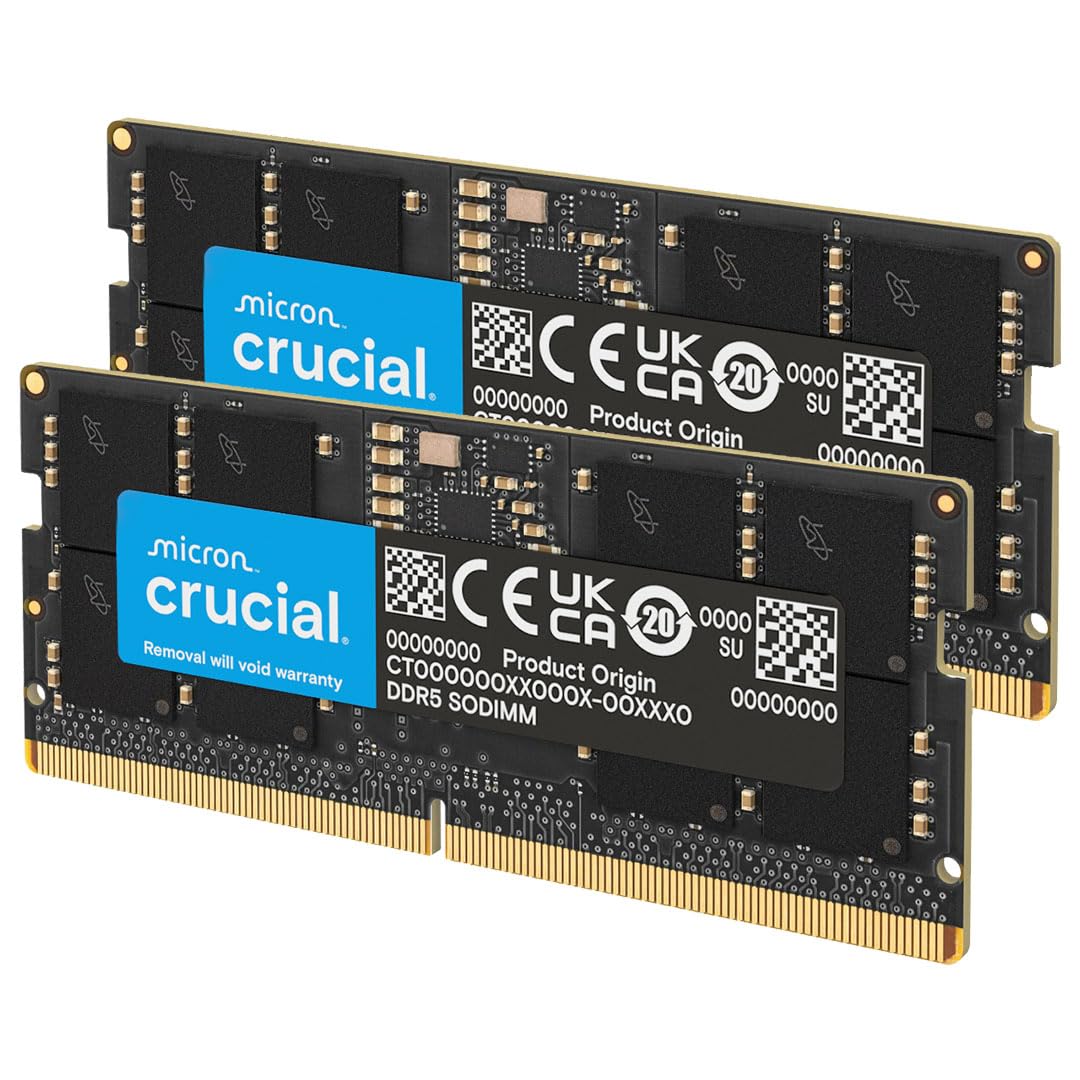
Crucial 32GB DDR5-5600 Kit
Key details
- Speed
- 5600 MHz (DDR5-5600)
- Capacity
- 32 GB (2 x 16 GB)
- CAS Latency
- CL46
- Form Factor
- 262-pin SO-DIMM
For a laptop with DDR5 slots, this is the kit we point people toward first, and the one most of them should end up buying. Two matched 16GB modules, 262-pin, 1.1V, CL46 timings, 32GB total — enough to double what a machine shipped with without touching the processor or the drive. Crucial rates it for 12th-gen Intel Core and Ryzen 7000 laptops and supports both XMP 3.0 and AMD EXPO on the same module, which matters if the memory ever moves to another machine.
The 5600MHz figure is the ceiling, not a promise. Plenty of laptops lock their memory profiles and will start these sticks at 4800MHz instead, and nothing is wrong with the kit when that happens — that's the platform asserting itself. Treat the rating as headroom for a faster machine later, and look up your laptop's maximum supported memory speed before ordering so the number on the box doesn't surprise you.
Fitting it is a screwdriver job: back panel off, two slots, click, done. With 32GB across two modules you get dual-channel bandwidth as well as capacity, and that's the part you feel when twenty browser tabs and a game are open at once. The limited lifetime warranty is the other thing we value here — memory should outlive the laptop it goes into.
Where it stops is the slot: if your laptop takes DDR4, this module physically will not go in, and no amount of adapter thinking changes that. Check the generation before you read another word of this guide.
Pros
- Two matched 16GB modules for 32GB and dual-channel
- Rated to 5600MHz, steps down to 5200 or 4800
- Straightforward install with no BIOS work
- Limited lifetime warranty from Micron
Cons
- Costs considerably more than the DDR4 kits here
The DDR5 kit we recommend first: 32GB across two matched modules, headroom to 5600MHz, and a lifetime warranty behind it.


