Best Overall
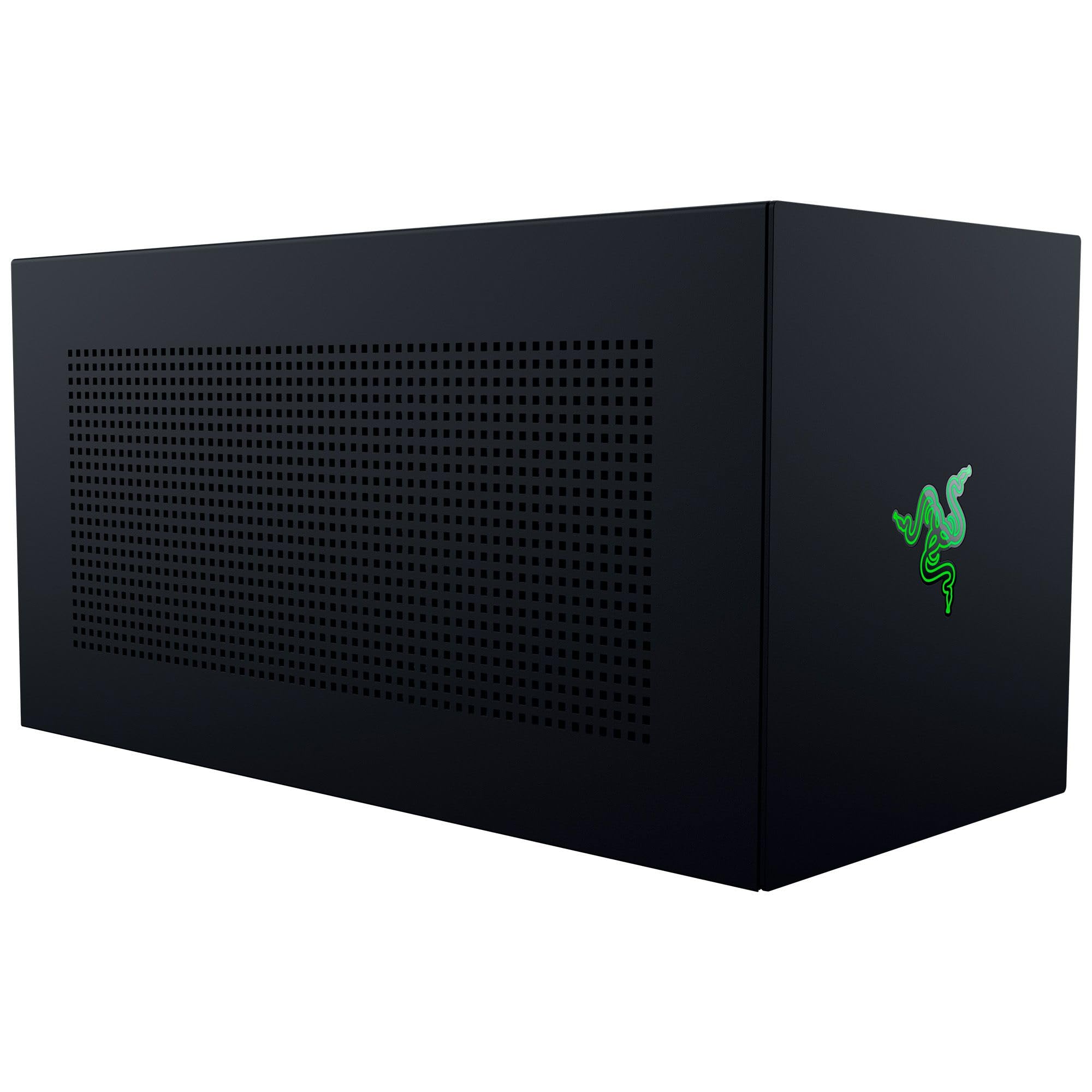
Razer Core X V2
Key details
- Connection
- Thunderbolt 5, 80Gbps
- Power Supply
- ATX, user-supplied
- GPU Clearance
- 4 slots wide
- Laptop Charging
- 140W via USB-C
Thunderbolt 5 at 80Gbps is the number Razer leads with, and it is the main reason this enclosure sits at the top of our list. It is one of two here that can run a Thunderbolt 5 link at full width, and it still drops back to Thunderbolt 4 laptops and USB4 handhelds without a second dock, so the chassis you buy now keeps working when the laptop changes.
Room inside is the second argument. Cards up to four slots wide fit, and the 16.59-inch steel body leaves space for the long triple-fan models. Four slots is more than most cards need, but it is exactly what stops a thick cooler and its power cables from fouling the side panel, which is a thing you only notice when it doesn't fit. The panels come off with the included thumbscrews, so fitting a card is a five-minute job with no screwdriver hunt, and the ATX bay at the back is open enough to route the PCIe cables cleanly.
The 140W of USB-C power delivery is the detail that turns it into a dock rather than a box. One cable carries the PCIe link, the display signal, and enough charge to keep a 14-inch laptop up, which is the difference between a tidy desk and a power brick on the floor. It is a stationary piece, so give the single 120mm fan some air at the back and route the cable once. For a laptop that lives on a desk and needs real graphics, this is the one we build around.
Pros
- Thunderbolt 5 link with Thunderbolt 4 and USB4 fallback
- Fits cards up to four slots wide
- Tool-free card and power supply access
- 140W laptop charging over the same cable
Cons
- Premium price for an empty chassis
- Power supply sold separately
We recommend the Core X V2 for a Thunderbolt 5 or USB4 laptop that needs desktop graphics at a desk, because it takes the biggest cards here and charges the laptop over the same cable.