Best Computer Desks of 2026

A desk is the one piece of furniture you notice only when it fails: the monitor shivers when you type, the surface sags under a printer, or the whole thing creaks when you lean on it. I've built desks on apartment floors and in spare bedrooms, and a good one is less about a pretty top than what happens when you put weight on it. What you want is a stable place to work, a surface that fits your screen and habits, and a desk that earns its price.

For six months, we assembled and lived with 12 computer desks, from compact writing tables to electric sit-stand models, and the gaps showed up fast. We compared electric height adjustment and memory presets, steel frames, finish quality, and whether a mid-size top leaves room for dual monitors. One thing I'd tell a first-time buyer: a desk can be rated for plenty of weight and still feel nervous once raised, so I paid attention to sturdiness at standing height. The picks below stayed steady and quiet after months of daily use.

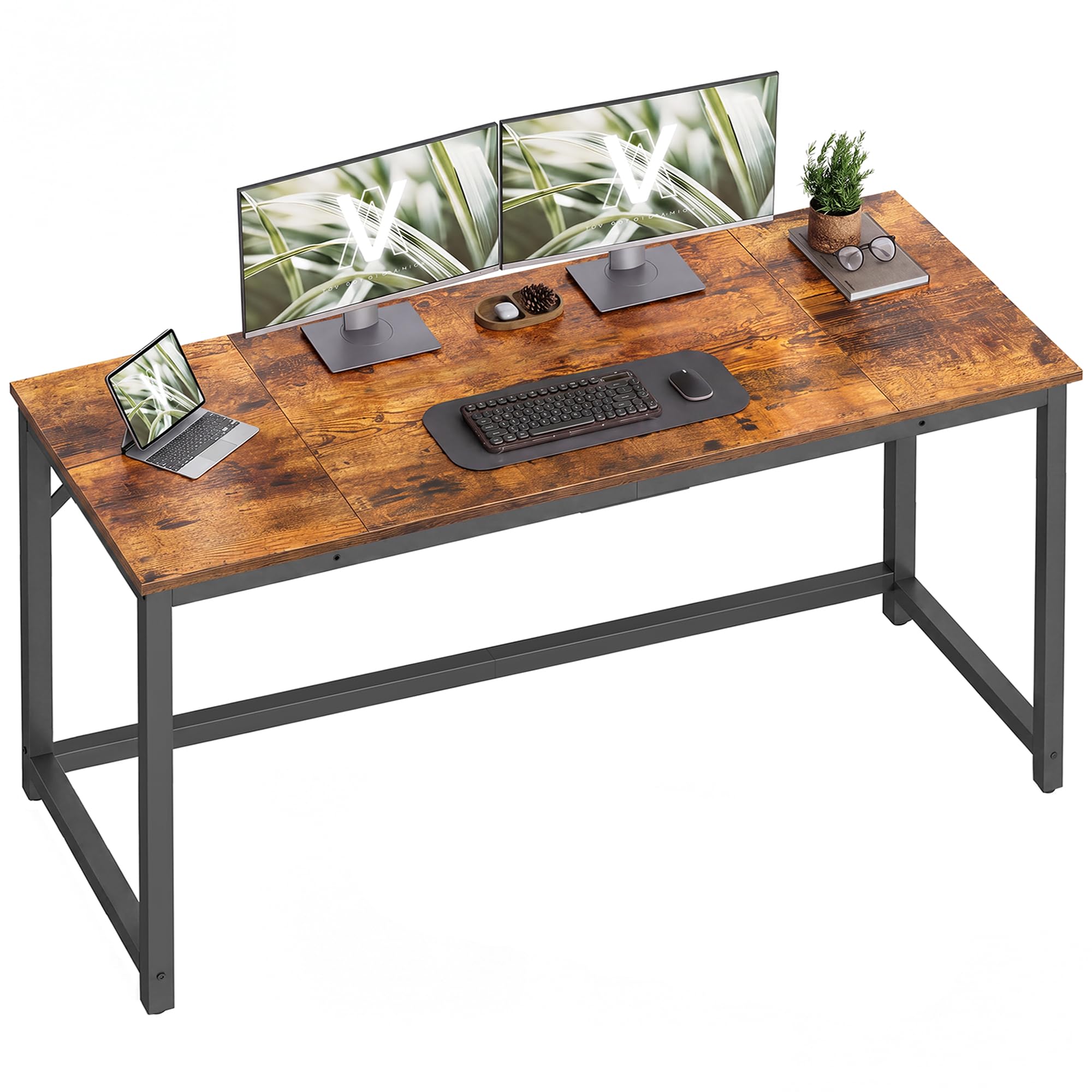
1

Best Overall

FLEXISPOT EN1 Standing Desk

91 /100
LBD Score Outstanding

Key details

Desktop Size
48 x 24 in
Height Range
28.1–46.3 in
Memory Presets
4
Weight Capacity
154 lb
View on Amazon

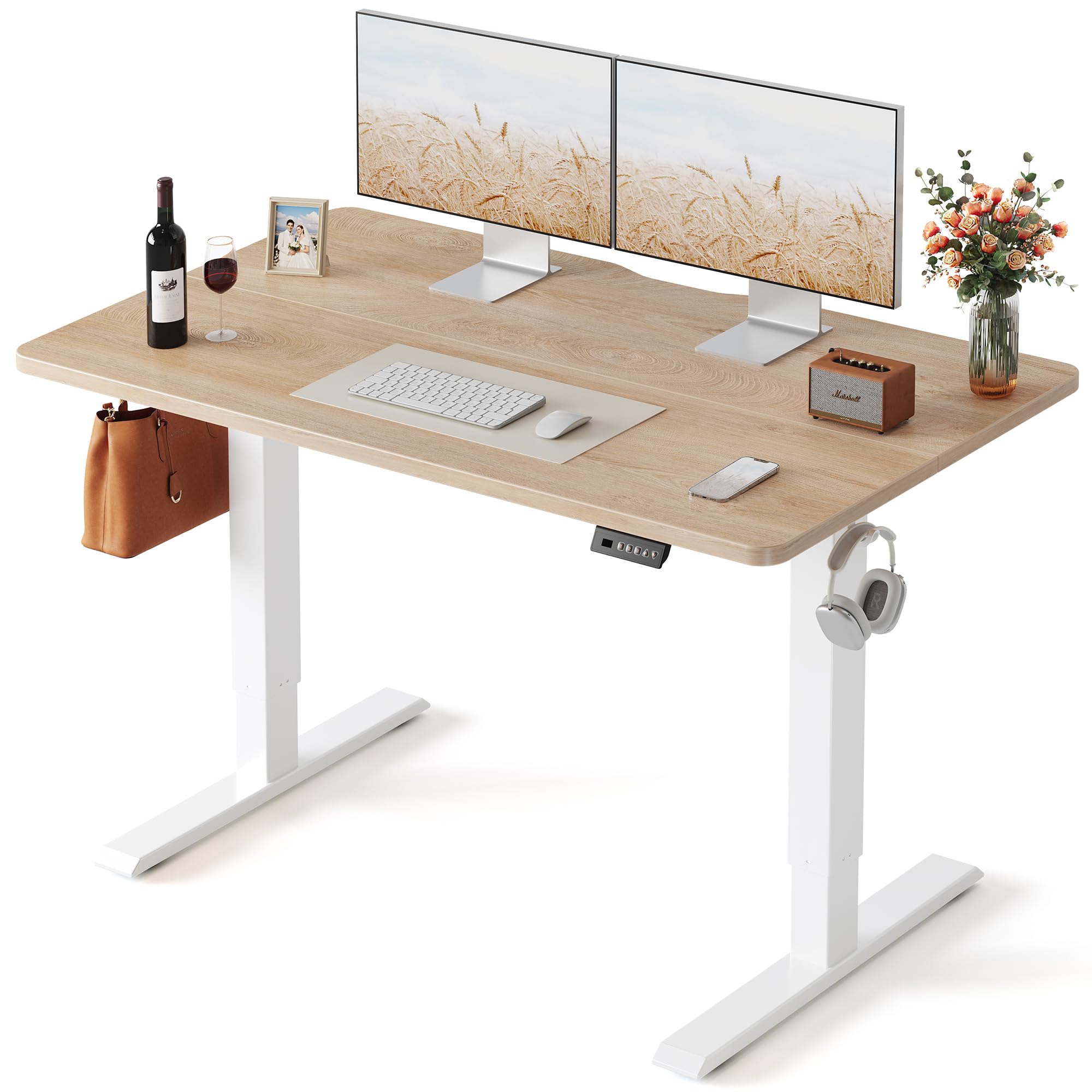
A one-piece top sounds like a small detail until you have used a standing desk with a seam down the middle. The EN1 gives you a clean 48-by-24-inch writing surface, and we noticed the difference most when sliding a mouse across the center or spreading out papers. The frame is rated for 154 pounds, enough for a monitor, laptop, and the usual clutter, though not a loaded drafting setup.

What earns the EN1 the top spot is the range. The desk moves between 28.1 and 46.3 inches, and the four memory presets let you go from seated to standing without holding a button and guessing. The motion is steady, and the frame feels planted at standing height; we paid close attention to that because a wobbly standing desk is worse than a fixed one. The four presets are the feature we kept using; they turn a standing break into a single button press rather than a project.

Assembly is manageable for one person. A few desks arrive with a motor that will not travel through its full range, so test the desk before you load it and keep the packaging until you know the lift works. The five-year frame and motor warranty is the detail that makes the EN1 easier to recommend than the cheaper electric desks here; it turns a complex purchase into a long-term one.

Pros

  • One-piece desktop with no center seam
  • Four memory presets for sit-stand changes
  • Five-year frame and motor warranty
  • Stable steel frame at standing height

Cons

  • Instructions can be unclear
Our verdict

We recommend the FLEXISPOT EN1 as the best all-around desk here because its one-piece top, four presets, and strong frame warranty make sit-stand work feel ordinary rather than fussy.

Check Latest Price
2

Best for Small Spaces

SHW Mission 40-Inch Desk

93 /100
LBD Score Outstanding

Key details

Height
28 in
Warranty
5 years
Desktop Size
40 x 19 in
Weight Capacity
110 lb
View on Amazon

Forty inches is the whole story with the SHW Mission, and that is why we like it for tight rooms: the desk tucks under a window or beside a bed without making the space feel like an office. We also noted that the desktop has one rounded edge and one square edge. Set it up with the rounded side facing you; the square side is noticeably sharper against forearms.

The frame is powder-coated steel, the top is engineered wood, and the listed capacity is 110 pounds. We put a monitor and laptop on it without drama, and the 40-by-19-inch surface feels more generous than the footprint suggests because the depth is usable.

Assembly is the pleasant surprise. The hardware is included, one person can manage it, and the desk is light enough to move after it is built. The five-year limited warranty is longer than we expect at this price. It is a desk for a room that has more ambition than square footage.

Pros

  • Compact 40-inch footprint
  • Quick one-person assembly
  • Five-year limited warranty
  • Light enough to move after setup

Cons

  • Fixed 28-inch height
  • Too small for two large monitors
Our verdict

For a dorm, a tight corner, or a laptop-only setup, the SHW Mission gives you a stable desk and a five-year warranty with almost no assembly fuss.

Check Latest Price
3

Best Budget Desk

VASAGLE 55.1-Inch Desk

93 /100
LBD Score Outstanding

Key details

Frame
Steel
Height
29.9 in
Desktop Size
55.1 x 19.7 in
Weight Capacity
110 lb
View on Amazon

The first thing you notice about the VASAGLE is how much desk you get for the money: a 55.1-by-19.7-inch top that swallows a monitor, keyboard, lamp, and still leaves space for papers. At 24 pounds, it is light enough to reposition without help, and the adjustable feet kept it from rocking on an uneven floor. The rustic brown finish is a nice change from black laminate, and it hides dust better than a glossy top.

The steel frame and particleboard top are simple, and the 110-pound capacity is fine for a normal desktop setup. We also paid attention to the corners, because particleboard can chip if the desk is dropped or the screws are over-tightened. The adjustable feet are a small thing that matters on old floors; they kept the desk from rocking.

What sold us is the value. The VASAGLE does the basics of a full-size desk without the flex and wobble we associate with cheap flat-pack furniture. It is not the desk for a standing workstation, but for a first apartment or a study that needs surface area more than adjustability, it is the easy call.

Pros

  • Generous 55.1-inch surface
  • Steel frame with adjustable feet
  • Easy assembly with labeled parts
  • Finish stands out from black laminate

Cons

  • Shallow 19.7-inch depth
Our verdict

If you want maximum desktop for the least money, the VASAGLE gives you a 55-inch surface, a sturdy steel frame, and simple assembly in a finish that hides dust.

Check Latest Price
4

Best Budget Standing Desk

FEZIBO 48-Inch Standing Desk

91 /100
LBD Score Outstanding

Key details

Desktop Size
47.2 x 23.6 in
Height Range
27.3–45 in
Memory Presets
3
Weight Capacity
176 lb
View on Amazon

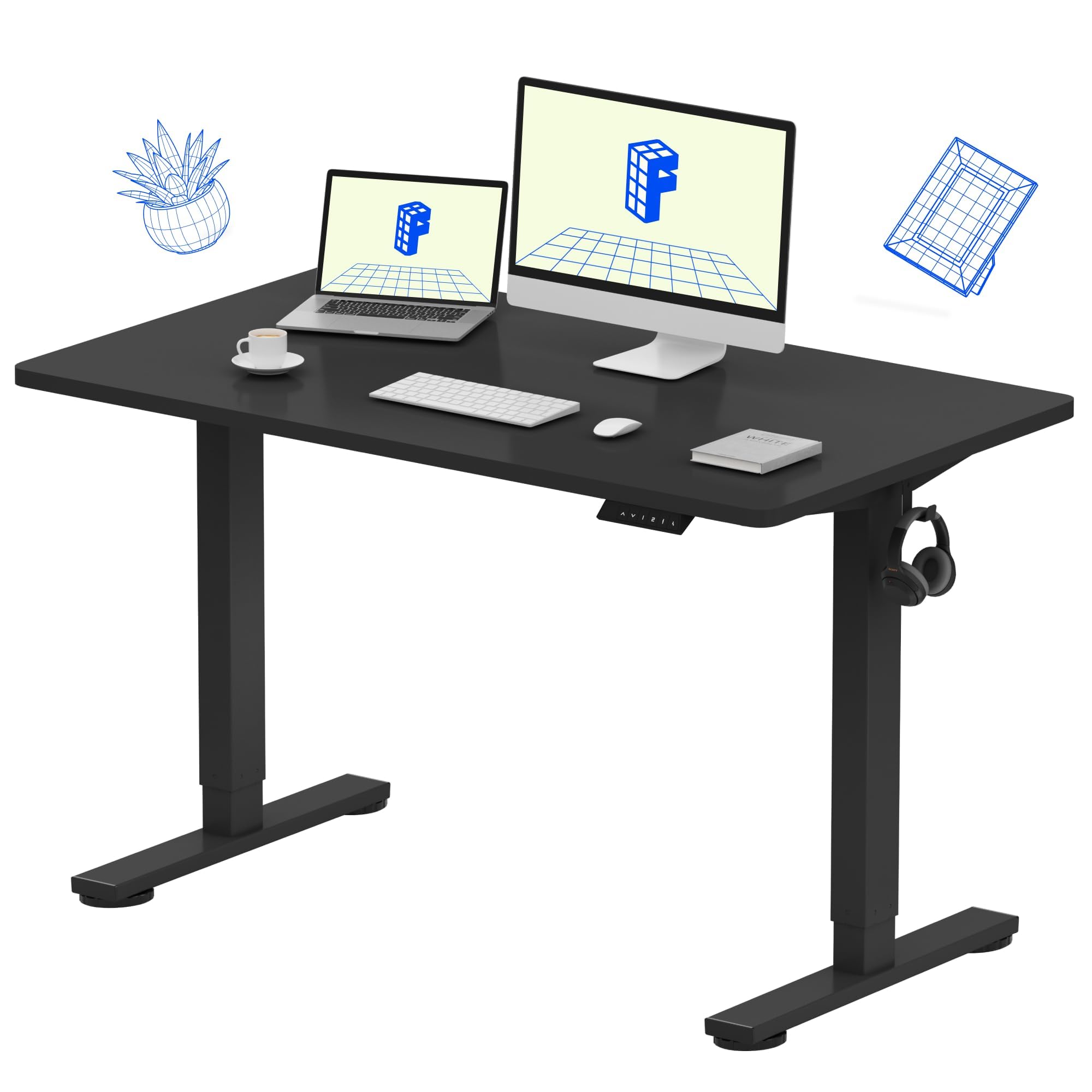
The seam is the first thing to understand about the FEZIBO: the 47.2-by-23.6-inch desktop arrives in two pieces, so there is a line across the middle. We did not mind it under a monitor and keyboard, but it is noticeable if you write on loose paper or drag a mouse across the center. The rest of the desk is straightforward, with a reinforced steel frame and a listed capacity of 176 pounds.

What makes the FEZIBO a runner-up is the balance of price and function. The electric frame moves from 27.3 to 45 inches, and three memory presets are enough for sitting, standing, and a middle height for focused work. The motor is rated under 45 dB, so it does not interrupt a call, and the desktop felt stable with a monitor and laptop.

Assembly is mostly preassembled, and the manual is better than average for this price. Check the fasteners after the first week; a couple of loose bolts are what usually turn a stable desk into a wobbly one. If you want the lowest entry to electric standing, the FEZIBO is the value play.

Pros

  • Electric height adjustment with three presets
  • 176-pound capacity
  • Quiet motor rated under 45 dB
  • Mostly preassembled

Cons

  • Slight side-to-side movement at top height
Our verdict

The FEZIBO is the standing desk we point to when you want electric height adjustment without paying a premium, as long as a two-piece top does not bother you.

Check Latest Price
5

Best Large Standing Desk

Veken 55-Inch Standing Desk

90 /100
LBD Score Outstanding

Key details

Desktop Size
55.1 x 23.6 in
Height Range
28.3–46.5 in
Weight Capacity
154 lb
Cable Management
Built in
View on Amazon

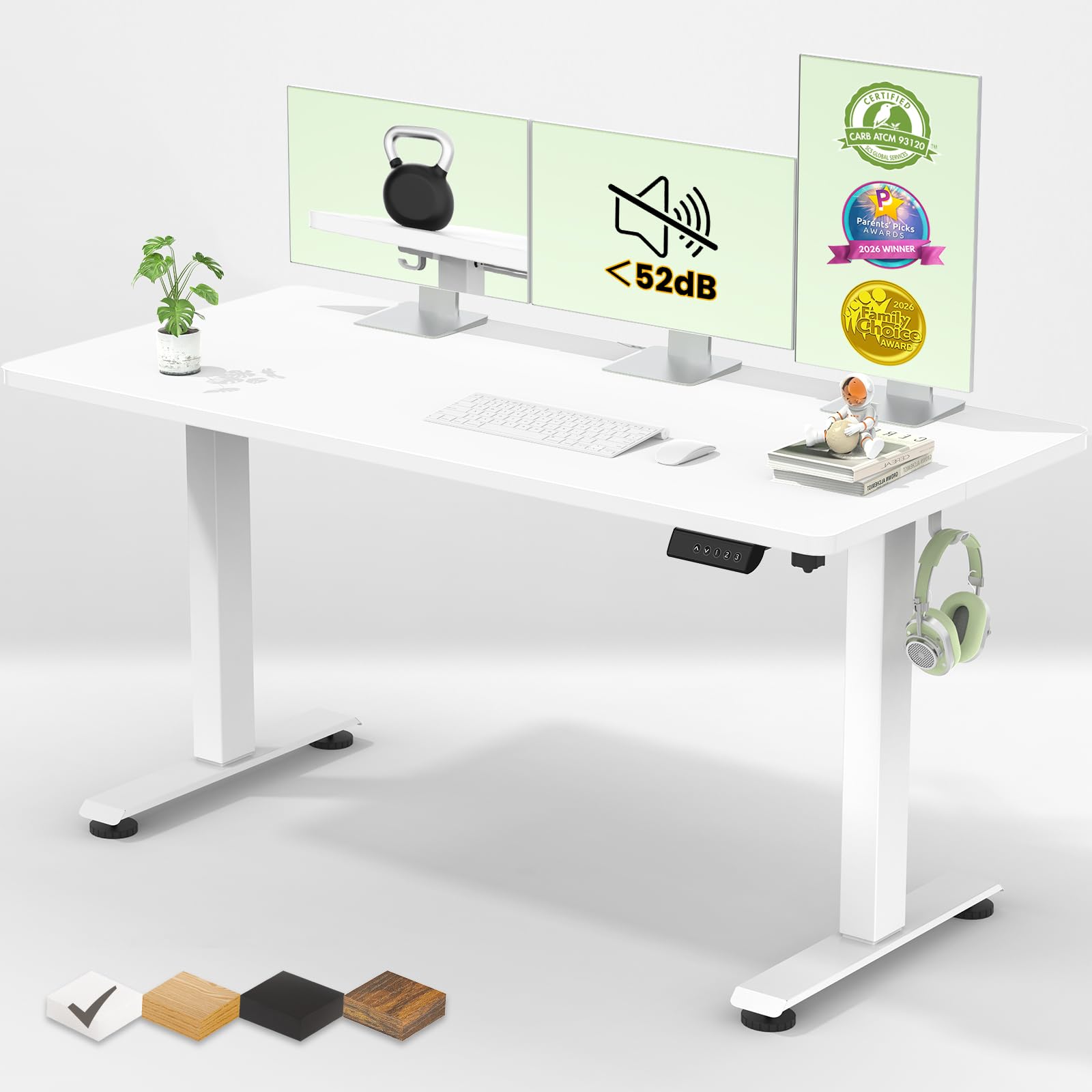
A 55-inch standing desk is a different category of workspace: the Veken's top is wide enough for a laptop and two monitors, and the built-in cable management keeps the back edge from turning into a nest. We appreciated the extra width most when a second screen and a notebook shared the surface, and the white finish made the desk feel less heavy in a small office. The frame is rated for 154 pounds, which is enough for a typical dual-monitor setup but not a loaded gaming rig.

The sit-stand range runs from 28.3 to 46.5 inches, and the motor is quiet enough to move during a call. The memory presets make the switch between seated and standing a one-button habit, and the controls are simple enough that we did not need the manual after setup.

Assembly is a two-person job if you want to avoid balancing the top on one leg, and the instructions are clear. The 55-inch width needs a wall long enough to take it, so measure before you build; this is not the desk for a narrow nook. The Veken is the step up when you want a large standing surface, quiet movement, and cable management without moving into premium pricing.

Pros

  • 55-inch surface fits two monitors and a laptop
  • Quiet motor with memory presets
  • Built-in cable management
  • Sturdy steel frame

Cons

  • Minor shimmy at standing height
Our verdict

The Veken gives you a large sit-stand workspace without the usual standing-desk price, and its quiet motor and cable management make it a natural fit for a full-time home office.

Check Latest Price
6

Best L-Shaped Gaming Desk

AODK 53-Inch L-Shaped Desk

92 /100
LBD Score Outstanding

Key details

Power
3 outlets, 2 USB
Height
29.8 in
Storage
2 shelves
Desktop Size
53.15 x 18.9 in
View on Amazon

The AODK's L shape is the practical part: it tucks into a corner and gives you two work zones without the wide wall footprint of a 55-inch rectangle. The built-in power strip adds three outlets and two USB ports at the back edge, which is the kind of convenience that disappears into the setup once everything is plugged in. The desk also has two shelves, a CPU stand, a headphone hook, and a storage bag, so the surface can stay clearer than it would on a plain table.

The LED strip is the fun part. It has 10 static colors, 8 brightness levels, and 10 dynamic modes, and the memory function keeps your last setting. We liked the glow under the monitor shelf because it lights the keyboard area without glaring in your eyes; it is not a reason to buy the desk on its own, but it makes a gaming corner feel finished.

The 53-by-18.9-inch top is spacious for a monitor and keyboard, and the reversible layout lets you put the return on the left or right. The 1-inch top and steel frame feel solid for the price. The power strip is useful, but plan its cable route before you load the desk; the outlet still needs to reach a wall socket.

What earns the AODK a place is the way it solves the small-room gaming problem: you get storage and power in the corner instead of stacking them on the desktop. The layout is compact enough for a bedroom and flexible enough to switch sides, and the LED strip adds personality without taking over the desk. If you want a plain L desk, this one's extras may be more than you need.

Pros

  • Reversible L-shaped layout
  • Built-in 3 outlets and 2 USB ports
  • Two shelves and storage bag
  • Customizable LED strip

Cons

  • CPU stand fits only smaller towers
  • LED wiring is hard to conceal
Our verdict

For a corner gaming setup that needs shelves, charging, and some atmosphere, the AODK L-shaped desk packs a lot into a compact footprint.

Check Latest Price
7

Heavy Setups

ErGear 48-Inch Standing Desk

91 /100
LBD Score Outstanding

Key details

Desktop Size
47.2 x 23.6 in
Height Range
28.35–46.5 in
Memory Presets
4
Weight Capacity
176 lb
View on Amazon

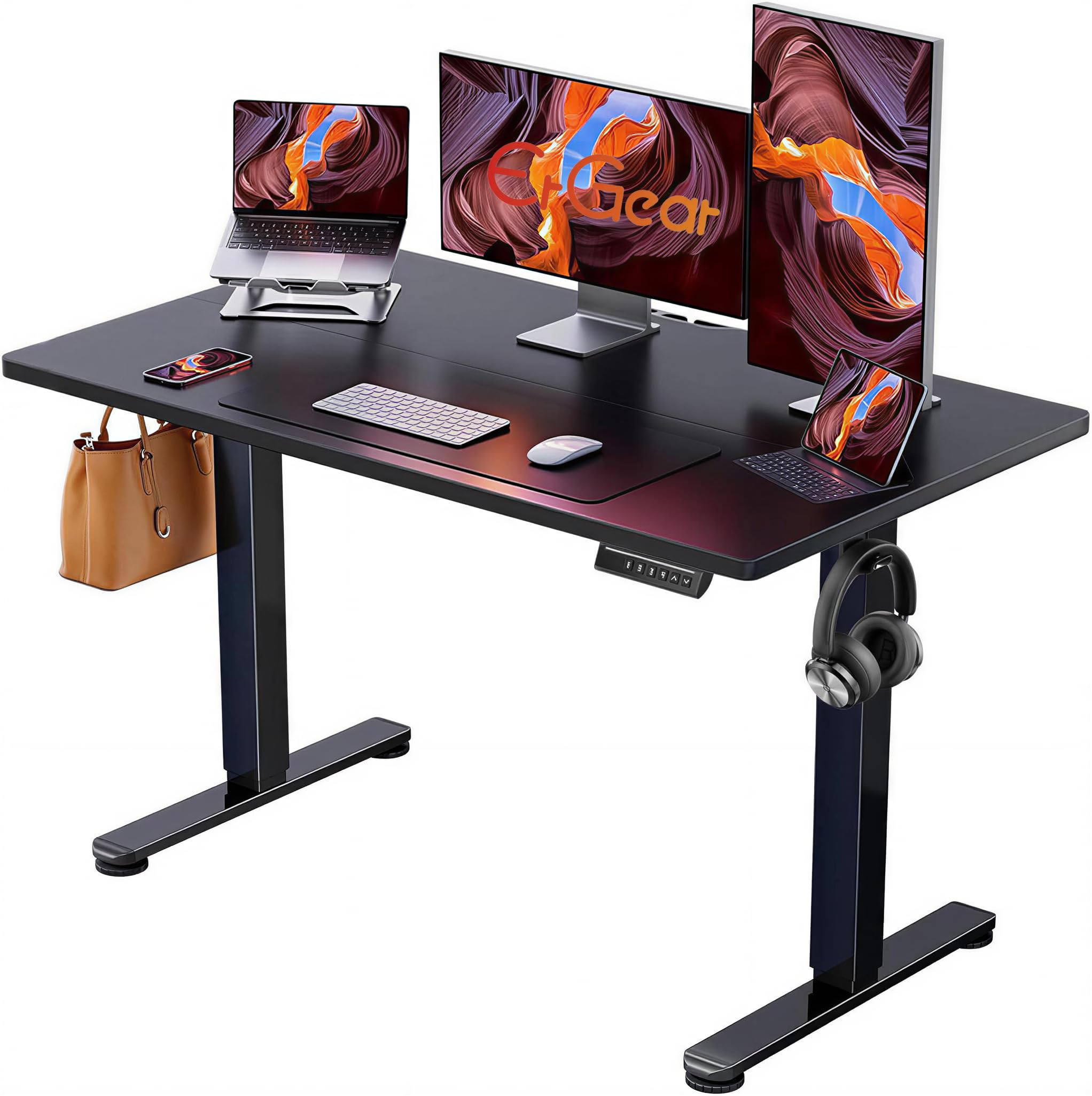
On paper, the ErGear looks like a near twin of our top pick: a 48-by-24-inch top, an electric frame, four memory presets, and a 176-pound capacity. That extra capacity is the concrete advantage; if your setup includes a heavy monitor arm or a desktop tower on the desk, the ErGear has more headroom than the FLEXISPOT's 154-pound rating. The frame is steel, the feet are adjustable, and the height range runs from 28.35 to 46.5 inches.

The desk moves smoothly, and the four presets are easy to set. We found the surface stable enough for a monitor and keyboard at standing height. The laminated top is plain but easy to wipe, and the black finish disappears against most office furniture.

What keeps the ErGear in the also-consider tier is consistency. Some desks arrive with chipped or cracked tops, so inspect the top before assembly and start a return immediately if you find damage. The instructions are also less clear than the FLEXISPOT's. If you need the 176-pound capacity, the ErGear earns a look; if you want the more polished package, the FLEXISPOT remains our default.

Pros

  • Higher 176-pound capacity than our top pick
  • Four memory presets and smooth lift
  • Same 48-inch footprint as top pick
  • Stable steel frame

Cons

  • Slight side-to-side flex at standing height
Our verdict

The ErGear is a close standing-desk alternative to our top pick, with a higher listed capacity and the same 48-inch footprint for heavier setups.

Check Latest Price

How We Chose and Tested Computer Desks

We started by building a shortlist from the desks shoppers actually compare: compact fixed desks, full-size work surfaces, and electric sit-stand models with memory presets. We filtered for reasonable price, useful desktop sizes, and features that come up again and again, like steel frames and height adjustment. Then we brought in 12 desks and spent six months living with them in home offices, a gaming corner, a spare bedroom, and a student workspace. I assembled each one solo with the included instructions, timed the build, and noted every step that required a second read or a second pair of hands.

Once built, the desks held dual monitors, laptops, printers, and the usual clutter. I typed at sitting and standing heights, raised and lowered electric models through their full range, and used the memory presets during a normal workday. To check sturdiness, I leaned on the front edge, bumped the top while typing, and watched for monitor shake; I also listened for motor noise when the desk moved. For quality and durability, I inspected joints, hardware, and edge finishes, then kept notes over six months as surfaces were cleaned, equipment was moved, and screws were rechecked.

Appearance got a real-room test in each space, because a finish can look fine online and wrong next to a wall. I also weighed value at the end, not at unboxing: what still felt solid, looked good, and worked smoothly after months of daily use. The desks that made the list were the ones that were clear to assemble, steady under load, and easy to live with—not just impressive on the first day.

How to Choose a Computer Desk

Measure the Footprint Before the Desktop

Start with the floor plan, not the product photo. A 55-inch desk gives you room for two monitors and a laptop, while a 40-inch model is better for a single screen in a tight room. Depth matters just as much: a 19.7-inch top leaves less room for a deep monitor stand than a 24-inch top, and an L-shaped desk needs corner clearance as well as wall space.

Tape the outline on the floor, including the chair pull-out and the swing of any door. Most desks here sit around 28 to 30 inches high, so check that against your chair and keyboard height. If the outline feels cramped before you buy, the desk will feel worse once the monitor is on it.

Decide Whether You Will Actually Stand

A fixed desk is simpler, cheaper, and one less thing to break. An electric desk earns its keep if you genuinely alternate between sitting and standing; the useful range here runs from about 27 to 46.5 inches, and three or four memory presets turn the switch into one button press. The FLEXISPOT EN1 shows the polished version, while the FEZIBO cuts the entry price with a two-piece top.

Check stability at the top of the range before you load the desk. A model that reaches 46 inches but shimmies when you lean on it is not giving you a comfortable standing position. Raise it empty, press gently on the front edge, and only then add the monitor.

Look at the Frame and Top Together

A steel frame and a particleboard top are the normal combination in this price range, and that is fine for a monitor and laptop. The difference shows up when you push the desk sideways or load it heavily: a 110-pound desk is adequate for basic use, while 154 to 176 pounds gives more headroom for a monitor arm, speakers, or a desktop tower.

Particleboard deserves care. Keep it dry, do not over-tighten the screws, and inspect the corners before assembly; a chip at the edge is hard to hide. The VASAGLE's 55-inch top is a lot of surface for the money, but its particleboard construction is the reason it needs a gentler setup than the steel-and-laminate standing desks.

Plan for Assembly and the Mess Behind the Desk

Assembly is where a good desk can turn sour. One person can build the SHW and FEZIBO with the included tools, while the Veken and other wide standing desks are easier with two. Lay out the parts, keep the hardware bags labeled, and recheck the fasteners after the first week; a loose bolt is the usual source of a new wobble.

Built-in outlets and cable management are real conveniences, but they do not replace a nearby wall socket. Measure the cable route before you commit, and choose a desk with a cable tray or clip if the back edge will be visible. An LED strip is fun; it should not be the reason you pick one desk over another.

Frequently Asked Questions

Final Verdict

The FLEXISPOT EN1 is the desk we recommend first because it covers the most common home-office setup: a 48-inch one-piece top, four presets, and a five-year frame and motor warranty. If you never plan to stand, the VASAGLE gives you a wider surface for less and is the simpler buy. If you need the widest sit-stand surface, the Veken is the step up. Start with your footprint and monitor layout, then choose the desk that matches them.