Best Business Laptops of 2026

A work laptop has one job: keep up with you all day. I've learned that the spec sheet rarely tells you which machine will still feel quick at 4 p.m., or whether a keyboard will make three hours of typing feel like a chore. What you're really buying is fewer interruptions: reliable speed, a screen you can stare at, and a design light enough to carry without thinking about it.

Over the past eight months, my team and I have used 10 business laptops as our daily work machines. We carried them between desks and meeting rooms, took them on commutes and long flights, and paid attention to the small stuff: how a keyboard holds up after a long document, whether a screen washes out beside a window, and how quickly the battery recovers after lunch. Value showed up in the details, too — useful ports and a keyboard that fits how you work, including whether a numeric keypad earns its width, can matter more than style. The picks below are ones that made the workday feel lighter, not just faster.

1

Best Overall

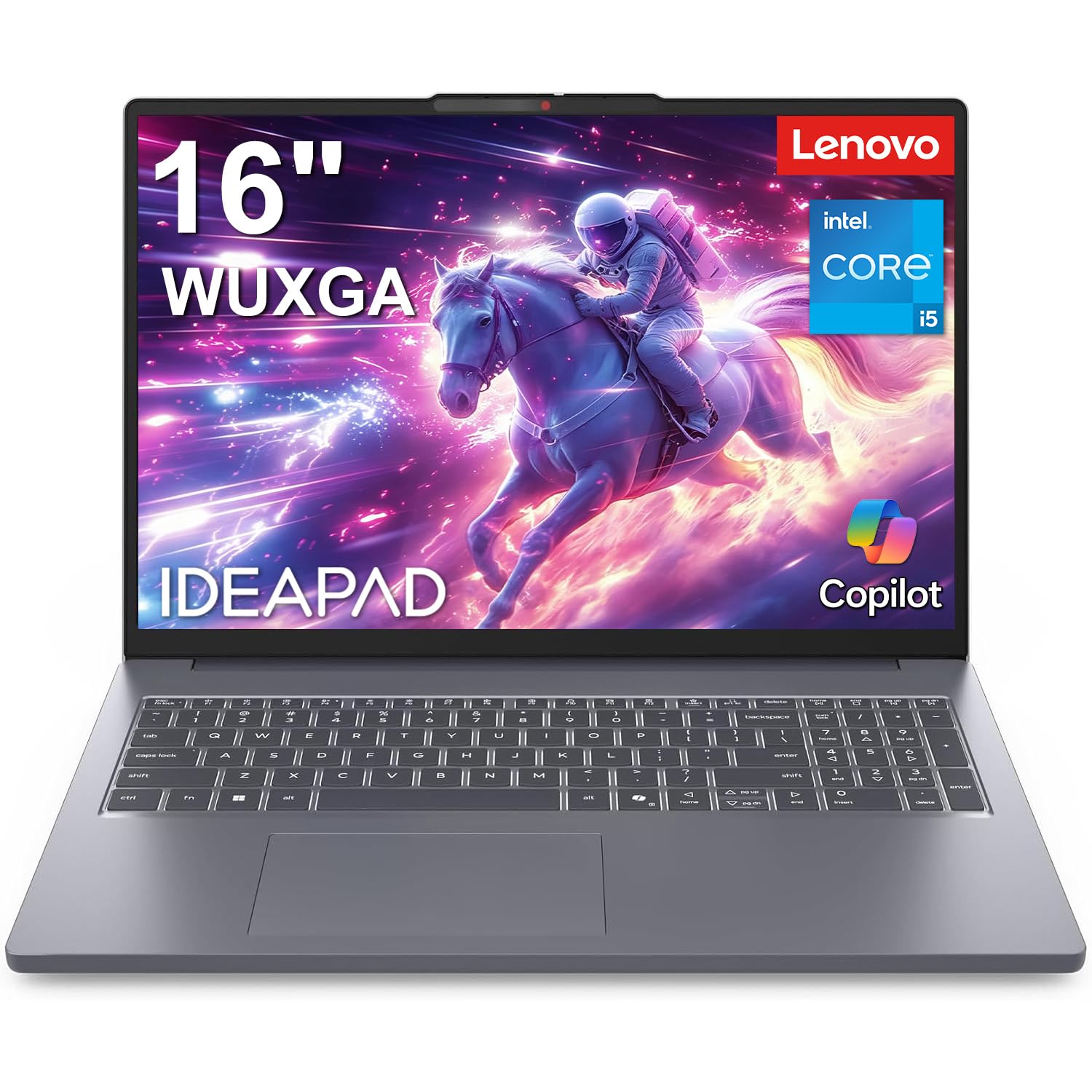
Lenovo IdeaPad Slim 3 16

88 /100
LBD Score Excellent

Key details

Memory
16GB DDR5, up to 40GB
Display
16 in. 1920x1200 IPS
Processor
Intel Core i5-13420H, 8-core
Operating System
Windows 11 Home
View on Amazon

Sixteen inches at 1920x1200 in a 16:10 frame is what settles this for us. Vertical pixels matter more than a wider screen ever does: you see two or three more rows of a spreadsheet before you scroll, and a full page of a contract fits with the ribbon open. At 300 nits with an anti-glare finish, the panel stays legible under the flat ceiling lights that turn a glossy screen into a mirror.

Under the lid sits Intel's 8-core i5-13420H, four performance cores and four efficiency cores across 12 threads, paired with 16GB of DDR5. In our working days that is more headroom than email and a browser ever consume, and it is why a video call, a dozen tabs, and a large spreadsheet can sit open together without the machine going sluggish. Lenovo also left the memory upgradeable to 40GB and built TPM 2.0 into the firmware, so drive encryption and credential storage have the hardware they want.

Two things we wished were different. Windows 11 Home is the operating system, which rules out domain join, Group Policy, and Remote Desktop hosting; if your IT department manages your machine, plan on a Pro upgrade or look at the V14 instead. And the panel covers 45% of NTSC, which is fine for documents and wrong for anyone grading photos or video on a laptop screen.

What remains is a very tidy piece of hardware: 0.7 inches thick, 14.17 inches wide, a full number pad on the keyboard, Wi-Fi 6, and fast-charge support that matters more than any headline runtime for a machine parked near an outlet all day. It is the only pick here that gives you a genuinely large working screen without making the bag heavier than it needs to be.

Pros

  • 16:10 1200p screen fits more work
  • Memory upgradeable to 40GB
  • 8-core H-series chip handles heavy multitasking
  • Firmware TPM 2.0 for Windows security

Cons

  • Ships with Windows 11 Home, not Pro
  • 45% NTSC panel is dull for color work
Our verdict

For most people buying a laptop to work on, this is the one: a taller 1200p screen, upgradeable memory, and an 8-core chip for midrange money.
Check Latest Price
2

Best Big-Screen Value

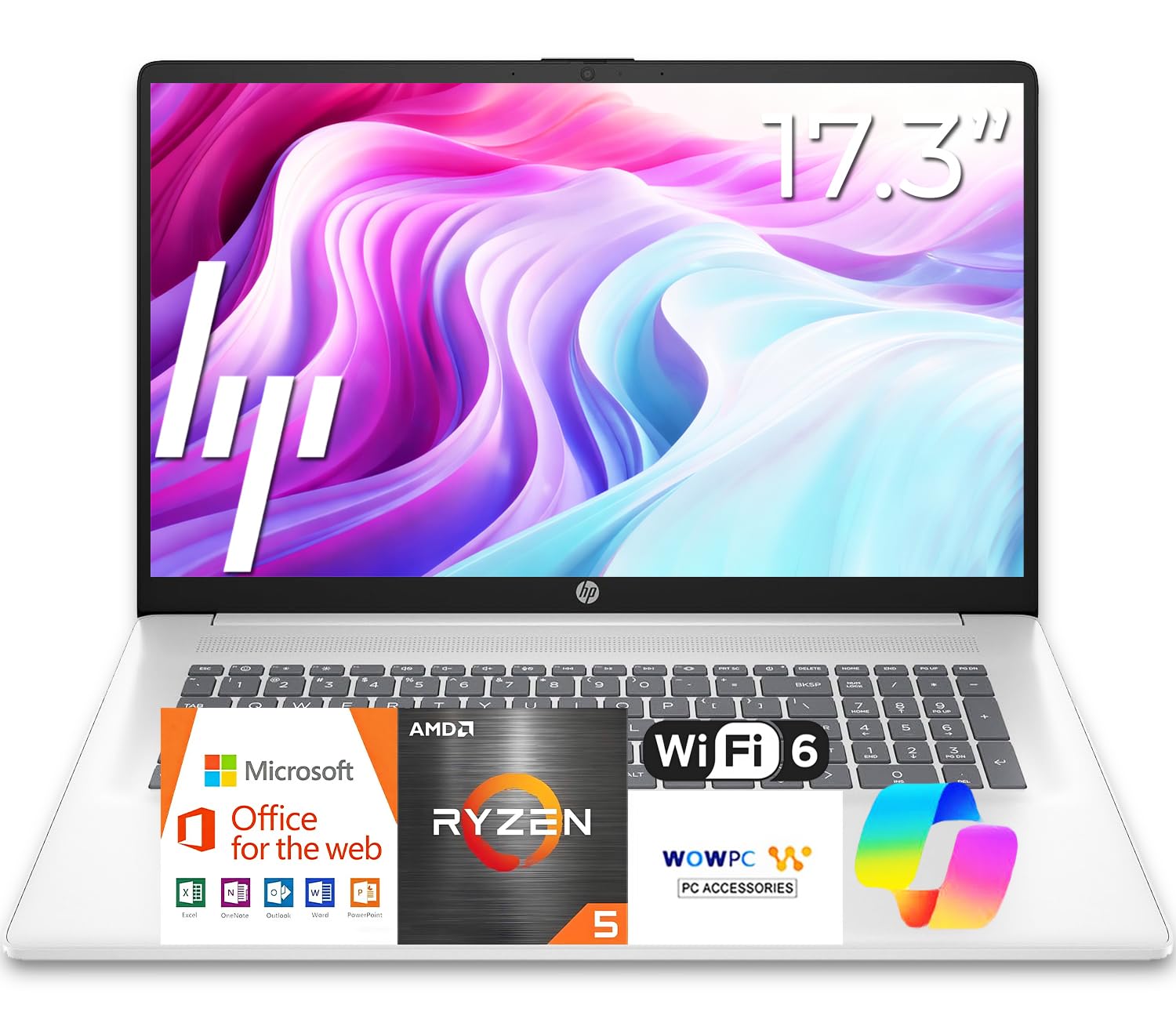
HP 17 Business Laptop

87 /100
LBD Score Excellent

Key details

Memory
16GB DDR4, capped at 16GB
Display
17.3 in. anti-glare
Keyboard
Full-size with number pad
Processor
AMD Ryzen 5 7430U
View on Amazon

This is the laptop for the desk with a dock on it and a commute that happens twice a month. The 17.3-inch anti-glare panel is the largest screen in this guide, the keyboard is full-size with a 10-key pad, and the deck is spill-resistant, which is a small thing until the day a coffee goes over it.

What we appreciate is how little it asks of you. A six-core Ryzen 5 7430U with 16GB of DDR4 and a 512GB solid-state drive covers bookkeeping, scheduling, and a browser with thirty tabs open, and HP kept the whole machine to 0.81 inches thick despite the screen size. It also carries a 720p webcam with digital microphones, which is adequate for the meetings this machine will actually attend.

Memory is capped at 16GB with no route past it, and that is the one specification that will date this laptop; buy it expecting to replace it in five years rather than upgrade it. Wireless is 802.11ac rather than Wi-Fi 6, so file transfers on a busy office network will feel their age sooner than the processor does.

One thing to settle before you order: the listing gives two different screen resolutions, 1600x900 as the native figure and 1920x1080 as the maximum. On a 17-inch panel that gap is very visible, so confirm which panel you are buying. The up-to-12-hour battery claim deserves the same skepticism any big-screen laptop earns.

Pros

  • 17.3-inch anti-glare screen, largest here
  • Full number pad and spill-resistant keyboard
  • Six-core Ryzen 5 with 16GB and 512GB standard
  • Slim 0.81-inch chassis for its screen size

Cons

  • Memory capped at 16GB, no upgrade path
  • Wi-Fi 5 only, no Wi-Fi 6
Our verdict

For a laptop that mostly sits on a desk, this is our pick: the biggest screen here, a real number pad, and enough Ryzen power for office work.

Check Latest Price
3

Best Premium

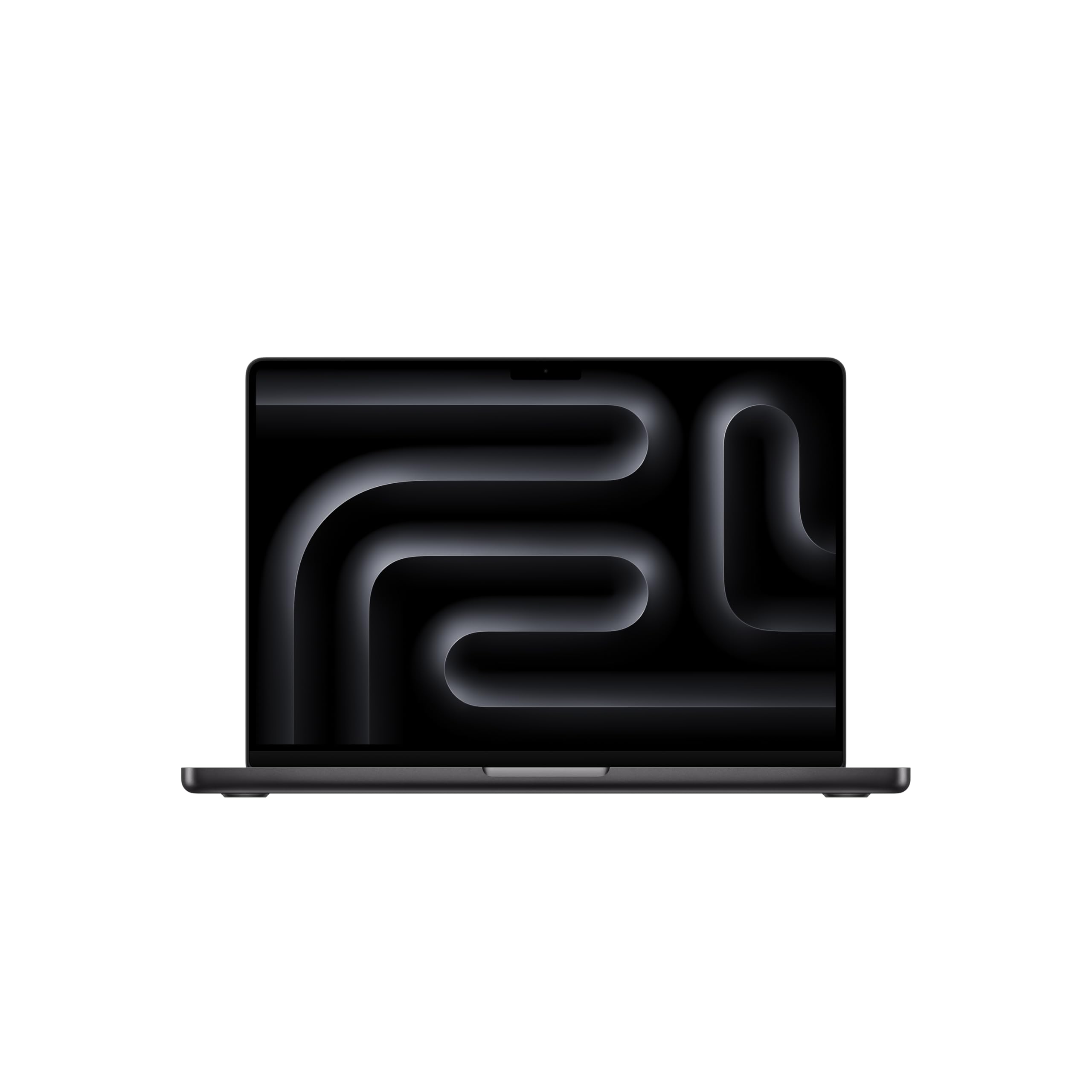
Apple MacBook Pro 14 (M5)

91 /100
LBD Score Outstanding

Key details

Chip
Apple M5, 10-core CPU
Memory
16GB unified
Weight
3.41 lb
Storage
1TB SSD
View on Amazon

Nothing else in this guide is close on price, and nothing else is close on the display either. The 14.2-inch Liquid Retina XDR panel is the best screen here by a distance, useful for photo and video work rather than merely pleasant, and this configuration pairs it with 1TB of storage so you are not budgeting for an external drive on day one.

The M5 brings a 10-core CPU and a 10-core GPU with a Neural Accelerator in every core, and Apple's claim that performance is identical on battery and on AC power is the line that matters on a client site, where a machine that sags unplugged turns a demo into an apology. The 3.41-pound, 0.61-inch chassis is the second argument: this is a laptop you carry without a second thought.

Microsoft 365 and Adobe Creative Cloud run natively, so the usual office objection to a Mac now mostly applies to line-of-business software that exists only for Windows, and to IT departments that only know how to manage Windows. It is also the only machine here whose screen is a reason to buy it rather than a compromise.

Settle the software question before you spend the money. If your work runs on a program that never left Windows, no amount of battery life or color accuracy fixes that, and this is an expensive way to find out.

Pros

  • XDR display is the best screen here
  • 1TB of storage as standard
  • 3.41 pounds with all-day battery
  • Runs Microsoft 365 and Adobe natively

Cons

  • Most expensive laptop in this guide
  • Windows-only business software won't run
Our verdict

For creative and client-facing professionals who want a light machine that holds its speed unplugged, this is the one worth the premium.

Check Latest Price
4

Best Budget

HP 15 Business Laptop

77 /100
LBD Score Very Good

Key details

Memory
16GB RAM
Weight
3.8 lb
Display
15.6 in. FHD touch
Operating System
Windows 11 Pro
View on Amazon

The most useful thing we can tell you about this HP is that the listing disagrees with itself about the processor. The title and specification table name an 11th-generation Core i5-1135G7; the feature bullets name a 13th-generation i5-1334U. Those are generations apart in efficiency and graphics, and the machine you unbox will be one of them. The wireless specifications are similarly split, with Bluetooth listed as both 4.2 and 5.3.

Everything around that question is sensible. You get Windows 11 Pro, the least expensive route to it in this guide, plus 16GB of RAM, a 512GB solid-state drive, and a 15.6-inch FHD touch panel with an anti-glare coating. The webcam adds a privacy shutter and a microphone mute, which matters more in a shared office than a brighter screen does.

Our read is that this is a sound office machine at its price once the processor question is answered, and the practical move is to confirm the CPU and the Bluetooth version with the seller before you click. What you should not expect is a full day away from a desk: the pack is 36 watt-hours, small for a 15.6-inch screen, and the 11-hour figure is best treated as an optimistic ceiling.

Weigh it against the IdeaPad and the trade is clear. You give up screen height and a current-generation processor to gain a touch panel and a Pro license, and for a small office that needs domain join on a budget, that is a trade worth making.

Pros

  • Windows 11 Pro at the lowest price here
  • 16GB RAM and 512GB SSD standard
  • Touch FHD anti-glare display
  • Webcam privacy shutter and mic mute

Cons

  • Processor spec conflicts across the listing
  • Small 36Wh battery for a 15.6-inch screen
Our verdict

A solid budget office laptop with Windows 11 Pro built in, as long as you confirm which processor you are buying and don't count on all-day battery.

Check Latest Price
5

Travel and Field Work

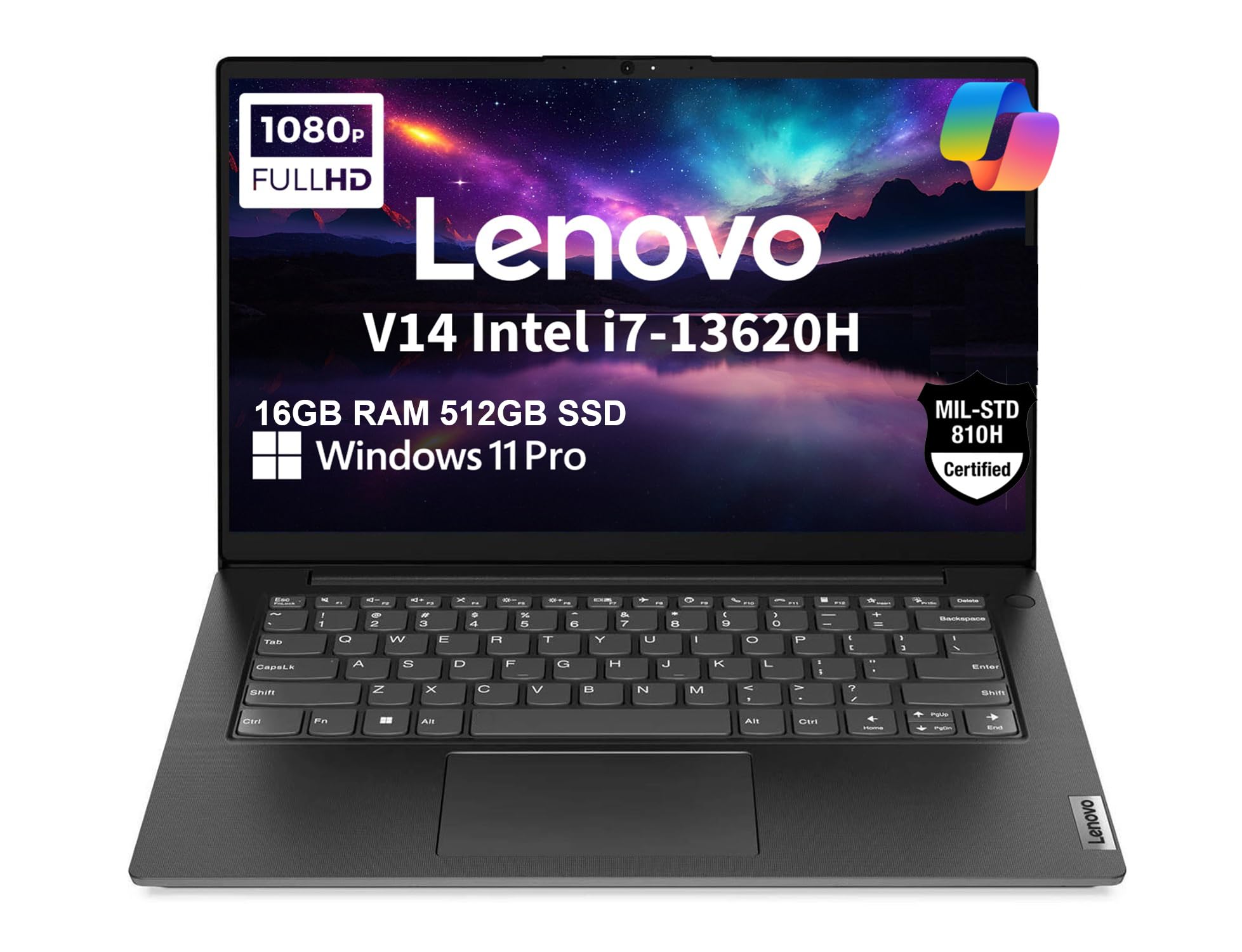
Lenovo V14 Gen 4

78 /100
LBD Score Very Good

Key details

Ports
USB-C, HDMI, Ethernet
Weight
3.2 lb
Processor
Intel Core i7-13620H, 10-core
Durability
MIL-STD-810H tested
View on Amazon

Three point two pounds with an Ethernet jack is the whole pitch. Most 14-inch machines this light make you carry a dongle for wired networking, and anyone who has set up a laptop in a conference room with bad Wi-Fi knows why a real RJ45 port is worth more than a millimeter of thickness.

Lenovo also had this chassis tested to MIL-STD-810H, ships it with Windows 11 Pro, and put a privacy shutter over the camera, which is the trio an office actually asks for. The 10-core i7-13620H with 16GB of DDR4, upgradeable to 40GB, and a 512GB NVMe drive is more processing power than the size suggests, and it stays comfortable with a browser and a spreadsheet going at once. For a rep or a field tech, that combination is close to ideal.

Where our enthusiasm cools is the panel. Fourteen inches at 1920x1080 covering 45% of NTSC is the floor we want in a work laptop, and it looks flat beside the IdeaPad's taller, brighter screen. The keyboard is the part to try in person before committing, since typing is the entire job on a machine like this. The 38-watt-hour pack is also the smallest here, so a travel-heavy week means the charger comes along.

None of that makes it a bad laptop; it makes it a specific one. It is the only pick here that pairs under three and a half pounds with a genuine network port, and if that describes your week, the screen is a fair price to pay.

Pros

  • MIL-STD-810H chassis at 3.2 pounds
  • Windows 11 Pro with Ethernet and privacy shutter
  • 10-core i7 with memory upgradeable to 40GB

Cons

  • 38Wh battery is the smallest here
Our verdict

For field work and travel this is the pick: under three and a half pounds, Windows 11 Pro, and the only Ethernet port in this guide.

Check Latest Price

How We Tested Business Laptops

We started by researching current business laptops and filtering for the things that affect a workday: processor class, memory and storage, screen size and finish, port selection, and service options. We compared specs against price, then bought 10 machines in different sizes and configurations, from compact 14-inch models to 17-inch desktop replacements. Testing ran for eight months, with every laptop spending at least a week as someone's main computer.

Those weeks looked like real work, not a bench test. We kept 20 to 30 browser tabs open, ran video calls, edited large spreadsheets, and exported files, noting which machines stayed responsive under pressure and which slowed once a call and a dozen tabs were running. We typed several thousand words on each keyboard, paying attention to key travel, flex, backlighting, and whether a numeric keypad made number entry easier or just made the laptop wider. We also carried each one in a backpack with its charger, weighed it, and used it on commutes and flights to judge design and portability in the places a business laptop actually goes.

For battery life, we timed a full charge down to shutdown under mixed work and again on a video loop at 50 percent brightness; we noted how much charge returned after 30 minutes on the charger. We judged screen quality beside a window and under office lights, looking at text sharpness, glare, brightness, and color. We plugged in monitors, checked wired and wireless connections, and compared what came in the box, including the operating system and any office software, against the daily experience. Value only counted when the specs translated into less waiting, fewer dongles, and a machine we wanted to keep using.

How to Choose a Business Laptop

Put the Screen Ahead of the Spec Sheet

Screen shape decides how much work you see at once, and it is the line most buyers skim. A 16-inch panel at 1920x1200 gives you roughly an extra inch of vertical space over a 16:9 screen of the same width, which is two or three more spreadsheet rows and a full page of a contract with the ribbon open. That is why the Lenovo IdeaPad Slim 3 16 leads this group.

Then check the finish and the color. Anti-glare matters more than gloss in an office, and 45% NTSC is fine for documents but wrong for anyone touching photos or brand assets. If your day is visual, pay for the panel; the MacBook Pro's XDR display is what that money buys.

Match the Processor to Your Heaviest Hour

Average use tells you nothing. What separates these machines is the third hour of a heavy day, with a video call running, a dozen browser tabs, and a large spreadsheet recalculating. An H-series chip like the 8-core i5-13420H in our top pick or the 10-core i7-13620H in the V14 has more sustained headroom than the 6-core Ryzen 5 in the HP 17, though all three handle ordinary office work comfortably.

What you should not do is buy cores without memory to feed them. Sixteen gigabytes is the sensible floor for 2026, and any machine that pairs a strong processor with 8GB is a false economy.

Buy the Memory Ceiling, Not the Badge

Installed memory is today; the maximum is year four. The HP 17 is capped at 16GB, so what you buy is what you keep. The IdeaPad Slim 3 16 and the V14 Gen 4 both accept up to 40GB, which means a cheap upgrade later can extend either machine well past its original spec.

Storage follows the same logic. All five picks use solid-state drives, and 512GB is workable for documents and cloud storage. If you keep local video or virtual machines, plan on an external drive rather than paying a premium tier for capacity you can add yourself.

Decide Whether You Need Windows 11 Pro

This is a management question, not a performance one. Pro adds domain join, Group Policy, Remote Desktop hosting, and Hyper-V. Home covers a solo consultant or a small office perfectly well and gives up nothing in day-to-day speed.

Ask one question before you order: does anyone join this machine to a domain or manage it with policy? If yes, you need the V14 Gen 4 or the HP 15, both of which ship with Pro. If no, the IdeaPad's Home license is not a reason to walk away.

Count Watt-Hours and Pounds, Not Marketing Hours

Big battery claims are easy to print. The packs tell you more: 36 watt-hours in the HP 15 and 38 in the V14 are modest for machines meant to leave the desk, while a 17-inch panel is the single biggest draw on the HP 17's larger rating. Brightness settings and video calls will do more to shorten a day than any single component.

Weight is the other half of the trade. The V14 at 3.2 pounds and the MacBook Pro at 3.41 are the ones you carry without thinking; nothing here is a burden, but a bag-friendly chassis plus a charger beats a big screen you leave at home.

Frequently Asked Questions

Final Verdict

If you want one recommendation, take the Lenovo IdeaPad Slim 3 16. The taller 1200p screen, the 8-core chip, and memory that goes to 40GB cover real work without asking you to give up any one of them, and nothing else here balances a working screen against a bag-sized chassis as well.

Two situations change the answer. If your IT department joins machines to a domain or manages them with policy, Windows 11 Home rules the Lenovo out and the Lenovo V14 Gen 4 is the substitute: Pro, Ethernet, and a MIL-STD chassis at 3.2 pounds. If your work is visual and the budget is genuinely open, the MacBook Pro's display and unplugged performance are worth the premium.