Best Overall
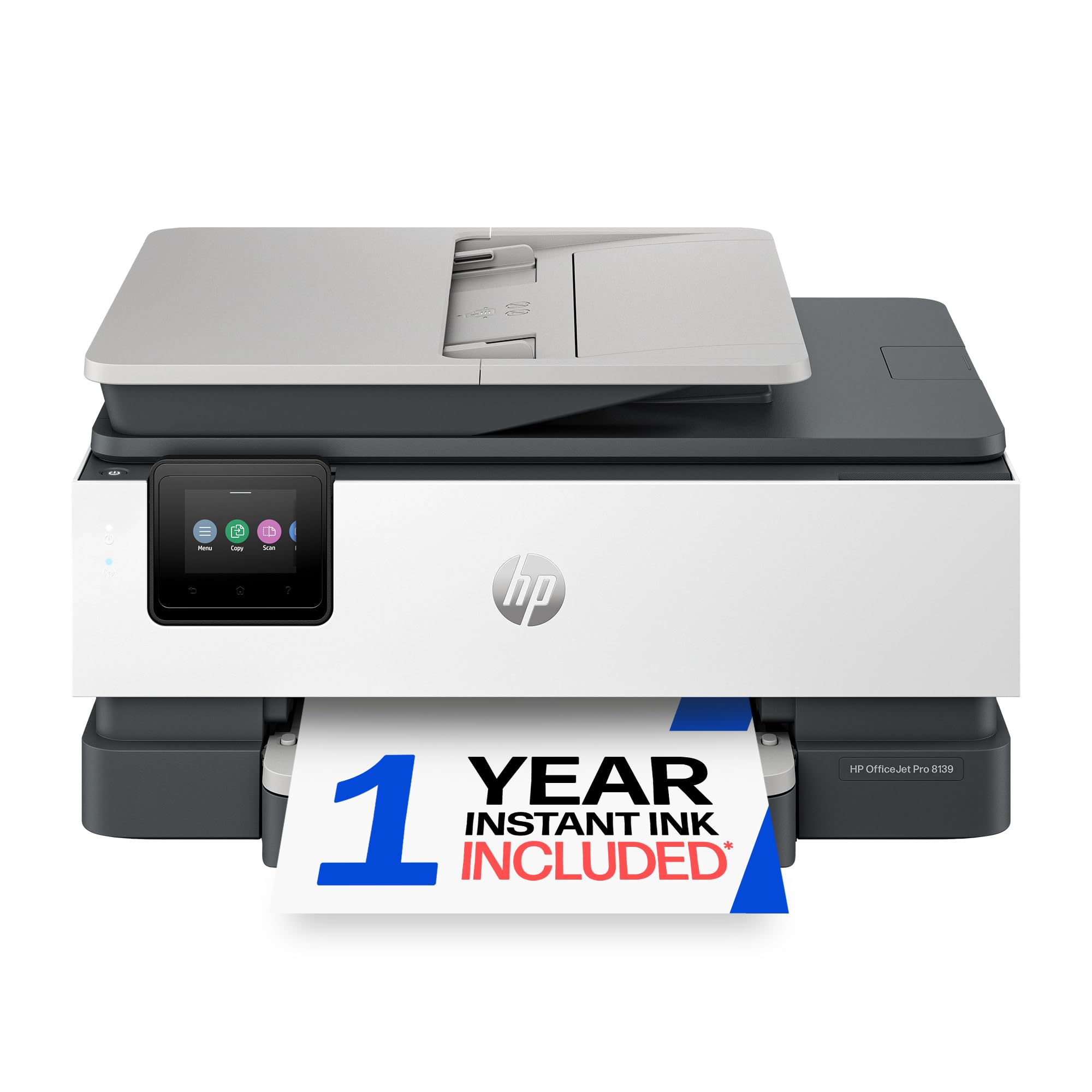
HP OfficeJet Pro 8139
Key details
- Duplex
- Automatic printing
- Functions
- Print, copy, scan, fax
- Print Speed
- 20 ppm black / 10 ppm color
- Paper Capacity
- 225 sheets
Most home-office printers make you pick a lane: a document feeder or a small footprint, a fax or a price that doesn't sting. The HP OfficeJet Pro 8139 refuses the trade. It prints, scans, copies, and faxes, holds 225 sheets, prints both sides without help, and offers Ethernet as well as Wi-Fi, all in a body about 18 inches wide and nine inches tall. The 2.7-inch color touchscreen is the same phone-like panel HP puts on its bigger office machines, and it's why setup here doesn't involve squinting at a two-line LCD.
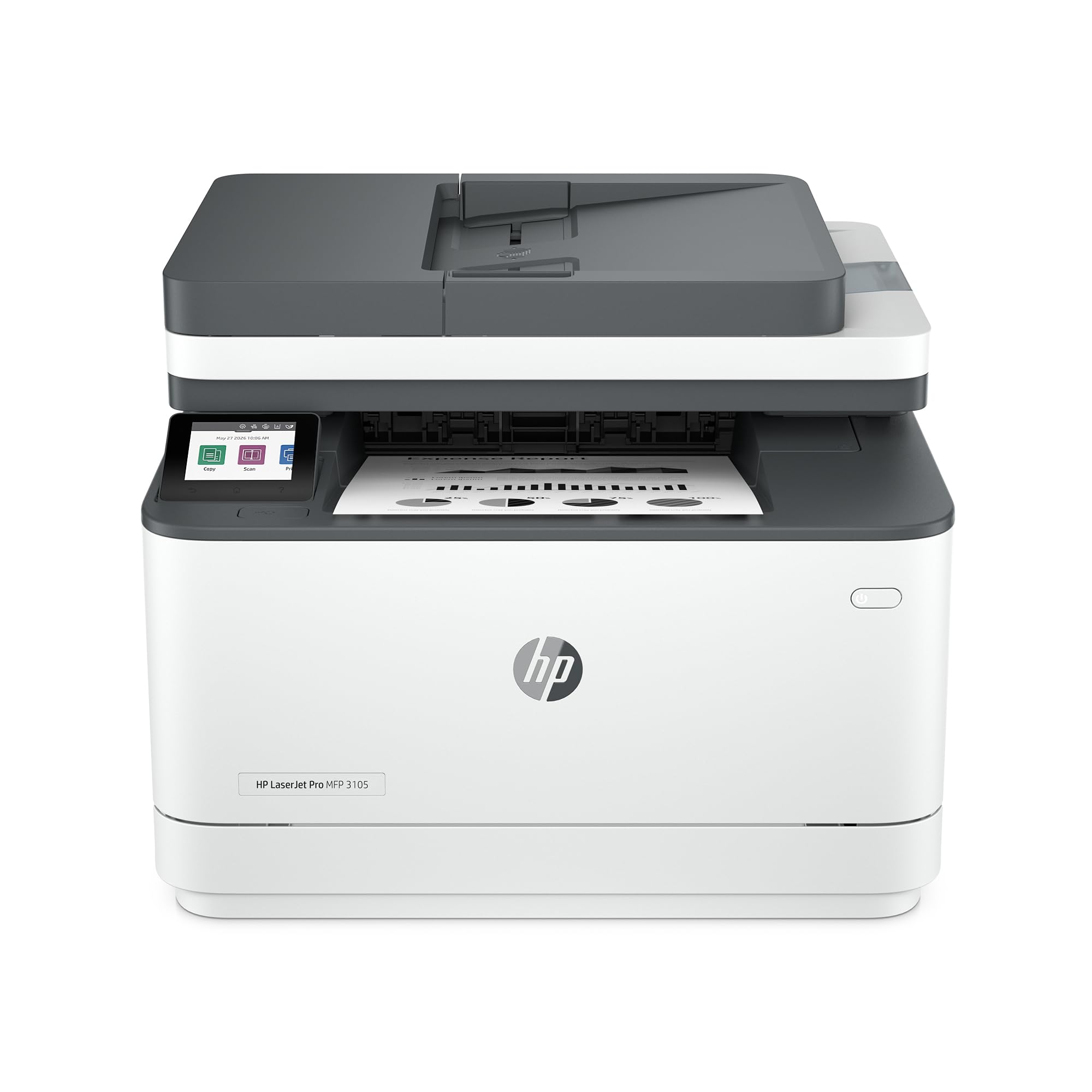
What convinced us is how few workarounds it asks for. Black-and-white pages come out at 20 per minute, color at 10, and the first page lands in about 18 seconds, so a print job doesn't turn into a walk to the kitchen and back. Text is clean and dark, which is most of what a home office prints. The one-sided document feeder is the compromise: single pages and short stacks are fine, but a double-sided 30-page contract means scanning, flipping, and scanning again. The LaserJet Pro 3105sdw below scans both sides.
A year of Instant Ink comes bundled, and it is worth reading what happens when the trial ends rather than discovering it in month thirteen — after that the ink arrives by subscription, and whether that suits you depends on your volume. The 225-sheet tray is the quieter luxury: it is the difference between loading paper every couple of weeks and loading it every few days.
Pros
- Prints, scans, copies, and faxes in one machine
- 225-sheet tray with automatic two-sided printing
- 20 ppm black with an 18-second first page
- Ethernet, dual-band Wi-Fi, and a color touchscreen
Cons
- Document feeder scans one side only
If you need one machine to print, scan, copy, and fax without babysitting it, the OfficeJet Pro 8139 is the most complete home-office printer here, and the one we reach for first.