Best 2TB NVMe SSDs of 2026

A 2TB NVMe drive is the best dollar-per-second upgrade in computing, and the read speed printed on the box is the least useful thing about it. What you actually feel is sustained speed: whether a drive holds its pace while you move a 60GB game library, or heats up and throttles back to something slower than the drive it replaced.

I've spent six months installing 12 of these into desktops, laptops, a game console, and a handheld, and the same few details separated the keepers from the rest. Heat is the big one: a drive can look dramatically faster on paper and feel identical in a case with no airflow over the controller. Fit is the other — plenty of laptops and handhelds only close up over a single-sided drive, and a tall heatsink that's great in a tower won't go under a laptop's bottom panel. Capacity, at least, is easy: 2TB is where you stop uninstalling games to make room. Eight of the twelve are below.

1

Best Overall

Crucial P310 2TB

95 /100
LBD Score Outstanding

Key details

Warranty
5-year limited
Interface
PCIe 4.0 x4
Included Software
Acronis data recovery, Storage Executive
Sequential Read/write
7,100 / 6,000 MB/s
View on Amazon

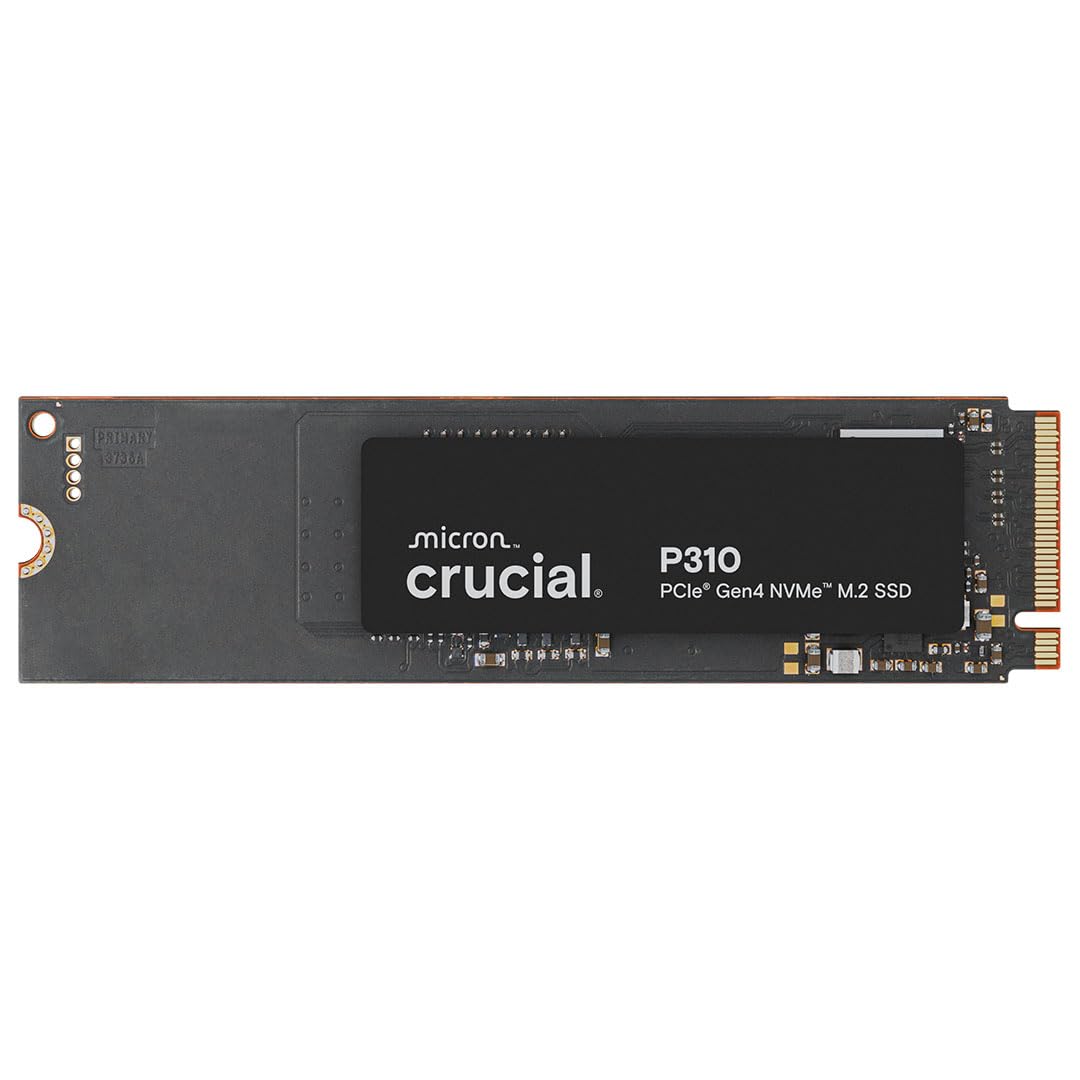
Crucial has priced the P310 like a midrange drive and specified it like a fast one: 7,100 MB/s sequential reads and 6,000 MB/s writes over PCIe 4.0, within a whisker of the Samsung 990 EVO Plus and the WD_Black SN7100. That gap is why it is our top pick. For a desktop, laptop, or console upgrade, nothing else here does more per dollar, and the five-year limited warranty takes most of the worry out of a component that holds everything you own.

Compatibility is broader than the price suggests. It covers desktop and laptop M.2 slots, the PS5, and Windows handhelds including the ROG Ally X, Legion Go, and AYANEO Kun. Crucial bundles Acronis data recovery software with its Storage Executive toolkit, so moving an existing Windows install across is an evening's job rather than a purchase. We also like that it is backward compatible with older PCIe generations: drop it into a Gen3 laptop and it runs at Gen3 speed instead of refusing to boot.

What we appreciated most is how little it asks of you. It fits a standard 2280 slot, it appears in the BIOS the first time, and it holds the speed on the label without a firmware ritual. It is not the fastest drive in this guide and it does not pretend to be, but it is the one we hand to friends building their first machine, and it is the one we would put in our own if the budget had to go somewhere else in the build.

Pros

  • Near-flagship Gen4 speed at a midrange price
  • Works in desktops, laptops, PS5, and handhelds
  • Cloning and drive tools included
  • Five-year limited warranty

Cons

  • Ships bare, so PS5 installs need an added heatsink
  • No published TBW rating for the 2TB model
Our verdict

We think the P310 is the right 2TB drive for most people: Gen4 speed within reach of the flagships, broad compatibility, and a five-year warranty.

Check Latest Price
2

Best for PS5

Lexar NM790 2TB

94 /100
LBD Score Outstanding

Key details

Heatsink
Integrated
Warranty
5-year limited
Endurance
1,500 TBW
Sequential Read/write
7,400 / 6,500 MB/s
View on Amazon

The NM790 turns up with its heatsink already fitted, which sounds trivial until you are holding a PS5 cover, a bare drive, and a separate slab of aluminum that may or may not sit inside Sony's clearance. Lexar's cooler is one piece, the drive clears the console's speed requirement comfortably at 7,400/6,500 MB/s, and the console treats it like any other drive in the bay.

Underneath, the numbers are just as steady: 1,500 TBW is the highest endurance rating in this guide, and the board is single-sided, so it sits flat in shallow slots instead of bowing against the connector. That combination is what makes it the drive we reach for when the target is a console that writes constantly and has one M.2 bay to get right.

The design is DRAM-less, which is the trade behind those efficiency figures: it borrows a slice of system memory through Host Memory Buffer instead of carrying its own cache chip, and Lexar credits that with up to 40 percent lower power draw than DRAM-equipped Gen4 drives. In a console or a game drive that is invisible. In a workstation under heavy random load it is the sort of thing that separates a good drive from a great one, and it is why we stop short of calling this the pick for everyone.

Pros

  • Heatsink fitted out of the box
  • 1,500 TBW endurance, the highest here
  • Single-sided design fits shallow slots
  • Low power draw for a Gen4 drive

Cons

  • Integrated heatsink needs clearance in thin laptops
Our verdict

For a PS5 or any build where you want the cooler already sorted, the NM790's fitted heatsink and 1,500 TBW rating make it the simplest choice here.

Check Latest Price
3

Best for Laptops

Samsung 990 EVO Plus 2TB

96 /100
LBD Score Outstanding

Key details

Software
Samsung Magician
Warranty
5-year manufacturer
Interface
PCIe 4.0 x4 or 5.0 x2
Sequential Read/write
7,250 / 6,300 MB/s
View on Amazon

Most drives in this guide do one thing. The 990 EVO Plus runs PCIe 4.0 x4 or PCIe 5.0 x2, so on a Gen5 motherboard it can take two lanes instead of four and leave the rest of the link free for a second drive. That is a niche trick, but on a board with limited lanes it is the difference between adding storage and rearranging your whole build.

The rest of the package is tuned for laptops. A nickel-coated controller, Intelligent TurboWrite 2.0 for large-file writes, and Samsung's thermal control keep power draw and heat down, and the sequential figures of 7,250/6,300 MB/s sit close enough to the Crucial P310 that you will not feel a gap in everyday work. Magician handles firmware and drive health, and the warranty runs five years.

The friction is on the software side: some systems need a BIOS update before the drive appears, and Magician's firmware update can stall on certain Windows installs. Set it up at the desk rather than after the laptop is back together. If this drive is going into a thin notebook that already runs warm, the efficiency is the entire point, and the extra over the top pick buys you cooler, quieter behavior rather than a bigger number.

Pros

  • Runs PCIe 4.0 x4 or PCIe 5.0 x2
  • Cool and efficient under laptop loads
  • Five-year manufacturer warranty
  • Magician handles firmware and health

Cons

  • Costs more than the P310 for similar Gen4 speed
Our verdict

We recommend the 990 EVO Plus for thin, hot-running laptops: it stays efficient, fits Gen4 or Gen5 slots, and carries a five-year warranty.

Check Latest Price
4

Best PCIe 5.0

Samsung 9100 PRO 2TB

93 /100
LBD Score Outstanding

Key details

Warranty
5-year manufacturer
Interface
PCIe 5.0 x4
Random Read/write
1,850K / 2,600K IOPS
Sequential Read/write
14,700 / 13,400 MB/s
View on Amazon

14,700 MB/s. That is the sequential read figure Samsung quotes for the 9100 PRO, roughly double the fastest Gen4 drives here, with 13,400 MB/s writes and 1,850K/2,600K IOPS of random performance behind it.

Whether you see any of that depends on the slot. On a Gen5 x4 board it is the quickest thing in this guide by a wide margin; on Gen4 it falls back to Gen4 speed and you have paid for headroom you cannot use. Samsung's 5nm controller is the other half of the story, rated up to 49 percent more power-efficient than the 990 PRO's, which is what keeps a Gen5 drive from turning into a space heater during a long write.

The workloads that benefit are the sequential ones: multi-gigabyte project folders, virtual machine images, model files, and game installs measured in tens of minutes rather than seconds. Everything else, from booting Windows to loading a level, leans on random reads that a good Gen4 drive already handles well. If your day is a browser, a spreadsheet, and a couple of games, this is a lot of drive for tasks that will not notice it.

So the recommendation is narrow and clear. With a Gen5 slot and a workload built on very large files, the 9100 PRO buys back real time and the premium is justified. Without those two things, the Crucial P310 gets you the same feel in daily use and leaves money for the rest of the build. We are glad this drive exists; we just do not think most readers need it.

Pros

  • Fastest sequential speeds in this set
  • 5nm controller draws less power than the 990 PRO
  • Five-year manufacturer warranty

Cons

  • Runs warm, and PS5 installs need an added heatsink
Our verdict

The 9100 PRO is the fastest drive in this guide, and we recommend it only for Gen5 boards doing heavy file work, where the premium earns itself back.

Check Latest Price
5

Best for Handhelds

WD_Black SN7100 2TB

96 /100
LBD Score Outstanding

Key details

Software
WD_BLACK Dashboard, Windows only
Warranty
3-year limited
Interface
PCIe Gen4 x4
Sequential Read/write
7,250 / 6,900 MB/s
View on Amazon

If the drive is going into a Windows handheld or a gaming laptop that runs on battery, the number that matters is not the sequential read speed. It is power draw. The SN7100 is built around that: 7,250/6,900 MB/s from next-generation TLC NAND, at up to 100 percent better power efficiency than the generation before it, and 4.54 grams on the scale.

That efficiency is what keeps it from heat-soaking the cramped interior of a handheld, where the drive sits a few millimeters from the controls and the cooling budget has already been spent on the processor. It is one of the few fast drives here that behaves without a heatsink, and 2TB is the sweet spot for a device that ships with 512GB and no room to spare.

WD also already points buyers toward a successor, the SanDisk Optimus GX 7100, which is worth knowing before you commit to a family of drives for future upgrades. Within those limits this is the drive we recommend for anything small, battery-powered, and short on cooling headroom, and it is the one we would fit before a heavier, hotter flagship in the same slot.

Pros

  • Near-flagship Gen4 speed
  • Built for low power draw in handhelds
  • Runs cool without a heatsink

Cons

  • Three-year warranty, the shortest of our fast picks
  • Dashboard software is Windows-only
Our verdict

Handheld and small-form-factor builders are the ones we send to the SN7100: near-flagship Gen4 speed in a light, efficient drive that keeps its cool.

Check Latest Price
6

Best for Creators

Sandisk Optimus 5100 2TB

90 /100
LBD Score Outstanding

Key details

Software
SANDISK Dashboard
Warranty
5-year limited
Interface
PCIe 4.0 x4
Sequential Read/write
7,100 / 6,700 MB/s
View on Amazon

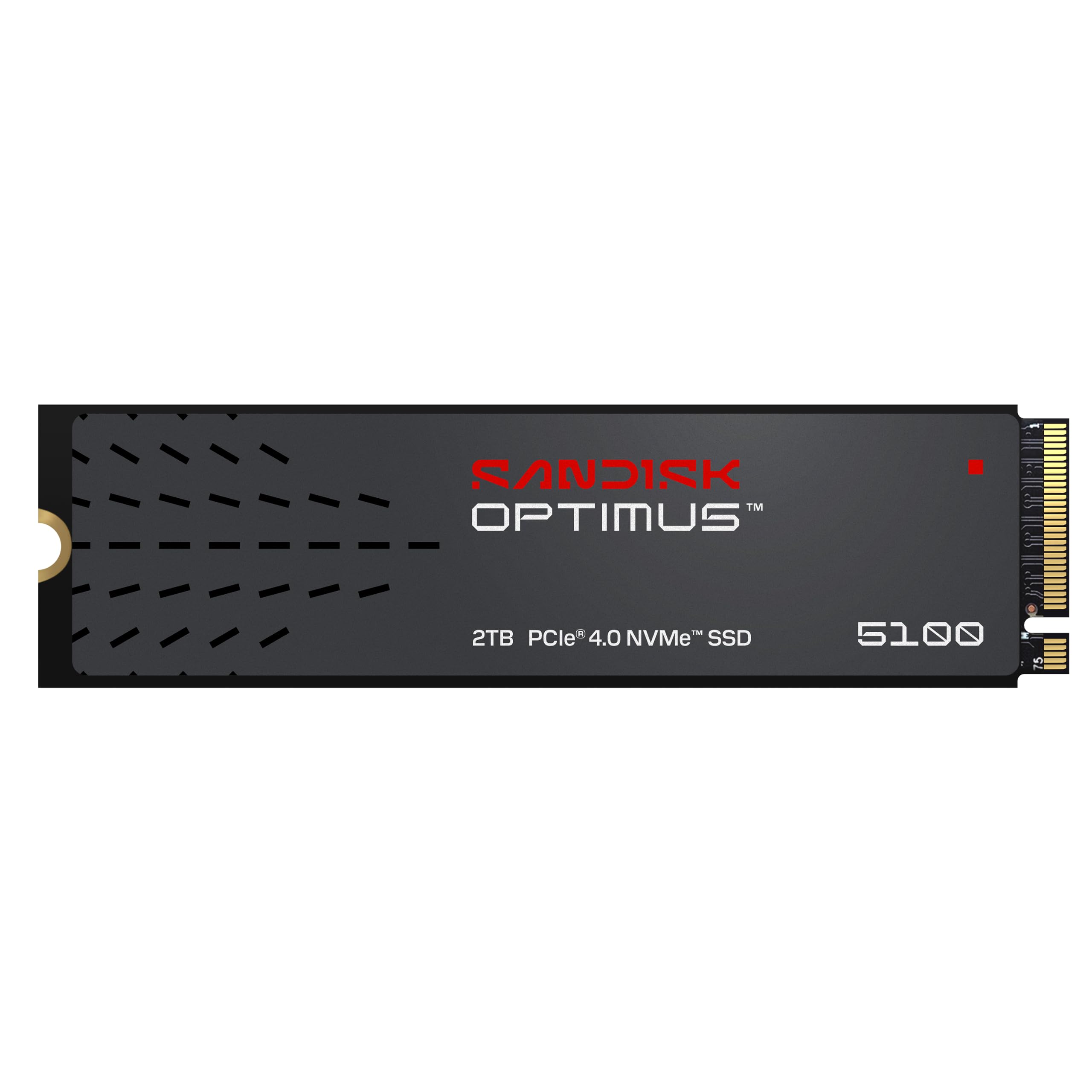
Sandisk's Optimus 5100 lands right where the Samsung 990 EVO Plus does on paper, with 7,100/6,700 MB/s over PCIe 4.0, and pairs it with a power-efficient architecture and a five-year limited warranty. For a creator machine that is on all day, that is the combination we look for: near-top Gen4 speed without the heat or the Gen5 premium.

The drive is built on SanDisk's eighth-generation NAND and tuned for low power rather than peak benchmark numbers, which is the right call for a laptop tethered to a card reader. It weighs 5.7 grams, uses the standard 2280 length, and relies on the SANDISK Dashboard for health monitoring and firmware updates rather than anything more elaborate.

Two things to keep in mind. It ships bare, so console duty means adding a heatsink, and Sandisk quotes its 1,200 TBW endurance figure for the 4TB version rather than this one. Neither matters much in a desktop editing rig or a creator laptop that already has a board-level cooler, and at this speed with this warranty, it is the quiet value pick of the fast Gen4 group.

Pros

  • 7,100/6,700 MB/s with low power draw
  • Five-year limited warranty
  • Light, standard 2280 fit

Cons

  • Endurance rating is quoted for the 4TB model, not this one
Our verdict

We point creators who move large files all day to the Optimus 5100: near-top Gen4 speed, a low power draw, and five-year cover.

Check Latest Price
7

Secondary Storage

WD Blue SN5000 2TB

92 /100
LBD Score Outstanding

Key details

Warranty
5-year limited
Interface
PCIe Gen4 x4
Sequential Read
Up to 5,150 MB/s
Included Software
Acronis True Image download
View on Amazon

At 5,150 MB/s reads, the WD Blue SN5000 is the slowest Gen4 drive in this guide by a wide margin, and that is the first thing to understand about it. It is not built to be your PS5 drive or the disk Windows boots from. It is built to be the second slot.

As a second slot it makes a lot of sense. Two terabytes of Gen4 storage, a five-year limited warranty, a free Acronis True Image download for migrating what is already on the machine, and nCache 4.0 to keep sustained writes from collapsing. For a game library, a photo archive, or a working folder of project files, it keeps up without drama, and it needs nothing extra to install.

It costs about the same as the Crucial P310 while giving up roughly 2,000 MB/s, which makes it hard to argue for as a primary drive when the faster thing is sitting right there. Buy it as what it is: a big, warrantied, unfashionable chunk of flash for the files you do not touch every day, and a sensible place to put the backups of the drive you do.

Pros

  • Five-year limited warranty
  • Acronis True Image download included
  • Enough Gen4 speed for a library or archive

Cons

  • Slowest Gen4 read speed in this guide
Our verdict

We see the SN5000 as a second drive rather than a boot drive: five-year cover and 2TB of Gen4 space for a game library or project archive.

Check Latest Price
8

Older Gen3 Laptops

WD Green SN350 2TB

95 /100
LBD Score Outstanding

Key details

NAND
QLC
Warranty
3-year limited
Interface
PCIe Gen3 x4
Sequential Read
Up to 3,200 MB/s
View on Amazon

Picture a five-year-old laptop with one Gen3 M.2 slot and a 256GB drive that has been full since forever. Nothing Gen4 or Gen5 does for that machine will show up in a stopwatch, because the slot itself tops out around 3,500 MB/s no matter what is plugged into it.

That is the case for the SN350. At up to 3,200 MB/s reads it sits close to the practical ceiling of a Gen3 x4 slot, and it is the least expensive route to 2TB in this guide. Installation is the usual five-minute job, Windows picks it up in Disk Management, and there is nothing to configure afterward.

The compromises are real. It uses QLC NAND rather than TLC, which is how WD reaches the price, and sustained writes fall off harder once the cache fills, so it is not the drive for a few hundred gigabytes of daily writes. In a machine that spends its life in a browser, a spreadsheet, and a photo folder, that trade never comes up.

For a cheap capacity upgrade in an older Gen3 laptop, or a home server that just needs room, this is the drive we recommend, and the three-year warranty is the price of admission. Treat it as a working drive rather than an archive: a budget SSD is a backup argument, not a replacement for one.

Pros

  • Least expensive route to 2TB in this guide
  • Close to the Gen3 slot ceiling
  • Straightforward install in older laptops

Cons

  • Three-year warranty rather than five
Our verdict

For an older Gen3 laptop that cannot use more speed, the SN350 is the cheapest route to 2TB here, as long as you accept QLC NAND.

Check Latest Price

How We Tested the Best 2TB NVMe Drives

We started with every 2TB M.2 2280 drive we could find from manufacturers with a real track record on firmware support and warranty service, then filtered by interface generation, whether the drive was single-sided, whether a heatsink came attached, and price per terabyte. Twelve drives made the cut, and we bought all of them at retail so we'd be testing the same unit you would.

Each drive went into at least two machines — a desktop with a fresh OS install, plus whichever of a laptop with a cramped bottom cover, a game console, or a handheld it fit. We timed the physical install and noted whether the drive sat level under an existing heat shield, whether mounting hardware came in the box, and whether the bundled cloning or recovery software was worth opening. Then we filled them, copying a 200GB folder of mixed files onto each one while watching the transfer rate in short intervals to see exactly where the write cache ran dry and the speed fell off.

Temperatures were logged through every sustained write, along with how fast each drive recovered after throttling. We re-ran read and write benchmarks at half capacity and again at 80 percent, because a drive that's only quick while empty isn't quick. Rated endurance went next to the health readings we pulled monthly. Finally, all twelve stayed in service as daily boot drives for the full six months — long enough for dropouts, disconnects, and other reliability problems to surface.

How to Choose a 2Tb Nvme Ssd

Start With the Slot, Not the Speed Rating

An M.2 2280 slot will physically accept every drive in this guide, but the PCIe generation behind it sets the ceiling. A Gen5 drive in a Gen4 slot runs at Gen4 speed, and a Gen4 drive in a Gen3 slot runs at Gen3 speed. That is why the WD Green SN350 is the right answer for an older laptop and the wrong one for a new build. Check the motherboard or laptop manual for the slot's generation and lane count before anything else, and on a desktop confirm the slot is not shared with a SATA port you are already using.

Sort Out Cooling and Clearance

Sony requires a heatsink in the PS5 expansion bay and accepts one only within a stated size range, so a pre-fitted cooler like the Lexar NM790's removes most of the guesswork. Most desktop motherboards already ship with an M.2 heatsink, which makes a bare drive perfectly sensible there. Laptops are the opposite case: the bays are shallow, so check clearance and favor a single-sided drive that sits flat. If you are buying for a console, price the cooler at the same time as the drive rather than after the cover is off.

Read Endurance and Warranty Together

TBW is the manufacturer's write-endurance rating, and it is the number that predicts how a drive holds up under constant writing. Pair it with the warranty: five years is the norm for something meant to be a boot drive, three years signals a budget part. QLC NAND, like the WD Green's, trades sustained write speed and endurance for cost, a fair deal for a game library and a poor one for a drive you write to daily. DRAM-less designs such as the Lexar lean on system memory instead of their own cache, which is fine for games and less ideal for heavy random workloads.

Match the Speed to What You Actually Do

Sequential read figures sell drives, but game loads, app launches, and Windows boot lean on random reads. Between a good Gen4 drive and a Gen5 one the difference in those tasks is far smaller than the headline numbers suggest. The gap opens on multi-gigabyte video files, virtual machine images, and model weights, which is exactly where the Samsung 9100 PRO's rating turns into saved time. Buy Gen4 unless you already know your work is sequential.

Plan the Install and the Clone

The drive arrives blank. Windows needs it initialized in Disk Management before it shows up in File Explorer, and macOS needs it erased in Disk Utility first. Crucial and WD bundle Acronis tools, Samsung points you to Magician, and SanDisk to its Dashboard; you need a spare M.2 slot or a USB enclosure to clone into. If the drive is missing from the BIOS, reseat it and check the slot is set to PCIe rather than SATA before deciding it is dead.

Frequently Asked Questions

Final Verdict

Most people should stop here and buy the Crucial P310. It has the speed, the compatibility, and the five-year warranty that matter, and it undercuts drives that beat it on paper by margins you will not feel in a game load or a browser tab.

Two exceptions earn their extra. For a PS5, the Lexar NM790 arrives with its heatsink fitted and a 1,500 TBW rating, which removes the two things console owners most often get wrong. For a Gen5 workstation moving very large files, the Samsung 9100 PRO is the only drive here that uses that bandwidth.