Best 1440P 240Hz Gaming Monitors of 2026

A 240Hz refresh rate describes how often the screen redraws, not how fast the pixels actually change, and that gap is where most gaming monitors quietly fall apart. I've watched a panel advertise a fraction of a millisecond while smearing a dark hallway in Valorant into soup, and I've watched a cheaper one hold clean edges at 240 frames per second. The panel technology inside the thing decides which experience you get, not the number printed on the box. What a good 1440p monitor really fixes is the moment your aim outruns your screen: it keeps the picture sharp and the colors honest while everything on screen is moving fast.

My team and I have spent the past six months living with nine of these monitors, and the pattern that emerged had less to do with refresh rates than with how each one handled brightness, motion, and the small daily annoyances. IPS panels hold their color and stay bright in a sunlit room; OLED panels give you true blacks and near-instant response but ask you to think about static elements on screen. Neither is automatically the right call, and the spec sheet won't tell you which one suits your desk.

The picks below also had to survive the unglamorous stuff: a stand that actually adjusts without wobbling, a warranty you'd trust, and a price that makes sense for what the panel delivers. Keep reading and you'll find a screen that fits how you actually play.

1

Best Overall

AOC Q27G41ZE

90 /100
LBD Score Outstanding

Key details

Panel
27-inch IPS
Resolution
2560 x 1440
Refresh Rate
240Hz native, 260Hz overclocked
Adaptive Sync
FreeSync, G-Sync Compatible
View on Amazon

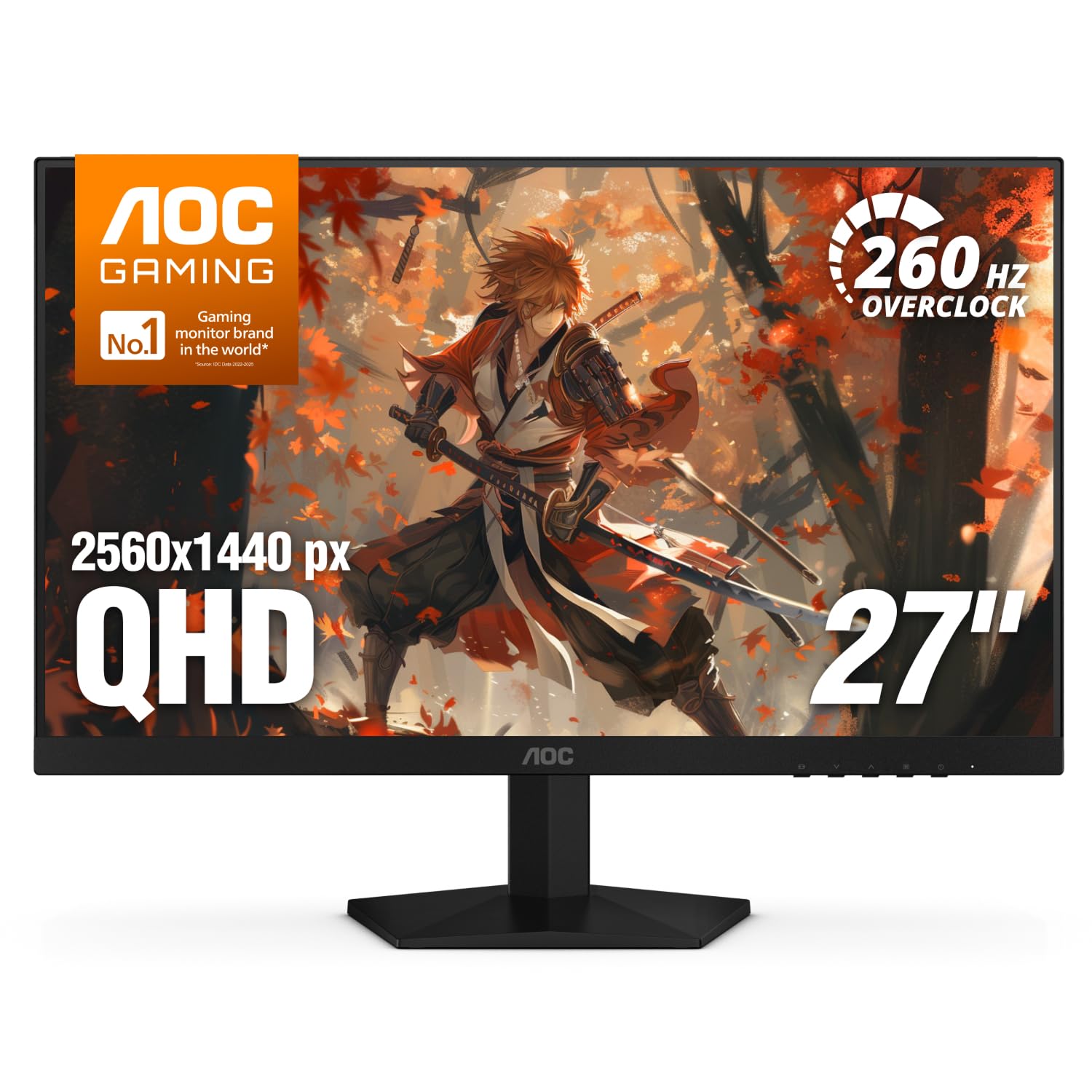
A 27-inch 1440p IPS panel with a 240Hz native refresh and a 260Hz overclock is the headline, and the AOC Q27G41ZE backs it with DisplayPort input, Adaptive-Sync, and a three-year warranty. We set it up on a desk, switched to DisplayPort, and let the overclock do its thing. The bezels are thin, and the on-screen menu includes Shadow Control and game presets for quick tweaks.

What makes it our top pick is the balance: you get the resolution and refresh rate that define this category without paying OLED money, and the IPS panel keeps text crisp for the workday. We did not expect the colors to be perfect out of the box, and they are not; a little calibration gets them closer. But for fast shooters, the 240Hz mode feels like the upgrade you're buying, and the 260Hz overclock is there for compatible setups.

We came back to the 260Hz overclock more than we expected; it's a small bump over 240Hz, but it's free headroom on a panel that already hits the category's core target. The AOC also has the least fussy setup here: one DisplayPort cable, a clear menu, and no need to install software to get the main gaming features. That three-year coverage is the quiet reassurance behind the low price.

Pros

  • 240Hz native with a 260Hz overclock
  • Crisp 1440p IPS at a budget price
  • G-Sync Compatible and FreeSync support
  • Three-year manufacturer warranty

Cons

  • Tilt-only stand lacks height adjustment
  • Glossy screen can reflect room light
Our verdict

The AOC Q27G41ZE is our default for budget-minded 1440p 240Hz gaming, pairing a fast IPS panel and 260Hz overclock with a three-year warranty.
Check Latest Price
2

Best 300Hz Value

ASUS TUF VG27AQM5A

87 /100
LBD Score Excellent

Key details

Panel
27-inch Fast IPS
Resolution
2560 x 1440
Refresh Rate
300Hz
Response Time
0.3ms (GtG)
View on Amazon

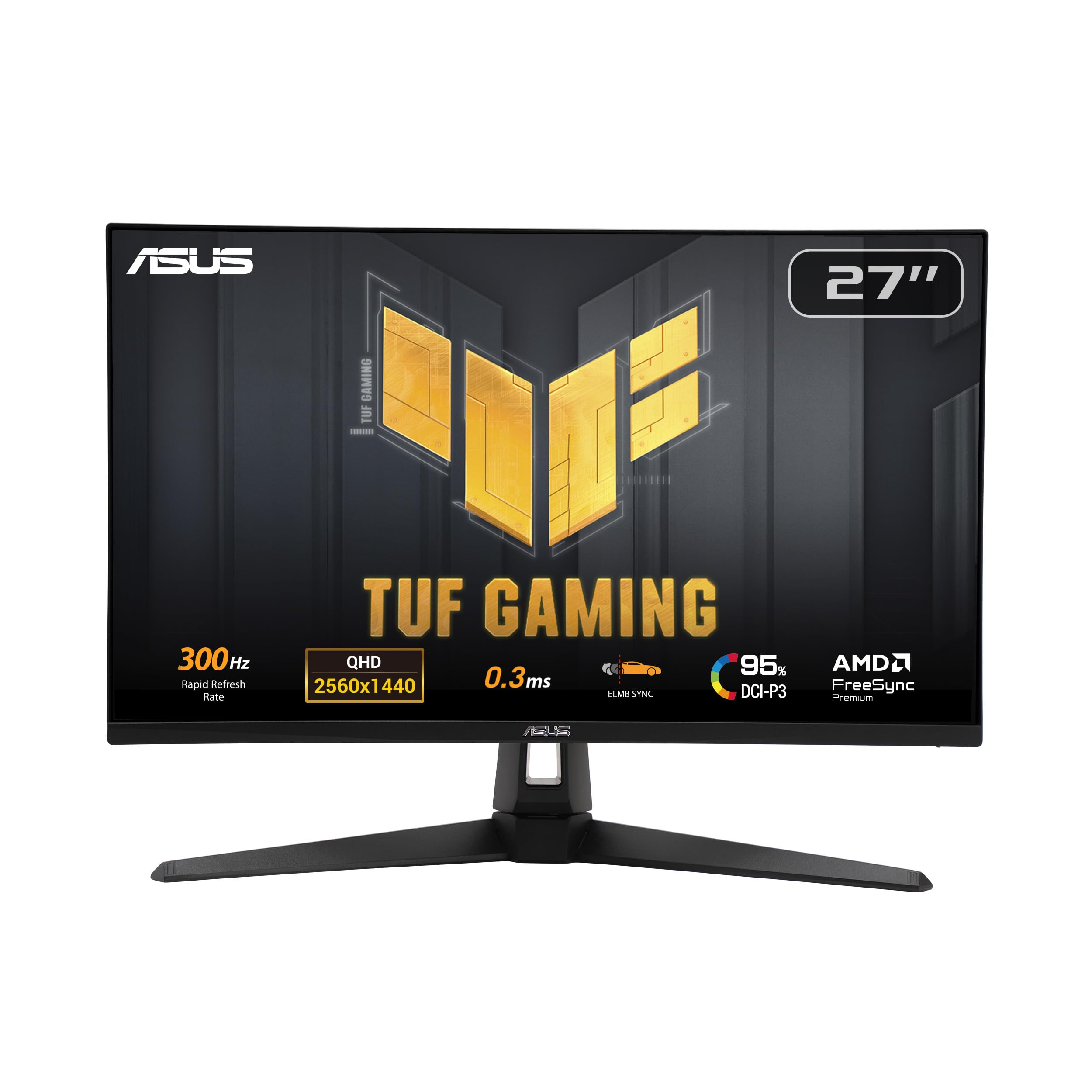
The ASUS TUF Gaming VG27AQM5A jumps past the category's baseline with a 300Hz Fast IPS panel and a 0.3ms response time, and that extra headroom is why it earns a runner-up spot. We spent time in fast shooters with ELMB Sync enabled, and the motion is the cleanest of the IPS picks here. The 27-inch 1440p resolution keeps targets readable without the panel feeling busy.

ASUS also does the practical stuff well. Colors look good out of the box, the brightness has enough punch for a normal room, and DisplayWidget Center lets you change settings with a mouse instead of working through the monitor's buttons. We appreciated that after switching between game and desktop profiles through the day.

The 300Hz ceiling is the reason to pick it over the cheaper AOC, but only if your games can feed it. At 240Hz the TUF is already excellent; the extra 60Hz is a competitive margin, not a night-and-day change. We noticed it most when tracking a target through a strafe, where the cleaner motion kept the outline sharper.

Pros

  • 300Hz Fast IPS with 0.3ms response
  • ELMB Sync reduces motion blur
  • Vivid out-of-box color and brightness
  • Mouse-controlled DisplayWidget settings

Cons

No notable drawbacks to flag.

Our verdict

We recommend the ASUS TUF VG27AQM5A for competitive players who want 300Hz motion headroom without moving to OLED pricing.

Check Latest Price
3

Best Connectivity

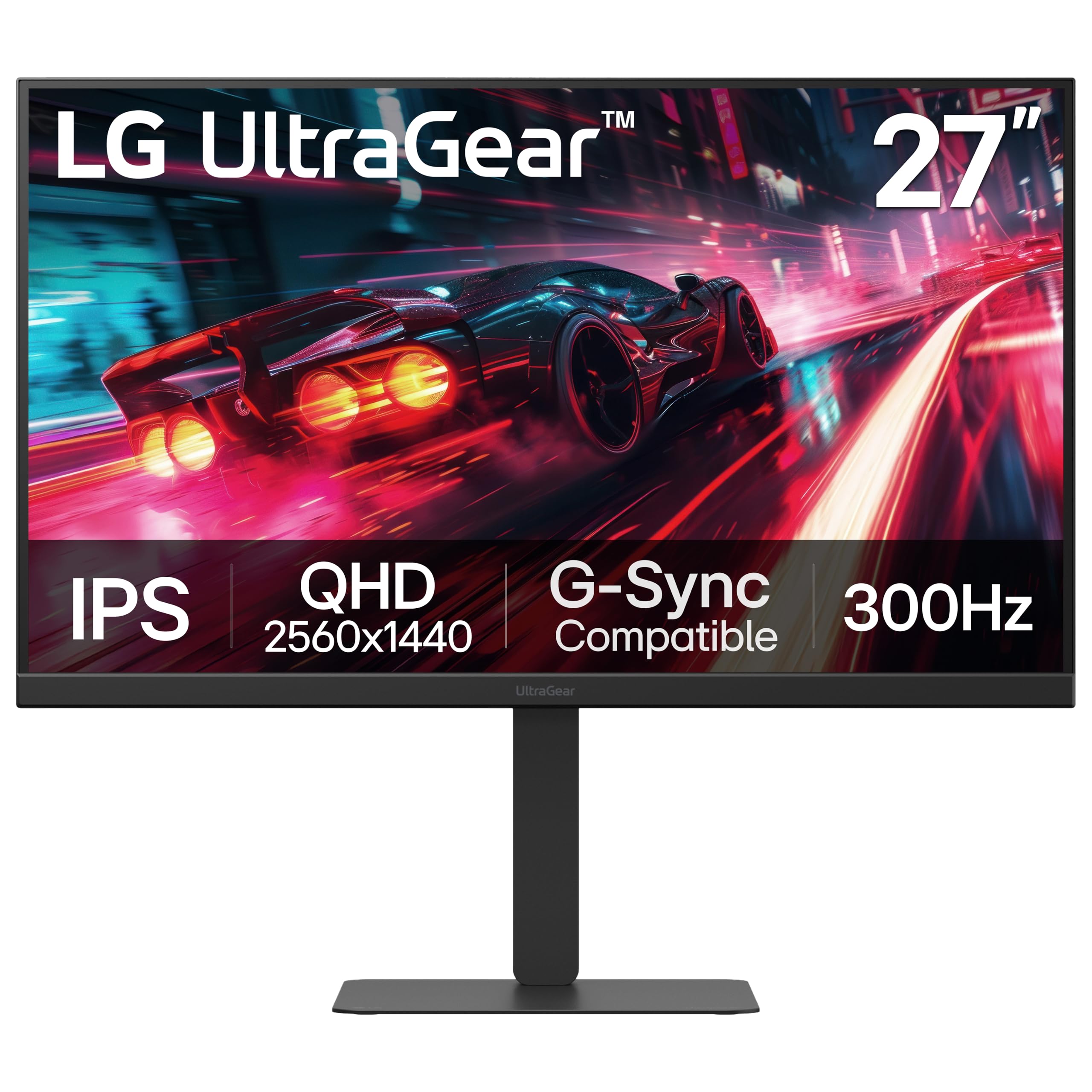
LG UltraGear 27G640A-B

85 /100
LBD Score Excellent

Key details

Panel
27-inch IPS
Ports
HDMI 2.1, DisplayPort, USB-C
Resolution
2560 x 1440
Refresh Rate
300Hz
View on Amazon

The LG UltraGear 27G640A-B makes its case with ports before it gets to the panel: HDMI 2.1, DisplayPort, and USB-C on a 27-inch 1440p IPS screen running at 300Hz. That combination is why it stands out for a desk shared by a PC and a current console. We ran the PC over DisplayPort and kept the HDMI 2.1 input free for console duty, which is the sort of flexibility the cheaper high-refresh monitors do not offer.

The panel itself is quick and colorful, with a 1300:1 contrast ratio that gives it a little more depth than the usual 1000:1 IPS panel. We found the matte finish easy to live with under office lighting, and the height-and-pivot stand is a real step up from tilt-only budget models. Text looks crisp at 1440p, and the 300Hz mode is clean once you settle on the right overdrive setting.

The LG is the one we reach for when the desk has more than one device attached: the USB-C input handles a laptop, HDMI 2.1 handles a console, and DisplayPort handles the gaming PC. That is a lot of switching convenience built into one panel, and it is why the ports, not the refresh rate, are the first thing we mention.

Pros

  • 300Hz IPS with HDMI 2.1 and USB-C
  • Height and pivot adjustment
  • Matte finish handles office lighting
  • 1300:1 contrast for an IPS panel

Cons

  • One-year warranty is short
Our verdict

We recommend the LG UltraGear 27G640A-B for a PC-and-console desk that needs USB-C and HDMI 2.1 alongside 300Hz, accepting a shorter warranty.

Check Latest Price
4

Best OLED for Bright Rooms

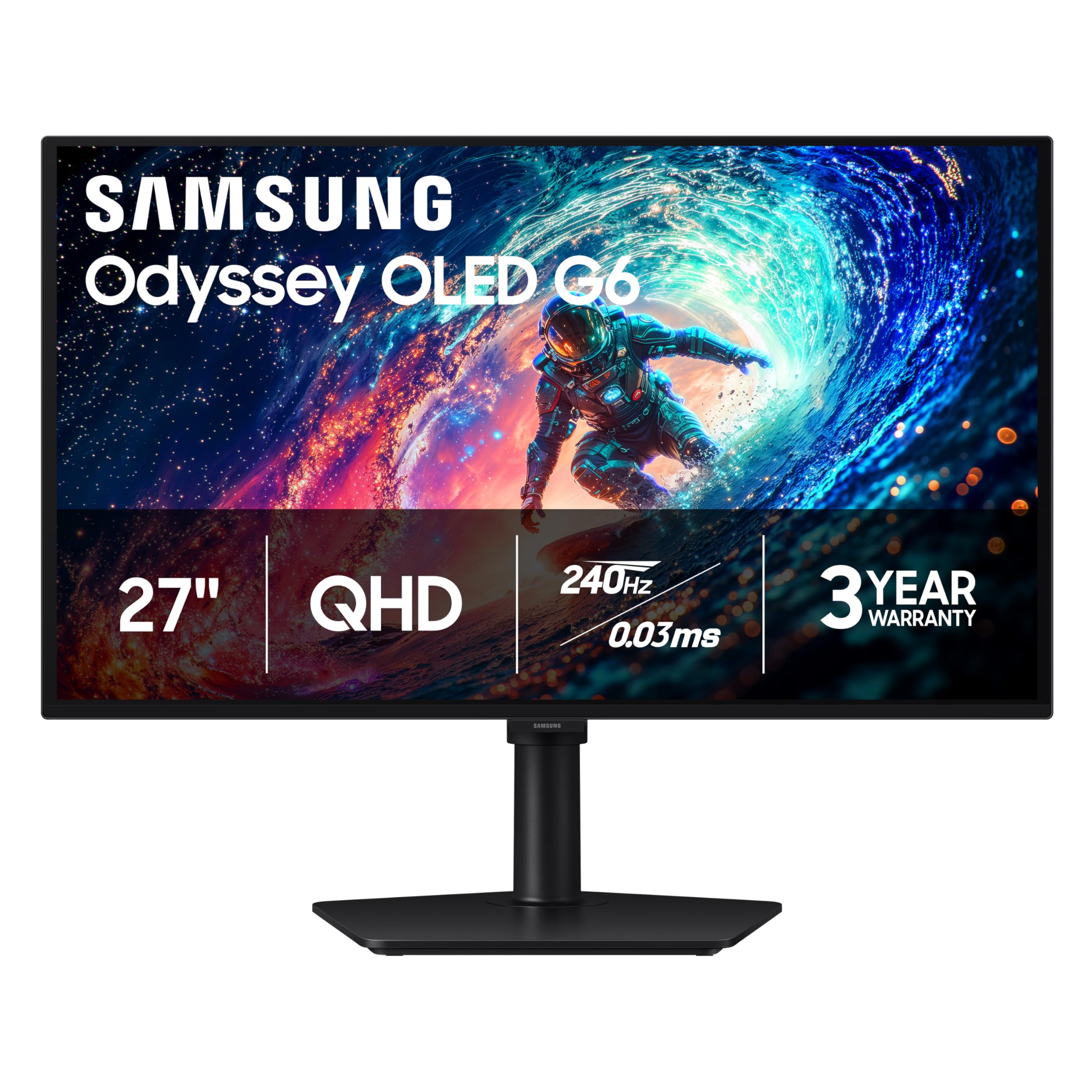
Samsung Odyssey OLED G6

89 /100
LBD Score Excellent

Key details

Panel
27-inch QD-OLED
Resolution
2560 x 1440
Refresh Rate
240Hz
Contrast Ratio
1,000,000:1
View on Amazon

The Samsung Odyssey OLED G6 is the OLED for a room that is not a cave. Its glare-free QD-OLED panel keeps reflections from washing out dark scenes, and the 27-inch 1440p screen runs at 240Hz with a 0.03ms response time. We set it up near a window to see how the coating behaved, and it held contrast far better than the glossy OLEDs here.

What we like most is how little the Odyssey asks you to compromise. The height-adjustable stand gives it a better desk manner than the tilt-only budget picks, OLED Safeguard adds a thermal modulation system, and the three-year warranty covers a panel technology that still makes people nervous. Colors are vivid without looking radioactive, and the matte finish keeps text clean for work.

The trade-off is the finish itself: the glare-free coating gives up a little of the glossy OLED sparkle that makes the ASUS ROG and AOC OLEDs look so dramatic. In a bright room, that is a trade we make happily. At night, the deeper black levels still do the heavy lifting, and the 240Hz motion is every bit as quick as the spec sheet suggests.

Pros

  • Glare-free QD-OLED contrast
  • 240Hz with 0.03ms response
  • Height-adjustable stand
  • Three-year warranty

Cons

No notable drawbacks to flag.

Our verdict

We recommend the Samsung Odyssey OLED G6 for bright rooms where you want QD-OLED contrast and 240Hz speed without a mirror-like finish.

Check Latest Price
5

Best Value OLED

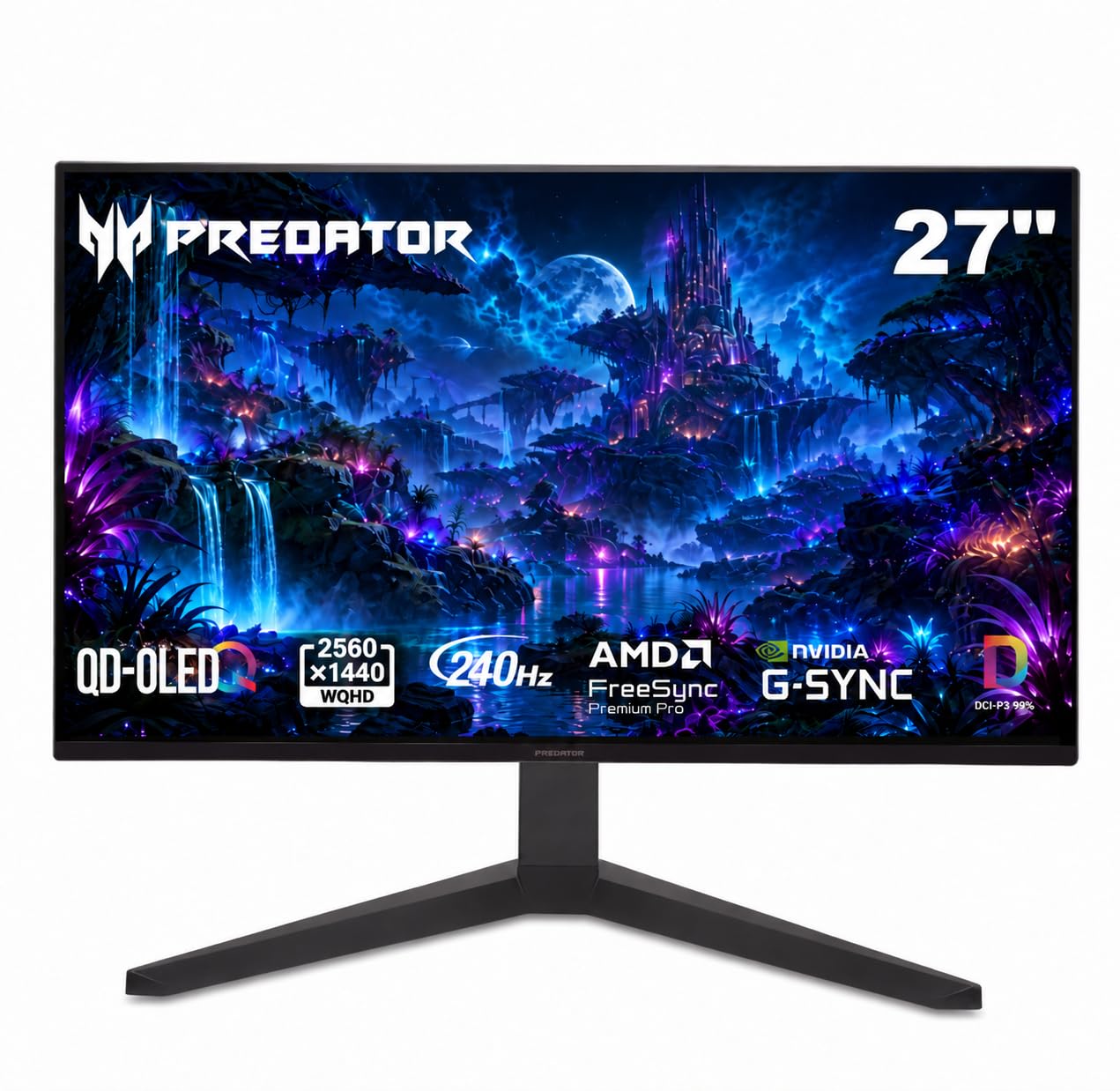
Acer Predator X27U W1

85 /100
LBD Score Excellent

Key details

Panel
26.5-inch QD-OLED
Resolution
2560 x 1440
Refresh Rate
240Hz
Response Time
0.03ms
View on Amazon

The Acer Predator X27U W1 is the OLED that makes the jump feel less reckless. It pairs a 26.5-inch QD-OLED panel with a 240Hz refresh and 0.03ms response, and it does that at the lowest OLED price in this group. We noticed the contrast first: dark scenes have real depth, and the 99% DCI-P3 color makes games look richer than the IPS picks without feeling oversaturated. The 26.5-inch size is also a good middle ground between a 24-inch esports panel and a 32-inch desktop TV.

The stand is a pleasant surprise at this price. It handles height, pivot, swivel, and tilt, so we could set the screen at eye level without reaching for a mount. The built-in speakers are useful for desk clutter, and the matte finish keeps reflections under control. This is the OLED we point to for a first step into the technology, not just a showpiece for a dark room.

The caveat is brightness. QD-OLED can look stunning at night, but this panel does not have the daytime punch of a bright IPS model, and a sunlit room will expose that. In a dim room, the contrast and response are worth the trade, and the matte coating does more than most to keep reflections from becoming the main event.

Pros

  • Lowest OLED price in this group
  • QD-OLED contrast and 99% DCI-P3
  • Full height, pivot, swivel, tilt stand
  • 240Hz with 0.03ms response

Cons

  • No stated burn-in coverage
Our verdict

We recommend the Acer Predator X27U W1 as the entry point to OLED gaming, with QD-OLED contrast and 240Hz speed at the lowest OLED price here.

Check Latest Price
6

Best Ergonomic Stand

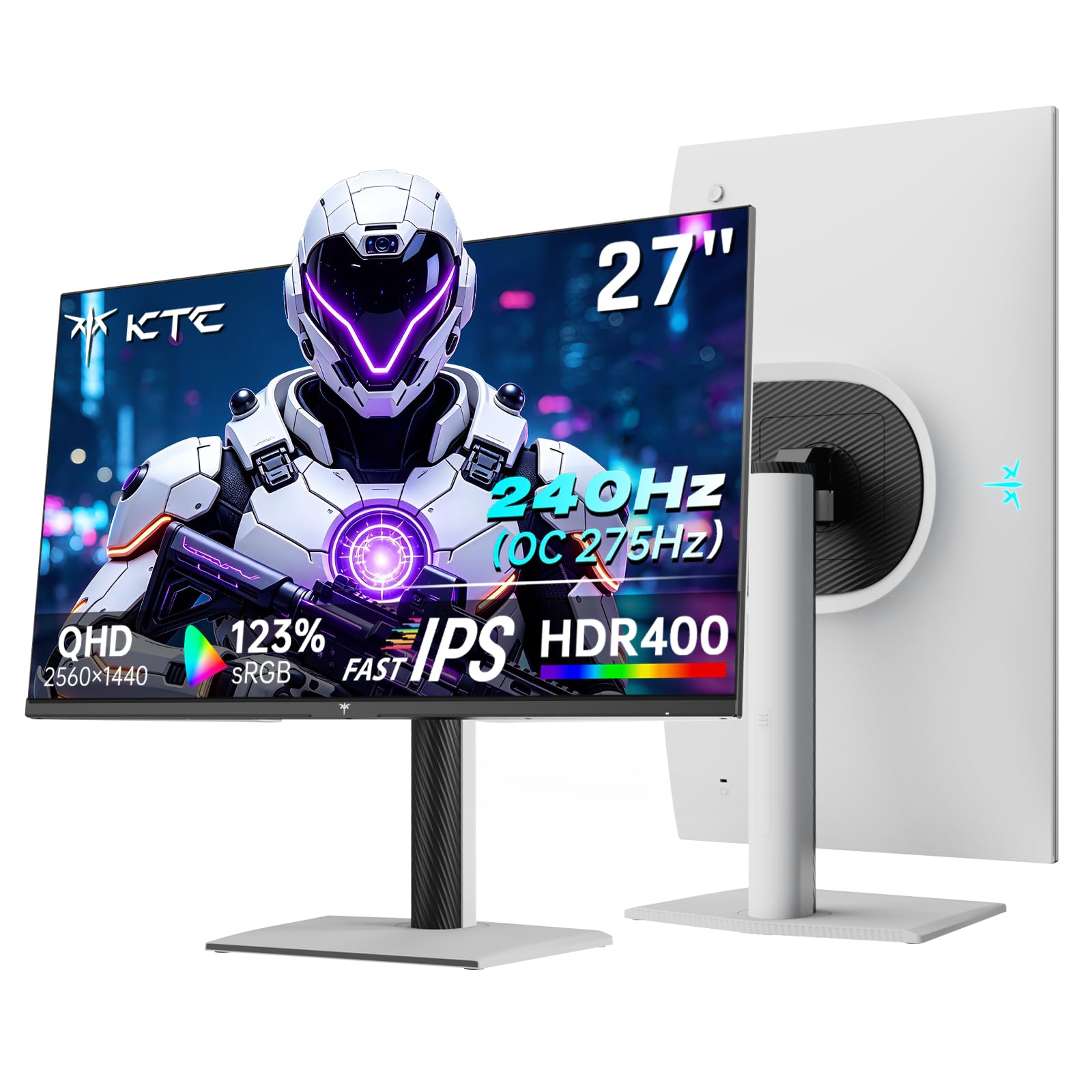
KTC H27E6S

90 /100
LBD Score Outstanding

Key details

Panel
27-inch Fast IPS
Resolution
2560 x 1440
Refresh Rate
240Hz native, 275Hz overclocked
Adjustability
Height, pivot, swivel, tilt
View on Amazon

The KTC H27E6S stands out on the desk before it does anything else: it is white, it has a full-height stand, and it swivels and pivots in a way most budget monitors do not. Under the finish is a 27-inch 1440p Fast IPS panel at 240Hz, with a 275Hz overclock, 400 nits of brightness, HDR400, and built-in speakers.

We appreciated the adjustment range most during long sessions. Height, pivot, swivel, and tilt let us raise the screen to eye level and rotate it for reading, which is more than the AOC Q27G41ZE offers. The 400-nit panel also holds up in a brighter room, and the built-in speakers are good enough for system sounds and casual play. The 123% color gamut is the one thing we tuned down; out of the box it can look a little eager.

At 240Hz the KTC is quick, and the 275Hz overclock is a bonus rather than the main event. What earns it a place is the combination of ergonomics, brightness, and a clean white finish that is hard to find at the budget end. If you have ever put a monitor on a stack of books to get it to eye level, this is the pick that makes that stop.

Pros

  • Full height, pivot, swivel, tilt stand
  • 240Hz native with 275Hz overclock
  • 400-nit HDR400 panel
  • White finish and built-in speakers

Cons

No notable drawbacks to flag.

Our verdict

We recommend the KTC H27E6S for a bright desk that wants a white 240Hz QHD panel with full ergonomic adjustment and built-in speakers at a budget price.

Check Latest Price
7

Best Compact Option

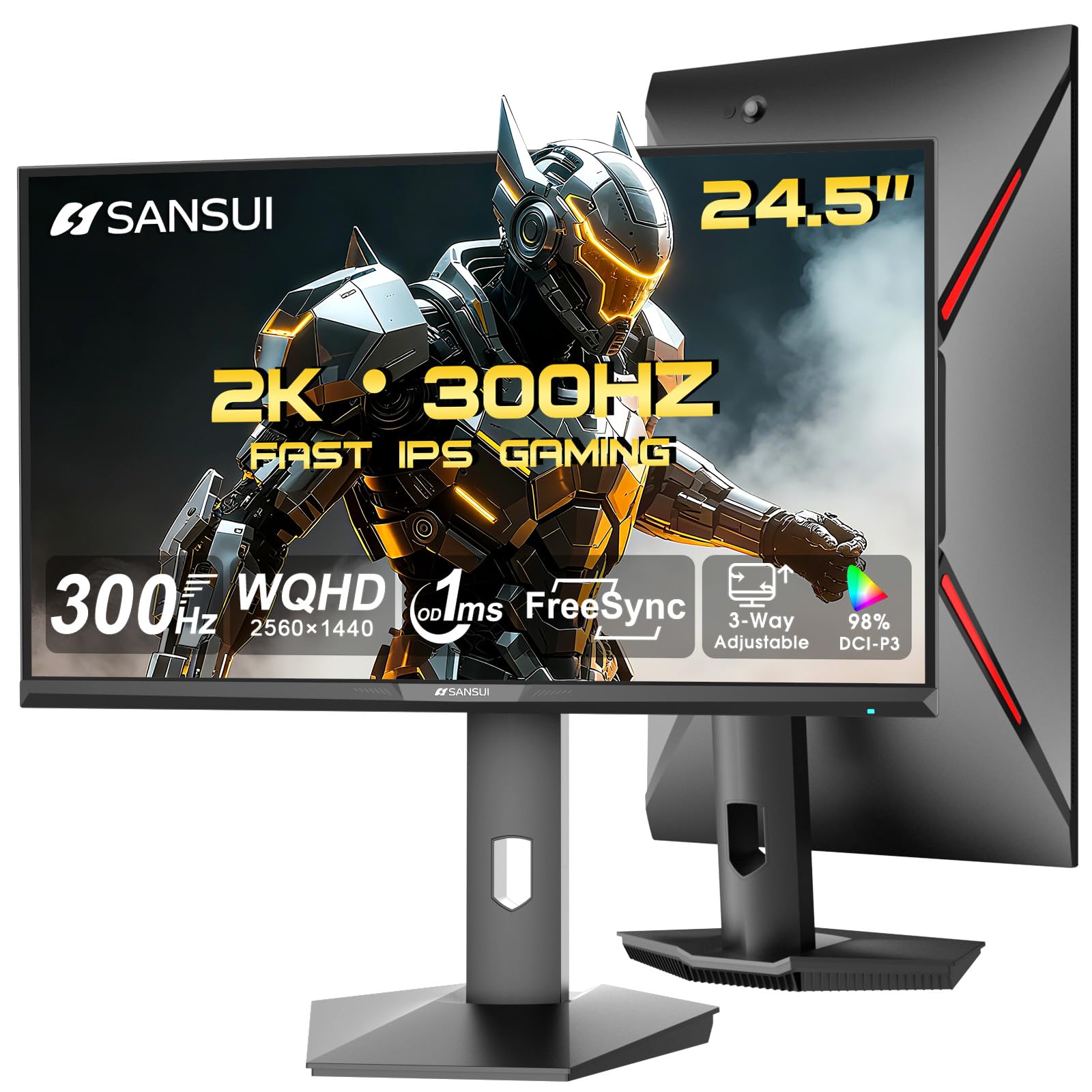
Sansui ES-G25F6Q Pro

89 /100
LBD Score Excellent

Key details

Panel
24.5-inch IPS
Ports
2x HDMI 2.1, 2x DisplayPort 1.4
Resolution
2560 x 1440
Refresh Rate
300Hz
View on Amazon

A 24.5-inch 1440p panel is a different proposition from the 27-inch monitors that dominate this category, and the Sansui ES-G25F6Q Pro makes the most of it. The smaller screen pushes pixel density higher, so text and fine detail look sharper at the same resolution. It also leaves more desk space, which matters if your setup is a laptop and a single monitor rather than a full battlestation.

The specs are serious for the size: 300Hz refresh, Fast IPS, 1ms MPRT, and two HDMI 2.1 plus two DisplayPort 1.4 inputs that both support the top refresh. We ran it at 300Hz over DisplayPort and appreciated the height, pivot, and swivel adjustment, which is rare at this end of the market. The 130% sRGB color gamut is vivid, though we dialed it back for everyday work.

The compact size cuts both ways: two windows at 1440p feel tighter than on a 27-inch screen, so it is better for a single focused app than a busy multitasking desk. The 24.5-inch panel also makes the 300Hz refresh feel even more immediate, because your eyes can take in more of the screen at once. That is a niche advantage, but it is a real one for fast games.

What we kept coming back to is the density: games look unusually crisp at this size, and the 300Hz motion is as clean as the bigger panels. It is the monitor that made us rethink the assumption that 27 inches is the right size for 1440p.

Pros

  • 24.5-inch 1440p at 300Hz
  • Dual HDMI 2.1 and dual DisplayPort 1.4
  • Height, pivot, and swivel adjustment
  • High pixel density on a small desk

Cons

  • No built-in speakers
Our verdict

We recommend the Sansui ES-G25F6Q Pro for a small desk that wants 1440p sharpness and 300Hz speed without giving up height and pivot adjustment.

Check Latest Price
8

Premium OLED

ASUS ROG XG27AQDMGR

87 /100
LBD Score Excellent

Key details

Panel
26.5-inch WOLED
Resolution
2560 x 1440
Refresh Rate
240Hz
Response Time
0.03ms
View on Amazon

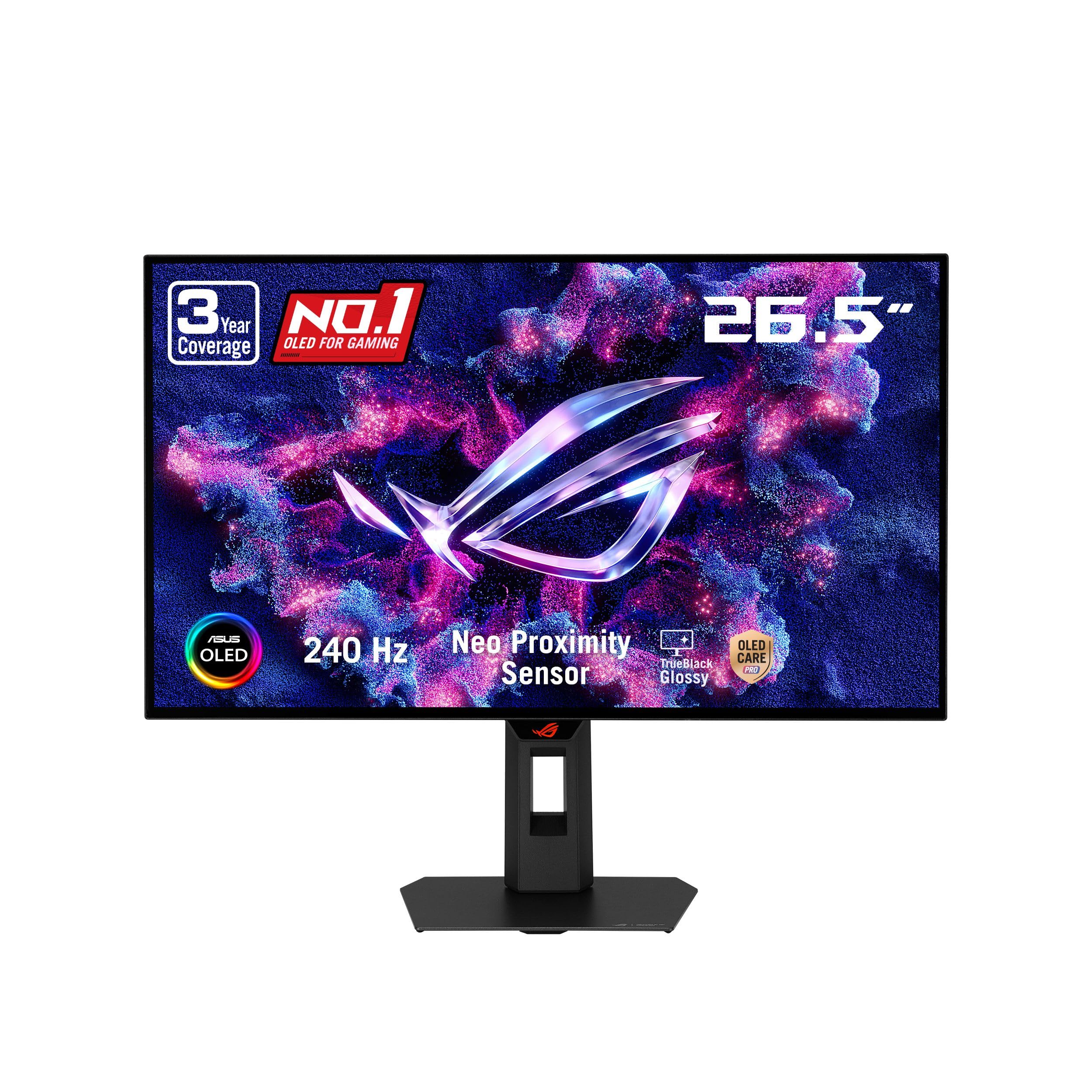
The ASUS ROG XG27AQDMGR is the glossy OLED for someone who wants the panel to look like a piece of glass. Its 26.5-inch WOLED screen runs at 240Hz with a 0.03ms response, covers 99% DCI-P3, and carries DisplayHDR 400 True Black. The glossy finish is the first thing you notice, and it gives dark scenes a depth the matte OLEDs cannot quite match.

ASUS also addresses the practical side of OLED ownership. OLED Care Pro includes a Neo Proximity Sensor that blanks the screen when you walk away, and the three-year warranty includes burn-in coverage. We like that combination because it treats burn-in as something to manage rather than something to hide from the buyer. DisplayWidget Center makes those settings easier to reach than the on-screen controls.

The stand is sturdy and the screen stays put, but the monitor has real heft, so moving it between rooms is a two-hand job. That matters if you rearrange your desk often or hang the screen on an arm with a low weight rating. The 26.5-inch size is also a reminder that this is a desktop display, not a small TV.

In a dark room, the glossy panel is spectacular. In a bright room, it mirrors a window or a lamp, and that is the trade you make for the contrast. We kept the screen away from a direct light source and found the reflection manageable; if your desk faces a window, the Samsung's glare-free coating is the easier choice.

The ROG makes sense if you value the glossy finish, the burn-in coverage, and the OLED care features. For pure 240Hz value, the Acer Predator gets you most of the way there with a matte finish. If the screen is the centerpiece of your room, the ROG's extra polish is the reason to pay for it; if it is just a tool, the Predator is the more sensible OLED.

Pros

  • Glossy WOLED with 99% DCI-P3
  • OLED Care Pro with proximity sensor
  • Three-year burn-in coverage
  • 240Hz with 0.03ms response

Cons

  • Premium price versus other OLEDs here
Our verdict

We recommend the ASUS ROG XG27AQDMGR for a dark-room setup where glossy WOLED contrast, OLED care, and burn-in coverage justify the premium.

Check Latest Price
9

Glossy OLED

AOC Q27GAZDV

88 /100
LBD Score Excellent

Key details

Panel
27-inch QD-OLED
Ports
HDMI 2.1, DisplayPort 1.4, USB 3.2 hub
Resolution
2560 x 1440
Refresh Rate
240Hz
View on Amazon

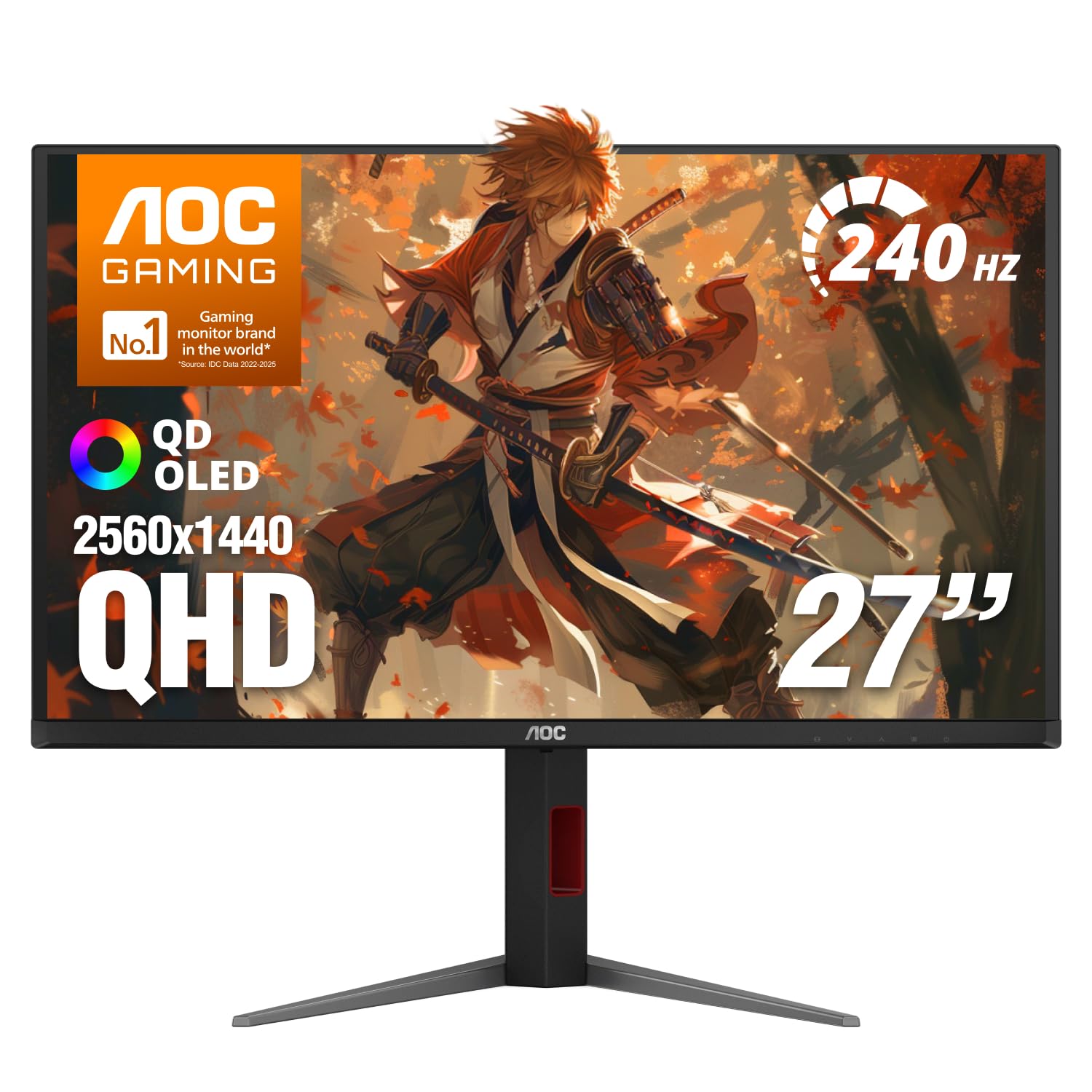
The AOC Q27GAZDV is the glossy QD-OLED alternative to the ASUS ROG, and it undercuts it while adding a USB 3.2 hub and a height-adjustable stand. The 27-inch 1440p panel runs at 240Hz with a 0.03ms response, covers 110% DCI-P3, and carries HDR True Black. We noticed the hub first: a monitor that can tidy up a webcam, keyboard, and headset is a small desk luxury.

The stand is a real advantage over the budget AOC. Height, tilt, swivel, and pivot let us set the screen properly, and the VESA mount keeps the option open for an arm. The glossy QD-OLED panel gives games the inky blacks and vivid color that make OLED worth the jump, and the 240Hz motion is clean enough for fast shooters. Text clarity is better than we expected from a glossy OLED, too.

AOC keeps the ports practical with HDMI 2.1, DisplayPort 1.4, and USB 3.2, so a PC and a current console can both live on the desk. The USB hub is the detail that makes it feel more like a small display hub than a bare gaming panel. We also appreciated the frameless look, which keeps the screen from feeling boxed in on a small desk.

The Q27GAZDV is not the brightest OLED here, and its glossy finish will mirror a window if you give it the chance. Those are real limits for a sunny room. In a controlled dark setup, the contrast and color are the reason to choose it over an IPS panel, and the USB hub makes the daily desk feel tidier. That combination is why it stays in the OLED conversation.

Pros

  • Glossy QD-OLED with 110% DCI-P3
  • USB 3.2 hub and height-adjustable stand
  • 240Hz with 0.03ms response
  • HDMI 2.1 and DisplayPort 1.4

Cons

No notable drawbacks to flag.

Our verdict

We recommend the AOC Q27GAZDV for a dark-room QD-OLED setup that also wants a USB hub and height adjustment without moving to the priciest OLED.

Check Latest Price

How We Picked and Tested These 1440p Monitors

We began by pulling every 1440p monitor we could find with a native refresh rate of 240Hz or higher, then narrowed the field by panel type, port selection, stand adjustability, and price. Models that only reached their top refresh rate with features switched off got cut, as did anything with no clear path to a warranty. That left nine monitors, which arrived over a few weeks and stayed on our desks for six months.

Each one spent time as somebody's daily driver: spreadsheets and email during the workday, then ranked matches in Valorant and Counter-Strike at night, with weekend sessions on a PS5 and an Xbox. One tester pivoted the panel vertical for code and long documents. We rotated them between a desk beside a west-facing window and one in a dim room, because glare and reflection handling change how a screen feels at 10 p.m.

At every step we wrote down what we saw rather than what the box promised. In a dark room we ran full-screen color slides and a pixel-check pattern to count any dead or stuck pixels. We measured full white brightness, then a small bright window, to see how HDR actually landed rather than whether it was certified. Motion got tested by panning the camera in slow circles and reading signage while strafing. We raised and lowered each stand to its limits, jostled the desk on purpose, and checked whether the monitor held its angle.

Reliability meant leaving a static menu on screen for an hour and watching for anything that ghosted in afterward; value meant tracking what each one sold for across the full six months. Color was judged on skin tones and foliage against reference images, and appearance on bezels, cable routing, and whether the back is something you'd want facing the room.

How to Choose a 1440P 240Hz Gaming Monitor

Refresh rate is only half the motion story

Refresh rate is the headline, but pixel response and overdrive decide whether 240Hz looks crisp or smeared. A panel that cannot clear its pixels quickly will show ghosting no matter what the number says. We watch for a well-tuned middle overdrive setting rather than the fastest mode, which often adds bright halos. The 300Hz models here are worth considering for competitive play, but only after the 240Hz mode is clean. A stable 240Hz panel beats a poorly tuned 300Hz one.

IPS or OLED changes the room, not just the picture

IPS is the safer all-rounder: it stays bright, resists burn-in, and handles static work without worry. OLED, whether QD-OLED or WOLED, gives deeper blacks and faster pixel response, which is why the Samsung and Acer picks look so good in dark rooms. The trade-off is care: OLED still wants varied content, pixel refresh cycles, and some brightness discipline. If your desk faces a window, a matte IPS or the glare-free Samsung is easier to live with; if you game at night, glossy OLED earns its keep.

Check the ports before you fall for the panel

Many 240Hz monitors reach their top refresh only over DisplayPort; the HDMI ports may stop at 144Hz. That matters if you share the screen with a console or a laptop. HDMI 2.1 is the console-friendly option, while USB-C makes a single-cable laptop setup possible. The LG 27G640A-B is the clearest example here: its port selection is the reason to choose it over a faster-looking panel. Match the cable and port to the device first, then worry about the last 20Hz.

Plan for the stand, the mount, and the panel check

A tilt-only stand is the quiet budget compromise. If you need the screen higher or want it portrait, budget for a VESA arm or choose a model with height and pivot adjustment, like the KTC or Sansui. Once the monitor is on the desk, run a full-screen color cycle and inspect the panel before the return window closes; dead pixels and backlight bleed are sample-level issues that no spec sheet rules out. A three-year warranty is worth more on a panel you plan to keep.

Frequently Asked Questions

Final Verdict

The AOC Q27G41ZE is the one we recommend first. It delivers the two things this category asks for, 2560 x 1440 resolution and 240Hz native speed, without making you pay OLED money, and the 260Hz overclock is a useful bonus. Its tilt-only stand and glossy finish are the compromises; a VESA arm and a room without direct glare solve most of that.

If you want more motion headroom, the ASUS TUF VG27AQM5A is the 300Hz step up. If contrast matters more than budget, the Samsung Odyssey OLED G6 is the OLED we point to for a bright room, while the Acer Predator X27U W1 is the lower-cost OLED entry.